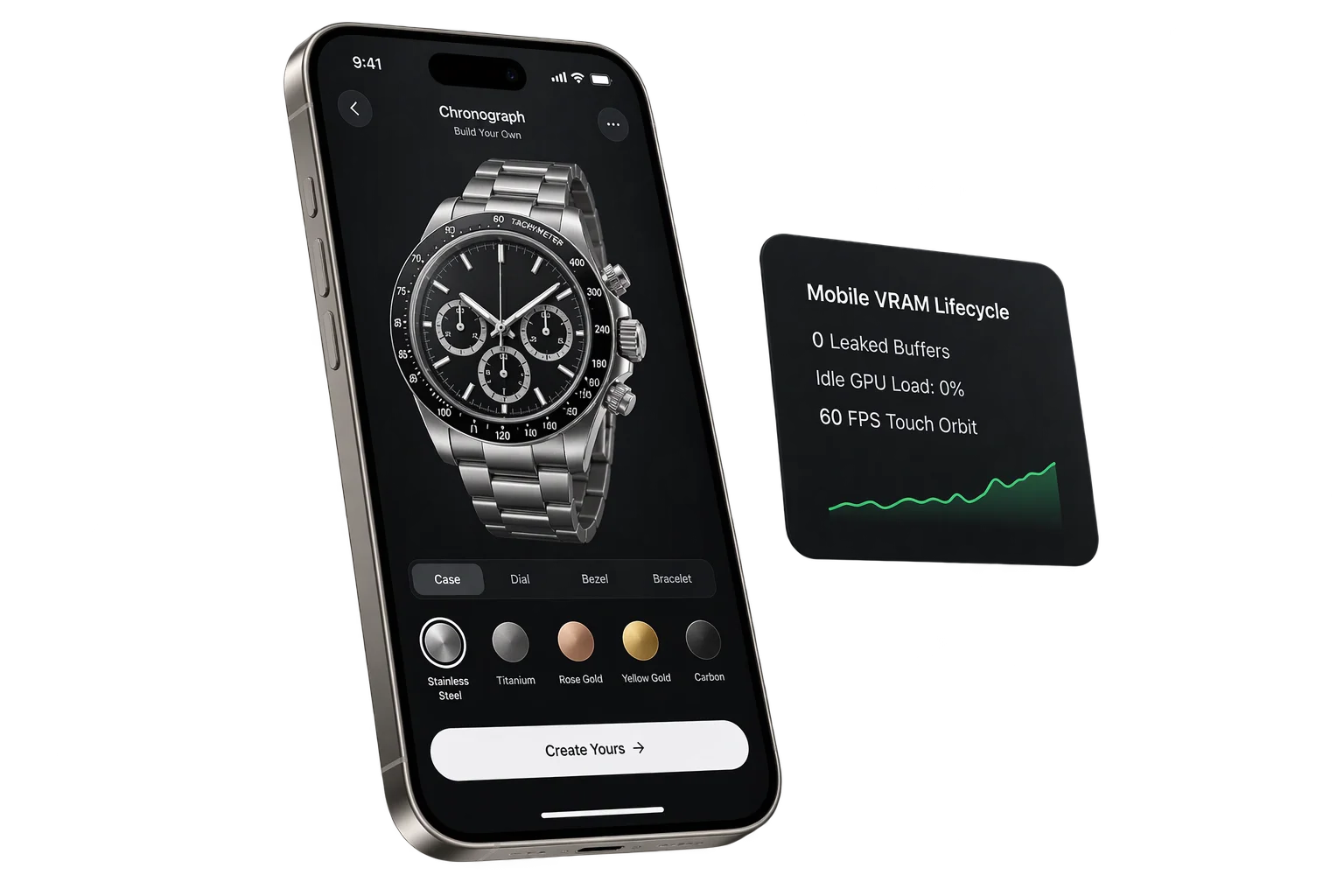
Place customized 3D products at true scale in any room
Buyers hesitate on high-ticket furniture, wall signage, and fixtures when they cannot judge real-world scale or wall clearance. Aircada routes iPhone, iPad, and Android shoppers from a single mobile browser button into true-scale AR with automatic floor and wall alignment, memory-safe USDZ export, and exact studio pose restoration on exit.
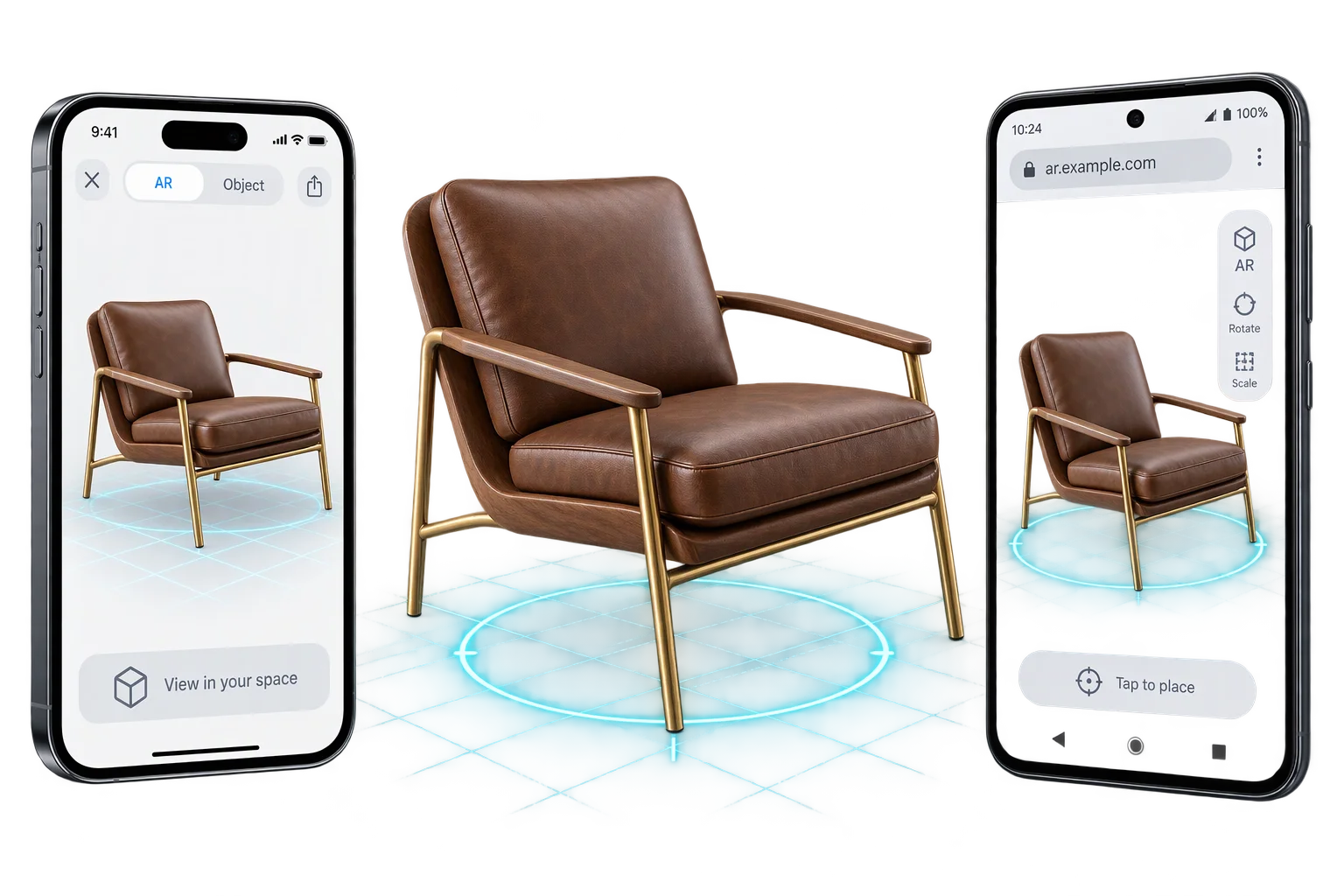
Dimension tables cannot prevent size-mismatch returns
Listing width, depth, and height in inches rarely stops a buyer from ordering a pendant lamp, custom sign, or lounge chair that overwhelms their actual room. Building separate native iOS and Android AR apps is expensive, and asking mobile shoppers to install an app mid-session destroys storefront conversion.
Zero-install mobile AR preview lets shoppers on Shopify or headless product pages tap once inside Safari or Chrome, verify their exact customized build at true 1:1 physical scale in their own room, and return straight to checkout with their selected options and pricing intact.
Cross-platform AR routing across iOS Quick Look and Android WebXR
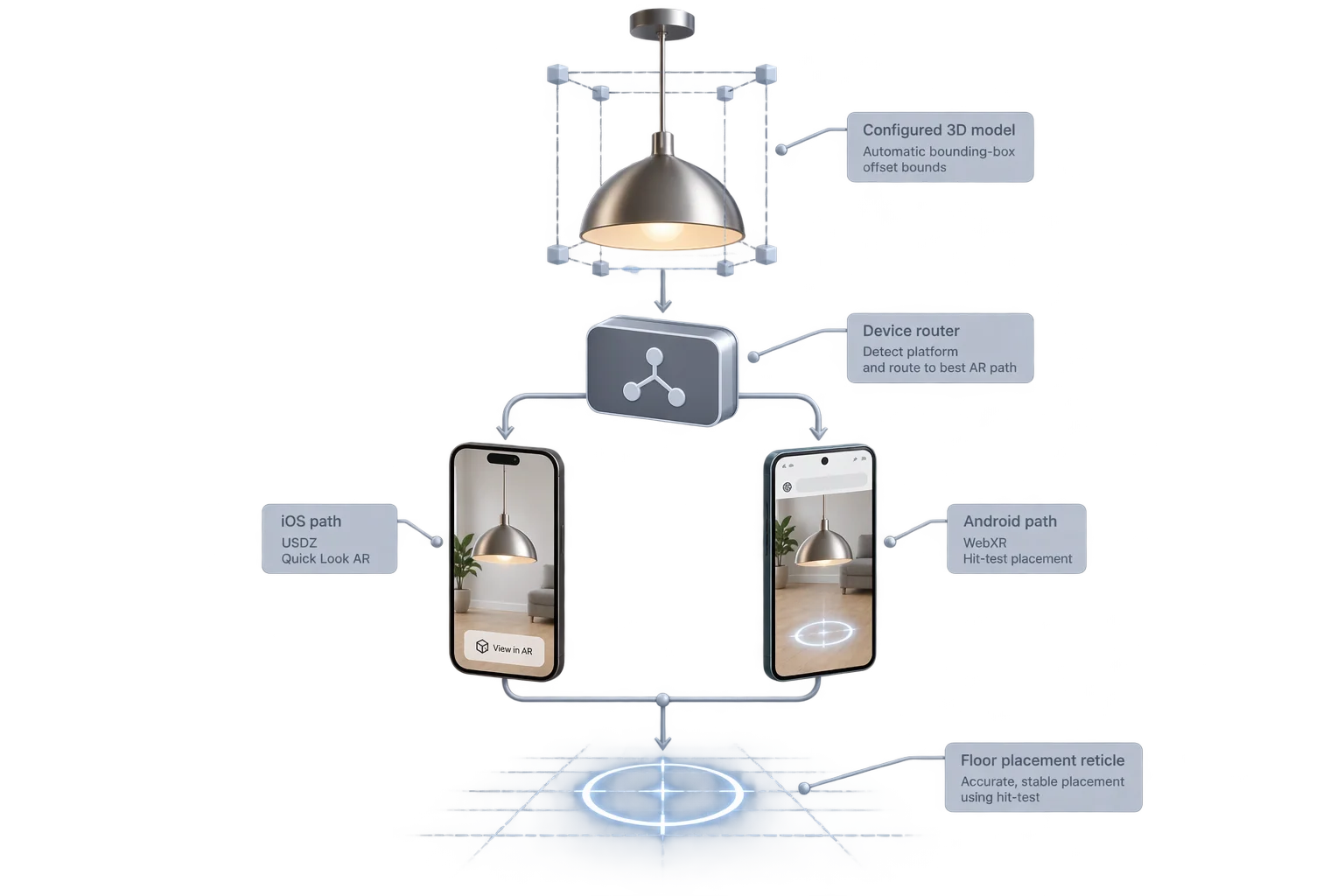
Mobile operating systems handle browser augmented reality differently: Android Chrome runs interactive WebXR sessions directly inside the browser with live storefront UI overlays, while iPhone and iPad Safari present Apple AR Quick Look using dynamically exported or cached USDZ files. Aircada's device router detects platform and browser capabilities automatically and launches the optimal provider from one button (including iOS App Clip environments where available).
On iOS, Aircada locks 1:1 physical scale by default so shoppers cannot accidentally pinch-rescale a product, caps baked textures to 1024px to stay safely inside Safari's mobile memory ceiling, and pauses the background 3D render loop while Quick Look is open. When the shopper exits AR on either platform, Aircada cleanly restores the exact pre-AR studio pose, scale, and visibility.
| Capability | iOS / iPadOS (Apple AR Quick Look) | Android Chrome (In-Browser WebXR) |
|---|---|---|
| Launch Mechanism | Zero-install Safari Quick Look via rel="ar" anchor; supports pre-baked URLs, cached blobs, or on-the-fly USDZ export from the live 3D build | Live in-browser immersive-ar WebXR session using the active 3D scene with an offscreen WebGL base layer when running on WebGPU |
| True 1:1 Scale Protection | Locks 1:1 physical scale by default (prevents accidental pinch-resizing unless explicitly enabled) | Preserves exact 1:1 metric scene scale (1 scene unit = 1 meter) directly from the live configurator |
| Floor & Wall Alignment | Encodes horizontal (floor/table) or vertical (wall, back-mounted) plane anchoring metadata directly into the USDZ export | Real-time multi-candidate hit-test scoring classifies floor, wall, ceiling, and slanted planes, rejecting >84.2 deg grazing angles and locking wall mounts upright |
| Standoff & Anti-Clipping | Centers origin and orients back face for flush wall or floor placement during USDZ generation | Computes local 3D bounding box automatically plus configurable wall and floor standoff offsets so geometry never sinks into floors or walls |
| Live Storefront UI & CTAs | Supports Apple Quick Look native banner CTA parameters (checkout title, subtitle, button label, and canonical return URL) | Supports live DOM overlay inside AR with automatic UI touch exclusion so shoppers can swap options without accidentally dragging the model |
| Mobile Memory & Exit Recovery | Caps baked textures to 1024px on iOS to stay within Safari RAM limits and pauses the background 3D loop until Quick Look closes | Spawns immediately 1.3m ahead (-0.25m height offset), uses zero-allocation frame math, and restores exact pre-AR studio pose on exit |
How Aircada places and aligns products in physical space
Every stage from device detection to wall or floor snapping is configured declaratively without custom AR code.
Automatic iOS Quick Look, Android WebXR, and App Clip routing
Aircada inspects the visitor's hardware and browser capabilities at runtime. Android Chrome enters a live WebXR hit-test session, while iPhone and iPad Safari either load a cached USDZ or export the shopper's customized 3D build on the fly into Apple AR Quick Look.
Horizontal floor vs. vertical wall filtering
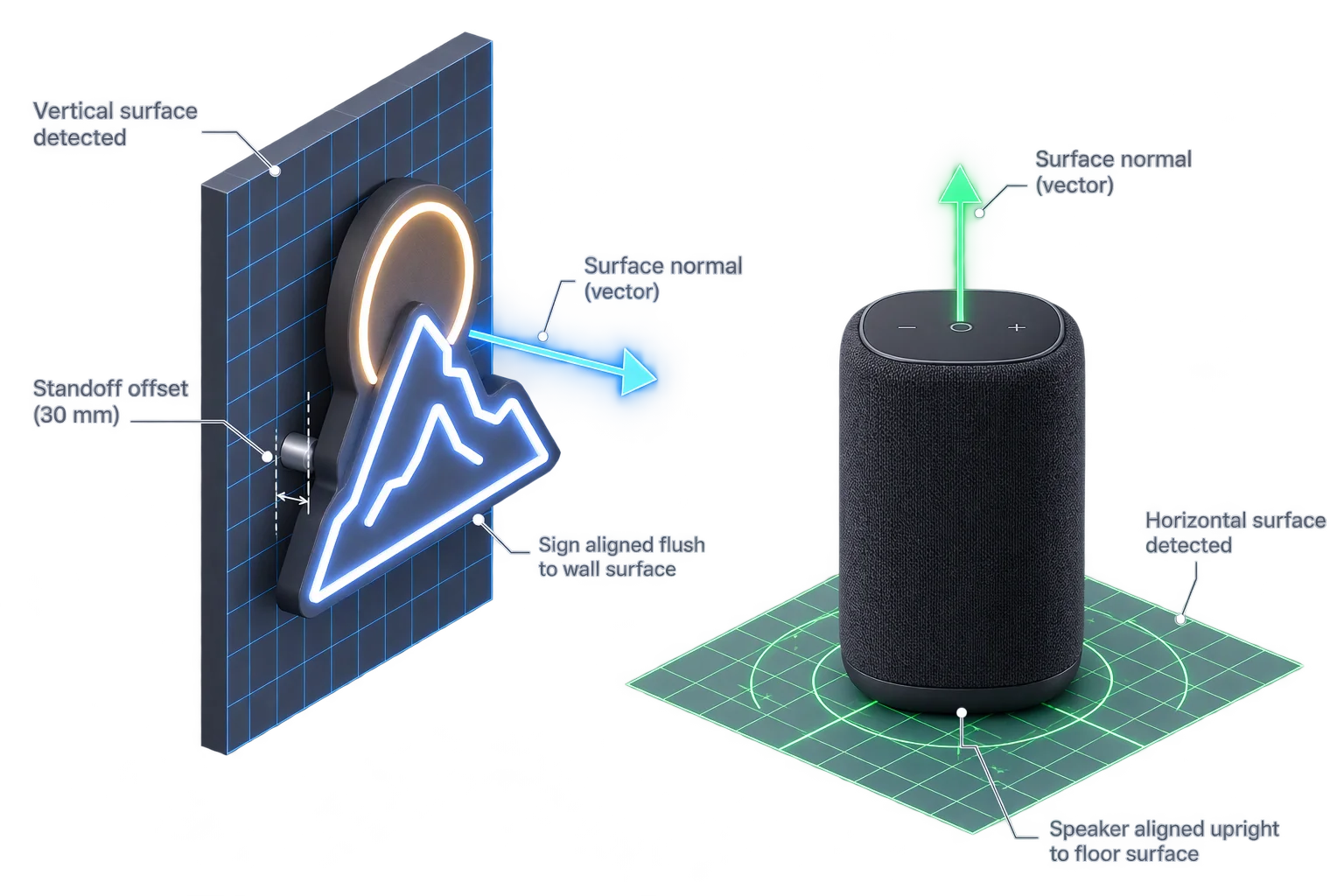
Configure each product to snap strictly to horizontal floors, strictly to vertical walls, or to any detected plane. On Android WebXR, wall-mounted products align strictly upright against gravity along the wall normal, while iOS USDZ exports embed vertical or horizontal plane anchoring metadata automatically.
Automatic bounding-box & standoff offsets
Instead of relying on manual pivot hacks, Aircada measures the target assembly's local 3D bounding box and applies configurable wall or floor standoff offsets so frames, legs, and mounting brackets rest flush against the physical surface rather than clipping inside it.
Immediate 1.3m spawn, damped dragging & studio pose restoration
In WebXR, products can appear immediately 1.3 meters in front of the viewer while room planes scan, then snap smoothly onto the first touched surface with damped finger-drag interpolation and an optional drag reticle. Exiting AR restores the exact pre-AR studio position, rotation, and scale.
Floor and wall surface-normal alignment without clipping
Floor-standing furniture belongs upright on horizontal floors, while custom signage, shelving, and lighting sconces must sit flush against vertical walls. In Android WebXR sessions, Aircada scores multiple hit-test candidates along the shopper's touch ray, rejects extreme grazing angles past 84.2 degrees, filters for floor, wall, or any surface, and locks wall-mounted products strictly vertical along gravity while keeping floor products facing the viewer.
Automatic local bounding-box calculation and configurable wall or floor standoff offsets prevent frames, brackets, or chair legs from sinking into carpets or clipping through drywall. Touches on storefront UI drawers are ignored so shoppers can adjust options smoothly inside AR, while zero-allocation scratch math keeps camera tracking fluid on everyday phones. All models maintain exact real-world metric 3D scale (1 unit = 1 meter) across both Apple ARKit and Google ARCore.
Responsibility Tiers
- 1 Native Aircada layer
- 1 Aircada Configuration layer
- 1 Custom Implementation layer
- 1 External layer
Responsibility Boundaries Across Mobile AR Placement
Clear separation between Aircada XR routing and placement math, Studio surface rules, and OS-level AR tracking.
Device router, WebXR hit-test scoring, dynamic USDZ export & pose restoration
- Native Aircada
- Hardware capability detection, WebXR session and DOM overlay lifecycle, multi-candidate surface scoring, bounding-box standoff math, 1024px mobile-safe USDZ export with 1:1 scale lock, and exact studio pose restoration.
Surface filter (wall/floor/any), standoff offsets, spawn distance & Quick Look CTA
- Aircada Configuration
- Studio configuration of floor vs. wall placement mode, wall/floor standoff distances, initial 1.3m spawn behavior, reticle toggle, baked texture cap, and optional Quick Look CTA banner text.
Custom AR launch UI, in-AR option drawers & desktop-to-mobile QR handoff
- Custom Implementation
- Optional storefront AR launch banners, live DOM overlay controls for Android WebXR, QR code modals for desktop shoppers, or analytics hooks on AR session start and placement events.
1:1 metric 3D model scale & OS camera plane detection
- External
- Authoring 3D models in real-world meters (1 unit = 1 meter) in CAD or Blender, plus Apple ARKit and Google ARCore camera tracking on the shopper's phone.
Frequently Asked Questions
How does Aircada support augmented reality on both iPhone and Android without an app?
Can Aircada place wall-mounted products like custom signs flush against a vertical wall?
What happens to the 3D configurator when the shopper closes the AR view?
How do we ensure our 3D product appears at the right physical size in AR?
Carry live finishes and custom lettering straight into the room
Every material swatch, extruded 3D text change, and decal adjustment the buyer makes in the configurator carries into their live room preview.
Related capabilities
Explore the adjacent capabilities and integrations that pair with this workflow.
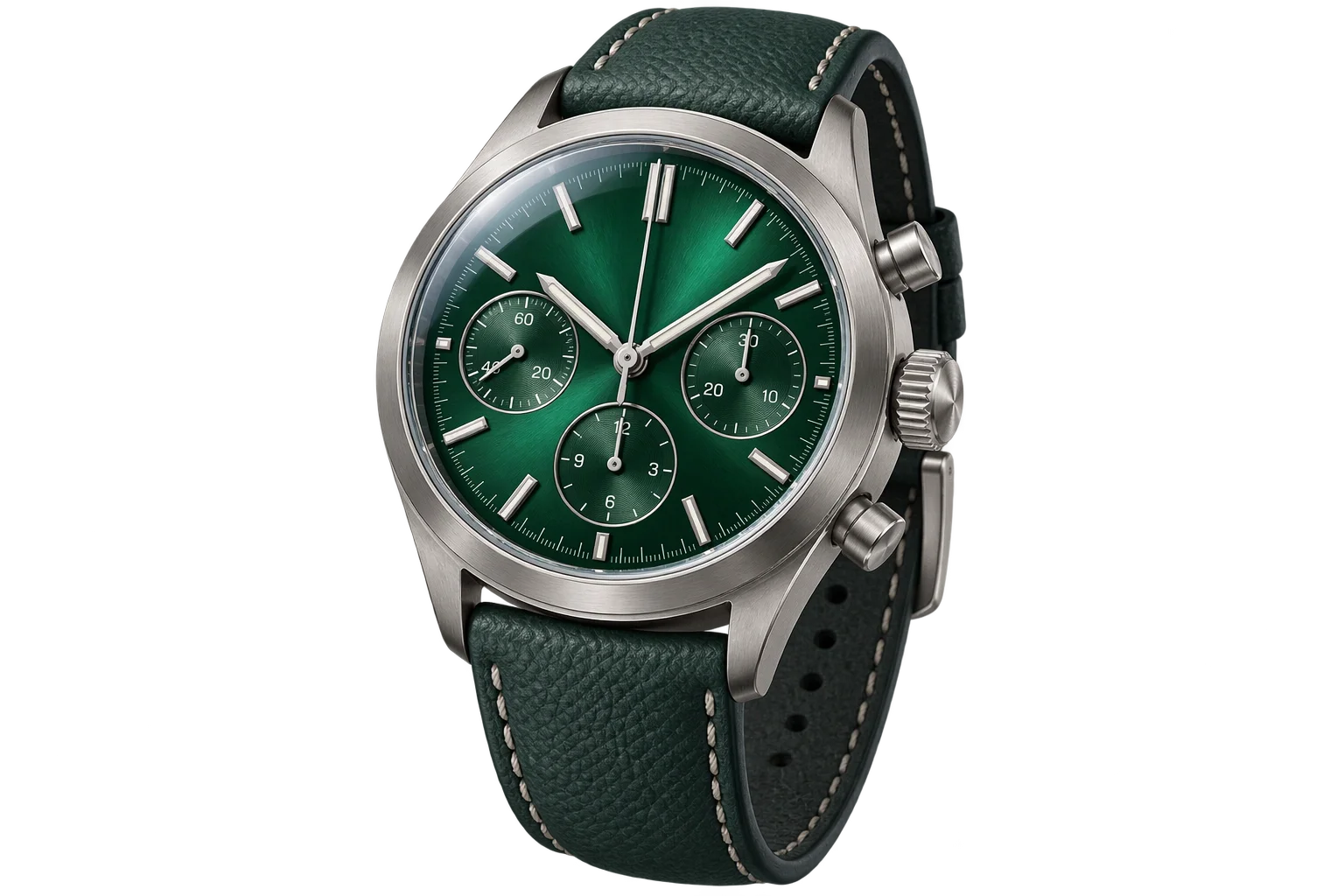
Instant PBR wood, metal, and fabric swatch swaps

Custom 3D extruded lettering and dimensional signs
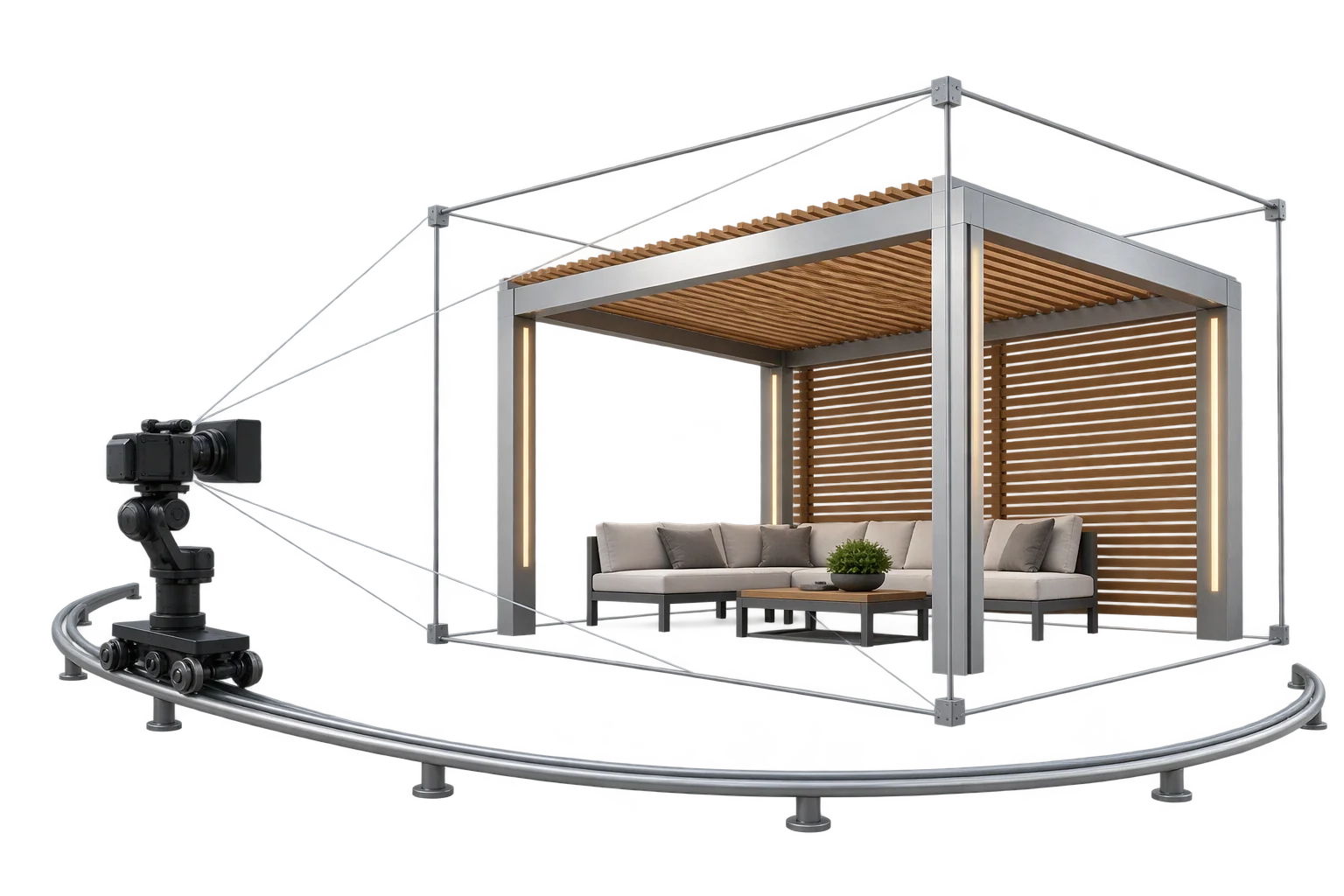
Auto-centered 3D framing as product sizes change