Conditional product rules and part compatibility
Complex customizable products have strict engineering rules: picking a triple-shot espresso basket requires a bottomless portafilter, or choosing a heavy roof rack requires raised mounting brackets. Aircada enforces these constraints live in the 3D scene and UI so shoppers can never submit an unbuildable combination.
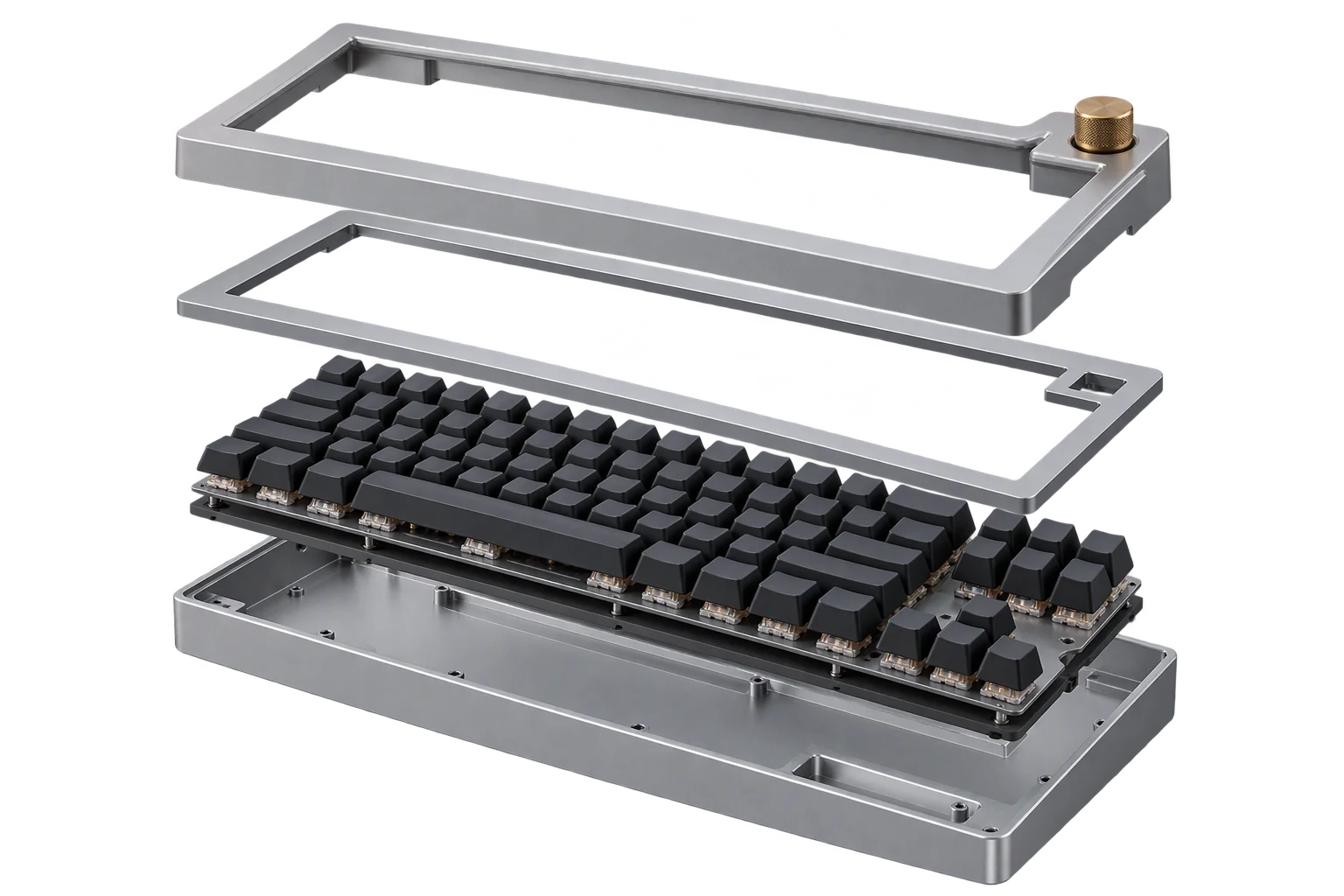
Eliminating invalid builds before they reach your shop floor
Standard e-commerce dropdowns treat every product option as an isolated choice. When a buyer combines a low-clearance bracket with an oversized cargo basket, or pairs an incompatible switch housing with a specialty faceplate, the storefront still accepts payment. Your support and engineering teams then have to catch the mismatch after checkout, put the order on hold, and chase the customer for revisions or refunds.
Aircada replaces passive storefront selectors with cross-option compatibility dependencies, event-driven action-trigger routing, and pre-checkout validation gates. As soon as a shopper changes an option, the 3D viewport and pricing model evaluate constraints in the same frame: toggling mutually exclusive 3D sub-assemblies, routing dependent hardware swaps, recalculating price adjustments, and blocking Shopify or headless cart submission until every required selection passes validation.
In complex multi-part builds like Cinch Gaming's custom controller configurator, conditional rules keep dozens of interdependent shells, rear buttons, thumbsticks, and internal hardware options synchronized so every order that reaches fulfillment is verified and buildable.
Catching physical clearance conflicts in real time
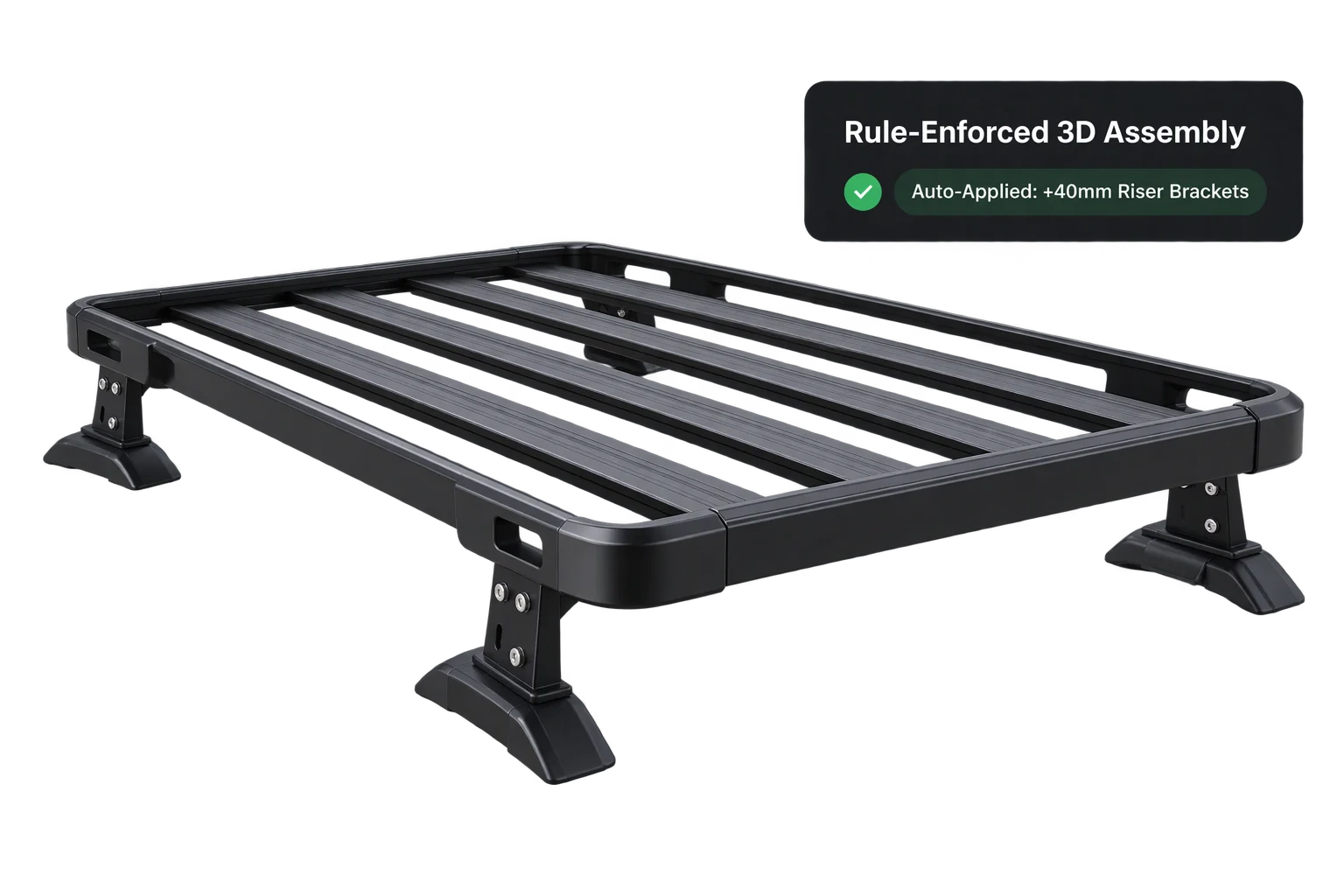
Instead of letting buyers check out with colliding parts, conditional rules automatically swap in required hardware.
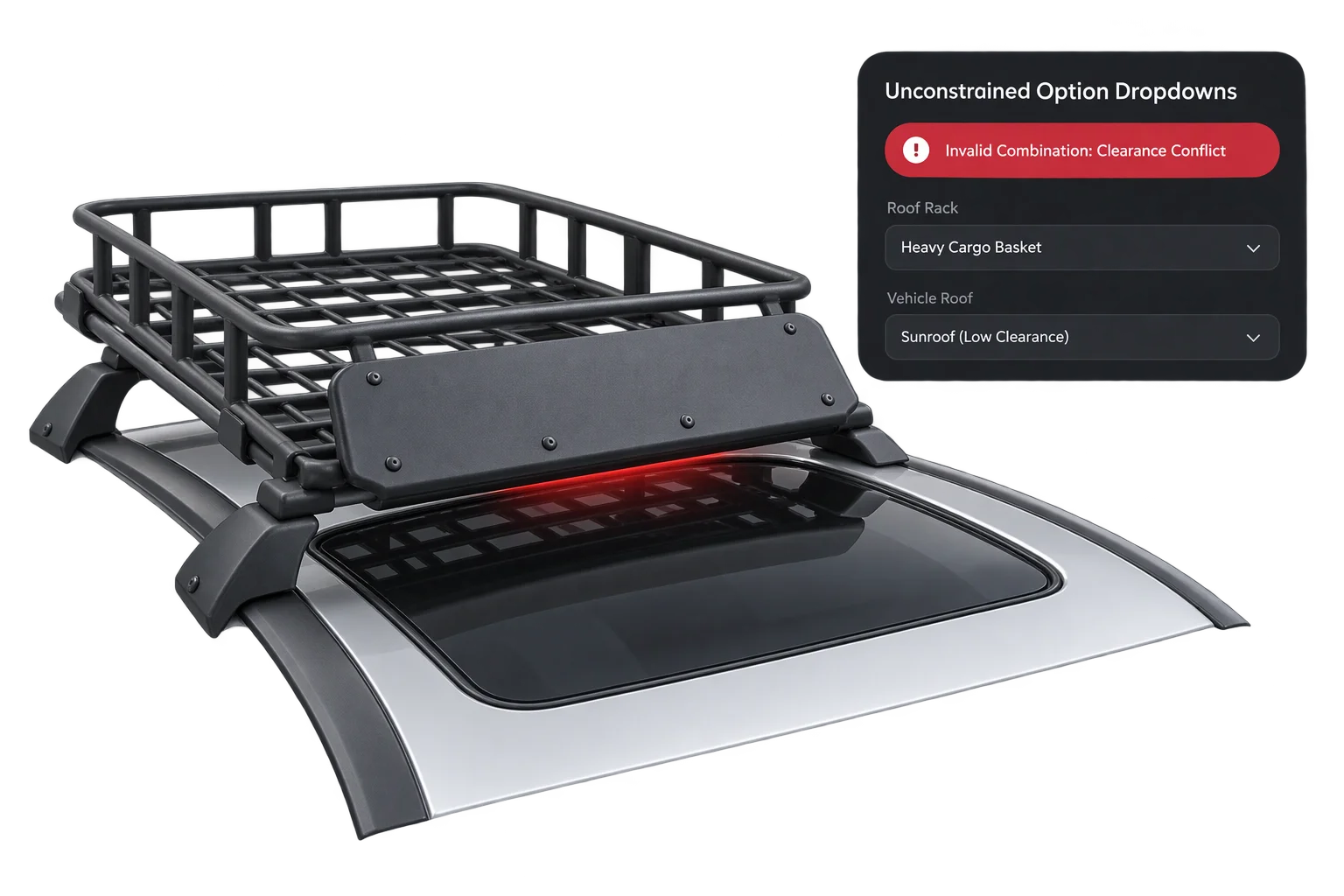
Unconstrained dropdowns allow colliding parts
Static option selectors let a buyer pair a heavy cargo basket with a low-clearance sunroof mount, creating an unbuildable order.
No awareness of physical clearance or required mounting adapters
Requires manual post-order engineering review and customer emails
Allows conflicting SKUs and incomplete option fields to reach checkout
Auto-applied adapters and validated combinations
Selecting the cargo basket on a sunroof vehicle model automatically enables +40mm riser brackets in the 3D viewport and adds the hardware to the quote.
Automatically toggles required brackets and hides incompatible mounts
Updates both the 3D assembly and checkout pricing in one step
Blocks add-to-cart submission until every validation gate passes
Three layers of conditional logic inside Aircada
Mix declarative option rules, event-driven trigger links, and mathematical operators inside one unified project.
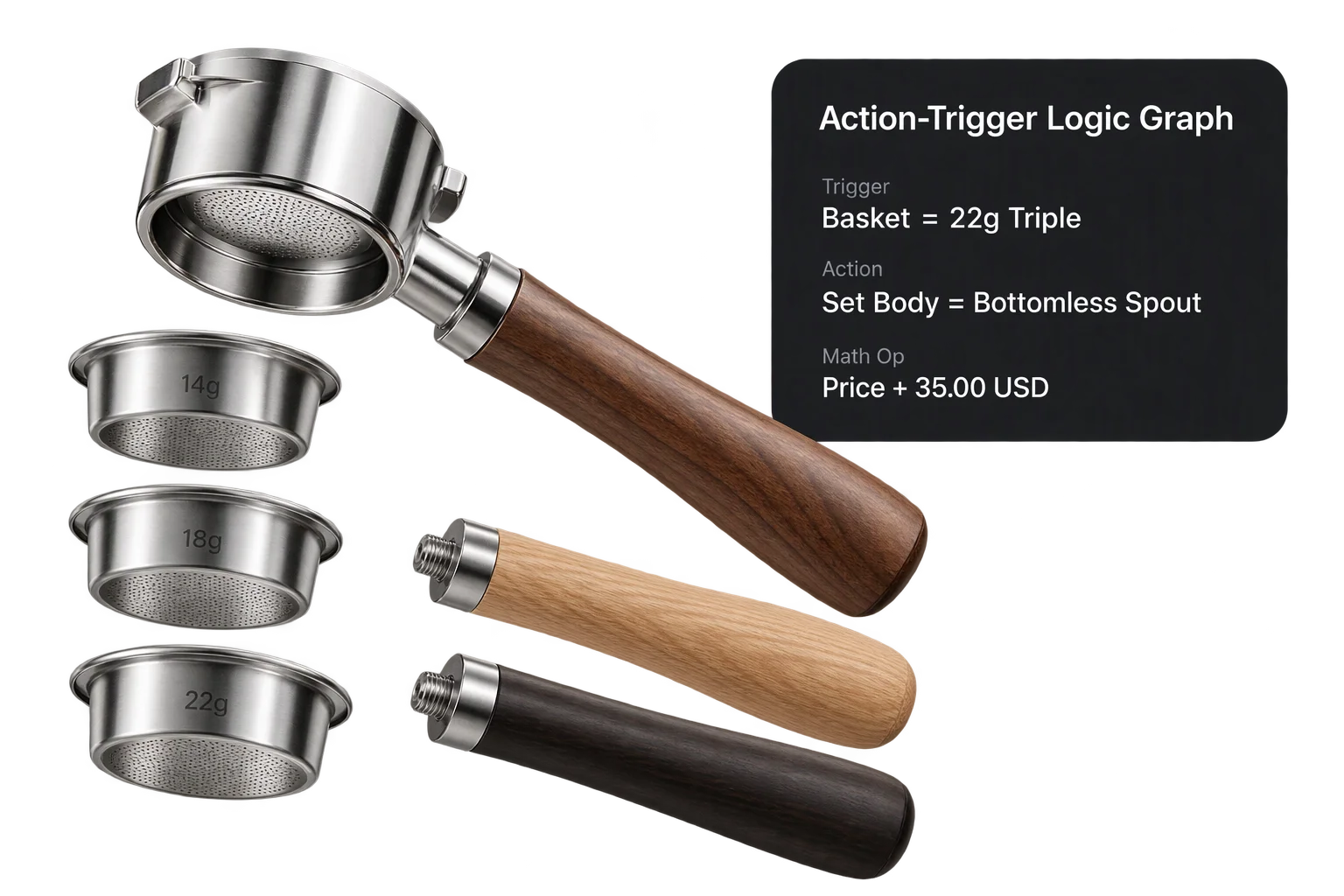
Cross-option inclusion, exclusion, and quantity rules
In the {{@link:docs.studio.data-and-logic.pricing-builder|label=pricing and option model builder}}, rules evaluate whether another option is currently selected or not selected, or whether order quantity falls inside a min/max tier. Choosing a 22g triple espresso basket can automatically apply required hardware upcharges or enforce compatible portafilter pairings without custom code.
Reactive action-trigger links, visibility switches, and validation gates
Every 3D unit and operator exposes typed {{@link:docs.studio.data-and-logic.triggers-and-actions|label=event triggers and actions}}. Linking a selection trigger to a mutually exclusive visibility switcher, multi-branch router, or validation gate lets one click swap 3D meshes, glide the camera, and hold checkout until up to 100 required input fields pass.
Arithmetic, bounded counters, shared variables, and live tracing
When rules depend on numbers rather than simple toggles, built-in operators run addition, subtraction, multiplication, and division (with divide-by-zero protection), step min/max-clamped counters with clean decimal rounding, and share {{@link:docs.sdk.operators.data-state.global-variables|label=named global variables}} across nested sub-assemblies.
| Rule Type | How It Evaluates | Typical Ecommerce Use Case |
|---|---|---|
| Cross-Option Dependencies | Checks whether a target option in another option set is selected or not selected | Require a bottomless portafilter when a 22g basket is chosen, or waive an adapter surcharge when a pro kit is selected. |
| Quantity Range Dependencies | Evaluates minimum and maximum quantity thresholds per rule | Enable wholesale tier discounts or bulk packaging rules once a buyer selects 25 or more units. |
| Mutually Exclusive Visibility | Displays exactly one child assembly at a time by index, with boundary events at first/last states | Swap between incompatible roof-rack mounts, watch bezels, or controller shells so two parts never overlap. |
| Exact-Match & Multi-Branch Routing | Matches option values (exact or case-insensitive switch) and dispatches targeted property updates | Automatically set matching fastener finishes, camera angles, or engraving zones when a base model changes. |
| Pre-Checkout Validation Gates | Validates up to 100 connected input blocks and forwards execution only when every check passes | Block Add to Cart until required monogram text, size selections, or uploaded logos meet production rules. |
| Arithmetic & Bounded Counters | Runs add, subtract, multiply, divide, and clamped min/max step counters with decimal rounding | Calculate shelf bay counts, required bracket quantities, or derived spacing offsets inside modular assemblies. |
| Shared Global Variables & Flow States | Broadcasts named state across nested 3D units and sequences multi-step flow states | Coordinate multi-step guided selling where an early vehicle or model choice governs every downstream step. |
Responsibility Tiers
- 1 Native Aircada layer
- 1 Aircada Configuration layer
- 1 Custom Implementation layer
- 1 External layer
Responsibility Boundaries Across Conditional Product Rules
How Aircada's logic graph runtime, Studio rule authoring, and external engineering specs divide responsibilities.
Action-trigger router, visibility/switch/math operators, validation gates & option dependency evaluator
- Native Aircada
- In-engine evaluation of trigger-action links, mutually exclusive child visibility, string match/switch routing, validation gates, arithmetic/increment/global-variable operators, flow states, and cross-option pricing dependencies.
Wiring compatibility links, state cards & option dependency rules in Studio
- Aircada Configuration
- Authoring which options require or exclude other parts, configuring validation gates and trigger-to-action links in Studio, and defining guided flow state sequences.
Custom React UI banners or tooltips explaining disabled options to shoppers
- Custom Implementation
- Optional custom storefront UI messaging (such as 'Requires +40mm riser brackets') when a shopper hovers over a locked or auto-selected option.
Source engineering tolerance specs & physical fitment matrix
- External
- Product engineering definition of which physical components, voltages, or dimensions are mutually compatible on your shop floor.
Frequently Asked Questions
Do we need to write custom JavaScript for every part compatibility rule?
What happens if a shopper changes an earlier step that invalidates an add-on they already picked?
Can one user choice trigger multiple changes in the 3D scene and block invalid checkouts?
How do teams debug complex chains of triggers and actions during setup?
Turn your engineering compatibility matrix into a live 3D configurator
Share your product rules or CPQ logic spreadsheet, and we will show you how Aircada enforces every constraint visually in 3D.
Related capabilities
Explore the adjacent capabilities and integrations that pair with this workflow.
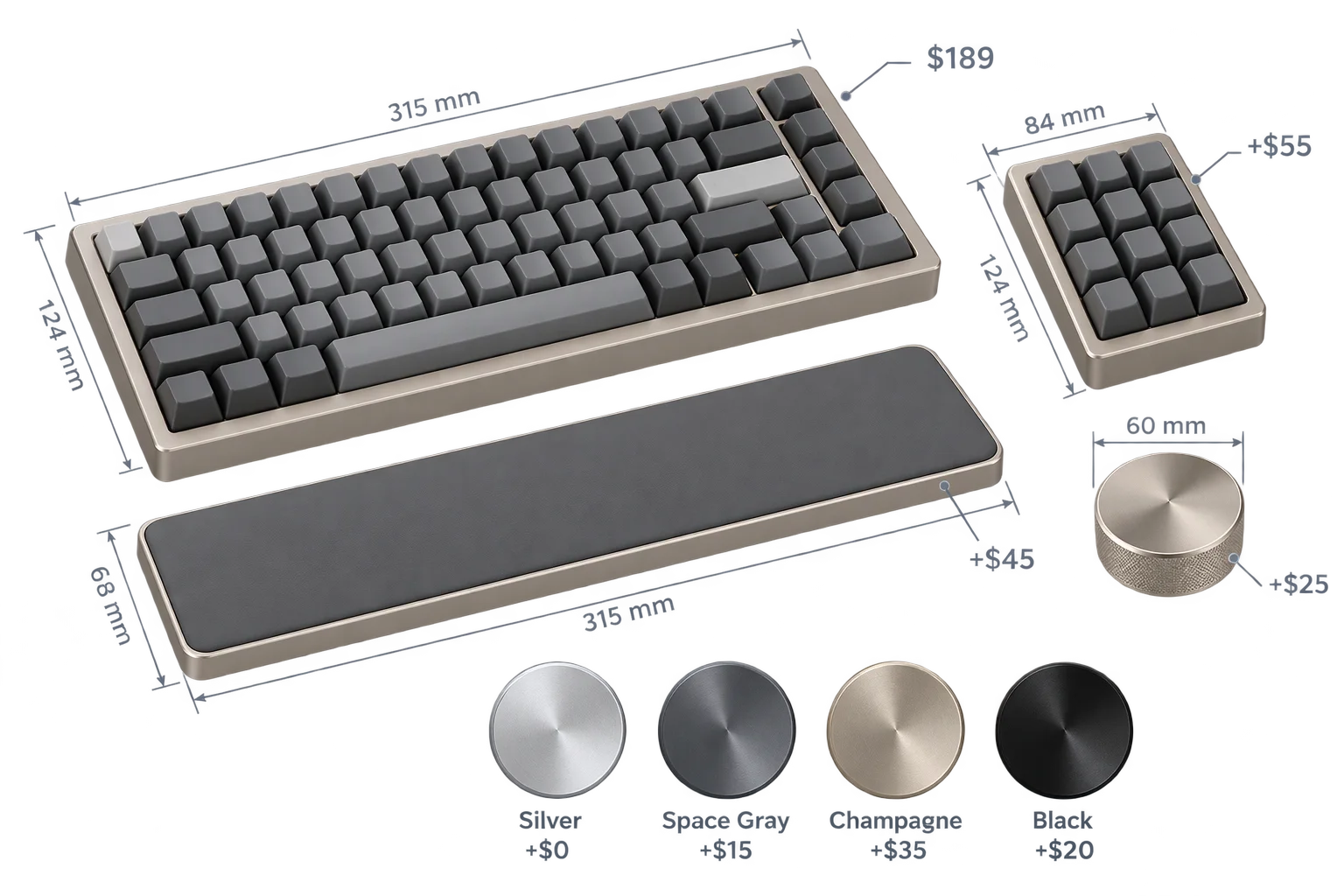
Live dynamic pricing and wholesale quantity breaks

Spreadsheet-driven 3D swatches, SKUs, and pricing
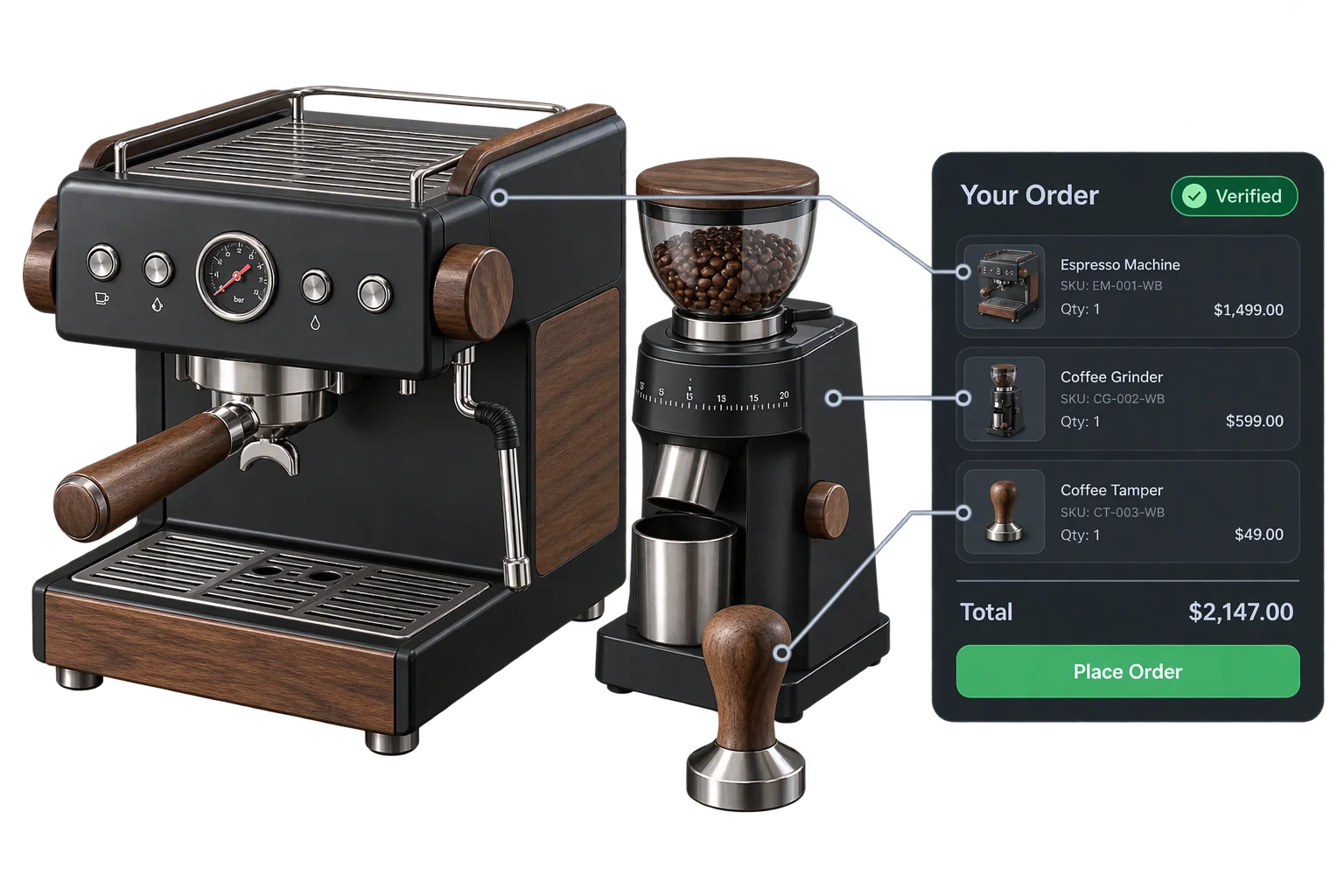
One-click multi-SKU 3D kits and bundle checkout