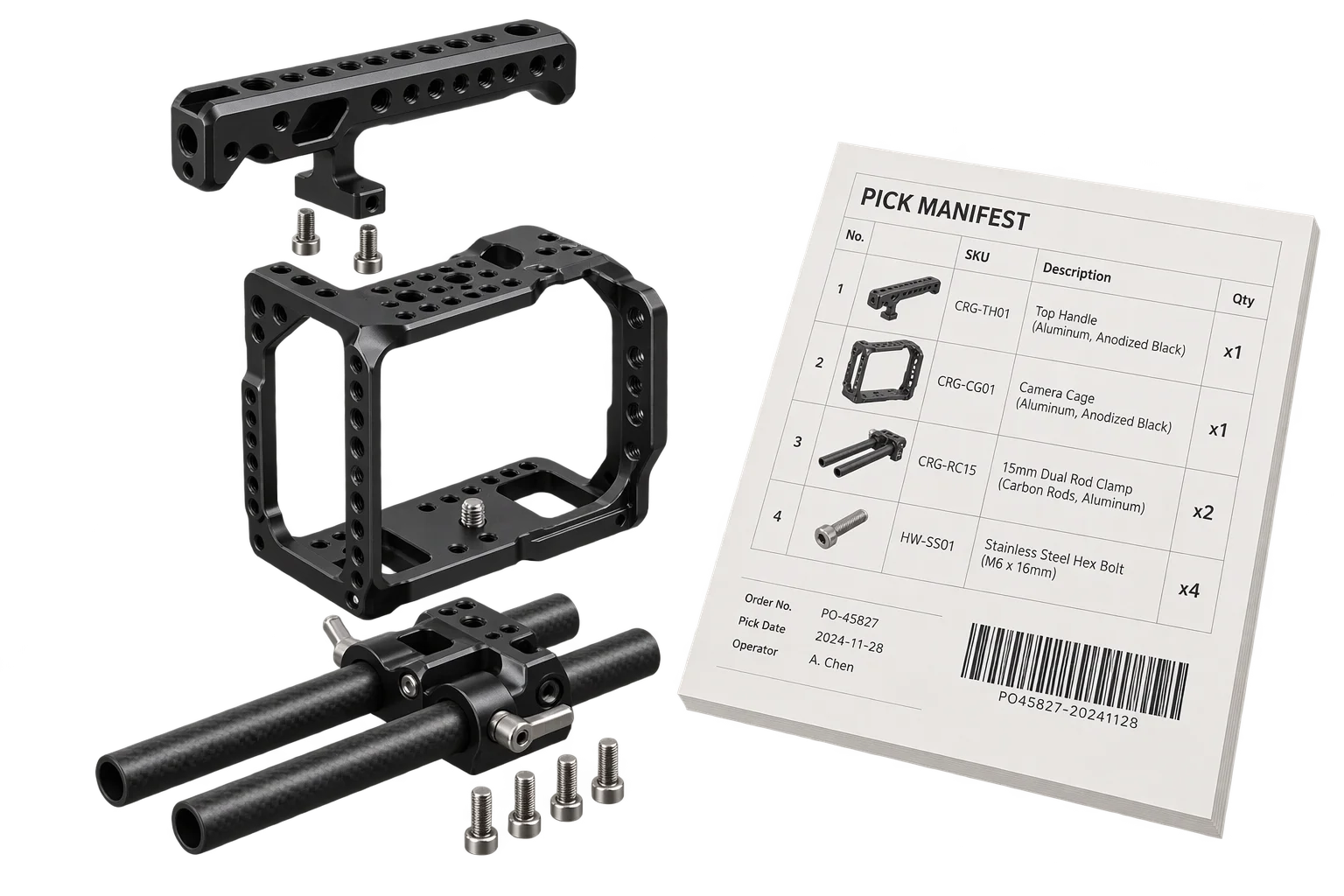
Spreadsheet-driven 3D swatches, SKUs, and pricing
Hardcoding finish swatches, part SKUs, and price surcharges inside individual 3D meshes or UI components turns catalog updates into engineering tickets. Aircada stores product permutations in structured spreadsheet datasets that bind directly to 3D materials, part visibility, and pricing rules without engineering tickets.
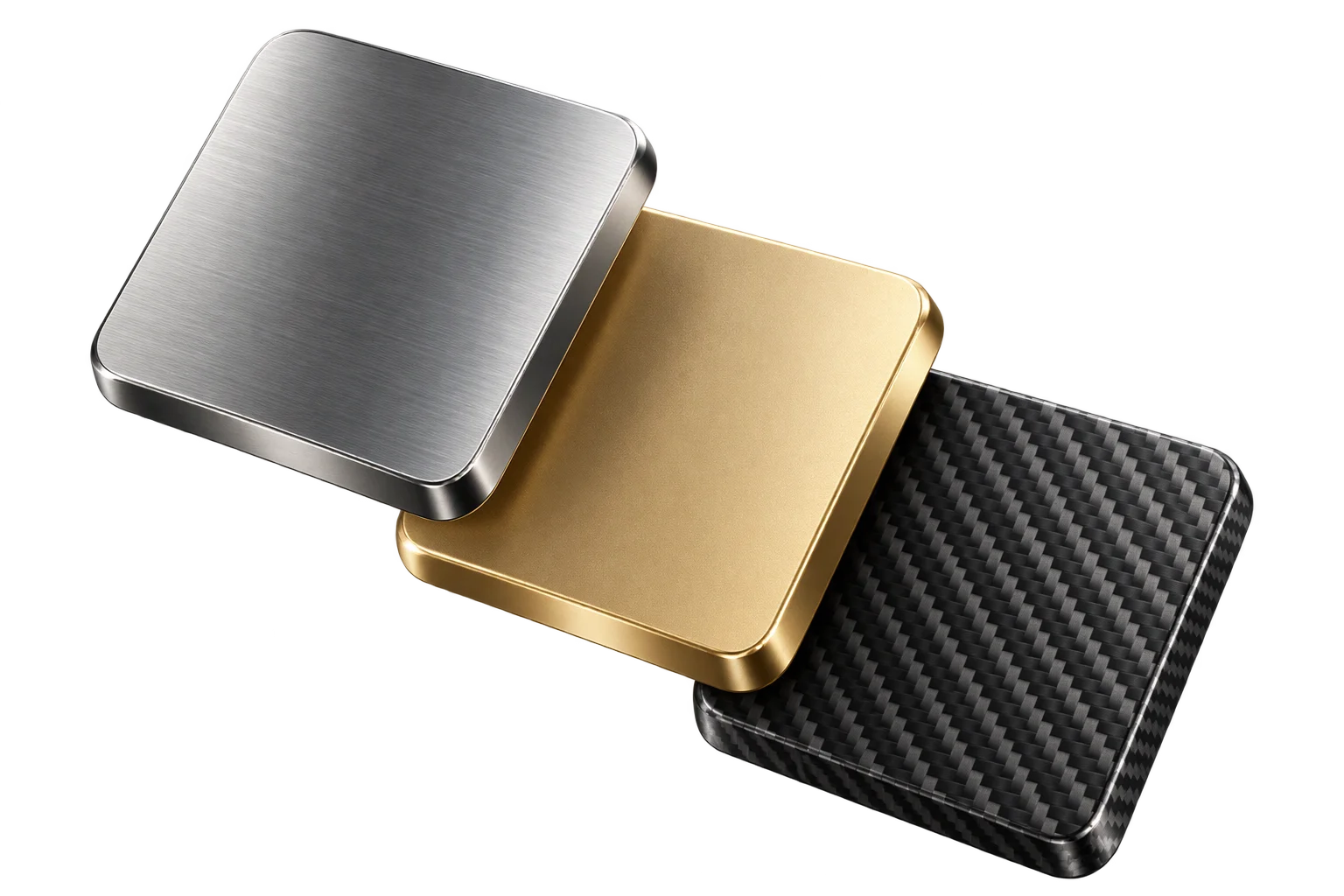
Stop hardcoding swatches and surcharges across 3D scenes
When a configurable product offers 40 fabric textures, 12 metal finishes, and 8 hardware upgrades, scattering option labels, texture references, and price adjustments across disconnected storefront UI arrays and 3D scene nodes quickly leads to out-of-sync prices and broken checkouts.
Aircada centralizes product permutations inside structured option datasets. Instead of editing 3D logic or waiting on a developer every time a seasonal color launches or a material surcharge changes, your team updates a single table row and lets Aircada propagate the change across the 3D viewport, storefront option selectors, and Shopify or headless checkout pricing.
In production deployments like Cinch Gaming, separate structured option tables drive front and back controller shells, face buttons, thumbsticks, D-pads, rear paddles, textured grips, build speeds, and engraving tiers from one clean catalog source.
One table row drives 3D materials, thumbnails, and SKU codes
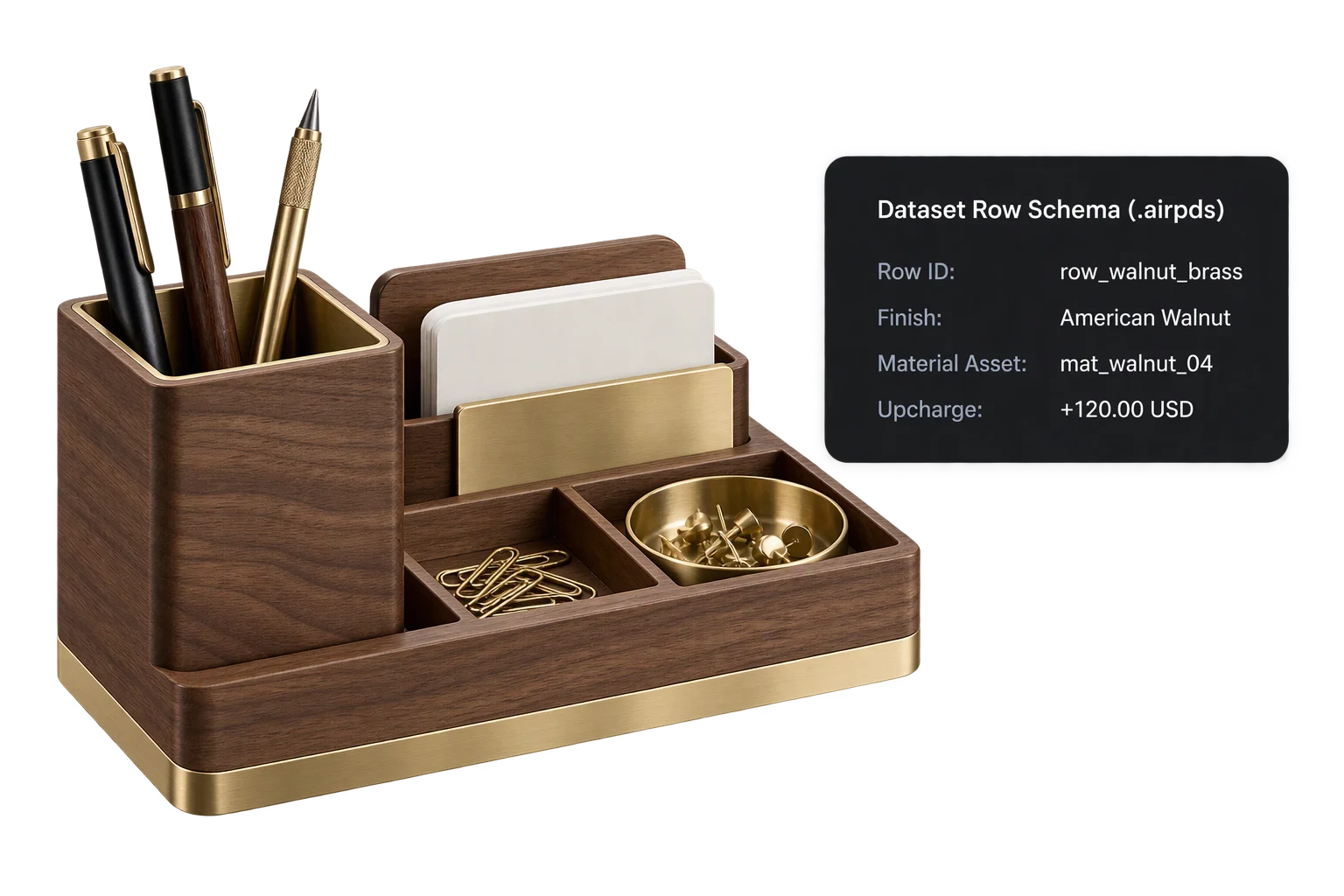
Every dataset pairs a typed column schema with validated option rows. When a shopper picks a finish or part, Aircada resolves the linked texture, font, or 3D sub-model, updates the 3D scene immediately, and emits the selected row's label and SKU to your storefront UI.
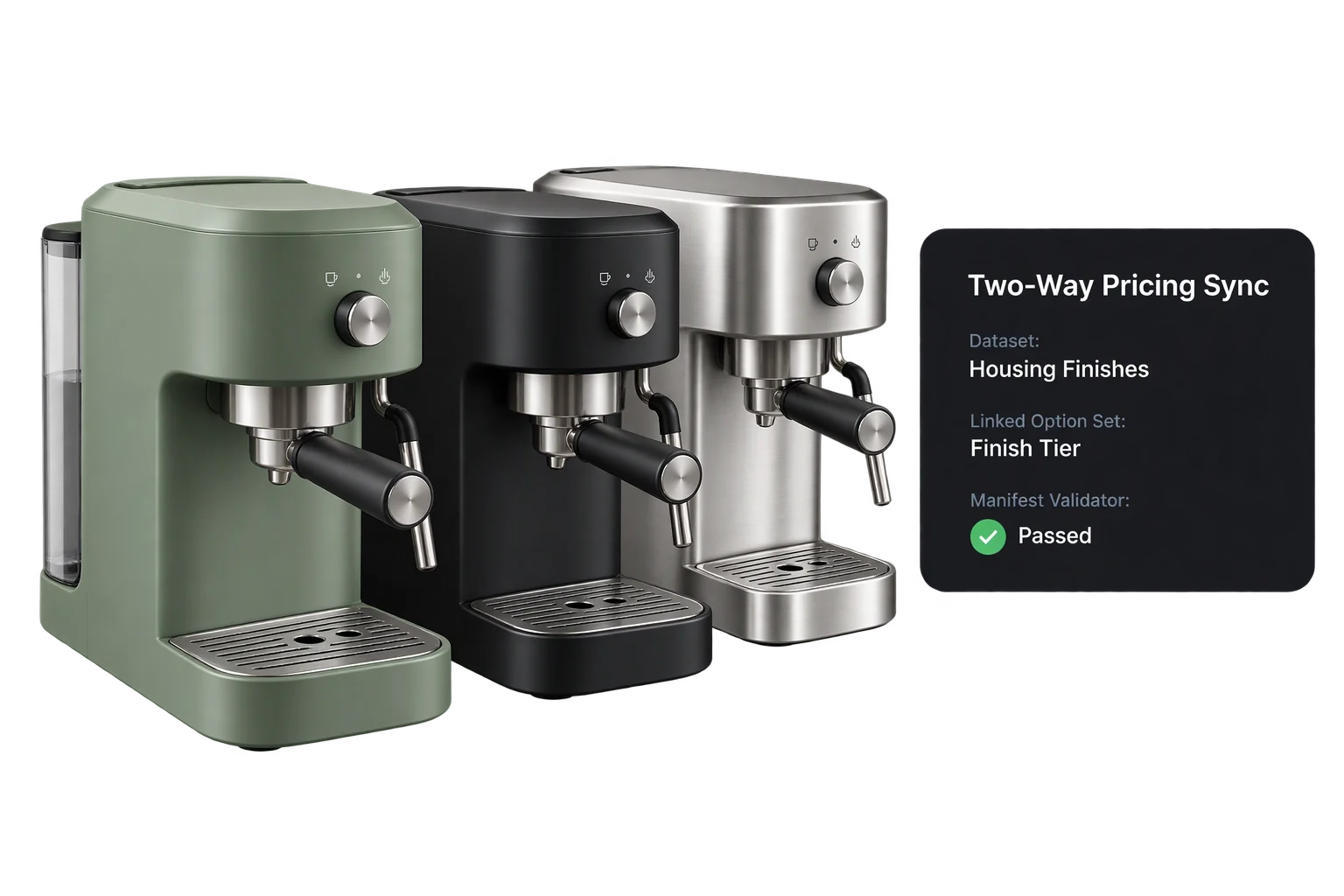
Keep option tables and checkout pricing rules in lockstep
Option sets inside an Aircada pricing model bind directly to a source dataset. Whenever you add a seasonal finish row or revise a surcharge column, Aircada synchronizes the linked option set, validates the versioned pricing manifest, and updates the matching checkout connector fields automatically.
Edit catalog tables locally and watch the 3D scene refresh live
For engineering and merchandising teams managing large catalogs in Git, Aircada's CLI and local development server watch option tables on disk and stream updates straight into the running browser session with zero page reloads.
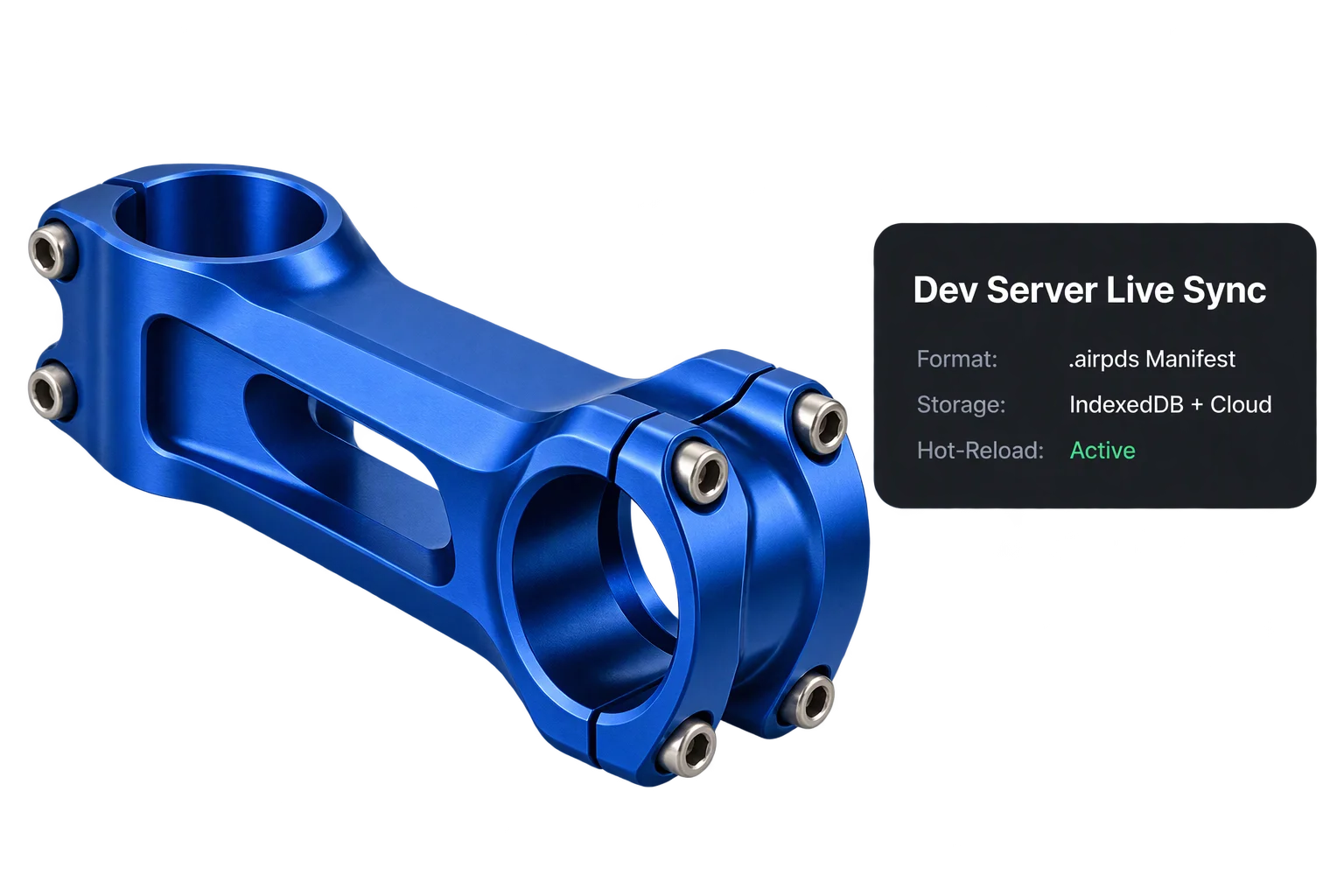
How option tables, pricing models, and storefront checkout stay synchronized
Each dataset enforces a typed column schema so selecting a single row can swap a 3D finish or sub-model, update the storefront swatch thumbnail, pass the exact manufacturer SKU into the order payload, and recalculate the active price through two-way pricing dataset sync.
| Layer | How It Is Structured | What It Controls |
|---|---|---|
| Product Option Table | Typed column schema + validated option rows | Stores option IDs, display labels, manufacturer SKUs, price adjustments, colors, fonts, and linked 3D or image assets. |
| Linked Pricing Manifest | Validated, versioned pricing definition | Binds option sets to source datasets alongside base prices, surcharges, and cross-option or quantity rules. |
| Checkout Connector Sync | Auto-generated option fields per option set | Maps each synced option set straight into Shopify or headless cart submission without hand-wiring every field. |
| Local Cache & Cloud Storage | Browser cache + queued cloud persistence | Preloads datasets locally for fast storefront startup while queuing atomic saves and validating timestamps in Studio. |
When to use tabular option datasets
Replace brittle hardcoded arrays whenever product options share structured attributes or pricing rules.
Multi-material furniture & cabinetry
Manage dozens of wood veneers, powder-coat colors, and fabric grades in one table where each row maps to a 3D finish and tier surcharge.
Seasonal colorway & swatch refreshes
Add or retire seasonal color palettes in the dataset table without rewiring 3D scene logic or shipping new storefront code.
Component SKU & part-number lookup
Store manufacturer part numbers alongside visual 3D options (as Cinch Gaming does across controller shells, thumbsticks, and buttons) so checkout receives exact component codes.
Git-versioned catalog workflows
Pull, batch-edit, validate, and sync structured option tables and pricing manifests through the Aircada CLI alongside your storefront repository.
Responsibility Tiers
- 1 Native Aircada layer
- 1 Aircada Configuration layer
- 1 Custom Implementation layer
- 1 External layer
Responsibility Boundaries Across Product Option Datasets
How Aircada's dataset runtime, Studio table configuration, and external ERP catalogs divide responsibilities.
Dataset registry, write-queued persistence, pricing sync & live CLI hot-reload
- Native Aircada
- Browser caching, write-queued cloud persistence, broken media reference cleanup, two-way dataset-to-pricing synchronization, manifest validation, and checkout connector field generation.
Table schema definition, row population & option-set binding
- Aircada Configuration
- Defining dataset columns, uploading swatch and material assets, populating option rows in Studio or via the CLI dataset workflow, and linking tables to pricing option sets.
Automated ERP / PIM import scripts
- Custom Implementation
- Optional build or webhook scripts that transform external ERP or PIM product spreadsheets into Aircada option tables via the CLI sync workflow.
Master SKU pricing governance & warehouse inventory counts
- External
- Merchant ownership of wholesale and retail price schedules, tax rules, and live stock availability inside Shopify or external ERP systems.
Frequently Asked Questions
Can merchandising teams update swatches and pricing in tables without breaking live configurators?
Can our developers manage option tables as files in Git instead of only in the browser UI?
Do large option datasets slow down initial 3D viewer load times?
Do we have to connect every spreadsheet option to our checkout payload by hand?
Structure your product catalog as live 3D datasets
Send us your current finish matrix or option spreadsheet and we will show you how it maps directly to 3D materials and live checkout pricing.
Related capabilities
Explore the adjacent capabilities and integrations that pair with this workflow.
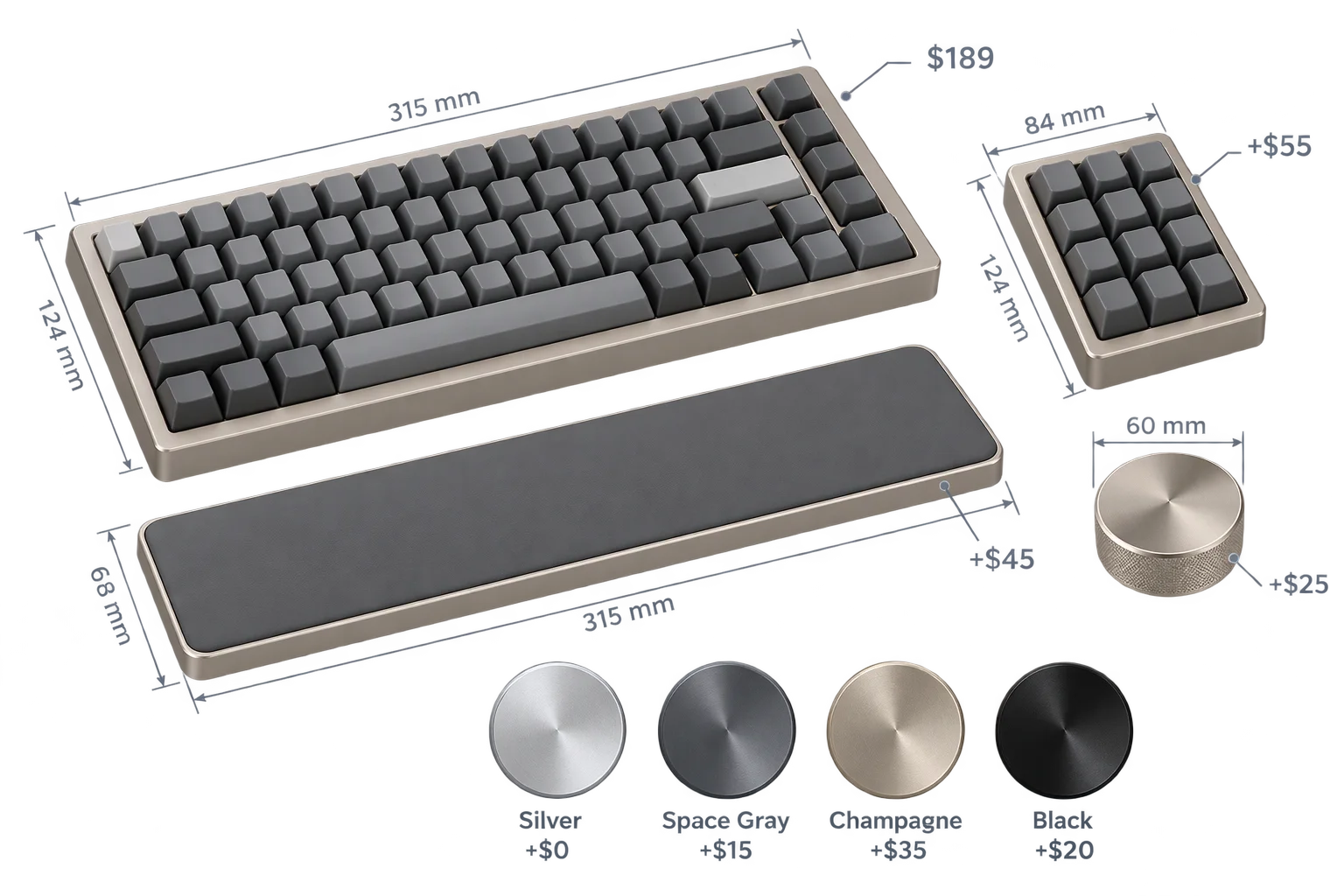
Live dynamic pricing and wholesale quantity breaks
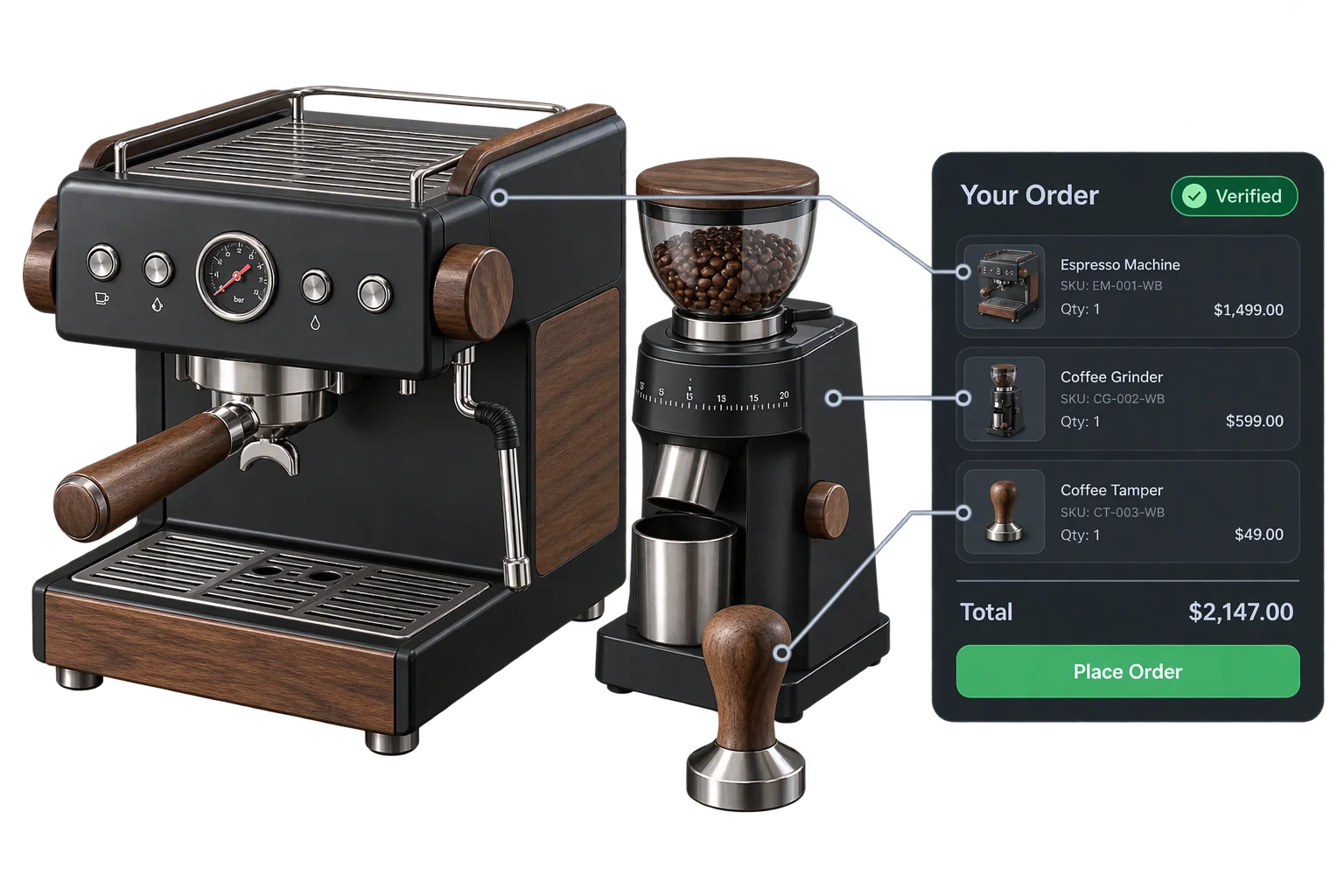
One-click multi-SKU 3D kits and bundle checkout
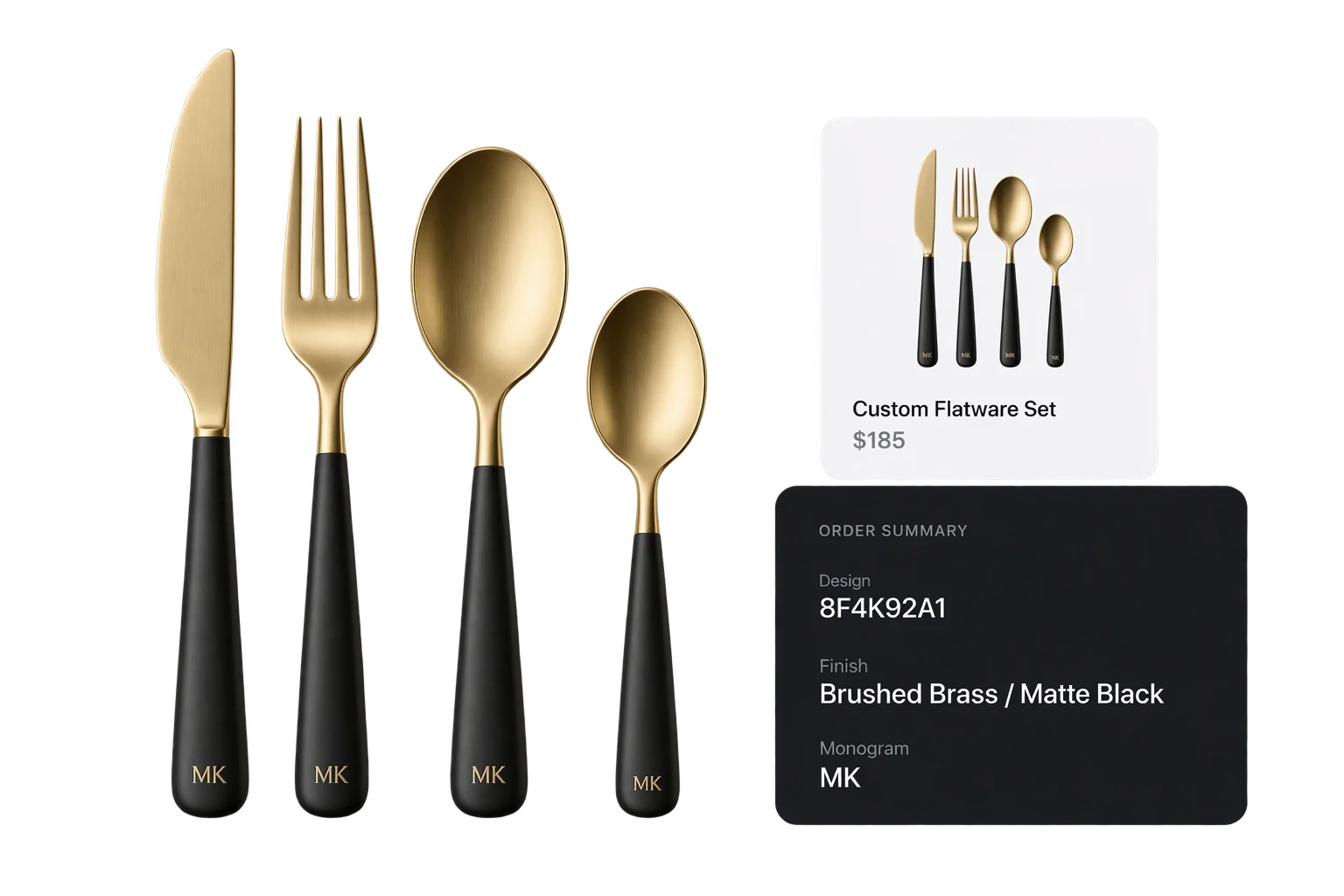
Live 3D cart thumbnails and verified design IDs