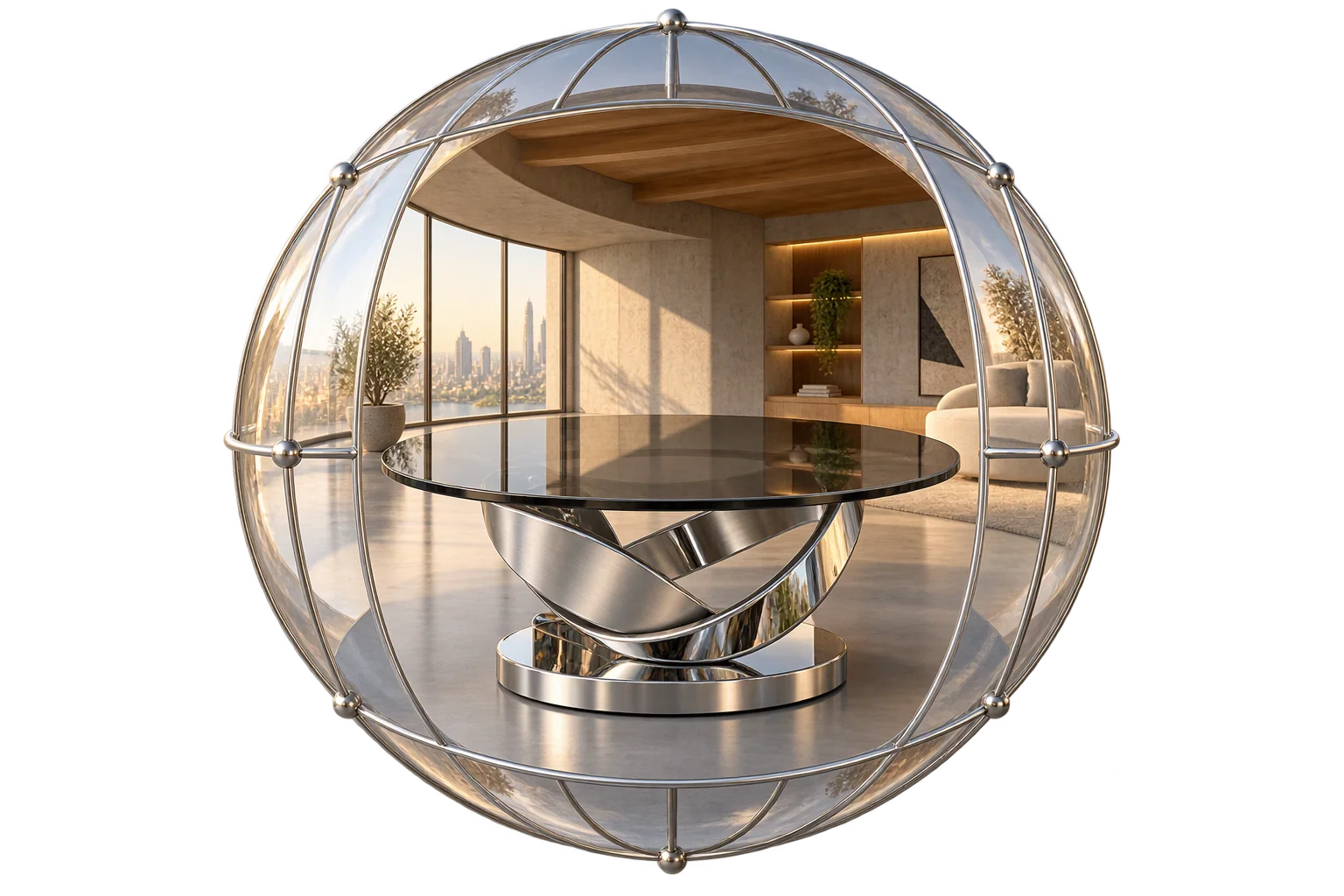
True-to-brand 3D studio HDRI lighting
Harsh direct 3D lights wash out product colors and create unnatural glare that leads to color-mismatch returns. Aircada pairs global HDR environment maps, per-object reflection overrides, five studio light types, and Neutral tone mapping so real brand colors stay true on desktop and mobile.
Direct 3D lights distort colors and create harsh glare
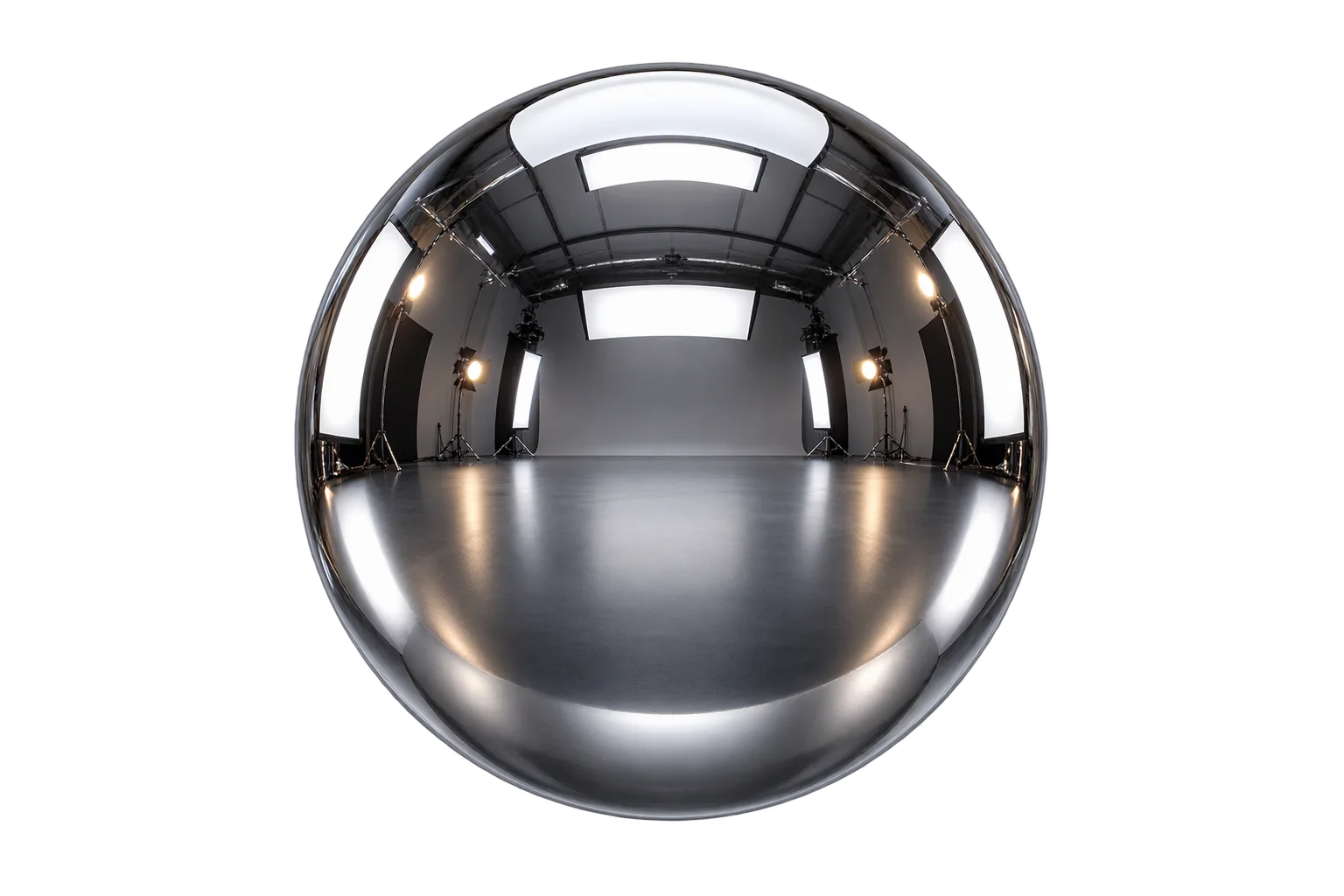
Standard 3D scenes often stack multiple bright point or directional lights to make a product visible. That approach creates blown-out white hotspots on glossy plastics, flattens brushed metals, and shifts paint or textile hues away from physical swatches, driving buyer hesitation and color-mismatch returns on Shopify and headless storefronts.
For most ecommerce configurators, Aircada uses zero scene lights and relies purely on pre-filtered HDR environment maps paired with Neutral tone mapping. Shoppers orbit 360 degrees under balanced wrap-around reflections while brand-critical finishes stay faithful to physical production samples.
Global HDR inheritance with per-object overrides
A single global HDR environment map lights the entire scene by default, so every part inherits consistent reflections, intensity (0 to 5), horizontal rotation (0 to 360 degrees), and tilt (-180 to 180 degrees) from one Studio setting. Uploading bespoke studio light domes in Radiance HDR (.hdr) or OpenEXR (.exr) format automatically standardizes and downscales large 4K captures to web-friendly dimensions with clean floating-point range.
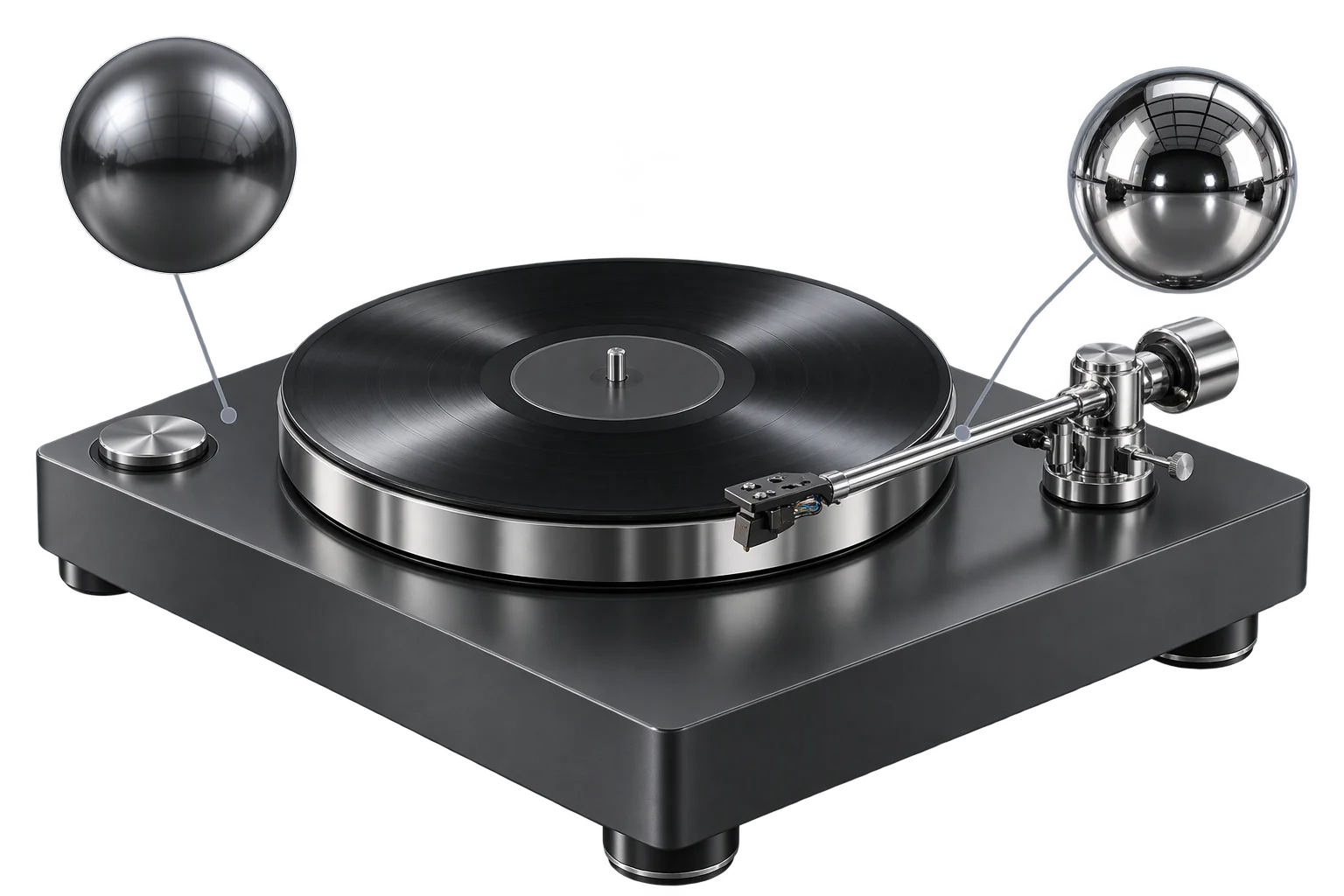
When a single hero component needs sharper contrast, such as a polished chrome tonearm, brushed bezel, or domed glass dial, Studio lets you override the global map on that exact part with its own HDR texture, intensity (0 to 2), and custom rotation angle.
Global HDR map with per-object reflection overrides
Every mesh inherits the global scene HDR environment map, rotation, and tilt automatically so changing studio mood takes a single swap. Whenever polished chrome, watch bezels, or glass lenses need specialized strip-light reflections, override just that part without disturbing surrounding matte materials.
HDR plus Neutral tone mapping beats direct spotlights
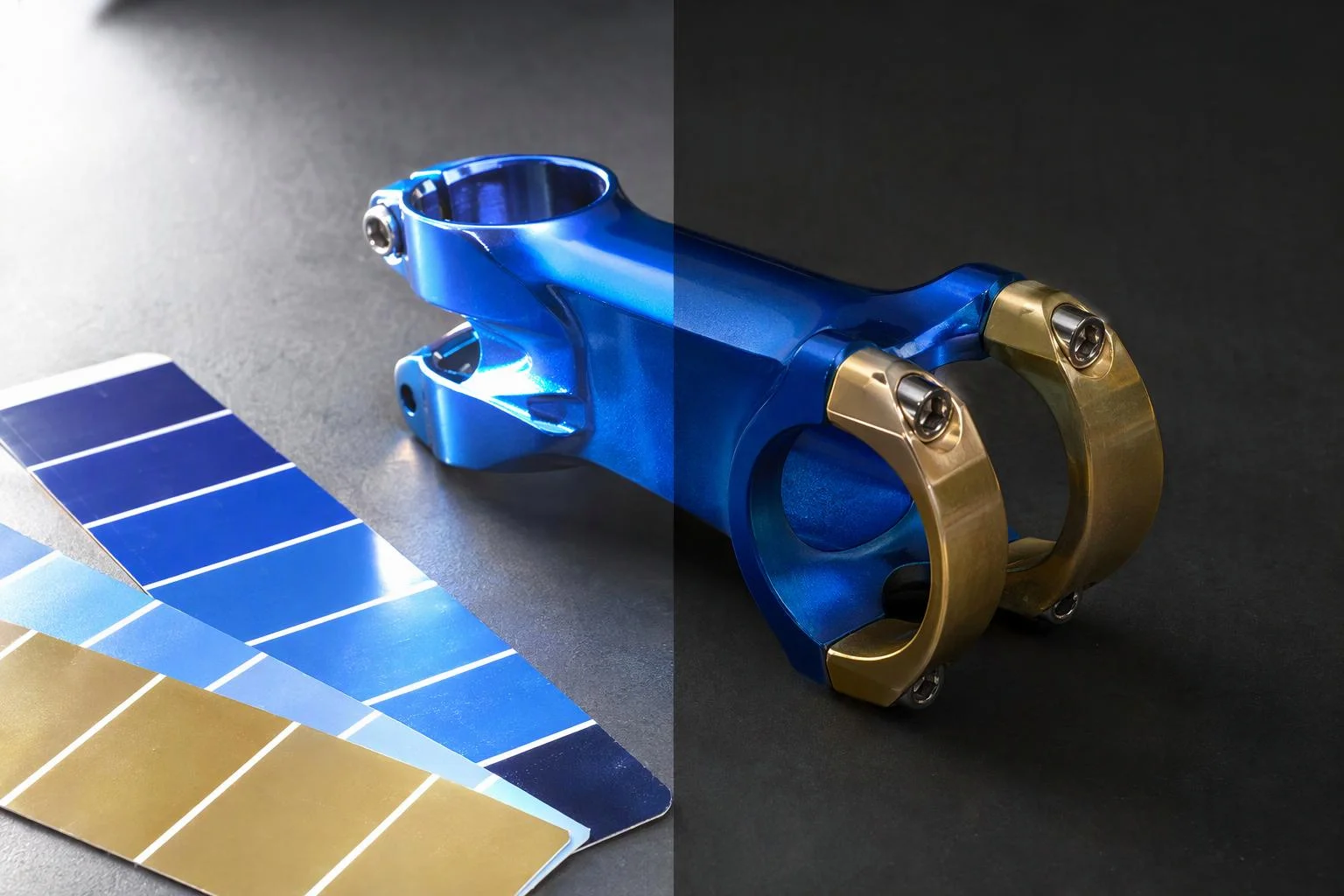
Running zero direct lights with a calibrated HDR environment map and Neutral tone mapping prevents clipped white glare and preserves accurate brand hues across anodized metals, paints, and textiles. Add softbox Rect Area Lights or shadow-casting spots only where specific highlights or architectural depth are needed.
Five studio light types when scenes need directional accents
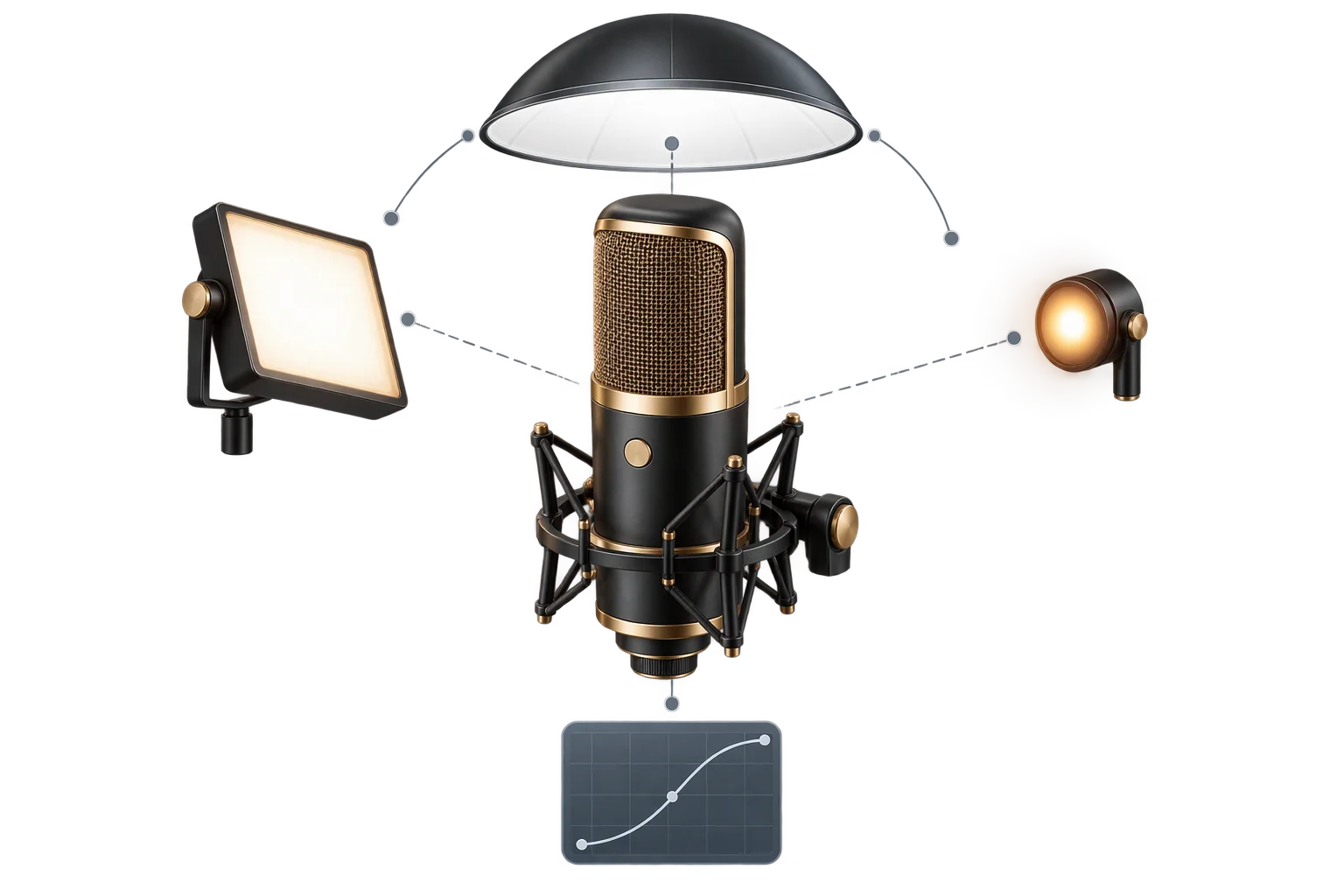
While HDR-only setups cover most product configurators, architectural scenes, backlit hardware, and dramatic hero renders sometimes need physical light sources. Aircada supports Point, Directional, Spotlight, Rect Area Light, and Ambient lights with intensity from 0.01 to 25, color pickers, physical decay (0 to 10) and distance (0 to 1000) falloff, and shadow casting on Point, Directional, and Spot lights.
Rect Area Lights replicate physical photography softboxes with resizable plane width and height across flat or curved metal panels, while Spotlights provide focused beam width and feathering without breaking HDR ambient fill.
| Category | Supported Options & Ranges | Best Use Case |
|---|---|---|
| Tone Mapping & Exposure | Neutral (default), AgX, ACES Filmic, Reinhard, Cineon, Linear, None; Exposure 0 to 2 | Neutral for true-to-life ecommerce color accuracy; AgX or ACES Filmic for dramatic hero contrast |
| Global & Per-Object HDR | Global intensity 0 to 5, Y rotation 0 to 360 deg, X tilt -180 to 180 deg, flip X/Y; per-part HDR & rotation overrides (intensity 0 to 2) | Primary wrap-around studio lighting for 90%+ of product configurators with zero scene lights |
| HDR / EXR Pipeline | Ingests Radiance .hdr, OpenEXR .exr (32-bit float RGBA/RGB), and UltraHDR .hdr.jpg; auto-downscales to 1024px web width | Brings physical photography studio domes straight into mobile-ready PMREM reflections without manual conversion |
| Studio Light Units | Point, Directional, Spotlight (angle & feather 0 to 1), Rect Area Light (resizable softbox), Ambient; Intensity 0.01 to 25 | Softbox panel reflections (Rect Area), cast shadows (512 to 1024px maps on Point/Directional/Spot), or interior accents |
Seven tone mapping curves and exposure calibration
Raw high-dynamic-range lighting exceeds what standard monitors and phone screens can display, so a tone mapping curve compresses bright highlights into displayable color space. Aircada supports all seven standard tone mapping modes alongside a live exposure slider from 0 to 2.
Neutral tone mapping is the default for ecommerce configurators because it avoids the contrast boost and hue drift introduced by cinema curves like ACES Filmic, keeping brand-critical Pantone paints, anodized metals, and upholstery fabrics accurate from product page to checkout.
Responsibility Tiers
- 1 Native Aircada layer
- 1 Aircada Configuration layer
- 1 Custom Implementation layer
- 1 External layer
Responsibility Boundaries Across Studio Lighting
How native HDR pre-filtering, Studio light rigs, and brand color targets divide responsibility.
HDR/EXR ingestion, PMREM pre-filtering, per-object overrides & 7 tone mappers
- Native Aircada
- Standardized .hdr/.exr processing, real-time HDR environment pre-filtering, global inheritance with per-part overrides, 5 light types with shadow casting, and exposure-calibrated tone mapping.
Global HDR selection, per-part overrides, lights & exposure
- Aircada Configuration
- Studio selection of HDR maps, rotation, tilt, intensity, Neutral vs. AgX/ACES tone mapping, exposure (0 to 2), and optional Rect Area or Spotlight accents.
Animated lighting cues or interactive light rigs
- Custom Implementation
- Optional scripted light intensity transitions, enclosure-open illumination triggers, or customer-selectable lighting moods tied to configurator states.
Custom HDR captures & brand color reference targets
- External
- Bespoke studio HDR/EXR dome captures and physical Pantone or material swatch references for visual sign-off.
Frequently Asked Questions
What is the best lighting setup for accurate product colors in Aircada?
Can one part of a 3D product use a different HDR map than the rest of the scene?
Which tone mapping modes, HDR formats, and light types does Aircada support?
When should a scene use Rect Area Lights or Spotlights alongside HDR?
Pair true-color HDR lighting with studio post-processing
Combine Neutral HDR lighting with progressive rest supersampling and subtle specular bloom for crisp, color-accurate configurators on desktop and mobile.
Related capabilities
Explore the adjacent capabilities and integrations that pair with this workflow.
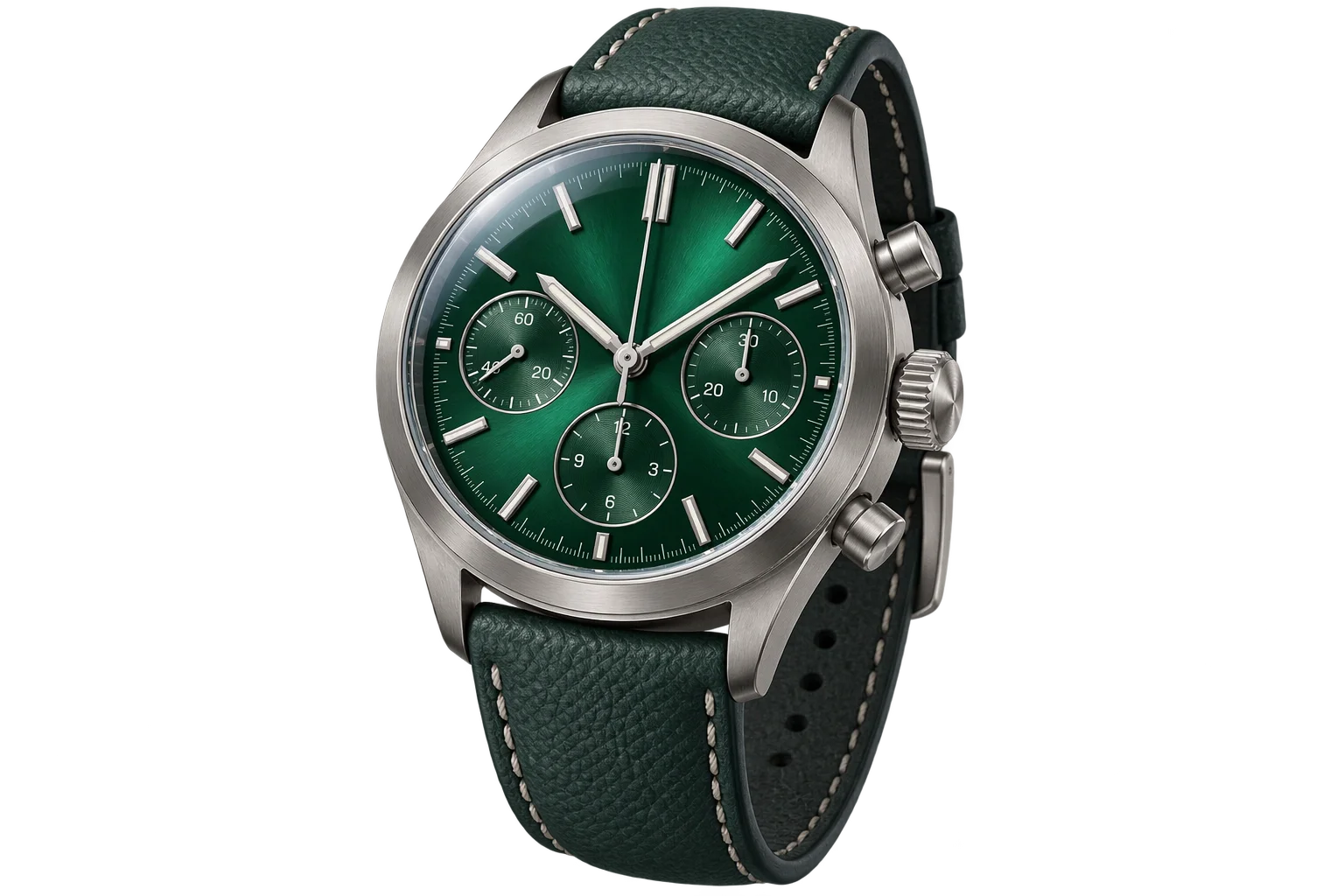
Instant PBR wood, metal, and fabric swatch swaps
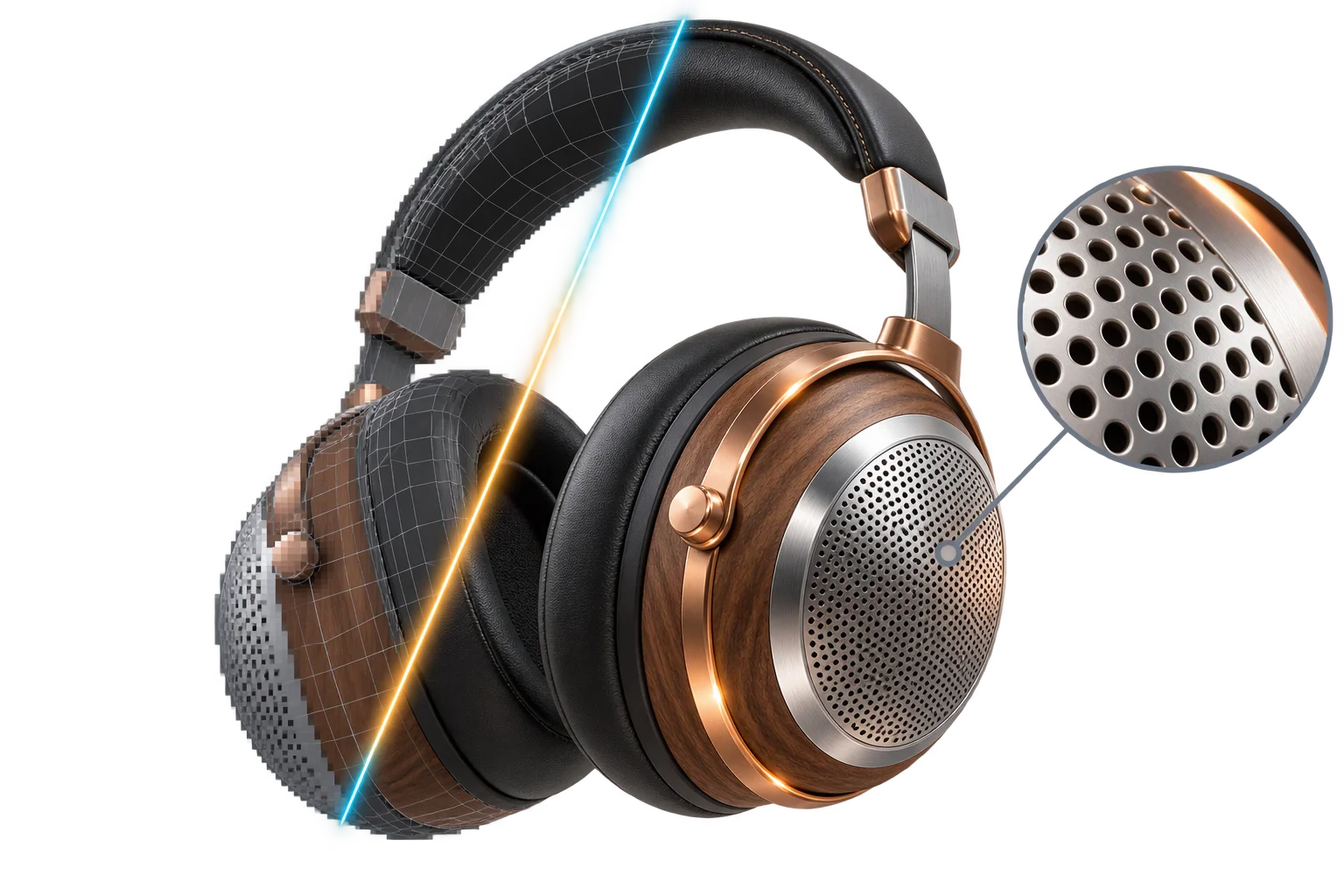
Crisp anti-aliased metallic edges and studio polish
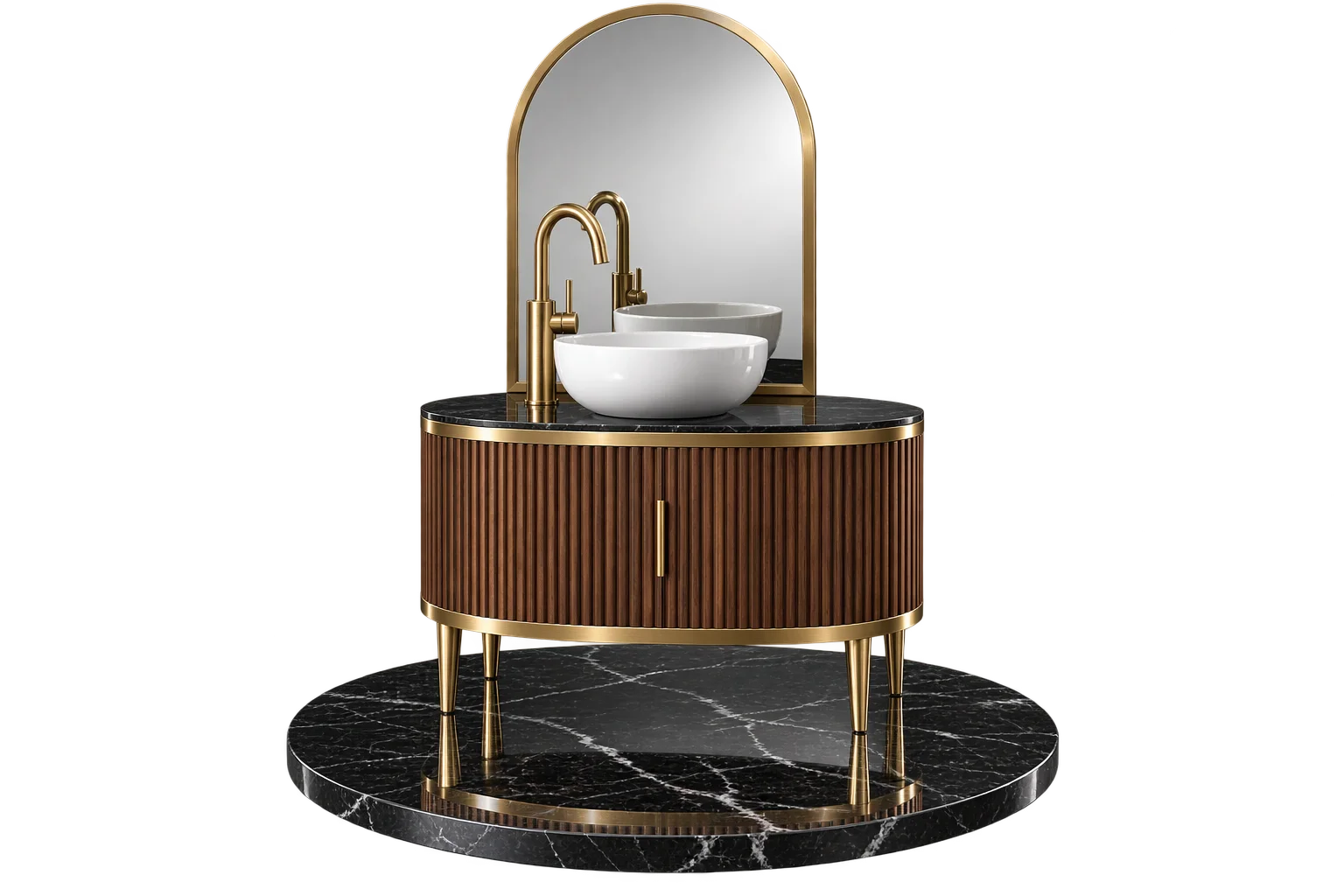
True-to-life 3D mirrors, chrome, and floor reflections