Live video playback on 3D screens and displays
Displaying live video on a 3D product screen often stalls on mobile browsers due to strict HTML5 autoplay blocks and heavy CPU frame copying. Aircada streams MP4 and WebM video onto curved or planar 3D meshes using hardware-accelerated WebCodecs decoding with automatic inline muted fallback, PBR emissive lighting, and deterministic GPU frame cleanup.
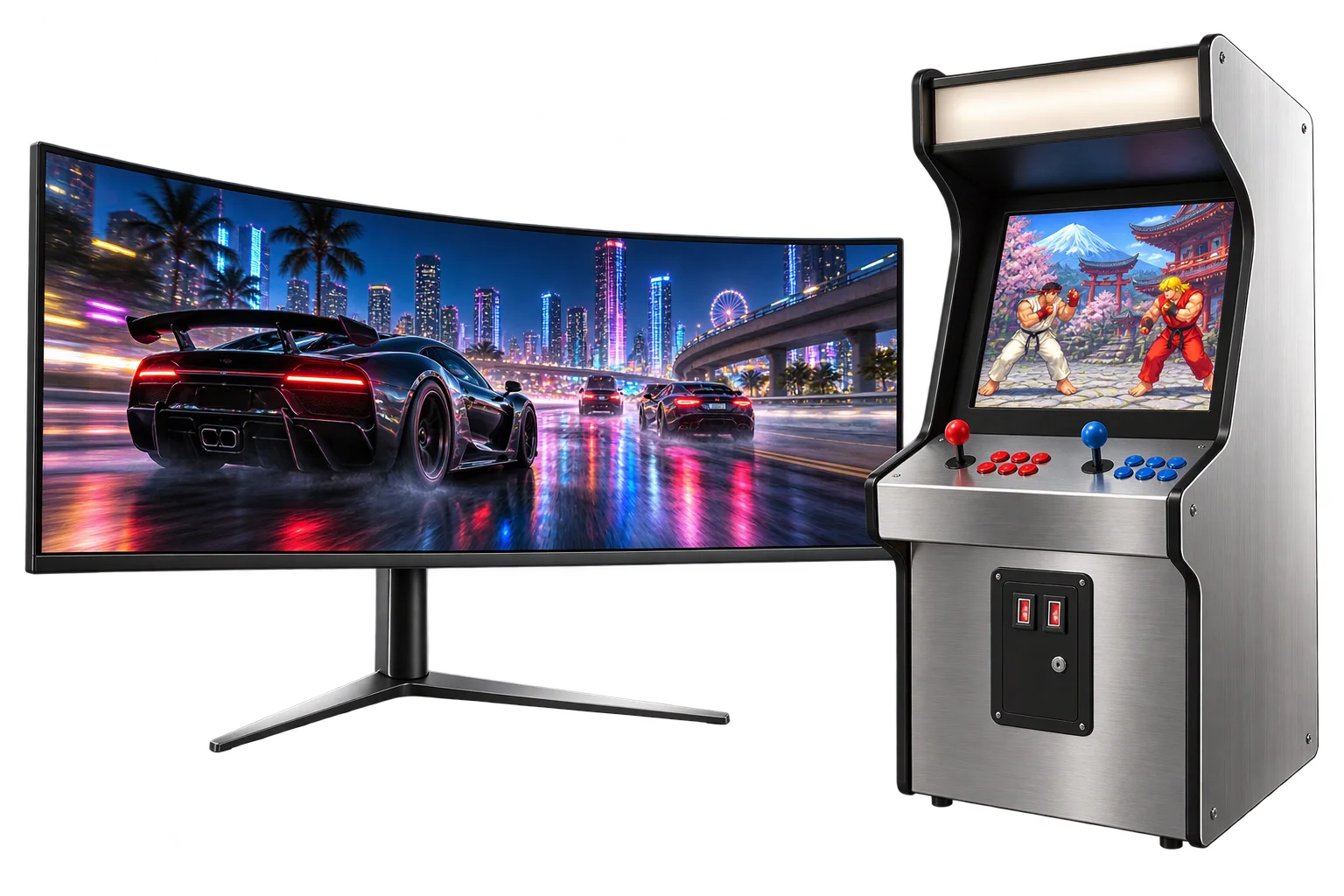
Overcoming mobile autoplay blocks on 3D display surfaces
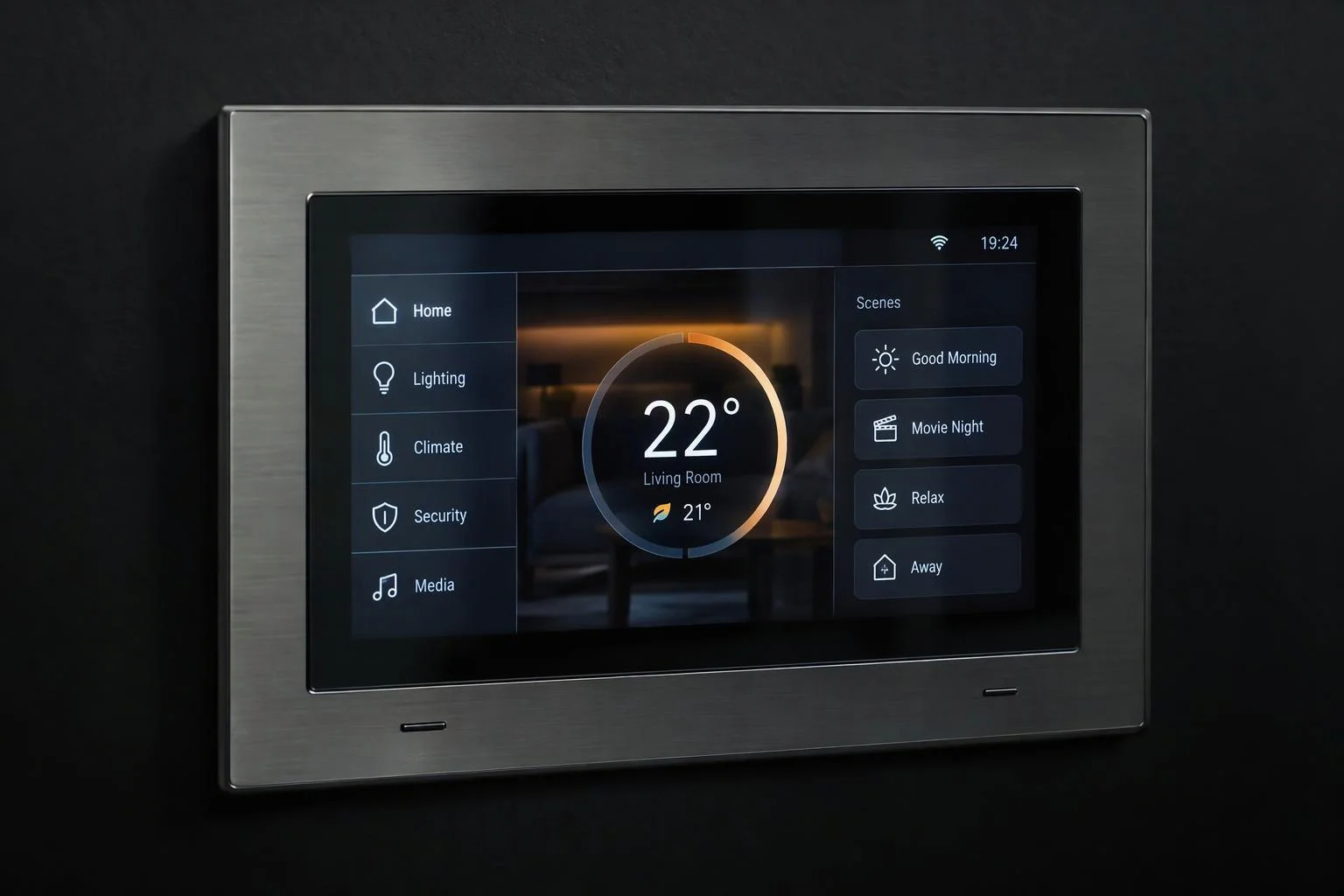
When selling custom arcade machines, home theater consoles, medical monitors, connected fitness equipment, or trade-show LED booths, a static screenshot on the display makes the product feel dead. Yet dropping a standard HTML5 video texture into a 3D scene introduces two immediate failures: mobile browsers block un-muted or non-inline video elements, leaving screens black on iPhones, and copying high-resolution frames through the CPU stalls camera orbit smoothness.
Aircada solves both bottlenecks with a dual-path hardware-decoded GPU video pipeline. On browsers supporting WebCodecs, an integrated streaming MP4 demuxer decodes H.264, HEVC, VP8/VP9, or AV1 samples directly into GPU video frames without triggering HTML5 video element autoplay blocks; on browsers without WebCodecs, Aircada falls back automatically to an inline muted video stream with tab-focus resume recovery. Video feeds bind cleanly to base color, emissive, alpha, or roughness material channels, while selected display sizes, bezel finishes, and console options sync directly with live pricing and structured Shopify or headless checkout orders.
How Aircada keeps 3D video smooth and reliable on every device
VIDEO STREAMING ARCHITECTURE
WebCodecs decoding with automatic inline muted fallback
On supported browsers, hardware WebCodecs decoding streams frames straight to the GPU without relying on HTML5 media element autoplay gates. Where WebCodecs is unavailable, Aircada switches automatically to an inline, muted, CORS-safe video element that resumes cleanly whenever a shopper returns to the browser tab.
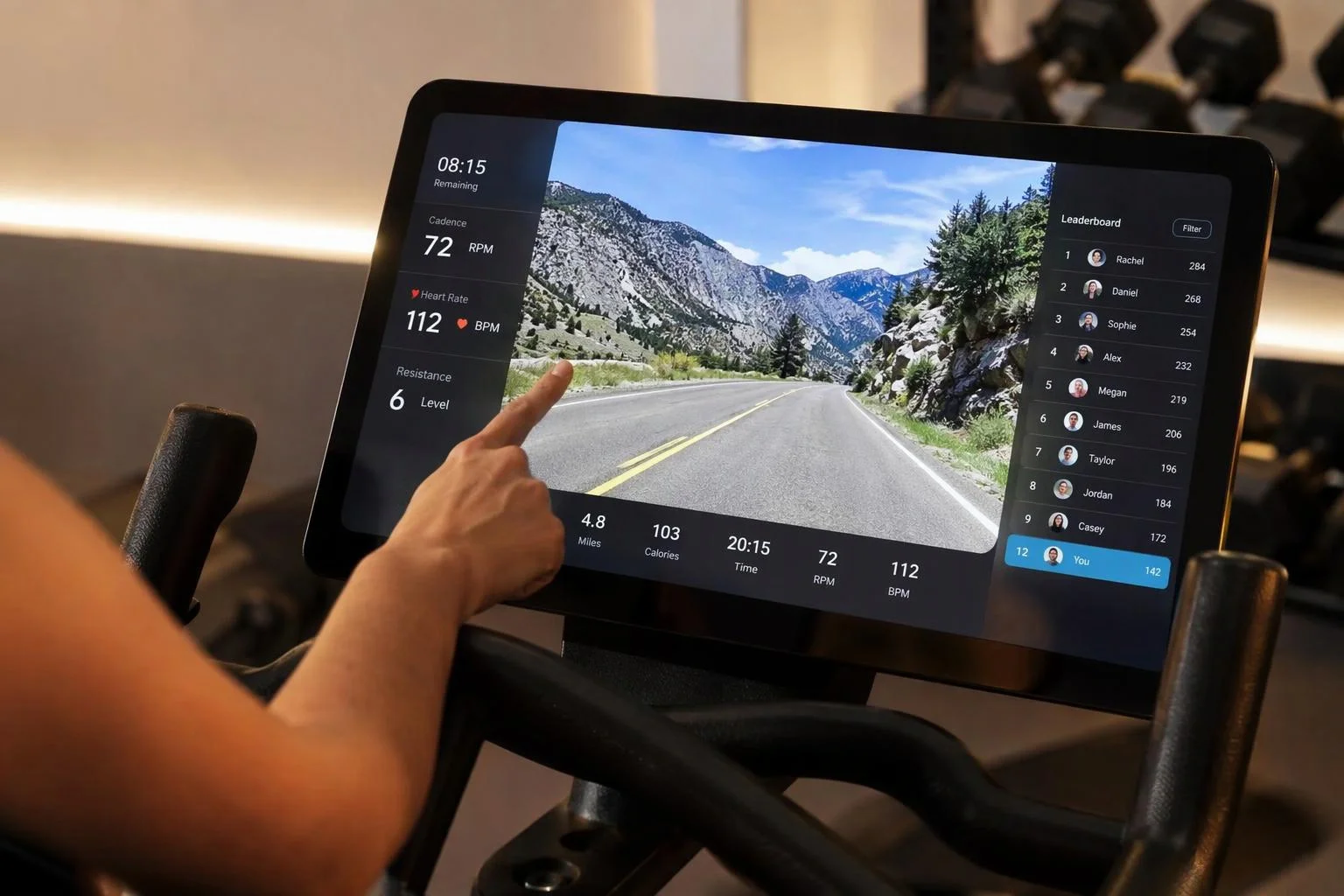
Self-illuminated emissive OLED and LED wall shading
Binding a video solely to a material's base color slot leaves screens looking dim whenever the product rotates away from studio key lights. Aircada links live video textures across Base Color and Emissive PBR channels so displays glow naturally behind protective clearcoat or refractive glass bezels.
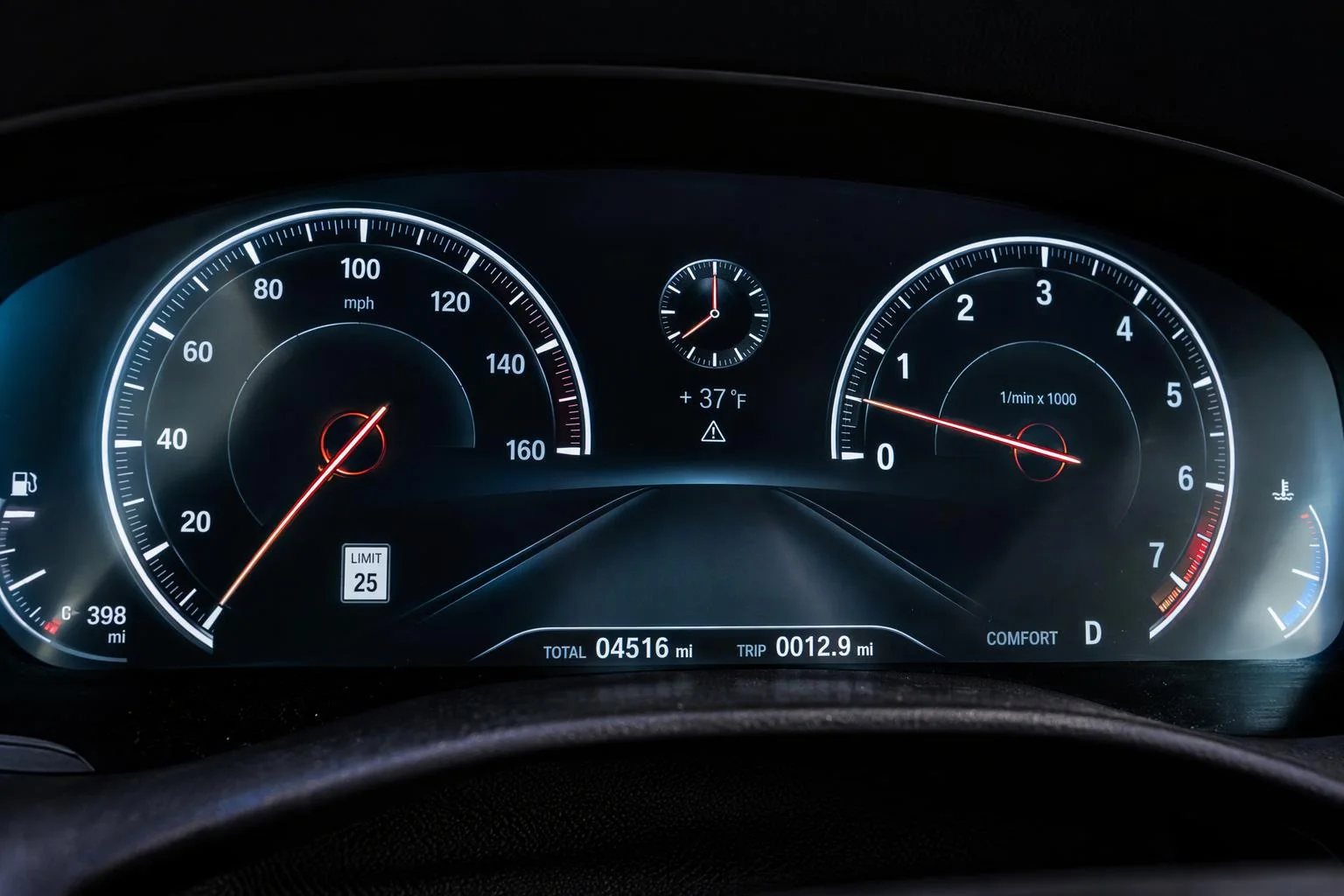
Streaming MP4 demuxing and zero-leak frame cleanup
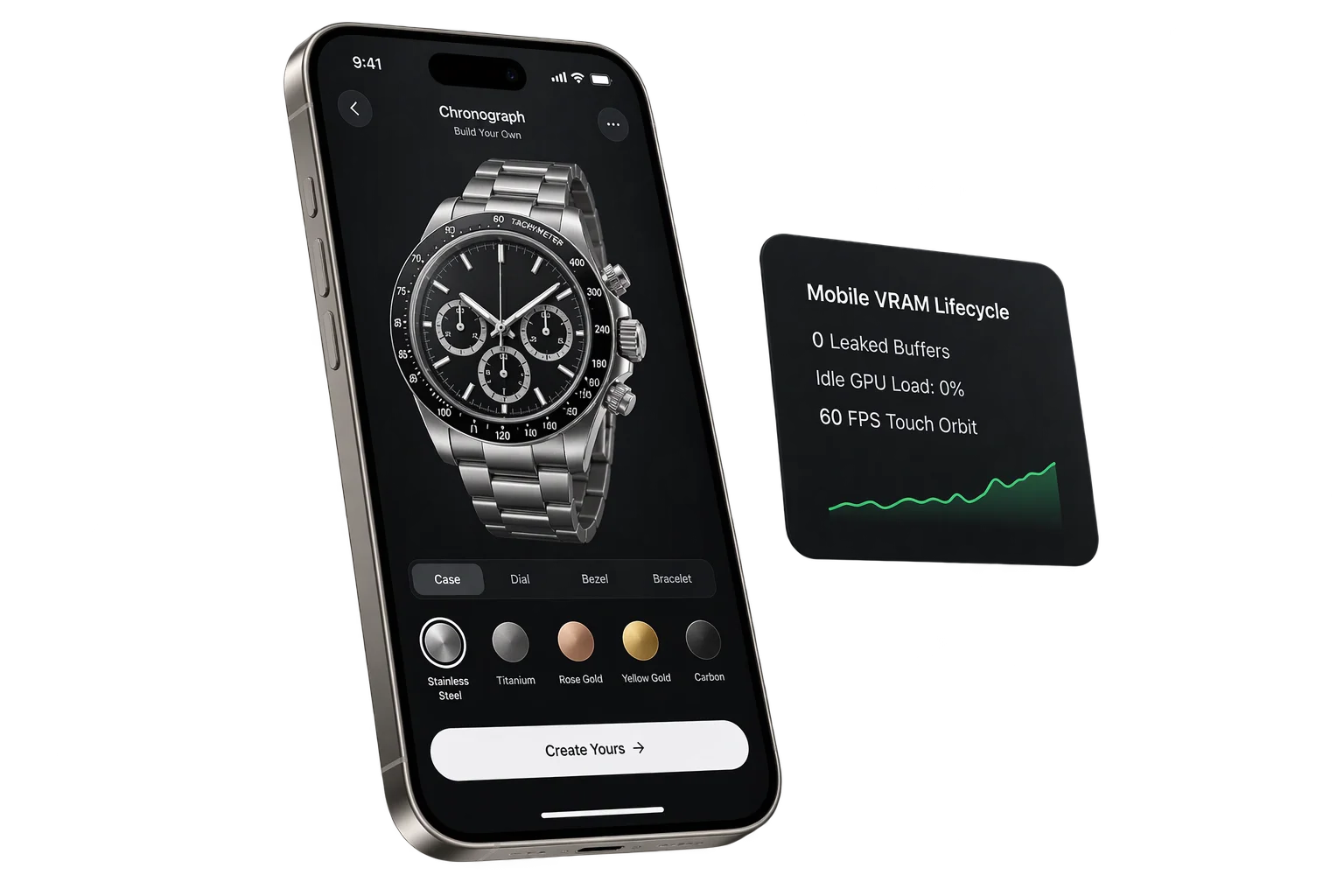
Aircada streams MP4 chunks through an ISO Base Media File Format demuxer into the browser's hardware video decoder, selecting timestamp-matched frames on each tick. Every replaced frame closes immediately after display, paused streams unregister from the render loop, and unmounting closes the decoder and frees GPU texture memory.
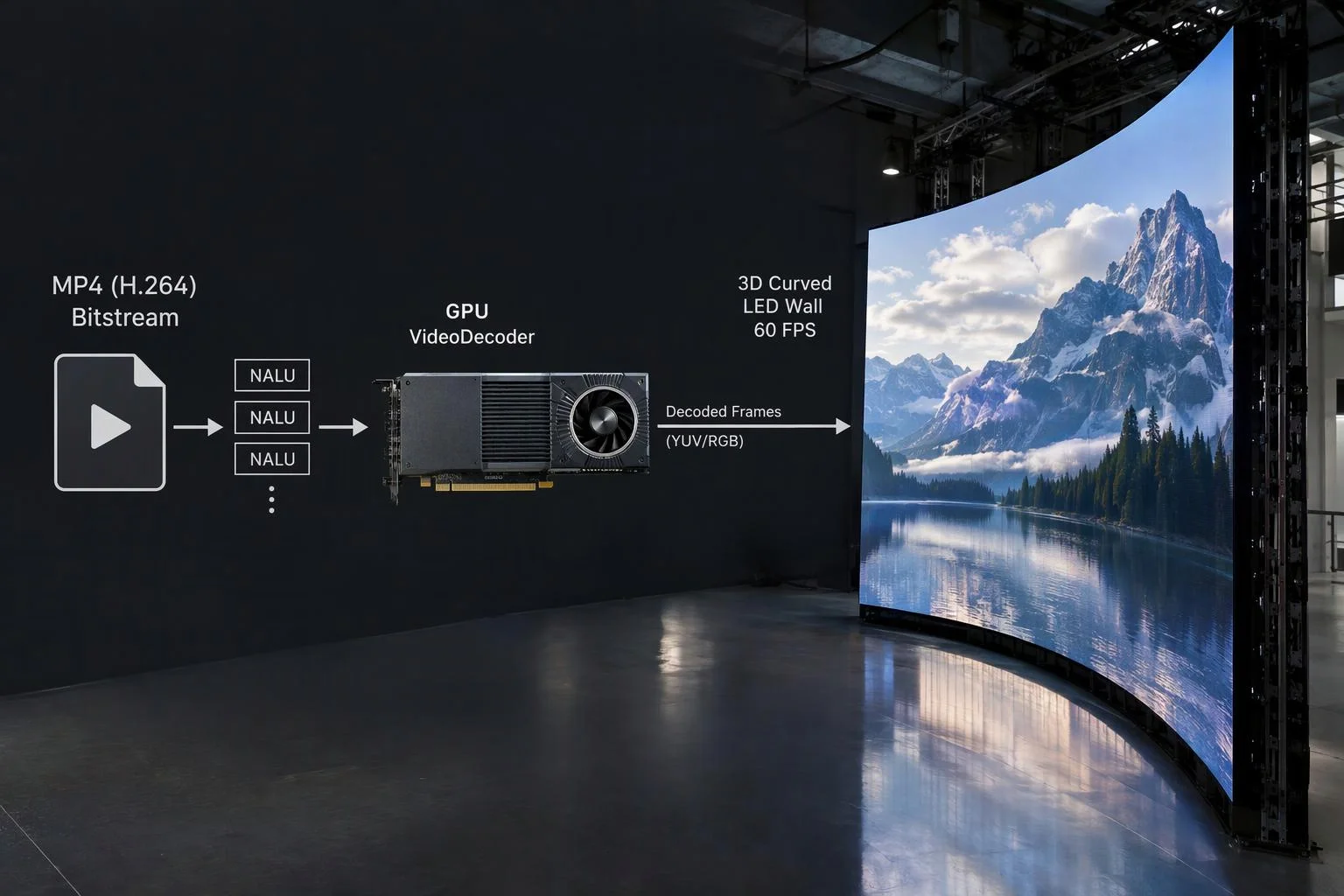
Flexible playback controls and self-illuminated screen realism
STUDIO VIDEO CAPABILITIES
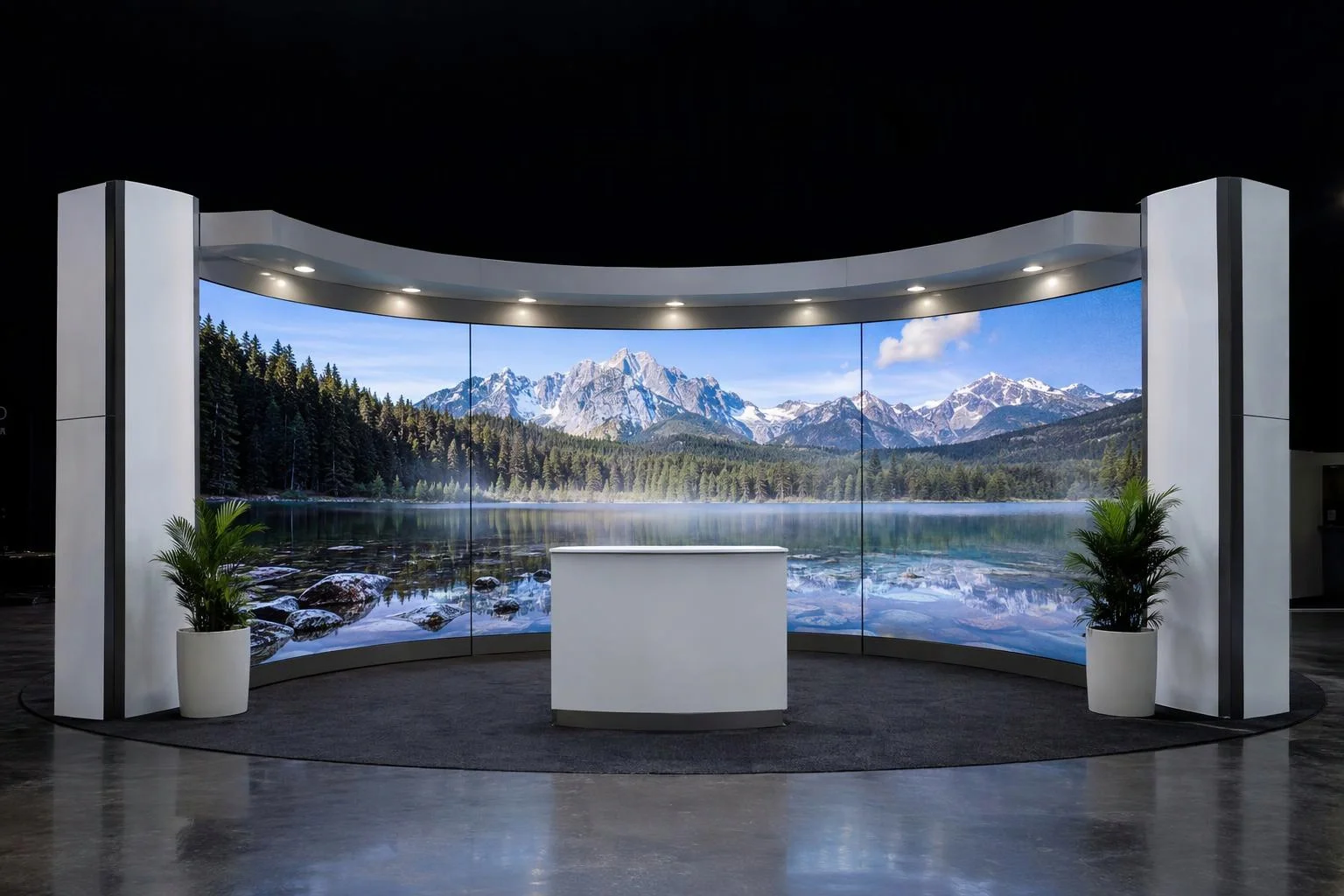
Independent UV tiling, offset, and wrapping
Scale, shift, or tile video streams across multi-panel LED video walls or vertical digital kiosks directly from the material inspector without re-exporting video files.
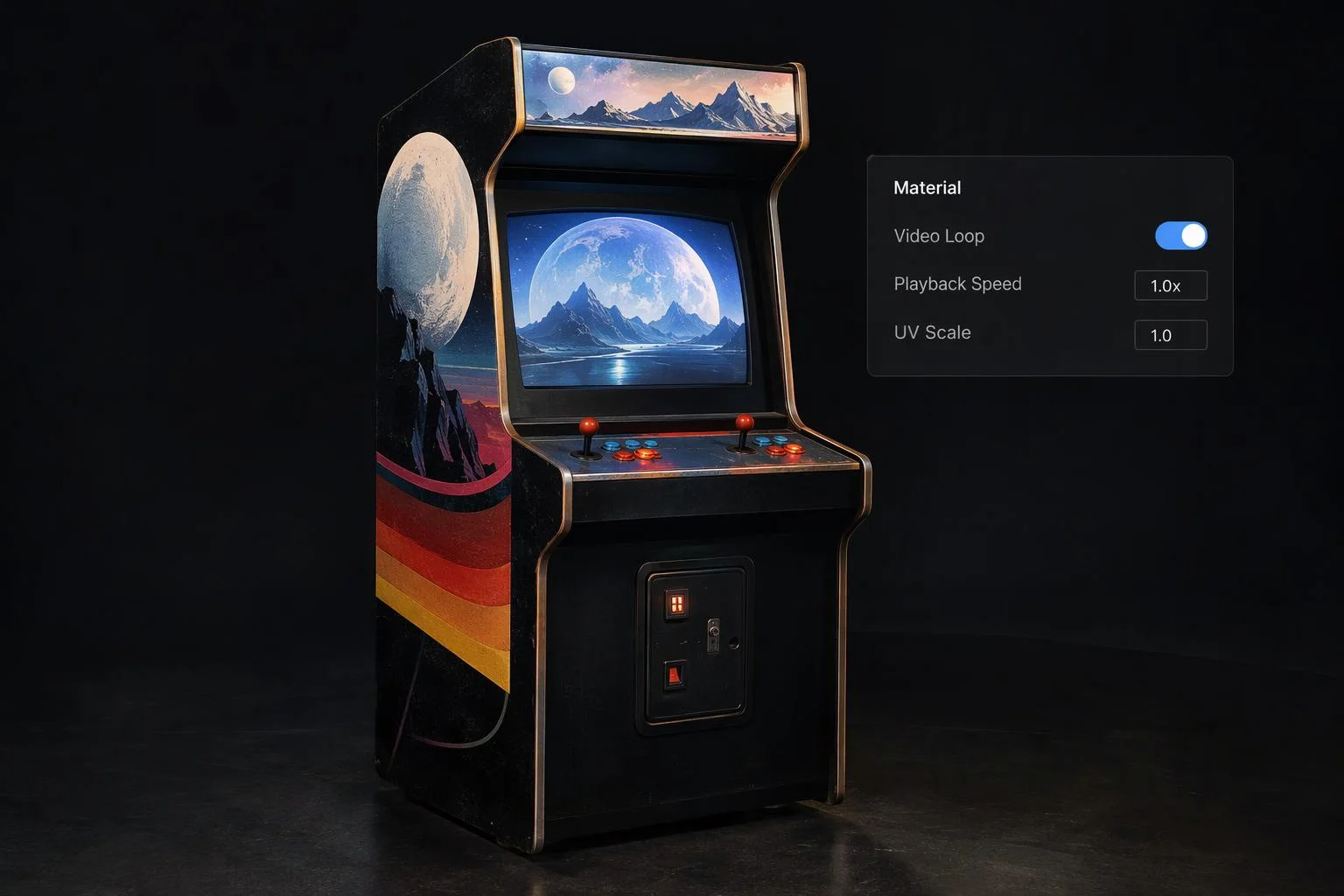
Playback speed, looping, and option triggers
Adjust playback speed multipliers, toggle continuous looping, or swap active video feeds dynamically when a shopper picks a different software tier, screen theme, or console model.
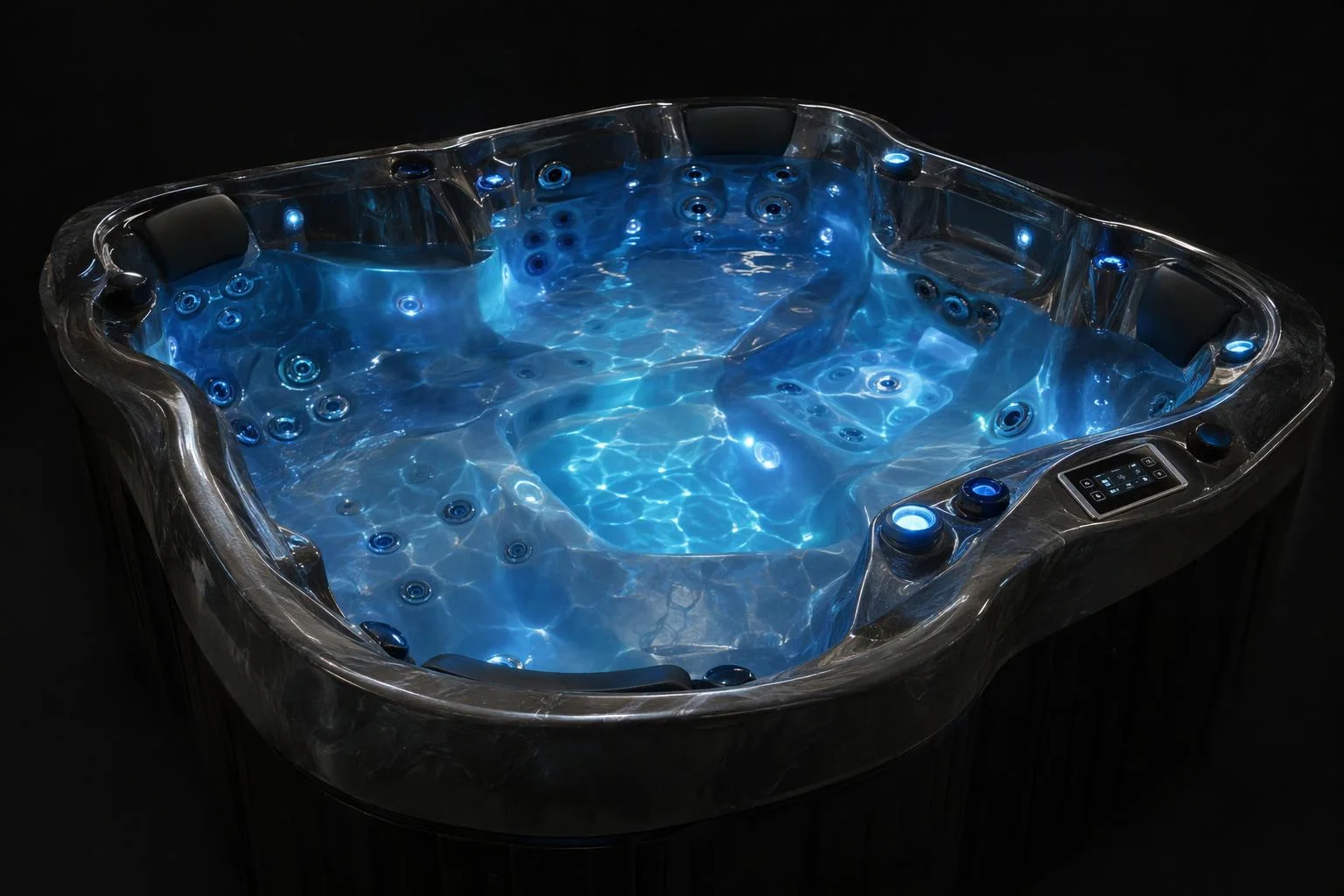
Animated roughness, alpha, and emissive effects
Video textures are not limited to monitors. Drive animated neon signage sequences, glowing LED strip chases, or dynamic roughness masks using looping video assets.
From standard MP4 loop to live 3D emissive screen
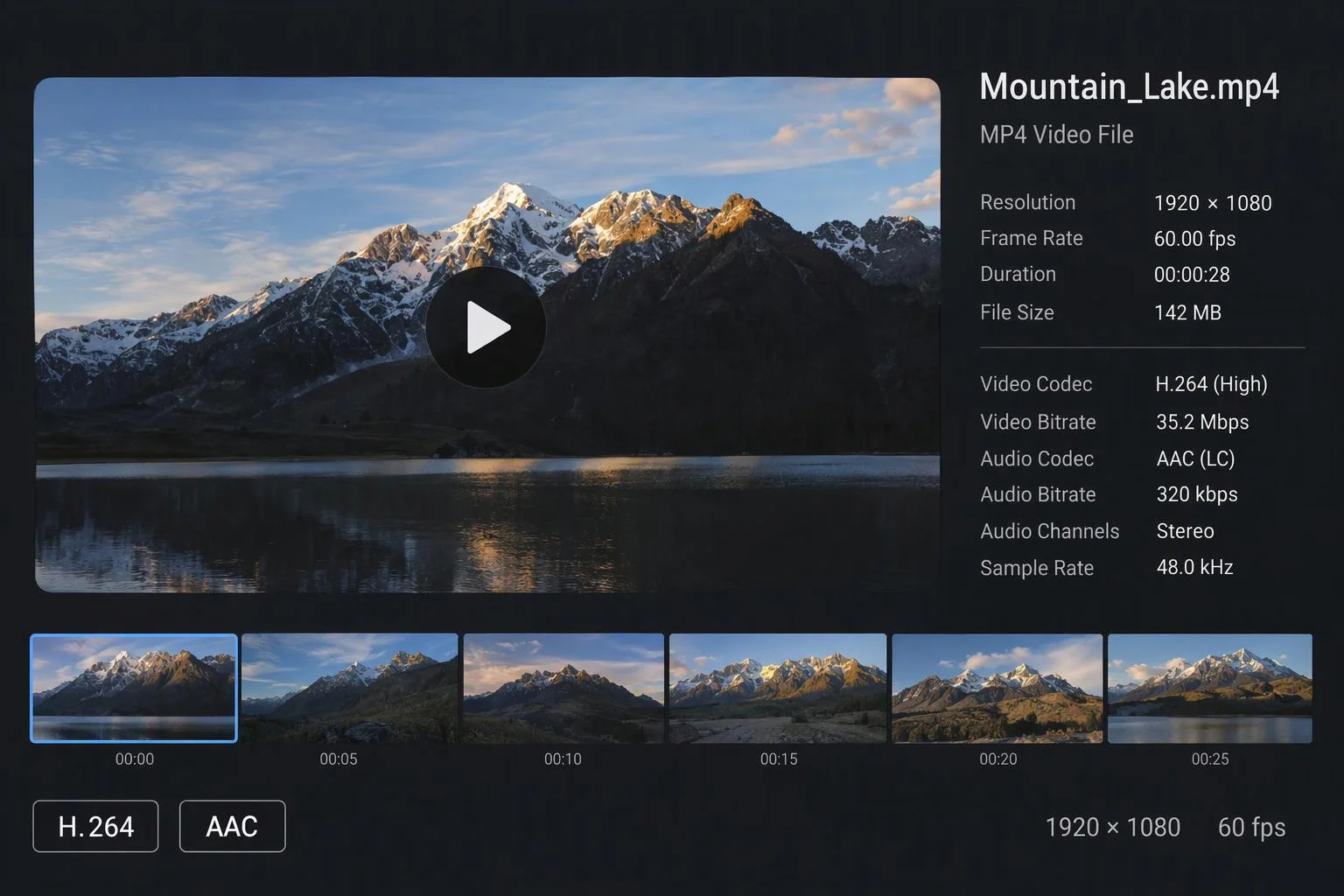
Source MP4 / WebM Video Asset
Live 3D GPU Screen Surface
.mp4 (H.264 / HEVC / VP8 / VP9 / AV1), .webm, and .ogg
720p (1280x720) to 1080p (1920x1080) at 30 or 60 FPS
WebCodecs GPU VideoFrame pipeline with inline muted HTML5 fallback
Simultaneous Base Color, Emissive, Alpha, or Roughness channel binding
Configurable playback rate, continuous looping, play/pause/stop, and tab-focus resume
Immediate per-frame GPU release, idle loop unregister, and full decoder disposal on unmount
Responsibility Tiers
- 1 Native Aircada layer
- 1 Aircada Configuration layer
- 1 Custom Implementation layer
- 1 External layer
Responsibility Boundaries for 3D Video Textures
How Aircada's video streaming engine, Studio material inspector, and source video files divide responsibilities.
WebCodecs MP4 demuxing, inline muted fallback, focus recovery & GPU disposal
- Native Aircada
- Hardware-accelerated GPU video frame streaming, automatic fallback to inline muted playback, timestamp-matched frame updates, immediate superseded-frame release, and full decoder cleanup on unmount.
Material channel binding (Base Color + Emissive), UV transform & playback rate
- Aircada Configuration
- Configured in Aircada Studio's Material Inspector to control looping, playback speed, emissive intensity, and UV scale/offset.
Option-triggered video feed swapping & interactive play/pause states
- Custom Implementation
- Connecting configurator option buttons to swap screen video sources or pause playback when a device lid or cover closes.
Encoding web-optimized MP4 (H.264) or WebM loop files
- External
- Exporting clean 720p or 1080p video loops with fast-start MP4 headers from Premiere, After Effects, or FFmpeg.
Frequently Asked Questions
Will a video texture play reliably on iPhones and iPads?
Does streaming a video onto a 3D mesh slow down the configurator or leak memory?
Can I put a glass protective cover over a 3D video screen?
Can the video change when a customer selects a different product option?
Add showroom mirror reflections to floors and polished surfaces
Complete your studio environment with real-time planar mirror reflections for luxury automotive showrooms, vanity mirrors, and polished stone plinths.
Related capabilities
Explore the adjacent capabilities and integrations that pair with this workflow.

Realistic 3D glass refraction for bottles and gems

True-to-life 3D mirrors, chrome, and floor reflections
Mobile Safari VRAM and 3D memory protection