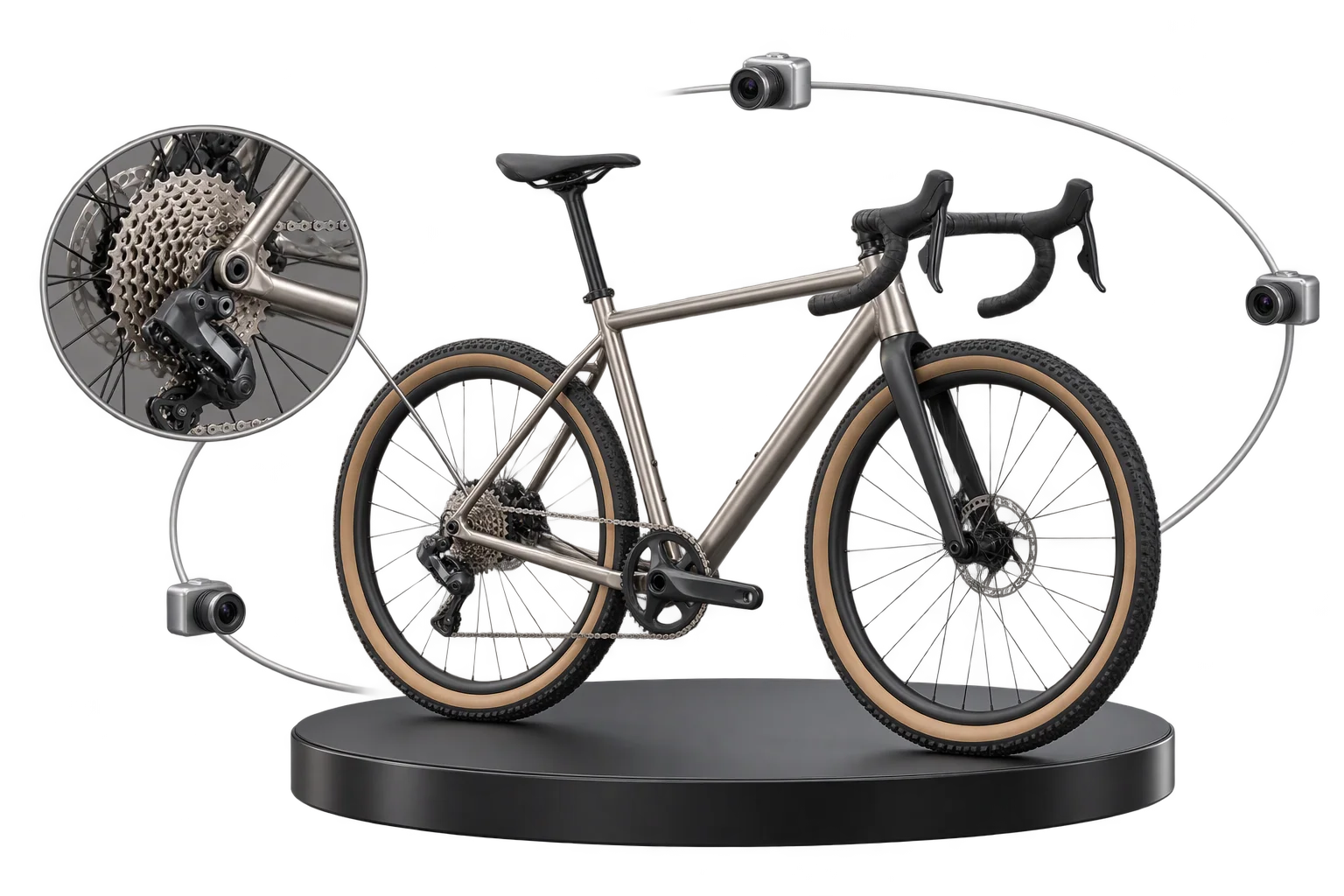
Live 3D cart thumbnails and verified design IDs
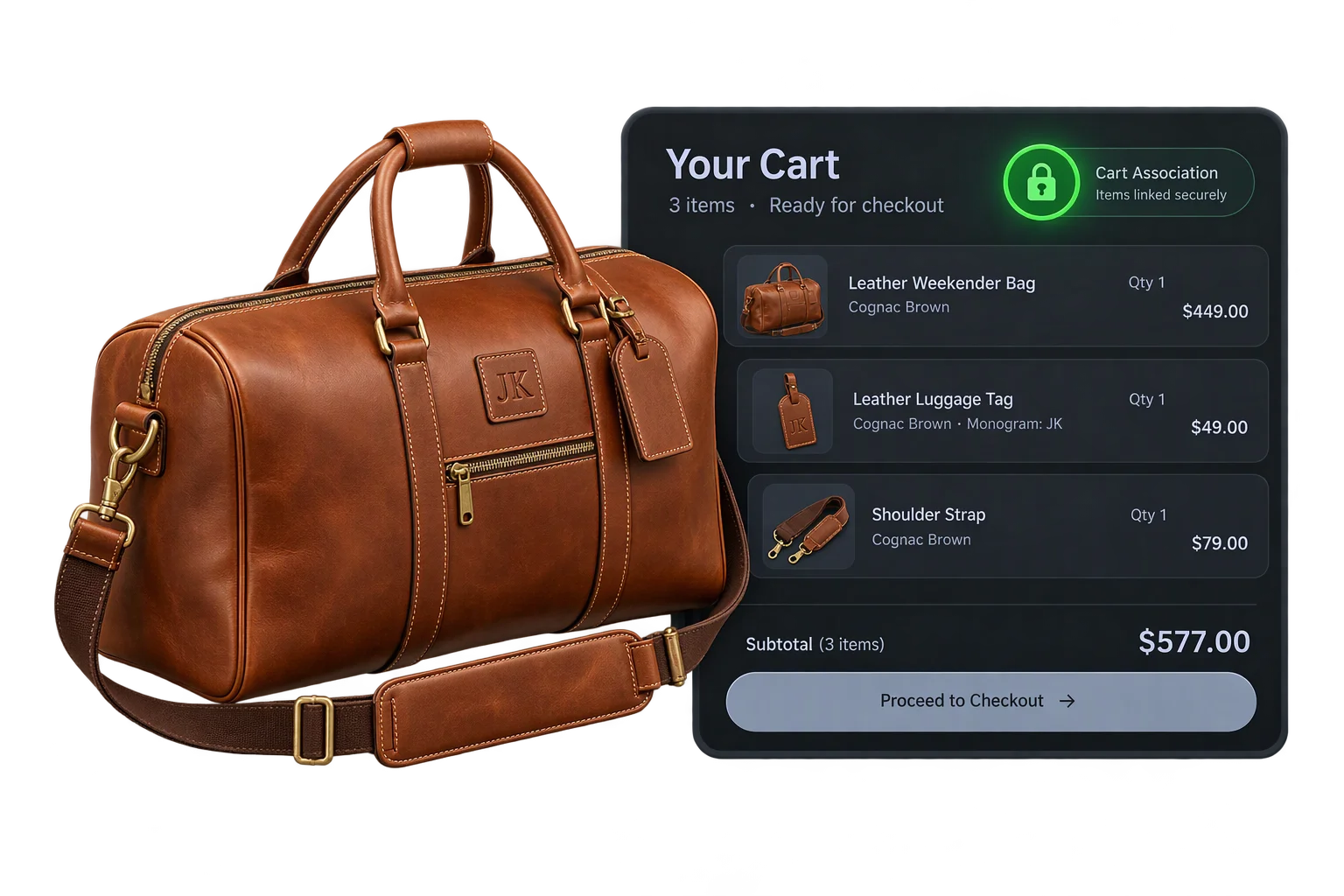
Generic base-product photos in the shopping cart make buyers doubt whether their custom colors, engravings, and parts were recorded. Aircada validates every input, captures a live 3D thumbnail or fixed studio angle, promotes uploaded artwork, and attaches an immutable order snapshot with an 8-character Design ID.
Generic cart placeholders hurt custom checkout conversion
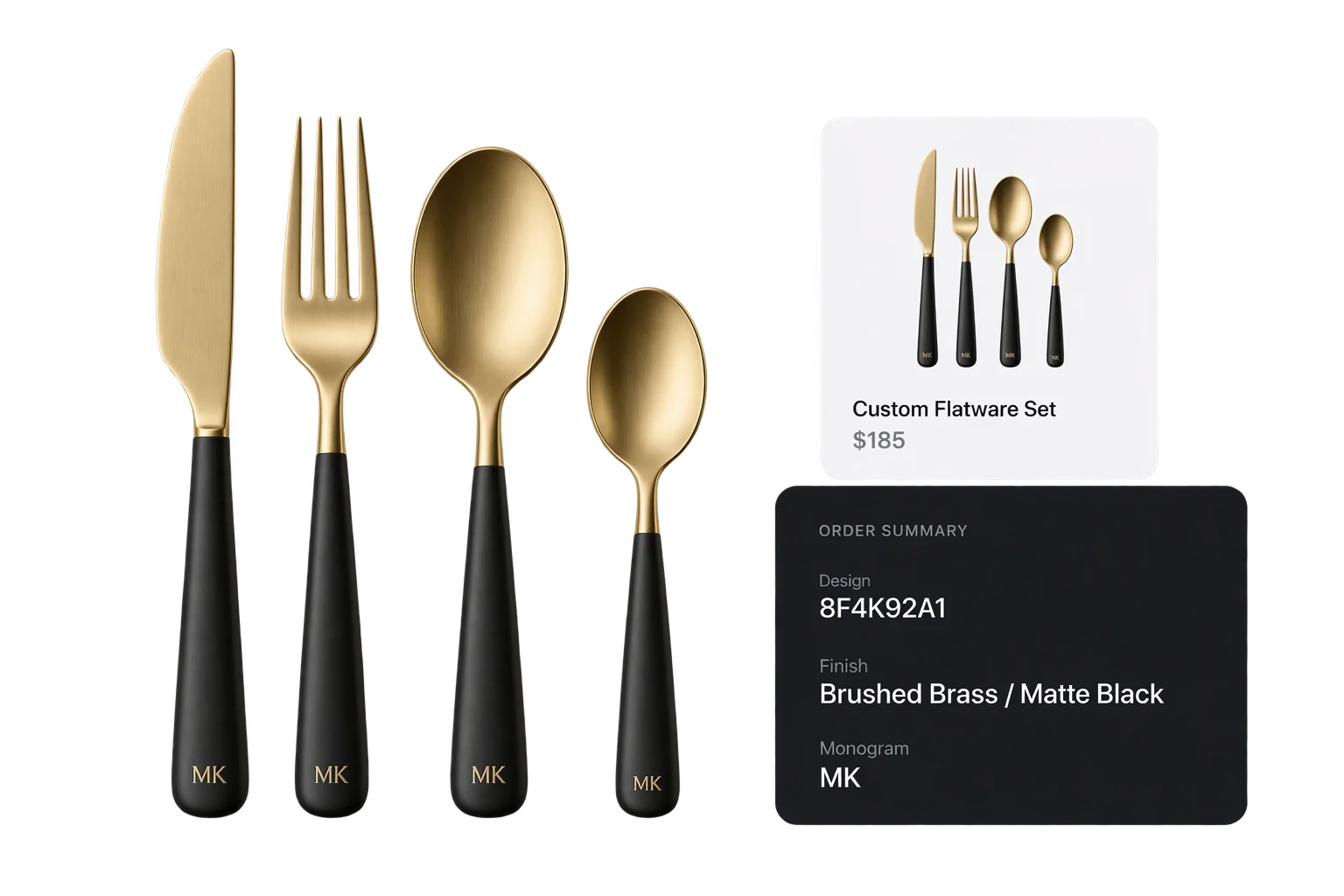
When a customer spends several minutes choosing finishes, engravings, and hardware on a 3D product, seeing a static base-model photo in the shopping cart creates immediate doubt. Buyers wonder whether their selections actually saved, driving cart abandonment and pre-purchase support emails.
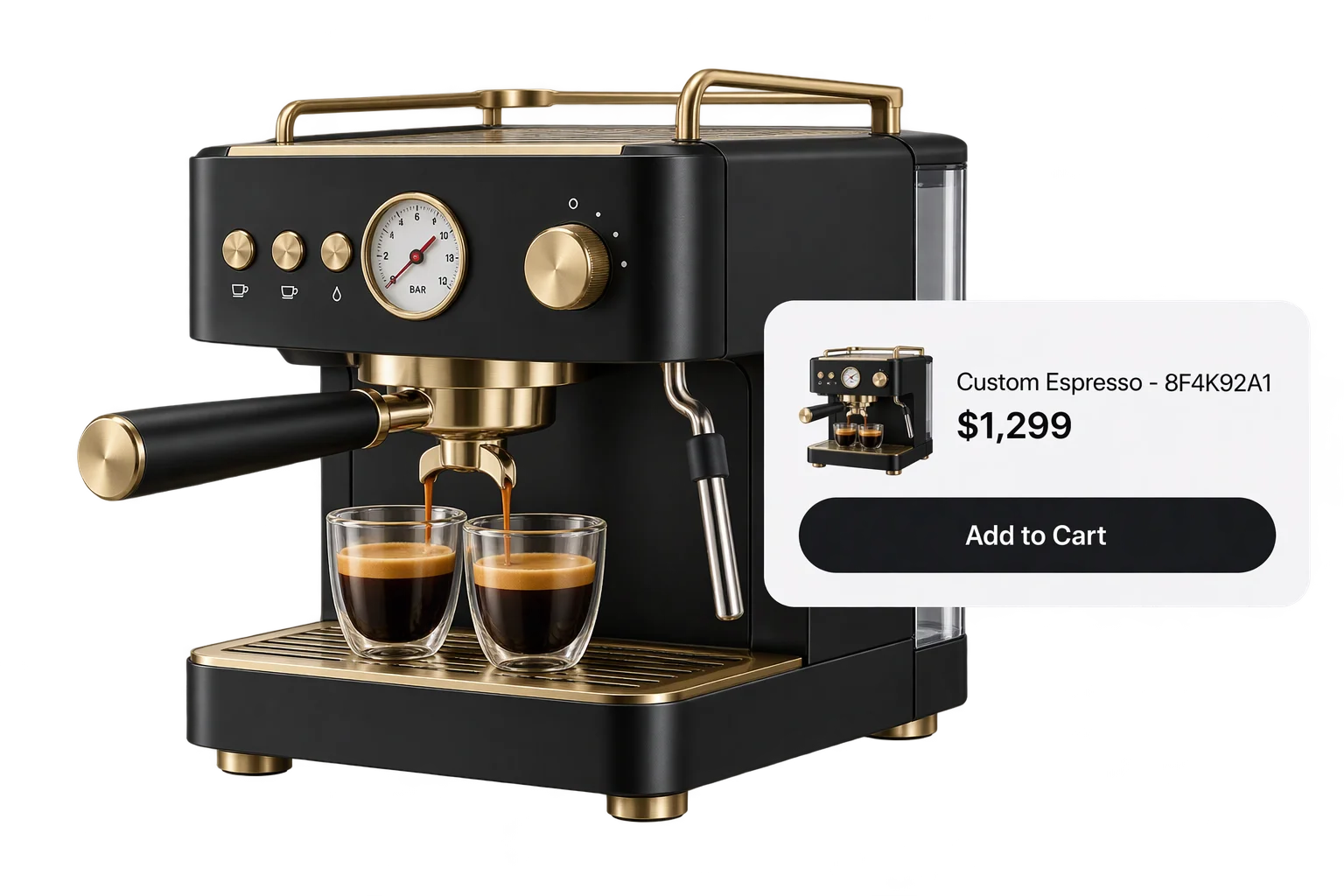
Aircada replaces generic catalog placeholders with a live 3D cart thumbnail and a structured configuration record at the moment of purchase. When the cart drawer opens, the shopper sees their exact customized build alongside clean line-item specifications and a unique 8-character Design ID. In production, Cinch Gaming captures a fixed studio front-angle render and saves each controller build to cloud storage at checkout across 50,000+ custom controller builds added to cart (+191% add-to-cart rate), while Skip's Garage attaches board construction, bag colors, matching or split-board artwork URLs, custom text layers, and a Design ID straight to every Shopify order, saving roughly 30 minutes of manual preparation per configurator order.
How Aircada validates, captures, and dispatches an order snapshot
Every checkout click runs through duplicate-submission locking, option validation, artwork promotion, and structured snapshot compilation before entering the cart.
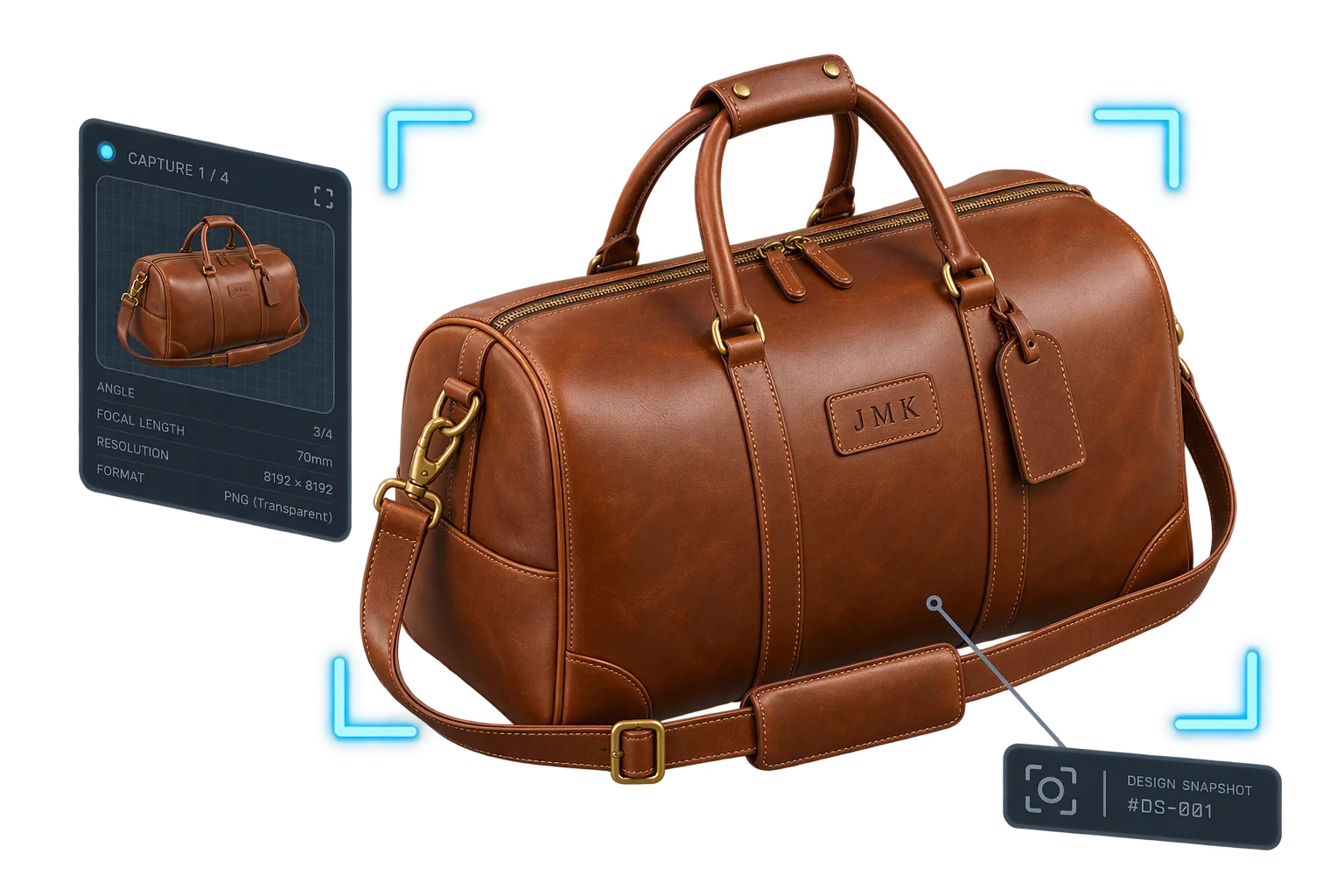
Lock submission and validate every option group
As soon as the shopper clicks Add to Cart, Aircada activates a 30-second duplicate-tap lock, waits for active scene loads to settle, and validates every required input and option block before proceeding.
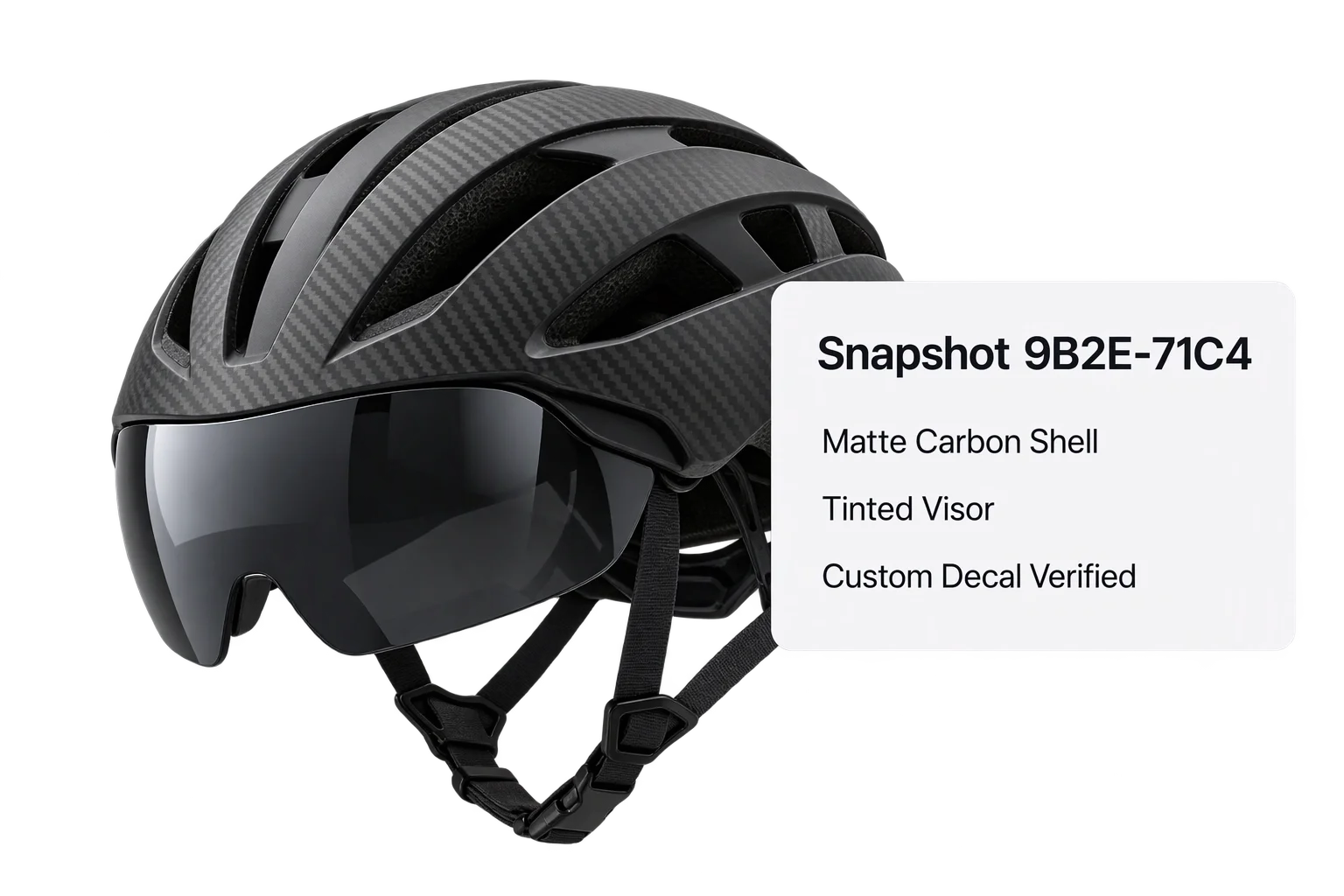
Promote customer uploads and capture the visual proof
Temporary customer uploads such as logos or decals are promoted to permanent private cloud storage, followed by a transparent 512 x 512 px or 1024 x 1024 px WebP render or a dedicated fixed-camera studio preview.
Compile the snapshot and attach clean cart line items
Aircada issues a unique 8-character Design ID, persists the full configuration record with retry protection, filters out empty or redundant variant fields, and attaches readable specs plus the thumbnail URL directly to the cart line item.
Pre-checkout validation and duplicate-order protection
Submitting a custom-configured product requires strict guardrails before the storefront cart request fires. The moment a buyer clicks Add to Cart, Aircada applies a 30-second submission lock so impatient mobile double-taps cannot queue duplicate line items, waits a brief 100 ms settle buffer for any active asset loads to finish, and validates every bound option group. If a required engraving field or option choice is incomplete, checkout halts immediately and flags the exact fields that need attention.
Once validation clears, Aircada scans all option groups for temporary customer-uploaded images or decals and promotes those files into permanent private cloud storage. If any file fails to upload, checkout stops before reaching the cart so production never receives an order with missing artwork. Next, Aircada captures the visual cart proof (deduplicating any overlapping requests inside a 2-second window): by default it renders a transparent 512 x 512 px WebP thumbnail at 0.8 quality for staged Shopify uploads or a 1024 x 1024 px WebP at 0.82 quality for generic headless endpoints. If your brand requires a uniform hero angle regardless of where the shopper spun the model, your team can supply a dedicated studio camera render or custom image override through the ecommerce checkout integration.
What travels inside a checkout order snapshot
Alongside the hosted thumbnail URL, Aircada generates a unique 8-character uppercase alphanumeric Design ID (such as 8F4K92A1) and compiles a complete configuration snapshot containing the session snapshot ID, validated option selections, storefront association metadata (shop, product, and page identifiers), and optional merchant or customer metadata hooks. The snapshot persists asynchronously with automatic retry so checkout remains fast.
Before the line item lands in the Shopify cart, Aircada strips blank selections and removes attributes already represented by the matched base catalog variant, keeping the customer's cart drawer readable while preserving hidden internal references for fulfillment and order lookup. During internal QA inside Aircada Studio or outside a live storefront, Dry Run Mode automatically runs the same validation flow, captures a local 512 x 512 px preview thumbnail, and populates the Studio purchase preview with a simulated Design ID without creating real orders.
| Pipeline Stage | Verified Behavior / Specification | Operational Benefit |
|---|---|---|
| Duplicate-tap protection | 30-second submission lock plus 100 ms settle buffer and active-load wait | Stops impatient mobile double-taps from creating duplicate cart items or half-loaded renders |
| Option validation gate | Validates all bound option groups before upload or cart dispatch; reports exact invalid field names | Prevents incomplete custom orders from reaching production without required text or hardware choices |
| Customer upload promotion | Promotes temporary uploaded logos and artwork to permanent private cloud storage; halts checkout on failure | Guarantees fulfillment teams never receive orders with broken or expired customer artwork links |
| Visual cart thumbnail | 512 x 512 px transparent WebP (0.8 quality) for Shopify staged upload; 1024 x 1024 px (0.82 quality) for generic endpoints; supports fixed-camera studio override and 2-second upload deduplication | Replaces generic catalog photos with consistent, high-clarity visual proof of the buyer's build |
| Configuration snapshot & Design ID | 8-character uppercase alphanumeric Design ID, session snapshot ID, validated option list, thumbnail URL, storefront tags, and optional custom metadata with background retry | Creates a single permanent reference linking the storefront order to customer service and production |
| Storefront line-item filtering | Removes blank fields and attributes already matched by the base Shopify variant while attaching hidden snapshot and thumbnail links; variant media attachment can be toggled per product | Keeps customer receipts concise while preserving complete machine-readable build details for fulfillment |
| Studio Dry Run Mode | Captures a local 512 x 512 px preview blob and returns a simulated Design ID without touching a live storefront cart | Lets merchandising and QA teams verify validation rules and checkout payloads before launch |
Responsibility Tiers
- 1 Native Aircada layer
- 1 Aircada Configuration layer
- 1 Custom Implementation layer
- 1 External layer
Responsibility Boundaries Across Order Snapshots
Clear separation between Aircada validation and capture plumbing, Studio checkout settings, and storefront cart rendering.
Option validation, WebGL capture, cloud media staging & snapshot compilation
- Native Aircada
- Pre-checkout input validation, 30-second submission locking, deduplicated 512 x 512 px and 1024 x 1024 px transparent WebP/PNG capture, temporary customer upload promotion, 8-character Design ID generation, and background snapshot persistence.
Variant media toggle, custom hero angle & validation feedback
- Aircada Configuration
- Enabling or disabling custom variant media per product, connecting a dedicated studio camera render to override live viewport capture, and mapping validation notices to storefront alerts.
Custom metadata hooks & saved-design sharing UI
- Custom Implementation
- Passing additional customer or merchant metadata fields from the storefront context and building optional save-for-later or shareable design-link workflows.
Storefront cart drawer rendering & downstream order webhooks
- External
- Storefront cart and checkout templates displaying custom line-item thumbnails and attributes, plus downstream ERP or fulfillment webhooks reading the Design ID after purchase.
Frequently Asked Questions
What if the shopper rotates the camera to an awkward angle right before clicking Add to Cart?
How does Aircada prevent duplicate orders or missing thumbnails when mobile shoppers tap Add to Cart twice?
Are customer-uploaded logos or decals safely preserved in the order snapshot?
Can our team test cart snapshots and validation errors without creating live storefront orders?
Need to submit multiple component SKUs alongside your order snapshot?
Pair primary order snapshots with Aircada's multi-SKU bundling architecture so modular attachments add to the cart as inventory-tracked items in one click.
Related capabilities
Explore the adjacent capabilities and integrations that pair with this workflow.
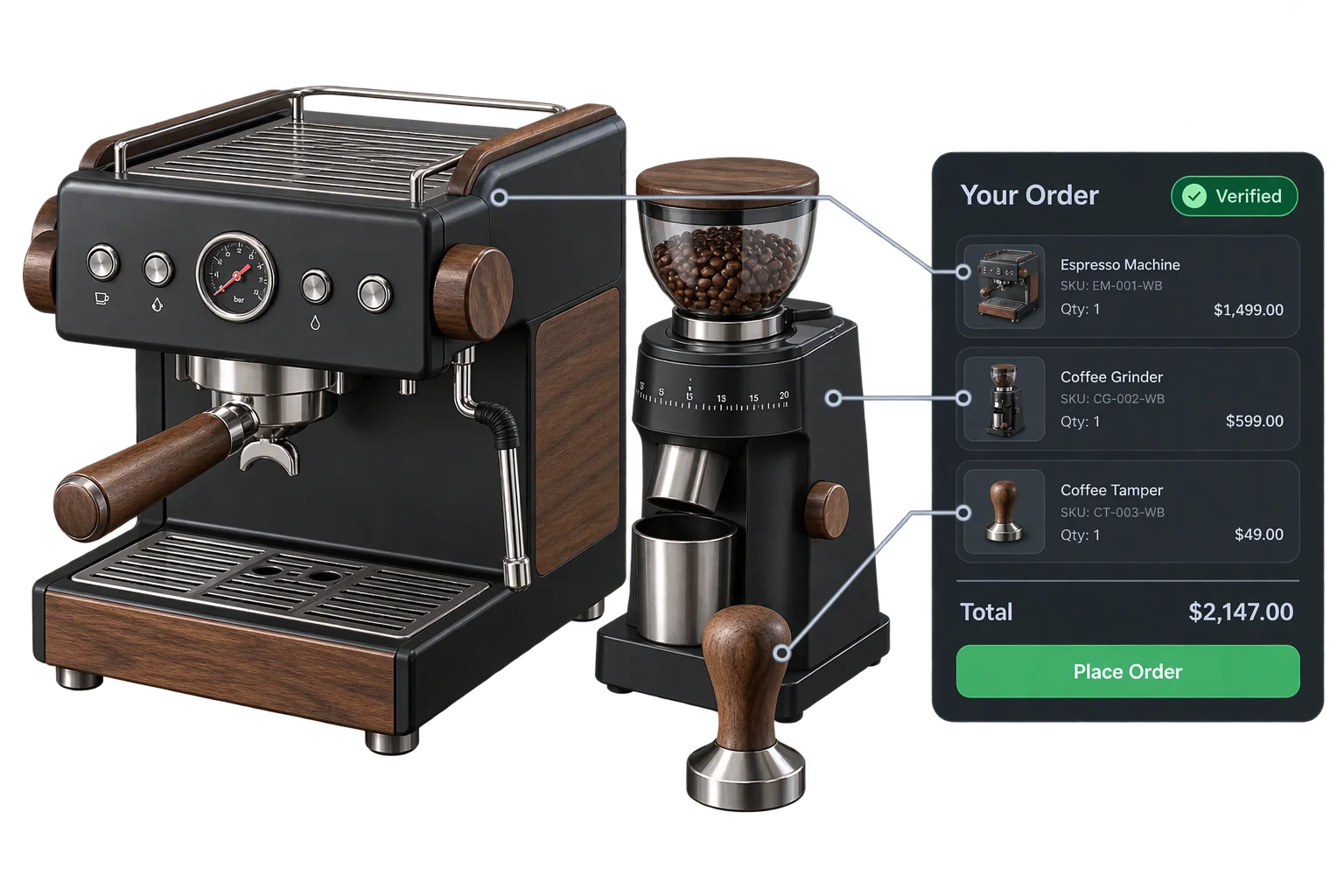
One-click multi-SKU 3D kits and bundle checkout
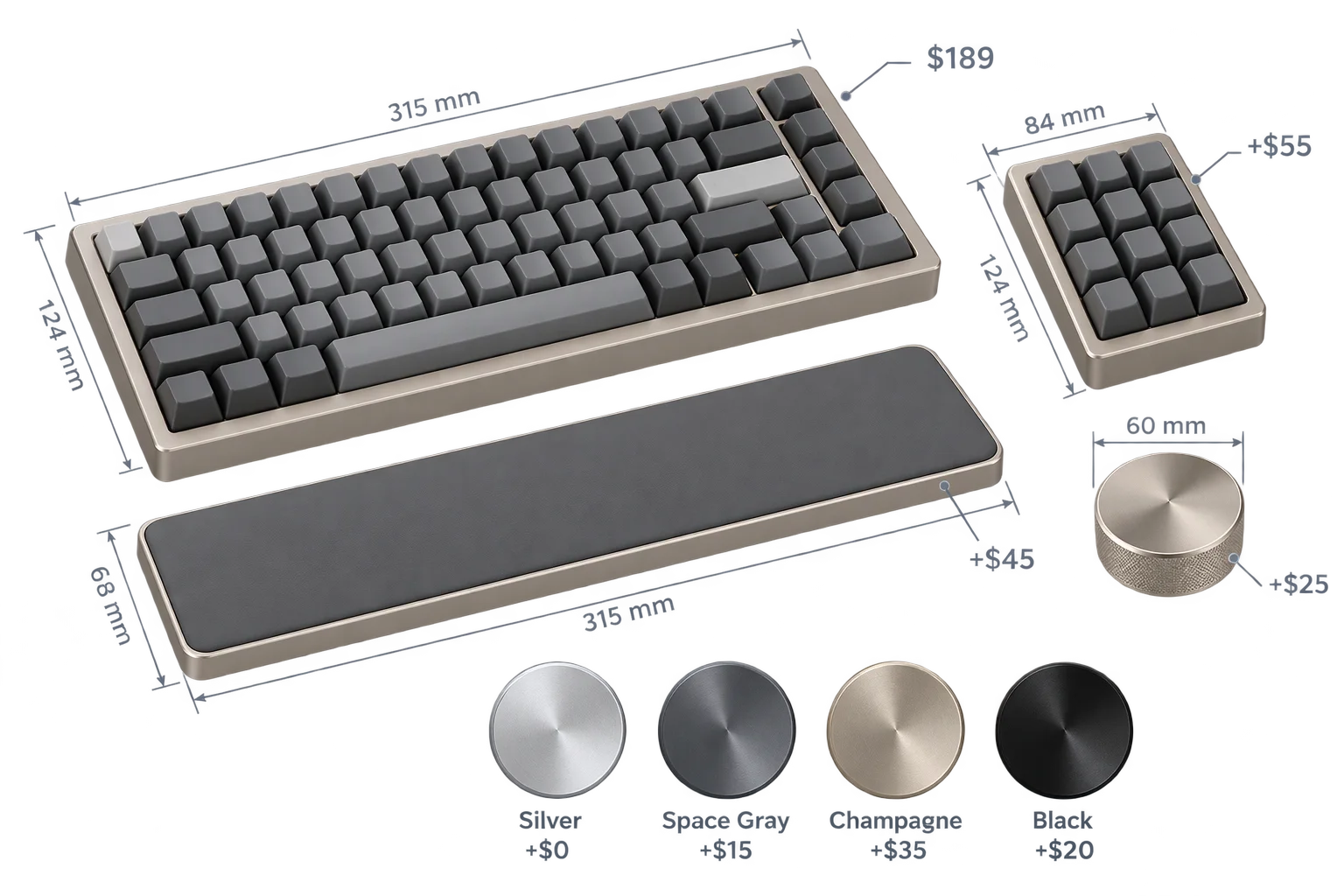
Live dynamic pricing and wholesale quantity breaks
Buyer-approved visual proofs attached to every order