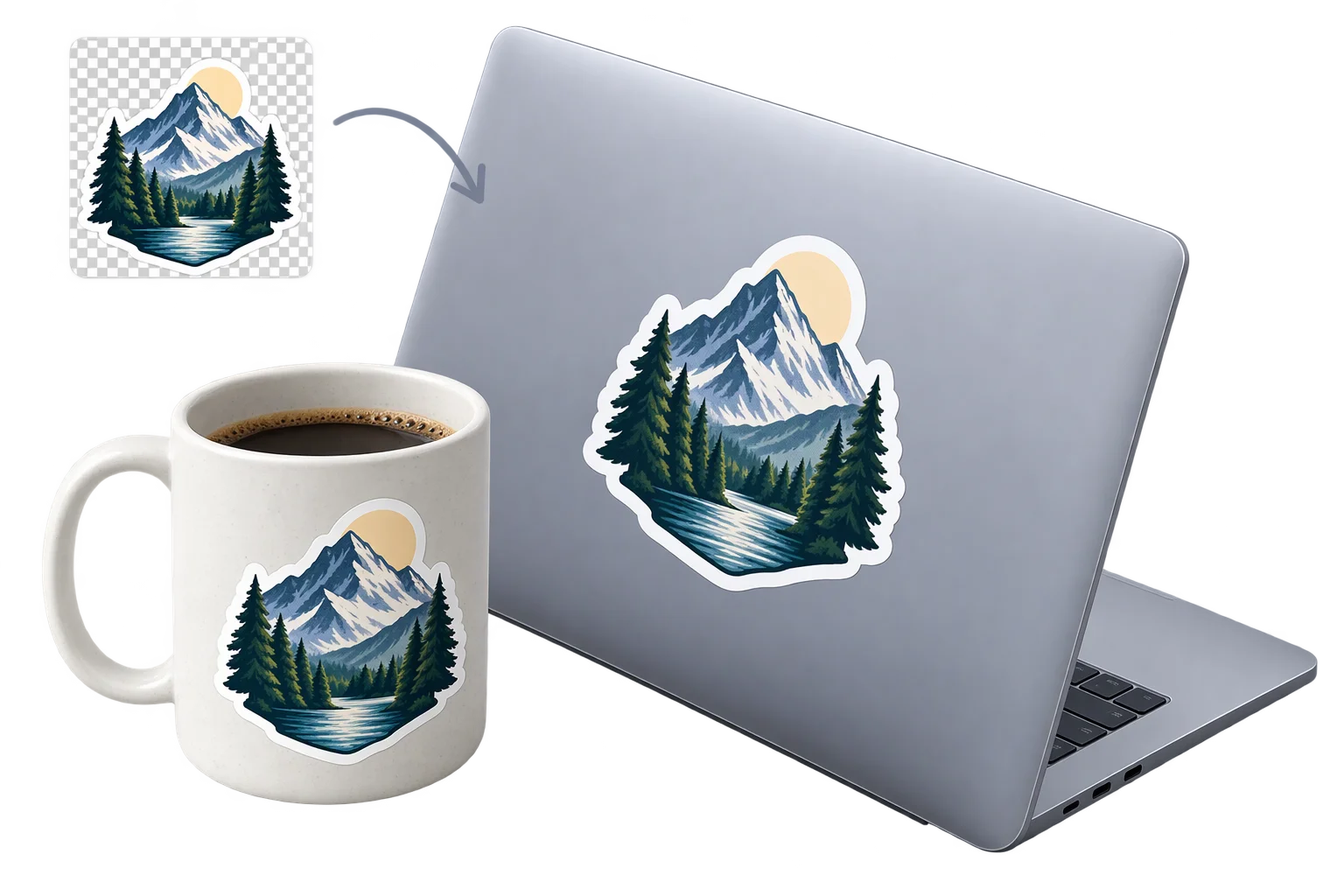
Customer logo and artwork uploads in 3D
Generic file-upload fields on product pages leave shoppers guessing how their logo will wrap around a curved mug, bottle, or board while forcing your team to clean up white JPEG boxes and chase placement notes by email. Aircada projects uploaded artwork straight onto 3D surfaces with locked aspect ratios, instant background cleanup, and order-linked original files.
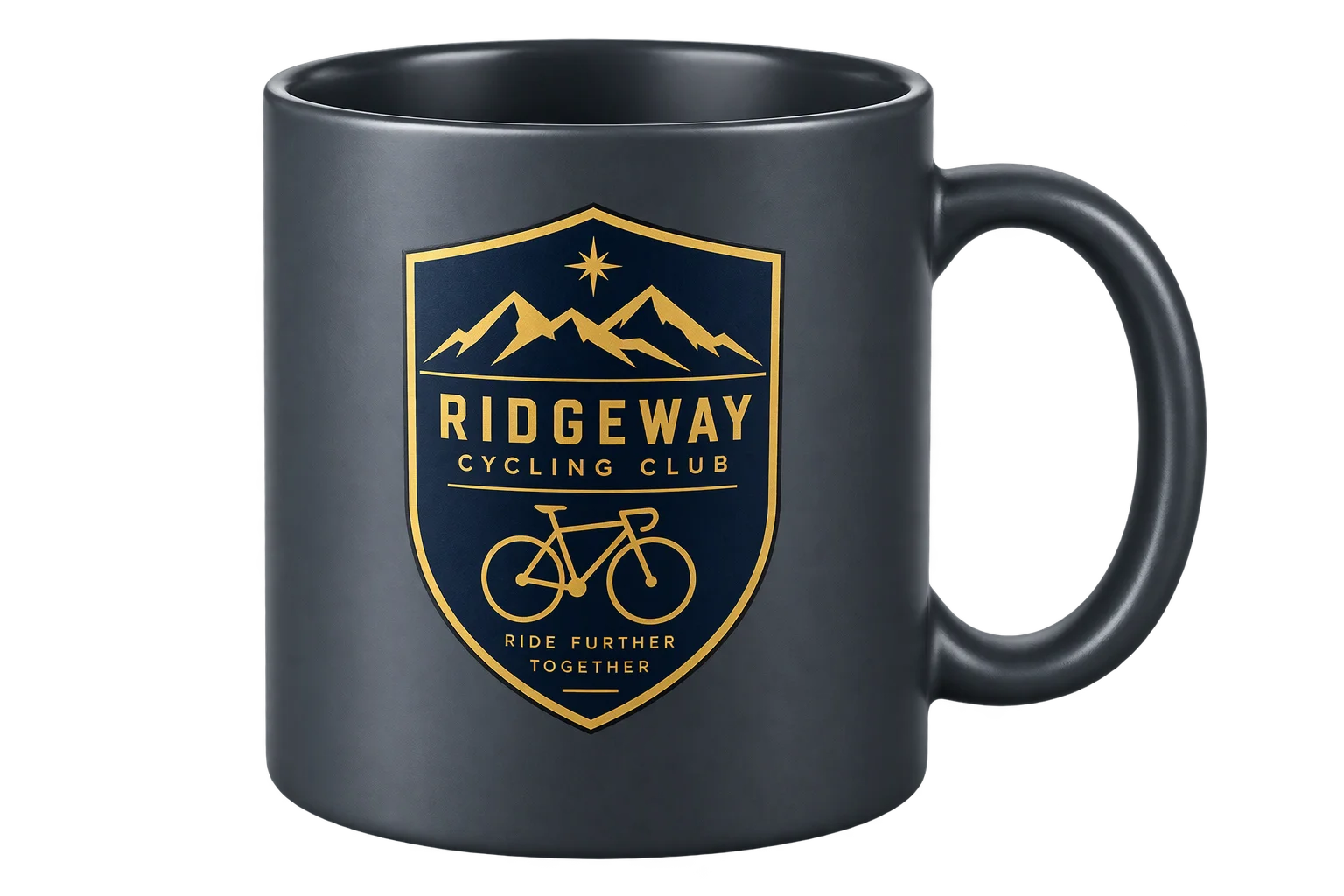
Preview uploaded artwork on the finished product
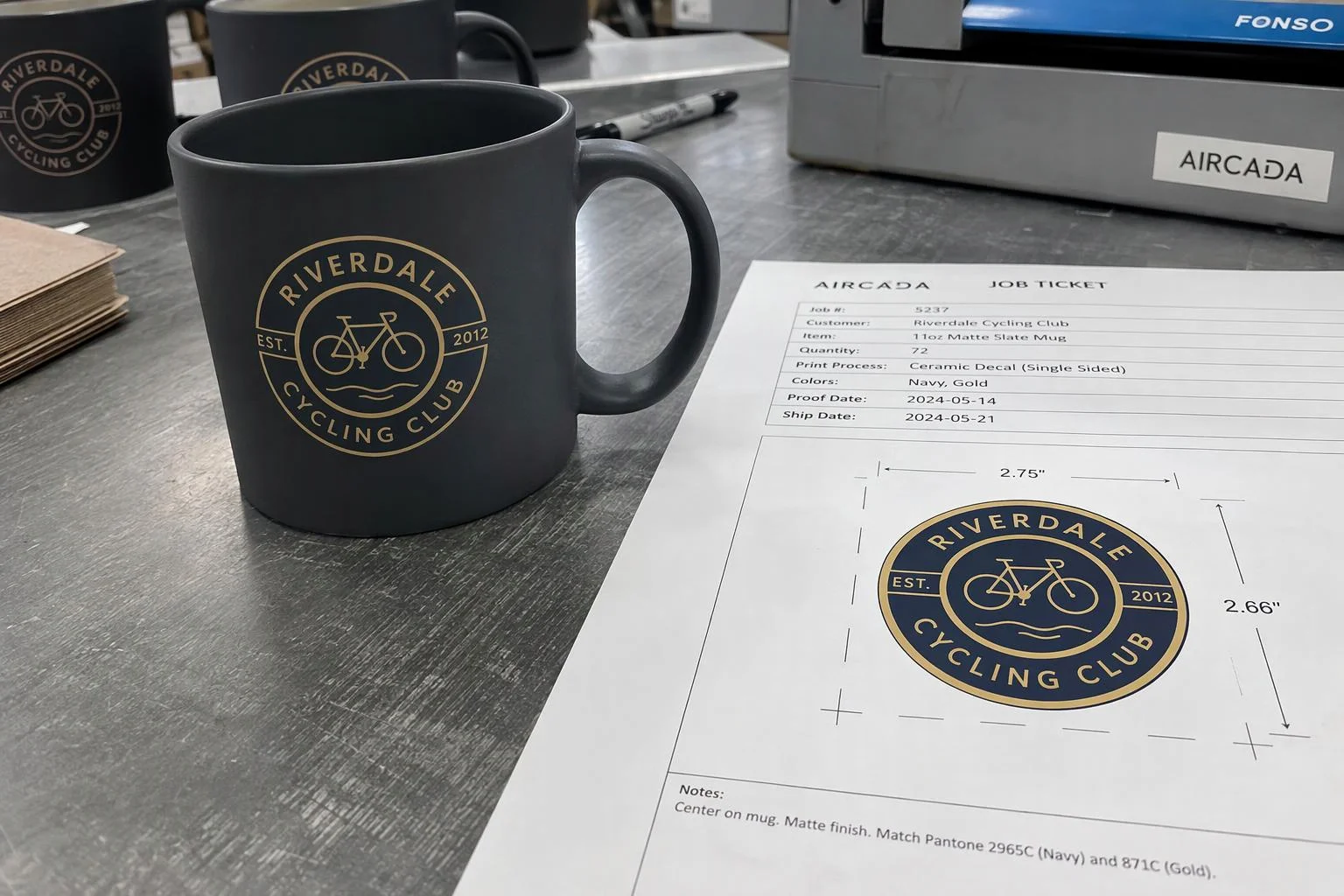
A buyer drops a team crest onto a ceramic mug, adjusts scale and position inside approved margins, and sees it wrap smoothly around the cylinder before checkout. Aircada locks the logo's natural aspect ratio, clears solid backdrops when enabled, and links the uploaded file, coordinates, and visual proof to the order.
Illustrative example shown.
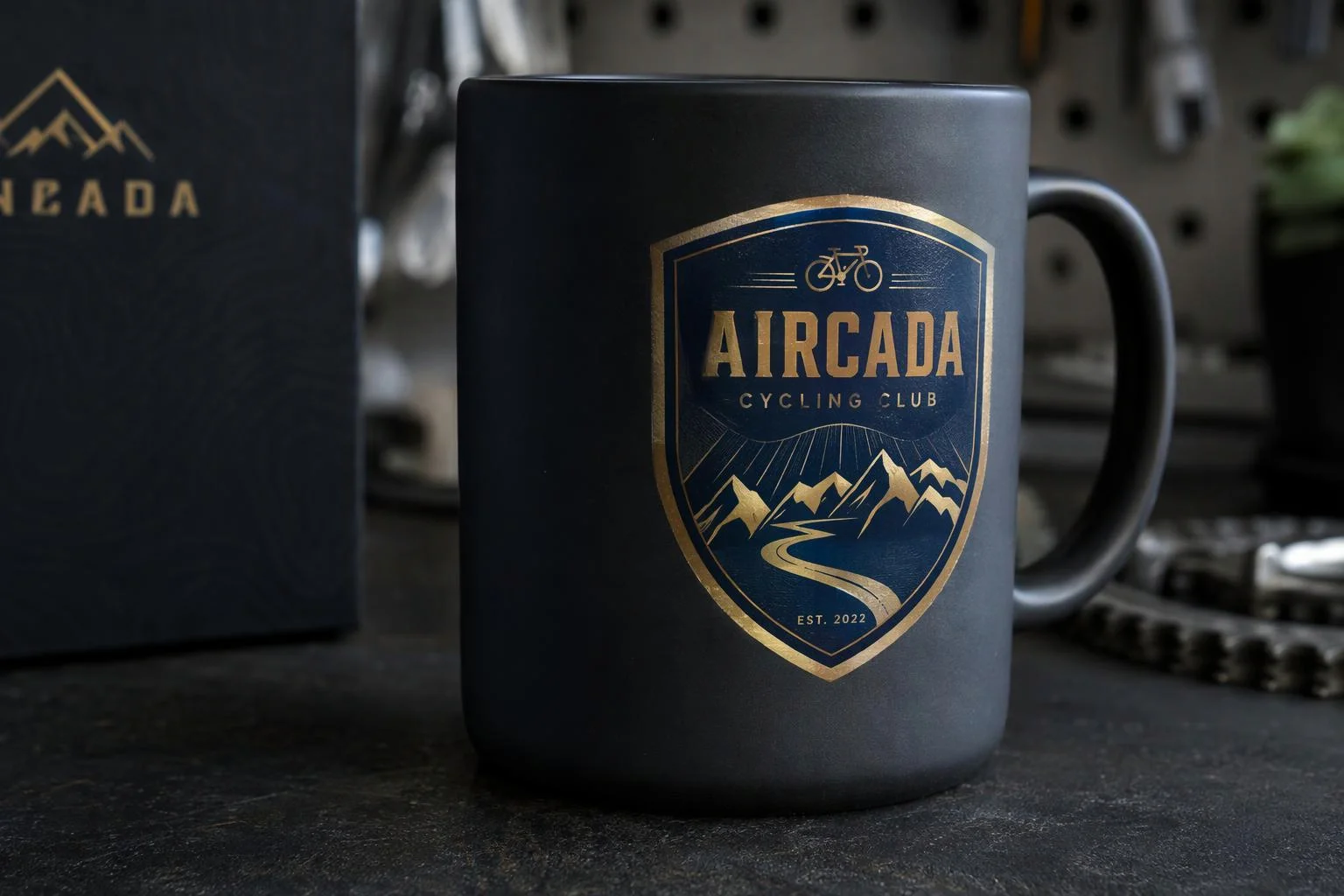
Three steps from file drop to production handoff
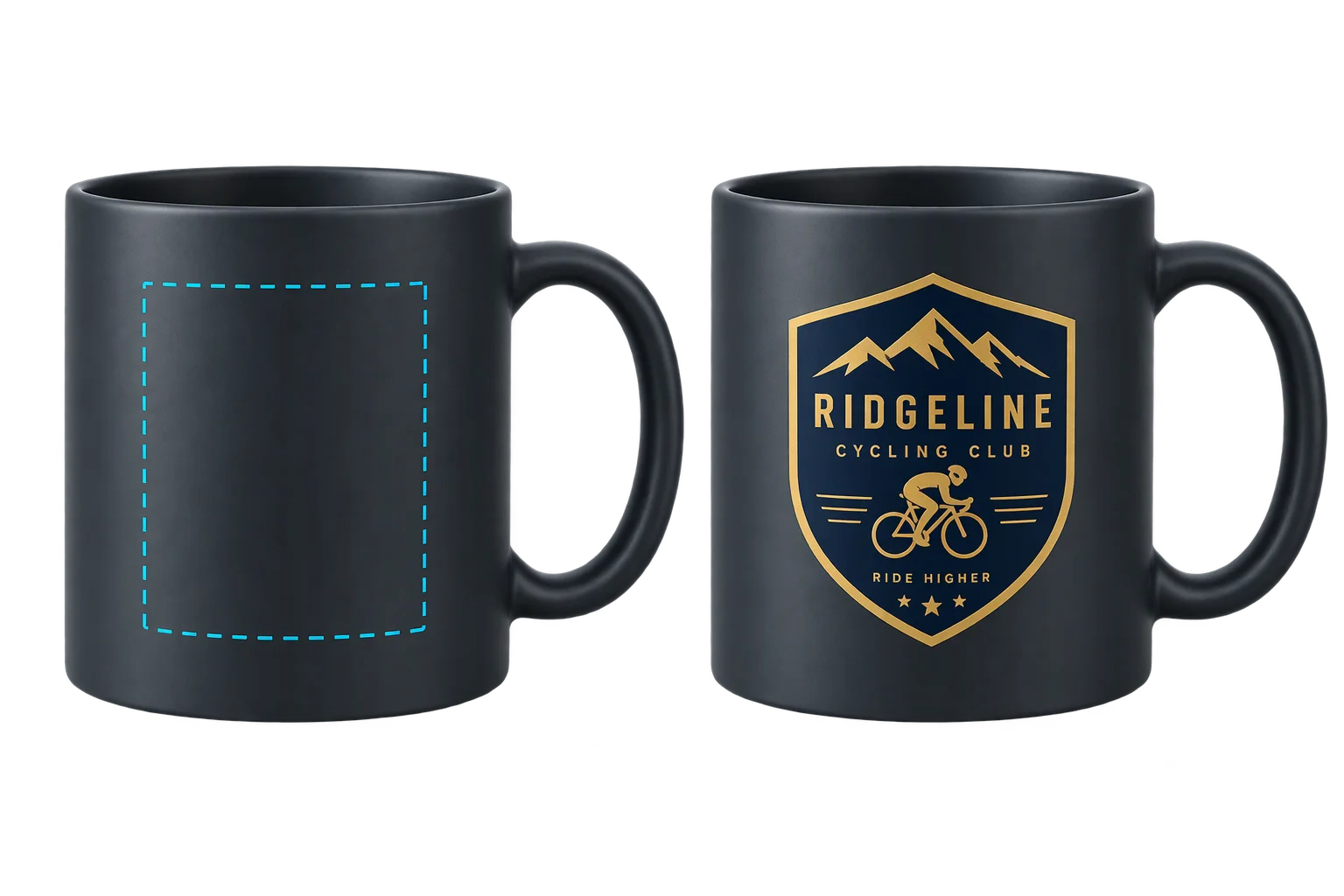
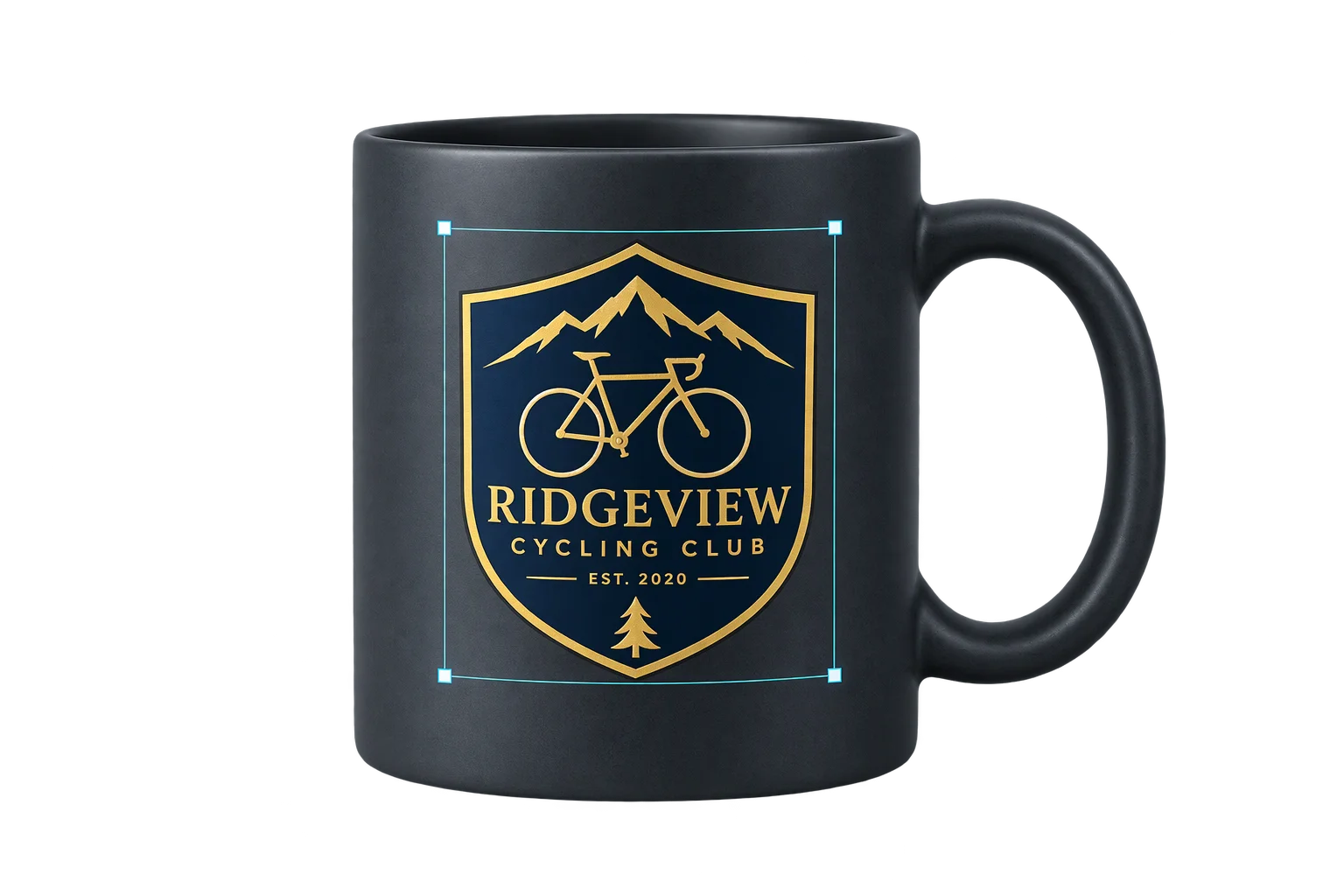
Drop artwork in the browser
Shoppers drag and drop PNG, JPG, WebP, or SVG files directly onto the product page (with optional .ai-to-SVG conversion where configured). The browser renders an immediate local preview while preparing the upload without blocking interaction.
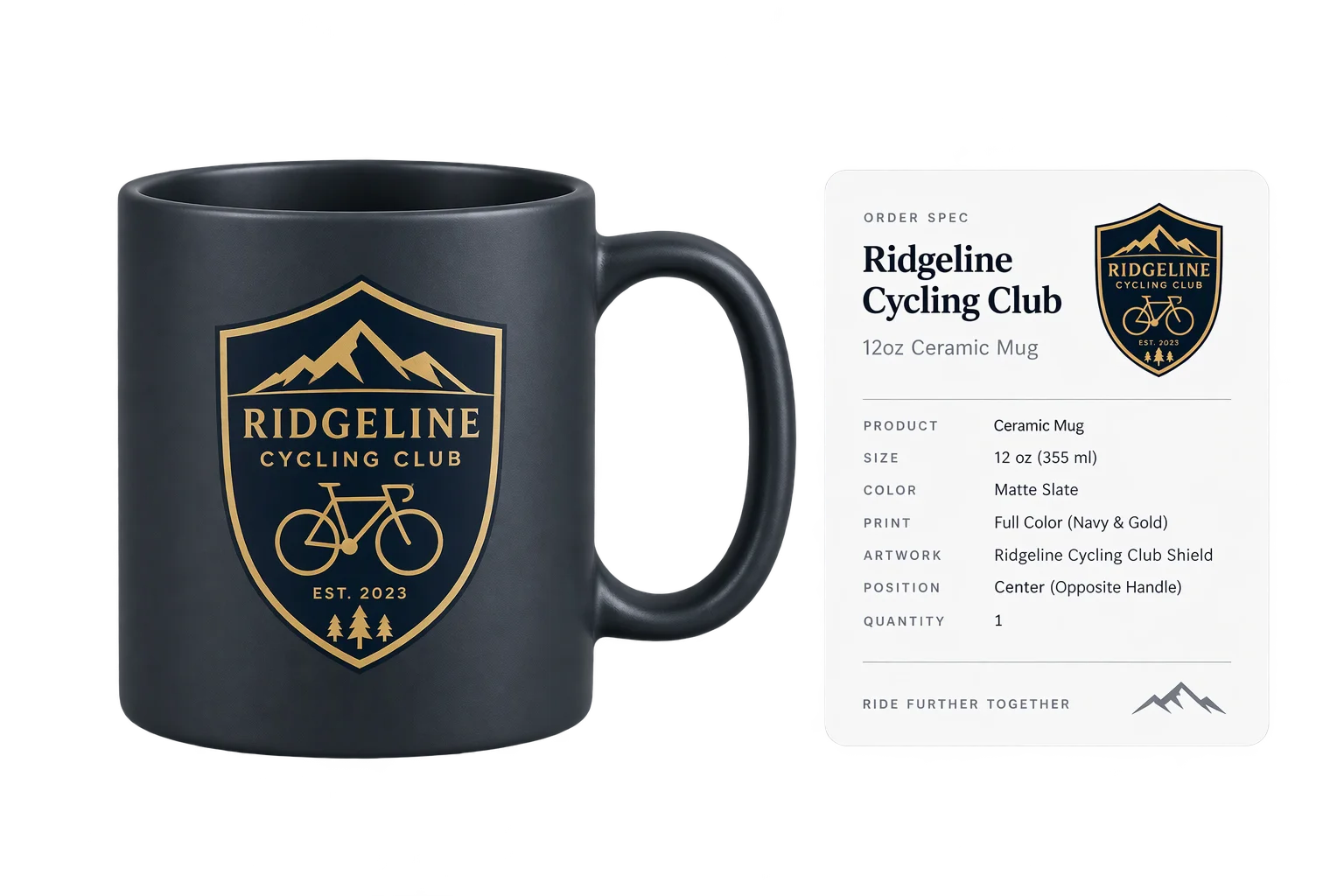
Wrap and align inside print bounds
Aircada auto-centers the artwork at its true aspect ratio, strips uniform solid backdrops or complex photo backgrounds when enabled, and keeps placement inside safe print margins with smooth drag, resize, and 360-degree rotation handles.
Link artwork and placement to the order
At checkout, the uploaded artwork streams directly to cloud storage via a signed upload URL, and the order line item records the file link, normalized placement coordinates, and a rendered visual proof ready for prepress.
Keep logos sharp and proportional on curved surfaces
Before projecting an upload onto the 3D mesh, Aircada measures the file's real pixel dimensions and resolves an auto-centered fit so the graphic appears cleanly with zero layout jump. Wide wordmarks and tall crests keep their exact proportions across cylinders, tapered cups, and compound curves, with optional UV angle correction and edge feathering.
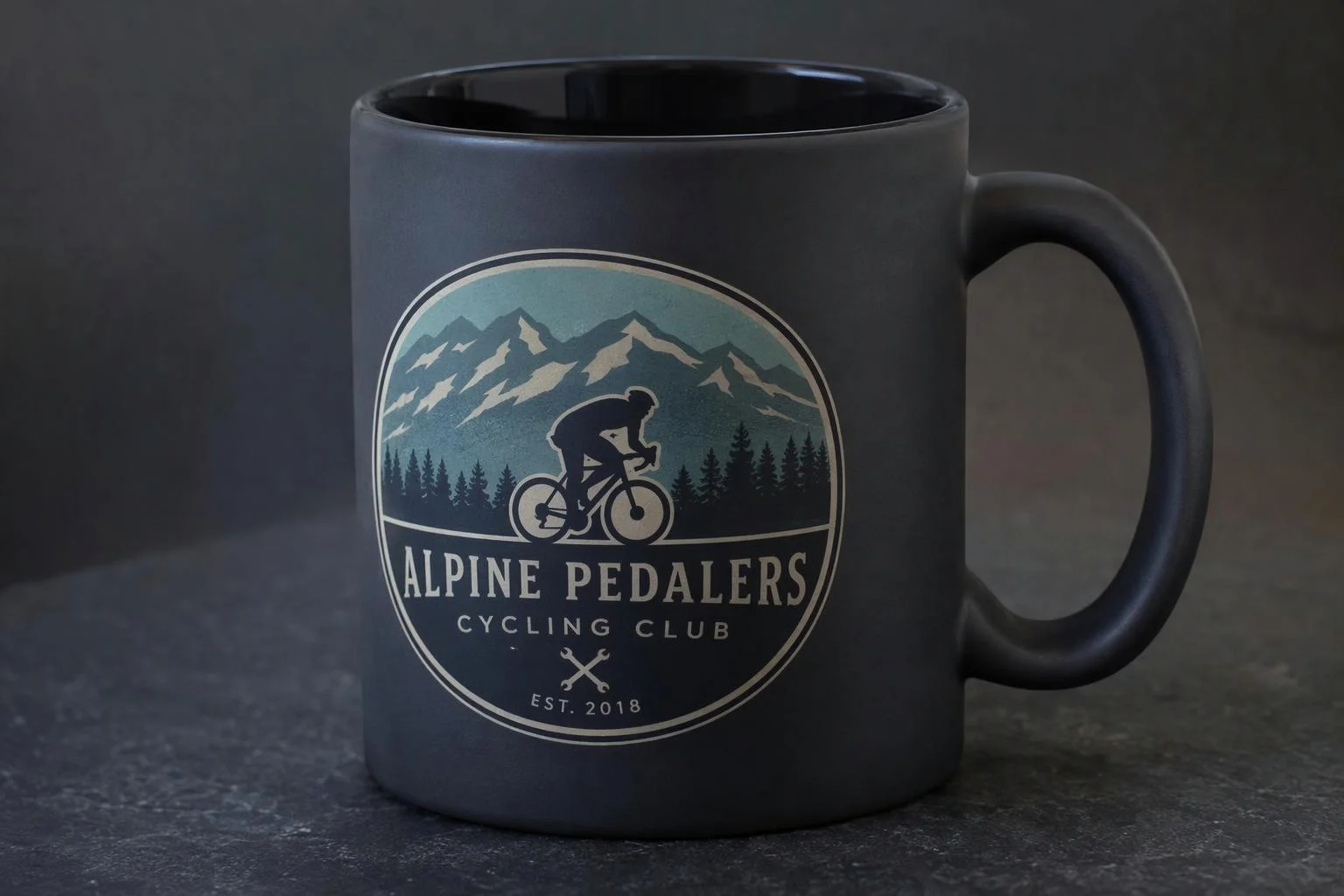
Strip solid boxes or complex photo backgrounds automatically
Most buyers only have a flat JPEG logo sitting on a white square, or a smartphone photo they want cut out cleanly. Aircada offers both instant in-browser solid-backdrop removal (which checks for uniform borders so full-bleed photos are never accidentally erased) and cloud subject background removal with tight auto-cropping and padding controls.
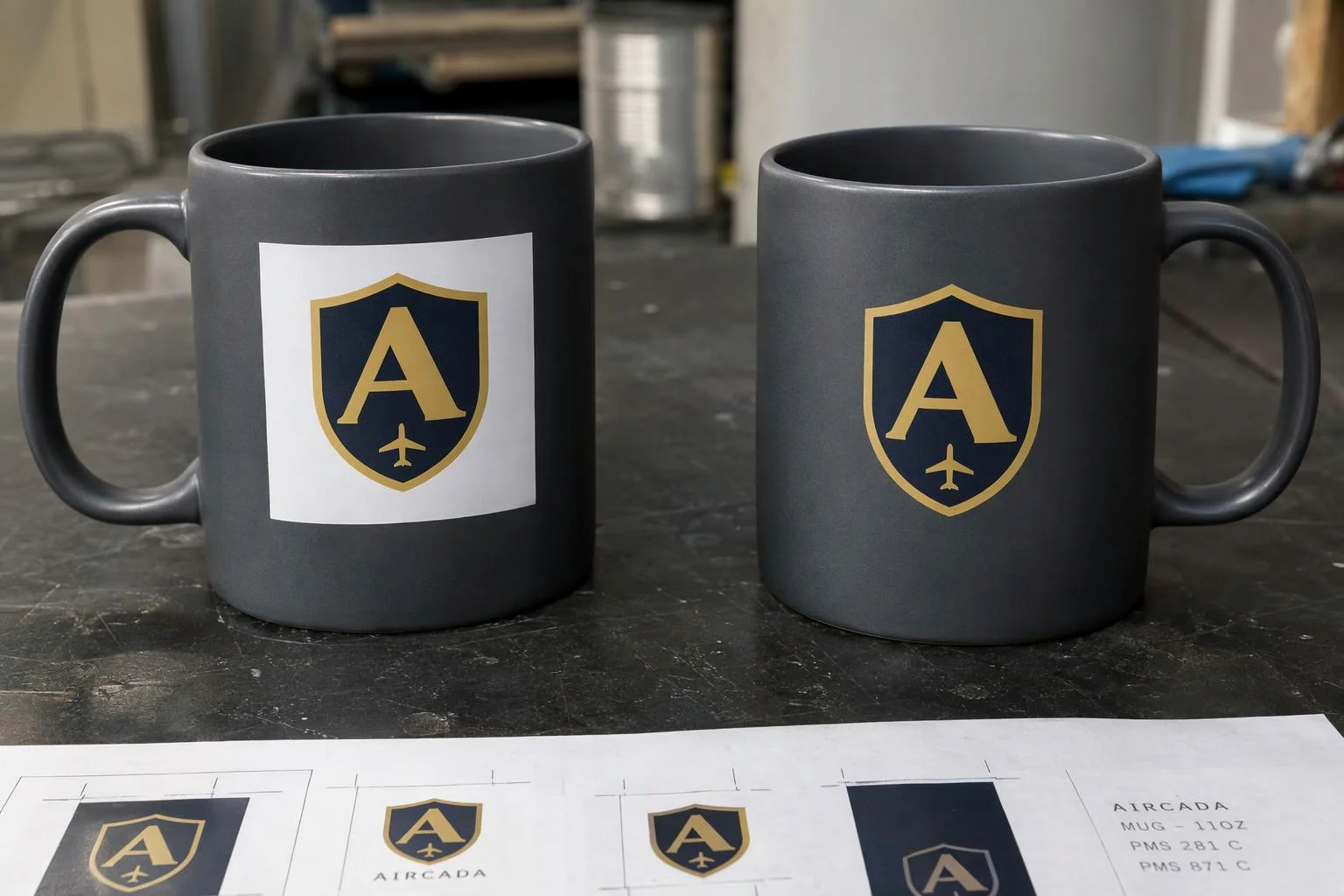
Preserve original artwork and placement on every order
While the 3D viewport uses optimized textures so shoppers orbit smoothly on mobile phones, Aircada supports preserving the uncompressed original upload for production. Direct-to-cloud signed uploads stream customer files cleanly without straining your storefront server, writing the asset URL and exact center X, center Y, scale, and rotation onto the order line item.
Solving distorted logos, white boxes, and slow server round-trips
When shoppers upload a wide horizontal logo or a flat JPEG with a white rectangular background into a basic web customizer, two things go wrong immediately: the logo stretches into a distorted square on the preview, or it sits inside an ugly white box on a dark product. Shoppers abandon the page, or they submit the order anyway and wait days for your prepress team to fix the file manually.
Aircada processes customer uploads directly inside the storefront pipeline. When a buyer drops a PNG, JPEG, WebP, or SVG file (with optional automatic Adobe Illustrator .ai-to-SVG conversion where configured), the uploader measures the graphic's natural aspect ratio and computes an auto-centered fit before updating the 3D surface, preventing any visual jump or squishing on curved meshes. Two distinct background-removal options handle both logo files and photographs: instant in-browser solid-backdrop stripping (with a uniform-background safety check so full-bleed photos stay untouched) and cloud subject cutout with tight auto-cropping for complex photo backgrounds.
| Capability | Supported Options / Range | How Production Teams Use It |
|---|---|---|
| Accepted File Formats | PNG, JPG/JPEG, WebP, SVG (plus automated .ai-to-SVG conversion when scoped) | Lets shoppers upload standard web graphics or vector logos straight on the product page. |
| In-Browser Backdrop Removal | Auto-detected solid color, uniform-backdrop guard, similarity (0 to 1), smoothness (0 to 1), up to 2048 px | Strips white rectangular JPEG boxes instantly in the browser without risking full-bleed photos. |
| Cloud Subject Cutout | Photo background removal, optional mask output, tight auto-crop, padding (0 to 100%), aspect lock (0.25 to 4.0) | Isolates portraits, pets, or products from complex photographic backgrounds automatically. |
| 3D Projection & Styling | Aspect-locked scale, Contain/Cover/None fit, 360-degree rotation, feather (0 to 1), color tint/recolor | Wraps logos proportionally across curved bottles, mugs, apparel, or flat packaging panels. |
| Multi-Zone & Multi-Layer | Single-file or multi-file dropzones mapped across independent zones or stacked layers | Powers 4-panel bottles (mountainFLOW) and 6-layer split cornhole sets (Skip's Garage). |
| Storage & Order Handoff | Signed direct-to-cloud upload URL, order-linked original asset URL, normalized X/Y/scale/rotation | Delivers reproducible artwork files and placement specs straight into Shopify or headless orders. |
Proven across multi-zone drinkware and multi-layer sporting goods
Each product is configured with your accepted file types, printable wrap zones, scale limits, fit mode (free placement, Contain, or full-bleed Cover), and optional background removal. Customer uploads stream directly from the browser to cloud object storage using a short-lived signed upload URL so large artwork files never bottleneck your storefront server, while checkout attaches the stored artwork URL, exact placement coordinates, and a visual proof to the Shopify or headless order line item.
Live customer uploads run in production on mountainFLOW, where buyers upload team logos across 2-logo or 4-logo cylindrical wrap panels on custom bike bottles with automatic solid background removal and .ai conversion, cutting pre-sale artwork chasing in half (roughly 10 hours saved per week). On Skip's Garage, shoppers arrange up to three independent uploaded graphic layers per cornhole board (six layers across split sets) plus custom bag logos, saving approximately 30 minutes of manual prep per configurator order. For shader uniforms and placement parameters, see the sticker projection SDK reference.
Responsibility Tiers
- 1 Native Aircada layer
- 1 Aircada Configuration layer
- 1 Custom Implementation layer
- 1 External layer
Responsibility Boundaries Across 3D Customer Image Uploads
How Aircada's browser upload pipeline, Studio print zones, and your prepress workflow divide responsibilities.
Aspect-locked decal projection, dual background removal & direct cloud storage
- Native Aircada
- Preserves natural artwork proportions on curved 3D meshes, strips uniform backdrops in-browser or complex photo backgrounds via cloud cutout, uploads files directly to cloud storage, and attaches asset links and placement coordinates to orders.
Accepted file formats, print zone bounds, fit modes & scale limits
- Aircada Configuration
- Configured per product SKU in Studio to match your printable wrap area, minimum and maximum scale, default fit mode, and whether background removal is enabled.
Automated .ai conversion, DPI warning thresholds & multi-layer upload drawers
- Custom Implementation
- Added when your storefront requires Adobe Illustrator (.ai) file intake (as on mountainFLOW), strict minimum-pixel resolution blocks, or custom multi-layer upload managers (as on Skip's Garage).
Final prepress color separation & physical press output
- External
- Handled by your print team or fulfillment partner using the original uploaded artwork link and placement coordinates stored on the order.
Frequently Asked Questions
What happens when a customer uploads a logo with a solid white box background?
Do wide or tall logos get squished or stretched on curved products?
Do we get the customer's original high-res file or just a compressed preview?
Which image file formats can shoppers upload in the 3D customizer?
Can buyers upload multiple logos across different sides or layers of a product?
Test your artwork upload flow in 3D
Share a sample product model, print zone dimensions, and accepted file types. We will set up a working 3D upload preview wired to your checkout.
Related capabilities
Explore the adjacent capabilities and integrations that pair with this workflow.
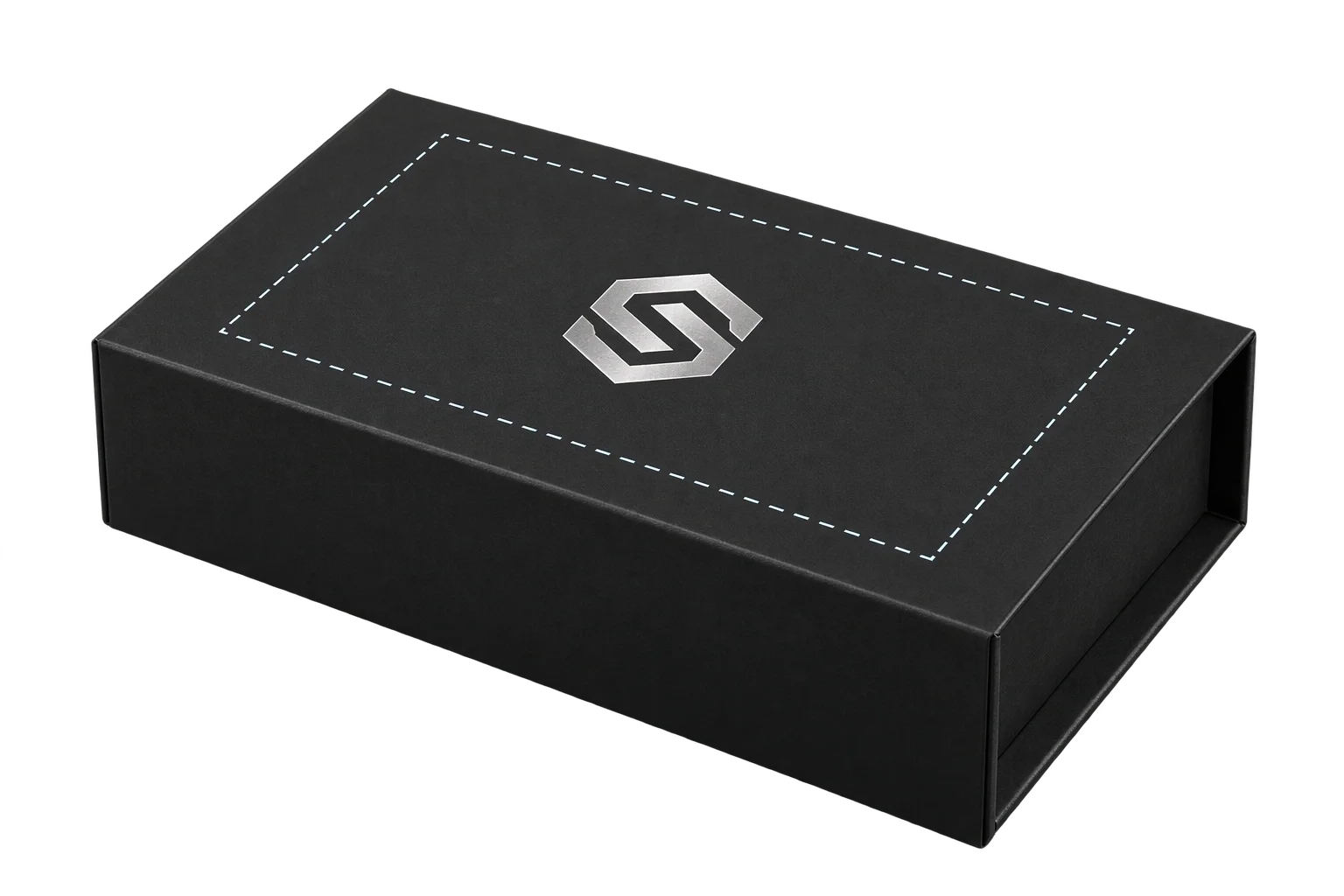
Printable 3D safe zones and artwork boundary locks
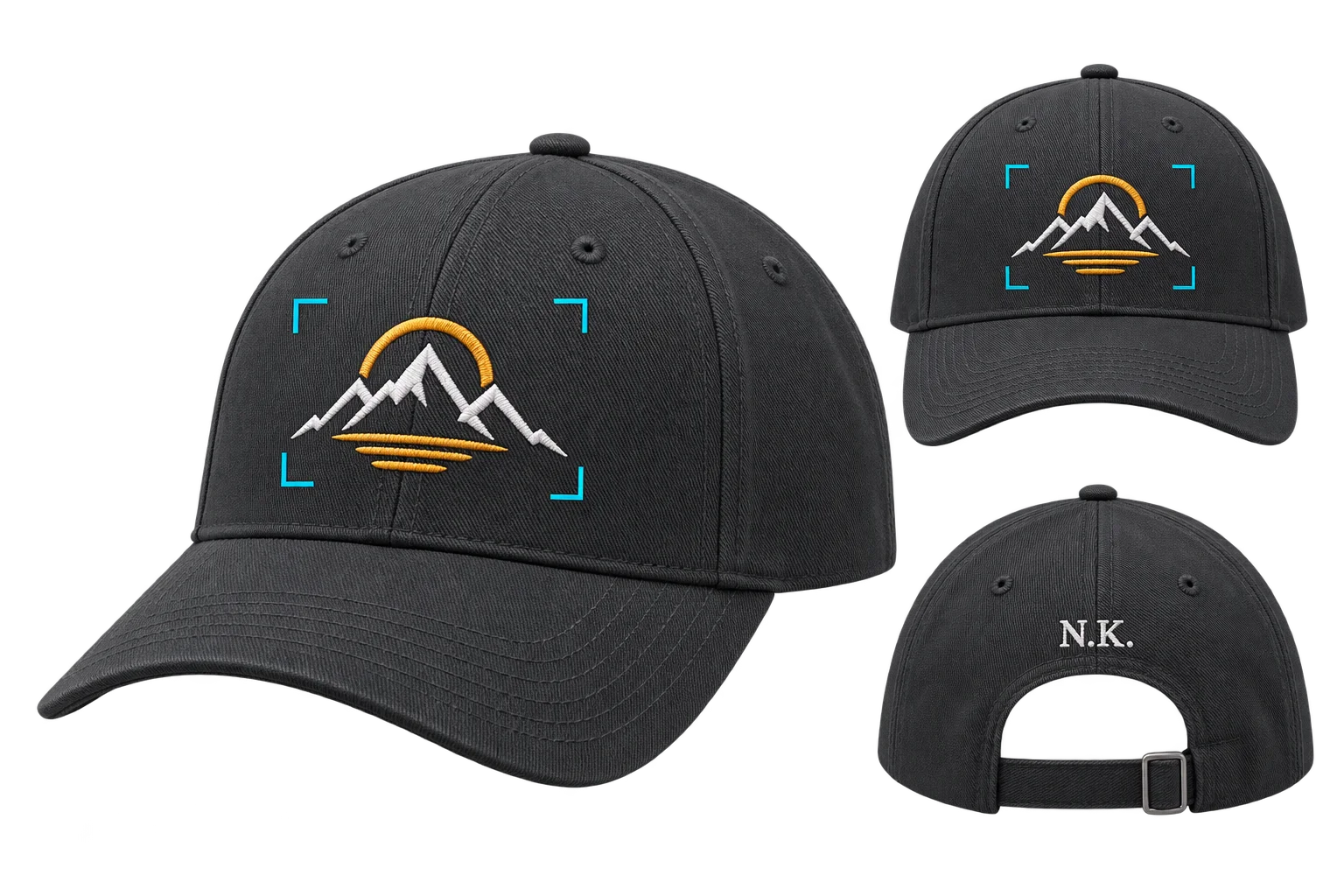
Buyer-approved visual proofs attached to every order
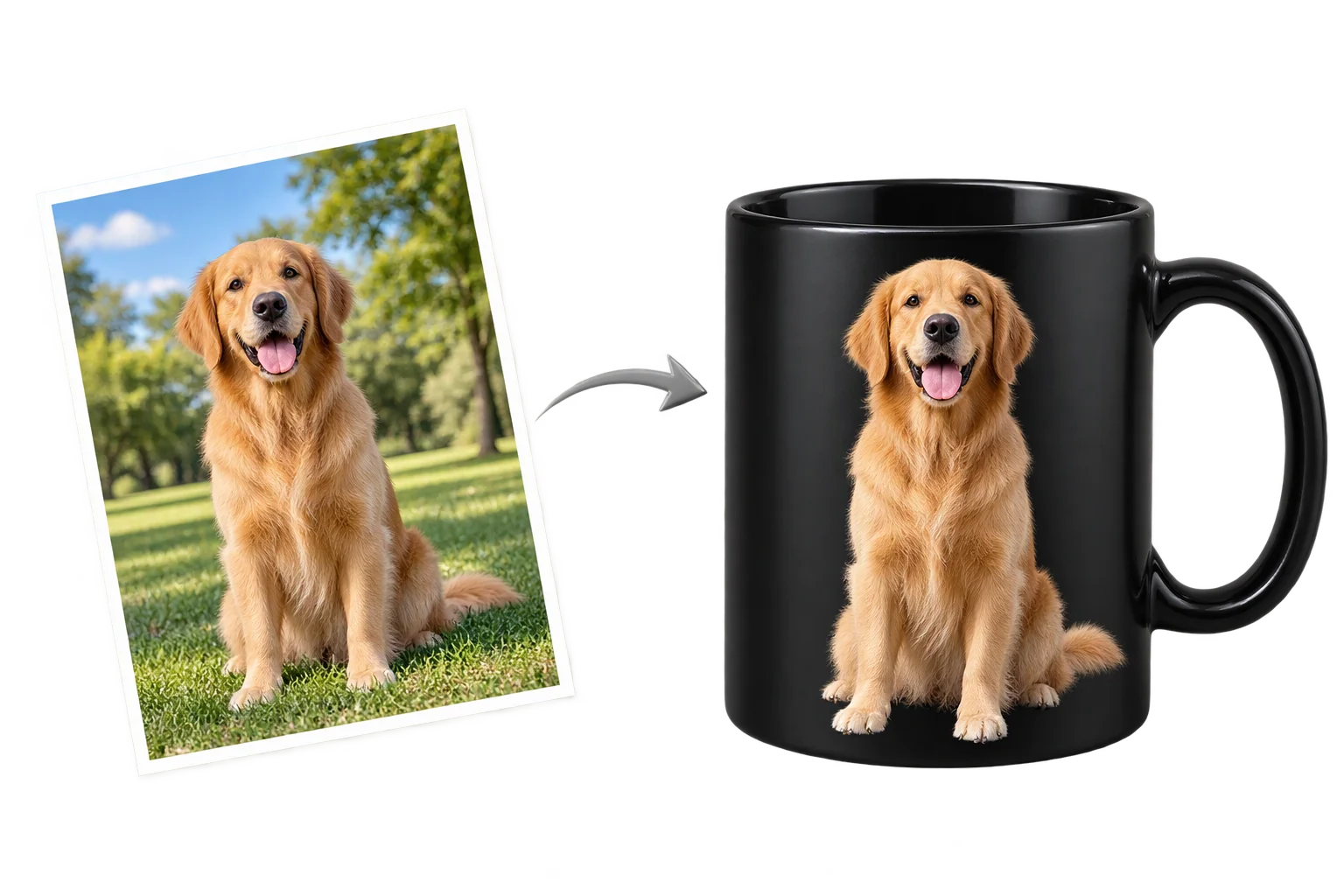
Clean AI background removal for customer uploads