Automated SFTP and FTPS print hot-folder delivery
Commercial print RIPs, laser cutters, and CNC routers rarely poll modern cloud webhooks; they watch local or network-mounted hot-folders over SFTP or FTPS. Aircada bridges e-commerce checkout and shop-floor equipment by automatically pushing generated production files into your target remote folders with encrypted credentials and exponential retry resilience.
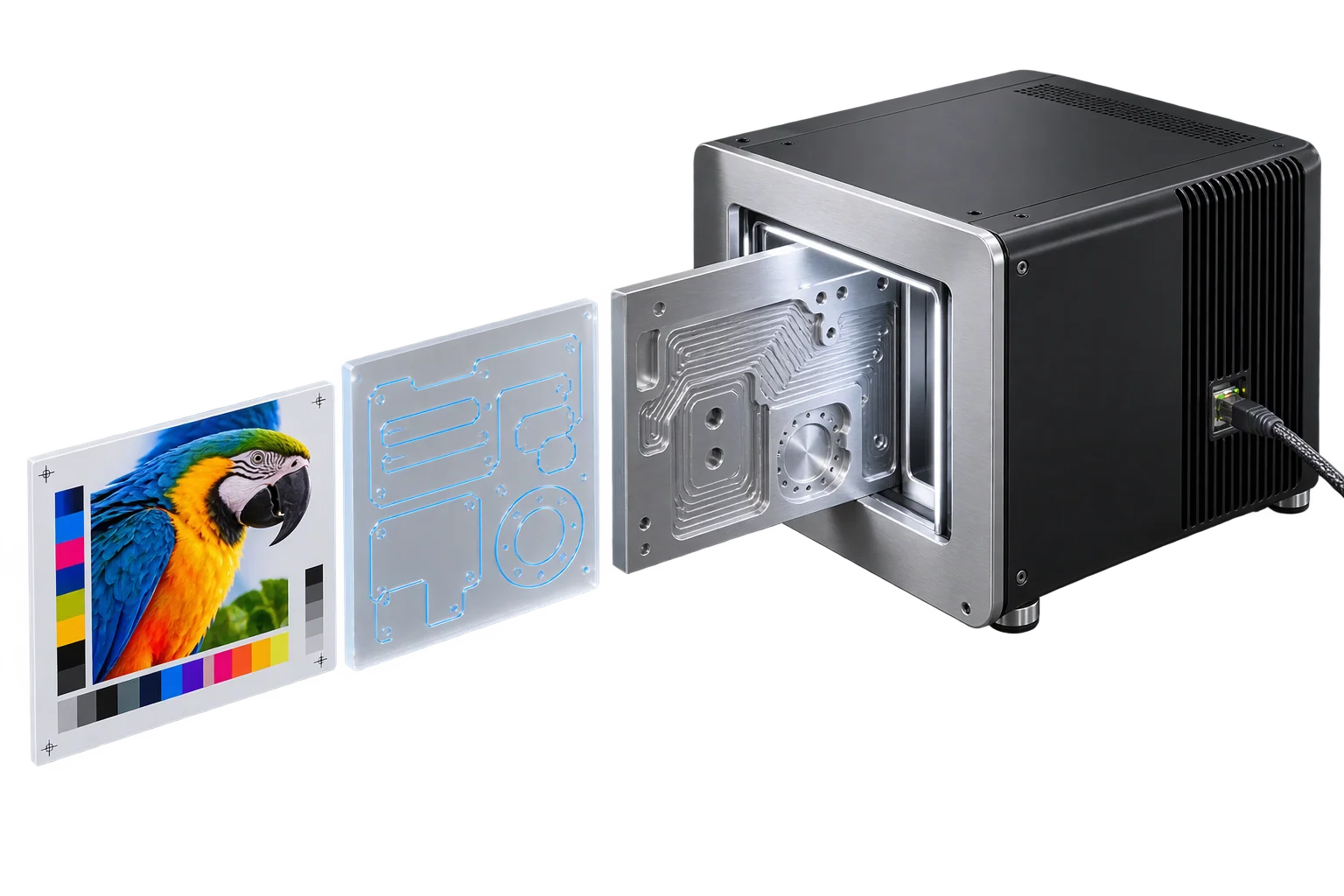
Connecting modern e-commerce checkouts to shop-floor hot-folders
When a Shopify or headless order arrives for a personalized bottle label, a custom-engraved plaque, or a CNC-cut sign, prepress staff usually have to open the order dashboard, download the customer's artwork, rename the file to match the shop's job-ticket convention, and drag it into a watched folder on the local RIP server.
Aircada's automated RIP hot-folder drop removes that manual handoff. As soon as an order's print PDF, transparent raster texture, or vector cut file finishes generating, Aircada stages the file securely in the cloud, optionally scans it for malware, authenticates against your facility's SFTP, FTPS, or FTP server, creates any missing nested folders automatically, and streams the file straight into your target production directory.
What happens when an order file dispatches
Aircada stages the generated production asset, applies your target folder and filename, and verifies remote delivery with automatic retries.
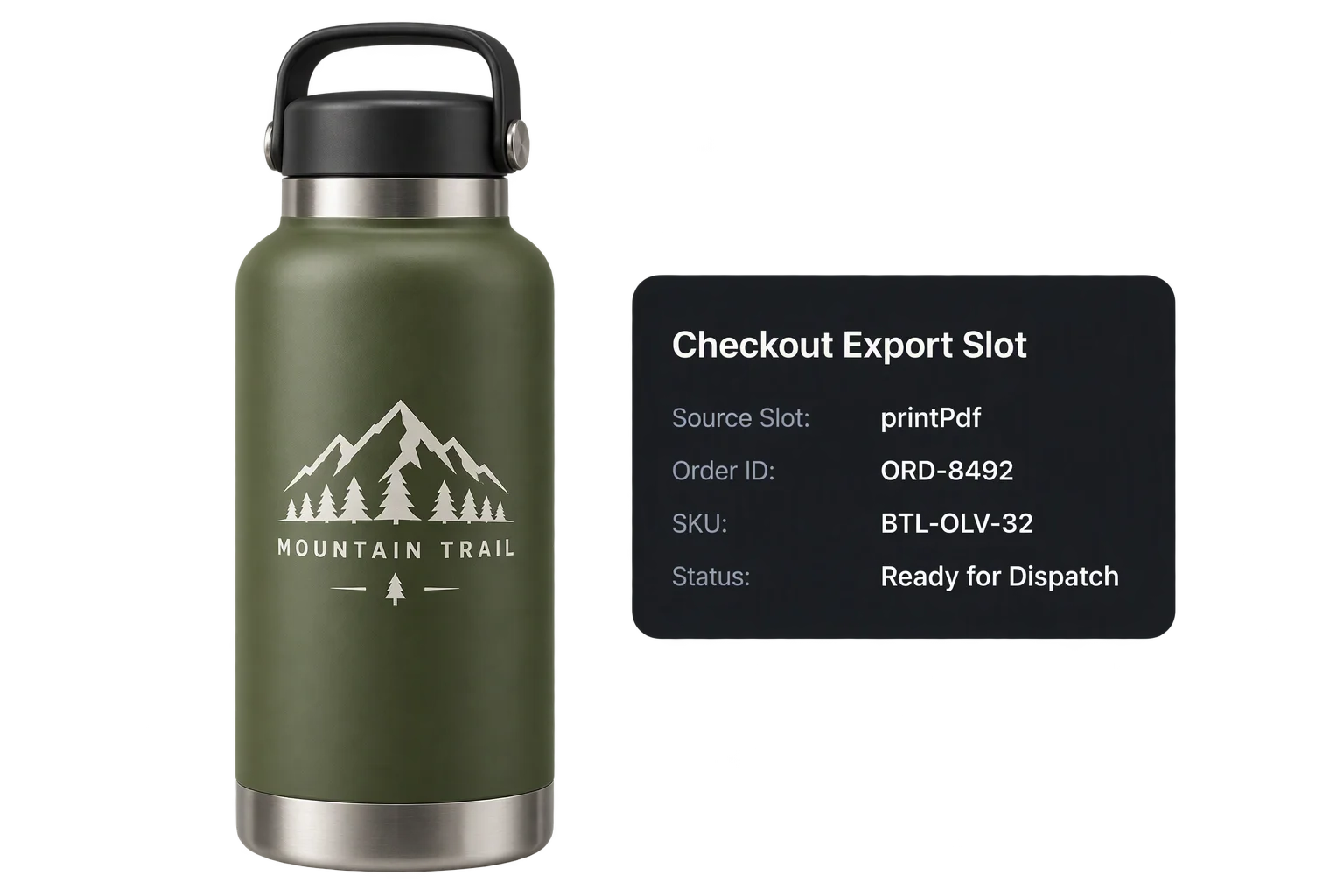
Generated PDF, SVG, or PNG queued for transfer

Named and verified inside your watched directory
SFTP (Port 22), Explicit FTPS (Port 21), Implicit FTPS (Port 990), and standard FTP (Port 21)
Encrypted username/password credentials or PEM SSH private keys with optional passphrases
Configurable remote folder path (auto-created recursively) with custom target filename or preserved local filename
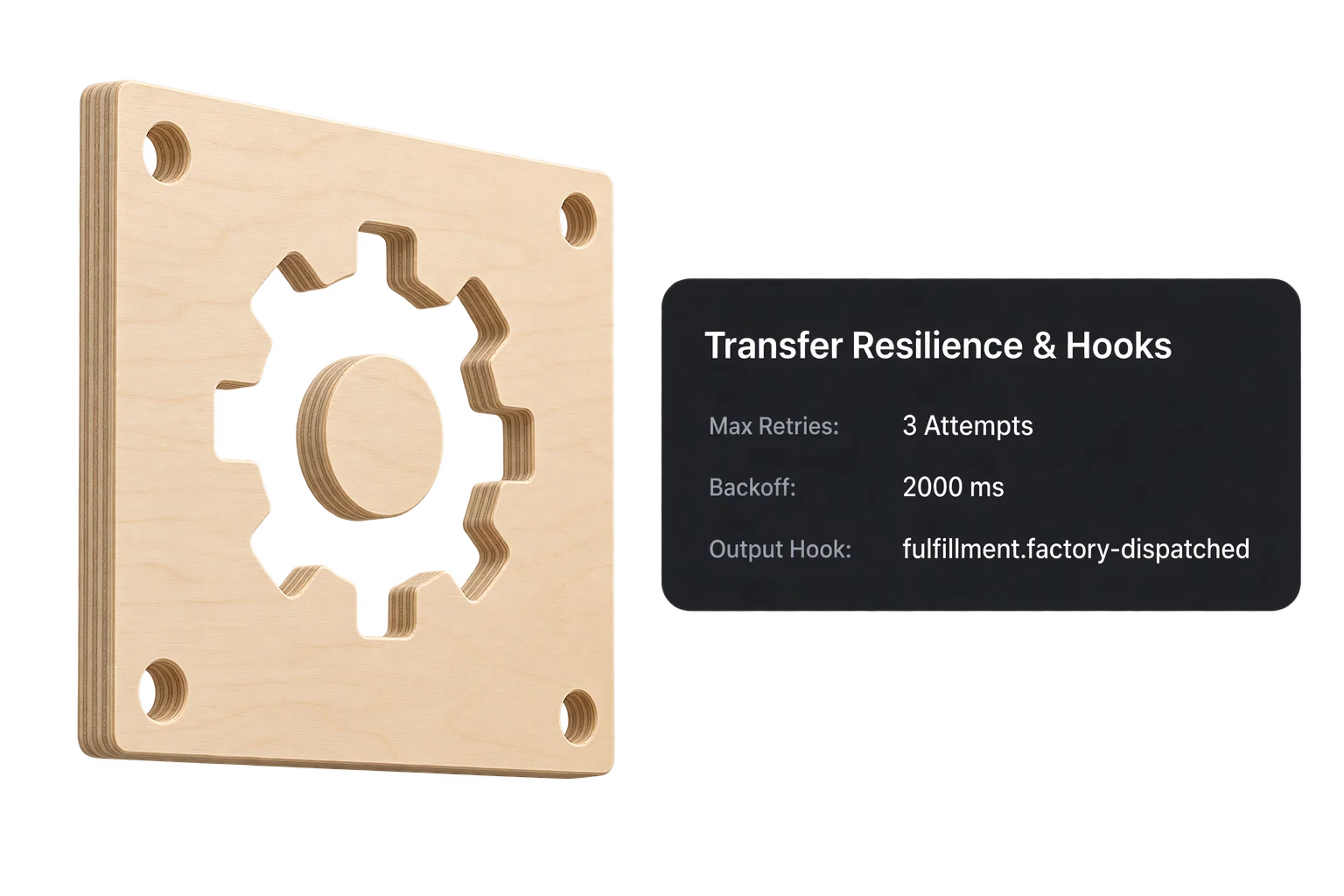
Configurable max retries (default 3), exponential backoff (default 2,000 ms doubling per attempt), and 10,000 ms connection timeout
Credentials are stored encrypted at rest, decrypted only inside isolated cloud transfer workers, and skipped automatically in Studio test mode.
Three stages of a hot-folder transfer
How Aircada stages files safely, negotiates encrypted factory transport, and recovers from network blips.
Stage generated files and apply target paths safely
When an upstream export finishes, Aircada requests a one-time transfer grant, uploads the finished PDF, SVG, or raster file to isolated cloud staging, and resolves your configured remote folder path and filename. Optional pre-transfer antivirus scanning inspects customer-generated uploads before they ever touch your factory network.
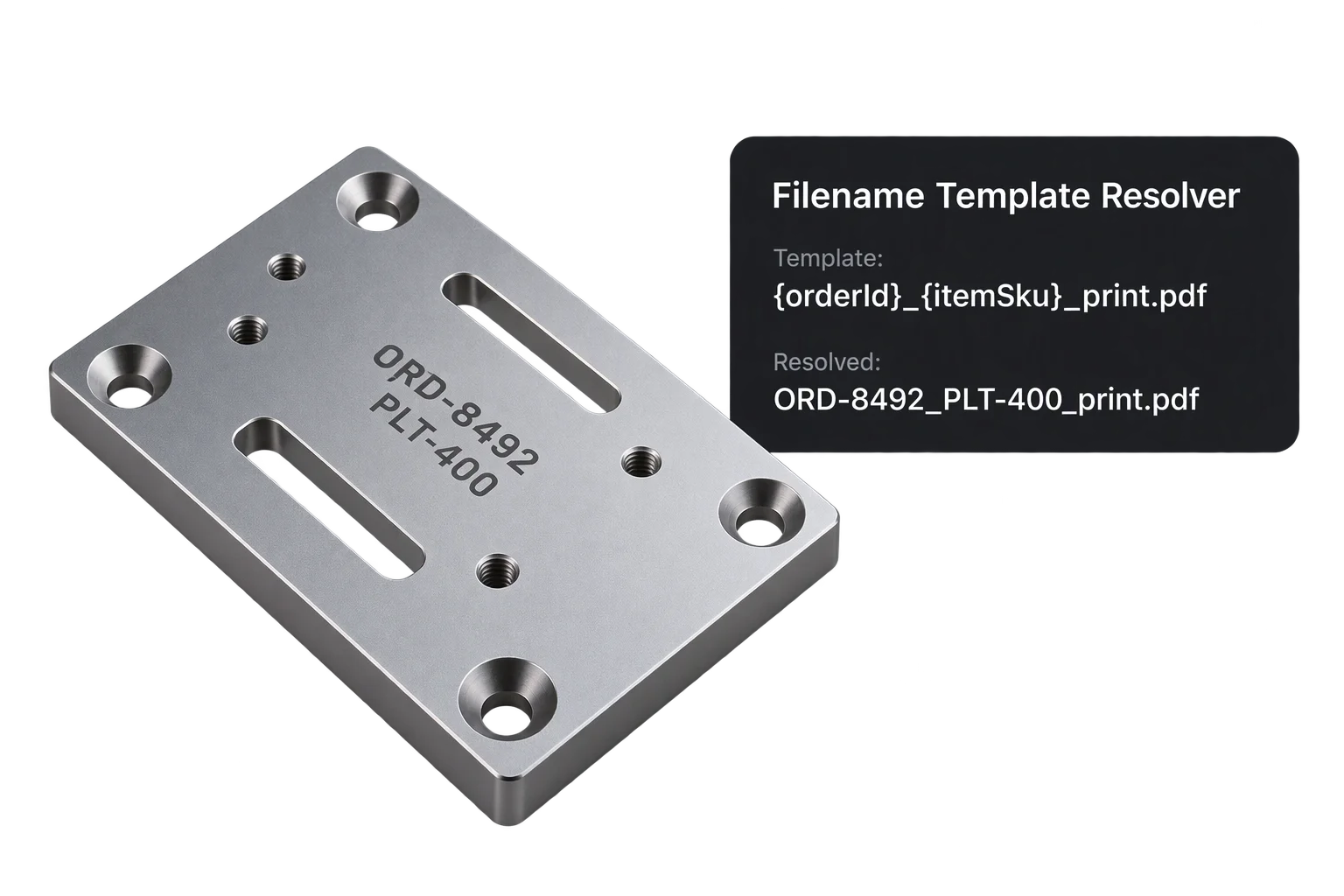
Authenticate via SSH keys or FTPS with TLS session reuse
For SFTP servers, the transfer worker connects over SSH using password or PEM private-key authentication without relying on host keychains. For strict enterprise FTPS servers (such as FileZilla Server requiring private data-channel protection), the client supports explicit TLS on port 21 with control-channel TLS session reuse as well as implicit FTPS on port 990 in binary mode.
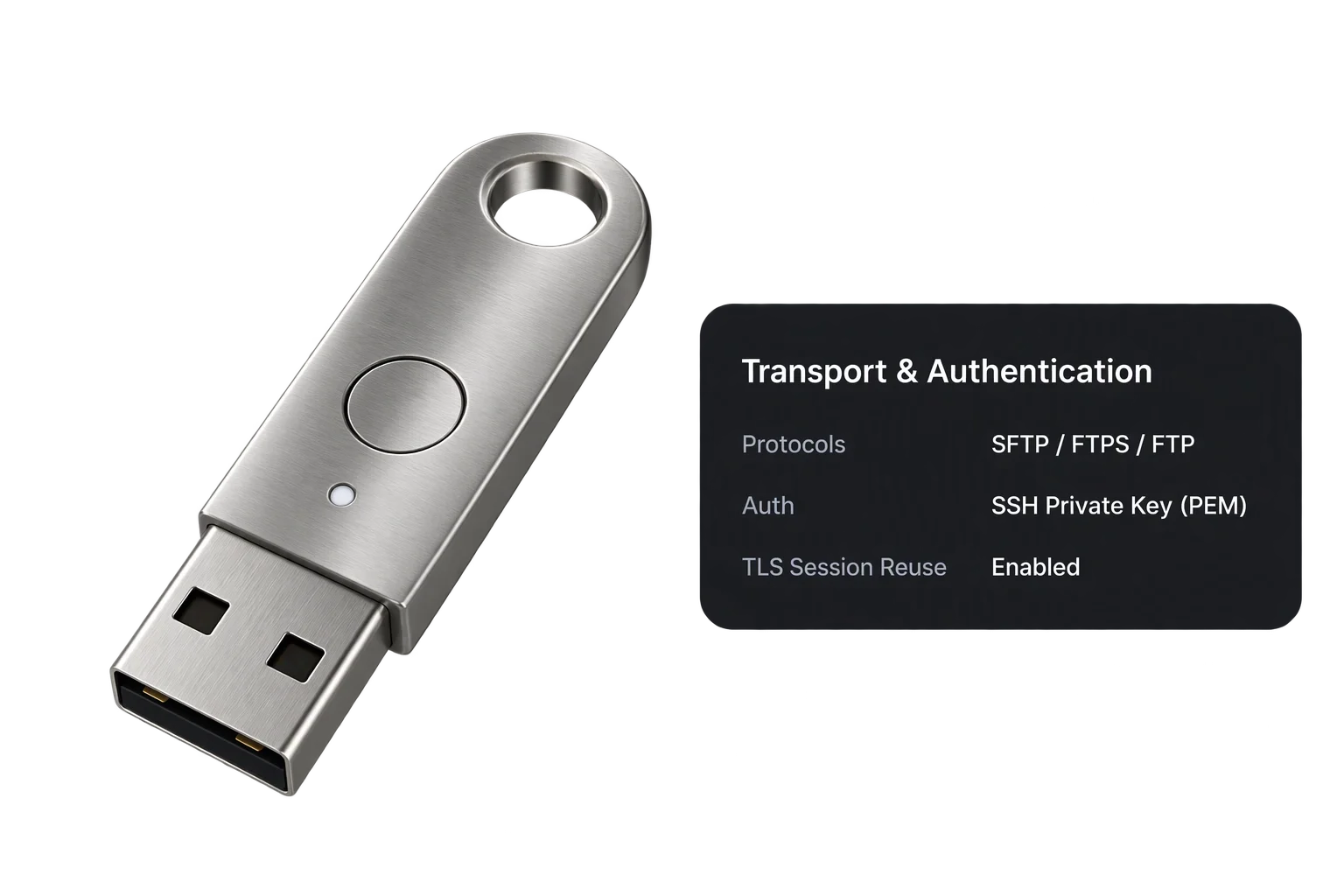
Recover from transient network drops and alert your team
If a factory ISP hiccups or a firewall drops an upload mid-stream, the transfer worker waits for your configured backoff interval and retries with exponential backoff (doubling the wait on each attempt up to your retry limit). Completion and failure triggers notify downstream workflows immediately.
Built for unattended shop-floor automation
Eliminate manual downloading, file renaming, and drag-and-drop prepress bottlenecks across single or multi-facility operations.
Automatic nested folders and consistent file naming
Pass order numbers, SKU codes, or product-line subfolder paths directly into every transfer. Missing remote folders are created recursively on the fly so every PDF, SVG, or PNG lands exactly where your RIP watches.
Route jobs to multiple facilities with safe Studio test mode
Save separate encrypted transfer profiles for in-house UV printers, laser engravers, and third-party contract decorators. While authoring in Aircada Studio, built-in test mode skips live uploads automatically so designers never drop test files into production queues.
Encrypted credential vault with optional malware scanning
Passwords and SSH private keys stay encrypted at rest and decrypt only inside isolated cloud transfer workers at runtime. Enable pre-transfer antivirus scanning to block infected customer uploads before they reach your factory server.
Exponential retry resilience and clear delivery signals
Transient connection drops trigger automatic exponential backoff retries up to your configured limit. Every transfer reports status updates, attempt counts, and explicit success or failure signals so failed jobs are caught immediately.
Responsibility Tiers
- 1 Native Aircada layer
- 1 Aircada Configuration layer
- 1 Custom Implementation layer
- 1 External layer
Responsibility Boundaries Across Hot-Folder File Delivery
How Aircada's cloud transfer agents, Studio plugin settings, custom alerts, and factory IT administration divide responsibilities.
SFTP/FTPS/FTP transfer agent, TLS session reuse, virus scan & exponential retry loop
- Native Aircada
- Cloud transfer execution over SFTP (SSH), Explicit/Implicit FTPS (with control-channel TLS session reuse), and FTP, including encrypted credential decryption, optional malware scanning, recursive directory creation, and exponential retry backoff.
Server host, port, credentials, remote folder path & target filename
- Aircada Configuration
- Plugin configuration of protocol, host address, port, encrypted credentials, implicit FTPS toggle, virus-scan toggle, retry/timeout limits, destination directory, and target filename.
Custom downstream ERP notifications or failure escalation webhooks
- Custom Implementation
- Optional listeners wired to Aircada's transfer completion and failure triggers to notify internal Slack channels, ERPs, or operations ticketing tools.
Factory SFTP/FTPS server availability, firewall allowlisting & RIP hot-folder polling
- External
- Customer-managed FTP or SFTP server uptime, directory write permissions, firewall rules, and local RIP or CNC software watching the hot-folder.
Frequently Asked Questions
Does Aircada support FTPS servers that require TLS session reuse on the data channel?
Can we authenticate using SSH private keys instead of passwords?
What happens if our shop floor internet goes down while an order is being placed?
How do we prevent two orders from overwriting each other in the same hot-folder?
Connect your shop floor hot-folder to Aircada
Tell us what RIP or CNC software your facility runs and we will configure an automated SFTP or FTPS delivery pipeline for your custom products.
Related capabilities
Explore the adjacent capabilities and integrations that pair with this workflow.

Turn customer designs into print-ready PDFs

Scaled SVG cutlines for lasers and CNC routers

Preview laser engraving and monograms in 3D