Turn customer designs into print-ready PDFs
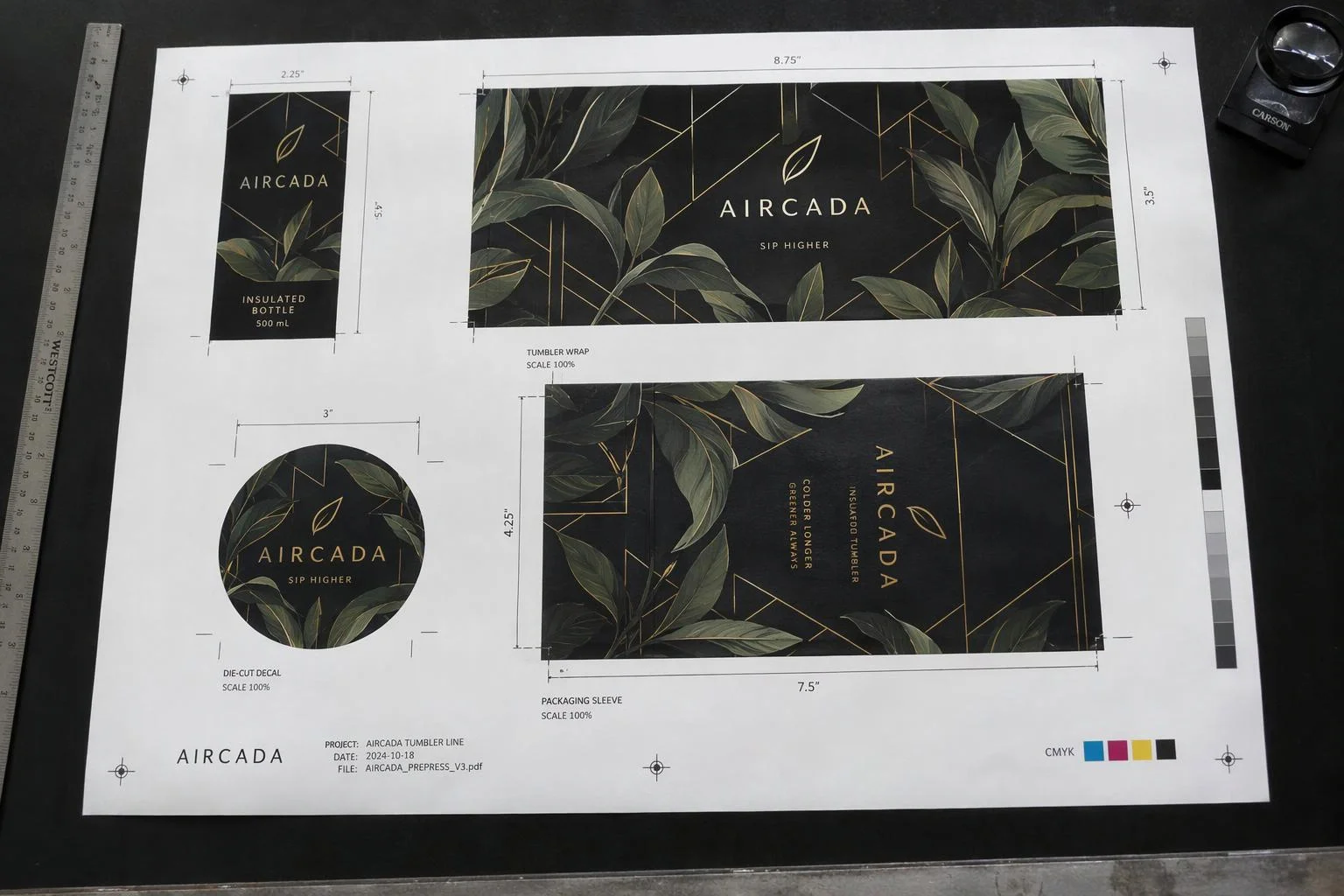
When shoppers customize labels, decals, or printed packaging online, graphic designers usually have to rebuild each order by hand in Illustrator to add bleed, fix dimensions, and match files to orders. Aircada compiles a correctly sized, print-resolution PDF directly from the customer's approved 3D design at checkout and links it straight to the order line item.
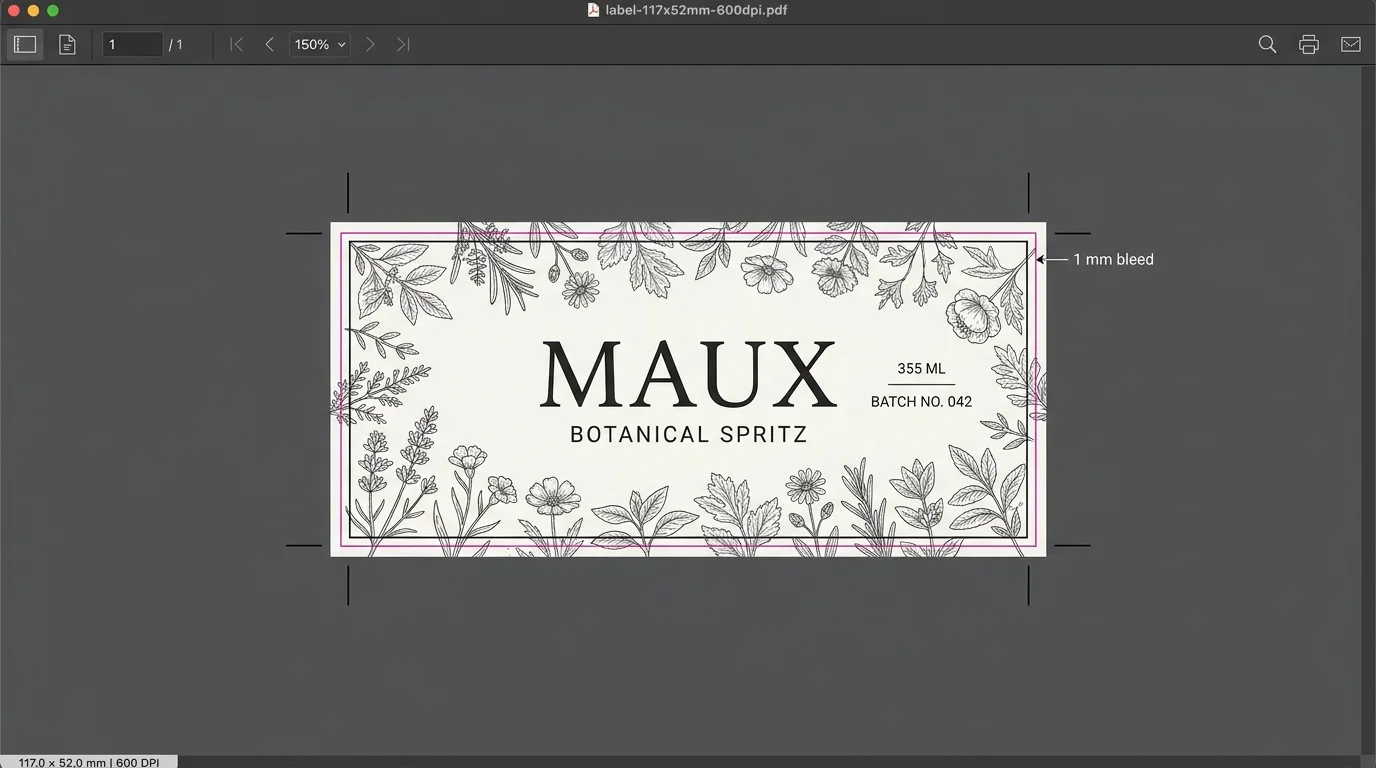
From live bottle customizer to 600 DPI press label.
In the Maux Cocktails custom bottle deployment, shoppers either personalize a templated cocktail label with custom typography or upload their own artwork, pick flavor bottle quantities across tiered volume breaks, and check out. Before the multi-SKU bundle submits to Shopify, Aircada rasterizes the approved label at 2764 x 1228 px (600 DPI) onto a 117 x 52 mm full-bleed PDF and links it directly to the order.
Illustrative visual representing the Maux Cocktails production PDF specification.
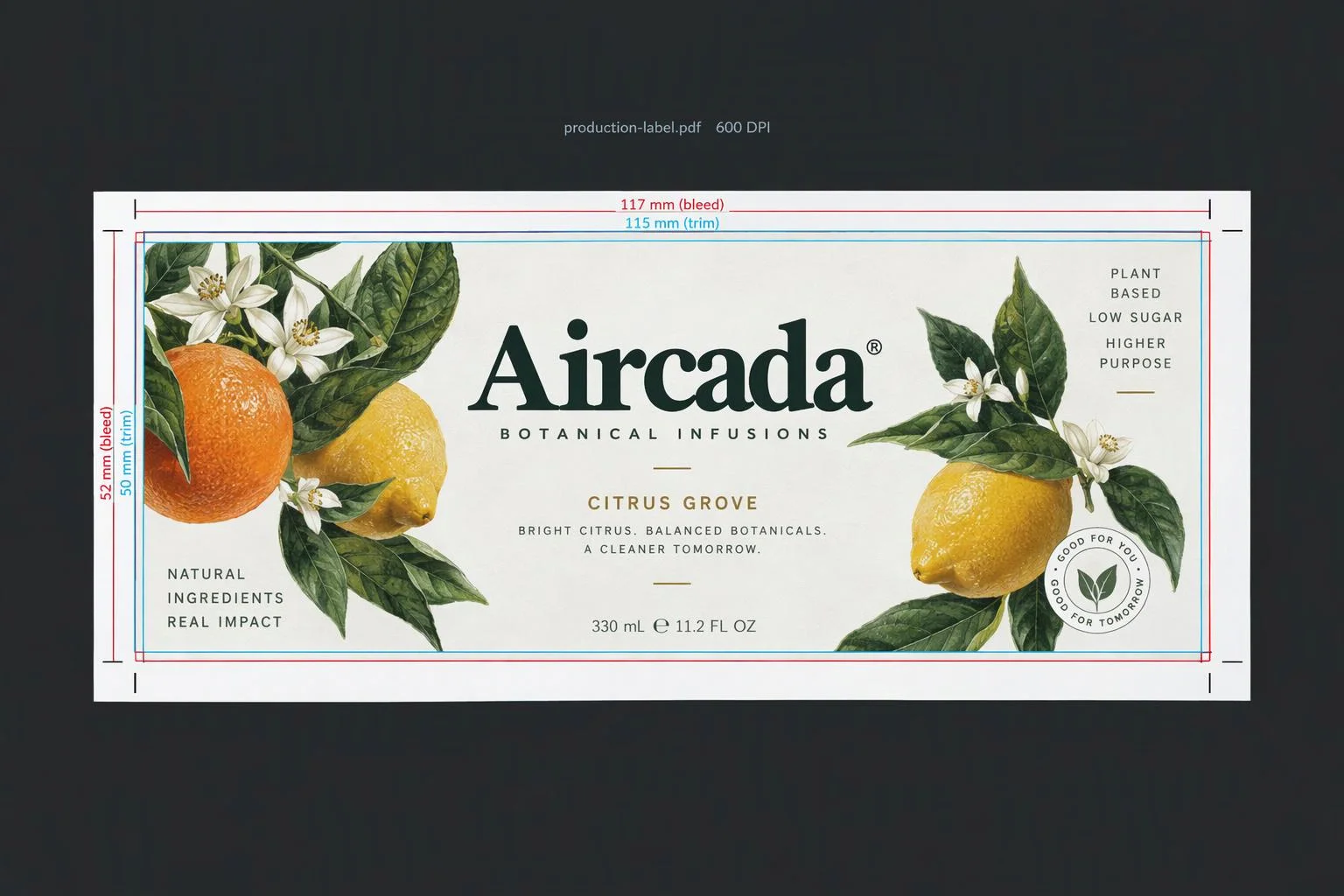
From customer design to order-linked press file
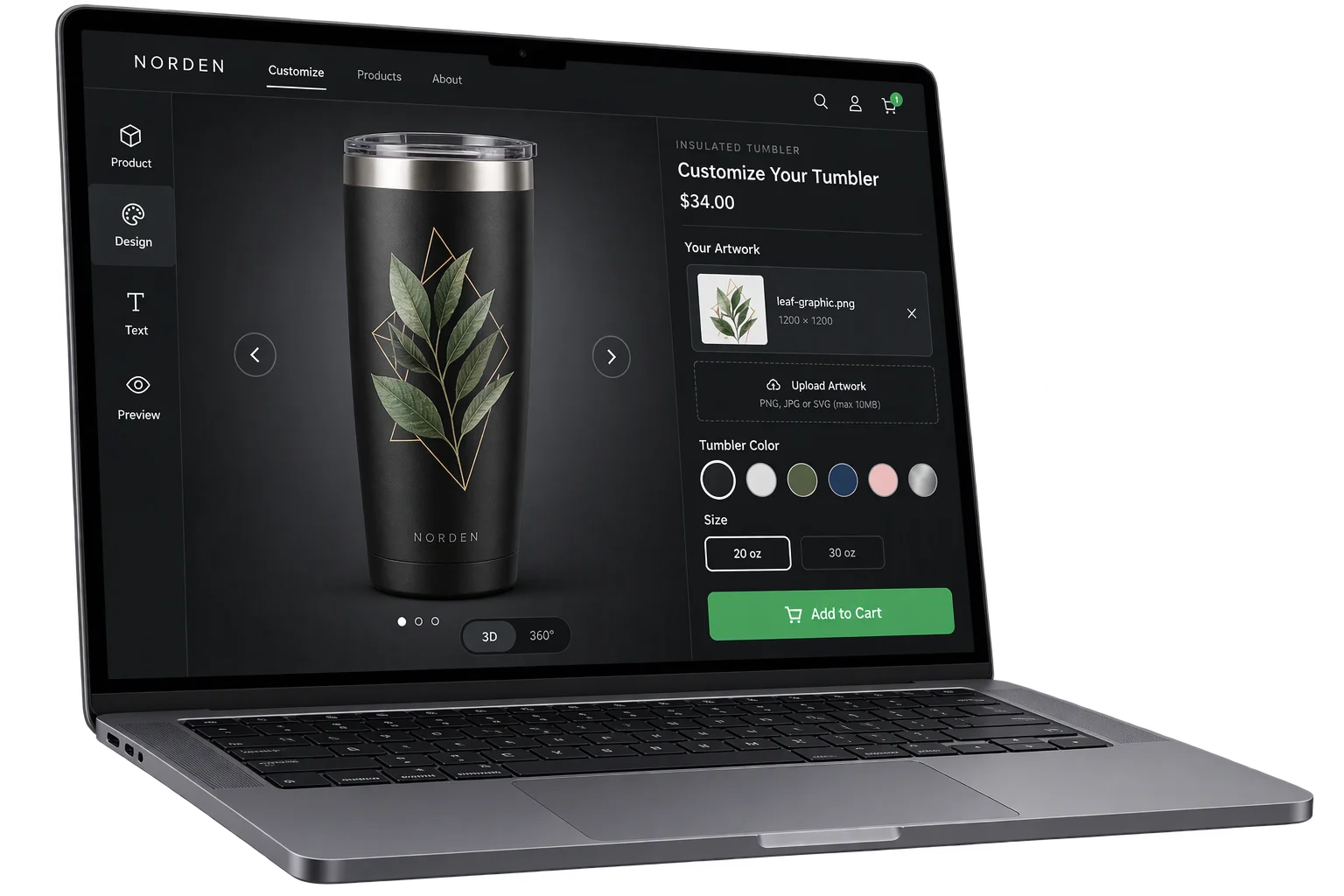
The buyer finalizes artwork in 3D
Shoppers upload logos or photos or edit custom label templates directly on the 3D product inside approved printable safe zones.
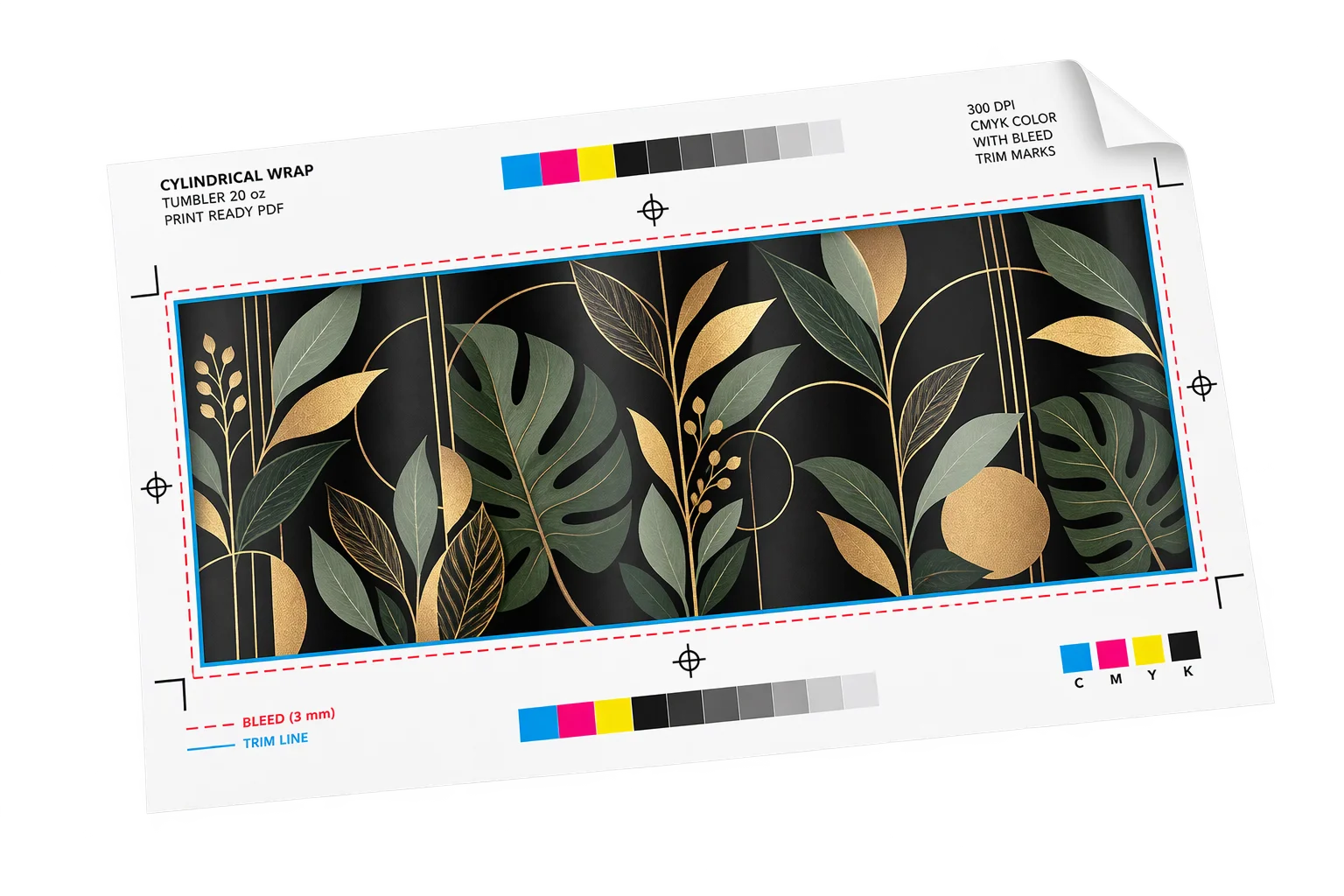
Aircada renders the physical-size PDF
On checkout click, Aircada waits for custom fonts and images to load, renders the design at your configured DPI (such as 300 or 600 DPI) onto a solid print canvas, and places it onto an exact millimeter or inch page with bleed.
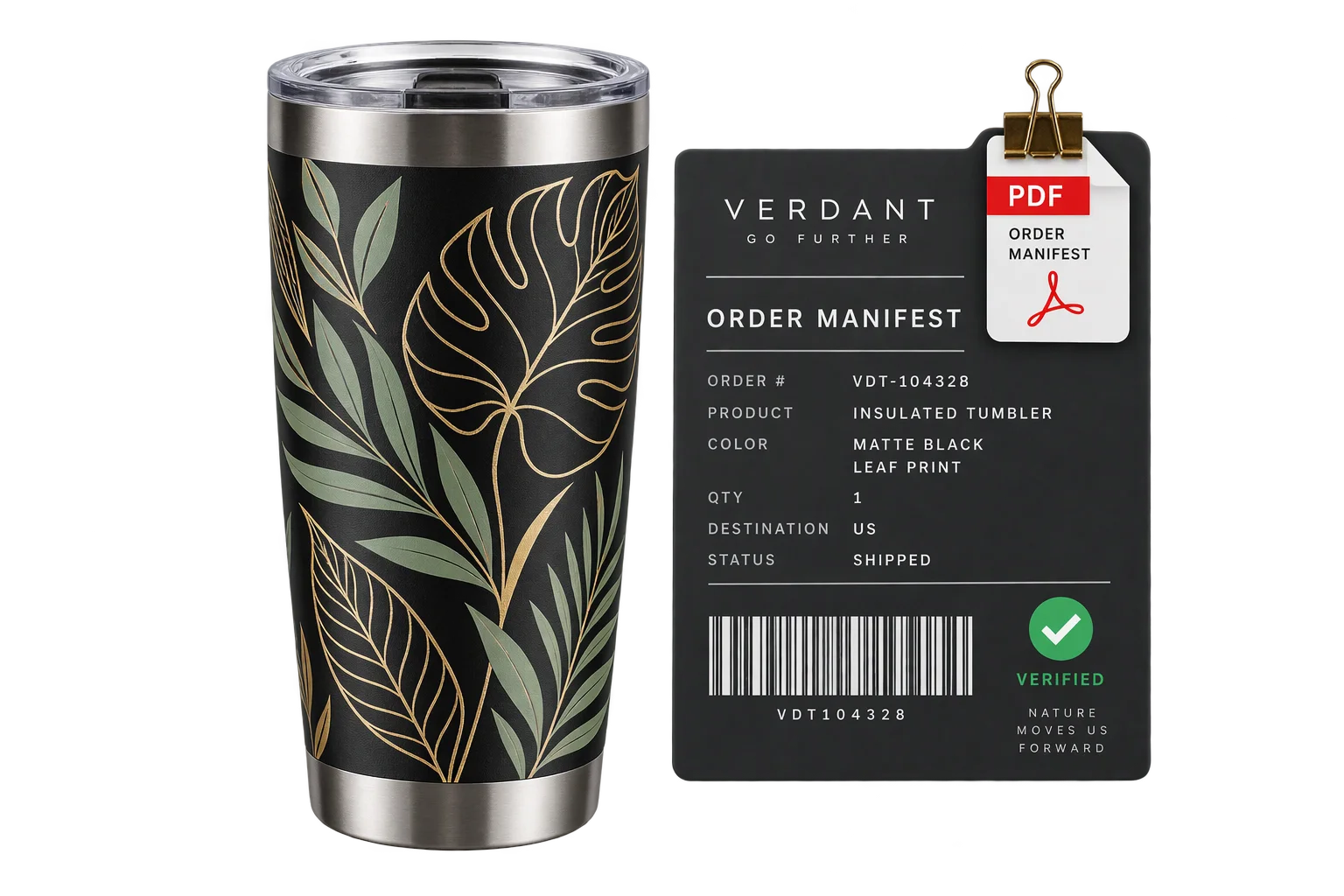
The PDF locks onto the order line item
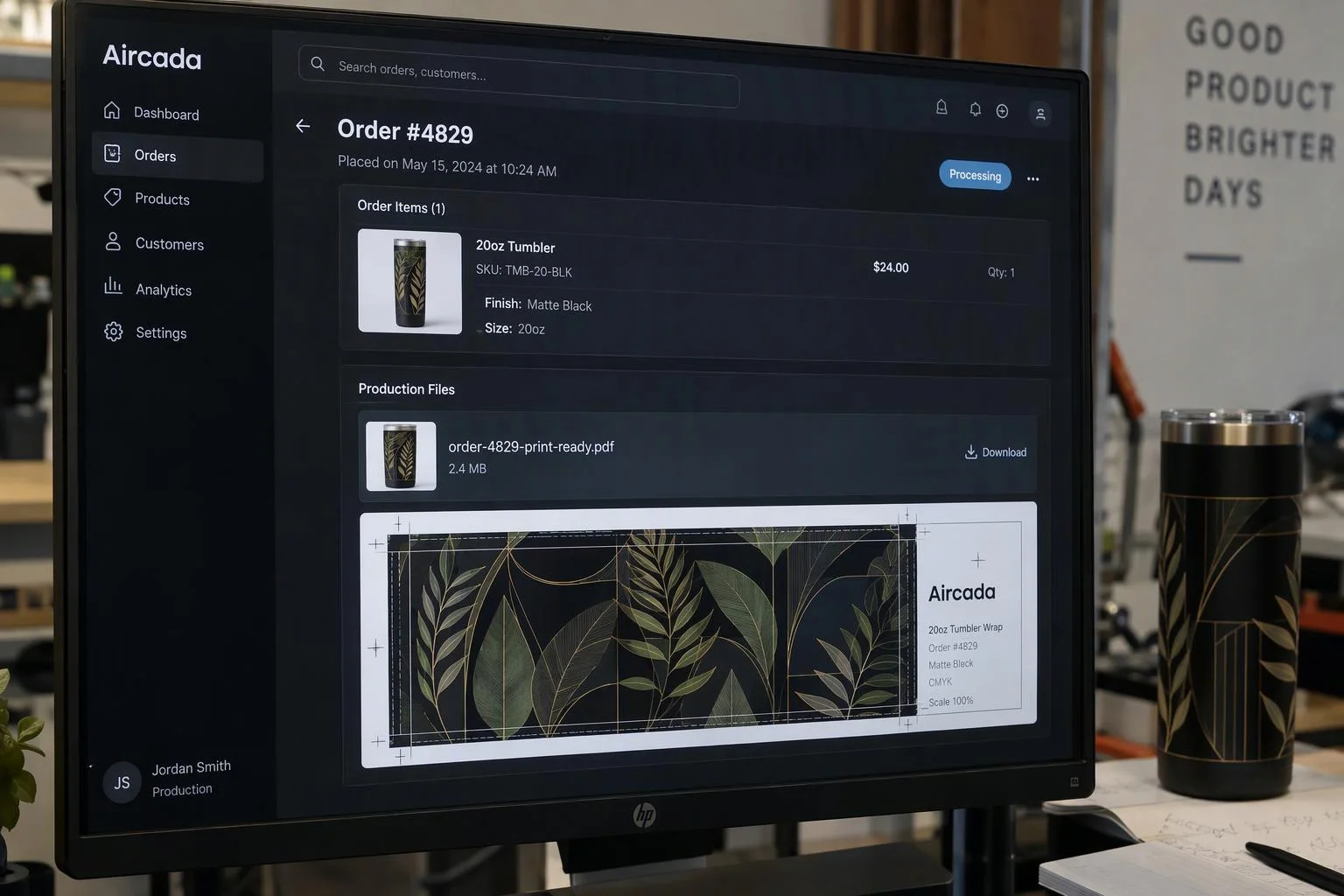
Checkout completes only after the compiled PDF uploads and attaches to the primary order line item, arriving alongside the customer's selected SKUs and quantities with zero manual file matching.
Print-grade resolution with font and canvas safeguards
Generate PDFs at 300 DPI, 600 DPI, or your exact press resolution without recreating the customer's layout in desktop design tools. Before writing the PDF, Aircada verifies that custom web fonts and embedded images have finished loading and composites transparent uploads onto a clean white print canvas so cut-out logos never print with black boxes.
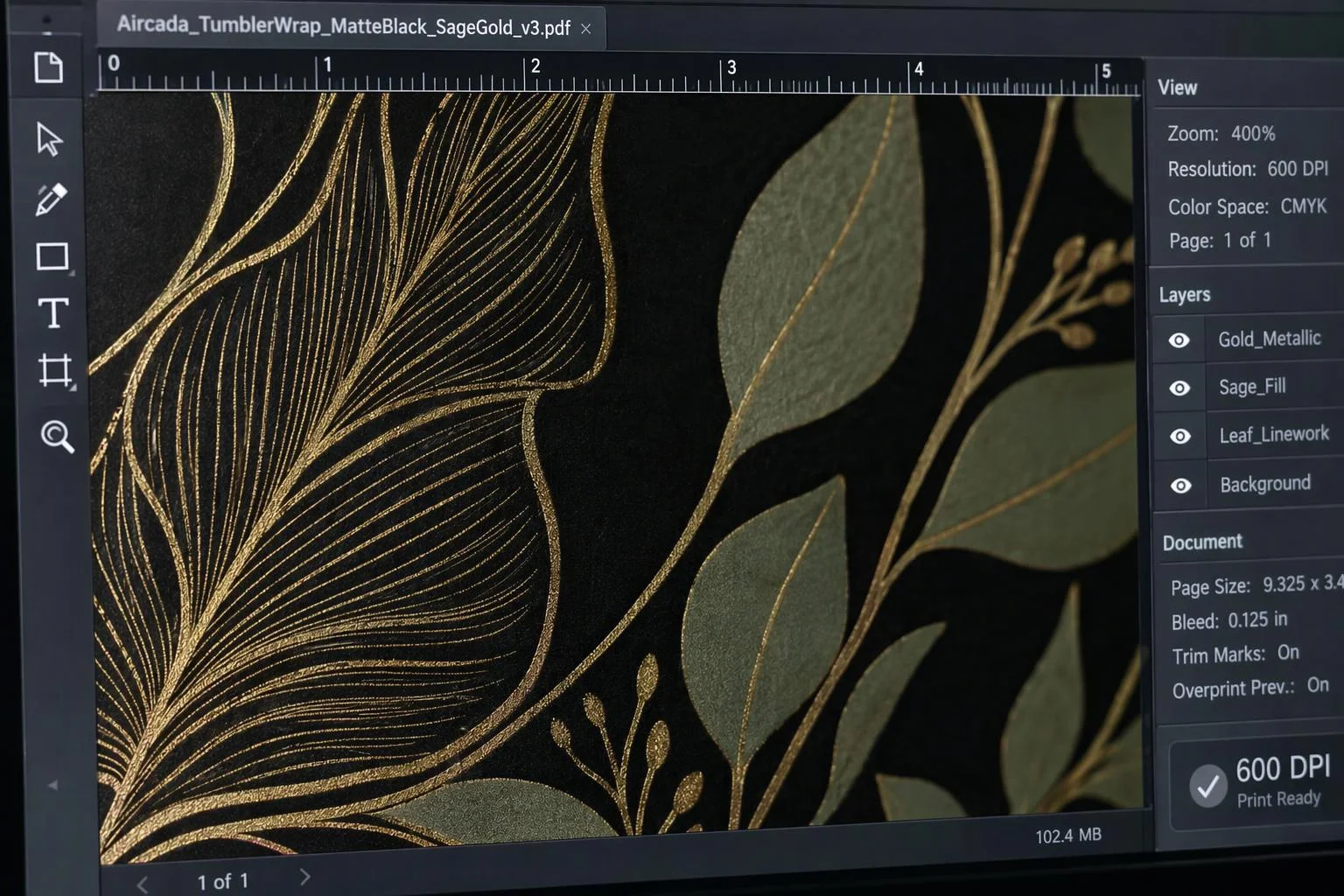
Exact physical units, trim dimensions, and bleed
Author every product's output sheet in real physical measurements (millimeters, centimeters, inches, or typographic points) rather than arbitrary screen pixels. Aircada converts pixel buffers using exact physical ratios (25.4 mm or 72 pt per inch) so a 115 x 50 mm label with 1 mm bleed always outputs a 117 x 52 mm press sheet.
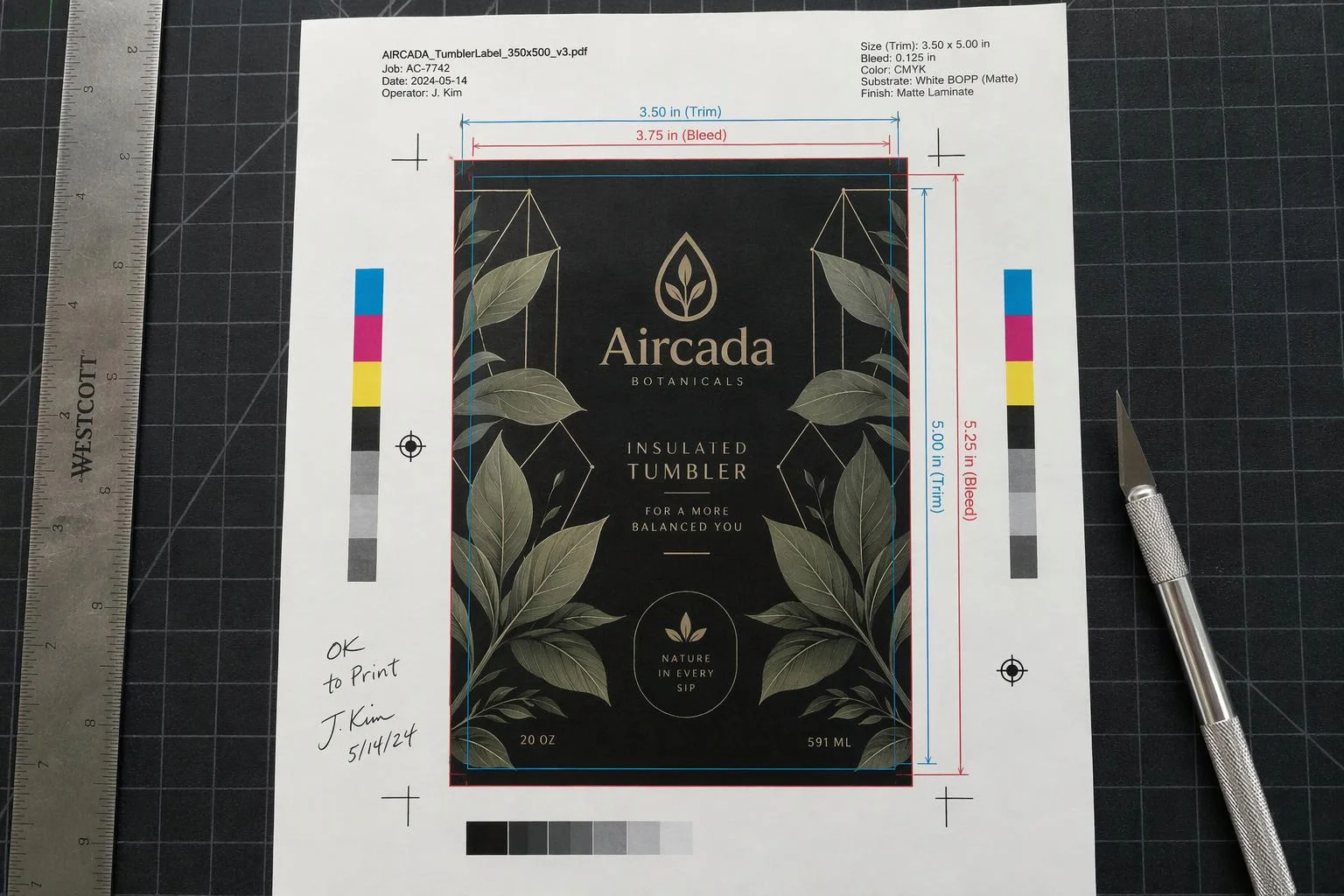
Flexible orientation, rotation, and SKU-specific layouts
Configure sheet orientation and placement per SKU so one storefront can serve narrow bottle wraps, wide decals, vertical signage, and flat packaging inserts. Lock landscape or portrait orientation for roll-fed presses, enable automatic orientation matching for mixed uploads, or rotate artwork from 0 to 359 degrees to match feed direction.
Checkout-synchronized order delivery across single or bundled SKUs
Because PDF compilation runs inside the checkout gate, an order never reaches your fulfillment queue missing its artwork. Whether a buyer orders one personalized item or a multi-flavor bundle like Maux Cocktails, Aircada attaches the print PDF directly to the order record as a hidden internal line-item property ready for your print operators or order webhooks.
Eliminating manual prepress rebuilding between checkout and press
Most web-to-print customizers only save a low-resolution preview screenshot or a raw customer upload, forcing your production team to open every order in design software, set the physical page size, extend the artwork into the bleed area, verify that custom fonts did not fall back, and rename the file to match the order number. When an order includes multiple bottle flavors, sizes, or packaging SKUs, matching the right label artwork to the right line items adds even more manual risk.
Aircada compiles the production PDF inside the browser at checkout using exact physical-unit math (millimeters, centimeters, inches, or typographic points) instead of screen-pixel approximations. Before rasterizing, the pipeline waits for custom brand fonts and embedded graphics to finish loading, flattens transparent uploads onto a clean white print canvas so logos never print with dark background boxes, and gates order submission until the compiled PDF uploads and attaches to the line item.
| Specification | Supported Options | How Production Teams Use It |
|---|---|---|
| Measurement Units | Millimeters (mm), centimeters (cm), inches (in), points (pt), pixels (px) | Locks output sheet dimensions to exact physical press tolerances using standard 25.4 mm/in and 72 pt/in conversions. |
| Page Formats | Custom Width x Height (up to 50,000 units), Auto (Image Size), A4, US Letter | Matches exact die-cut label sizes (such as 117 x 52 mm with bleed) or standard proof sheets. |
| Placement Modes | Page-Matched DPI, Fit (centered contain), Fill (full-bleed cover), Manual (X, Y, W, H) | Prevents unintended aspect-ratio stretching and supports full-bleed cover or fixed-coordinate sheet placement. |
| Orientation & Rotation | Auto orientation, locked Portrait/Landscape, 0 to 359 degree rotation | Aligns custom labels to roll-fed unwind direction or flatbed jig orientation without manual rotation in prepress. |
| Image Embedding & Compression | PNG, JPEG, or WebP streams with None, Fast, Medium, or Slow compression | Balances lossless crispness for fine typography (PNG) against smaller file transfers for photographic artwork (JPEG). |
| Order Attachment | Shopify hidden line-item property or headless checkout/webhook URL | Delivers the compiled PDF link directly on the order record so staff never match emailed files by hand. |
Built around your printing process and storefront
Print requirements differ across roll-fed label presses, wide-format flatbeds, and packaging converters. On Shopify storefronts, Aircada attaches the compiled PDF reference as a hidden internal order property so shoppers see a clean receipt while fulfillment staff and order webhooks pull the print file directly. On headless or custom commerce stacks, the compiled PDF URL and configuration metadata pass into your checkout or ERP payload in the exact schema your print workflow expects.
Page size, bleed allowance, resolution, and orientation are configured per product and validated against a physical test print before launch. Need vector cutting contours alongside printed artwork? Pair your print PDF with scaled SVG cutlines for laser cutters, vinyl plotters, or CNC routers.
Responsibility Tiers
- 1 Native Aircada layer
- 1 Aircada Configuration layer
- 1 Custom Implementation layer
- 1 External layer
Responsibility Boundaries Across Print-Ready PDF Generation
How Aircada's PDF export pipeline, product specs, and downstream prepress tools divide responsibilities.
High-DPI raster-to-PDF page synthesis & order attachment
- Native Aircada
- Compiles approved artwork into a single-page PDF in the browser with configurable physical units (mm, cm, in, pt, px), target DPI, placement modes, rotation, compression, and cart line-item attachment.
Finished page size, bleed margin, orientation & DPI per SKU
- Aircada Configuration
- Configured per product to match your physical trim dimensions, bleed allowance, target DPI (such as 300 or 600 DPI), and unwind orientation.
High-res template rasterization, multi-SKU bundle gating & custom routing
- Custom Implementation
- Scoped when orders combine custom HTML/font label rendering (as in Maux Cocktails), multi-SKU pack bundling, paired SVG cutlines, or custom ERP/hot-folder webhooks.
CMYK ICC color conversion, press imposition & physical cutting
- External
- Handled by your print shop's RIP software and press equipment once the order-attached PDF is downloaded, ensuring color profiles match your exact ink set and substrate.
Frequently Asked Questions
Are the generated PDFs sized to exact physical millimeters or inches with bleed?
What print resolution do the exported PDFs support?
What happens if a shopper uploads a transparent PNG logo or clicks checkout before custom fonts finish loading?
Does Aircada handle CMYK color profiles or die-cut Spot/OCG layers inside the PDF?
How does our print team access the PDF after a customer places an order?
Less artwork preparation. More orders ready to produce.
Show us your current print workflow and the files your production team needs.
Related capabilities
Explore the adjacent capabilities and integrations that pair with this workflow.

Customer logo and artwork uploads in 3D
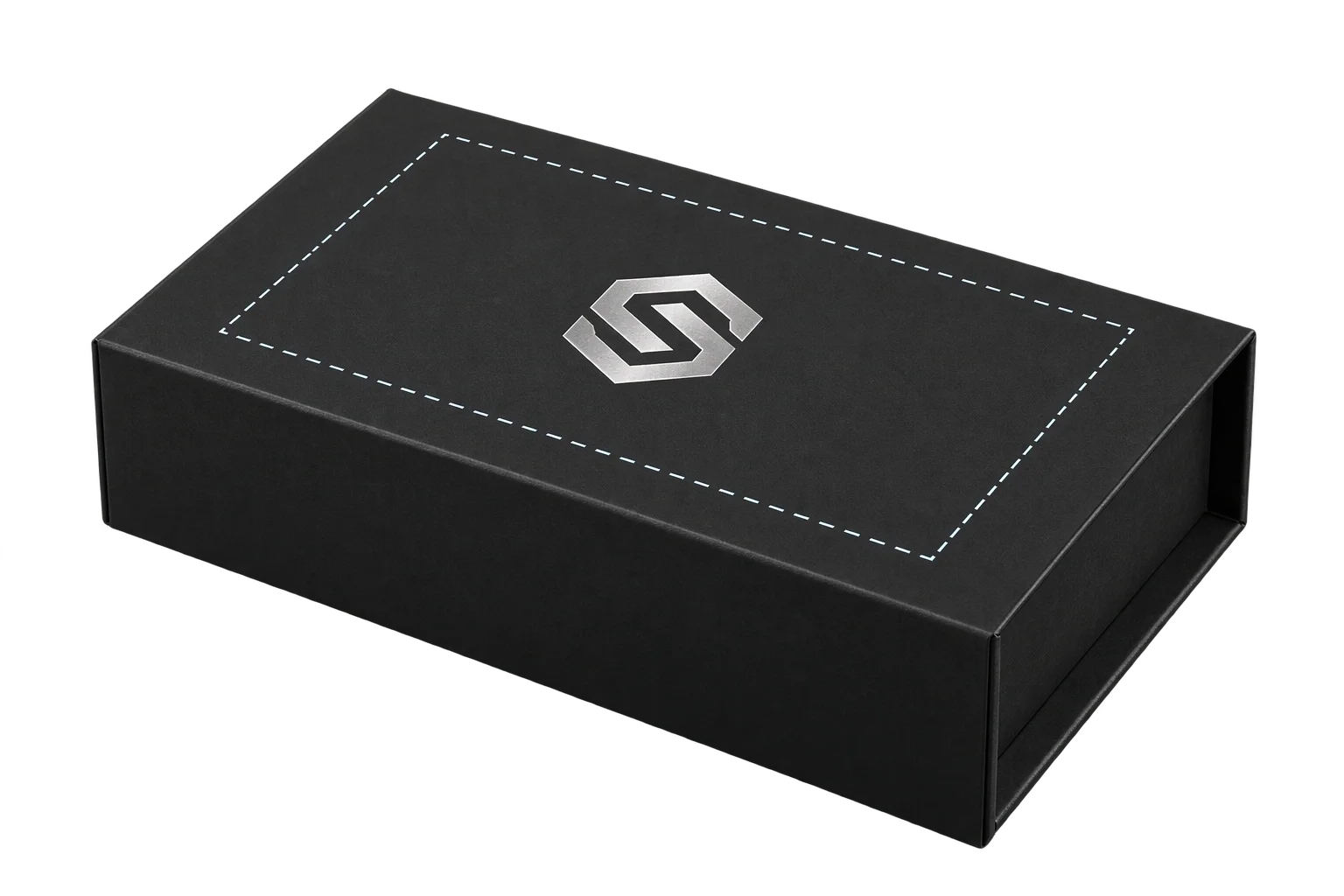
Printable 3D safe zones and artwork boundary locks
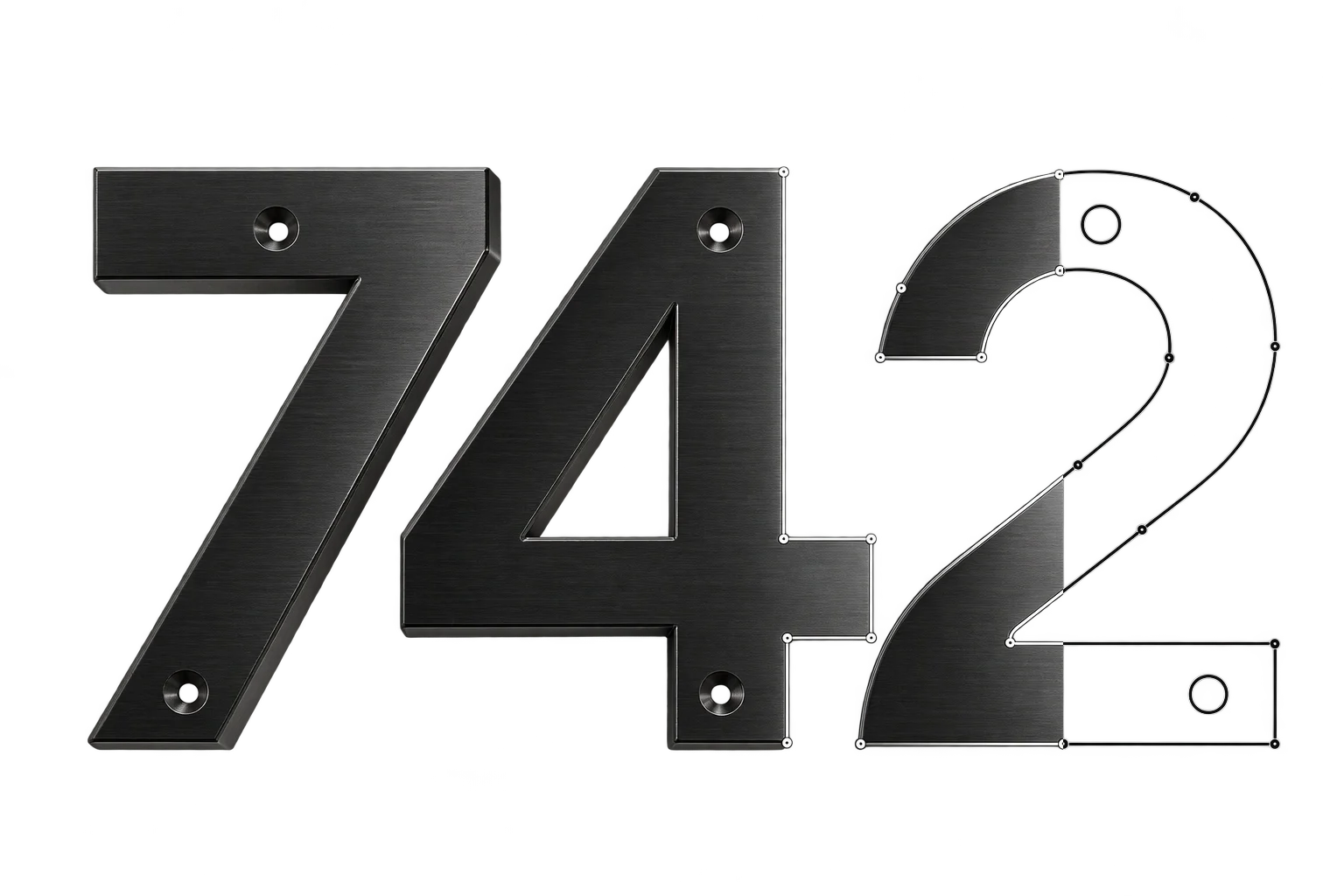
Scaled SVG cutlines for lasers and CNC routers