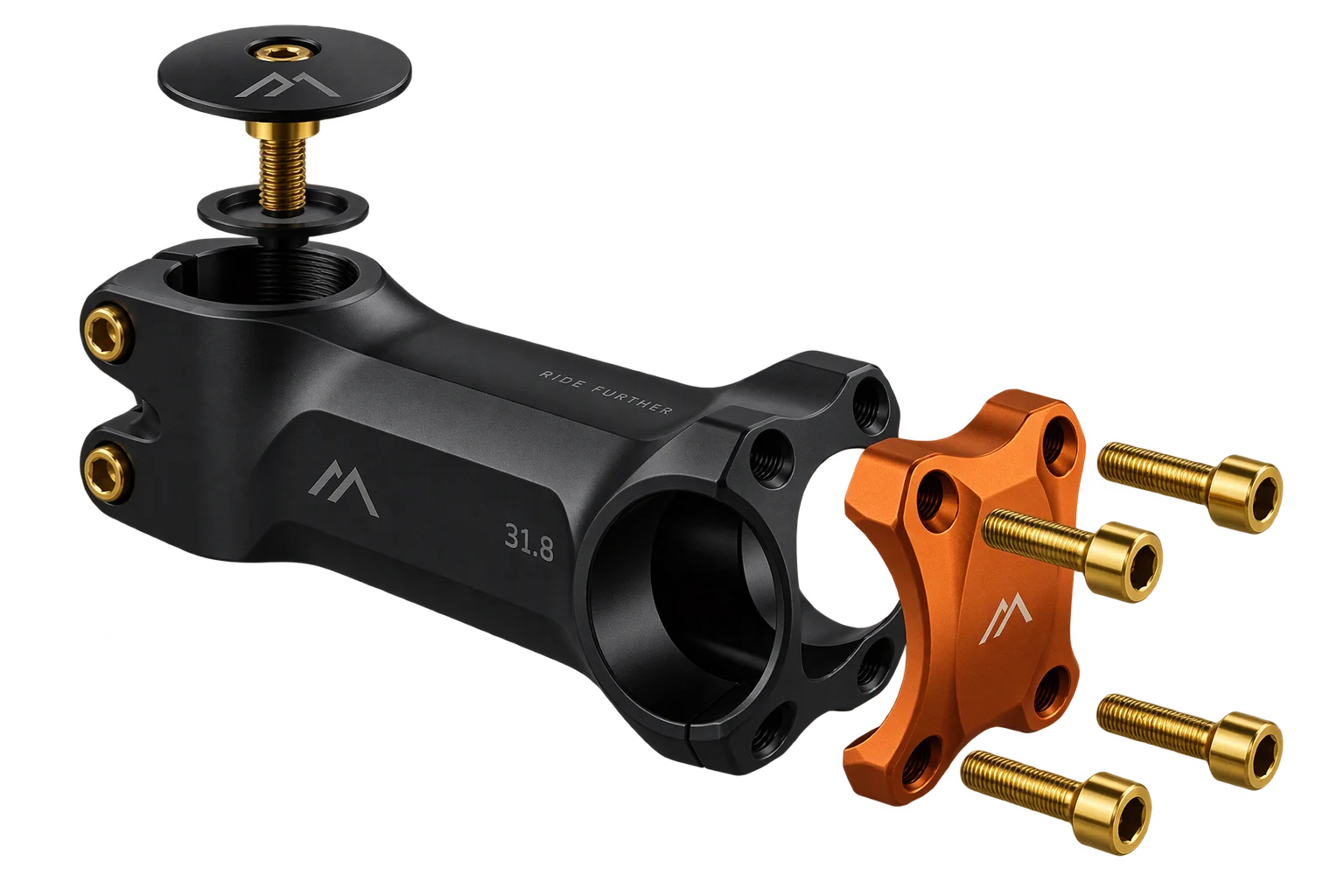
One-click multi-SKU 3D kits and bundle checkout
Selling modular kits as pre-combined parent variants creates thousands of unmanageable SKUs and breaks part-level inventory tracking. Aircada maps a base 3D product and each active attachment to its own real catalog SKU, sums live prices, and submits the entire bundle in one checkout request.
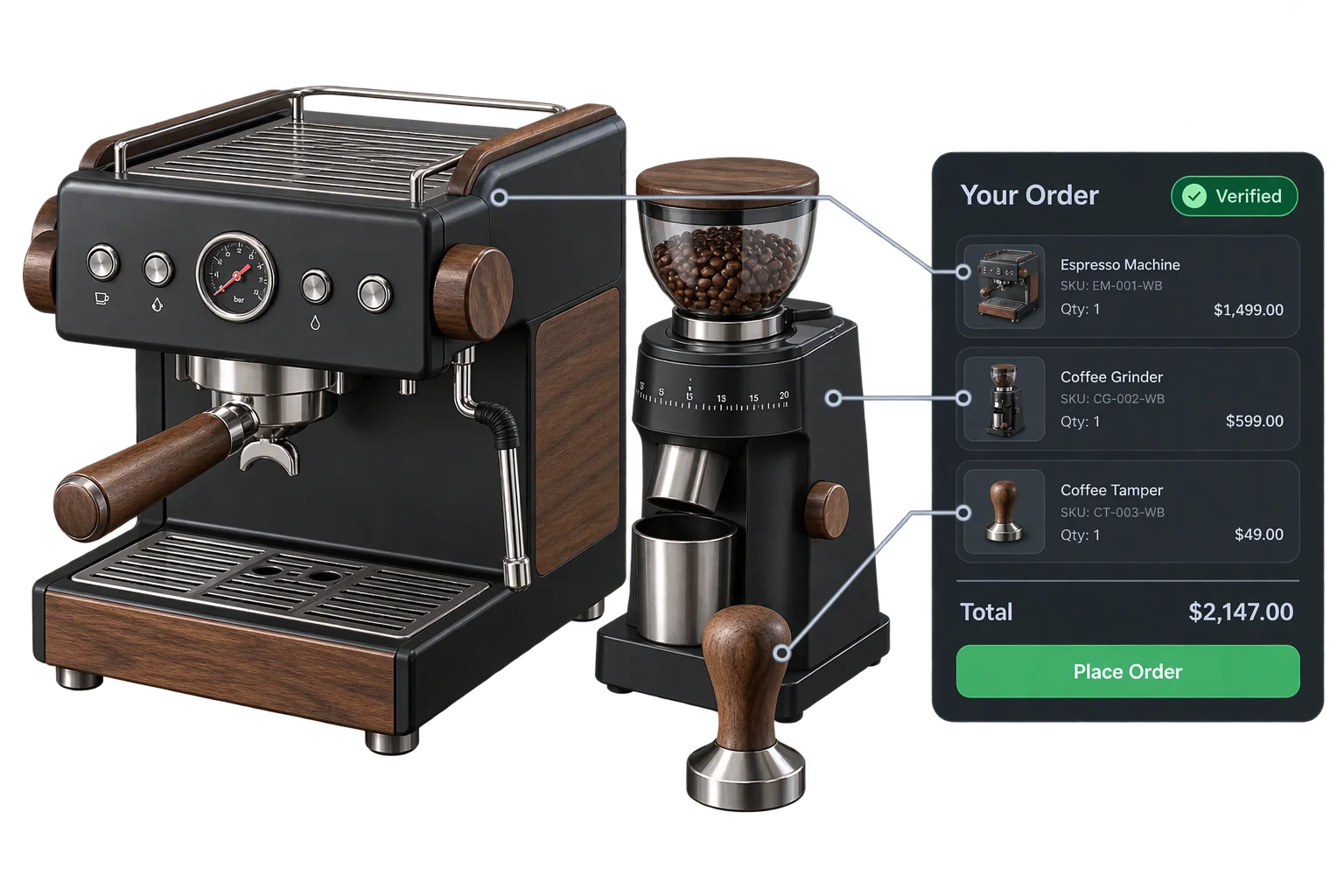
Selling modular 3D assemblies without catalog SKU explosion
Brands that sell modular products, such as ski and binding packages, camera cages with mounted accessories, modular shelving, or ergonomic desk setups, run straight into a catalog bottleneck. When a base frame pairs with dozens of optional attachments, pre-building every permutation as a standalone catalog variant creates thousands of unmanageable SKUs and breaks warehouse stock counts on individual parts.
Aircada's modular kit builder separates the unified 3D buying experience from rigid single-SKU catalog limits. Shoppers assemble and customize a complete kit inside one interactive 3D viewport while component-level SKU mapping keeps the base product and every selected attachment tied to its own inventory-tracked catalog item behind the scenes.
How primary and component checkouts coordinate a bundle
Map every modular attachment in a 3D scene to its own catalog SKU without creating thousands of pre-combined parent variants.
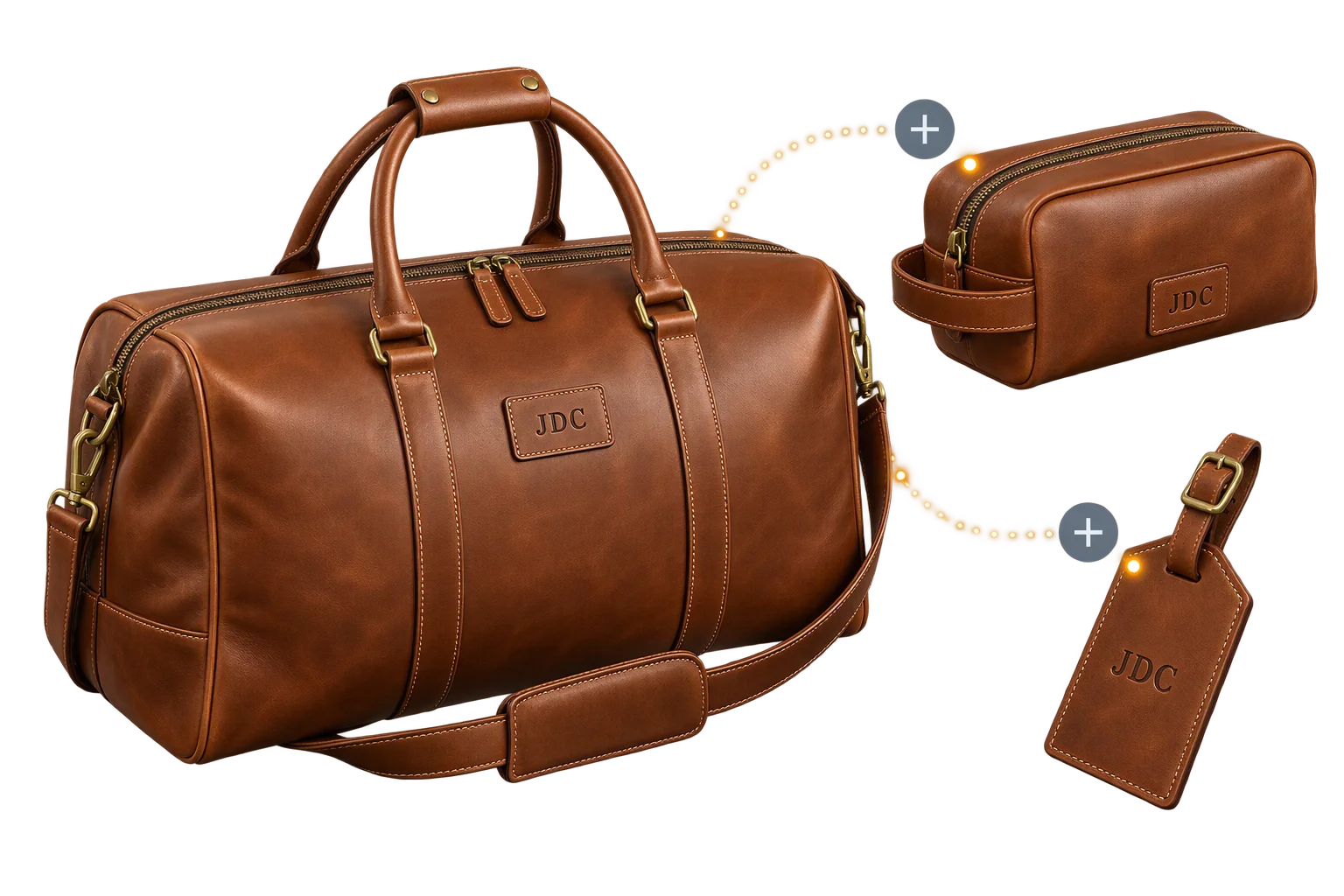
Primary and component SKU topology
One primary checkout handles the core product while secondary component entries represent optional attachments, racks, bindings, or accessories, each mapped to its own catalog configuration, pricing rules, and quantity.
Live component pricing and automatic inclusion filtering
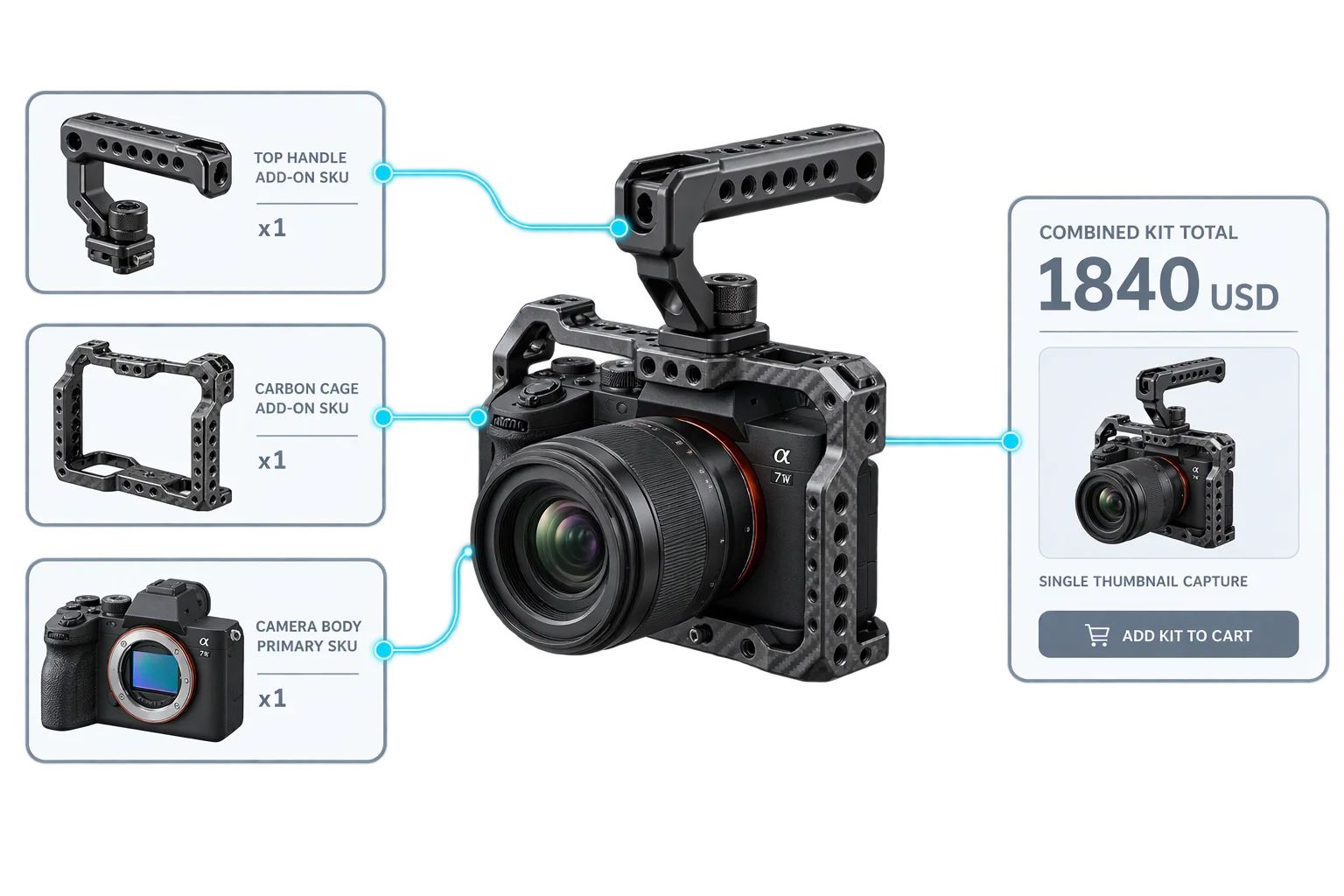
As shoppers toggle an attachment on or adjust its quantity in 3D, Aircada updates that component's price stream into the combined kit total and excludes any disabled or zero-quantity items automatically at checkout.
Single-click atomic dispatch with zero extra screenshots
Clicking Add to Cart gathers every active component request onto the primary payload while capturing only one 3D viewport thumbnail and scene snapshot, preventing multi-screenshot browser stalls.
Inventory-tracked Shopify fixed-bundle fulfillment
On Shopify, each component resolves to its real catalog variant and links beneath a combined fixed-bundle parent variant so stock deducts automatically from every physical warehouse SKU.
Coordinating base product and add-on component SKUs
Multi-product bundling in Aircada pairs one primary product checkout flow for the core item with optional component checkout entries for every attachment or accessory. Each component carries its own product configuration link, quantity, pricing rules, custom option values, and an active bundle-inclusion state, configured through Aircada's ecommerce checkout system.
As shoppers toggle mounts on, swap sizes, or adjust attachment quantities in the 3D scene, each active component recalculates its own live price and feeds its selection into the primary kit total. The storefront UI sums the primary item and active component prices in real time so the buyer always sees an exact bundle total before clicking Add to Cart.
Single-click atomic checkout and inventory-tracked Shopify bundles
When the shopper clicks Add to Cart, a single submit action on the primary item collects every active included component (automatically deduplicating component slots and skipping items turned off or set to zero quantity). Each child item travels as a lightweight bundle entry with its own configuration ID, unique 8-character Design ID, quantity, optional coupon code, and custom option selections.
Because only the primary product captures the 3D viewport thumbnail and full scene snapshot while child entries omit redundant captures, submitting a 5-piece or 10-piece kit adds zero extra render delay. On Shopify, Aircada evaluates every component's pricing and matched catalog variant, sums the component totals, links the real underlying inventory-tracked component variants under a fixed-bundle parent variant so warehouse stock deducts per physical part, attaches the primary 3D thumbnail, and automatically rotates bundle containers (at 200 variants when attaching custom thumbnails, or 2,000 variants when media attachment is disabled) with self-healing recovery if a container product is archived or removed.
| Bundle Layer | Verified Payload / Behavior | Catalog & Fulfillment Benefit |
|---|---|---|
| Primary product payload | Carries the primary configuration ID, 8-character Design ID, full 3D scene snapshot, single viewport thumbnail capture, and the attached array of active child requests | Gives the buyer one visual proof of the full assembled kit without repeating render work |
| Bundled child component payload | Carries independent product configuration ID, 8-character Design ID, quantity, optional coupon code, and custom option selections; omits redundant screenshot and scene snapshot | Preserves per-attachment finishes, sizes, and pricing while keeping checkout submission fast |
| Deduplication & exclusion filtering | Deduplicates linked component slots automatically and omits any add-on whose bundle inclusion is disabled or quantity is zero | Prevents accidental duplicate add-ons or deselected accessories from slipping into the cart |
| Shopify fixed-bundle variant linking | Resolves each component to its real catalog variant, sums all component prices, and links every underlying SKU under a fixed-bundle parent variant | Deducts warehouse stock from each individual physical part while presenting one unified kit total |
| Container rotation & self-healing | Rotates bundle container products automatically at 200 variants (with custom thumbnails attached) or 2,000 variants (without media), and recreates containers if archived or deleted | Keeps high-volume modular stores running smoothly within Shopify platform limits without manual cleanup |
Responsibility Tiers
- 1 Native Aircada layer
- 1 Aircada Configuration layer
- 1 Custom Implementation layer
- 1 External layer
Responsibility Boundaries Across Multi-SKU Bundling
Clear separation between Aircada bundle aggregation, Studio component mapping, UI price summation, and warehouse fulfillment.
Bundle aggregation, single-screenshot dispatch & Shopify container lifecycle
- Native Aircada
- Automatic collection and deduplication of active component requests, per-component 8-character Design ID serialization, single-pass primary screenshot capture, Shopify fixed-bundle variant linking, and automatic 200 / 2,000 variant container rotation.
Component product configs, inclusion rules & bundle wiring
- Aircada Configuration
- Binding each secondary component checkout to its catalog product configuration, setting conditional bundle-inclusion rules, and linking attachments into the primary kit checkout.
Dynamic add-on lifecycle & combined UI price display
- Custom Implementation
- Adding, updating, or removing optional attachment bindings as shoppers customize 3D kits and displaying the live summed price across primary and secondary items in the storefront UI.
Storefront cart presentation & itemized warehouse picking
- External
- Storefront cart and checkout rendering of the combined kit and itemized order components, plus 3PL and warehouse systems picking each underlying SKU from stock.
Frequently Asked Questions
Do bundled add-on components support their own customizable options and quantities?
Does Aircada capture a separate 3D screenshot for every child SKU in a 6-piece bundle?
What happens when a shopper removes an optional attachment before clicking Add to Cart?
Can our team test multi-SKU bundle payloads before going live on Shopify?
See how Aircada captures the live 3D bundle thumbnail at checkout
Every multi-SKU bundle submission pairs with a live 512 x 512 px or 1024 x 1024 px WebP viewport capture and a validated order snapshot on the primary item.
Related capabilities
Explore the adjacent capabilities and integrations that pair with this workflow.
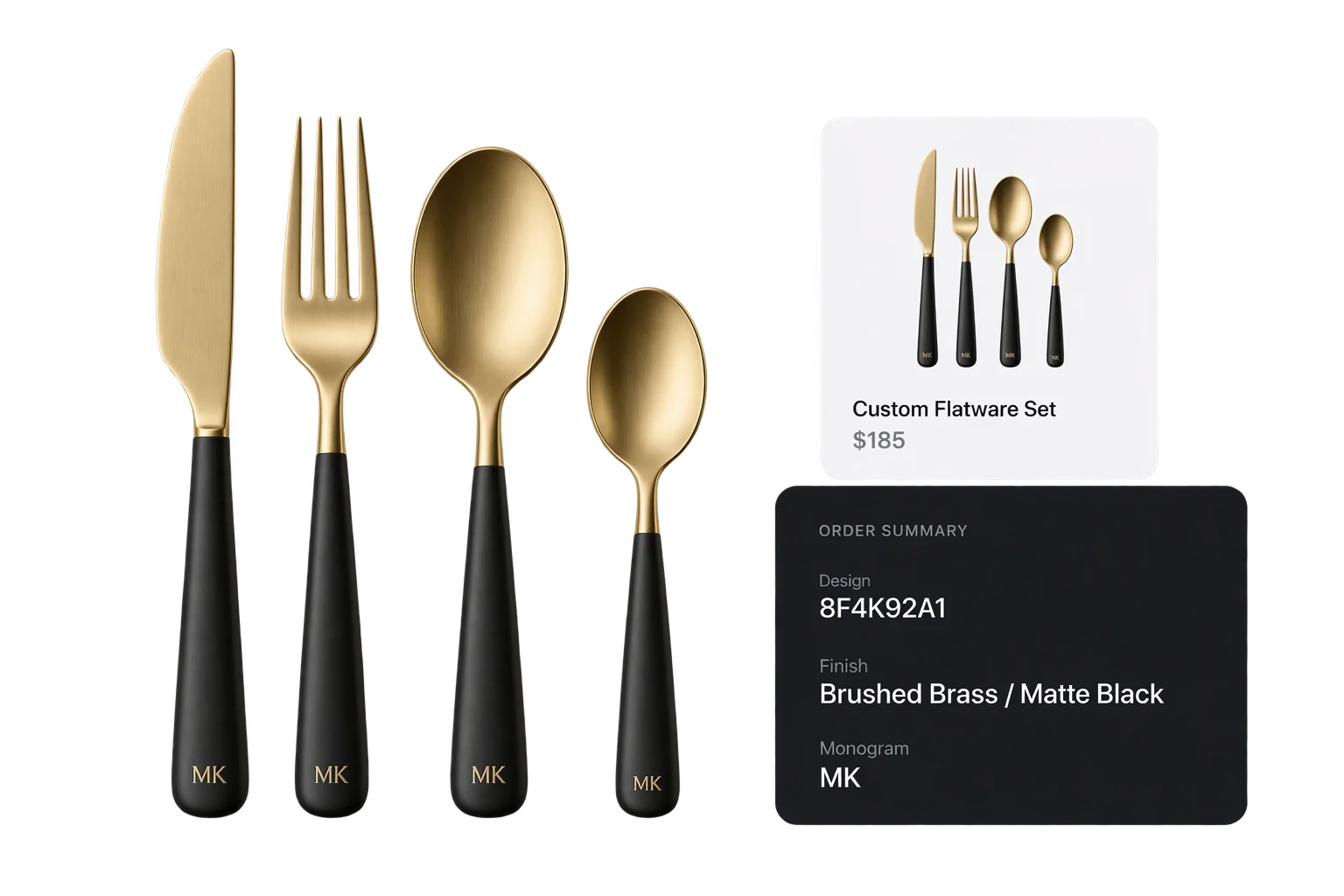
Live 3D cart thumbnails and verified design IDs
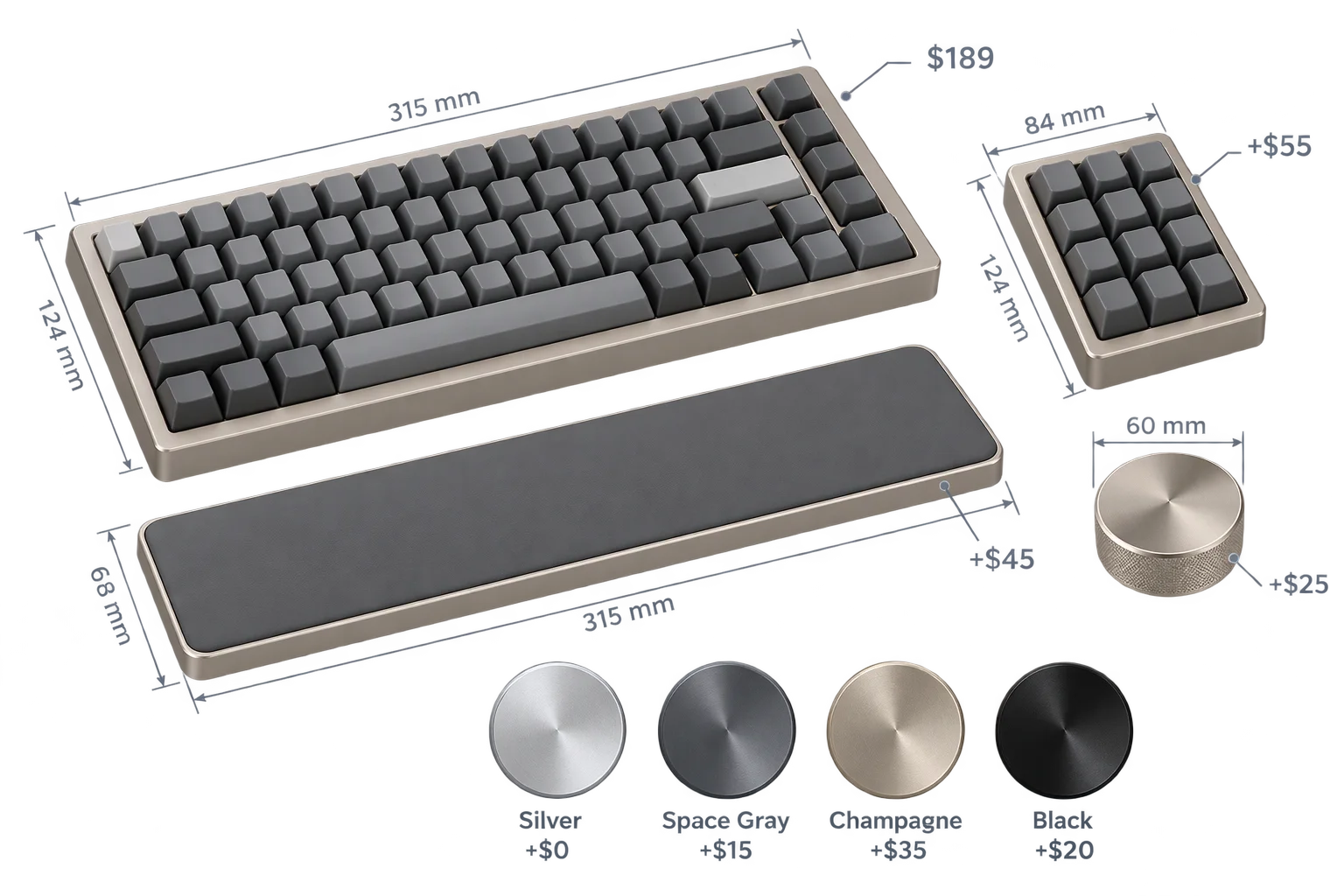
Live dynamic pricing and wholesale quantity breaks
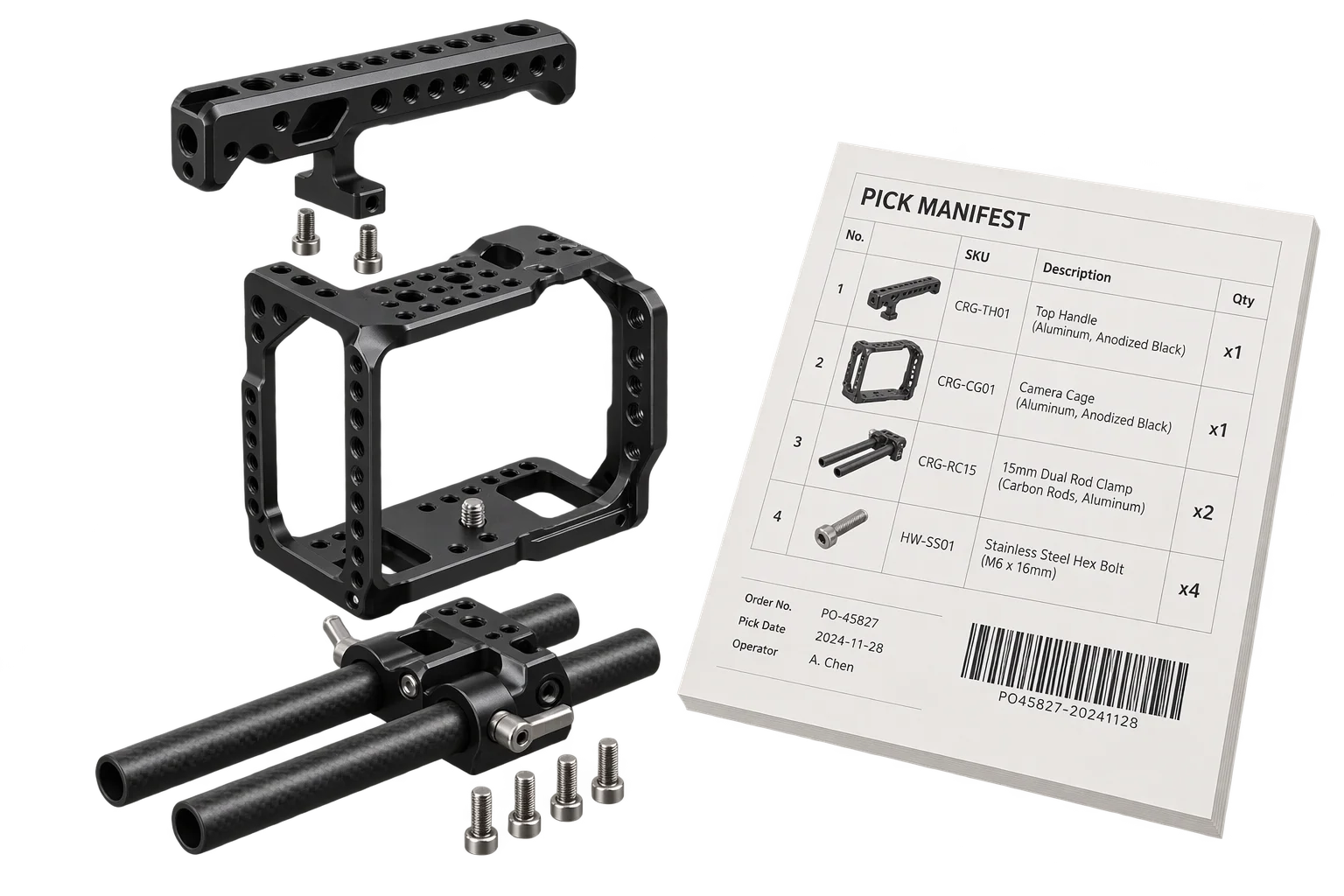
Automated 3D assembly BOMs and pick-list specs