Automatic spot-color counting for screen-print pricing
Honor-system ink-count dropdowns let buyers pay for a 1-color screen print and upload a 4-color logo, forcing sales and prepress teams to chase extra screen fees after checkout. Aircada strips solid backgrounds, clusters uploaded artwork into flat printable spot inks in the browser, counts active print stations accurately, and updates unit surcharges and wholesale tier pricing live before payment.
Turn uploaded logos into priced ink stations
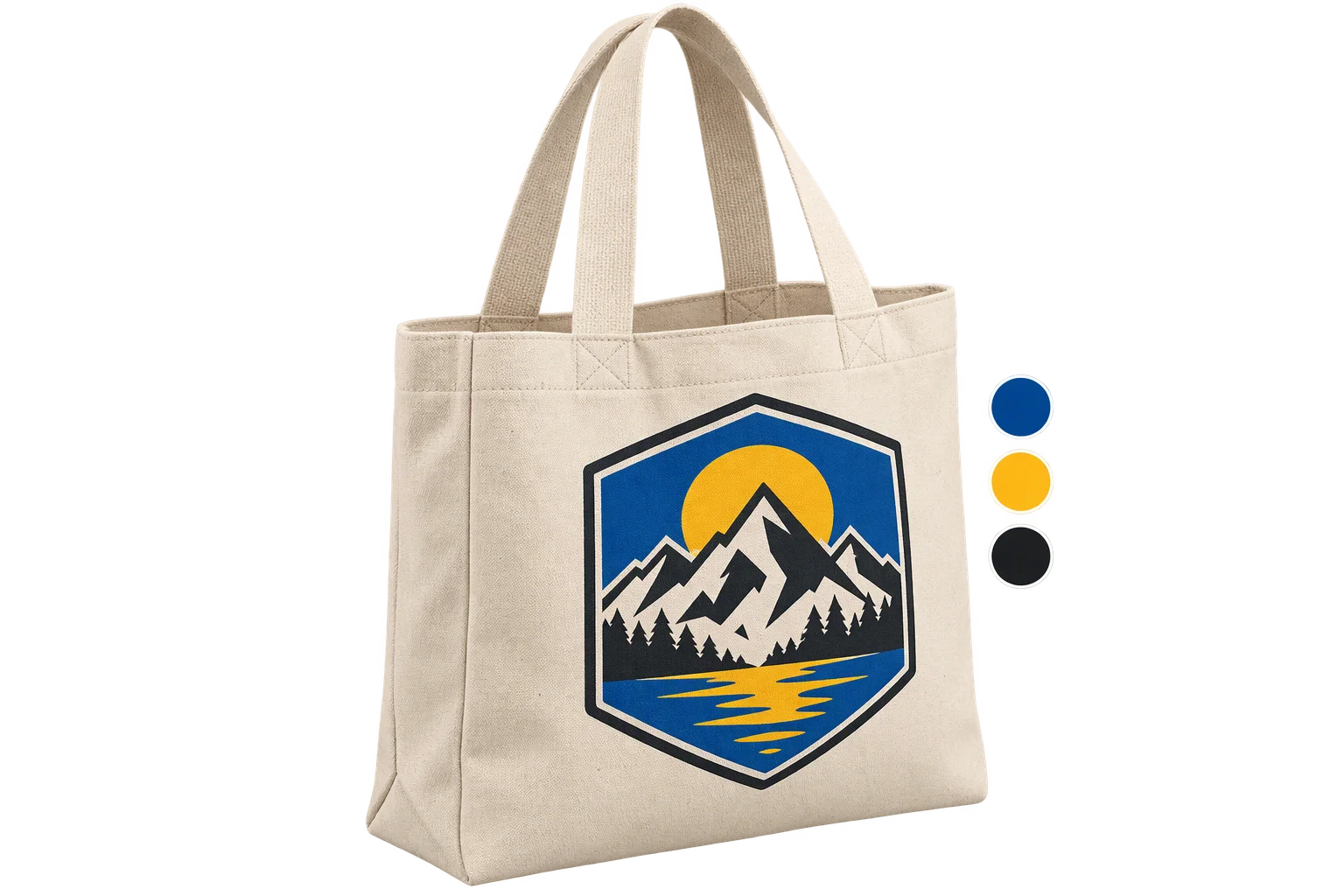
A buyer uploads a full-color badge onto a custom product. Aircada strips the solid backdrop, filters edge-blend halos, quantizes the artwork into discrete flat spot-ink channels, lets the buyer remap shades to approved swatches, and updates the per-unit surcharge live across wholesale quantity breaks.
Illustrative example shown.
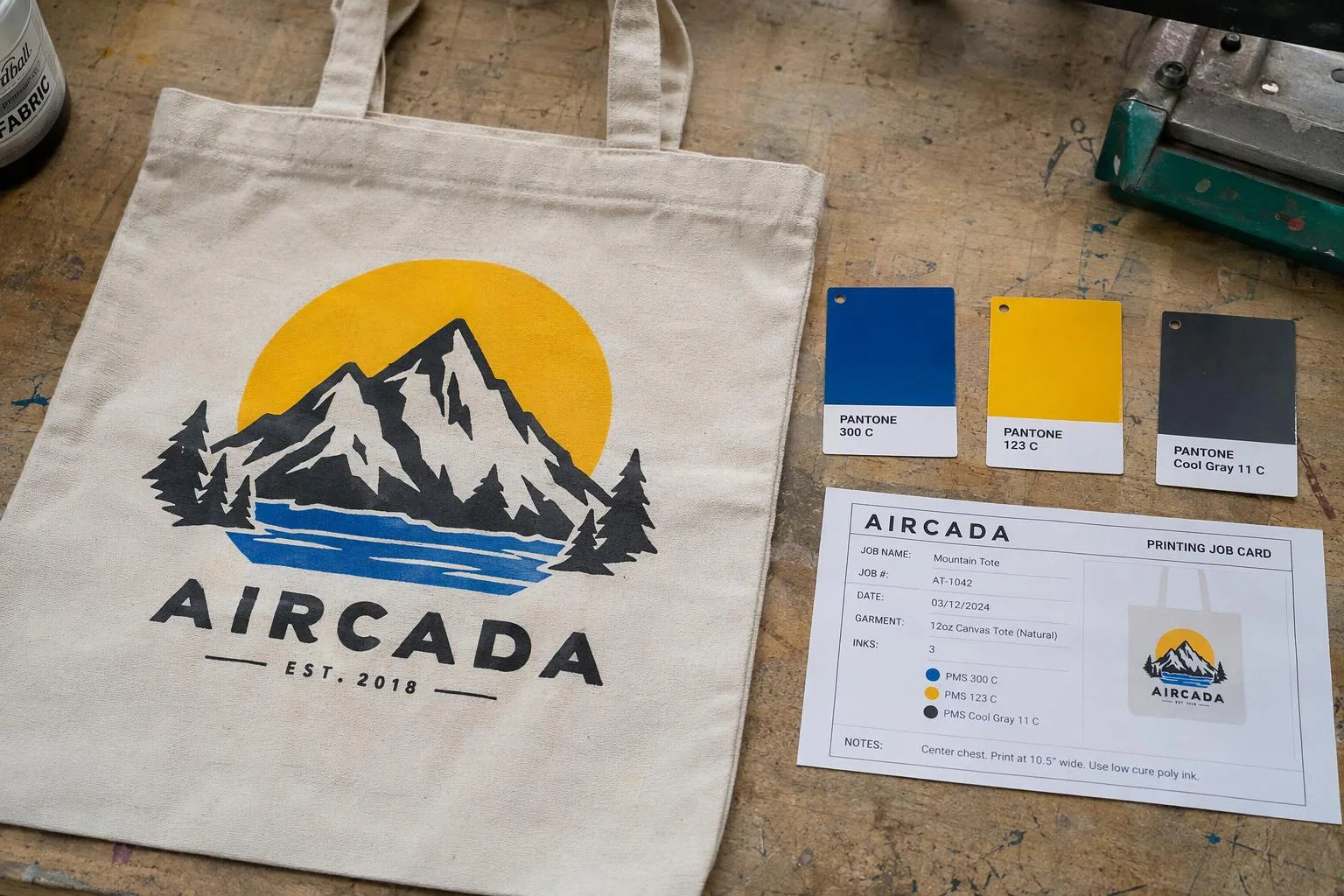
Three steps from raw upload to priced print order
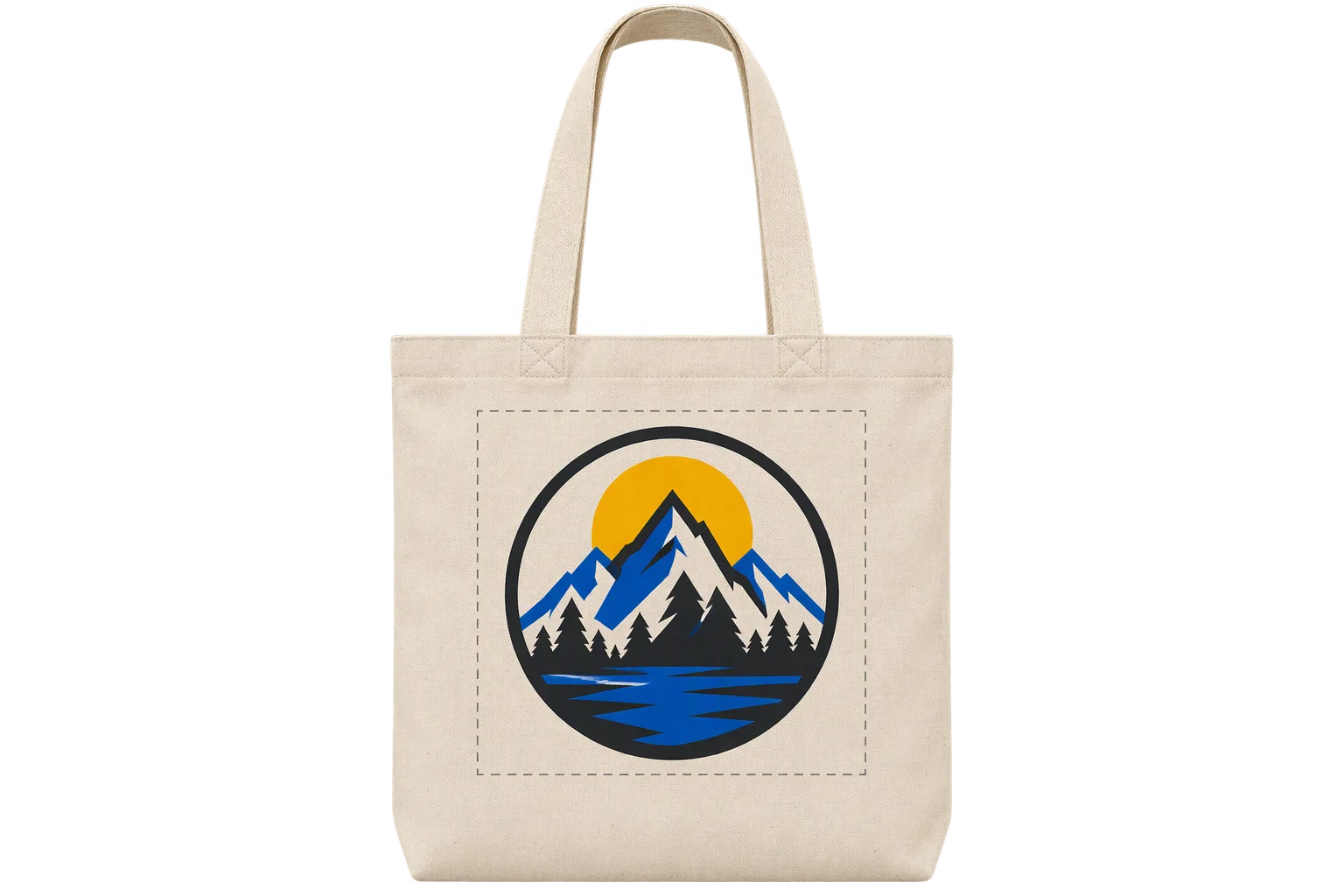
Strip background and edge halos
Shoppers upload a PNG, JPEG, or vector logo onto one or more print zones. Aircada auto-detects and strips uniform solid backdrops while alpha erosion and edge masking filter anti-aliased border fringe before counting colors.
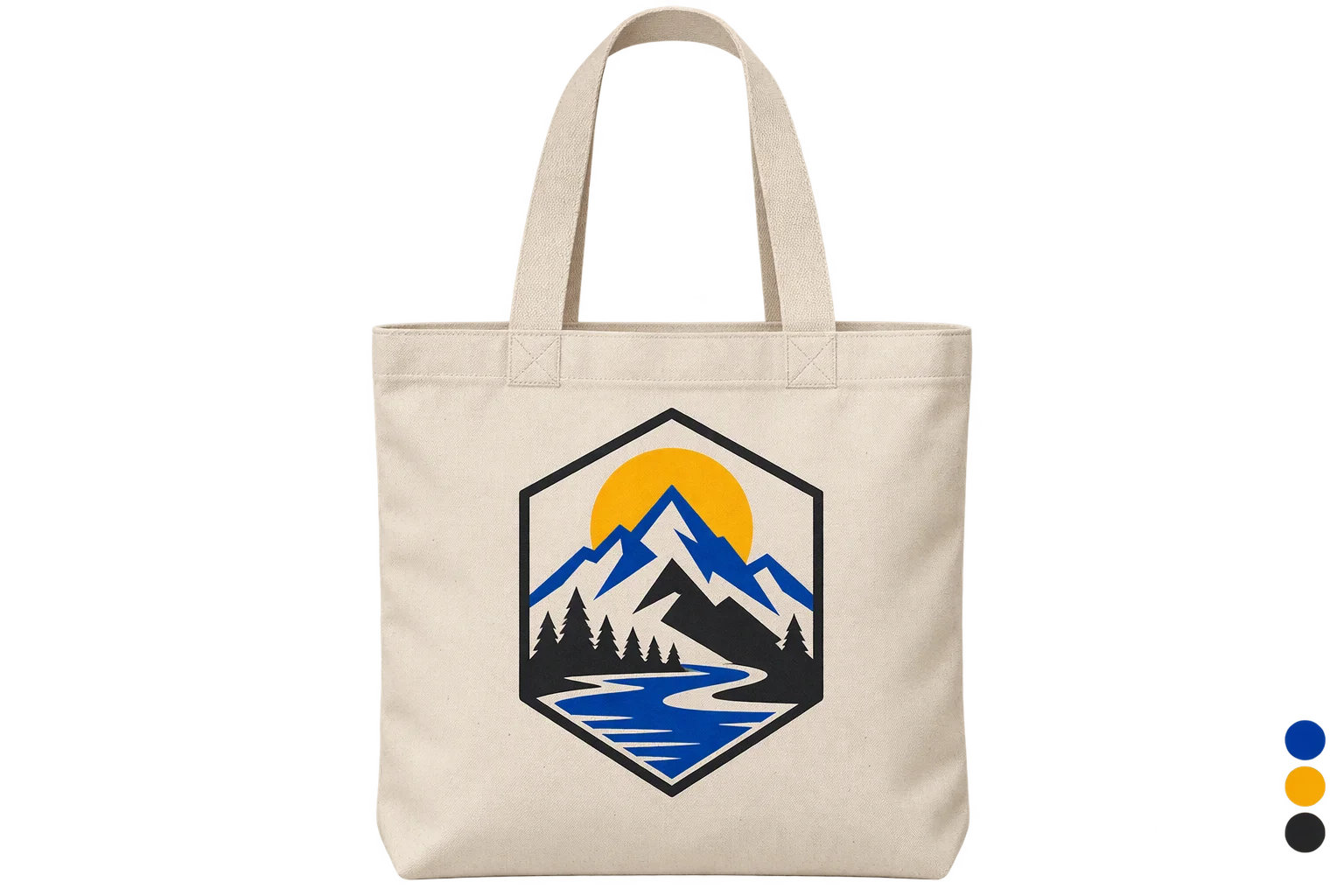
Group into flat spot-ink channels
Perceptual color clustering reduces gradients into discrete flat ink layers (such as 1 to 4 stations) rendered live on the 3D product, combining multiple upload panels into one shared press palette when needed. Buyers can remap any detected channel to approved factory swatches in one click.
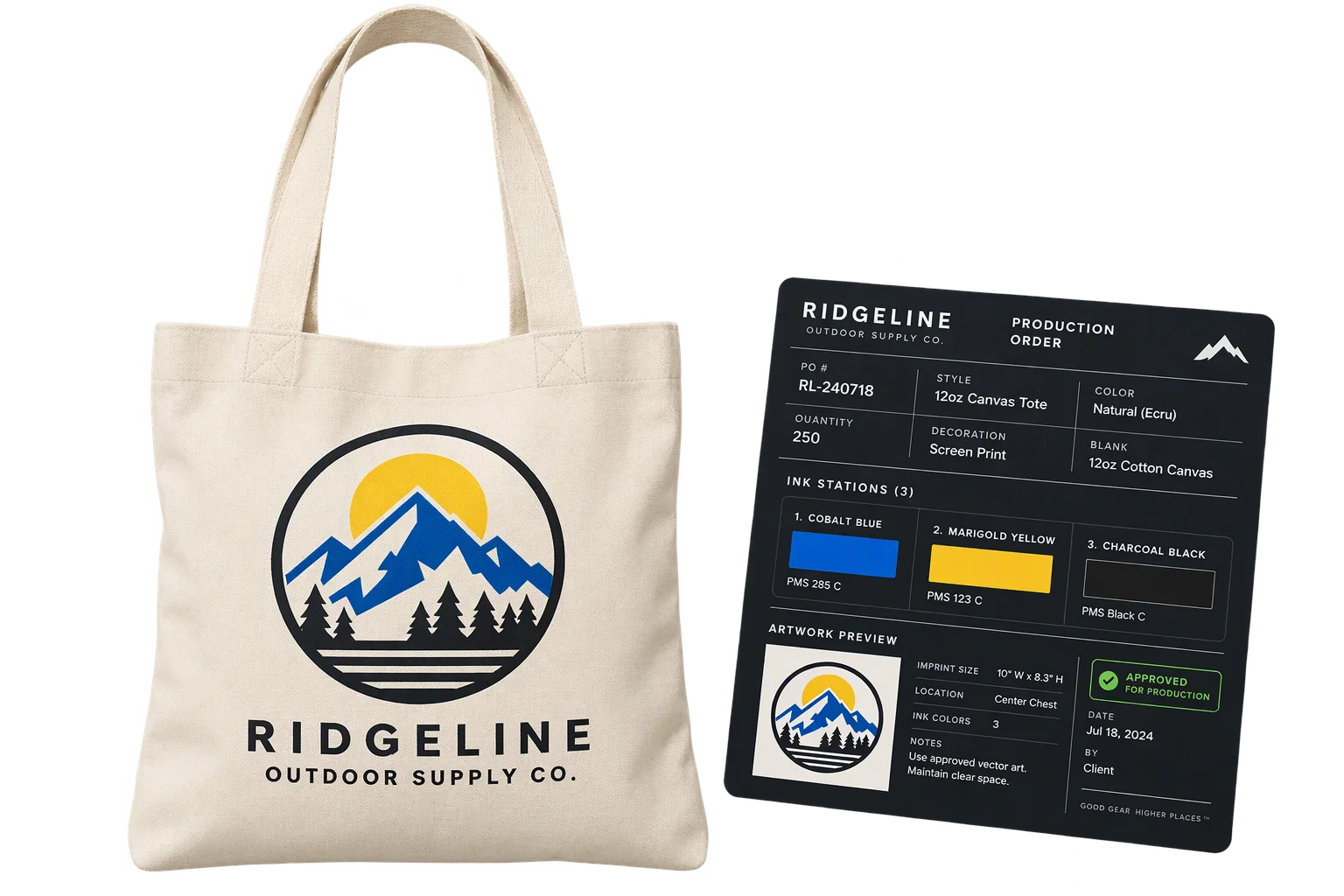
Apply station surcharges at checkout
Detected station counts feed your pricing rules for extra screens, dark-substrate underbases, wholesale quantity breaks, and custom-color minimums. Checkout passes verified ink specs, original artwork, and the posterized preview to fulfillment.
Stop under-billed multi-color uploads
Honor-system color dropdowns let buyers pay for a 1-color print and upload a 4-color logo, creating awkward post-checkout invoice adjustments. Aircada inspects pixel clusters in the browser, caps output to your press station ceiling, and feeds the detected station count straight into unit pricing before payment.
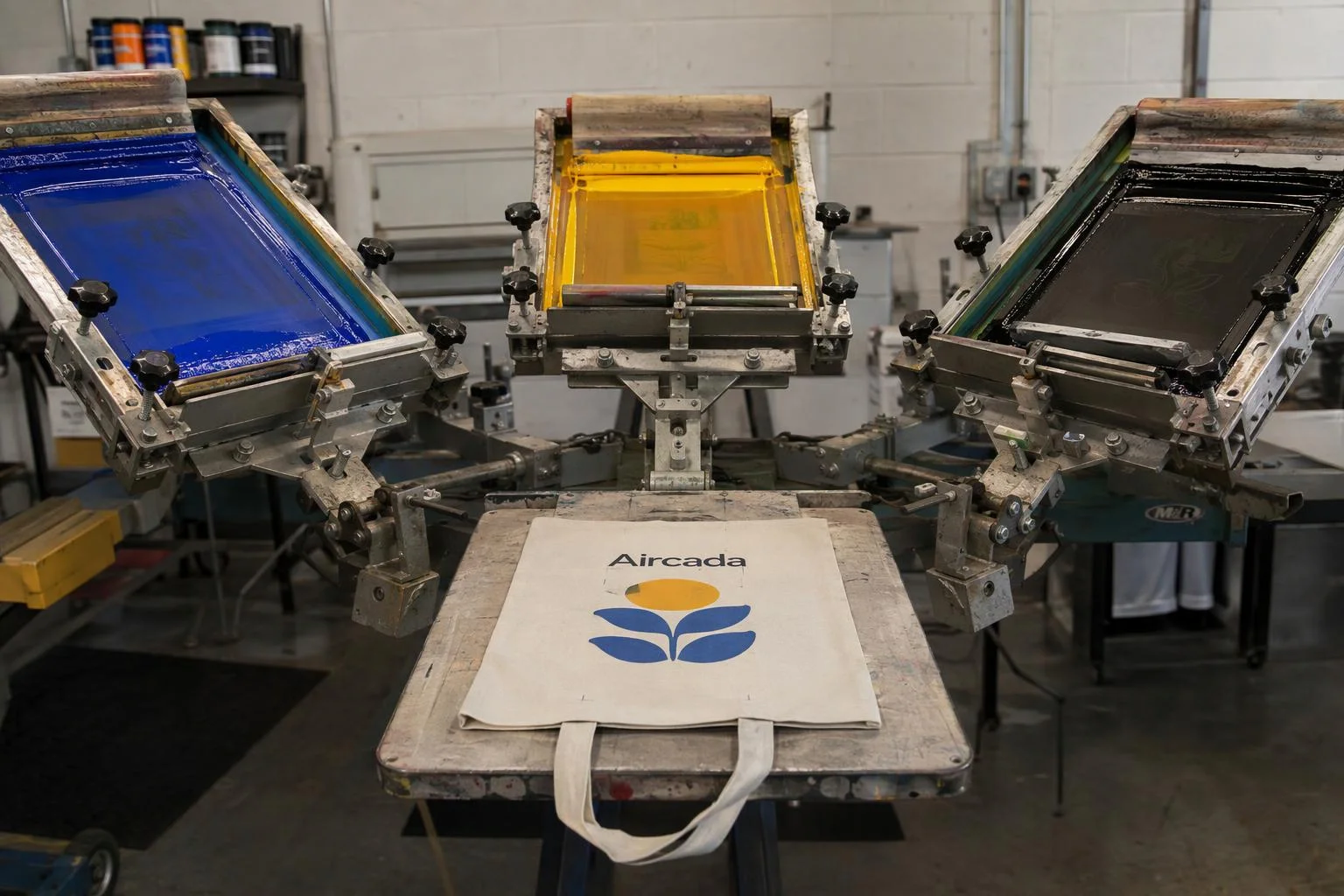
Preview flat spot ink instead of gradients
Standard 2D previews show continuous-tone photos that screen and pad presses cannot reproduce cleanly. Buyers see the exact flat, quantized ink deposits on the 3D blank and can remap any detected color channel to your shop's approved ink palette without waiting on a designer proof.
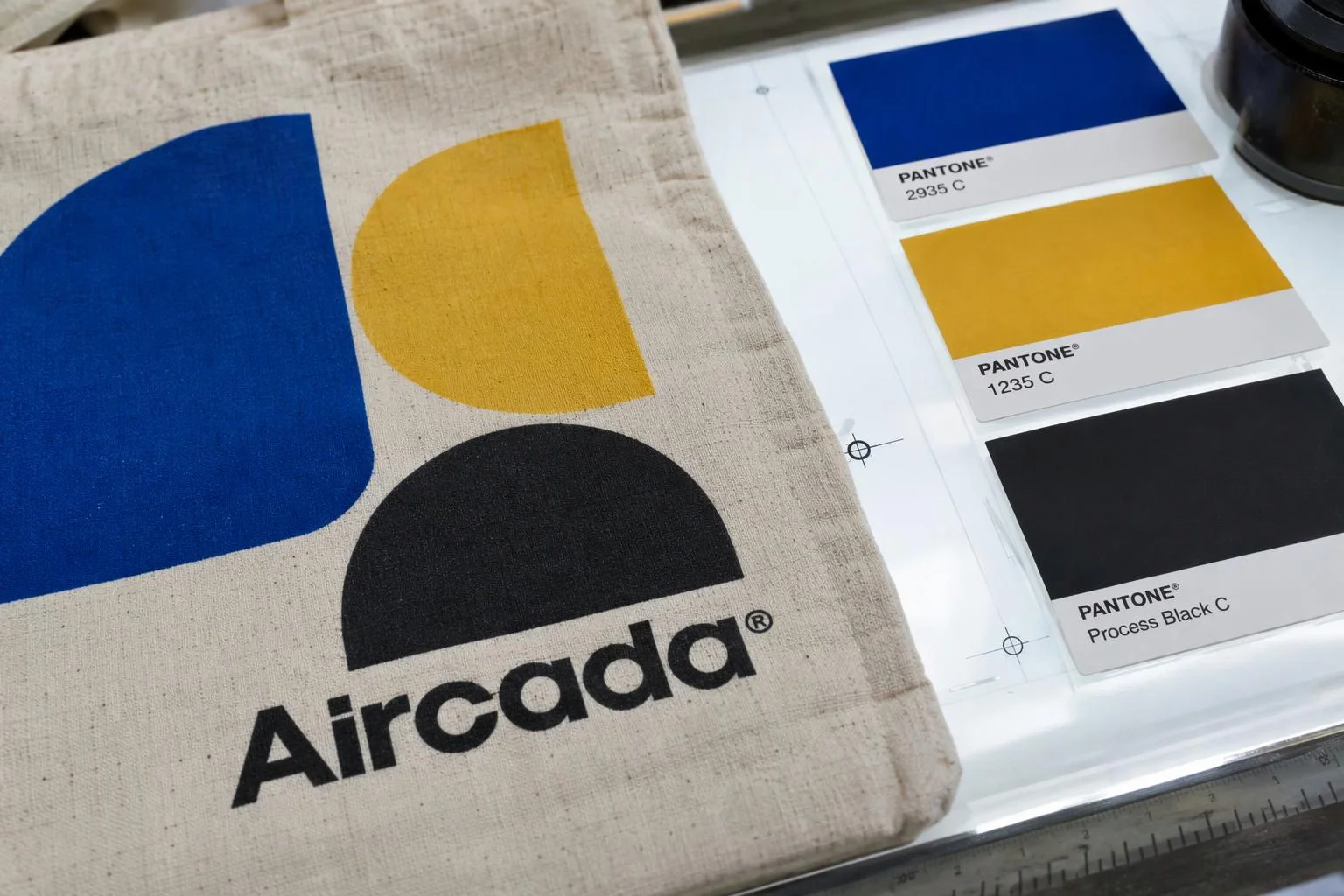
Enforce underbases and wholesale MOQs
Tie detected ink stations directly to your wholesale pricing grid so extra screen fees adjust across volume breaks (such as 100, 200, 300, 500, and 1,000 units). Add automatic white-underbase stations on dark blanks and enforce factory minimums when buyers select custom-molded or specialty colors.
Why naive pixel counters misprice screen-printed orders
Automated screen-print quoting usually fails because real customer logos are messy. A 2-color JPEG exported from a web browser contains hundreds of anti-aliased transition pixels along letter edges, faint white halos left behind after background removal, and subtle compression artifacts. Naive RGB counters mistake those blurry fringes for 5 or 6 separate ink screens, either quoting absurd prices or forcing merchants back to honor-system dropdowns.
Aircada runs perceptual color clustering (Redmean visual distance with K-Means++ initialization) directly in the browser with three production safeguards built in: alpha erosion ignores semi-transparent pixels bordering cutouts so background-removal halos never spawn a phantom ink color, edge gradient masking discards muddy anti-aliased transition pixels along sharp borders, and a minimum pixel-ratio threshold (default 1.5%) filters stray dust specks. Similar hues merge automatically within a configurable distance threshold, and the resulting 1-to-N flat spot-ink channels render live on the 3D product while feeding the exact station count into checkout pricing.
| Capability | Supported Options / Range | How Print Shops Use It |
|---|---|---|
| Color Station Ceiling | Configurable from 2 to 32 max clusters (commonly capped at 1 to 4 for rotary/pad presses) | Matches the exact screen-head or pad-print station limit on your shop's physical press. |
| Perceptual Clustering | K-Means++ initialization with Redmean perceptual distance (1 to 50 iterations) | Separates contrasting logo accents accurately while merging nearly identical shades. |
| Noise & Halo Filtering | Alpha erosion (threshold 0 to 255), edge gradient masking (1 to 100), min pixel ratio (0 to 20%) | Prevents anti-aliased edge fringes and background-removal halos from adding phantom screen charges. |
| Backdrop Stripping | Auto-detected solid background removal with uniform-backdrop guard, similarity (0 to 1), smoothness (0 to 1) | Strips white boxes from customer JPEGs without damaging full-bleed artwork. |
| Live Swatch Remapping | Per-channel hex/RGBA output palette override wired to approved factory swatches | Lets buyers map detected artwork colors onto your stocked ink wall before checkout. |
| Pricing & Order Output | Detected station count signal, wholesale tier breaks, MOQ guards, posterized preview + original file | Updates per-unit surcharges live (such as +$0.20/unit per extra color) and passes verified specs to Shopify. |
Proven in live wholesale screen-print checkout
During setup, each product is configured with your press station ceiling (configurable from 2 up to 32 colors in the engine, typically capped at 1 to 4 or 1 to 6 for rotary and textile presses), approved factory ink palette, extra-color surcharge schedule, and wholesale quantity tiers. Live spot-color counting and tiered pricing run in production on mountainFLOW, where up to four bottle logo zones composite into one global ink analysis (capped at 4 stations, +$0.20 per unit for each extra color across 100 to 1,000 unit quantity breaks, plus a 500-unit factory minimum enforced automatically on custom-molded Pantone bottle and lid colors).
Moving from a manual quote form to live 3D spot-color pricing and direct Shopify checkout cut mountainFLOW's pre-sale design chasing in half (saving roughly 10 hours per week) and helped shift nearly every completed order to the 200+ unit price break. Downstream factory RIP software still generates final film positives and halftones from the attached original artwork and verified swatch list. For clustering parameters and shader inputs, see the posterization operator SDK reference and background removal SDK reference.
Responsibility Tiers
- 1 Native Aircada layer
- 1 Aircada Configuration layer
- 1 Custom Implementation layer
- 1 External layer
Responsibility Boundaries Across Spot-Color Pricing
How Aircada's color quantization, pricing rules, and downstream RIP tools divide responsibilities.
In-browser background stripping, perceptual clustering & live ink counting
- Native Aircada
- Removes uniform backdrops, filters anti-aliased edge fringe via alpha erosion and edge masking, quantizes logos into discrete flat spot-ink channels (2 to 32 max), supports live swatch remapping, and emits detected station counts to pricing.
Press station ceiling, ink palette, underbase rules & MOQ tiers
- Aircada Configuration
- Configured per product with your shop's approved Pantone or factory ink swatches, extra-station surcharges, dark-blank underbase triggers, and wholesale quantity breaks.
Multi-zone global compositing, MOQ auto-revert UI & size-grid checkout
- Custom Implementation
- Added when storefronts combine multiple print panels into one shared press palette (as on mountainFLOW), enforce custom MOQ revert notices, or pair per-location ink counts with wholesale size-breakdown grids.
Final film separations, halftones & screen burning
- External
- Handled by your factory RIP software and screen room using the verified ink swatches, posterized preview, and original artwork attached to the order.
Frequently Asked Questions
How does Aircada stop buyers from paying for 1 color and uploading a 4-color logo?
Will blurry JPEG edges or white background halos trigger false extra ink charges?
Can buyers see what their gradient logo will look like as flat screen-printed ink?
Can we combine multiple logo placements into one global ink count and enforce MOQs?
Does Aircada output final RIP film separations for the screen press?
Test spot-color quoting on your blank
Share a sample product model, ink palette, and station surcharge table. We will configure a working 3D spot-color preview wired to your checkout rules.
Related capabilities
Explore the adjacent capabilities and integrations that pair with this workflow.
Customer logo and artwork uploads in 3D
Printable 3D safe zones and artwork boundary locks
Buyer-approved visual proofs attached to every order