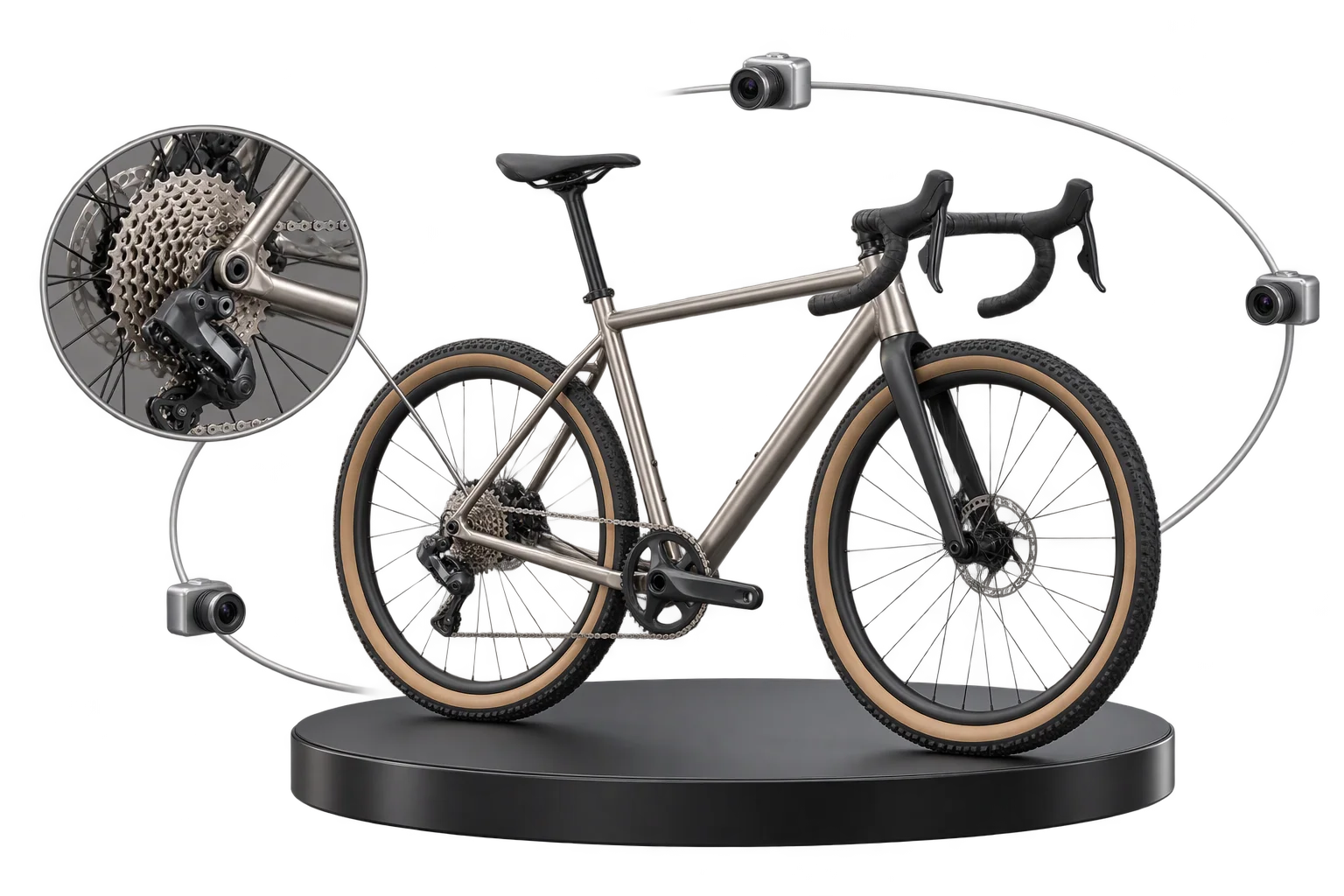
Buyer-approved visual proofs attached to every order
When custom orders rely on post-purchase email proofs, production stalls while staff chase approvals and buyers cancel before printing starts. Aircada captures calibrated front, rear, and detail 3D snapshots from locked inspection cameras, collects optional pre-checkout sign-off, and links every proof directly to the order line item.
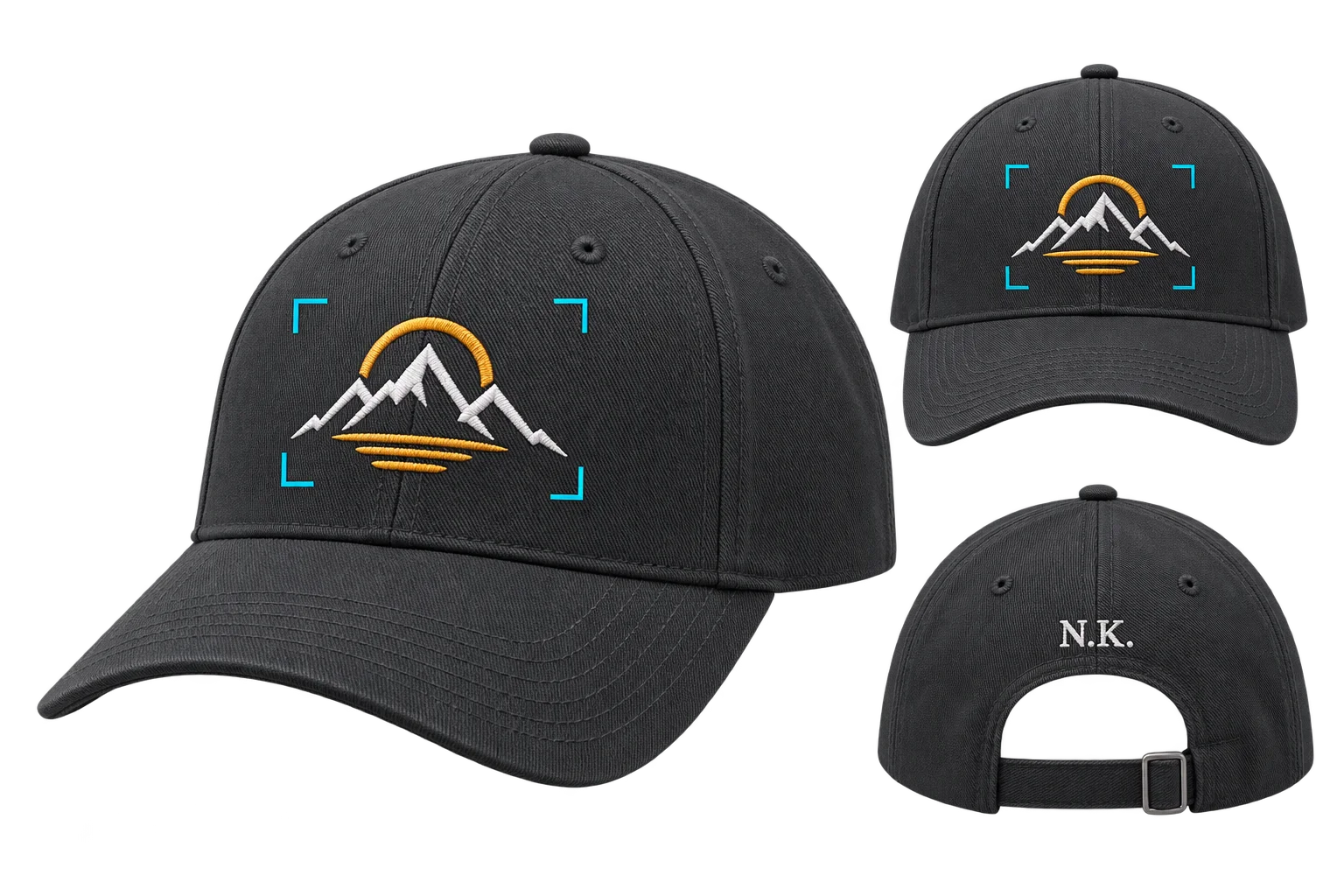
Link front and back proof images to every order
When a buyer finishes customizing a product, Aircada fires dedicated locked inspection cameras in parallel, renders clean front and rear snapshots with zero UI overlays, and gates cart submission until the proof URLs save onto the order line item.
Illustrative example shown.
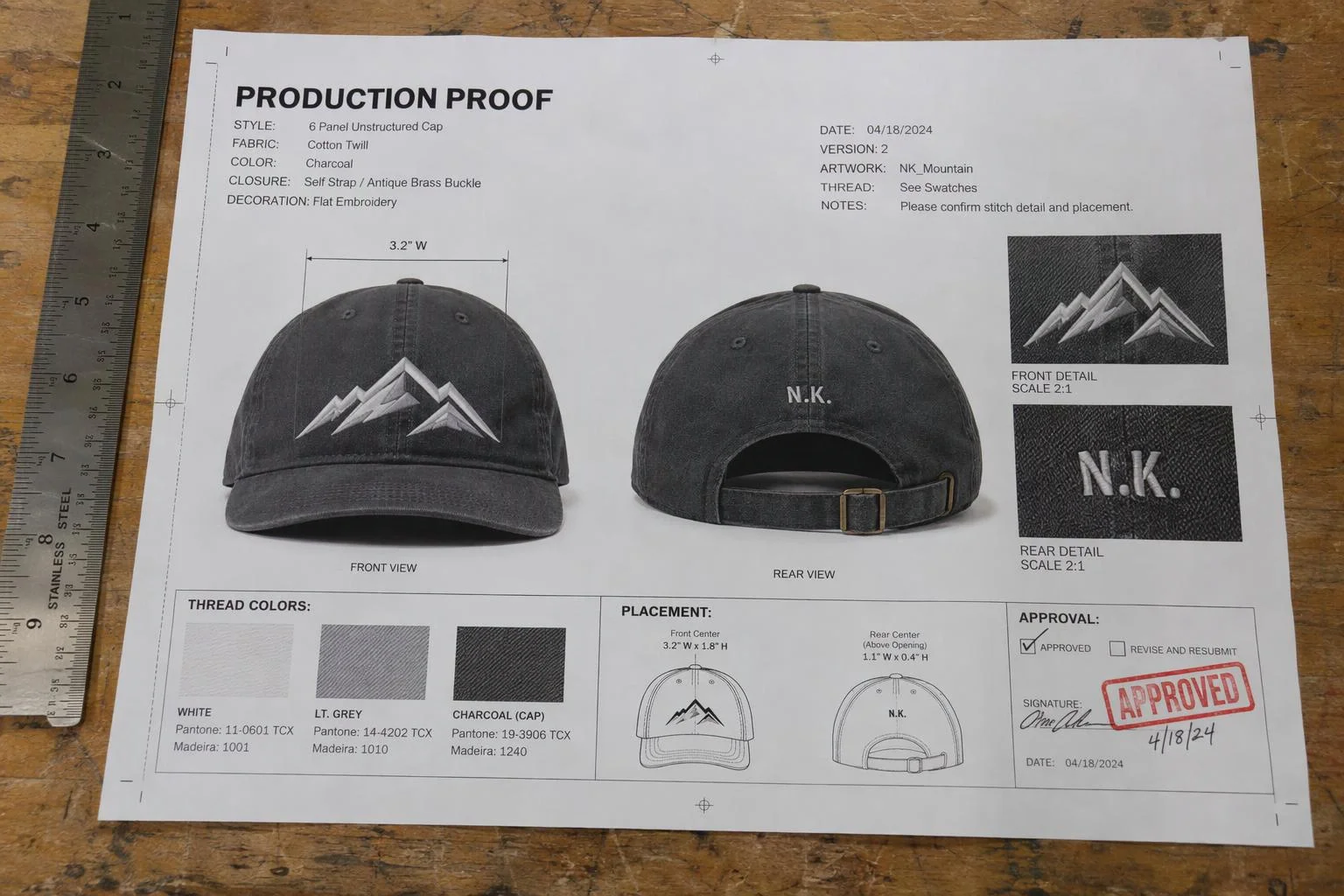
Three steps from live 3D build to attached proof
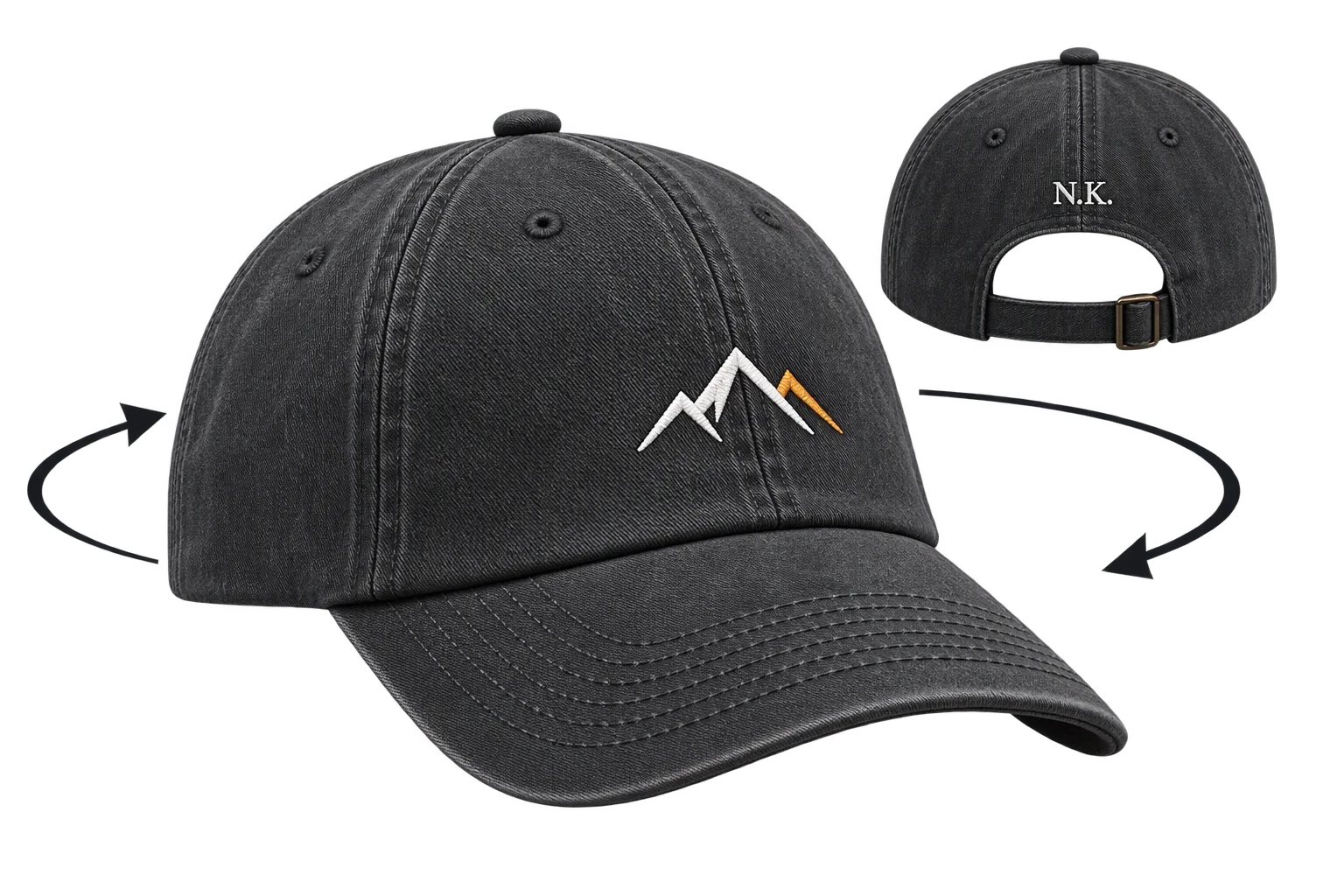
Buyer customizes the product freely
Shoppers orbit, zoom, and test colors, uploaded logos, parts, or engraving from any angle in the interactive 3D viewer. No matter where they leave the camera, proof framing stays locked to your factory inspection setup.
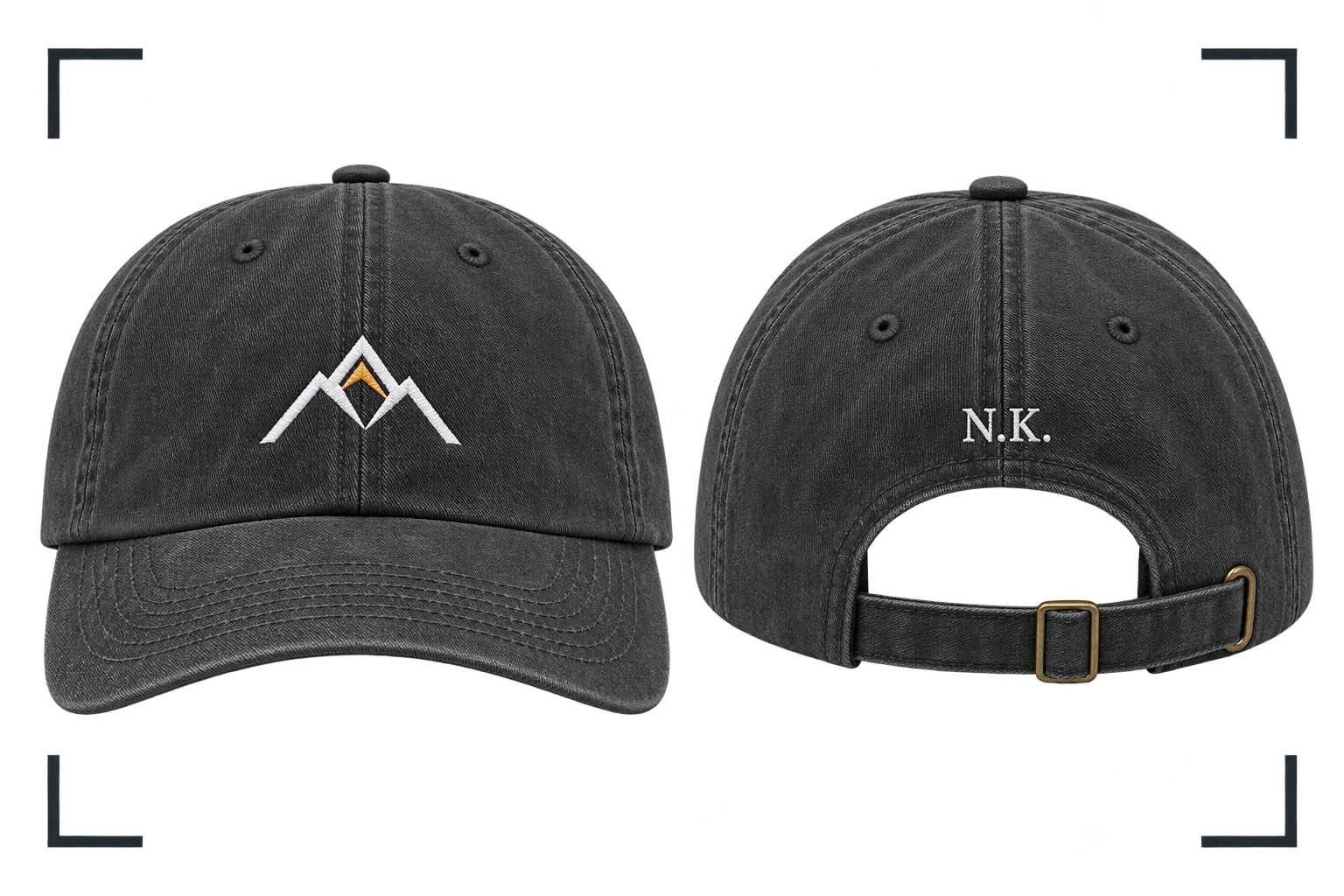
Locked cameras snap clean views
At proof review or Add to Cart, Aircada renders anti-aliased PNG or WebP snapshots from your fixed front, rear, and detail cameras with zero UI overlays. Parallel capture ensures multi-angle products generate every view in one pass.
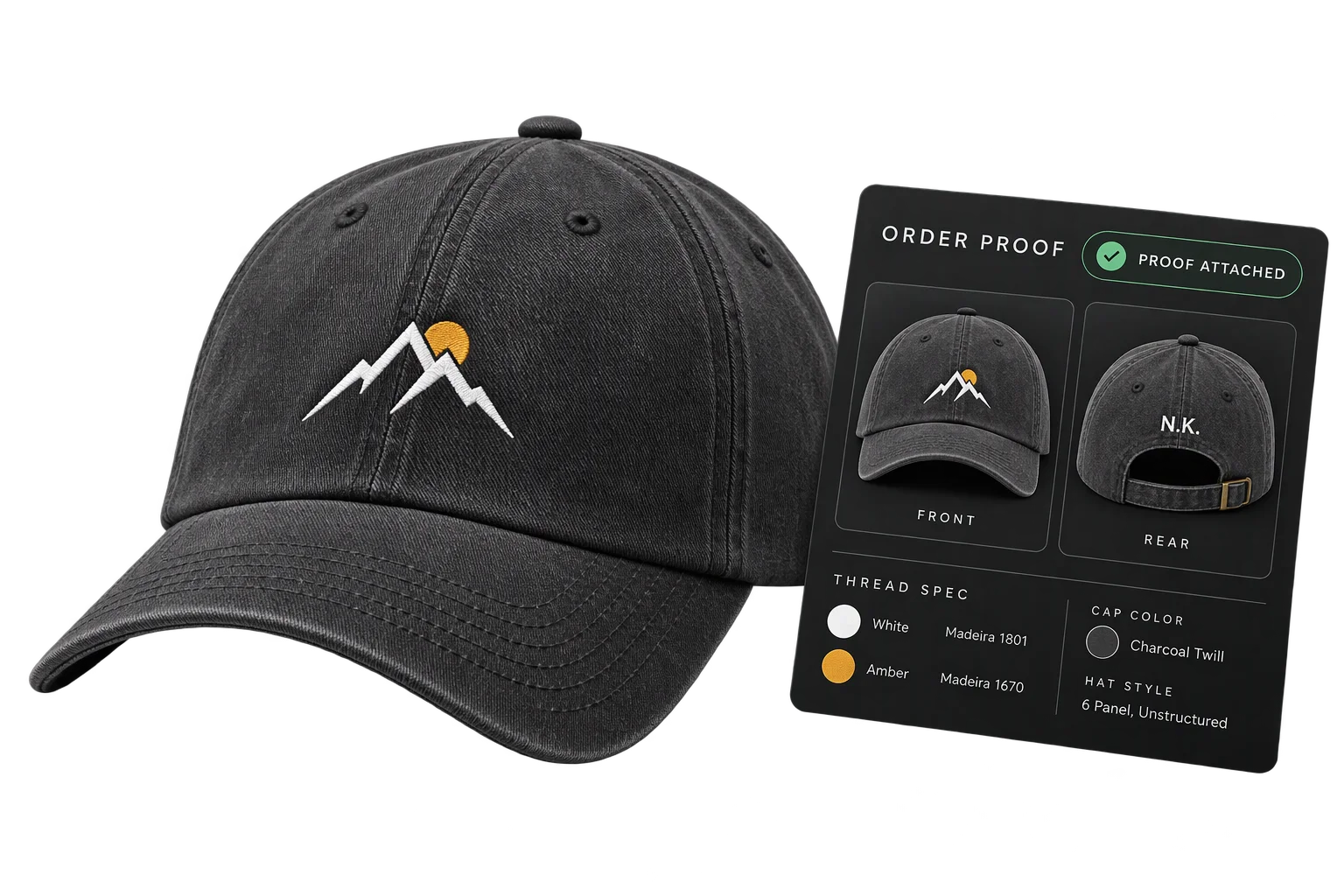
Proofs travel with the order
The buyer approves their proof if sign-off is enabled, and checkout completes only after the proof image links and structured configuration metadata attach to the cart line item. Fulfillment teams open the exact approved view straight from the order.
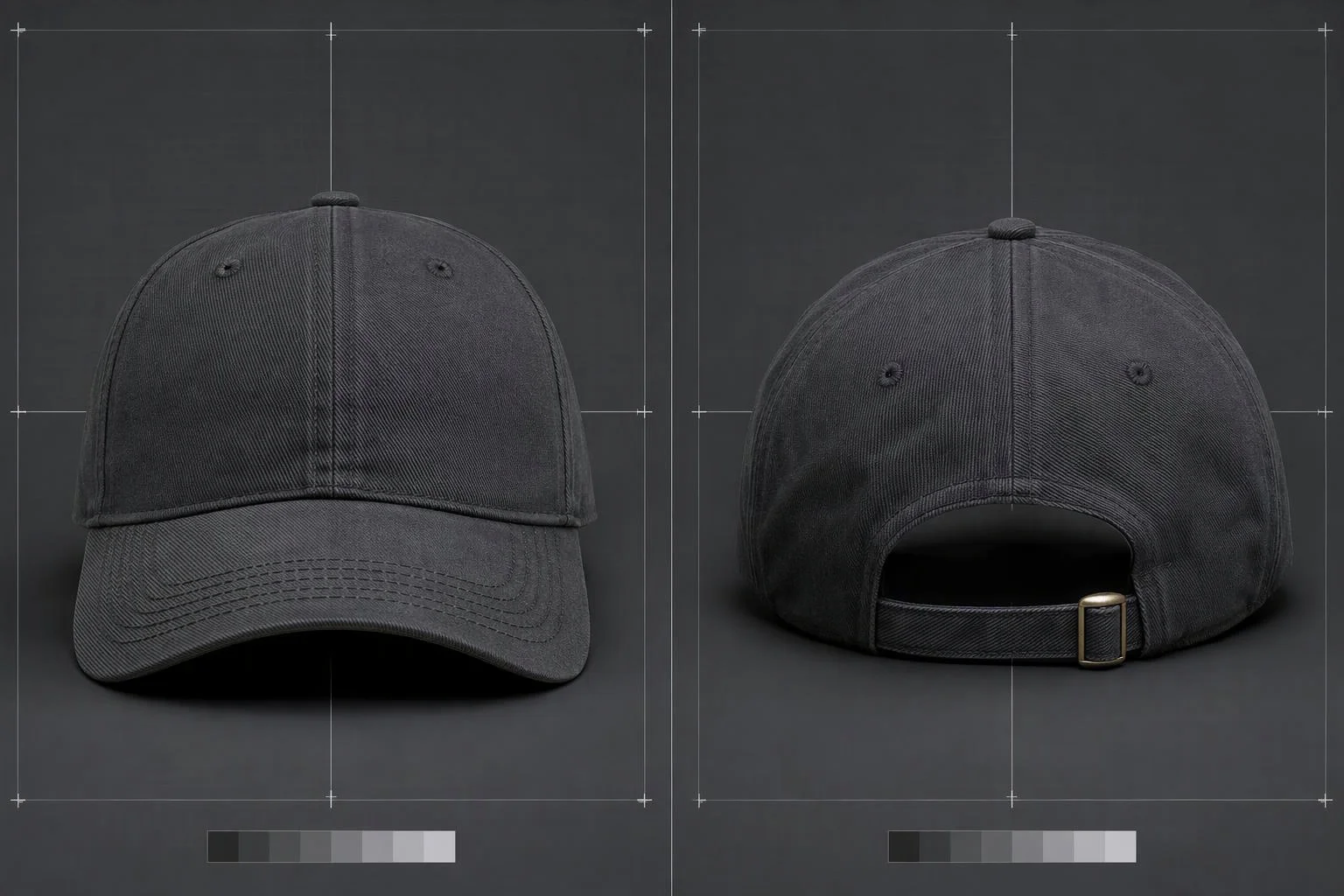
Consistent proof views, regardless of how shoppers rotate the product
Grabbing a screenshot from the buyer's live viewport records whatever tilted, cropped, or zoomed-out angle they left on screen. Dedicated inspection cameras stay pinned at straight-on factory angles with locked Cover or Contain framing, anti-aliasing, and lighting so every production ticket looks identical.
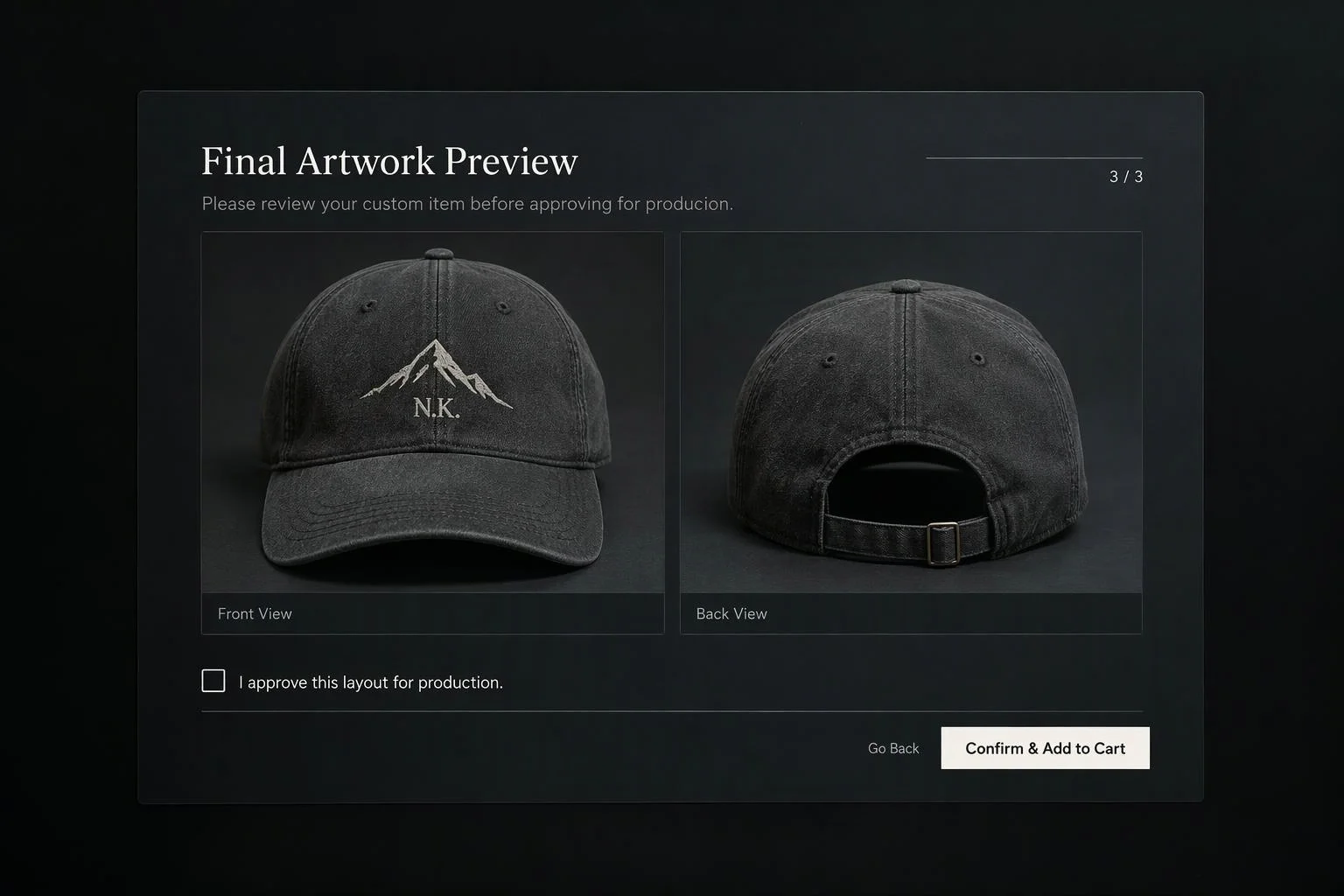
Collect buyer sign-off before payment
For high-ticket custom products, display a pre-checkout approval sheet pairing the freshly captured 3D render with exact physical dimensions, finish selections, and a required typed customer signature or checkbox. Shoppers catch spelling mistakes or layout issues before payment rather than requesting reprints later.
Send multi-angle snapshots straight to the bench
Products customized on multiple sides need more than a single thumbnail. Aircada triggers front, rear, and detail cameras together (and can pair them with flat UV texture captures up to 4096 x 4096 px) so bench technicians and printers inspect every personalized zone straight from the order record.
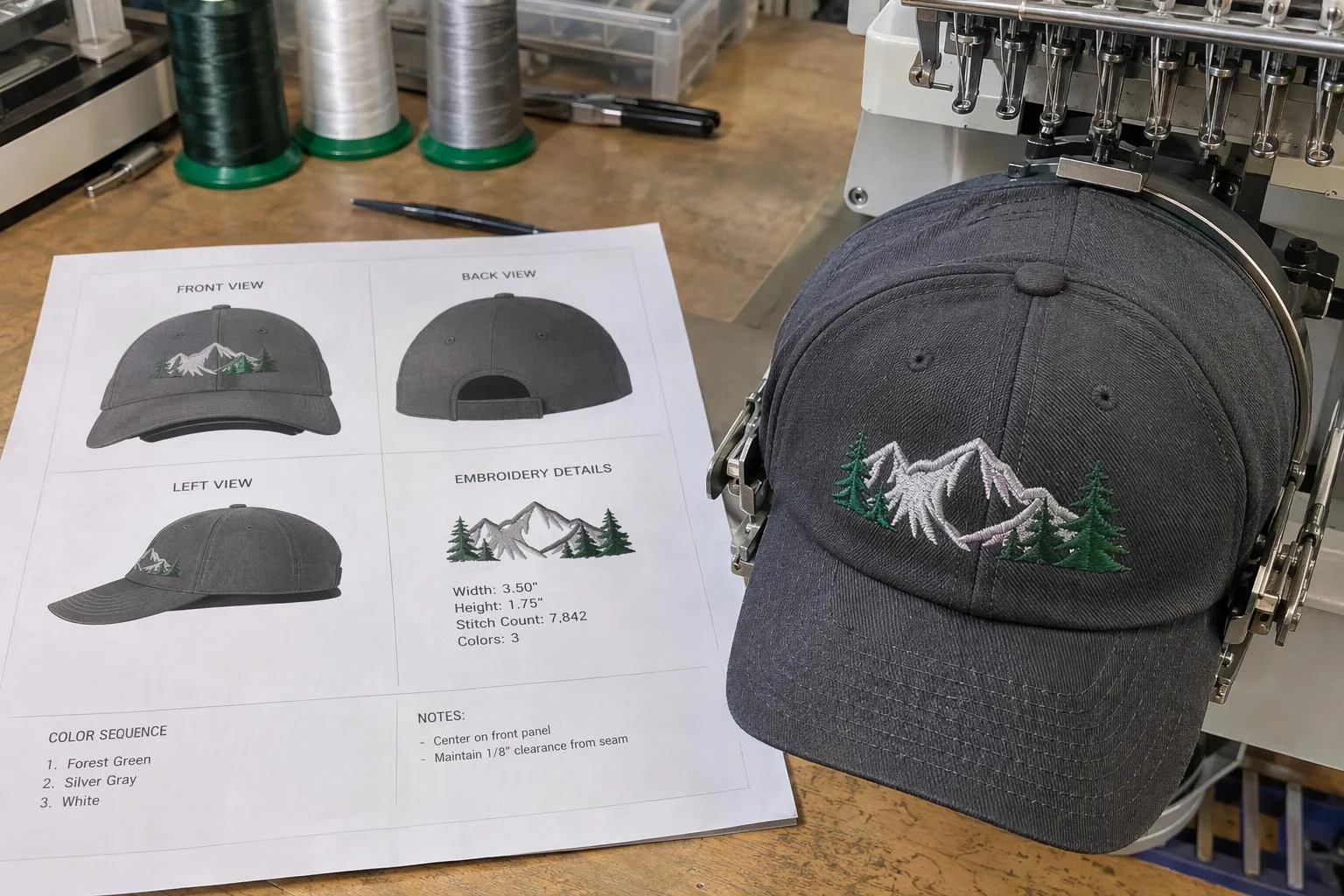
Eliminating email proof bottlenecks and viewport guesswork
Custom decorators, engravers, and hardware builders lose hours every week emailing static PDF mockups after checkout or guessing what a buyer wanted from a skewed screenshot of their mobile screen. If a shopper zoomed way out, spun the product sideways, or left a drawer covering the logo before clicking Add to Cart, a naive viewport screenshot is unusable on the shop floor.
Aircada separates customer browsing from proof capture by rendering snapshots through dedicated inspection cameras positioned at fixed factory angles. At checkout or proof review, each locked camera renders an anti-aliased PNG or WebP image (up to 2048 x 2048 px per view, with flat surface texture captures available up to 4096 x 4096 px) completely free of storefront menus, buttons, or cursor overlays. Checkout waits until every required camera finishes capturing and saving so no paid order enters your queue missing its visual reference.
| Capability | Supported Options | How Operations Teams Use It |
|---|---|---|
| 3D Scene Camera Resolution | 64 to 2048 px width and height (64 px steps, default 512 x 512 px) | Produces crisp, consistent product inspection views sized for job tickets and Shopify admin thumbnails. |
| Flat Surface Texture Capture | Up to 4096 x 4096 px (tiled compositing above 4096 px) in PNG, JPEG, or WebP | Exports flat unwarped print panels or composite artwork layers alongside 3D camera renders. |
| Camera Output Formats | WebP (configurable quality 0.10 to 1.00, default 0.82) or lossless PNG | Balances fast checkout upload times (WebP) against lossless sharp detail (PNG). |
| Framing & Visual Quality | Cover or Contain fit modes, anti-aliasing toggle, PostFX lighting toggle | Ensures every front, rear, and close-up proof matches consistent studio lighting and clean edges. |
| Checkout Synchronization | Parallel multi-camera capture gating cart submission until uploads succeed | Guarantees zero orphaned custom orders enter fulfillment without their front and back proof images. |
| Pre-Checkout Sign-Off | Optional approval modal with 3D render, spec table, and typed customer confirmation | Eliminates manual email proofing loops on custom signage, engraving, and high-ticket builds. |
Proven in live multi-angle storefront fulfillment
Each product is configured with your required camera angles, image resolution, aspect-ratio fit mode, and cart metadata schema. Automated front and rear visual proofs run in production on Cinch Gaming, where every custom controller checkout delivers calibrated front and back WebP proofs plus structured wiring codes directly to the Michigan assembly bench. On mountainFLOW, dedicated front and back bottle cameras fire in parallel on purchase submit and gate Shopify cart submission until both proof URLs and a reloadable design link attach to the order.
For high-value custom signage or made-to-order manufacturing, storefronts can also present a pre-checkout approval modal pairing the captured 3D render with physical dimensions, finish names, and a required typed customer sign-off before payment. For flat texture and surface capture details, see the capture texture operator reference.
Responsibility Tiers
- 1 Native Aircada layer
- 1 Aircada Configuration layer
- 1 Custom Implementation layer
- 1 External layer
Responsibility Boundaries Across Automated Visual Proofs
How Aircada's capture cameras, Studio view rigs, and your order management divide responsibilities.
Dedicated inspection camera capture, flat texture capture & line-item attachment
- Native Aircada
- Renders anti-aliased WebP or PNG snapshots (64 to 2048 px) from locked scene cameras free of UI overlays, captures flat surface textures up to 4096 x 4096 px, and attaches proof URLs to checkout line items.
Camera angle rigs, resolution, quality & order metadata field mapping
- Aircada Configuration
- Configured in Studio per product to lock straight-on factory inspection angles, fit mode, and hidden or visible cart property names.
Pre-checkout customer sign-off modal & custom spec sheet layout
- Custom Implementation
- Built when high-stakes custom orders require an explicit buyer approval checkbox, typed customer signature, multi-camera checkout gating, or a printable job-ticket layout.
Order storage, ERP sync & shop-floor printouts
- External
- Managed by your commerce admin (such as Shopify) and fulfillment team reviewing the attached proof images.
Frequently Asked Questions
What if a shopper zooms way out or tilts the 3D model awkwardly before clicking Add to Cart?
Can we require customers to approve their proof before they are allowed to pay?
Can multiple angles be captured automatically for multi-zone products?
What image formats and resolutions do visual proofs support?
Where do the proof images go after the customer places an order?
Automate your proof step before checkout
Share your product model and the views your production team needs to check. We will configure calibrated proof capture matched to your checkout flow.
Related capabilities
Explore the adjacent capabilities and integrations that pair with this workflow.
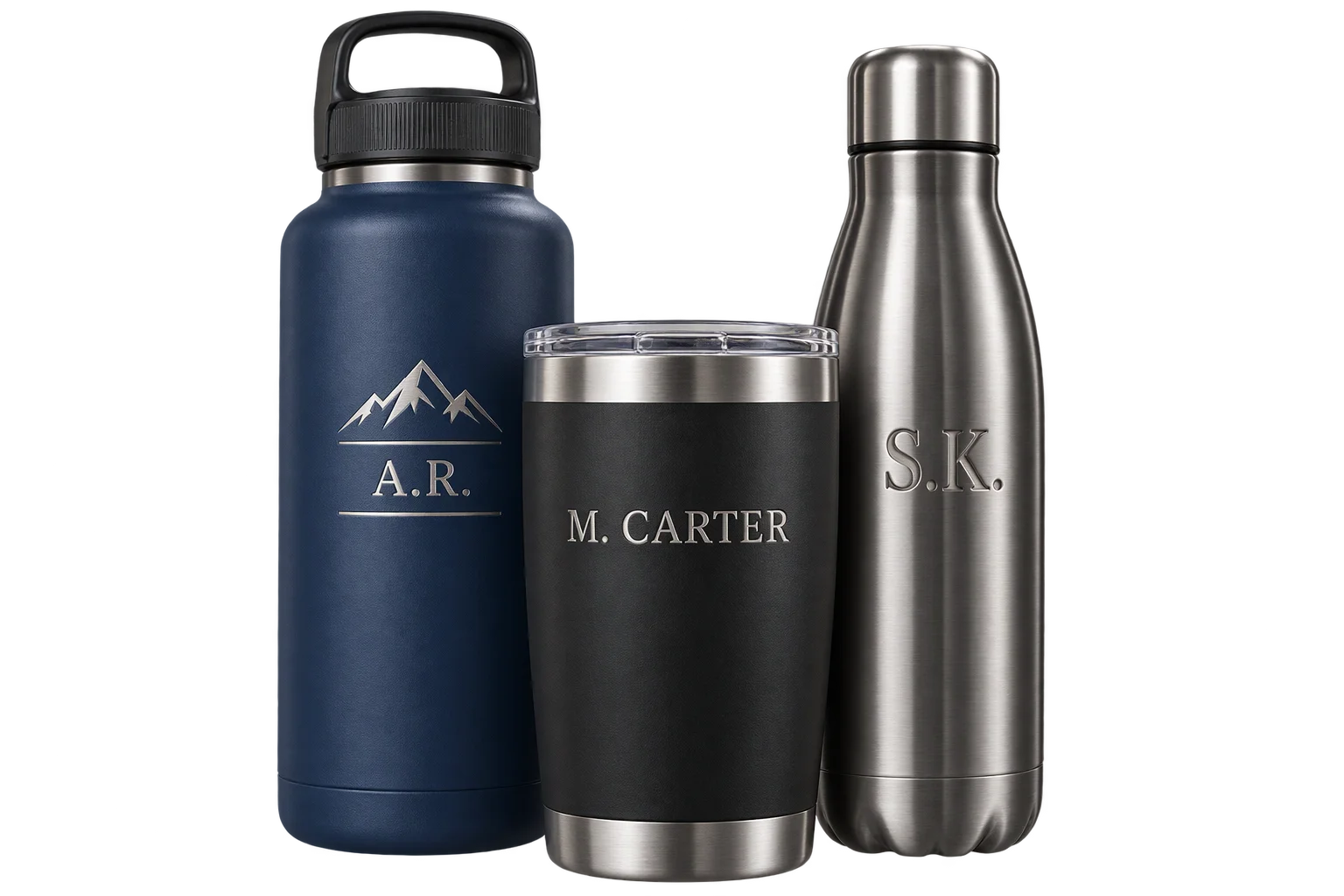
Preview laser engraving and monograms in 3D
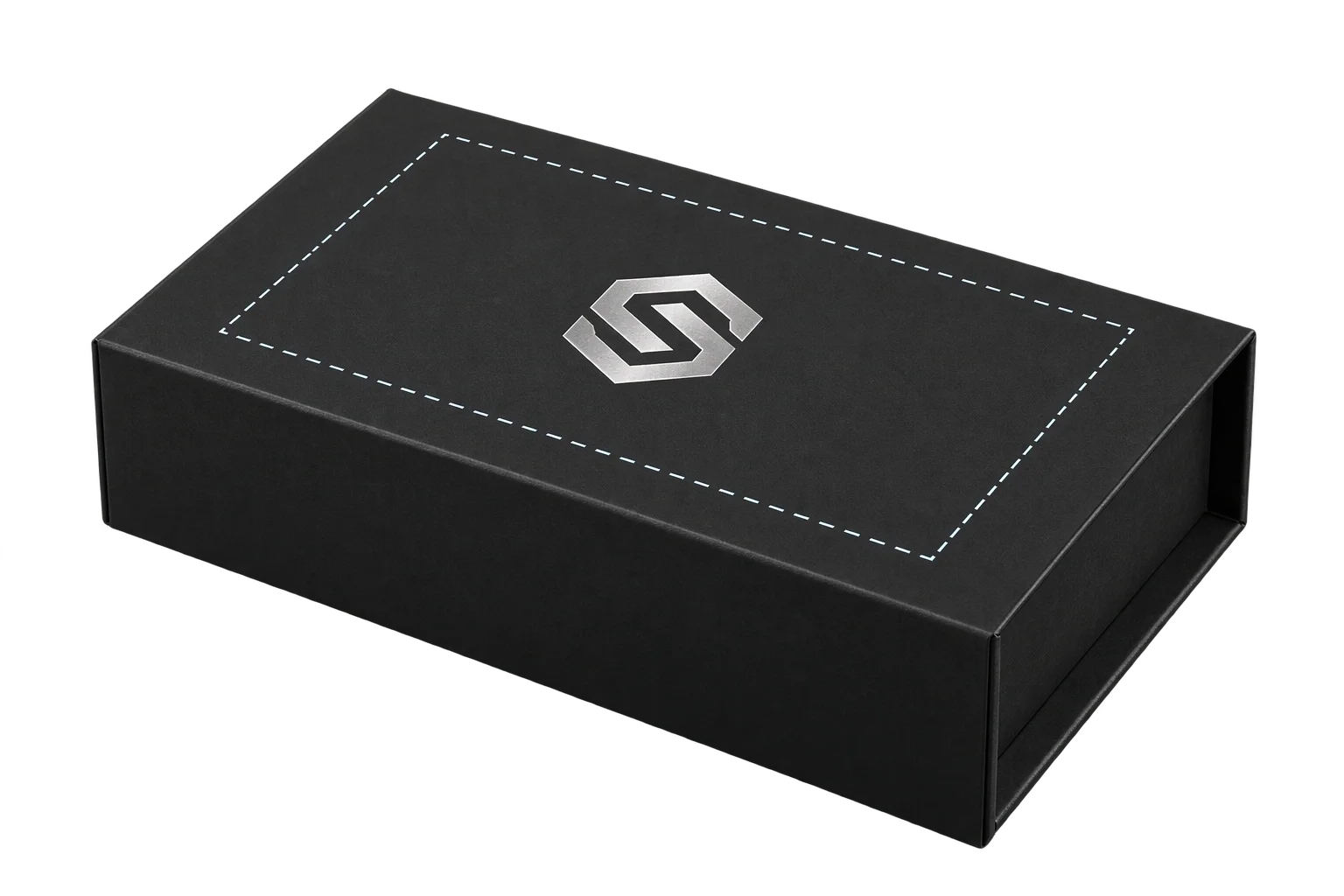
Printable 3D safe zones and artwork boundary locks
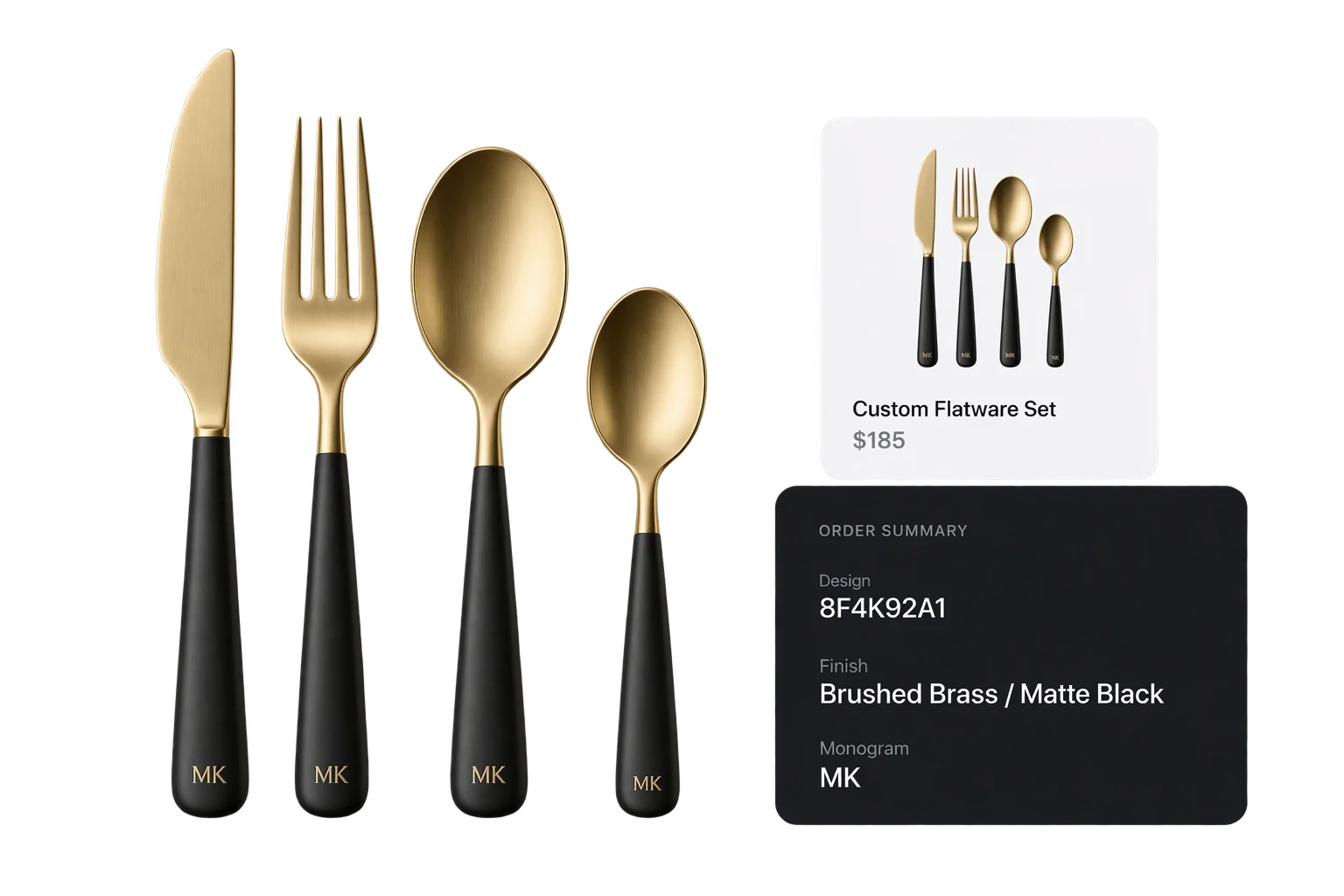
Live 3D cart thumbnails and verified design IDs