Freehand drawing and signatures on 3D products
Standard personalization tools lock customers into rigid text boxes or pre-made clip art. Aircada projects mouse and touch strokes directly onto curved 3D product geometry with live brush previews, custom stamp textures, and exportable surface maps ready for print or engraving orders.
When typed fonts cannot replace a real signature or sketch
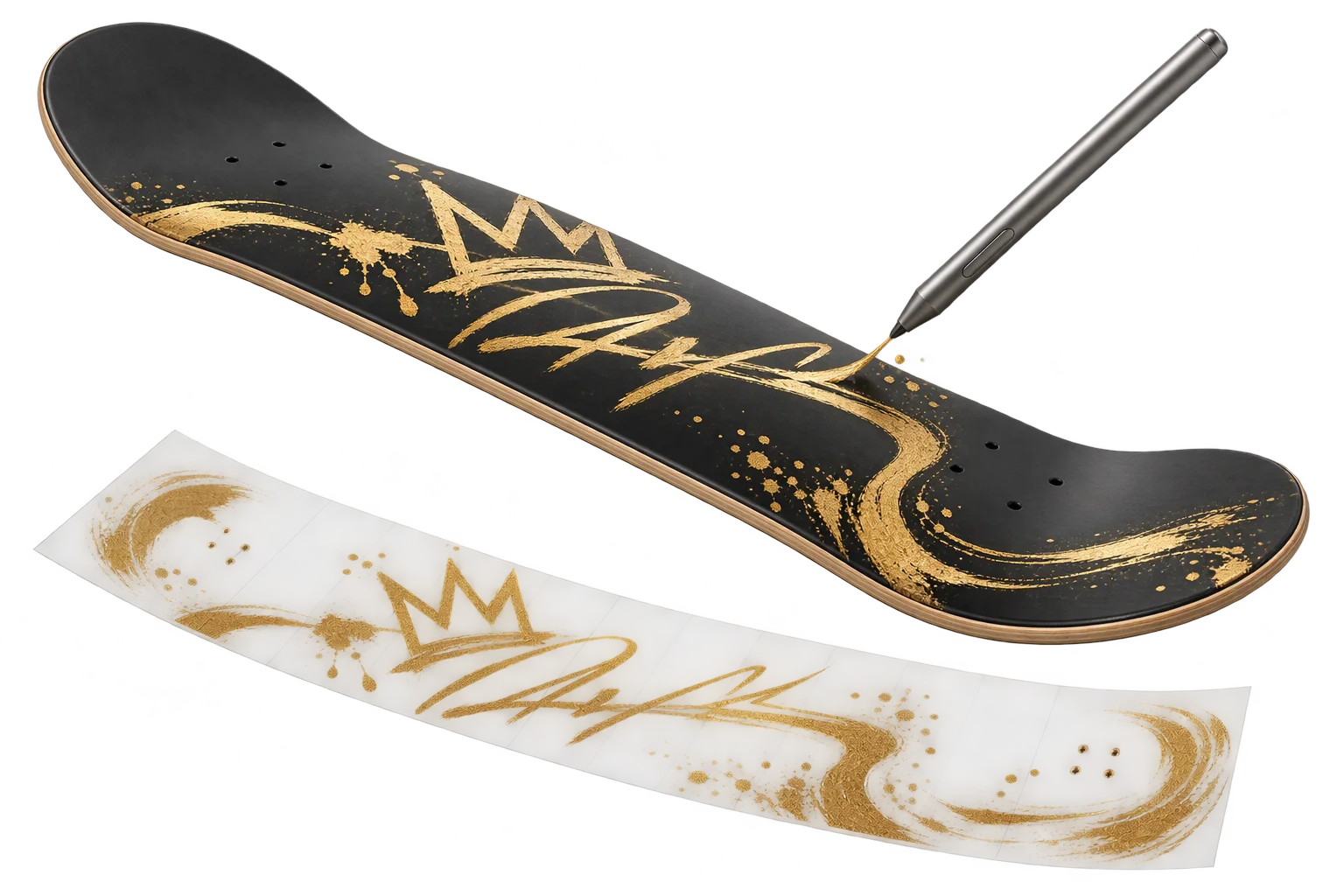
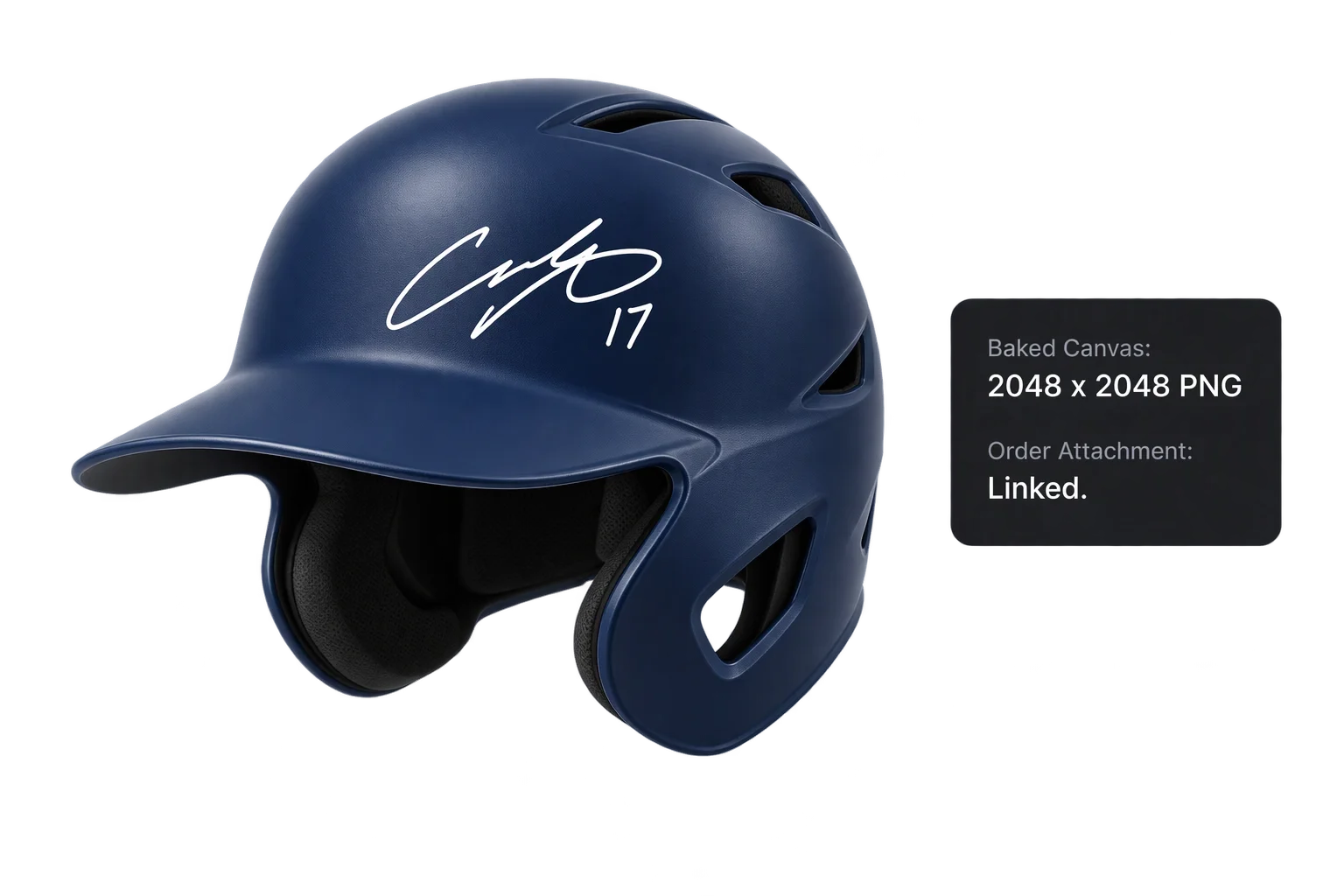
When a buyer personalizes a commemorative baseball helmet, a bespoke skateboard deck, a gift mug, or custom footwear, typing a name in a preset font feels impersonal. Customers want to sign their own autograph, sketch a doodle, or add hand-painted accents directly where they will appear on the physical item.
Flat 2D drawing pads disconnect the sketch from the product's curves, seams, and proportions. With Aircada's freehand 3D mesh painting, the 3D product surface itself becomes the canvas: entering drawing mode pauses camera orbit so mouse and touch drags project directly onto the target 3D mesh, previewing the brush tip live before committing strokes onto an offscreen surface texture that exports alongside Shopify or headless checkout orders for print and laser fulfillment.
From 3D pointer hit to exportable surface texture
Every drag projects onto the target 3D surface, composites in real time on the GPU, and saves cleanly for fulfillment.
Lock camera orbit and project onto the target mesh
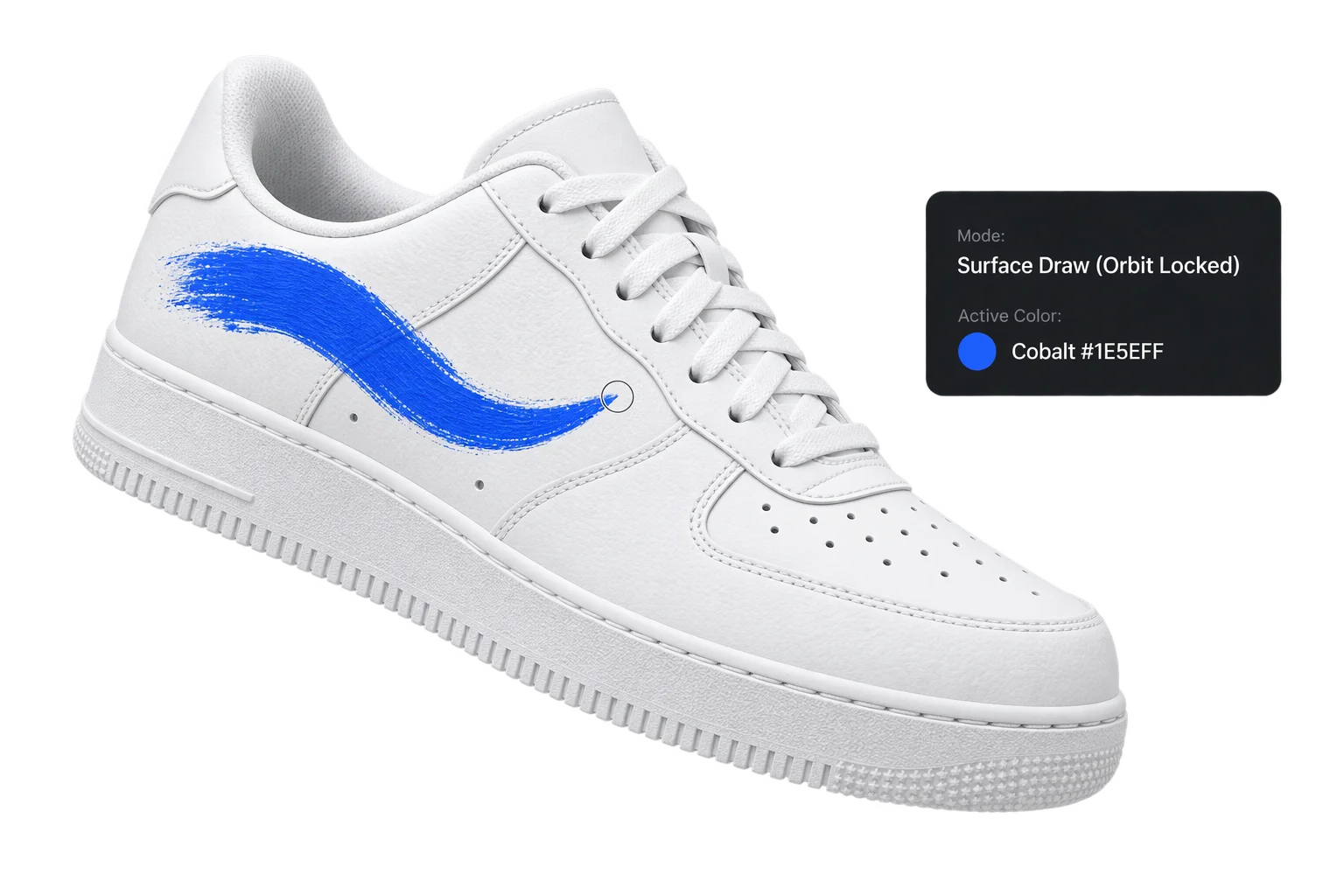
Activating drawing mode inhibits normal 3D camera rotation so mouse and touch drags raycast directly against the selected 3D object, shape, or image plane and resolve exact surface UV coordinates.
Preview brush placement and composite strokes on the GPU
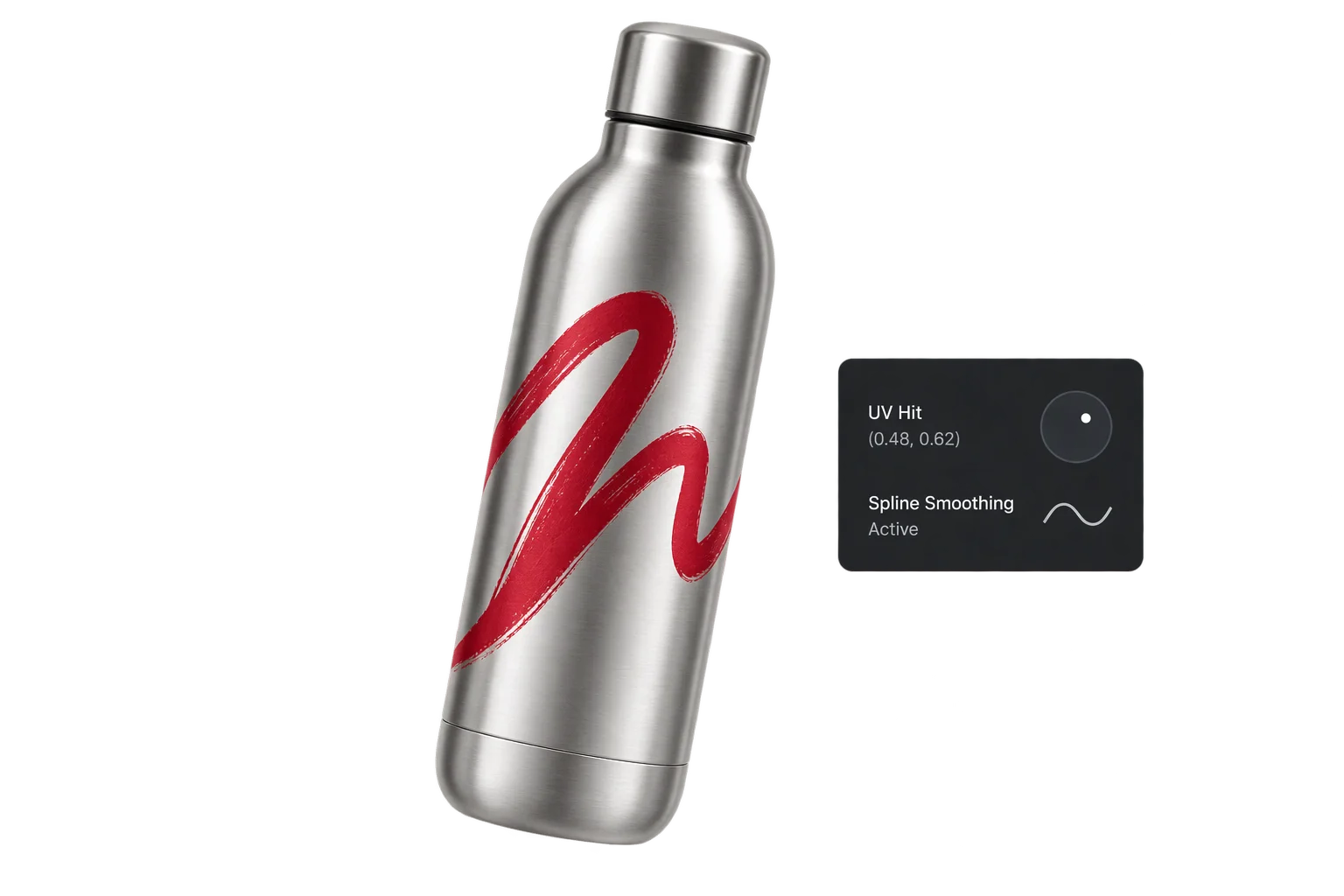
A dedicated hover-preview layer shows exact brush size, color, and feathering on the curved model before paint commits. While pressing or holding, strokes blend onto an offscreen GPU render target with a 150 ms hold guard against stray taps.
Store compressed 3D textures and export print artwork
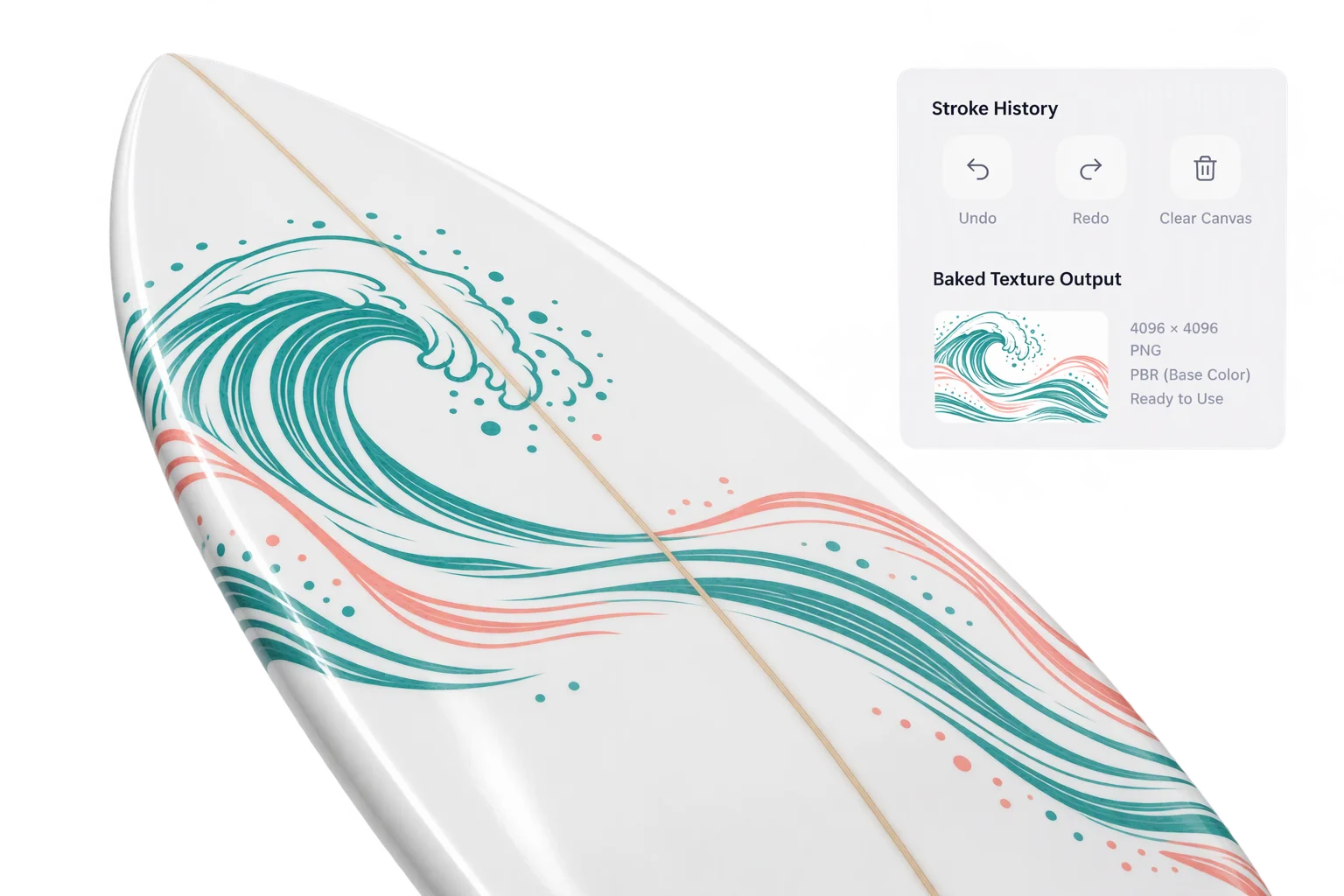
Completed artwork saves directly into Aircada's media library as a compressed KTX2 surface texture for fast 3D playback, and exports as a transparent PNG, JPEG, or WebP (or traced SVG) for print and laser fulfillment.
Precision brush controls and isolated surface zones
Merchants control which 3D sub-meshes accept freehand paint and which brush styles and ink colors are allowed, keeping creative personalization inside production-safe bounds.
Fine-tip autographs, soft airbrushes, and custom image stamps
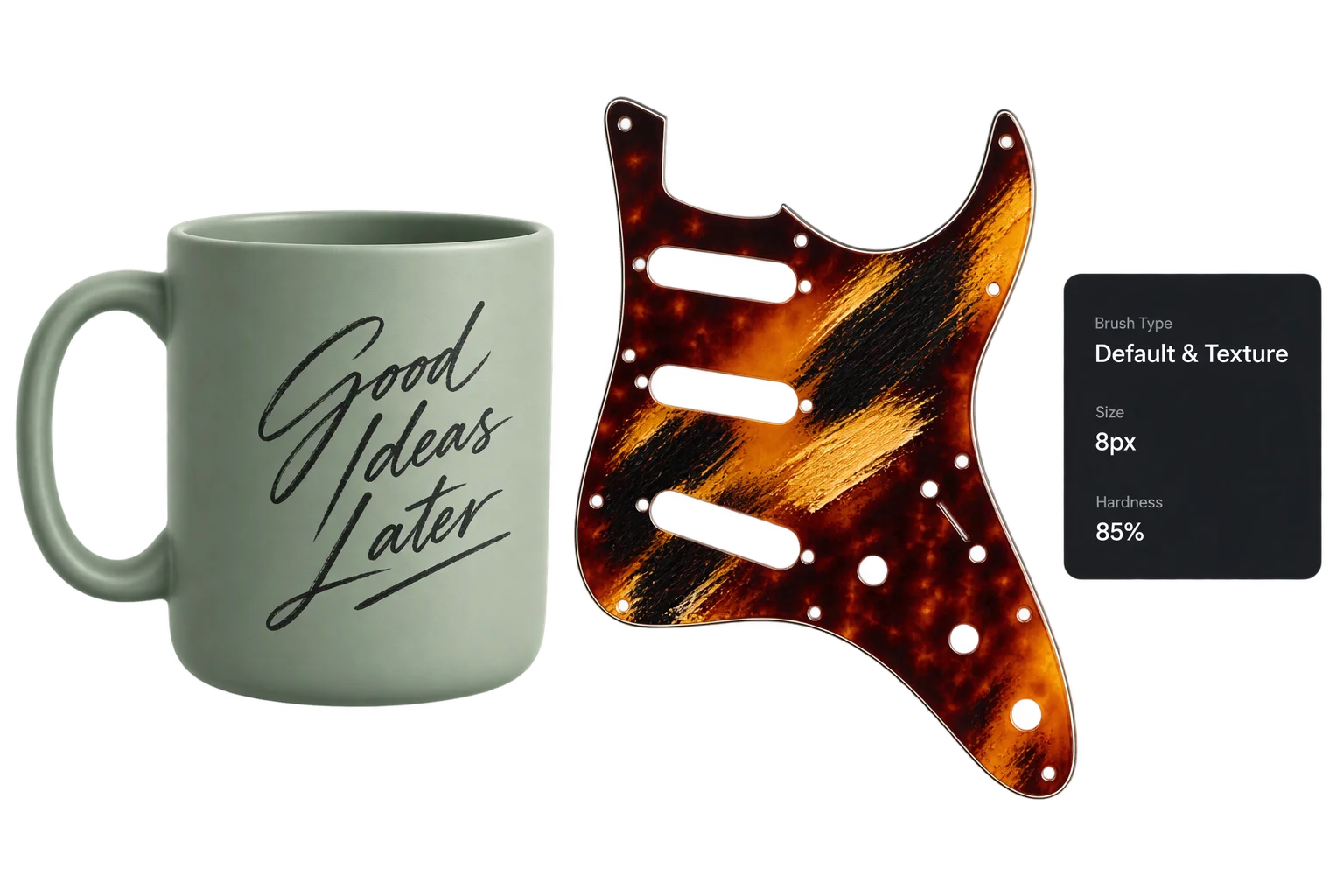
Switch between a procedural soft-circle tip for signatures and freehand line work or custom uploaded image textures for painterly stamps and brand motifs. Brush parameters update in real time on the GPU and can be chained with custom brush effects.
Live hover previews, locked paint zones, and fulfillment-ready exports
Restrict drawing to a single target mesh so strokes stay strictly inside the printable panel and never spill onto buckles, hardware, or trim. Separate preview and committed canvas buffers keep hover indicators clean while saving finished artwork for your storefront order flow.
| Capability | Supported Options | Why It Matters for Production |
|---|---|---|
| Target Surface Types | 3D Object meshes, parametric Shapes, and flat Image planes | Limits paint strictly to designated printable panels so strokes never bleed onto surrounding hardware. |
| Coordinate Projection | 3D mesh raycast to surface UVs or flat screen-space coordinates | Wraps signatures and illustrations smoothly across curved bottles, helmets, boards, and footwear. |
| Input & Camera Control | Mouse drag and touch hold with 150 ms debounce; automatic camera orbit lock | Prevents the 3D model from spinning while drawing and guards against accidental stray taps on touchscreens. |
| Brush Tip Modes | Procedural circular tip or custom uploaded image stamp with stackable brush effects | Covers everything from crisp fine-point autographs to textured splatter or distressed paint stamps. |
| Brush Parameters | RGBA color, squared size (0 to 1), strength/opacity (0 to 1), radial feather (0 to 1) | Lets merchants expose fine-tip pen presets or soft feathered shading while locking ink to printable colors. |
| Canvas & Export Formats | 512 x 512 default GPU target (or custom media resolution); KTX2 save; PNG/JPEG/WebP capture; optional SVG trace | Delivers fast compressed 3D playback alongside flat raster or vector artwork ready for UV printers and lasers. |
Where freehand 3D drawing drives higher conversion
Give buyers and reviewers a direct pen-on-product experience across consumer and B2B workflows.
Handwritten autographs & keepsakes
Let athletes, artists, or gift buyers sign helmets, bats, guitars, trophies, and commemorative plaques in their own handwriting.
Custom footwear, boards & hardgoods
Enable freehand illustrations and brush accents on sneaker panels, skateboard decks, surfboards, and insulated drinkware.
Engraved handwriting gifts
Capture a child's drawing or a family signature on jewelry, cutting boards, or leather goods for downstream laser engraving.
B2B 3D sample markup & annotation
Allow industrial buyers or packaging teams to circle revisions or sketch placement notes directly onto a 3D prototype during review.
Responsibility Tiers
- 1 Native Aircada layer
- 1 Aircada Configuration layer
- 1 Custom Implementation layer
- 1 External layer
Responsibility Boundaries Across 3D Surface Drawing
How browser raycasting, Studio brush setup, custom shopper UI, and source 3D assets divide responsibilities.
3D mesh UV raycasting, GPU brush compositing & texture saving
- Native Aircada
- Client-side surface raycasting, camera orbit inhibition, procedural and stamp brush shaders, hover-preview vs. committed GPU render targets, and KTX2/raster texture output.
Drawable target meshes, brush presets & ink palettes
- Aircada Configuration
- Studio configuration of which sub-meshes accept drawing, default canvas dimensions, allowed brush sizes/stamps, and brand-approved ink colors.
Shopper-facing drawing toolbar, undo/redo history & vector tracing
- Custom Implementation
- Custom storefront drawing UI controls (such as color palettes, eraser or undo/redo checkpoints, and clear-canvas buttons) plus optional raster-to-SVG vector tracing for laser machines.
Non-overlapping UV unwraps on source 3D models
- External
- Drawable 3D meshes must have clean, non-overlapping 0 to 1 UV islands so raycasted strokes map to unique surface locations without mirroring.
Frequently Asked Questions
How does Aircada prevent the 3D camera from spinning while a customer draws?
What 3D model requirements are needed for surface drawing?
Does freehand surface drawing work with both mouse and touchscreens?
What file format does our production team receive from a customer's drawing?
Test freehand drawing on your own 3D product
Send us a sample 3D model and we will configure an interactive surface-drawing zone with custom brushes and exportable production textures.
Related capabilities
Explore the adjacent capabilities and integrations that pair with this workflow.
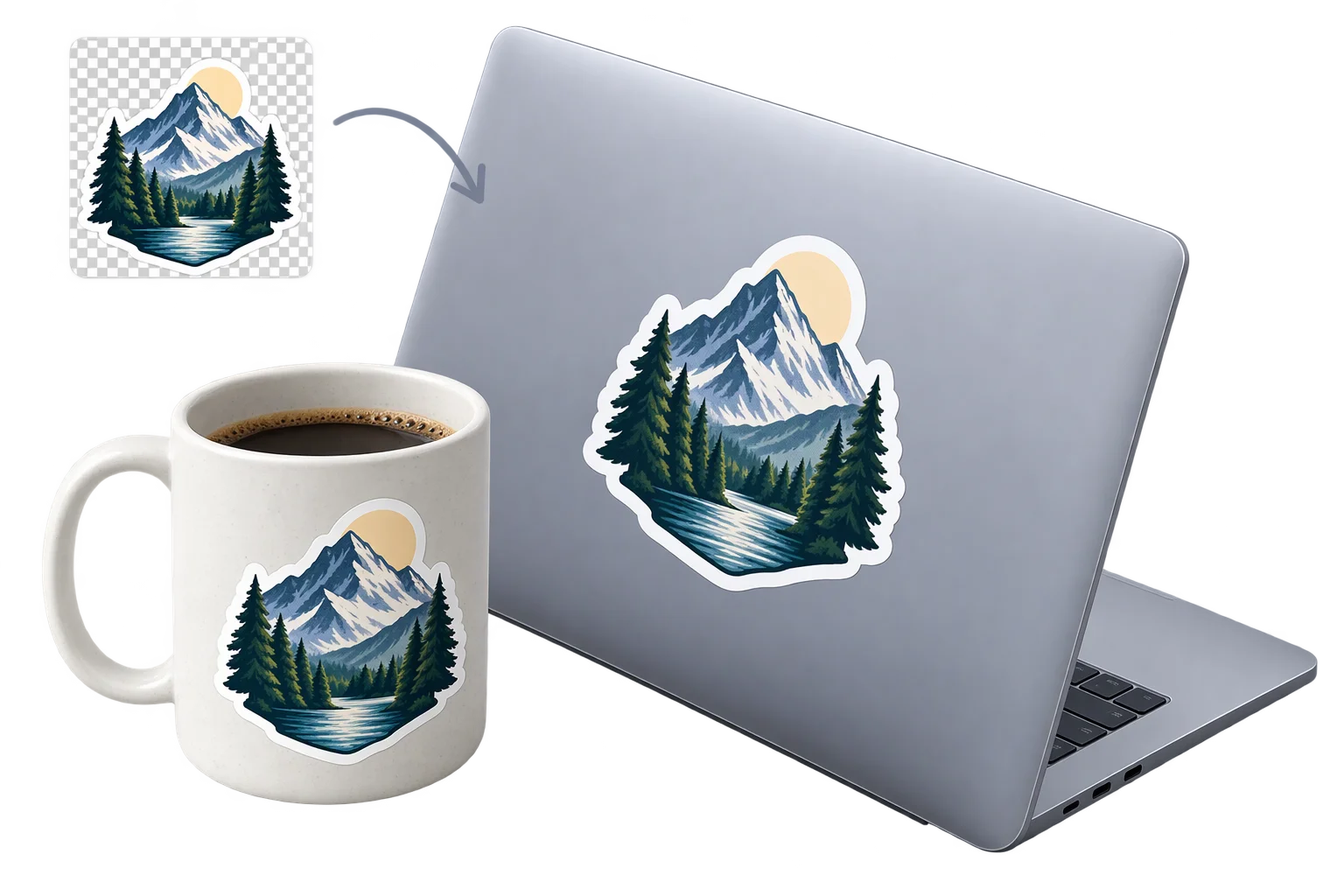
Instant photo cutouts and die-cut 3D stickers
Custom 3D extruded lettering and dimensional signs

Customer logo and artwork uploads in 3D