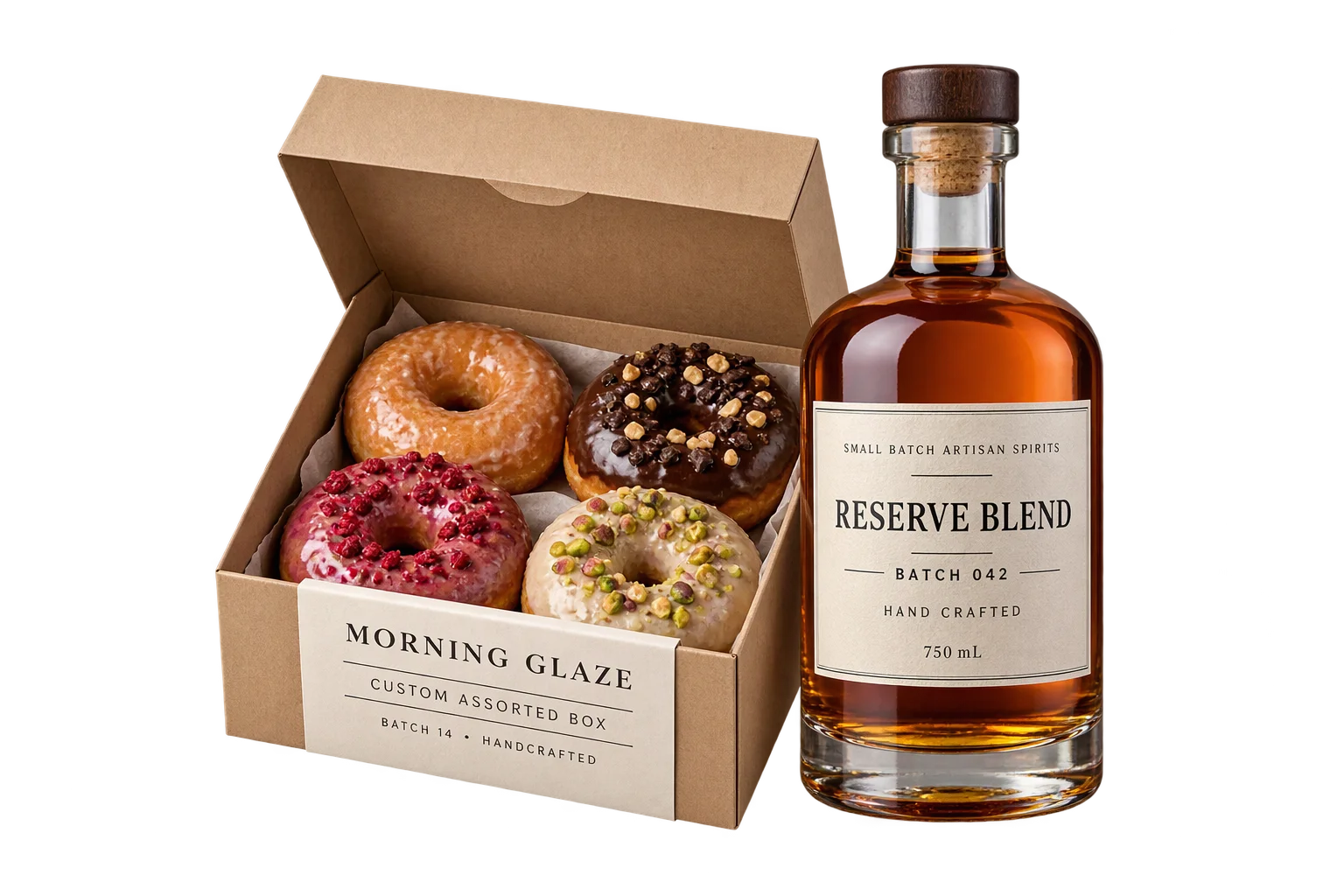
Preview laser engraving and monograms in 3D
Flat text boxes force buyers to guess how a monogram, name, or serial mark will look once etched into coated steel, leather, or molded plastic. Aircada renders live recessed engraving or raised embossing directly on the 3D product surface inside approved jig boundaries and saves the exact text, font, placement, and visual proof to every order.
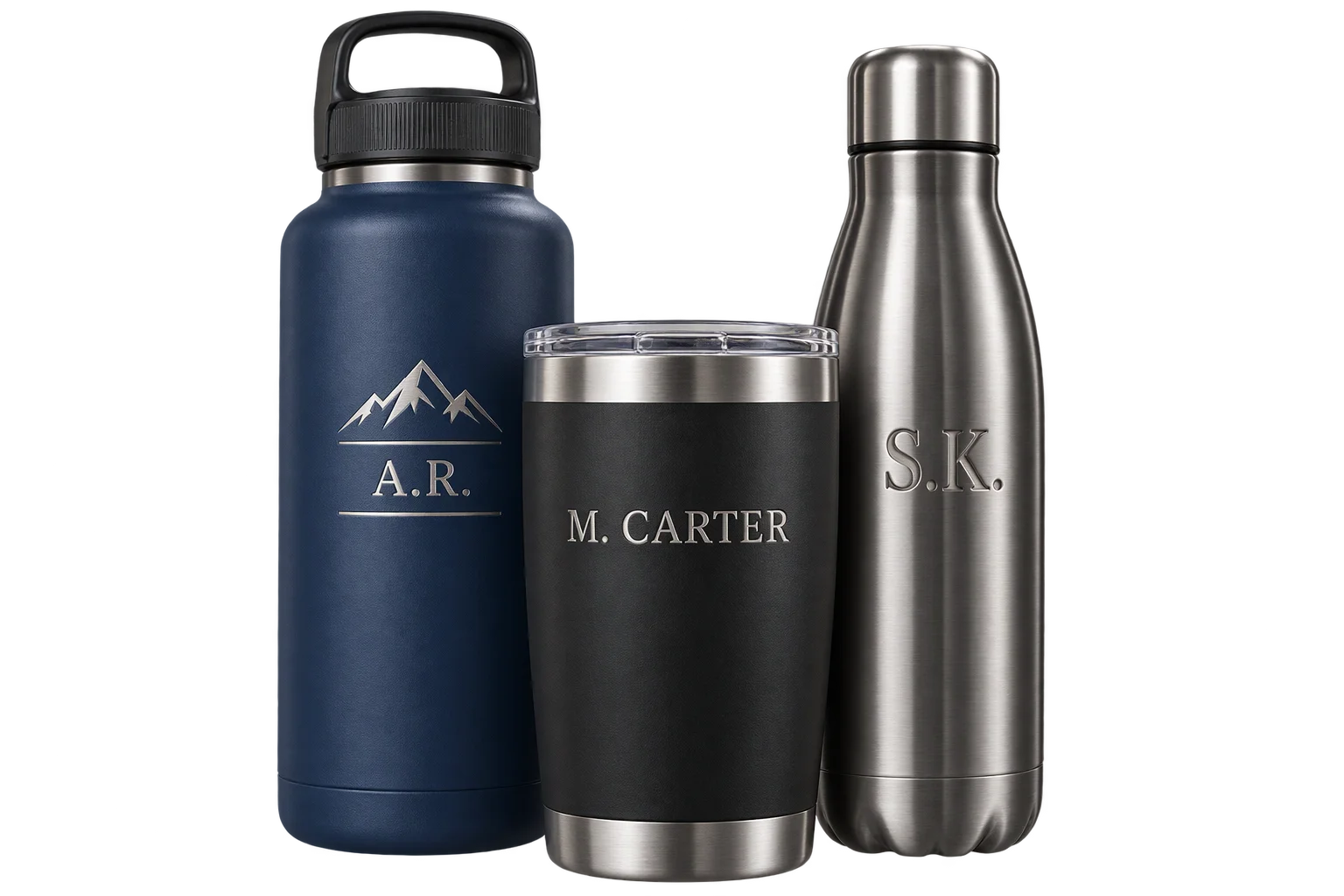
Preview a customer's monogram on the product
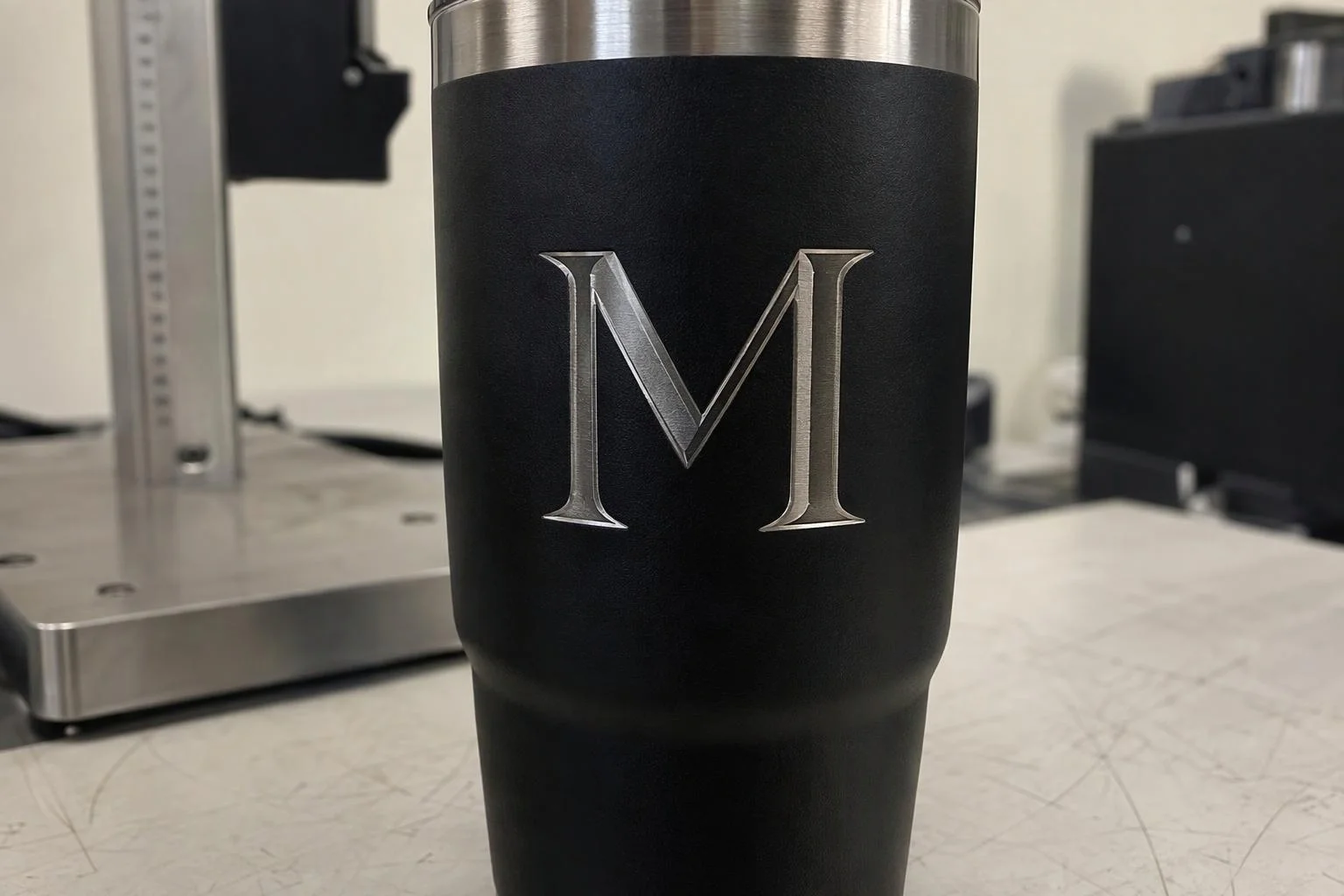
A customer types a monogram and sees recessed laser grooves catch the studio light across a matte powder-coated tumbler, revealing brushed steel underneath. At checkout, Aircada records the exact string, font family, normalized placement coordinates, and a rendered visual proof on the order line item.
Illustrative example shown.
Three steps from live preview to shop ticket
Enter text inside safe bounds
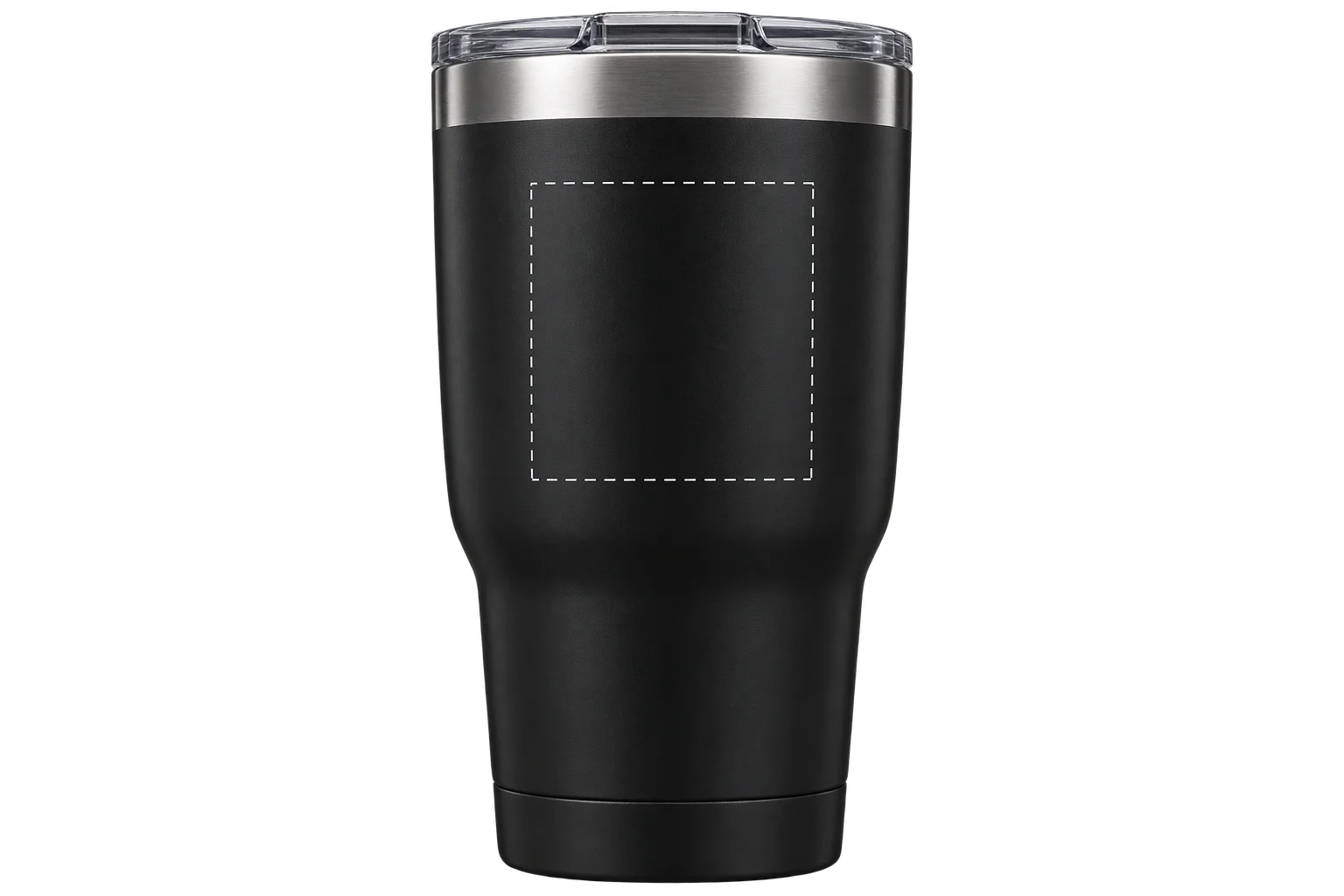
Shoppers type lettering, pick a licensed font, and adjust alignment inside pre-set surface boundaries that stay clear of rims, threads, and seams. Character limits and directional layout rules enforce physical jig constraints immediately.
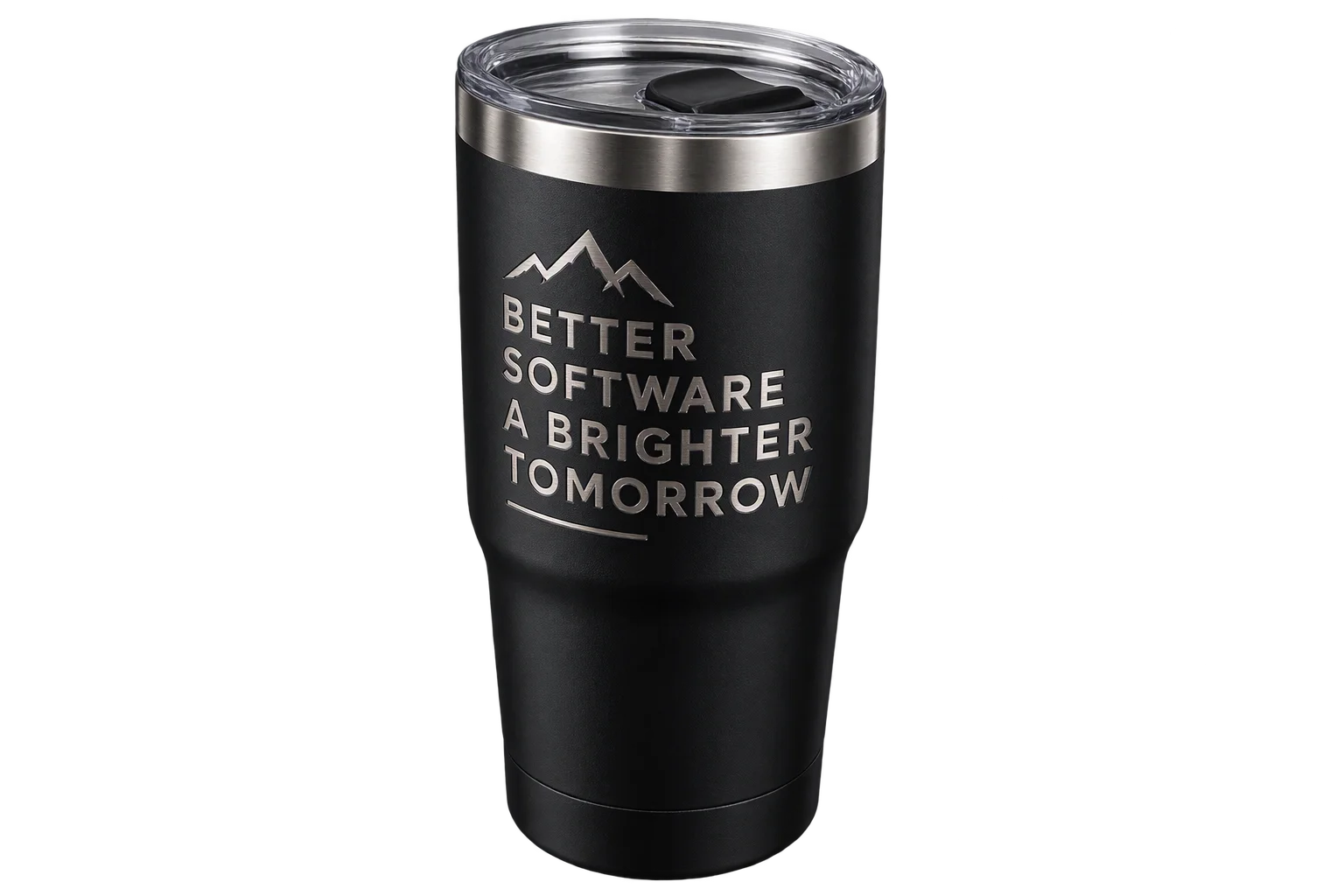
Preview depth and material reveal
Aircada rasterizes the preloaded font at high resolution and updates the 3D surface bump and color channels live. Buyers orbit the product to inspect how recessed grooves or raised edges react to real lighting across curved walls.
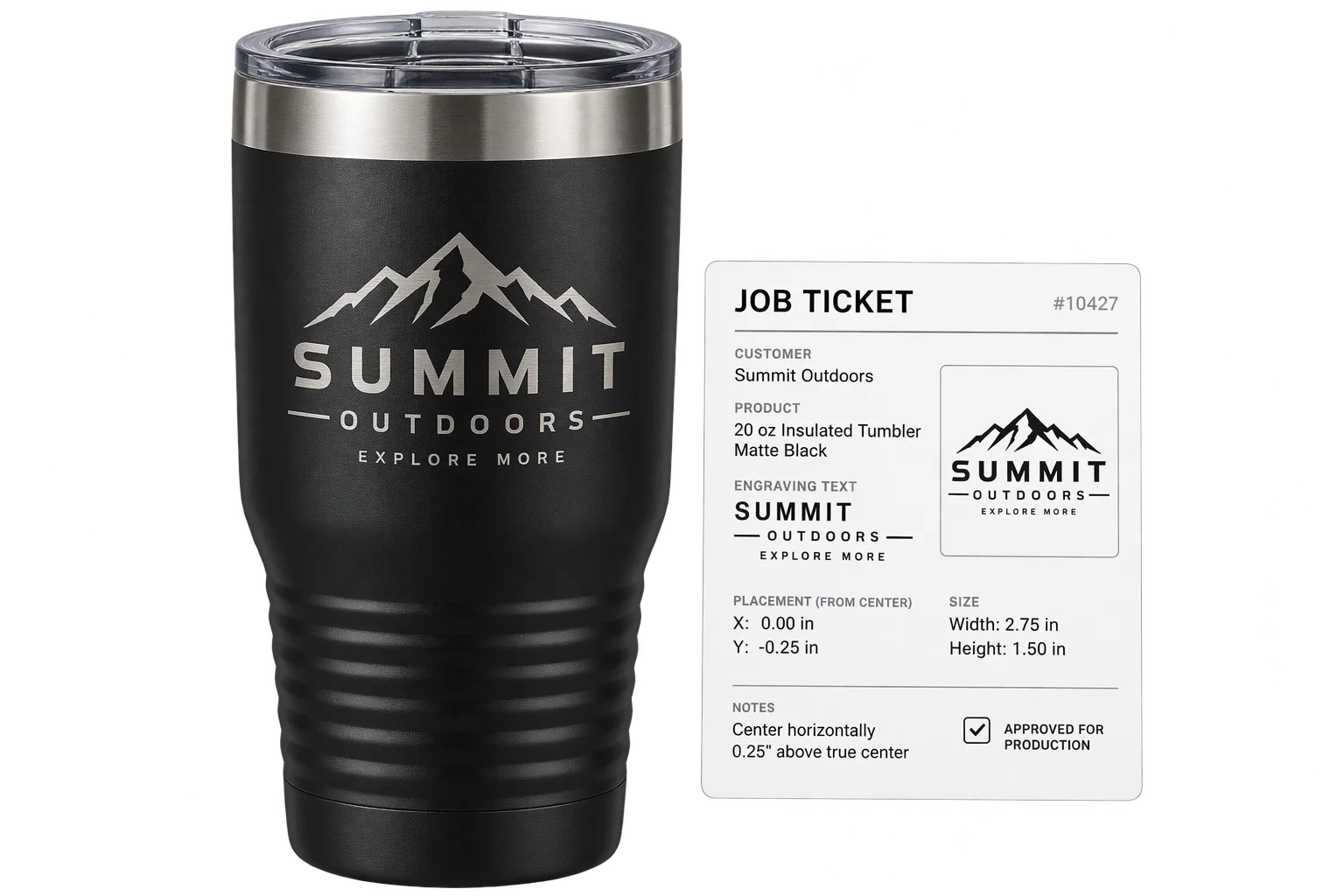
Capture specs on the order
Checkout writes the exact text string, font family, scale, rotation, and a rendered visual proof onto the order line item. Shop operators run the laser job directly from verified specs with zero back-and-forth proof emails.
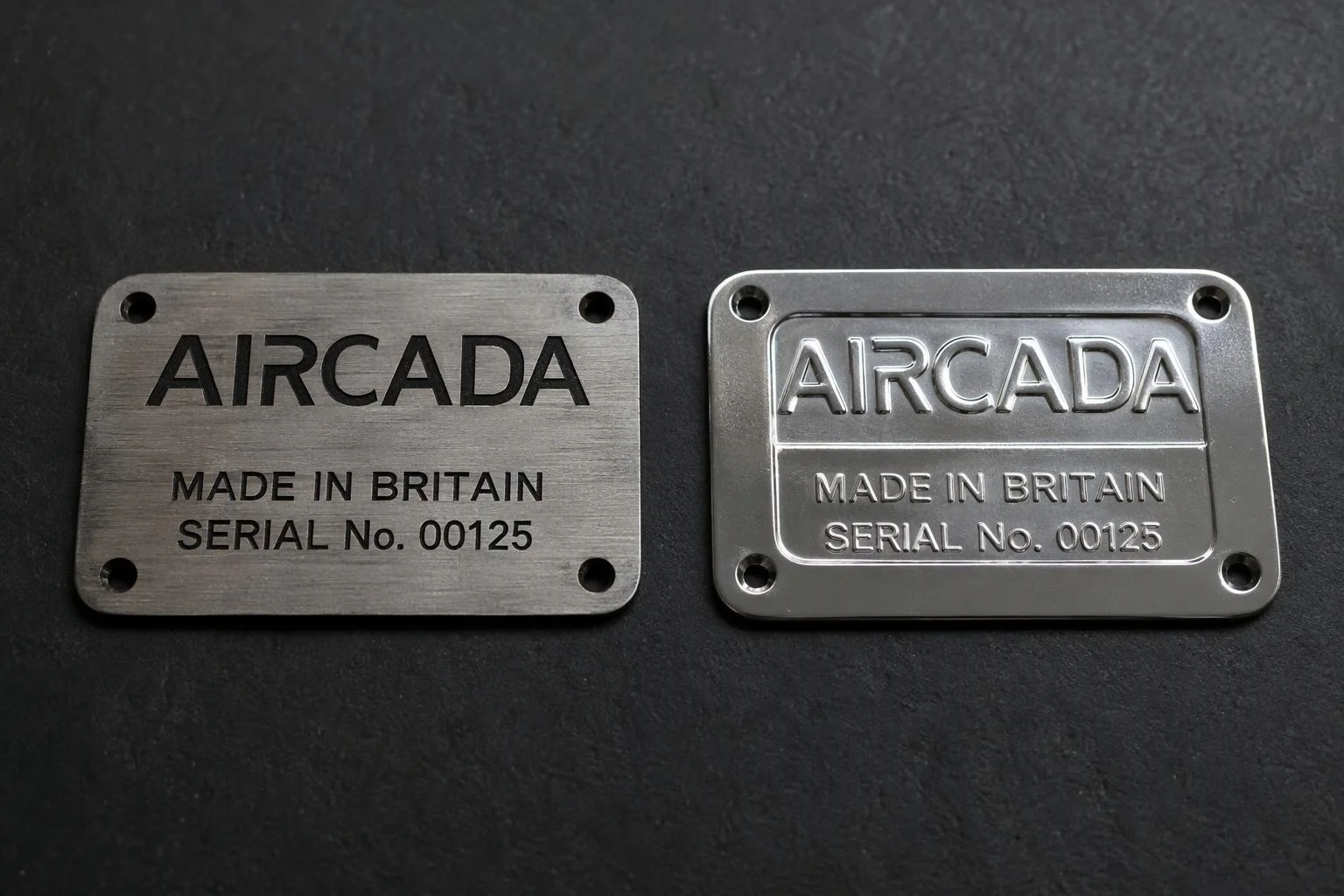
Match recessed etching or raised stamping
Dial depth inward (-1.0 to 0) for CO2 or fiber laser ablation, frosted glass, and debossed leather, or push depth outward (0 to +1.0) for stamped metal badges and molded housing relief. Blend mark color and opacity from subtle tone-on-tone burns to bright exposed steel, with optional emissive contrast for backlit indicators.
Keep lettering clear of curves, threads, and seams
Every engraving zone inherits Aircada's material boundary controls, locking center position, proportional scale, and rotation inside your physical rotary or flatbed jig footprint. Customers cannot drag text onto tapered bottle necks, hardware fasteners, or curved shell seams, preventing unbuildable custom orders.
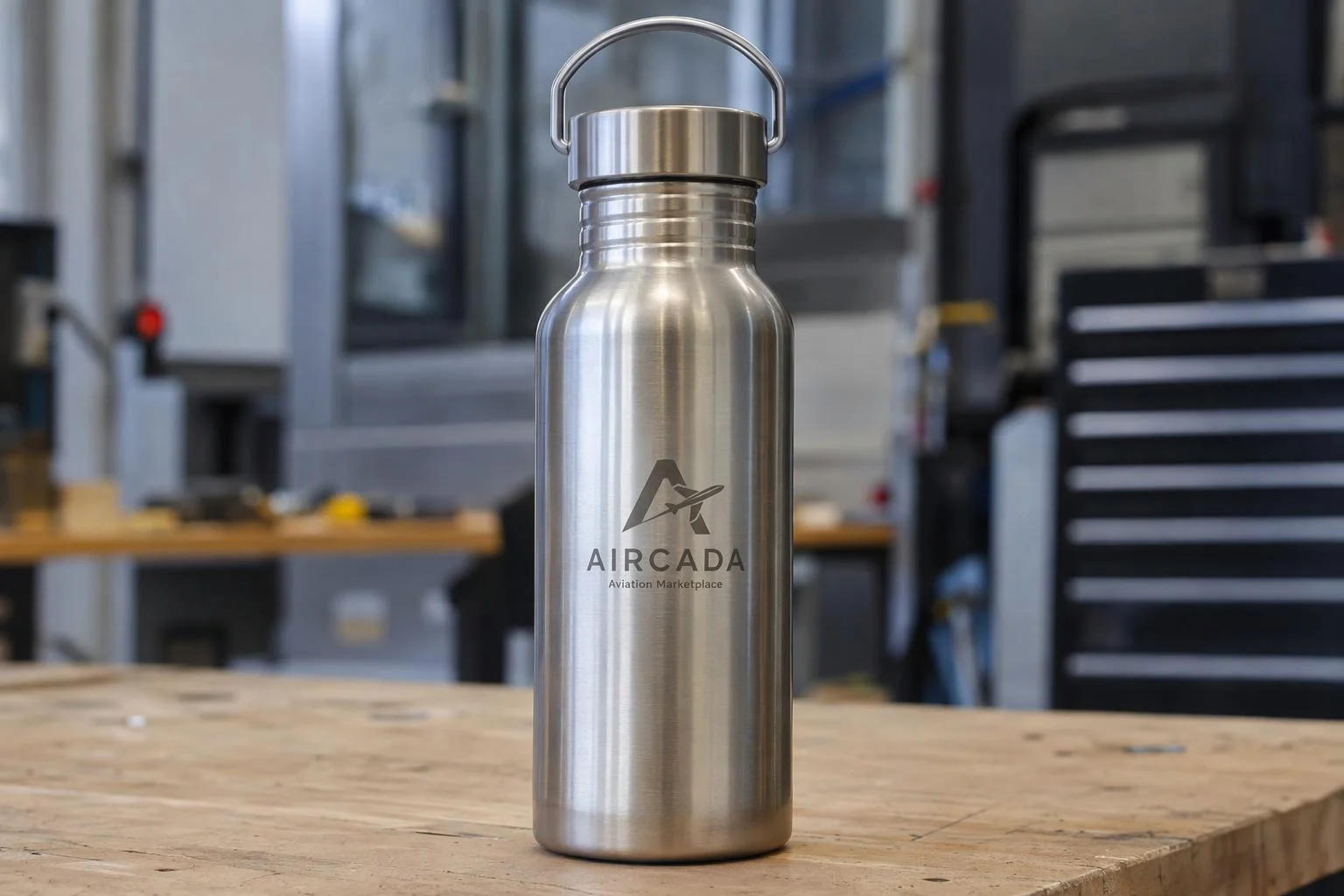
Real surface relief instead of flat 2D text overlays
Basic product customizers paste flat colored text on top of a product photo, which never shows how light catches a recessed laser groove or how powder coating burns away to expose brushed steel beneath. Customers hesitate to buy high-ticket engraved gear without a mockup, or they email support after checkout when the real etch looks different from a flat font preview.
Aircada feeds typed text or uploaded monograms through a dedicated high-resolution text renderer (up to 2048 x 2048 px) directly into the 3D material's bump and color channels. Depth controls span from -1.0 (inward laser ablation or debossing) to +1.0 (outward stamping or raised embossing), while color-mix controls blend the mark into the underlying material finish. Before the texture updates or a checkout proof renders, Aircada waits for the selected brand font to load completely so shoppers and production teams never see a fallback system font.
| Parameter | Supported Range / Options | How Production Teams Use It |
|---|---|---|
| Relief Depth Polarity | Continuous slider from -1.0 (inward deboss/etch) to +1.0 (outward emboss) | Matches recessed fiber/CO2 laser grooves, blind-debossed leather, or raised stamped lettering. |
| Substrate Color Blending | RGBA mark color, color mix (0.0 to 1.0), and optional emissive tint (0.0 to 1.0) | Simulates exposed stainless steel under powder coat, dark burn marks on wood, or frosted glass. |
| Text Render Resolution | Configurable offscreen texture up to 2048 x 2048 px (default 1024 x 512 px) | Keeps fine serif strokes and small monograms sharp even when zoomed tight on the 3D surface. |
| Typography & Direction | Licensed custom fonts (preloaded), LTR/RTL/TTB/BTT direction, alignment, letter spacing, line height | Supports vertical bottle spines, standard horizontal monograms, and right-to-left scripts without fallback-font slips. |
| Placement & Safe Zones | Normalized X/Y center (0 to 1), proportional scale, 360-degree rotation, clamped X/Y bounds | Keeps every customer inscription inside the physical laser jig area and clear of curved necks or hardware. |
| Order Record Payload | Exact UTF-8 text string, font selection, placement specs, and rendered visual proof URL | Eliminates manual proof emails and lets shop operators set up laser jobs straight from the order. |
Built around your materials, jigs, and checkout
Each product is calibrated with your approved font library, character caps, rotary or flatbed jig boundaries, depth direction, and substrate contrast during setup. Live shell engraving runs in production on Cinch Gaming, where players type a custom gamertag on PS5 and Xbox controllers, the camera swings tight to the rear housing as the etched lettering updates live, and every Shopify checkout attaches structured order specs plus front and rear visual proofs for assembly technicians.
Your laser operators keep full control over machine wattage, pulse frequency, rotary indexing, and physical alignment on the shop floor, working from exact order metadata instead of deciphering free-form order notes. For shader properties and placement parameters, see the engraving SDK reference.
Responsibility Tiers
- 1 Native Aircada layer
- 1 Aircada Configuration layer
- 1 Custom Implementation layer
- 1 External layer
Responsibility Boundaries Across 3D Laser Engraving
How Aircada's surface shader, Studio rules, and shop-floor laser hardware divide responsibilities.
Live 3D text rasterization, recessed/embossed relief & proof capture
- Native Aircada
- Preloads fonts, renders typed text up to 2048 x 2048 px across 4 text directions, applies inward deboss or outward emboss depth (-1.0 to +1.0) with substrate color blending, and captures order-linked visual proofs.
Allowed fonts, character limits, engraving zones & depth polarity
- Aircada Configuration
- Configured per product SKU in Studio to match your physical jig boundaries, approved font library, and exposed metal or coating contrast.
Custom monogram ordering logic or specialized vector export hooks
- Custom Implementation
- Added when a product requires traditional 3-letter monogram sizing rules, custom camera-focus animations on text input, or paired SVG vector path output.
Laser wattage, rotary jig alignment & physical marking
- External
- Executed by your shop-floor laser engraver and production operators using the order's saved text, font, and placement proof.
Frequently Asked Questions
How do we prevent shoppers from typing text that falls outside the laser jig area?
Will the 3D preview accidentally render in a fallback font if a customer types fast?
Can we preview both recessed laser etching and raised embossing?
What does our production team actually receive when a customer checks out?
Does engraving support vertical bottle spines or right-to-left scripts?
Test your engraving finish in 3D
Share a sample product model, substrate finish, and font rules. We will configure a working 3D engraving preview matched to your order workflow.
Related capabilities
Explore the adjacent capabilities and integrations that pair with this workflow.
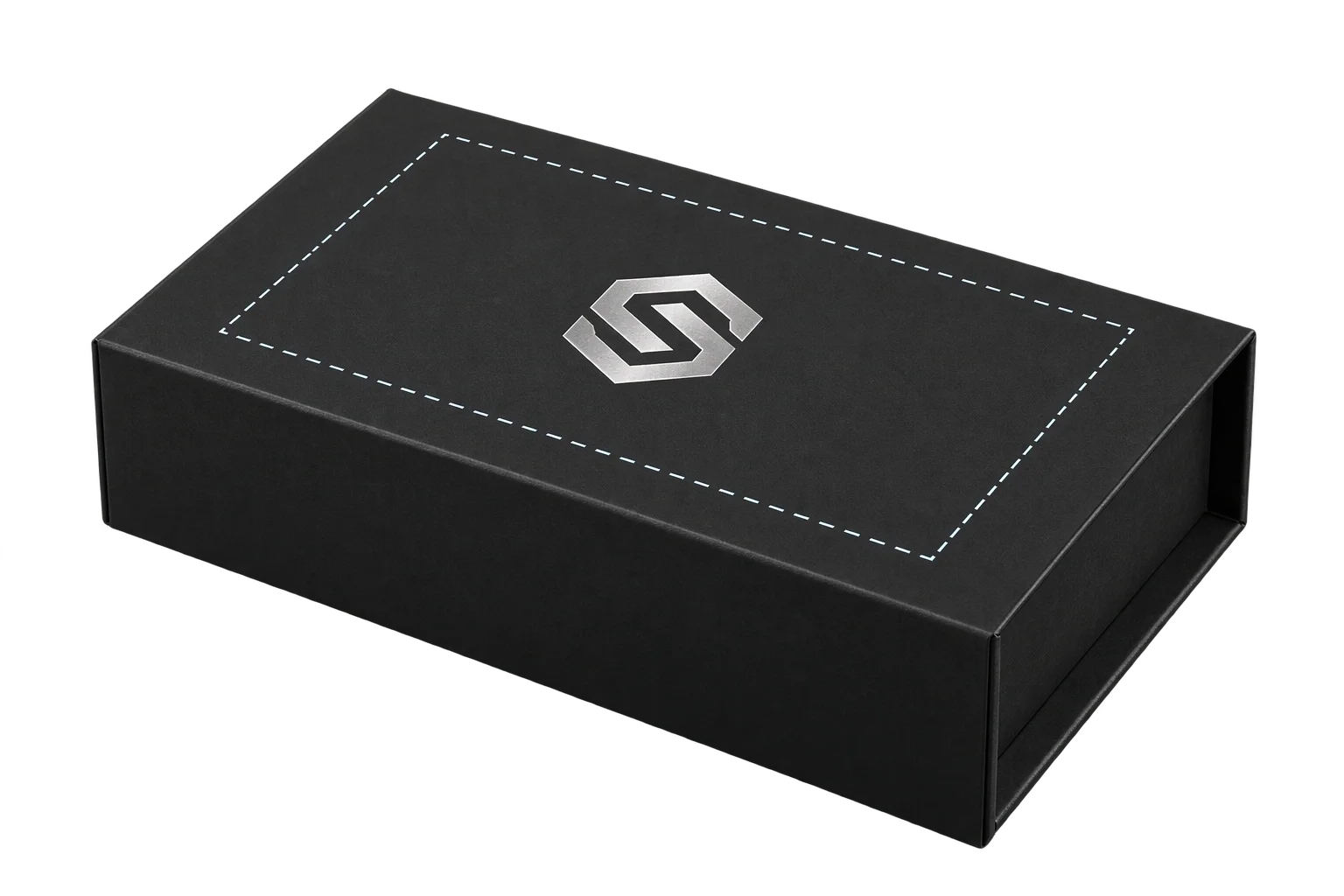
Printable 3D safe zones and artwork boundary locks
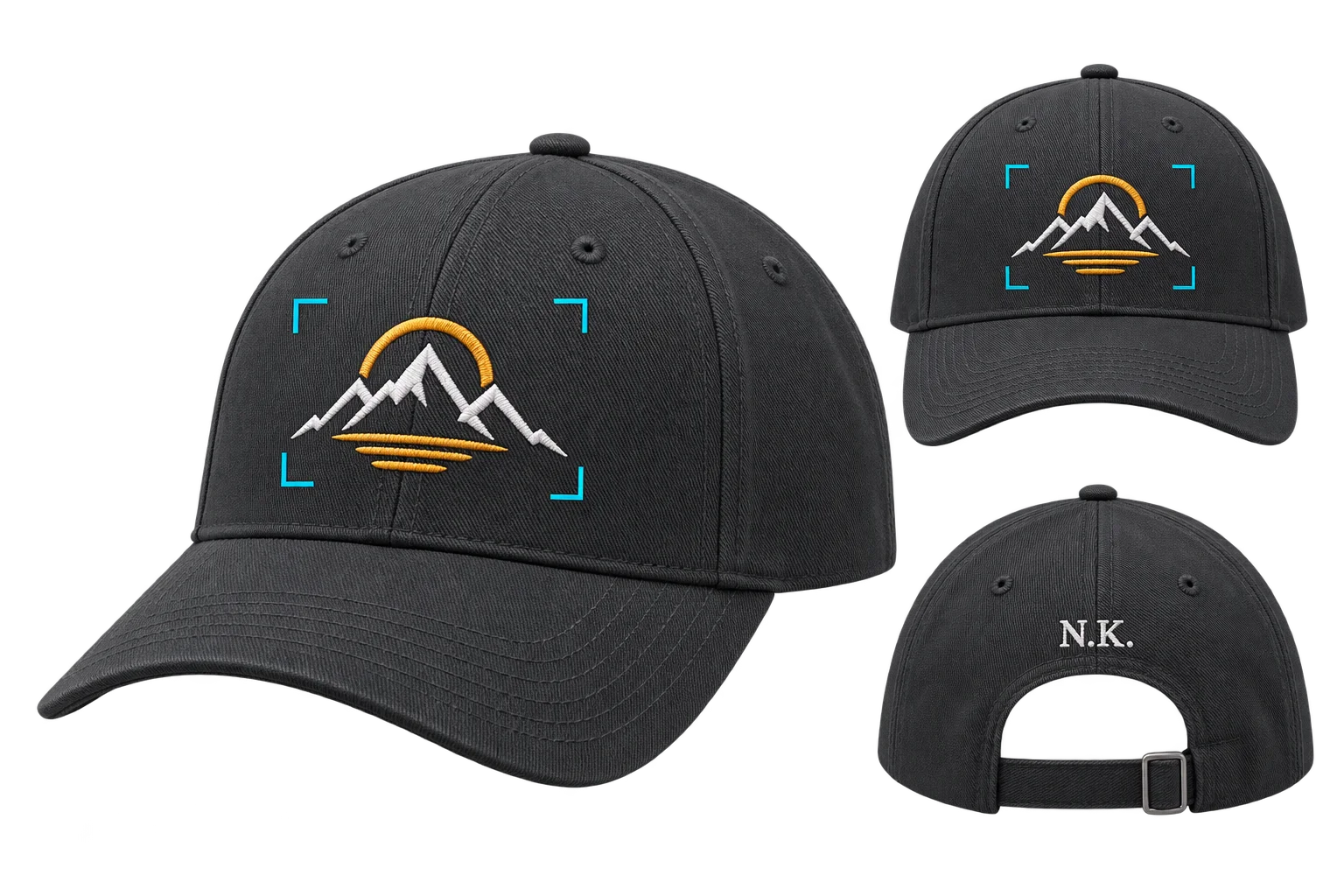
Buyer-approved visual proofs attached to every order
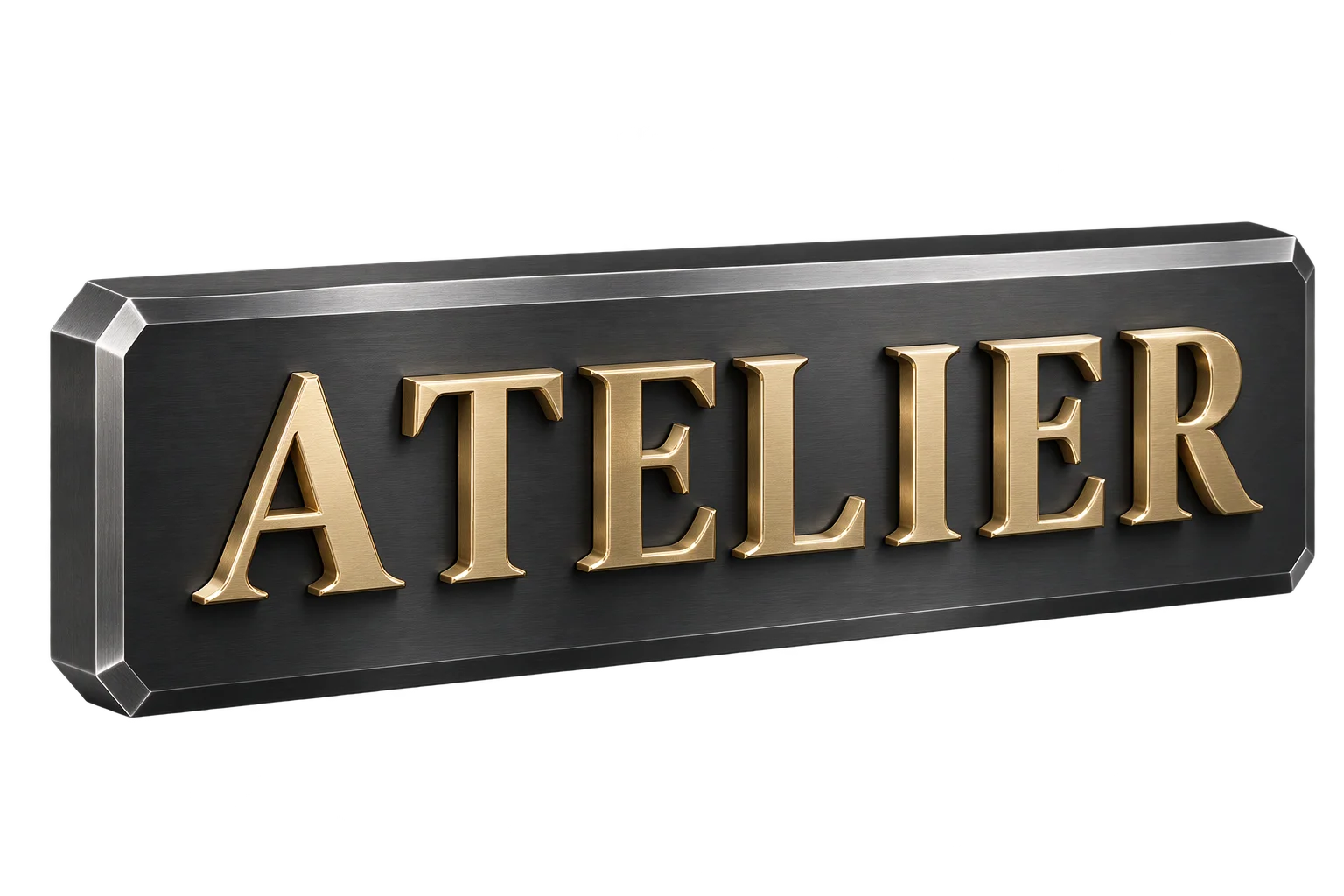
Custom 3D extruded lettering and dimensional signs