Scaled SVG cutlines for lasers and CNC routers
When shoppers order custom metal signs, laser-cut lettering, or shaped decals online, shop staff usually have to redraw each layout in CAD to set real-world scale, trace uploaded logos, and position mounting holes. Aircada generates physically scaled SVG cutting paths directly from configured 3D geometry or uploaded raster artwork and attaches them to the order.
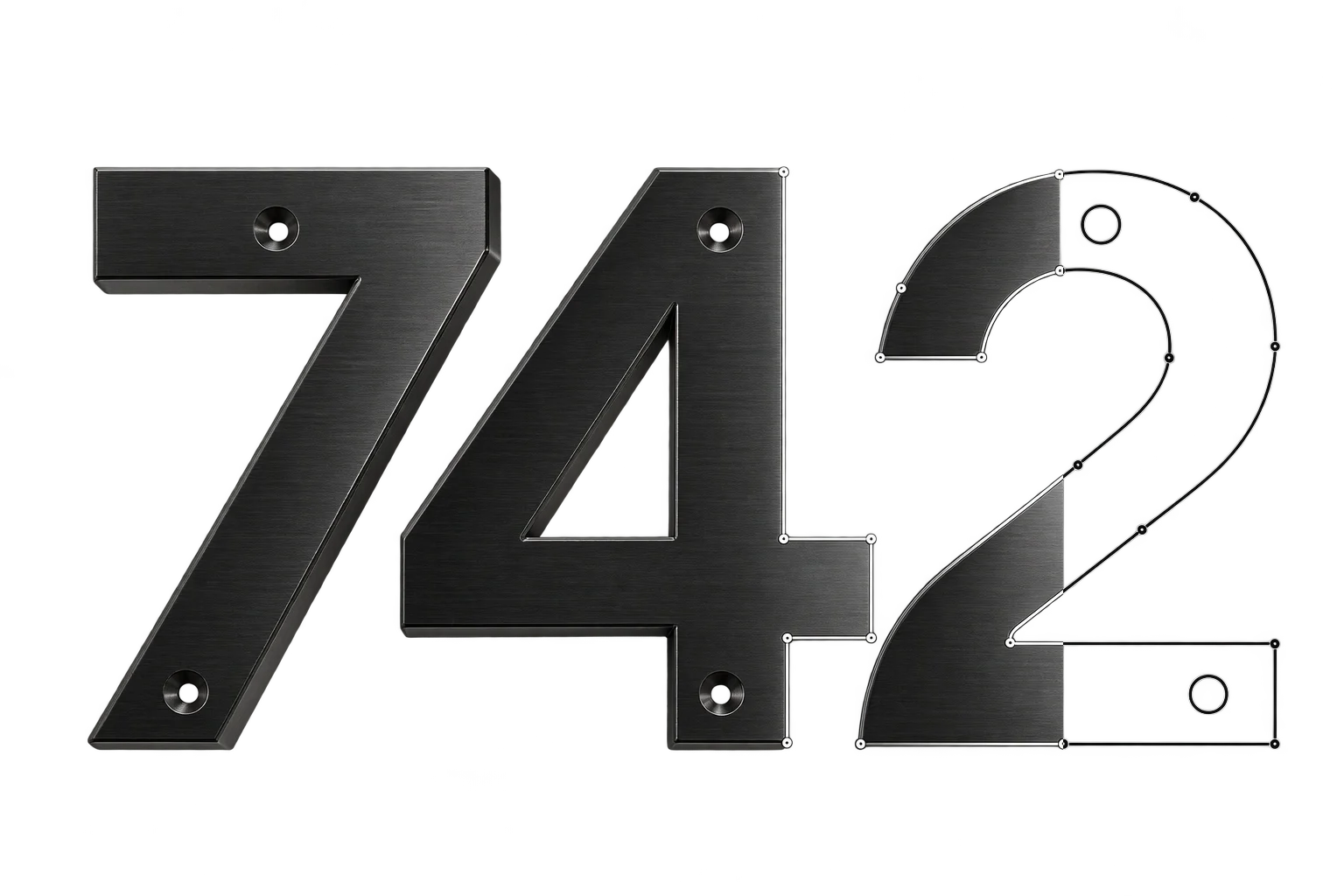
Customer lettering, delivered as scaled SVG cutlines.
A shopper enters custom numerals, picks an 8-inch letter height, and selects standalone digits, a mounting bar, or a full border frame in 3D. Aircada extracts the exact Bezier contours and inner letter holes at physical scale, places mounting stud circles inside the strokes or frame corners, and links the SVG to the order.
Illustrative example shown.
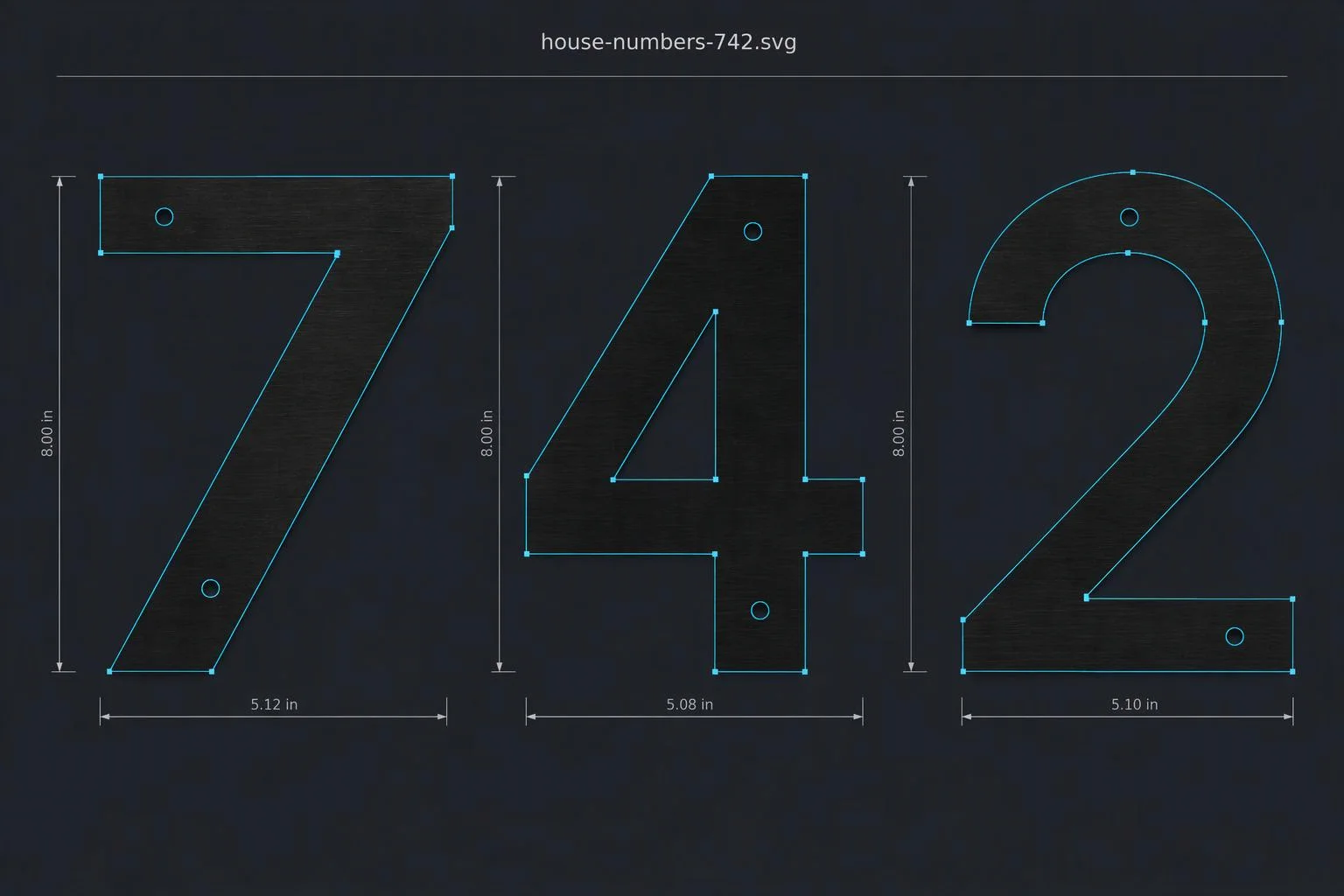
Three steps from storefront to cut file
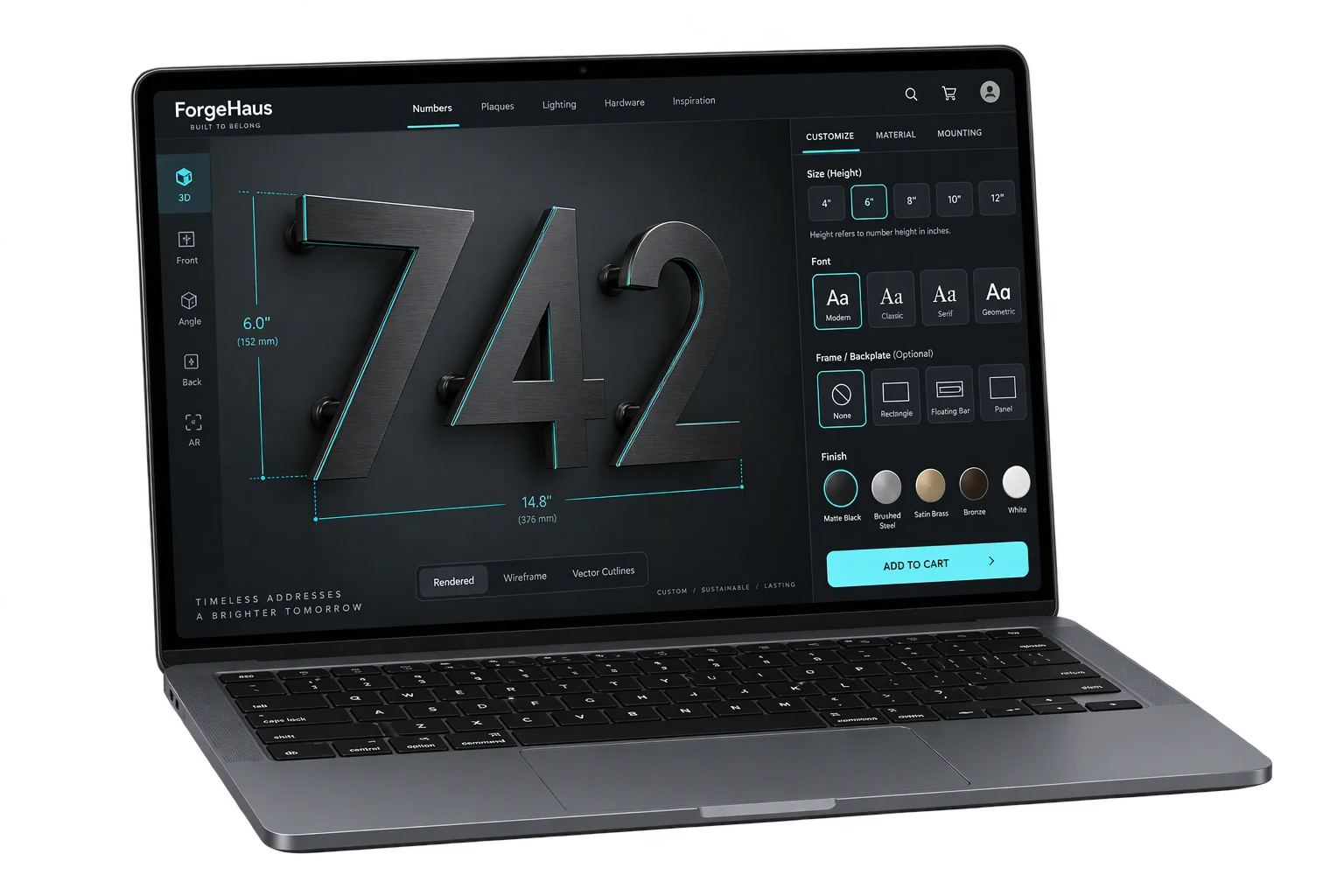
The buyer customizes the sign
Shoppers enter characters, upload a logo, or choose font, letter height, material finish, and frame style in the interactive 3D viewer. Live dimensions update immediately so buyers verify physical width and height before ordering.
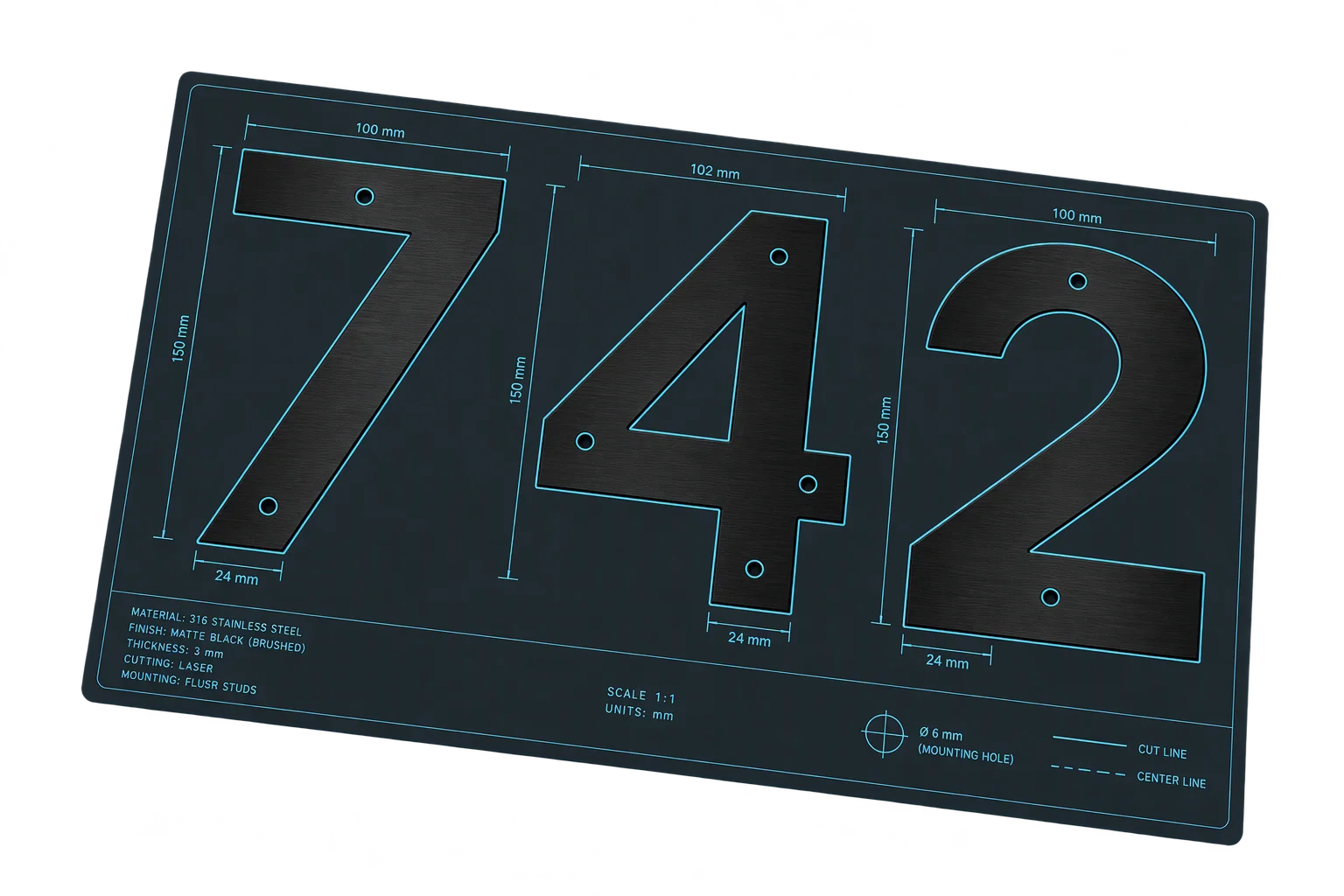
Aircada builds the vector path
The engine extracts smooth Bezier curves and interior cutouts from configured 3D shapes or traces uploaded raster images in the browser with speckle filtering and curve smoothing. Mounting holes and frame borders calculate mathematically from the scaled bounds.
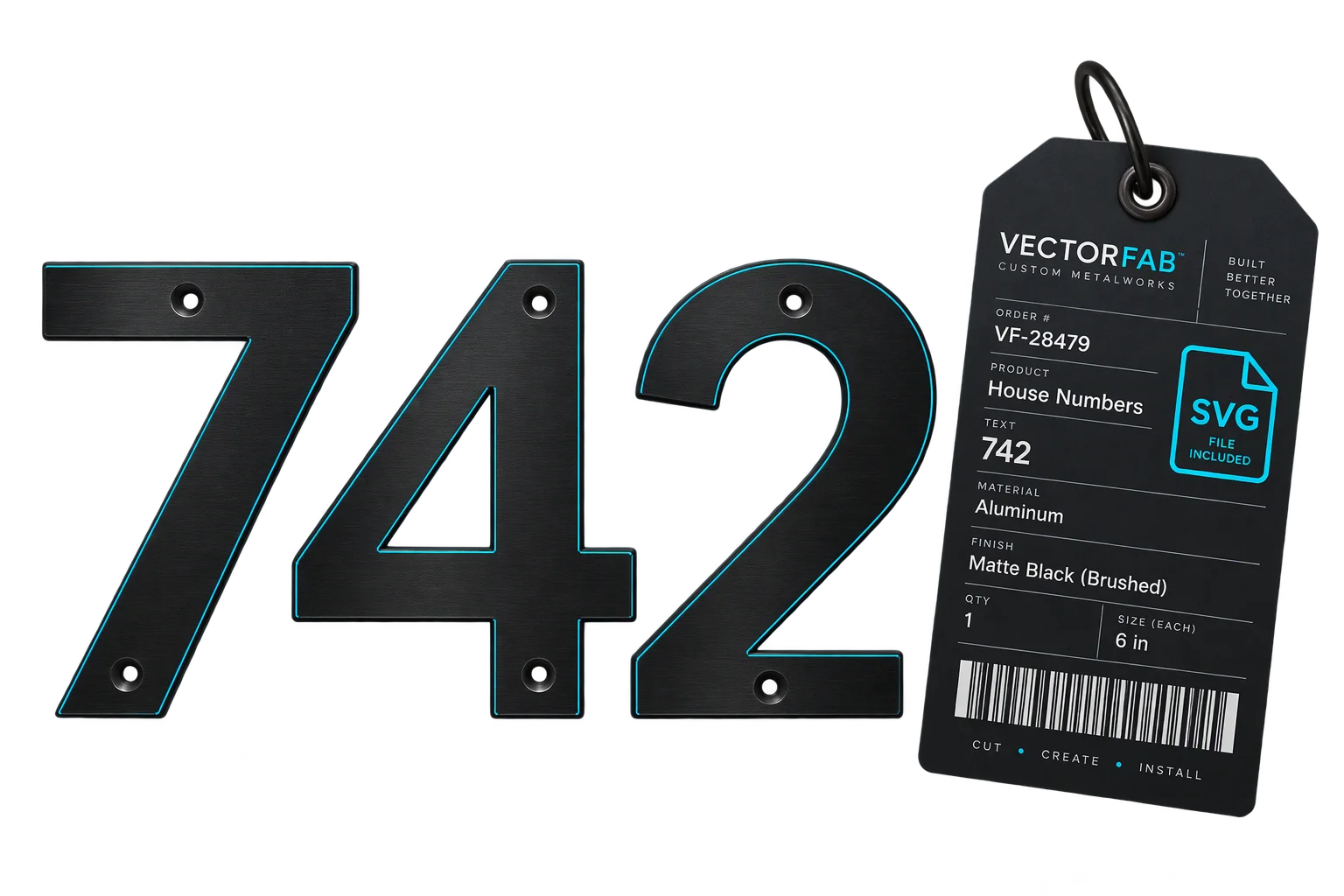
The cut file arrives with the order
Checkout attaches the calibrated SVG cutline directly to the order line item alongside finish, gauge, and frame metadata. Operators open the file in their CAM software to apply kerf and machine settings instead of redrawing the sign.
Smooth cutting paths from 3D lettering and shapes
Configured 3D text and planar or extruded templates export straight from their underlying lines, quadratic curves, and cubic Bezier curves rather than jagged polygon approximations. Interior counters inside characters like 0, 4, 6, and 8 export as closed paths in the same file so lasers cut clean arcs without manual node cleanup.
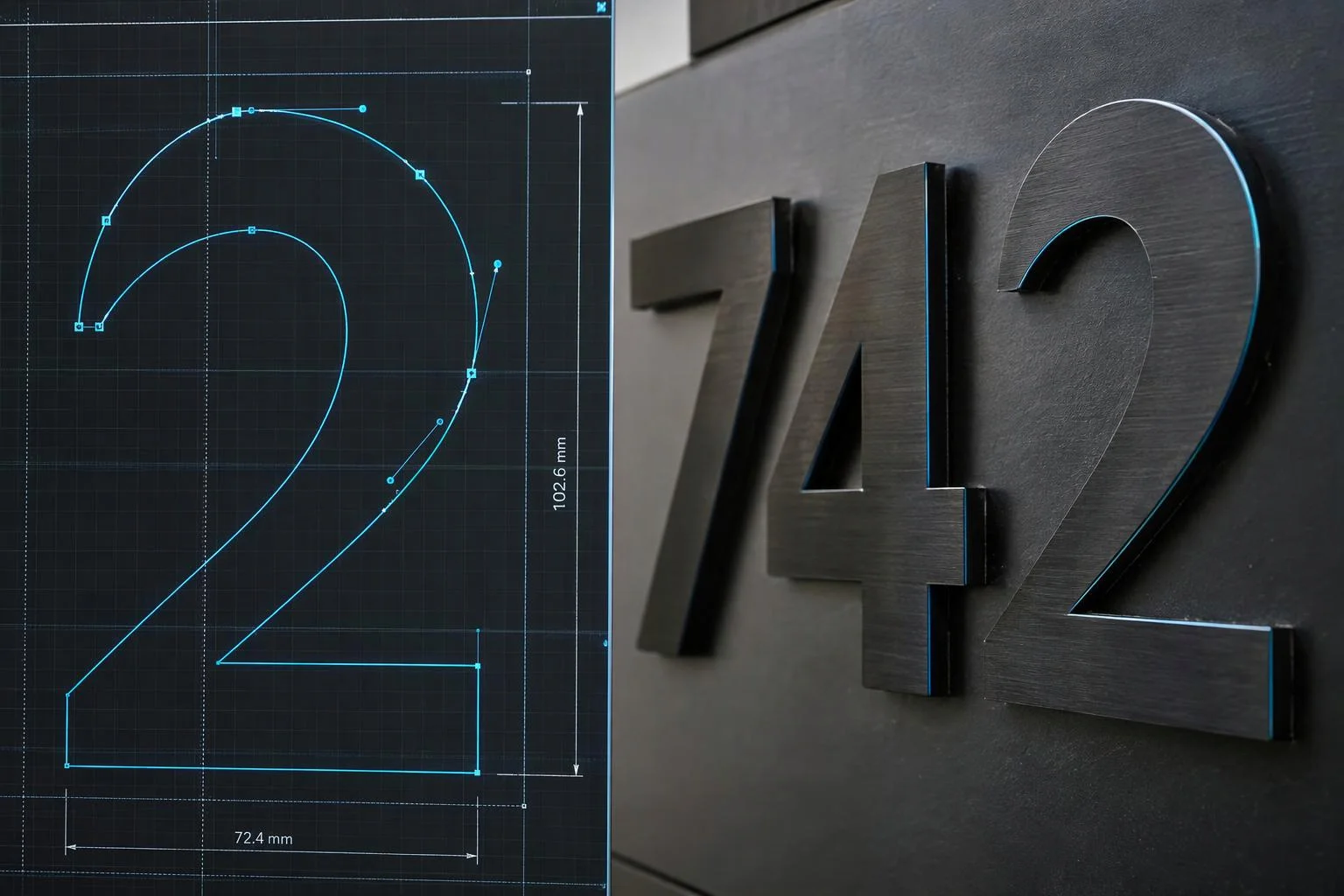
Turn uploaded logos into vector outlines
When customers only have a PNG or JPEG logo instead of a vector file, Aircada traces the artwork into SVG paths directly in the browser using non-blocking progressive processing. Configurable curve modes, corner thresholds, and speckle filters strip stray pixel dust before checkout, while operators can still inspect traced paths on the order.
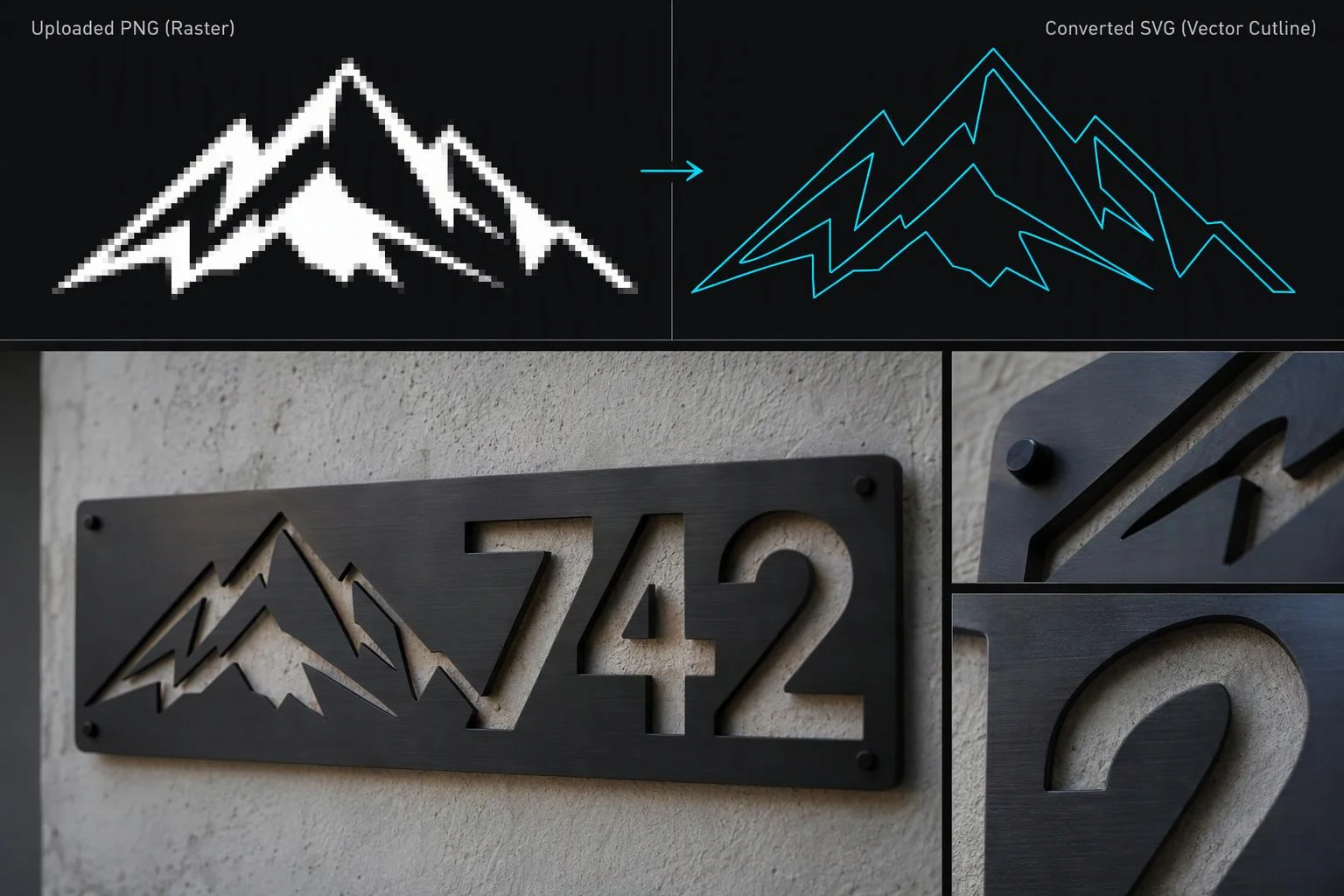
Sized to real-world dimensions with automated hole placement
Frame borders, mounting bars, and letter heights scale directly to the customer's chosen physical dimensions (using exact 39.3701 inches-per-meter math) rather than screen pixels. For standalone numerals, Aircada intersects each character stroke horizontally to find the widest solid stem and center mounting stud circles automatically.
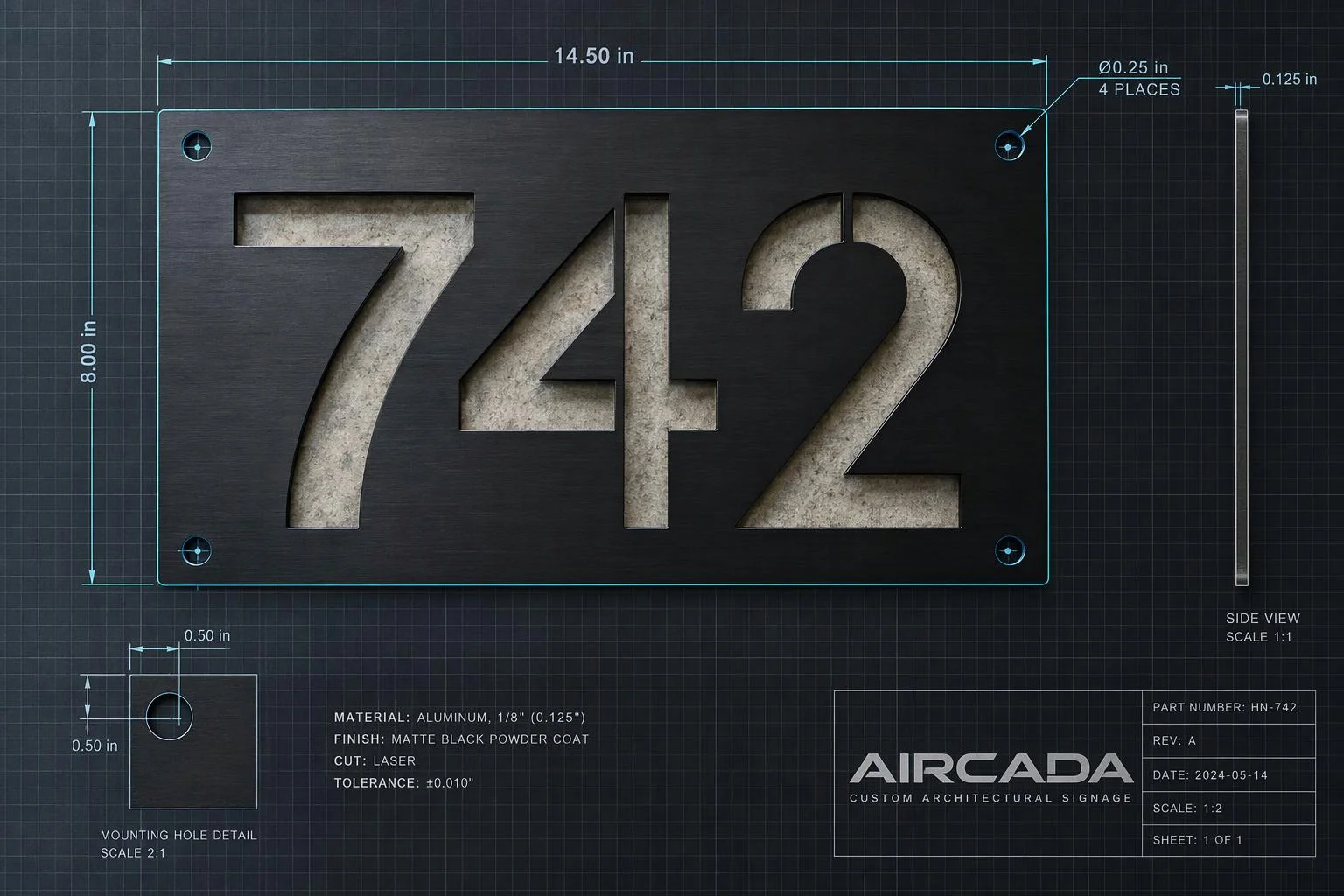
Eliminating routine CAD redrawing before laser and CNC cutting
Standard storefront customizers only capture a text string or a low-resolution preview image, forcing fabrication shops to recreate every custom sign, plaque, or cutout in Illustrator or LightBurn before cutting metal or acrylic. Typing numbers back into CAD, scaling letter heights, centering stud holes inside narrow font strokes, and tracing customer JPEGs slows down fulfillment and creates transcription mistakes.
Aircada supports two vector generation paths directly in the browser. For configured 3D lettering and planar sign templates, the exporter reads the exact lines, quadratic Bezier curves, cubic Bezier curves, and interior letter cutouts from the 3D shape, converts them to real physical dimensions (such as exact target letter height in inches), and places mounting holes inside solid strokes or frame borders automatically. For customer-uploaded logos and emblems, Aircada's browser-side vector tracer converts raster PNG or JPEG artwork into smooth Bezier splines or straight-edge polygons without freezing the storefront.
| Capability | Supported Options | How Fabrication Shops Use It |
|---|---|---|
| 3D Shape Curve Extraction | Line, quadratic Bezier, cubic Bezier paths, and interior holes (4-decimal precision) | Eliminates faceted polygon arcs on laser-cut metal letters, plaques, and framed signs. |
| Physical Scaling | Calibrated SVG viewBox scaled from target letter height (exact 39.3701 in/m math) with 5% viewBox margin | Imports into CAM software at real physical inches or millimeters instead of arbitrary screen pixels. |
| Mounting Holes & Frames | Stroke-centered digit stud holes (40-segment stroke intersection), bar holes, and 4-corner frame bolts | Automates fastener placement inside solid letter stems and border frames according to clearance rules. |
| Raster-to-SVG Curve Modes | Spline (smooth Bezier), Polygon (straight segments), or Pixel (exact boundary) | Converts customer-uploaded PNG or JPEG emblems into vector outlines in the browser before checkout. |
| Trace Tuning Controls | Corner threshold (0 to 180 deg), splice angle (0 to 180 deg), segment length (0.5 to 64 px), speckle filter (0 to 512 px) | Balances crisp sharp corners against smooth curves while removing tiny noise specks before cutting. |
| Output Styling & Delivery | Outline-only stroked paths (0.5 to 32 px) or filled shapes, invert toggle, order-attached SVG link | Delivers clean hairline cut contours directly on the Shopify or headless order record. |
Built for your cutting software and storefront checkout
Cutting tolerances, kerf allowances, material gauges, and mounting hardware vary across fiber lasers, CO2 cutters, plasma tables, and vinyl plotters. During setup, physical scaling, border offsets, stroke-hole clearance rules, and trace smoothing parameters are calibrated per product line and verified with test cuts before launch. On Shopify and headless storefronts, the calibrated SVG cutline travels on the order line item alongside the customer's selected finish, size, frame style, and visual proof.
Your downstream CAM software (such as LightBurn or SheetCAM) keeps control over kerf width, lead-ins, pierce points, and laser power or speed settings. Need high-resolution print sheets alongside vector contours? Pair SVG cutlines with print-ready PDF generation at 300 or 600 DPI. If your shop floor also requires DXF conversion, multi-order sheet nesting, or automated hot-folder routing, those connectors are scoped during implementation.
Responsibility Tiers
- 1 Native Aircada layer
- 1 Aircada Configuration layer
- 1 Custom Implementation layer
- 1 External layer
Responsibility Boundaries Across SVG Cutline Generation
How Aircada's vector export, Studio setup, and shop-floor CAM tools divide responsibilities.
Browser raster-to-SVG tracing & SVG asset generation
- Native Aircada
- Traces uploaded PNG or JPEG artwork into SVG spline, polygon, or pixel paths in the browser with configurable corner thresholds, speckle filtering, and outline-only styling.
Physical scale, curve-trace tolerances, hole rules & border offsets
- Aircada Configuration
- Configured per product line with your target height or width units, trace smoothing thresholds, frame clearances, and stud-hole placement rules.
3D geometry curve export, DXF conversion, nesting & hot-folder routing
- Custom Implementation
- Scoped during implementation for parametric 3D sign curve extraction with automated stroke-hole placement, DXF output, sheet nesting, or automated file delivery.
Kerf compensation, laser power/speed & physical cutting
- External
- Handled by your downstream CAM software (such as LightBurn or SheetCAM) and CNC, plasma, or laser machine operators.
Frequently Asked Questions
Are the exported SVG cutlines scaled to real-world inches or millimeters?
What happens if a customer uploads a messy PNG or JPG instead of a vector file?
Does Aircada handle kerf compensation, lead-ins, and laser cut settings automatically?
Can mounting holes and frame borders be included automatically on custom signs?
Can we pair SVG cutlines with printed graphics for contour-cut decals or signage?
Less manual CAD redrawing. More orders ready to cut.
Show us your current cutting workflow and the vector specs your shop requires.
Related capabilities
Explore the adjacent capabilities and integrations that pair with this workflow.
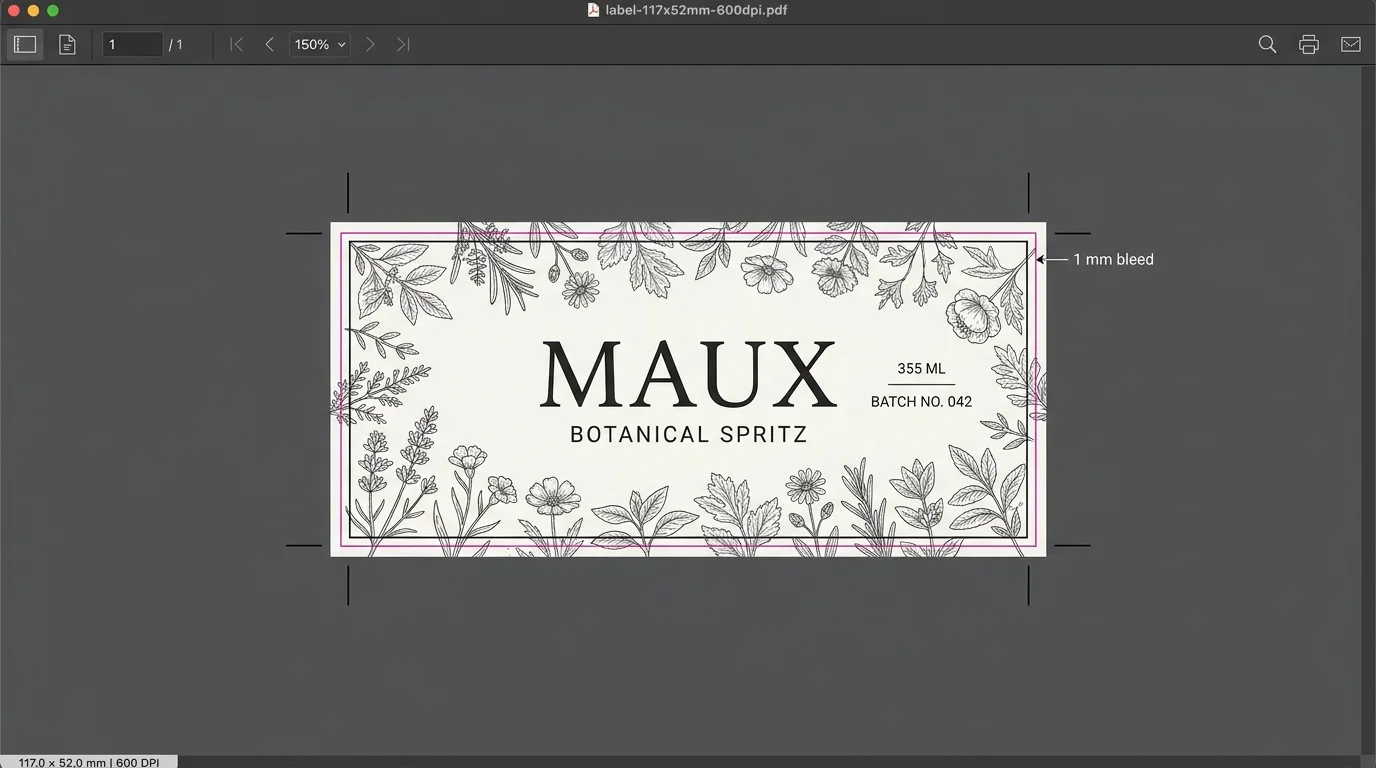
Turn customer designs into print-ready PDFs
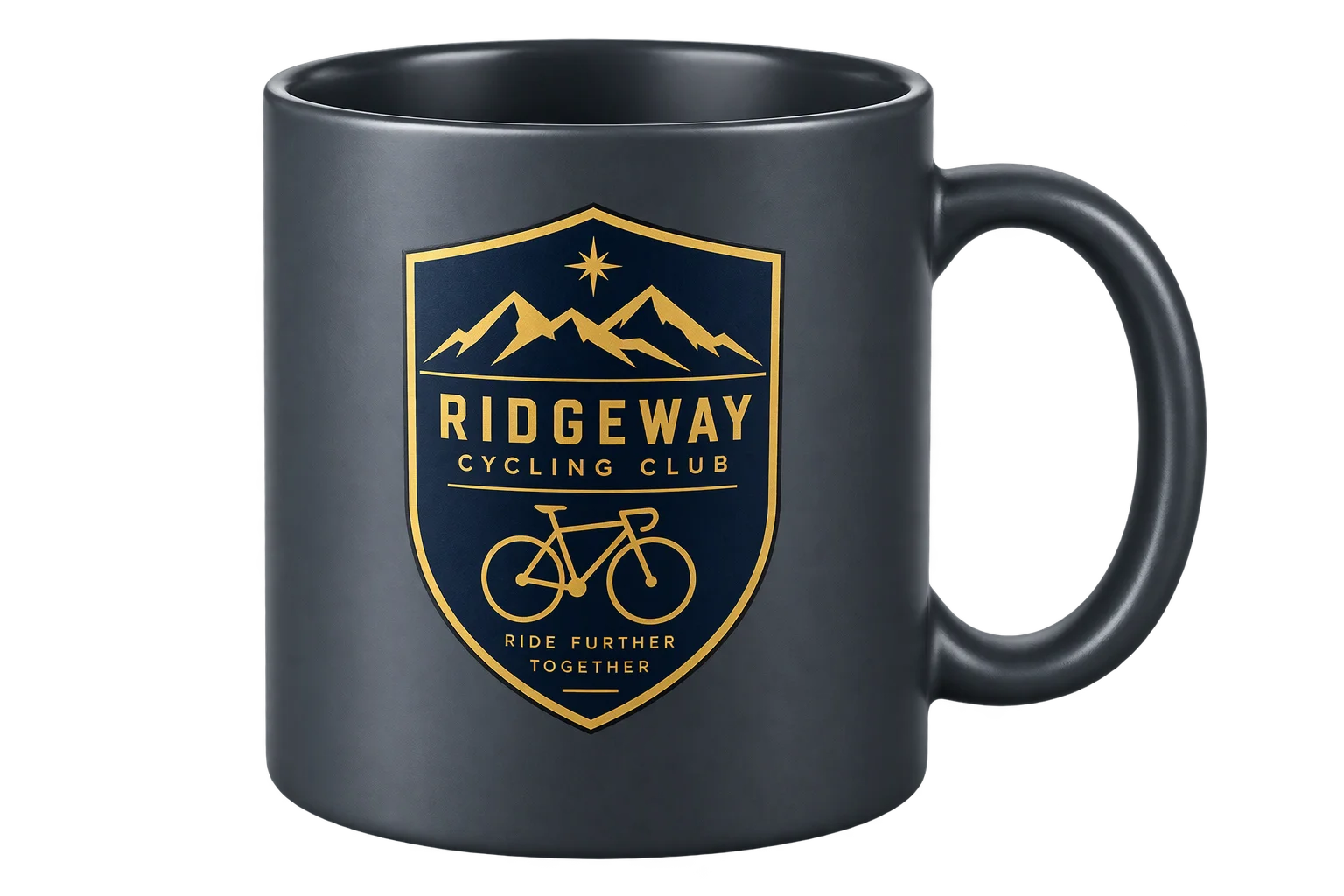
Customer logo and artwork uploads in 3D
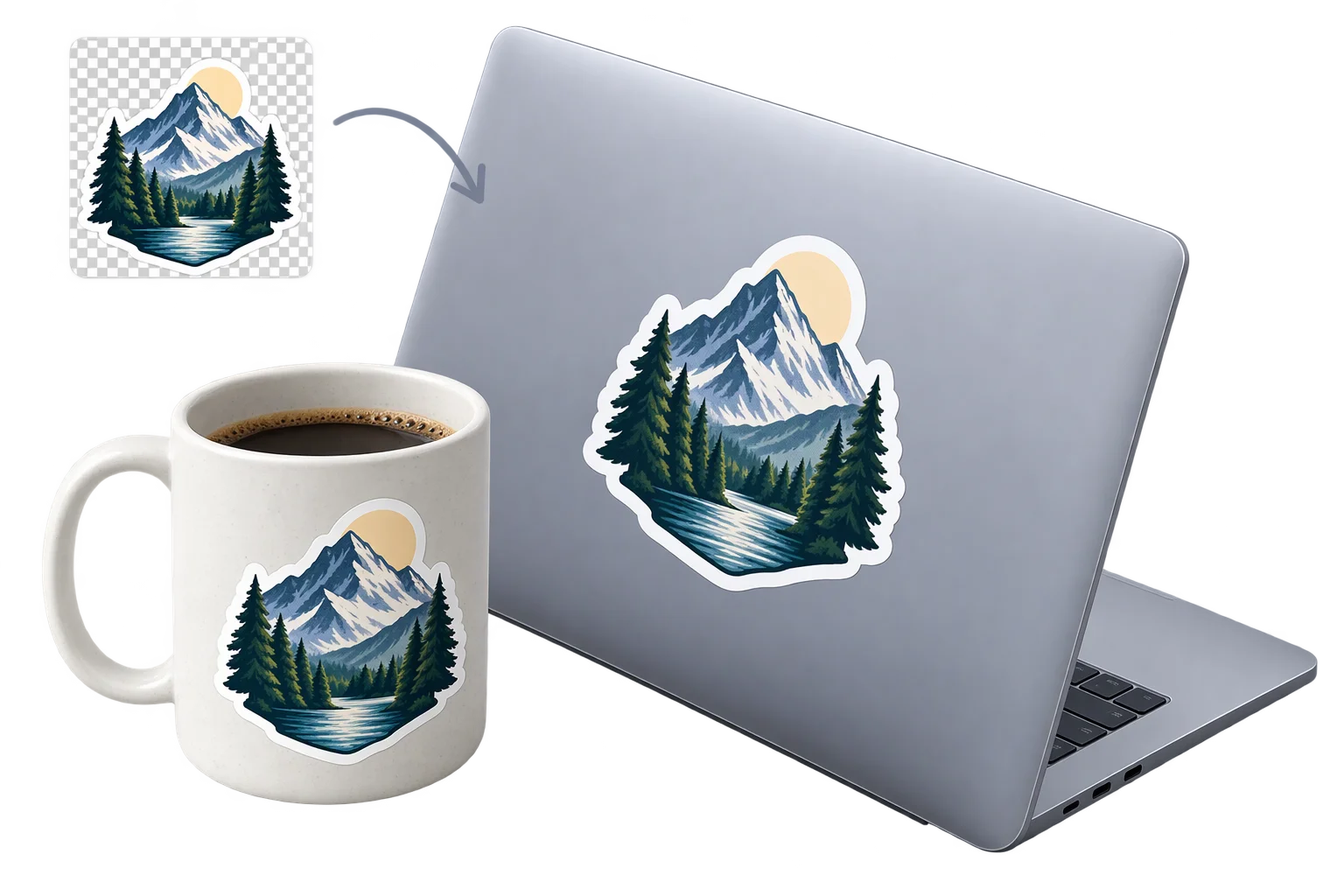
Instant photo cutouts and die-cut 3D stickers
Printable 3D safe zones and artwork boundary locks