AI-generated 360 showroom and lifestyle backdrops
Finding high-resolution 360-degree environments that match your brand aesthetic, from warm architectural lofts to alpine trails or luxury showrooms, usually requires expensive location shoots or generic stock HDRIs. Aircada generates custom 6400 x 3200 wrap-around 360-degree showroom environments from text prompts with automatic horizon seam healing and independent Studio lighting controls.
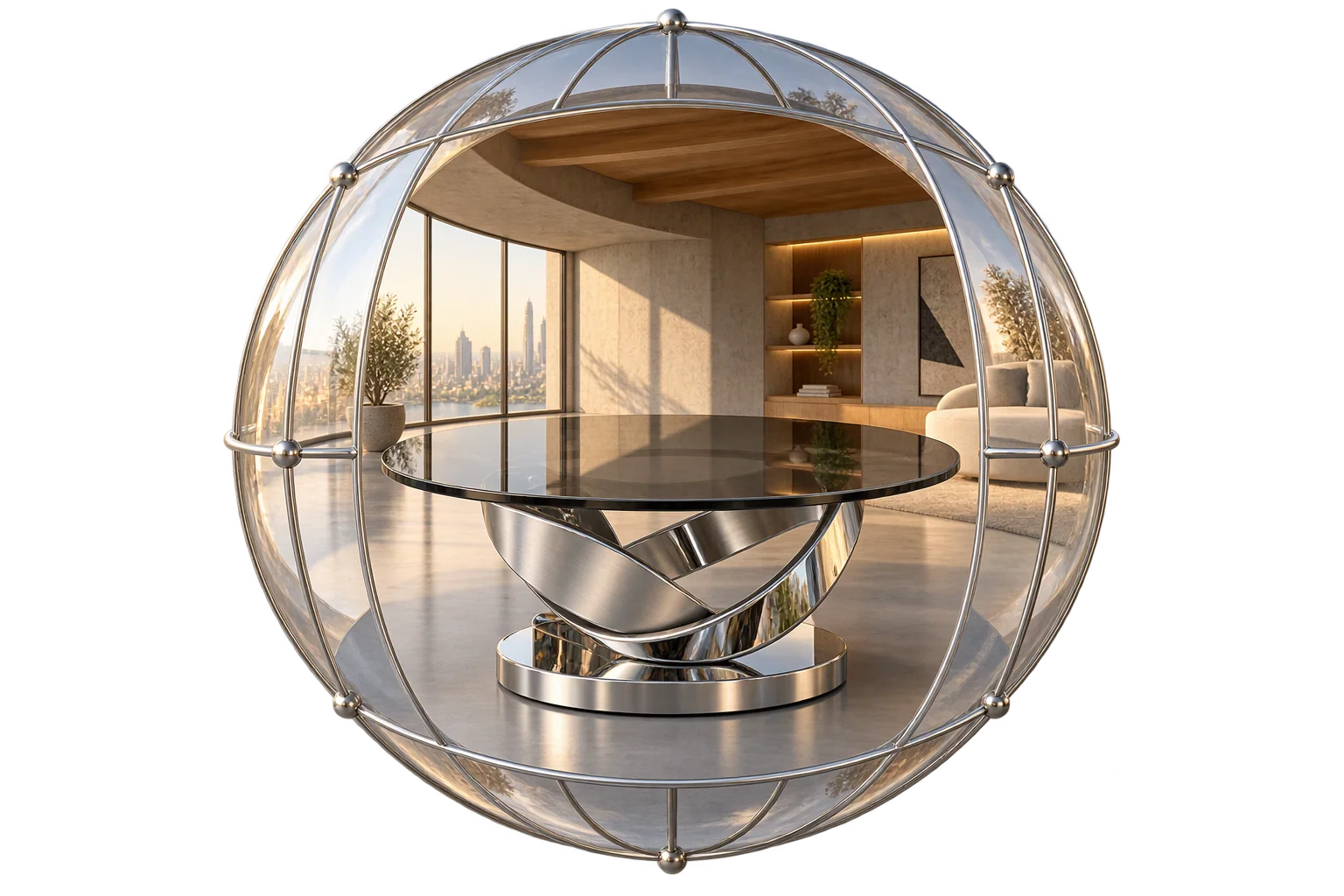
Moving beyond repetitive stock HDRIs in 3D viewports
Every metallic reflection, glass highlight, and background backdrop in a 3D configurator depends on its environment map. Most 3D teams end up reusing the same handful of public-domain studio HDRIs or parking-lot panoramas. Standard AI image generators make this worse by outputting flat 1:1 or 16:9 pictures that pinch at the ceiling and floor and leave a jarring vertical cut line where the left and right edges meet on a 3D sphere.
Aircada solves this with a three-stage 2:1 equirectangular panorama synthesis pipeline. By combining 360-degree projection conditioning, horizontal wrap-around seam inpainting, and 4x neural super-resolution to 6400 x 3200, merchandising teams can create bespoke showrooms and outdoor backdrops on demand without booking physical sets.
Once generated, environments bind directly inside Shopify and headless product configurators. Teams can display the full 360-degree showroom behind the product or assign the panorama purely to PBR reflections while keeping a transparent canvas over the storefront page, ensuring shoppers evaluate finishes in realistic context before adding a build to cart.
Floor-to-ceiling 360-degree rooms without stretched ceilings or floors
Wrapping a standard wide-angle image onto a 3D sphere creates pinched vortex distortion directly overhead and underfoot. Aircada generates panoramas in a strict 2:1 equirectangular layout conditioned with 360-degree projection weights so skylights, ceiling beams, horizons, and floor tiles stay geometrically straight as shoppers orbit.
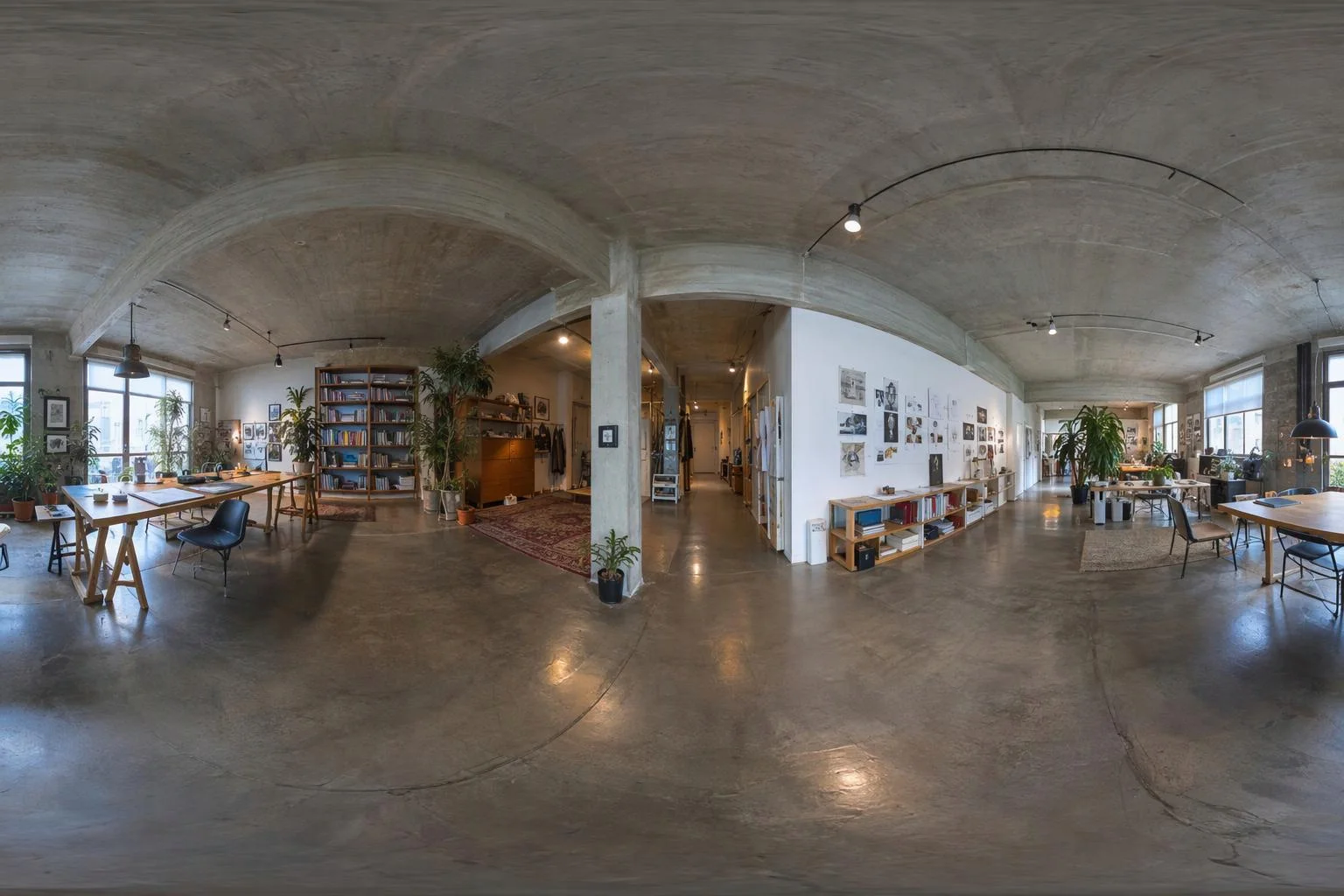
Healed horizon edges and independent reflection controls
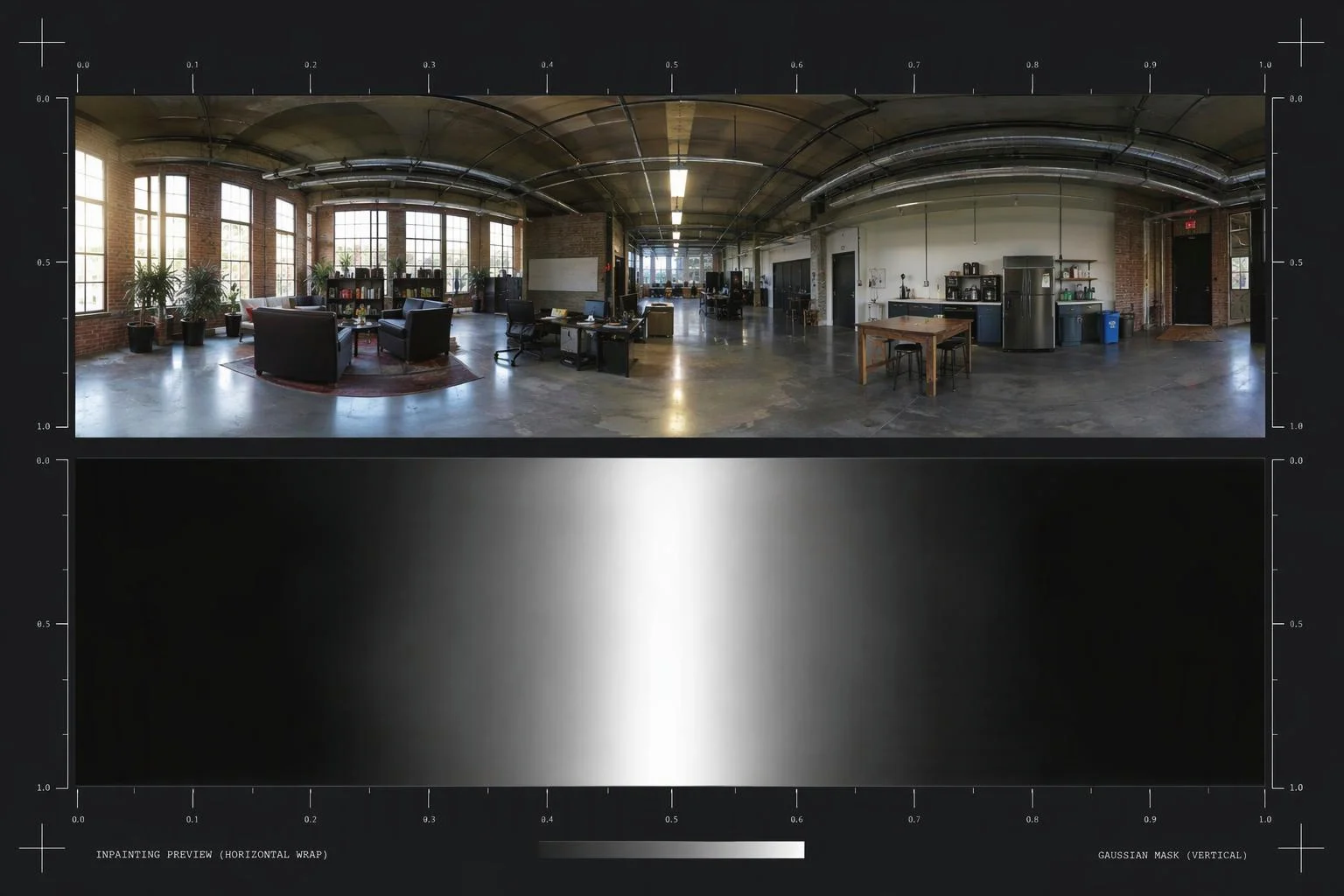
Even specialized panoramic generators can leave a brightness or geometry step where the left edge (0 degrees) wraps back into the right edge (360 degrees). Aircada splits the panorama vertically, swaps the two halves so the outer seam sits in the middle of the frame, blends across the junction with a feathered gradient mask, and restores the continuous wrap.
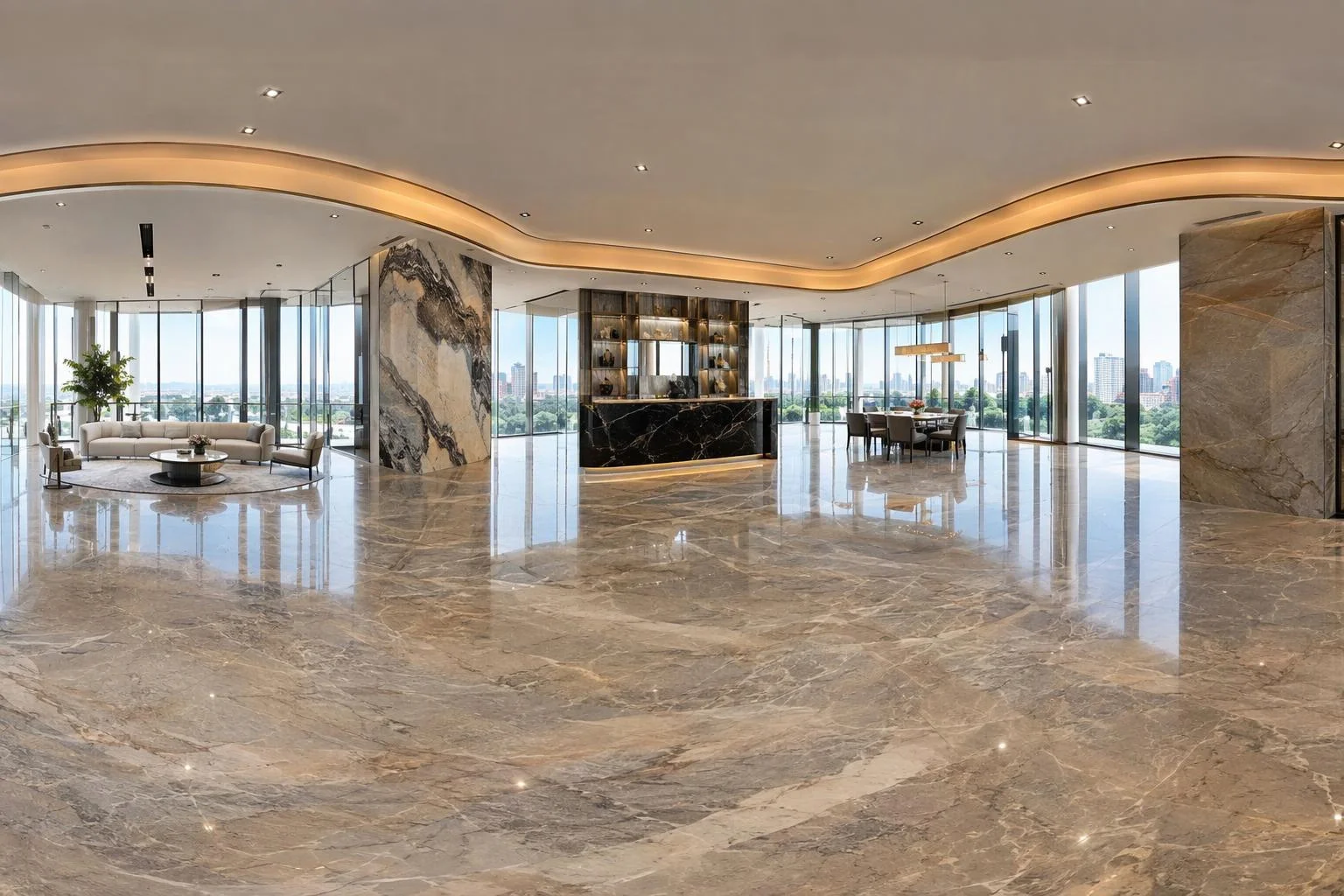
How a text prompt becomes a 6400 x 3200 studio skybox
THREE-STAGE GENERATION PIPELINE
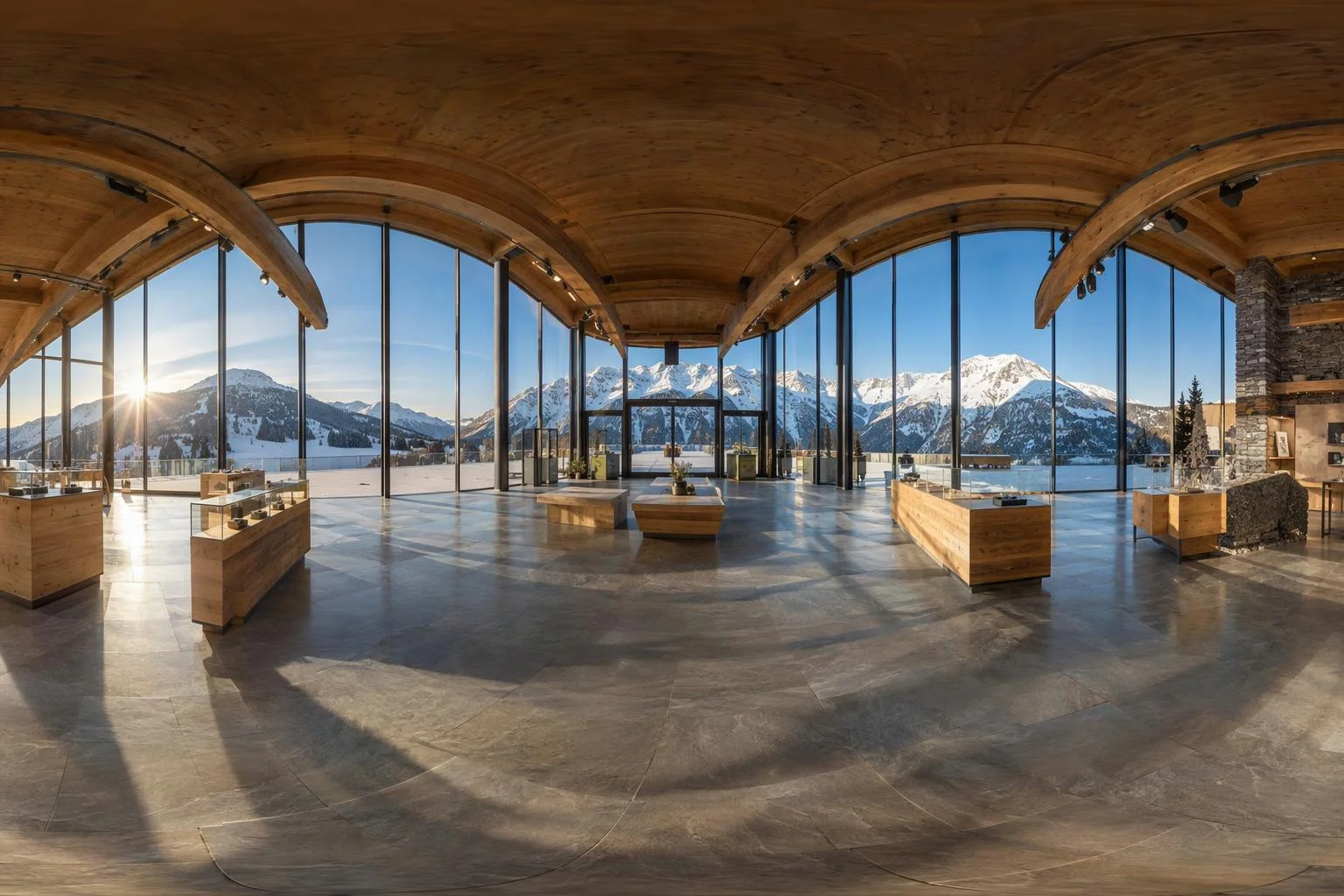
Stage 1: 1600 x 800 equirectangular base synthesis
Your scene description is automatically paired with 360-degree projection conditioning and rendered in FP16 CUDA precision across 20 diffusion steps at 1600 x 800 resolution (guidance scale 7). This establishes global studio lighting direction, architectural depth, and full-sphere perspective.
Stage 2: Horizontal wrap-around seam inpainting
The base 1600 x 800 panorama is cut vertically down the middle and swapped left-to-right so the outer boundary meets at the center. A single-channel feathered gradient mask spanning 800 pixels guides an inpainting pass that blends walls, sky gradients, and floor reflections without a visible seam before swapping the halves back.
Stage 3: 4x neural super-resolution to 6400 x 3200
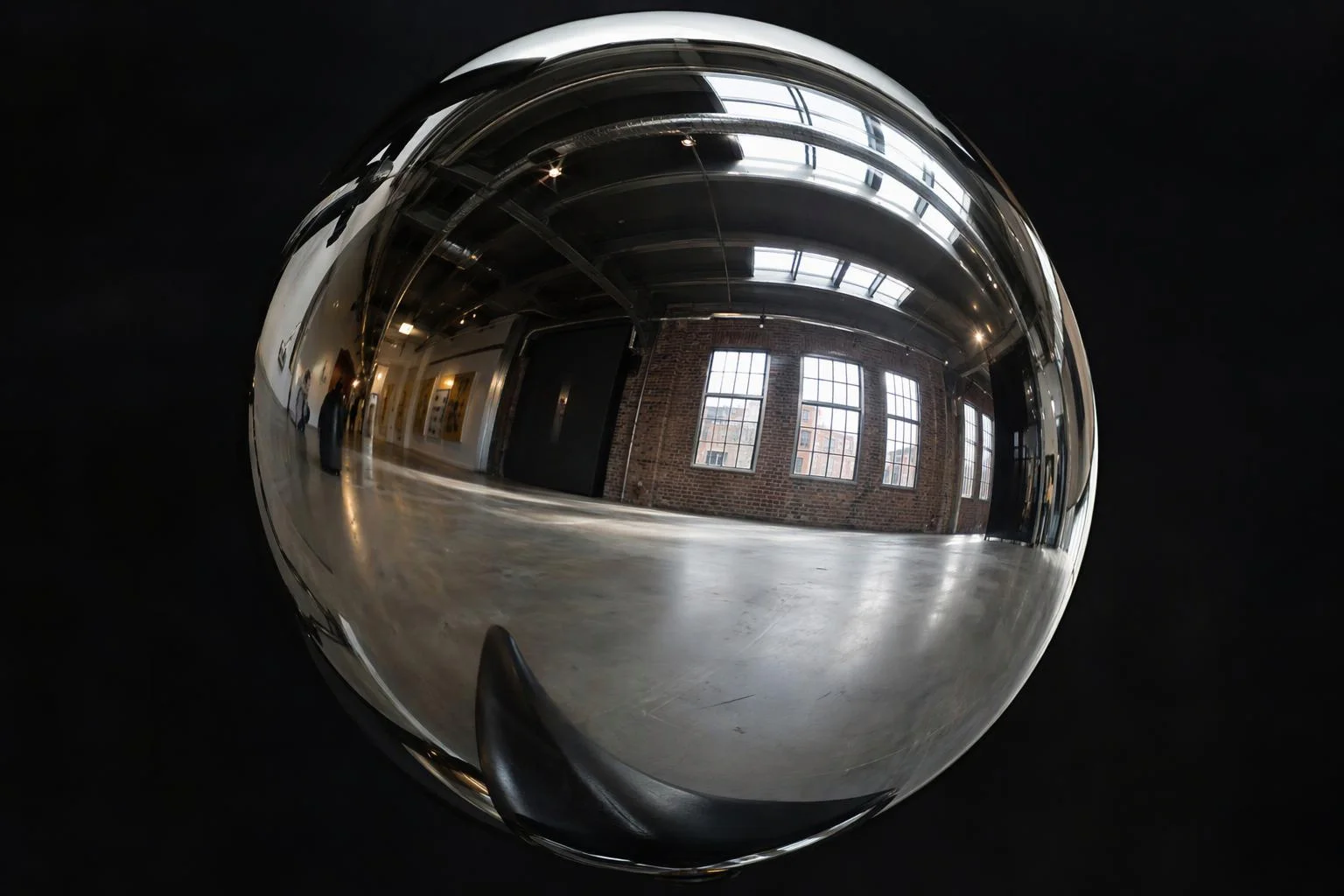
Because a 3D camera only views a narrow slice of the sphere at once, a 1600-pixel panorama looks soft behind detailed products. In the final stage, Aircada runs {{@link:capabilities.production-and-fulfillment.ai-image-upscaling|label=4x neural super-resolution}} (23-block residual dense network with reflection padding) to deliver a crisp 6400 x 3200 master panorama (20.48 megapixels).
| Stage / Control | Engine / Process | Output / Range | Operational Role |
|---|---|---|---|
| 1. Base Panorama Synthesis | SDXL Base 1.0 + 360-degree projection LoRA | 1600 x 800 px (2:1 aspect) | Establishes architectural layout, horizon level, and studio lighting direction (20 steps, CFG 7, FP16). |
| 2. Horizontal Seam Healing | Horizontal split-swap + SDXL inpainting | 1600 x 800 px (800 px feathered center mask) | Eliminates the vertical seam where 0 degrees meets 360 degrees during continuous camera orbit. |
| 3. 4x Panoramic Super-Resolution | 23-block Residual Dense 4x Upscaler (FP16) | 6400 x 3200 px (20.48 MP) | Keeps background walls, windows, and horizon textures crisp when viewed through a 45-to-60 degree camera field of view. |
| 4. Studio Environment Binding | Independent Environment Map & Background slots | Intensity 0 to 5, Rotation 0 to 360 deg, Tilt -180 to 180 deg | Lets teams align reflections to hero angles or keep a transparent storefront background while preserving metallic reflections. |
Responsibility Tiers
- 1 Native Aircada layer
- 1 Aircada Configuration layer
- 1 Custom Implementation layer
- 1 External layer
Responsibility Boundaries for AI 360-Degree Environment Synthesis
How Aircada's cloud skybox pipeline, Studio environment lighting controls, and art-direction prompts divide responsibilities.
1600x800 panoramic synthesis, horizontal wrap healing & 6400x3200 4x upscaling
- Native Aircada
- Cloud GPU execution of 2:1 equirectangular diffusion, 0/360-degree horizontal split-swap seam inpainting, and 4x neural super-resolution.
Environment binding (Skybox Backdrop vs Reflection-Only), rotation & intensity
- Aircada Configuration
- Configured in Aircada Studio's Environment panel to control visible backdrop mode, skybox sphere toggle, reflection intensity (0 to 5), rotation, tilt, and axis flip.
Option-driven environment switching (Indoor Loft vs Outdoor Trail)
- Custom Implementation
- Binding multiple generated 360-degree panoramas to storefront lighting or setting toggles so shoppers can preview products across different rooms or daylight moods.
Authoring architectural or outdoor style prompts and brand art direction
- External
- Describing desired lighting mood, architectural materials, and horizon composition to match your brand photography standards.
Frequently Asked Questions
Why does a 360-degree skybox need 6400 x 3200 resolution when a monitor is only 1920 x 1080?
Does the generated 360-degree environment affect metallic and glass reflections on my product?
How does Aircada prevent a visible vertical line where the panorama wraps around?
Can I use only the lighting reflections from the 360-degree map while keeping a solid or transparent storefront background?
Combine AI skyboxes with studio lighting and HDRI controls
Fine-tune environment rotation, exposure, Neutral tone mapping, and directional studio lights in Aircada Studio to match your product photography.
Related capabilities
Explore the adjacent capabilities and integrations that pair with this workflow.
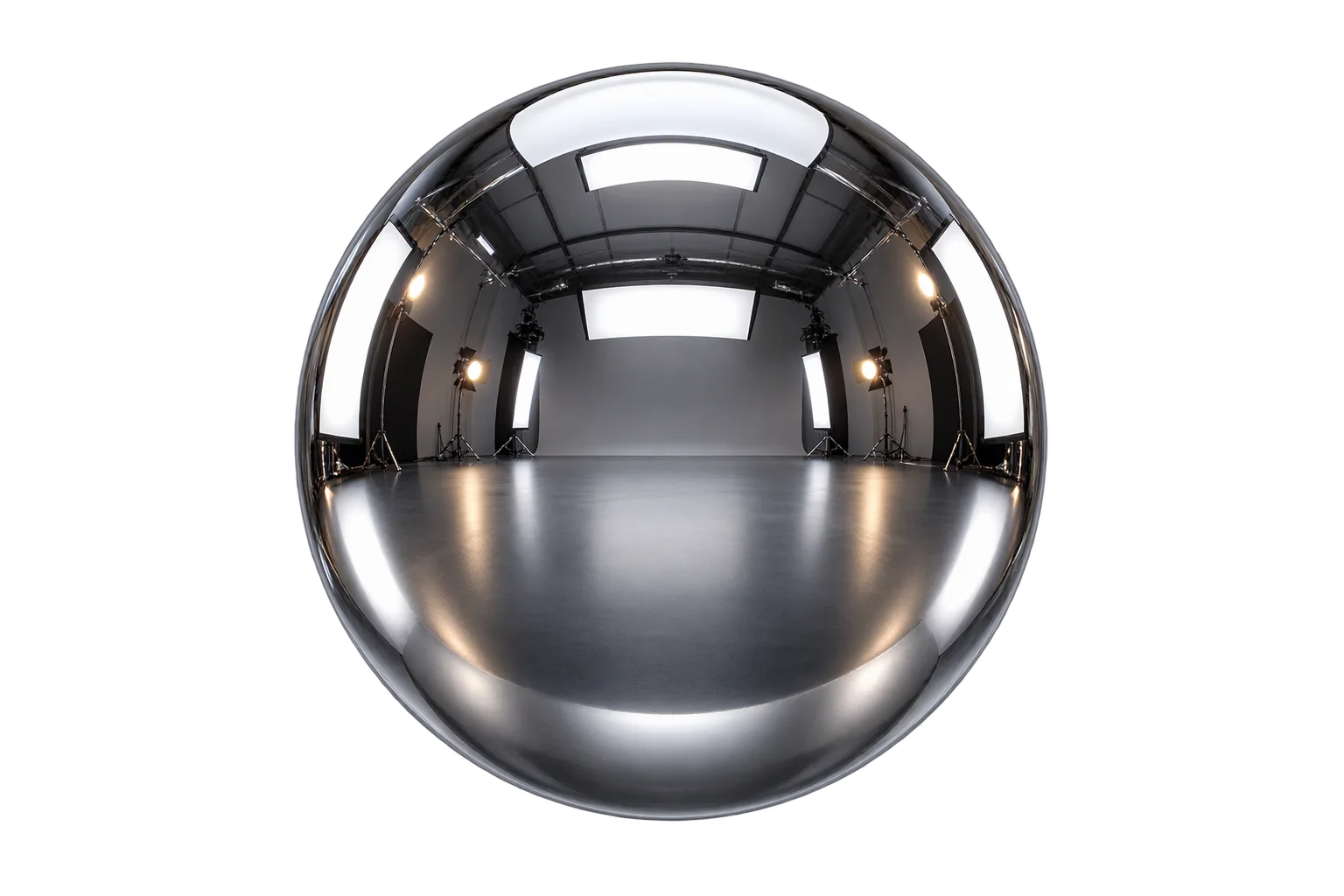
True-to-brand 3D studio HDRI lighting
True-to-life 3D mirrors, chrome, and floor reflections
Realistic 3D glass refraction for bottles and gems