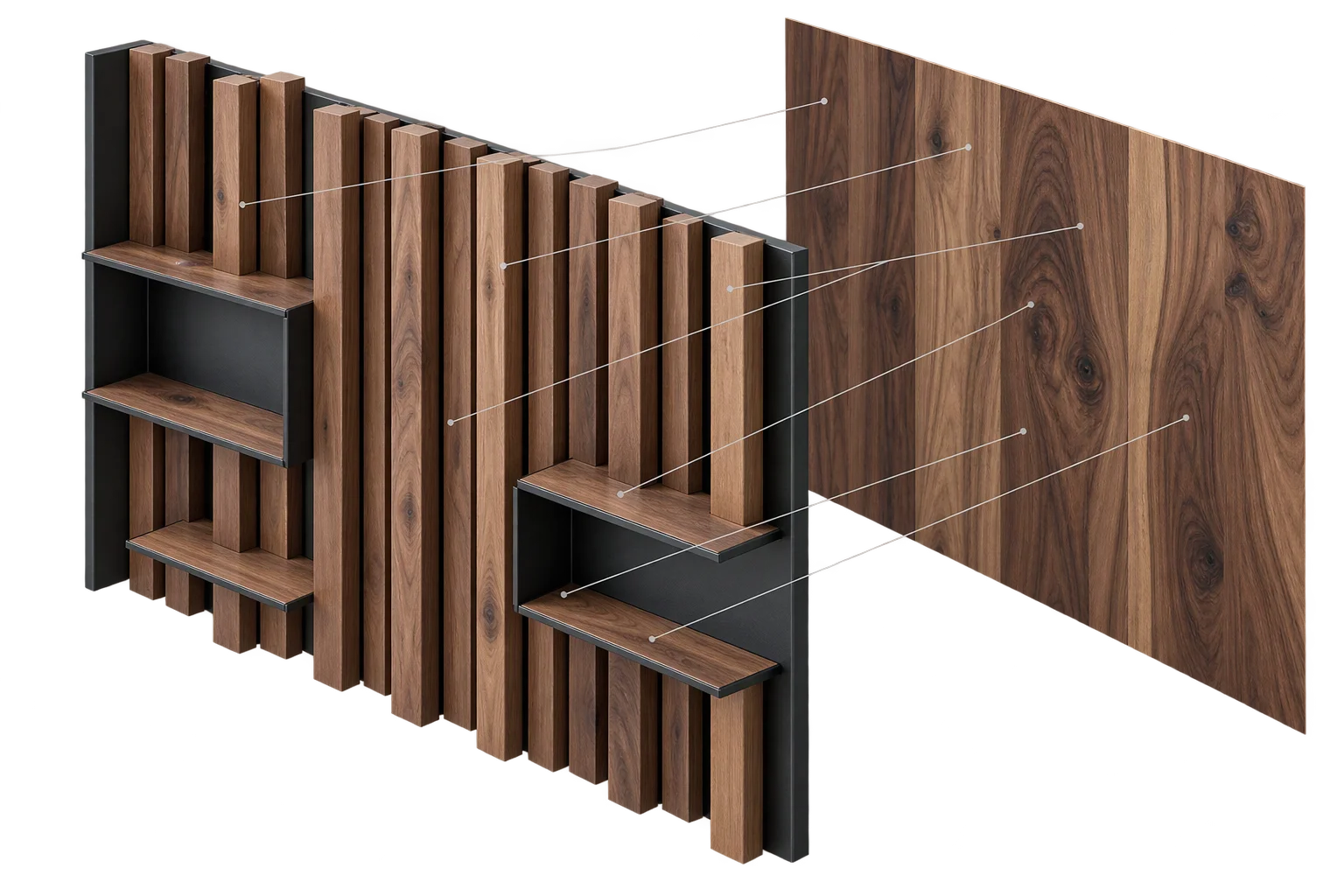
Instant PBR wood, metal, and fabric swatch swaps
Slow finish swatches that freeze the browser or show loading spinners cause shoppers to abandon custom products. Aircada updates brushed metals, stitched leather, clearcoats, iridescent coatings, and custom colorways instantaneously by mutating per-part parameters on a single pre-compiled GPU material template.
Why finish swatches stutter in naive 3D viewers
When a shopper clicks between brushed titanium, matte anodized aluminum, and glossy enamel, naive configurators swap whole shader programs or decode large uncompressed PNG textures on the browser's main thread. Every new finish forces the graphics driver to compile a fresh shader variant, freezing the viewport for hundreds of milliseconds on mobile devices.
Those stalls break product trust right when buyers compare subtle surface differences. Sending uncompressed 2K normal and roughness maps for every colorway also inflates download weights and pushes mobile browser tabs past GPU memory limits.
Instant per-part finish updates from one shared material template
Instead of compiling a separate shader program for every finish combination, Aircada initializes one physical material template at startup. Base color, roughness, metalness, clearcoat gloss, fabric sheen, iridescence, surface grain, and pattern scale are wired as live per-object parameters that update independently on every product zone.
When a shopper picks a new swatch, Aircada updates only the color, finish scalars, and UV parameters for that part on the graphics card while keeping the compiled WebGPU material warm. In high-combinatorics deployments like Cinch Gaming (25 configurable parts per controller across 148,176 combinations), every finish choice appears without browser stalls and maps straight to real SKU codes, upcharge pricing, and Shopify or headless checkout line-item properties for fulfillment.
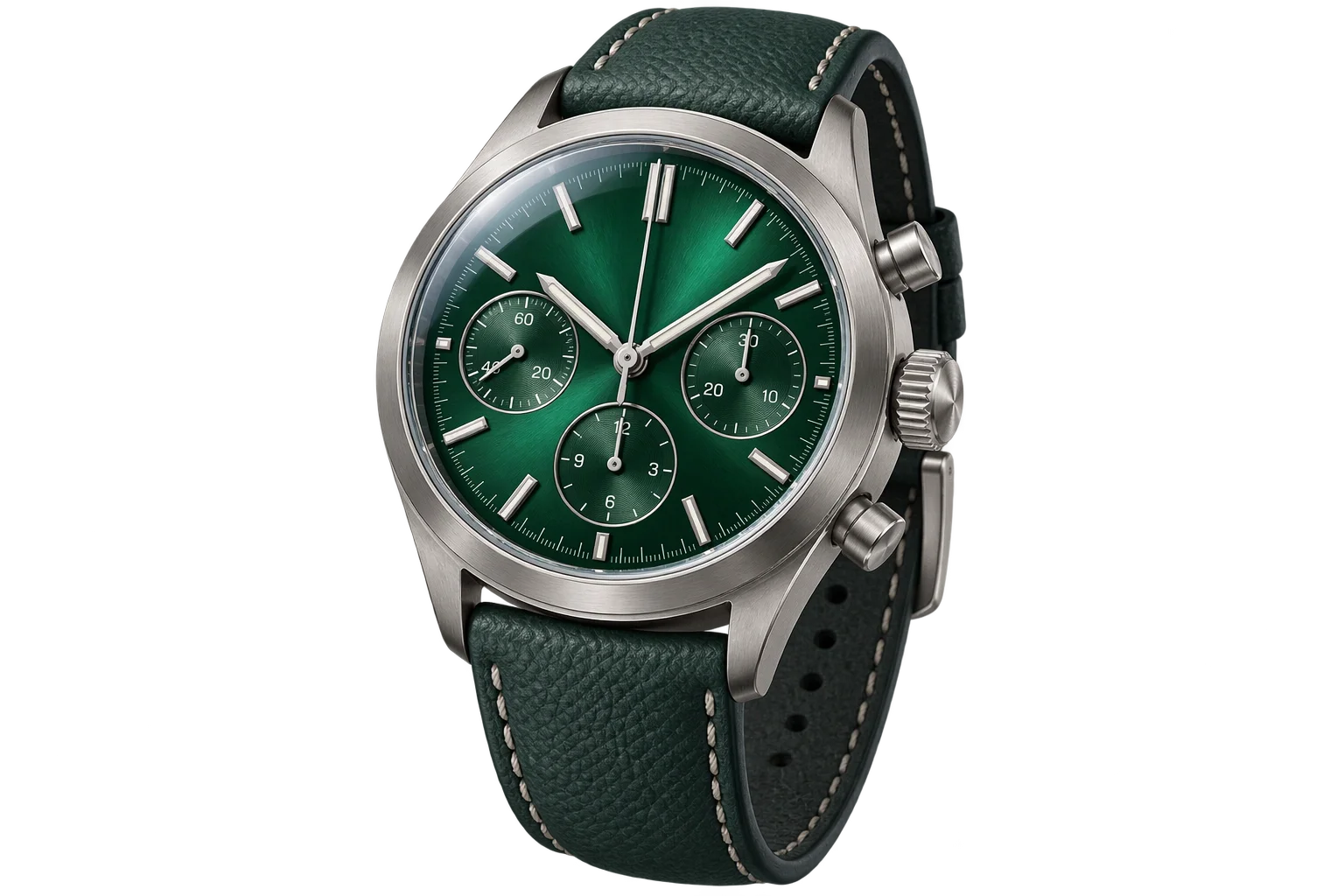
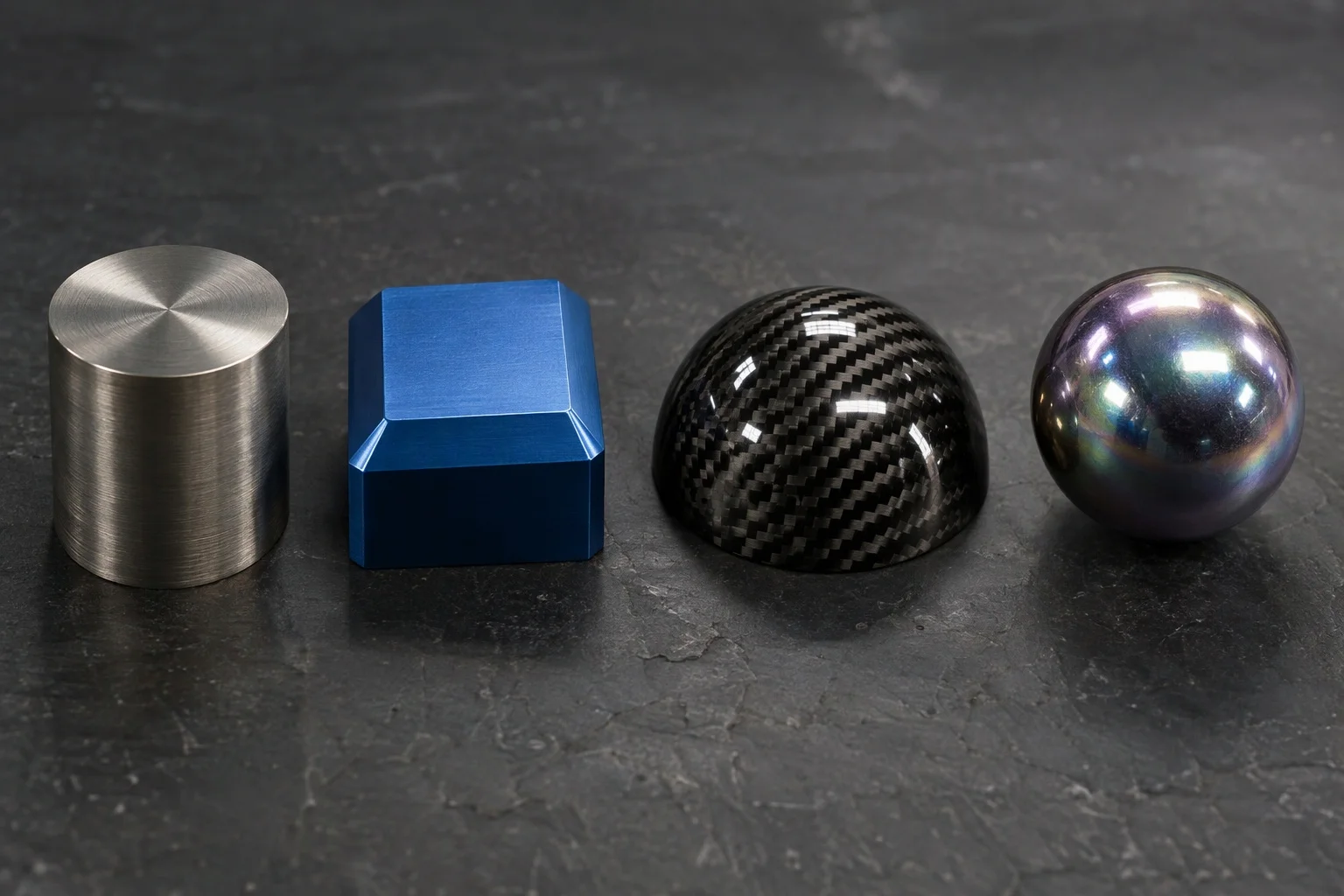
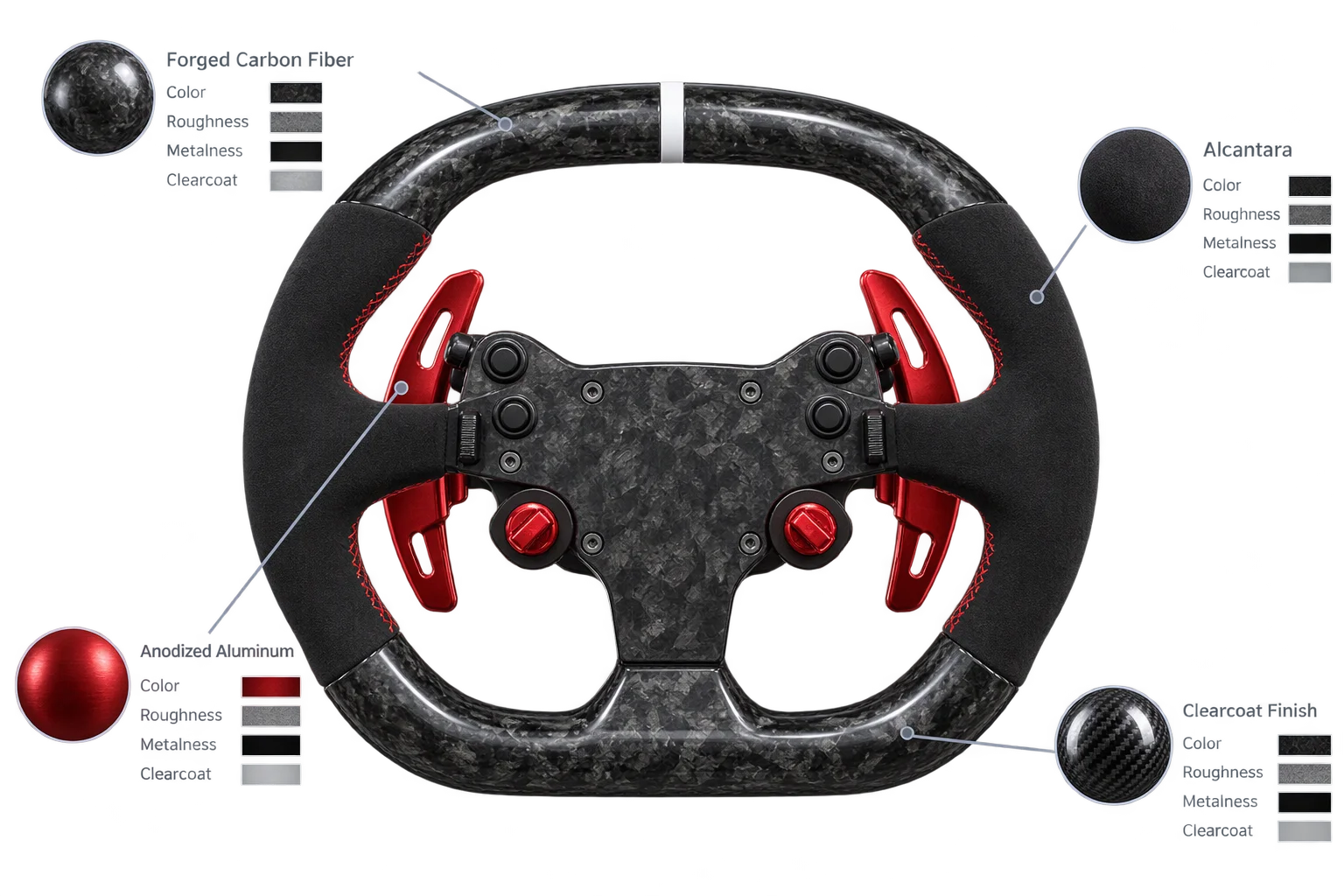
Brushed titanium, anodized alloys, and automotive clearcoats
Drive matte powder coats, brushed metals, lacquered carbon fiber, and iridescent anodized finishes from the same pre-compiled WebGPU material without compiling new shaders per swatch.
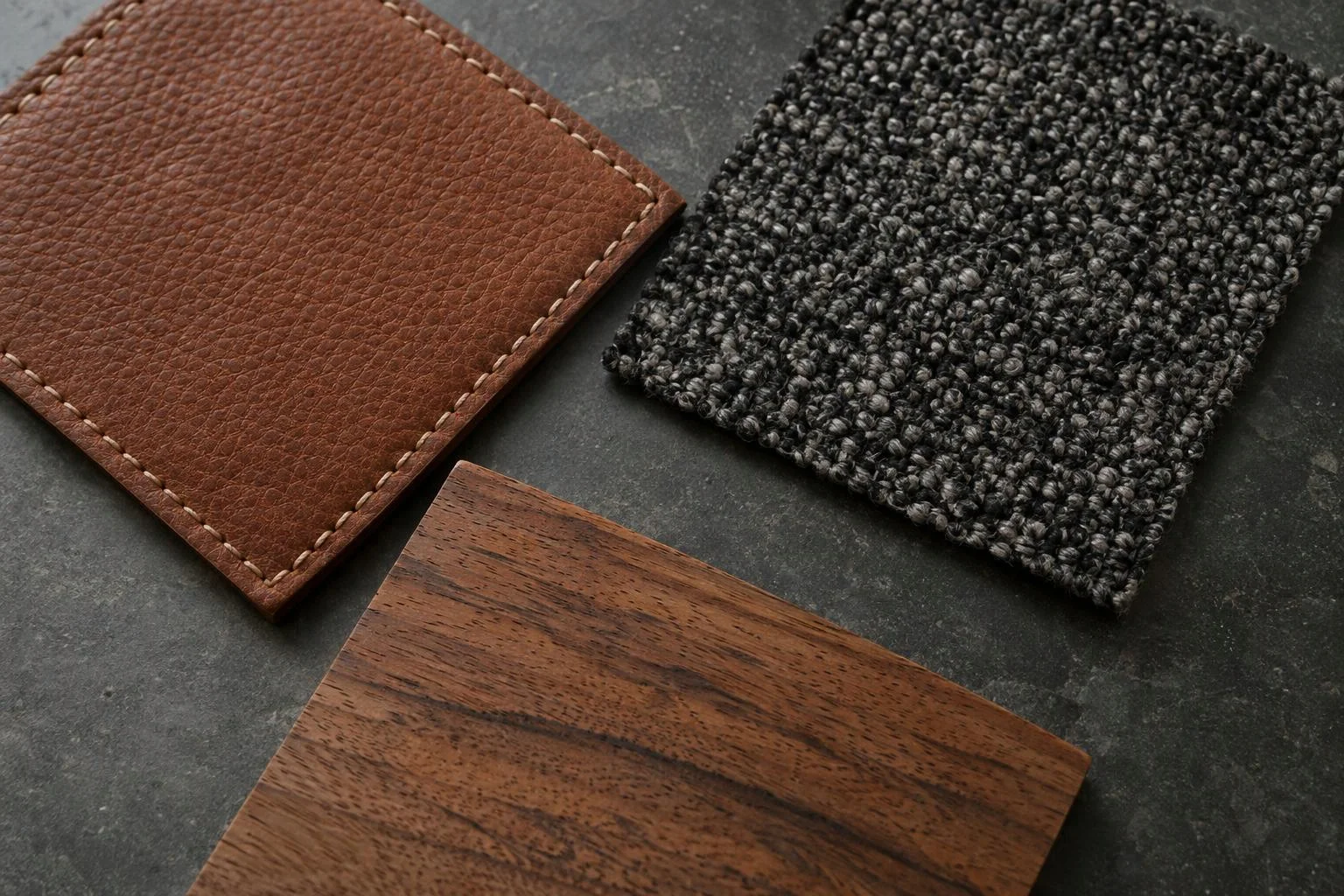
Pebbled leather, woven upholstery sheen, and true-scale wood grain
Capture fine surface grain, grazing textile sheen, and real-world material proportions across soft goods and custom-sized woodwork using compressed surface maps and GPU UV auto-scaling.
From Studio swatch selection to GPU surface update
Four runtime stages keep multi-zone material switching responsive without shader recompilation or mobile memory bloat.
Initialize one physical material template at startup
PRE-COMPILEAt scene load, Aircada builds a single shared WebGPU physical material (alongside transparent and wireframe variants) with live per-object uniform hooks for color, roughness, metalness, clearcoat, sheen, iridescence, transmission, and UV transforms. Compilations finish up front so mid-session swatch clicks never stall the browser.
Load KTX2 surface maps and pre-filtered HDR reflections
CACHE & STREAMSurface textures stream through a deduplicated material cache supporting Basis Universal KTX2 (UASTC and ETC1S), standard ImageBitmap formats with maximum hardware anisotropy, and shared PMREM-filtered HDR and UltraHDR studio environments. Color space (sRGB vs. linear) is detected automatically so normal and roughness maps never wash out.
Update per-part finish parameters and UV scale on click
EVALUATEWhen a shopper selects a finish swatch or resizes a panel, Aircada mutates only that mesh's live color, gloss, clearcoat, sheen, or UV auto-scale values in GPU memory. Shared material links can propagate a single finish across grouped parts or keep each zone independent.
Dispose unreferenced textures to protect mobile memory
RECLAIMAs shoppers explore dozens of wood grains, weaves, and custom finishes during a long session, the cache scans active scene references and automatically disposes unused textures and shader nodes so mobile browser tabs stay well within VRAM ceilings.
Compressed surface maps, auto-scaled UVs, and consistent lighting
Realistic finishes rely on crisp bump, normal, roughness, and reflection maps alongside base color. Aircada loads GPU-compressed KTX2 textures (Basis Universal UASTC and ETC1S with automatic sRGB/linear color-space detection) and shared HDR or UltraHDR studio lighting directly into graphics memory, automatically freeing unused textures when shoppers switch away from unreferenced finishes.
When products also change physical dimensions, built-in GPU UV auto-scaling keeps wood grain, woven fabrics, and brushed metal textures locked to real-world proportions across XY, XZ, or YZ planes without duplicating image assets.
| Channel / Spec Group | Supported Controls & Texture Maps | Product & Merchandising Use |
|---|---|---|
| Core Surface Channels | Base Color + Texture, Roughness (0 to 1) + Map, Metalness (0 to 1) + Map, Opacity + Alpha Map, Alpha Test (0 to 1), Emissive Color/Intensity + Map | Covers painted finishes, brushed aluminum, matte plastics, glowing LED indicators, and perforated grilles. |
| Micro-Detail & Relief | Normal Map (-2 to 2 scale), Bump Map (0 to 2 scale), Ambient Occlusion (0 to 1), Displacement (0 to 1 scale, -1 to 1 bias) | Captures leather pebble grain, woven canvas, machined knurling, wood pores, and recessed seam depth. |
| Specialty Physical Layers | Clearcoat (0 to 1, roughness, clearcoat normal), Fabric Sheen (0 to 1, color, roughness), Iridescence (0 to 1, 0 to 1000 nm thickness, IOR 1 to 3), Specular Intensity/Color | Simulates automotive lacquer, velvet and upholstery sheen, anodized titanium or pearl coatings, and crisp dielectric highlights. |
| Optical Transmission | Transmission (0 to 1), Thickness (0 to 5), IOR (1.0 to 2.5), Dispersion (0 to 1), Volumetric Attenuation Color & Distance | Renders clear, tinted, and frosted glass bottles, watch crystals, lenses, and internal liquids. |
| UV Tiling & Material Sharing | Repeat / Clamp / Mirror GPU wrap modes; UV Scale (0 to 100) & Offset (0 to 10); Auto-Scale UV (XY/XZ/YZ plane by Image Size, Width, or Height); Instance / Copy / Levels sharing | Keeps wood grain and weaves at true physical scale on resizable products and syncs grouped hardware parts from one master swatch. |
| Texture Compression & Cache | KTX2 (Basis Universal UASTC & ETC1S with mipmaps), WebP/PNG/JPG with max anisotropy, .hdr & .hdr.jpg UltraHDR, .mp4/.webm video; 10 quality tiers (Original through KTX2 High/Tiny) | Cuts GPU memory overhead on phones while automatically disposing unused textures during long customization sessions. |
Multi-zone finishes across metals, composites, and soft goods
Complex hardware often pairs anodized aluminum, forged carbon fiber, matte elastomer, and stitched leather on one product. Studio lets teams either link parts to a shared master finish instance (so one swatch updates all matching trim) or bind independent parameter sets per mesh zone with zero-recompile finish swapping.
Visual accuracy still starts with clean upstream 3D authoring. Aircada's WebGPU physical material pipeline handles shading, finish parameters, texture caching, and studio lighting in the browser, while external CAD or Blender workflows supply clean UV-unwrapped glTF meshes and baked surface grain maps.
Responsibility Tiers
- 1 Native Aircada layer
- 1 Aircada Configuration layer
- 1 Custom Implementation layer
- 1 External layer
Architecture Boundaries Across Real-Time PBR Materials
How native WebGPU shading, Studio swatch presets, and external 3D authoring divide responsibility.
Shared physical material engine, GPU parameters & KTX2/HDR texture cache
- Native Aircada
- Pre-compiled WebGPU physical material template, per-part color/roughness/metalness/clearcoat/sheen/iridescence updates, GPU UV auto-scaling, 10 texture quality tiers, and automatic unused-texture disposal.
Finish swatches, roughness ranges, material sharing & studio lighting
- Aircada Configuration
- Studio setup of approved material presets, Instance/Copy/Levels material linkage, repeat/clamp/mirror UV bounds, clearcoat gloss levels, and HDR lighting environments.
Custom brand surface treatments & SKU option wiring
- Custom Implementation
- Optional custom shader effects for signature anodized gradients or specialty weaves, plus binding finish presets to dynamic pricing and checkout BOM payloads.
Base 3D mesh topology & baked surface maps
- External
- Clean UV-unwrapped 3D models and high-resolution surface grain, normal, or ambient occlusion maps exported from Blender, Rhino, or Substance.
Frequently Asked Questions
Why do material swatches swap without freezing the browser?
Which texture and lighting formats does the material cache support?
How does pattern scaling work when products come in multiple physical sizes?
Does this material system work for both metals and soft-goods?
Preview your product finishes in real-time 3D
Send a glTF product model and finish swatches, and we will configure a live real-time PBR material switcher for desktop and mobile.
Related capabilities
Explore the adjacent capabilities and integrations that pair with this workflow.
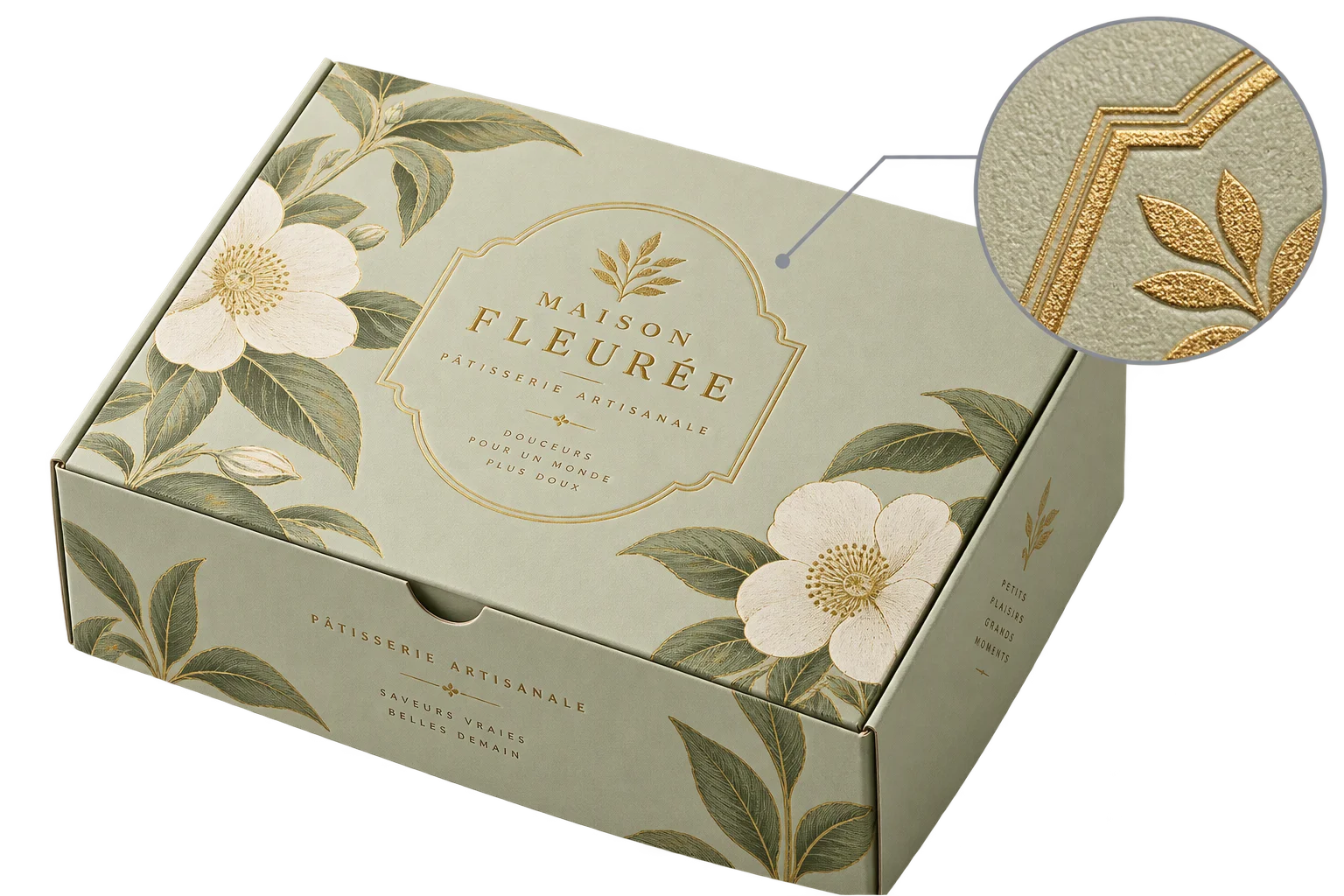
Browser-rendered 4K and 8K product proof exports
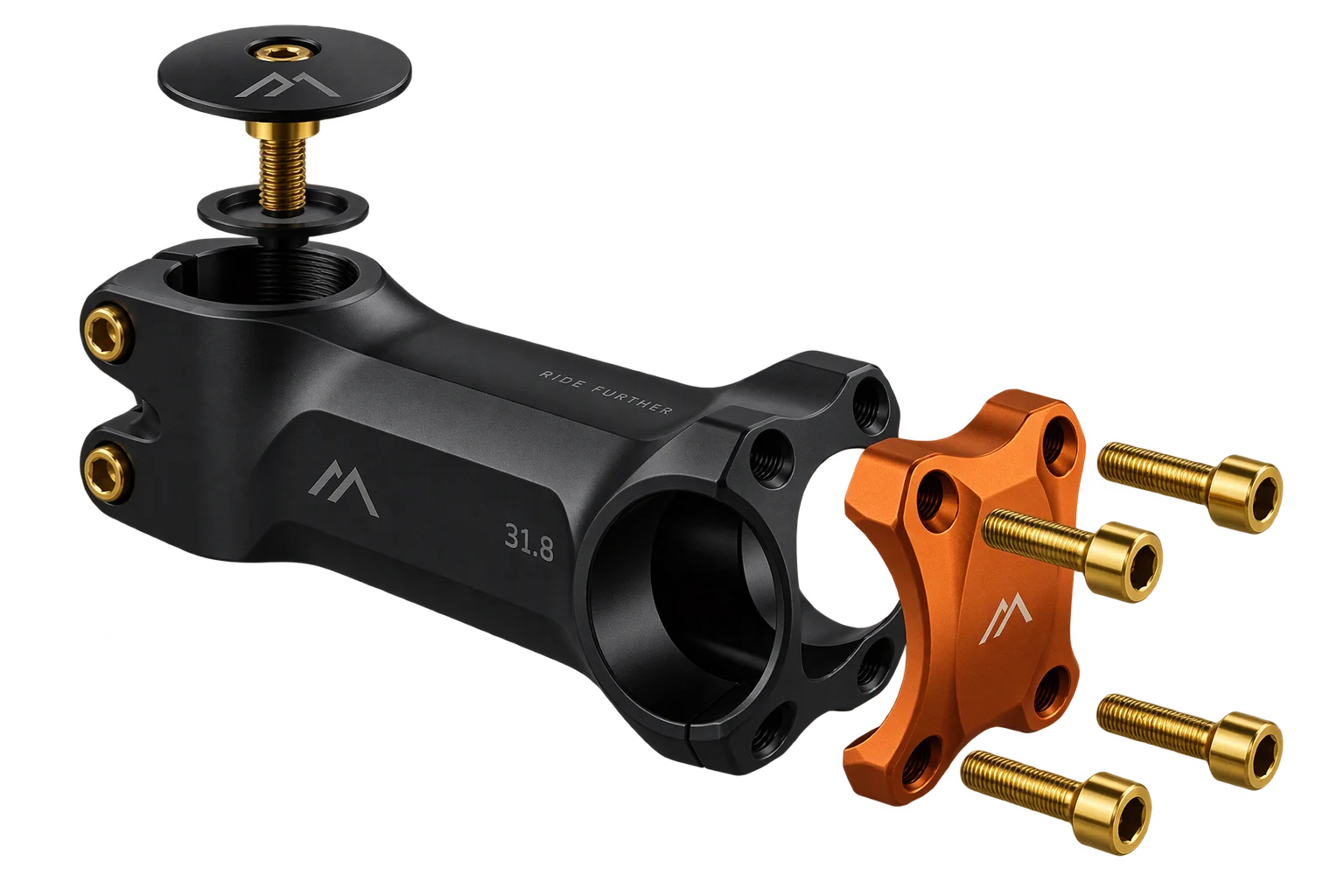
Real-time 3D part, finish, and hardware swaps
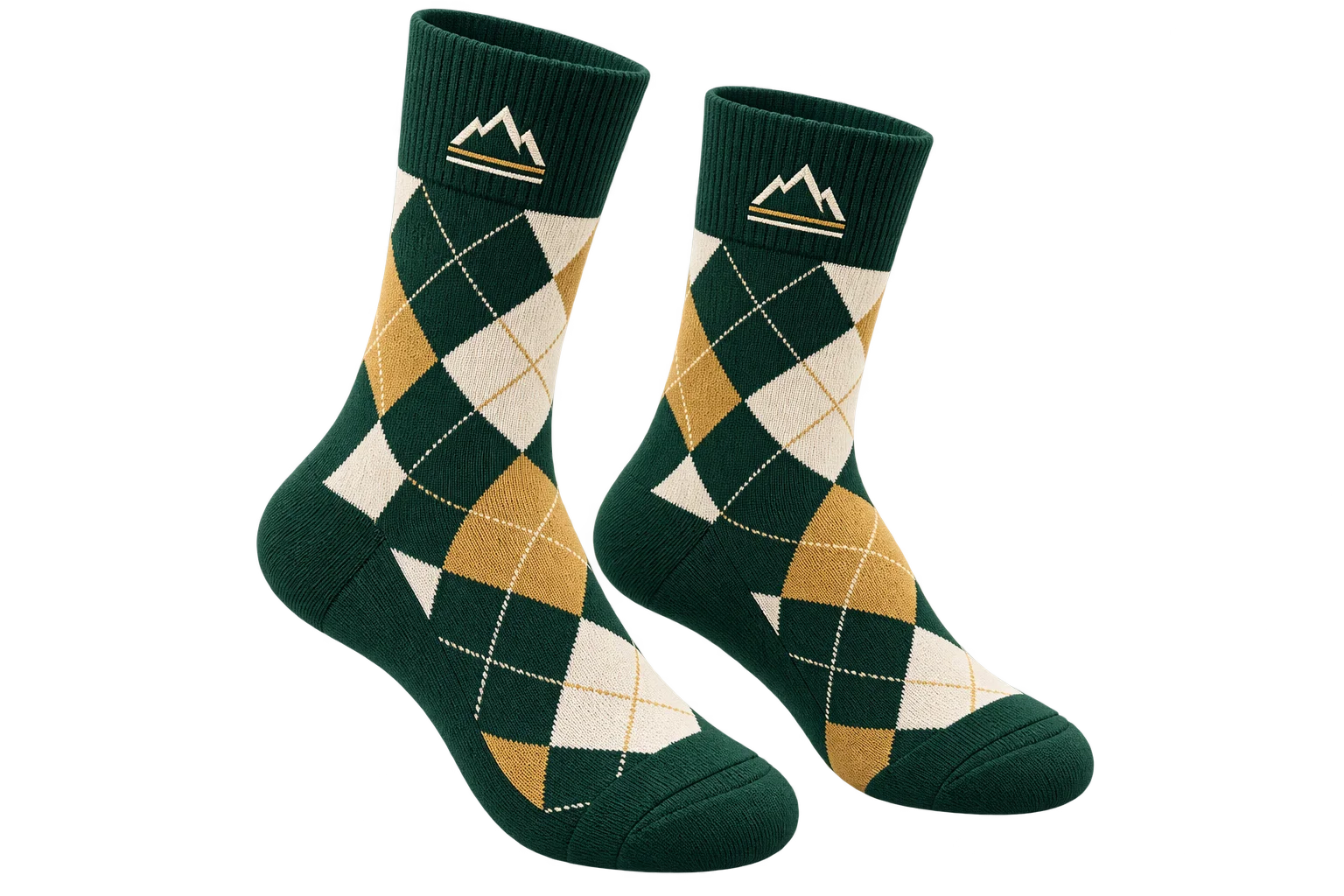
Custom 3D shaders for knits, foil stamps, and weaves