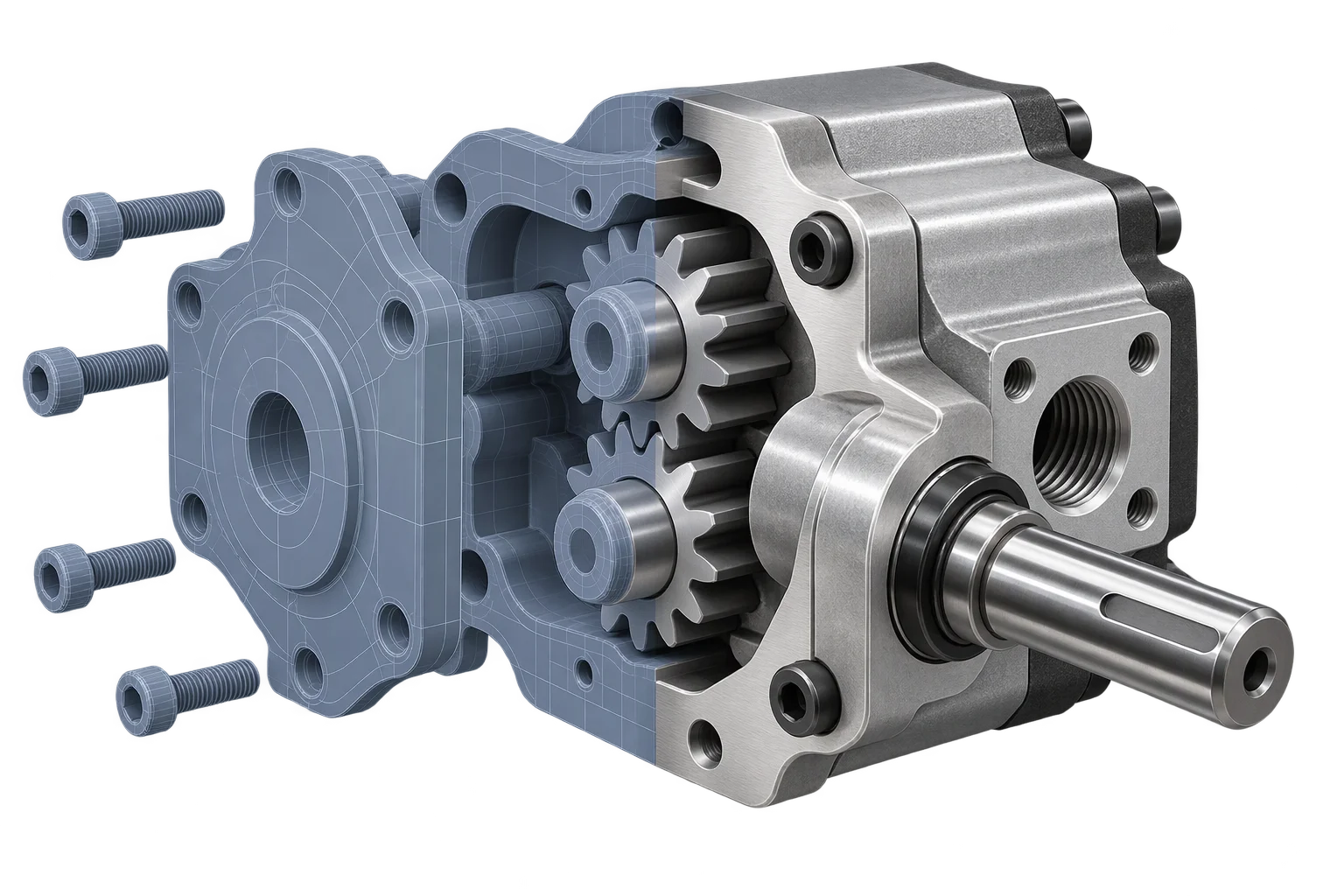
GPU texture compression for fast mobile 4K finishes
Standard PNG and JPG textures expand into massive uncompressed buffers in mobile memory, crashing iOS Safari when shoppers switch high-resolution materials. Aircada converts 2D swatches and material maps into GPU-compressed textures that stay compact directly inside graphics memory on phones, tablets, and desktops.

Why shrinking JPEG files still crashes mobile 3D storefronts
A common misconception in 3D e-commerce is that shrinking a 4K JPEG or WebP on disk lowers memory usage on a shopper's phone. Standard image formats only compress data for network transfer. The moment a browser uploads a 4096x4096 PNG, JPEG, or WebP to the graphics card, it expands into an uncompressed 67 MB RGBA buffer in GPU VRAM, plus roughly 22 MB more for mipmaps. Multiply that across base color, normal, roughness, and metallic maps, and just one multi-channel material swap pushes mobile browsers toward iOS Safari's memory ceiling.
Aircada removes uncompressed texture bloat using Basis Universal GPU transcoding with UASTC and ETC1S block compression. Inside Studio's single-image and batch project optimizers, standard PNG, JPEG, and WebP textures encode directly in the browser into .ktx2 containers with pre-built mipmaps. Those textures stay block-compressed inside GPU VRAM and transcode at runtime into native hardware formats (ASTC on iOS and Android, BC7/BC1 on Windows, ETC2 on mobile devices). On Shopify and headless storefronts, that memory headroom keeps deep swatch libraries responsive all the way to checkout: in production, Cinch Gaming delivers 70 GPU-compressed KTX2 textures across its PlayStation and Xbox controller customizer, supporting 50,000+ custom builds added to cart with a 191% add-to-cart lift.
Choose the right compression codec for every material channel
BASIS UNIVERSAL ENCODING MODES
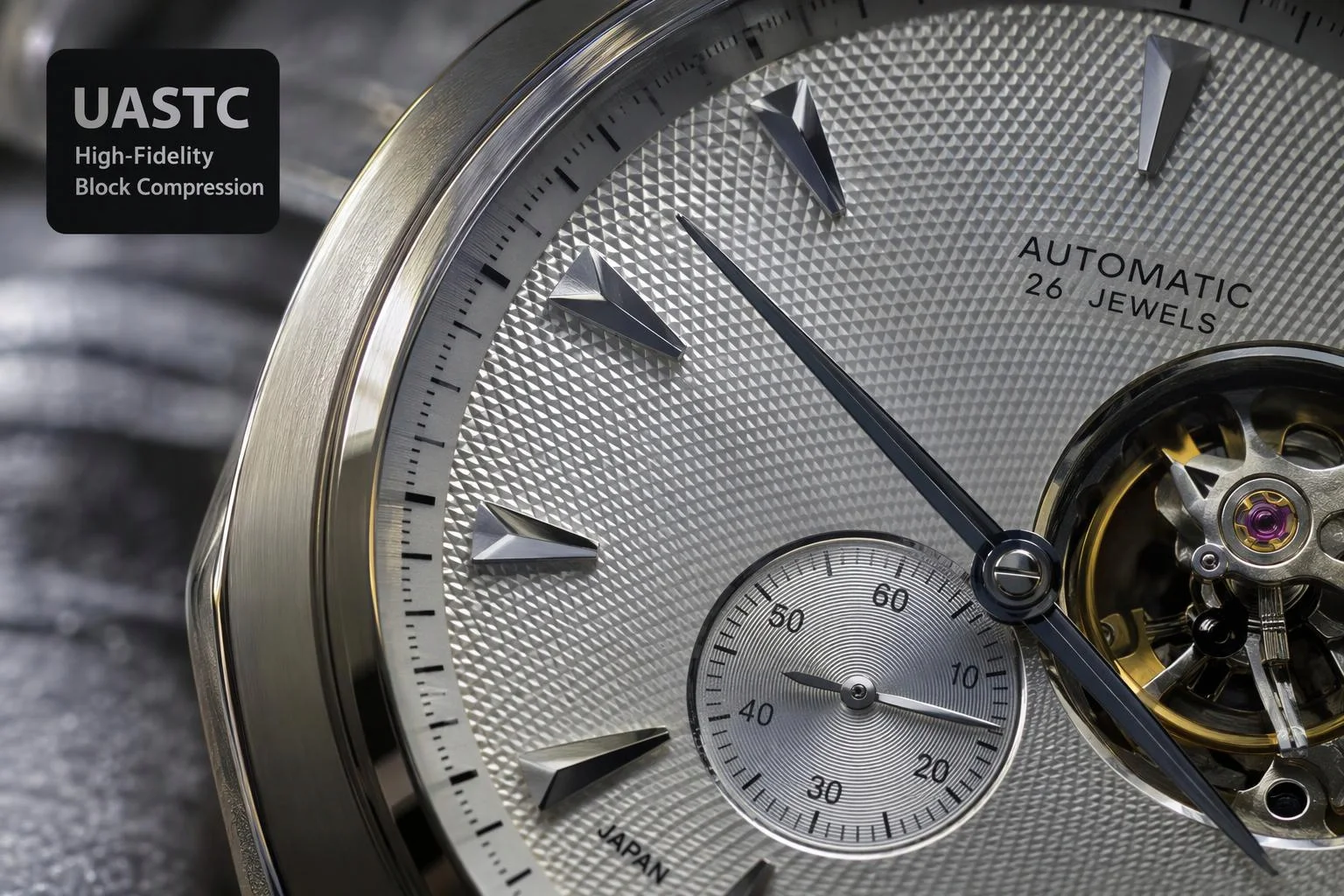
UASTC (High-Fidelity Normal & Hero Finishes)
UASTC encodes textures into high-precision 4x4 blocks (roughly 8 bits per pixel before mipmaps) designed for sharp surface detail. Aircada enables UASTC by default for tangent-space normal maps, fine metallic brushing, and crisp surface graphics so specular highlights stay clean without block artifacts.
- Preserves crisp tangent-space normal vectors and micro-roughness transitions
- Transcodes directly to native ASTC 4x4 on mobile and BC7 on desktop GPUs
- Cuts GPU VRAM footprint by 75% compared to uncompressed 32-bit RGBA textures
- Supports optional Zstandard supercompression and pre-generated mipmap chains
| Texture Format (4 Maps @ 4096x4096) | Per-Pixel GPU Memory | Total GPU VRAM (With 1.33x Mipmaps) | Runtime CPU Decode Overhead |
|---|---|---|---|
| Uncompressed PNG (8-bit RGBA) | 32 bits / pixel (4 bytes) | ~357 MB (Expands fully in VRAM) | High (Full decode + GPU mipmap generation) |
| Standard JPEG / WebP | 32 bits / pixel (4 bytes) | ~357 MB (Expands fully in VRAM) | High (Decompresses to raw RGBA before upload) |
| Aircada KTX2 (UASTC + ETC1S Hybrid) | 8 bpp Normal + 4 bpp Color/Rough/Metal | ~56 MB (-84% VRAM, stays compressed) | Near-zero (Precomputed mipmaps upload directly) |
| Aircada KTX2 (All-UASTC High Fidelity) | 8 bits / pixel (1 byte) | ~89 MB (-75% VRAM, stays compressed) | Near-zero (Direct hardware block upload) |
Engineered to prevent artifacts and manual prep work
INTELLIGENT TEXTURE SAFEGUARDS
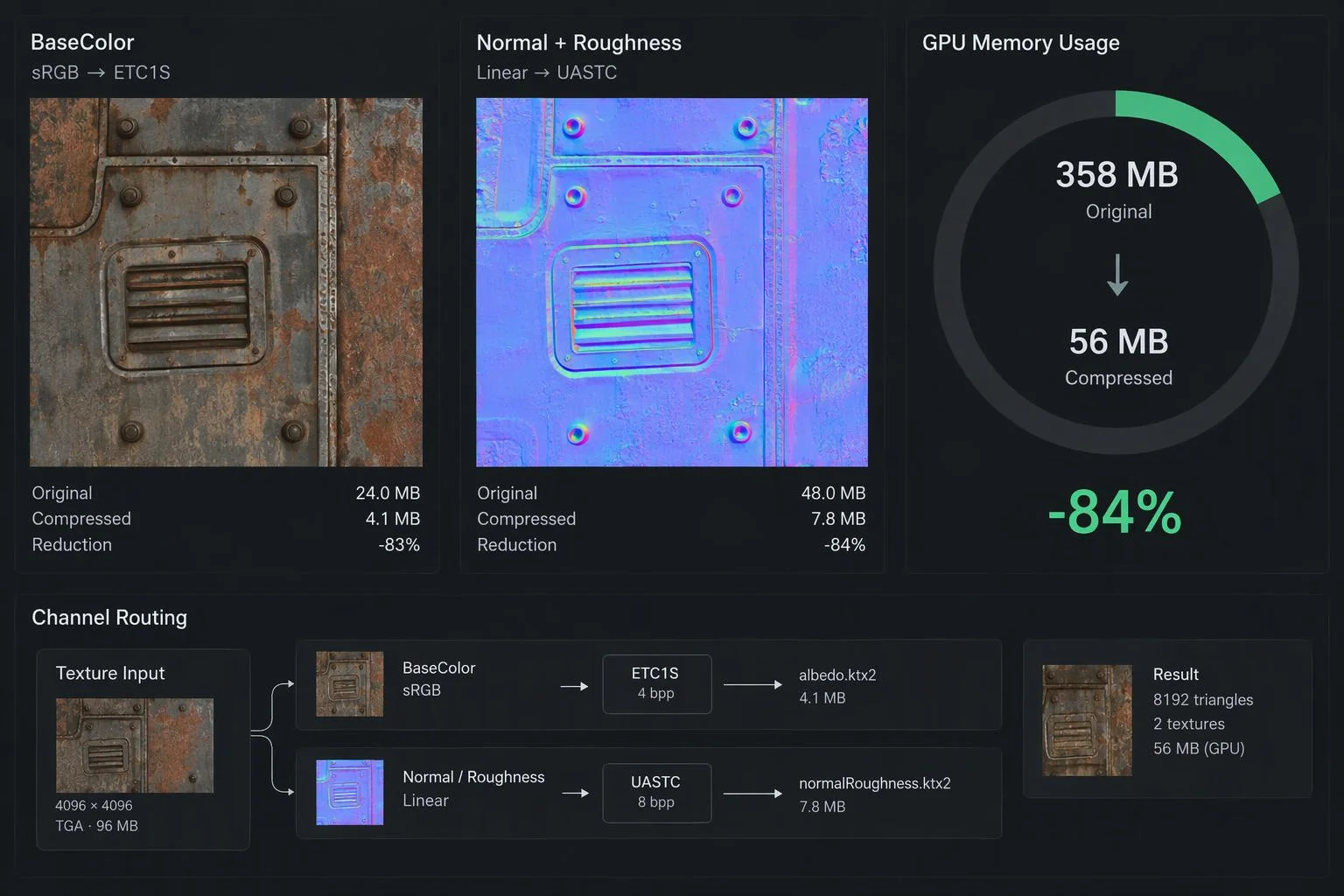
Three-tier linear vs sRGB color-space detection
Inspects live scene material slot assignments, loaded texture metadata, and filename tokens (_normal, _roughness, _ao, _albedo) to lock data maps in Linear space and color maps in sRGB, preventing washed-out finishes or inverted normal lighting.
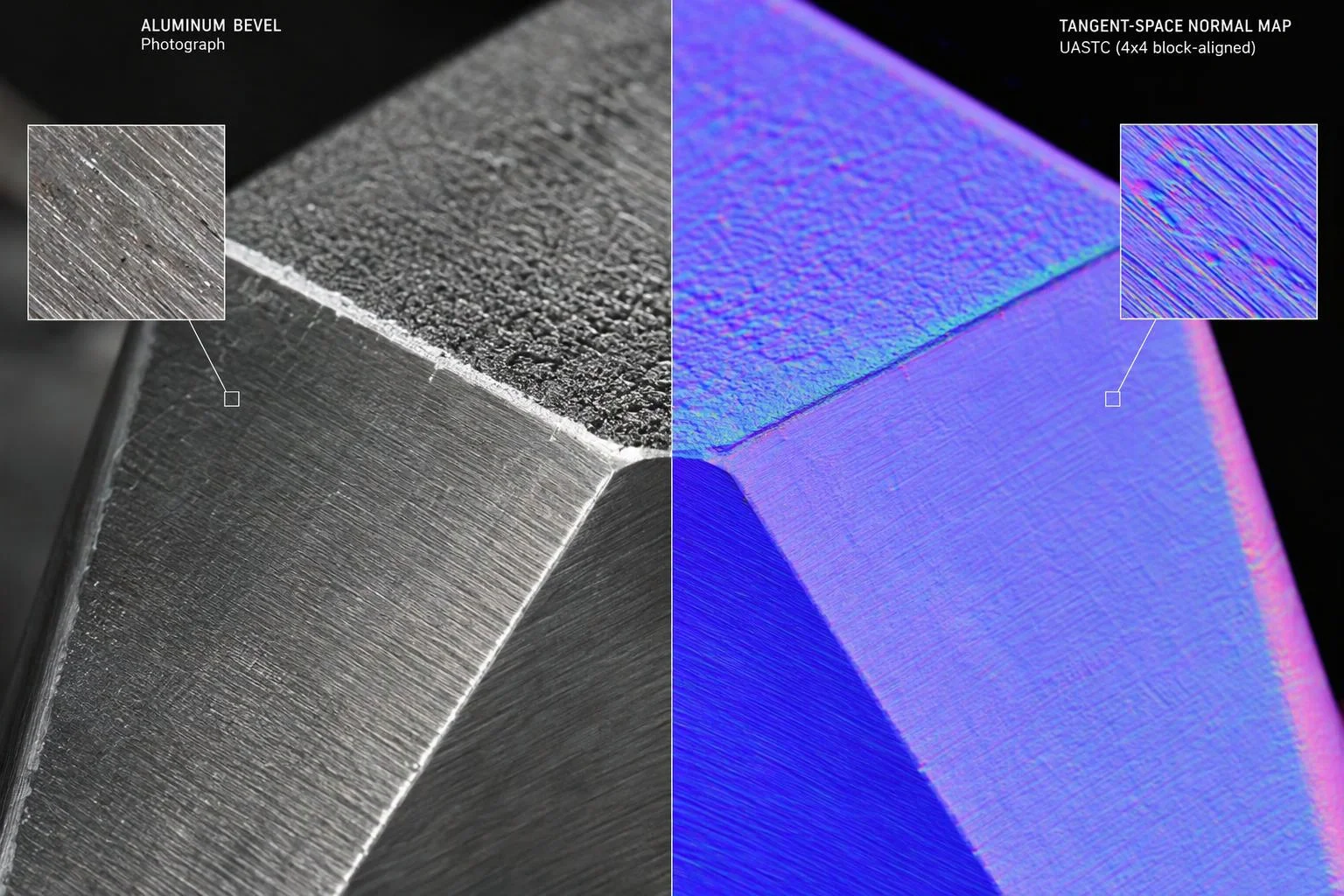
Automatic block alignment and HDR protection
GPU block codecs require dimensions divisible by 4. Aircada automatically aligns target dimensions for KTX2 encoding, offers 64 px to 2048 px sizing steps (or custom dimensions up to 8192 px), prevents accidental upscaling of smaller maps, and excludes .hdr and .exr lighting maps by default.
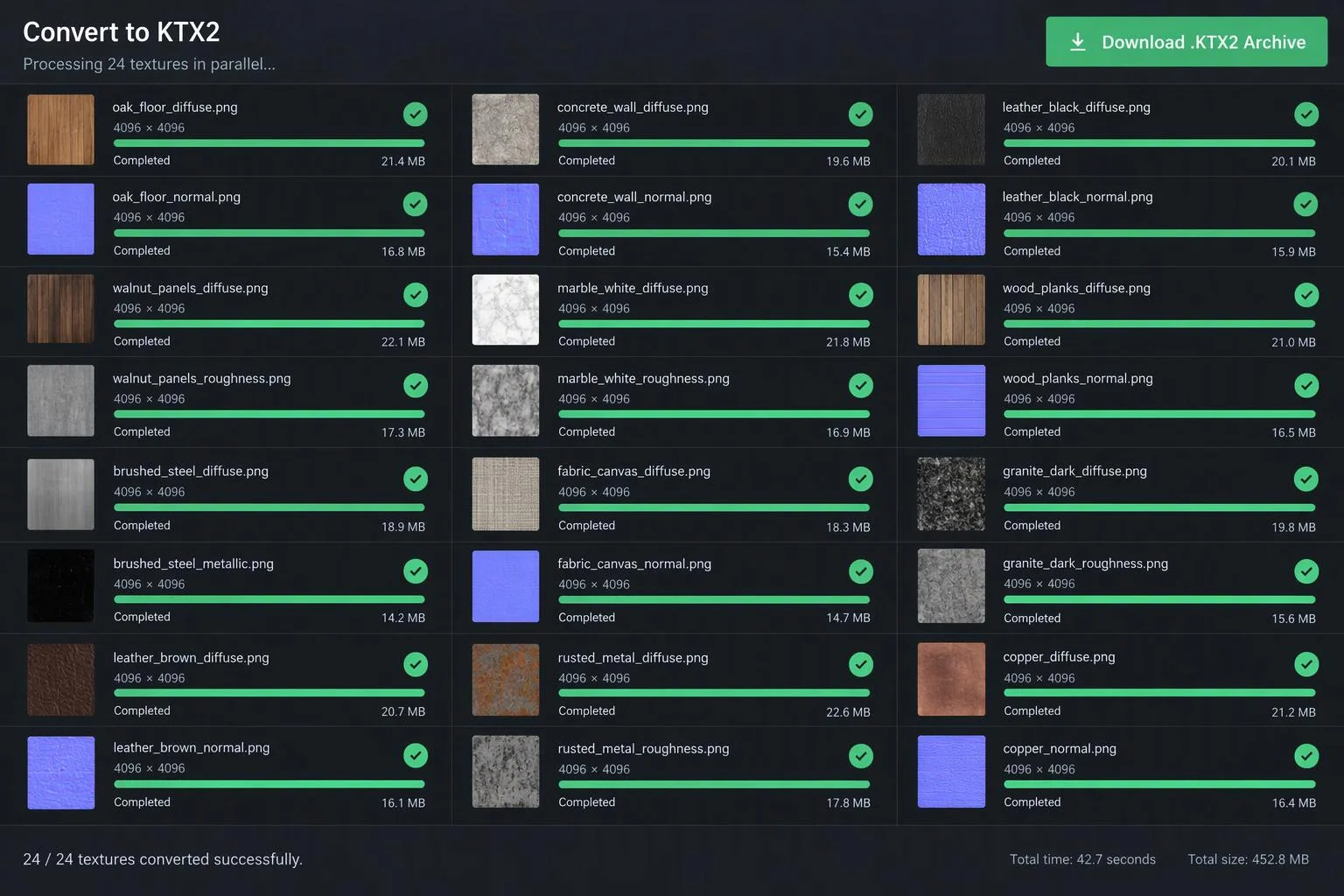
Single-asset and full-project batch optimizer
Convert individual swatches or batch-optimize an entire project's unoptimized PNG, JPEG, and WebP textures inside Studio with live MB and percentage savings tracking and non-destructive original backups.
Responsibility Tiers
- 1 Native Aircada layer
- 1 Aircada Configuration layer
- 1 Custom Implementation layer
- 1 External layer
Responsibility Boundaries for GPU Texture Compression
How Aircada's Basis Universal pipeline, Studio optimization controls, and source material libraries divide responsibilities.
In-browser Basis Universal WASM encoding, color-space detection & GPU transcoding
- Native Aircada
- Browser-side UASTC/ETC1S encoding, 3-tier linear/sRGB and normal-map detection, automatic KTX2 block alignment, precomputed mipmap chains, and runtime hardware transcoding into ASTC, BC7, or ETC2.
Codec choice (UASTC vs ETC1S), sizing mode & batch filter scope
- Aircada Configuration
- Configured per texture or across the full project inside Aircada Studio (64 px to 2048 px max dimension steps, 10% to 100% scale mode, 0 to 255 ETC1S quality level, and automatic HDR exclusion).
Dynamic material swatch dataset binding & PBR channel mapping
- Custom Implementation
- Connecting optimized KTX2 texture sets to option datasets and conditional finish rules inside your 3D configurator.
Supplying source PBR texture maps (.png, .jpg, .webp)
- External
- Exporting clean source base color, normal, roughness, metallic, and ambient occlusion maps from Substance, Blender, Photoshop, or studio material scanners.
Frequently Asked Questions
Why does my 3D configurator crash on iPhones even though my 3D file is only 15 MB?
How do we balance crisp close-up stitching detail against small file sizes for large swatch libraries?
Do I need to install command-line tools like toktx on my computer?
Are GPU-compressed 3D textures supported on all desktop and mobile browsers?
Render thousands of repeated parts in a single draw call
Combine compressed KTX2 materials with hardware GPU instancing to build modular shelving, acoustic tile walls, and multi-unit assemblies at 60 FPS.
Related capabilities
Explore the adjacent capabilities and integrations that pair with this workflow.
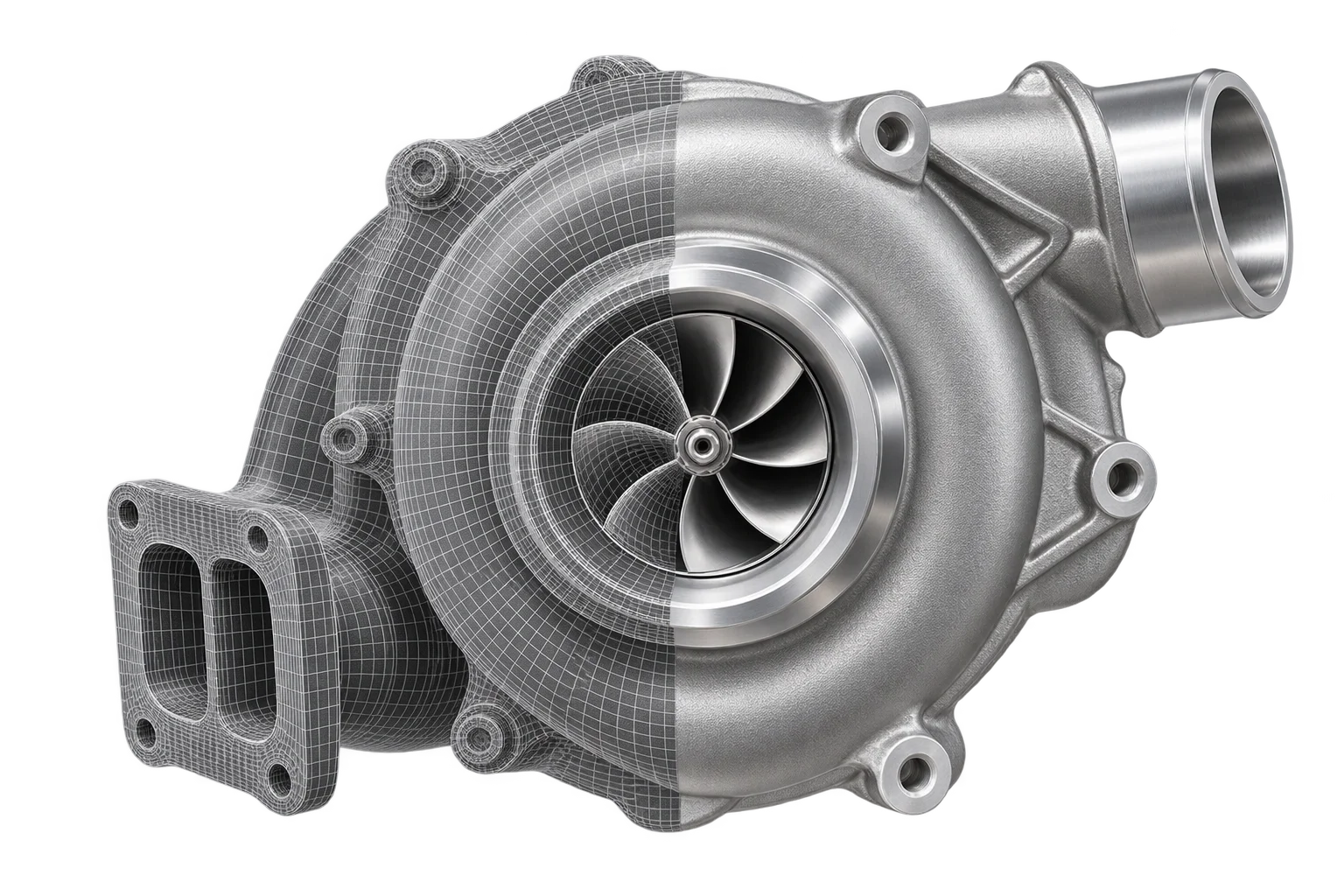
Fast mobile 3D mesh compression for heavy CAD
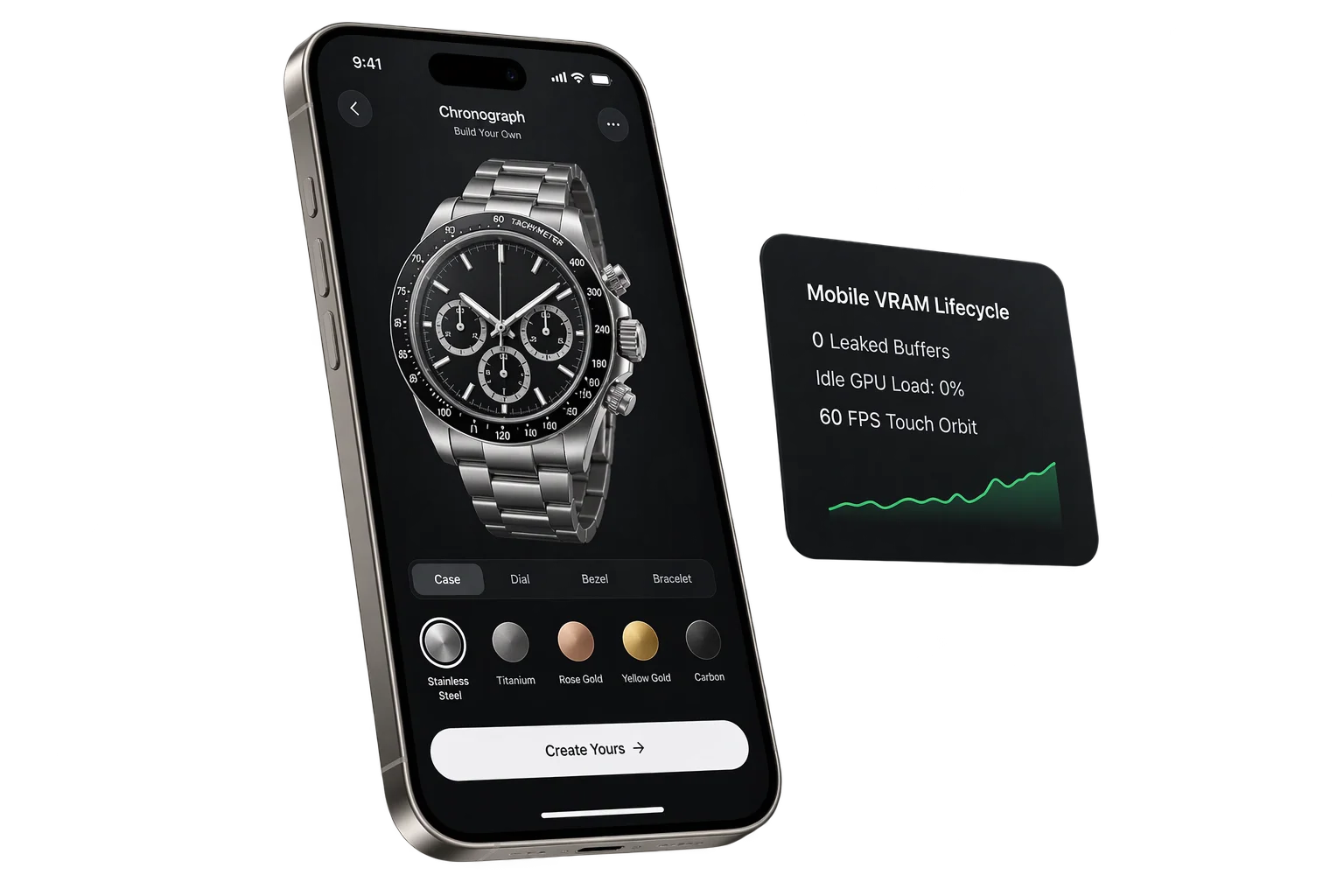
Mobile Safari VRAM and 3D memory protection
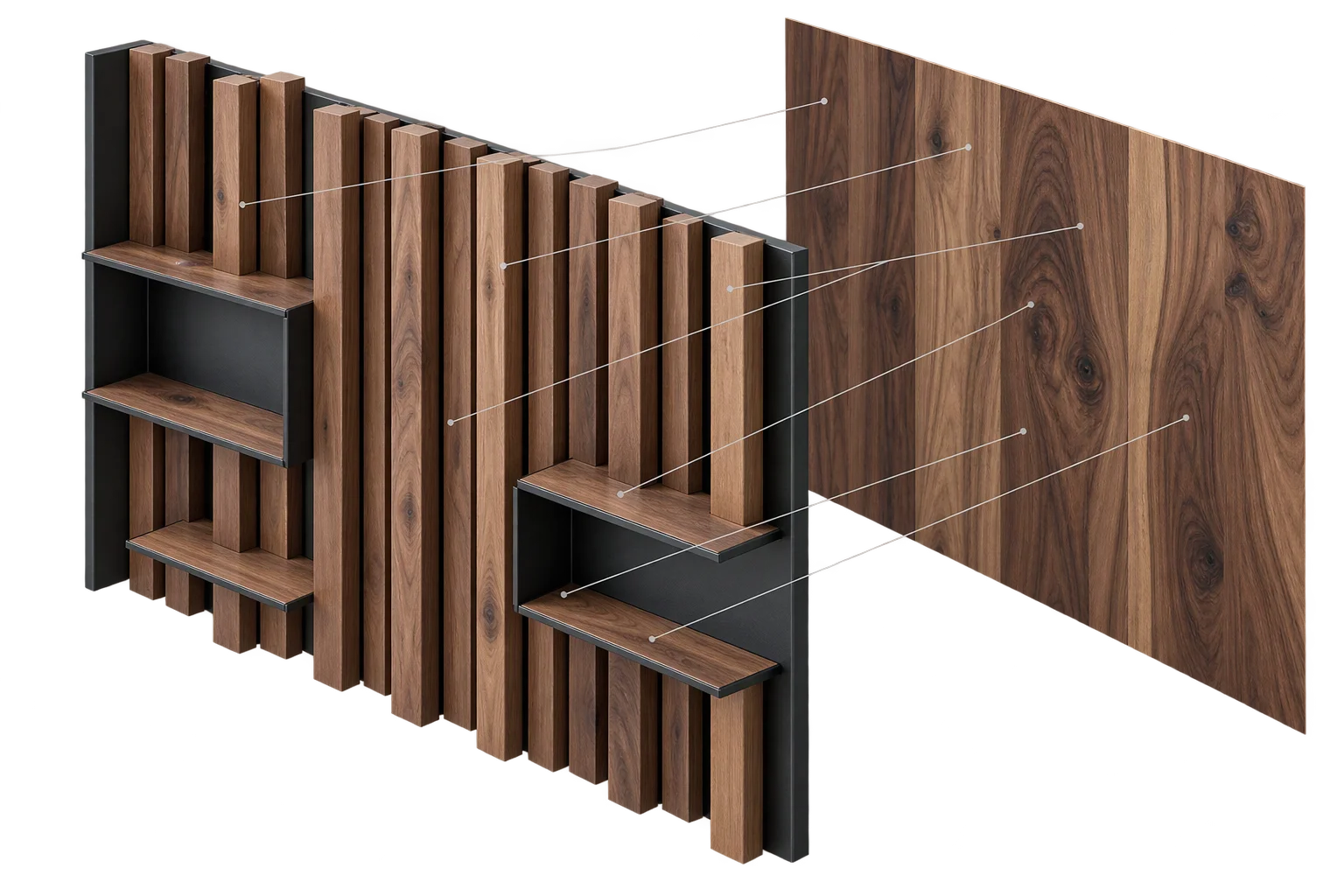
True-scale wood grain and fabric across modular parts