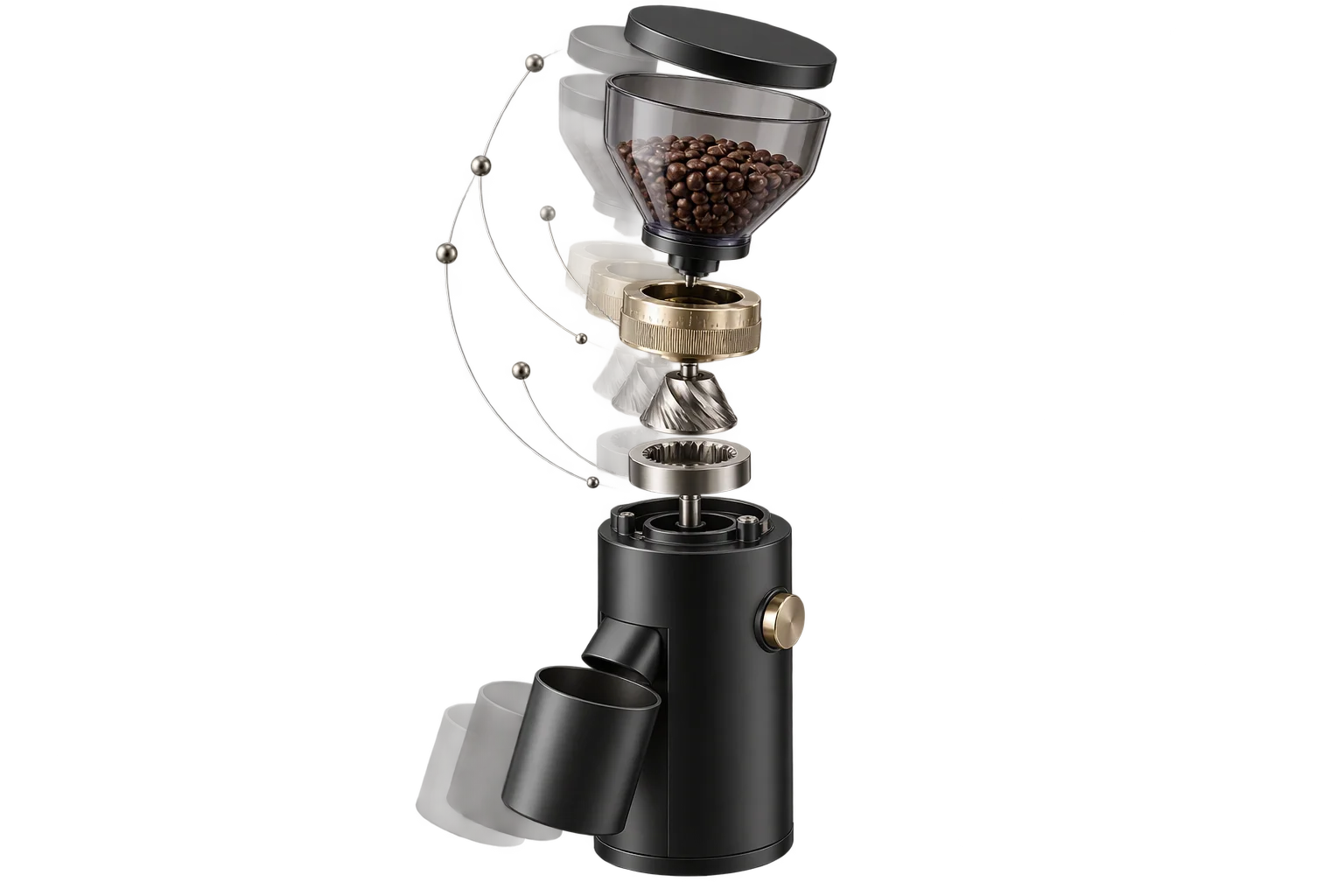
Auto-centered 3D framing as product sizes change
When a custom pergola expands from 8 feet to 24 feet or a mobile option drawer slides open, a static 3D camera either clips the product off-screen or leaves it tiny in the corner. Aircada automatically reframes expanding assemblies with configurable margins and viewport offsets while connecting 6-axis bounds, proximity sensors, scroll viewport triggers, cursor parallax, and URL parameters directly to the 3D scene.
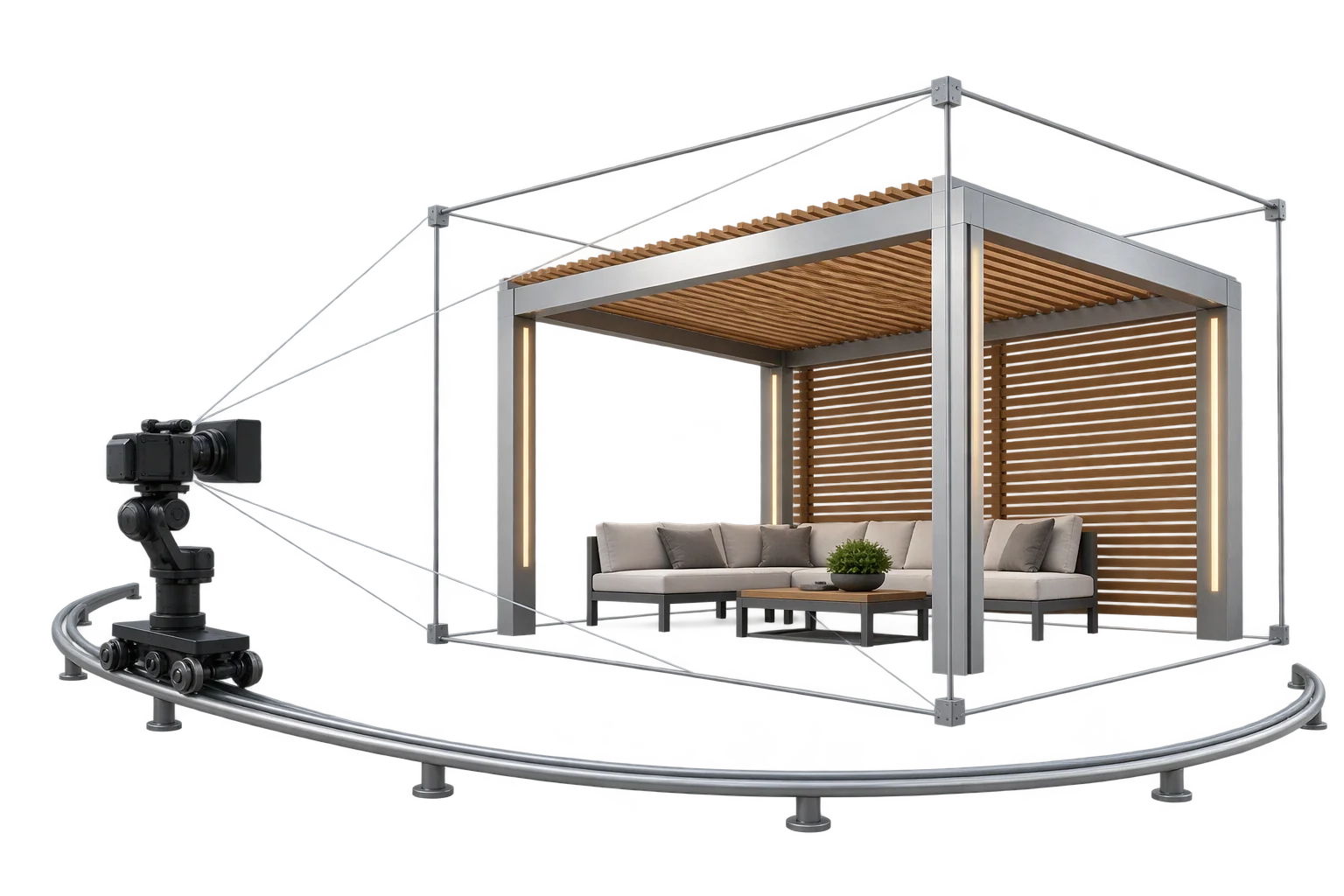
Why fixed camera distances fail on dynamic 3D assemblies
In a static 3D viewer, one camera distance works because the object never changes dimensions. In a live product configurator, shoppers widen tabletops, add shelving bays, swap tall accessories, or open mobile option drawers that reshape the visible canvas. With a fixed camera, wide builds clip outside the frame while compact builds shrink into the background.
Aircada solves this with a dedicated Auto-Frame camera controller paired with six-axis spatial bounding operators and browser input hooks. As assemblies grow or shrink across desktop and mobile viewports, the camera recalculates bounding extents, applies horizontal and vertical padding margins, and shifts framing offsets so sidebars and mobile bottom sheets never cover the product.
On Shopify and headless storefronts, responsive framing pairs directly with startup URL parameter hydration. Sales reps, ad campaigns, and B2B quote links open the exact configured dimensions, finishes, and framed hero angle immediately, while every selection remains synchronized with live pricing and checkout payloads for fulfillment.
From dynamic mesh growth to padded camera framing
How Aircada evaluates 3D assembly bounds, camera fit modes, and browser inputs to keep products centered across every screen ratio.
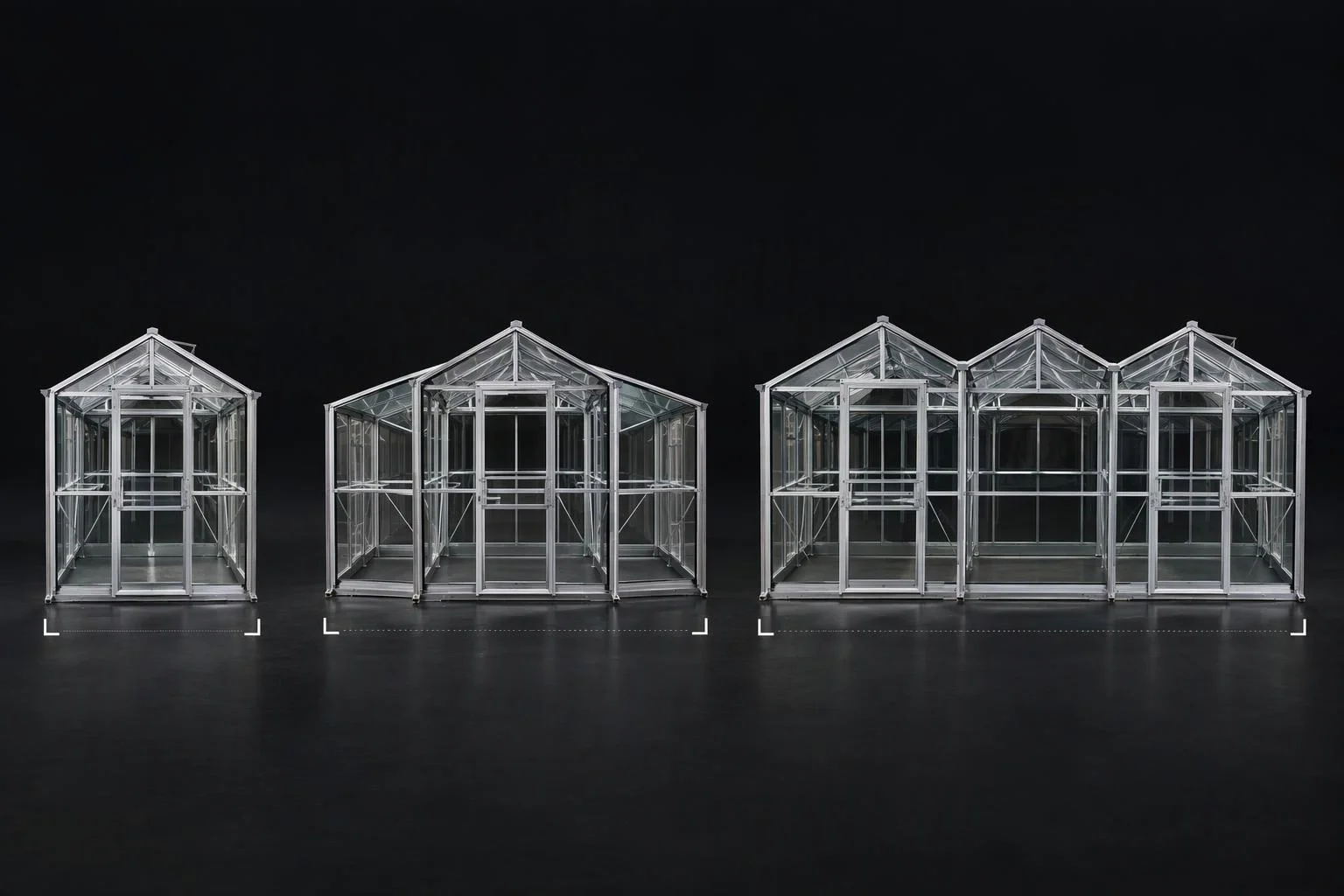
Live world-space Top, Bottom, Left, Right, Front, and Back extents
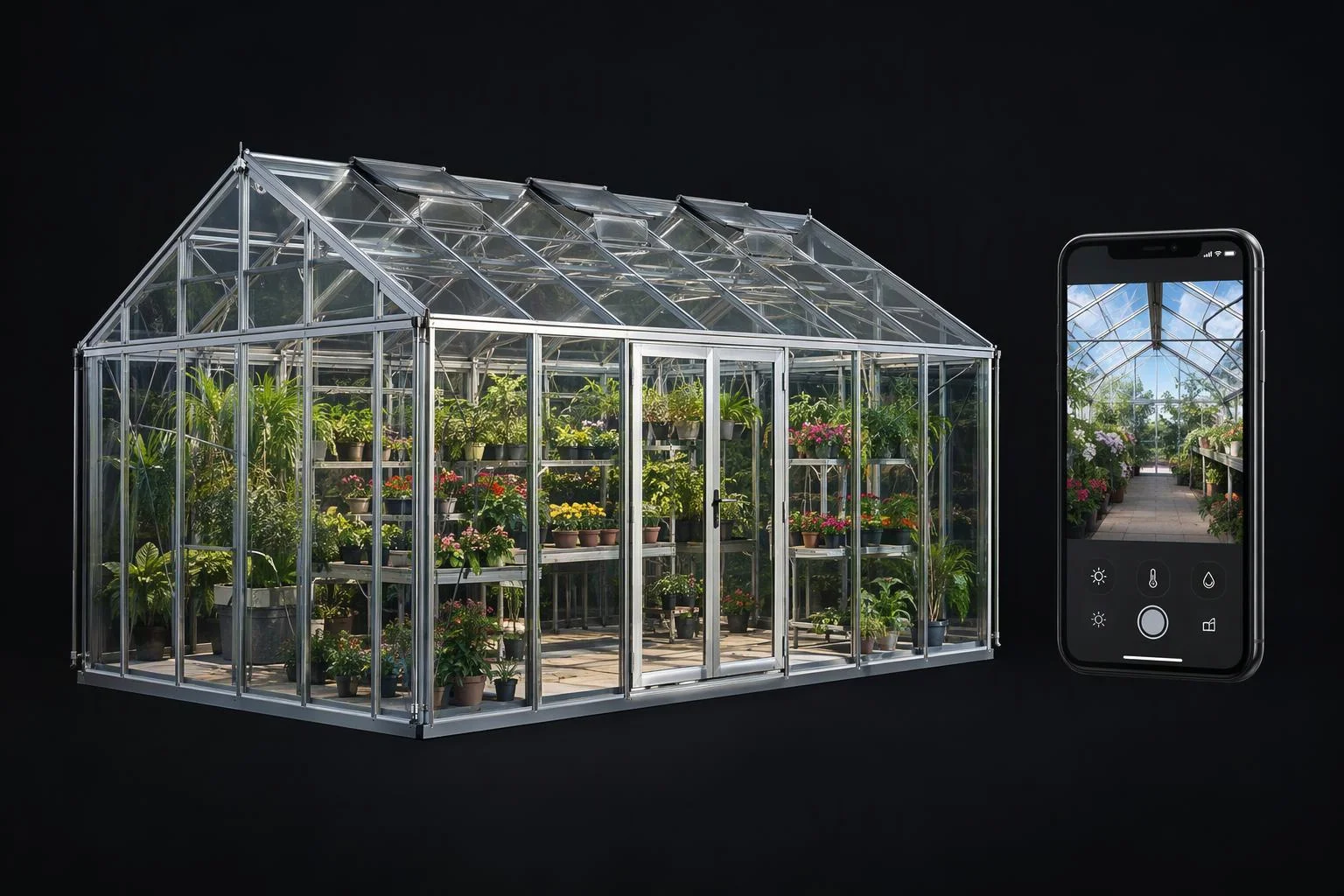
Auto-fitted camera field of view with UI offsets and URL hydration
Three camera framing strategies: Contain (orbit-invariant XZ footprint), Dynamic Contain (real-time 8-corner 3D frustum projection), and Legacy center-distance framing
Independent Horizontal/Vertical Margin (-1 to 1), Horizontal/Vertical Look-At Offset (-1 to 1) for UI drawers, Zoom Factor, Min Frame Scale floor, and All / Vertical Y / Horizontal XZ axis locking
Six continuous world-space plane coordinates (Top, Bottom, Left, Right, Front, Back across up to 10 units with scalar padding) plus 3D Euclidean On-Enter / On-Exit proximity triggers
Viewport IntersectionObserver enter/leave scroll triggers, smooth element/coordinate scrollTo navigation, normalized X/Y cursor tracking, and typed startup URL query parsing
Camera view-offset calculations also adapt automatically to canvas resizes and support focal-point pinch/wheel zoom (1x to 10x) with cushioned pan bounds.
Auto-framing, spatial bounds, and proximity triggers inside the 3D scene
Measure real-time assembly footprints, keep expanding builds centered without wobble, and fire distance-based cues automatically.
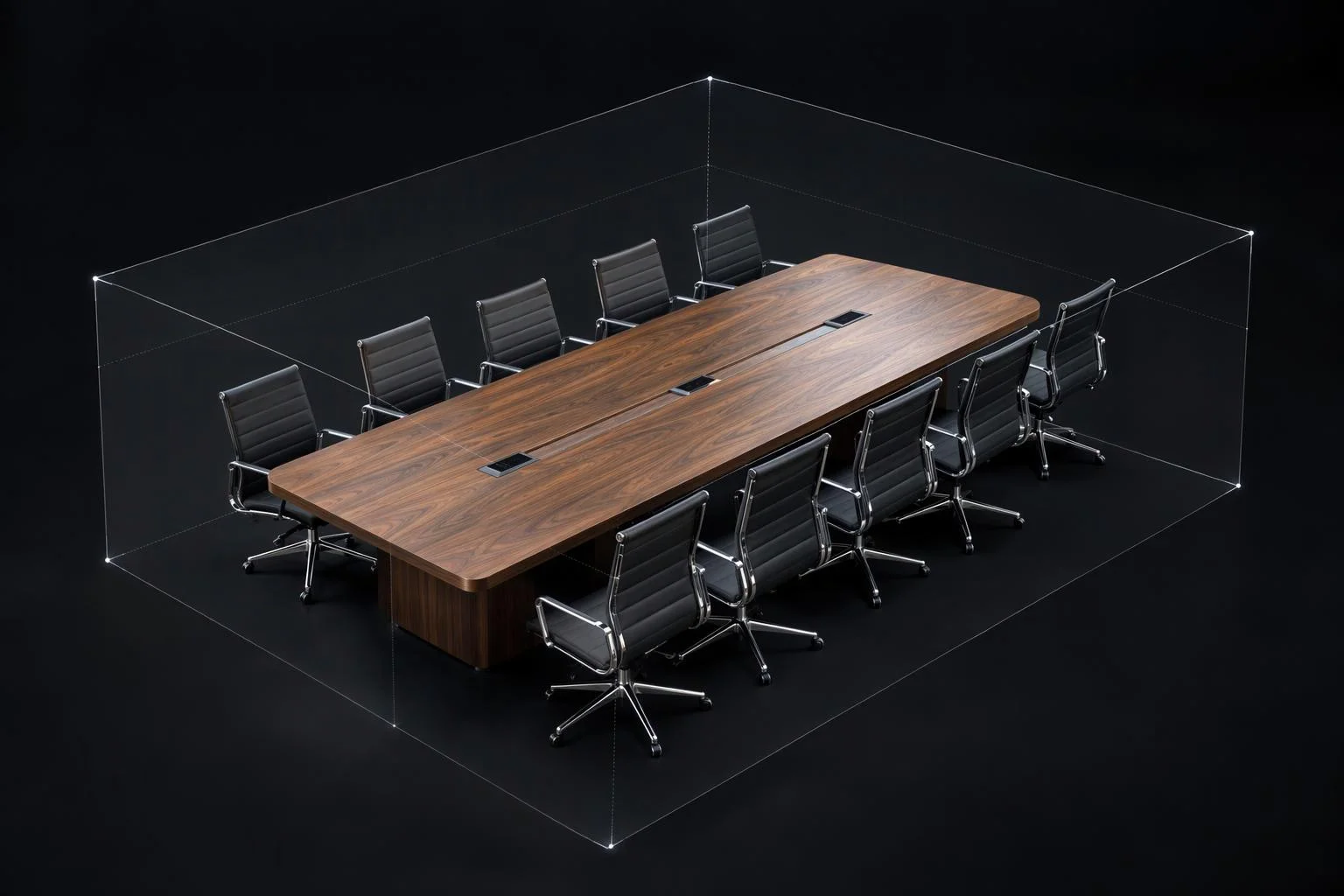
Orbit-invariant Contain and 8-corner Dynamic Contain auto-framing
Aircada's Auto-Frame controller measures either all visible 3D parts or up to 10 targeted units and computes the exact field of view required to fit the active canvas aspect ratio. Choose Contain mode for stable framing that never wobbles as shoppers orbit, or Dynamic Contain mode for tight 8-corner 3D frustum fitting, with independent horizontal/vertical margins, sidebar look-at offsets, and a minimum frame scale floor.
Six-axis bounding coordinates with configurable padding
The {{@link:docs.sdk.operators.spatial.bounding-box|label=Bounds operator}} unions the world-space bounding boxes of up to 10 3D units, applies a configurable padding slider (-1 to 1), and outputs continuous numeric Top, Bottom, Left, Right, Front, and Back edge coordinates. Configurator logic uses those live coordinates to position dimension callouts, align adjacent modular add-ons, or clamp sliding accessories.
3D proximity sensors between objects and the viewer camera
The {{@link:docs.sdk.operators.spatial.proximity|label=Proximity operator}} continuously measures Euclidean 3D distance between the active camera (or any reference unit) and a target part, firing On-Enter and On-Exit triggers across your chosen distance threshold. When a shopper zooms in close to a hinge, dial, or control module, crossing that threshold can automatically fade in detail callouts or play a reveal animation.
Connect page scroll sections, cursor movement, and shareable URLs to 3D
Turn landing-page sections, subtle hover motion, and campaign links into synchronized 3D product states.
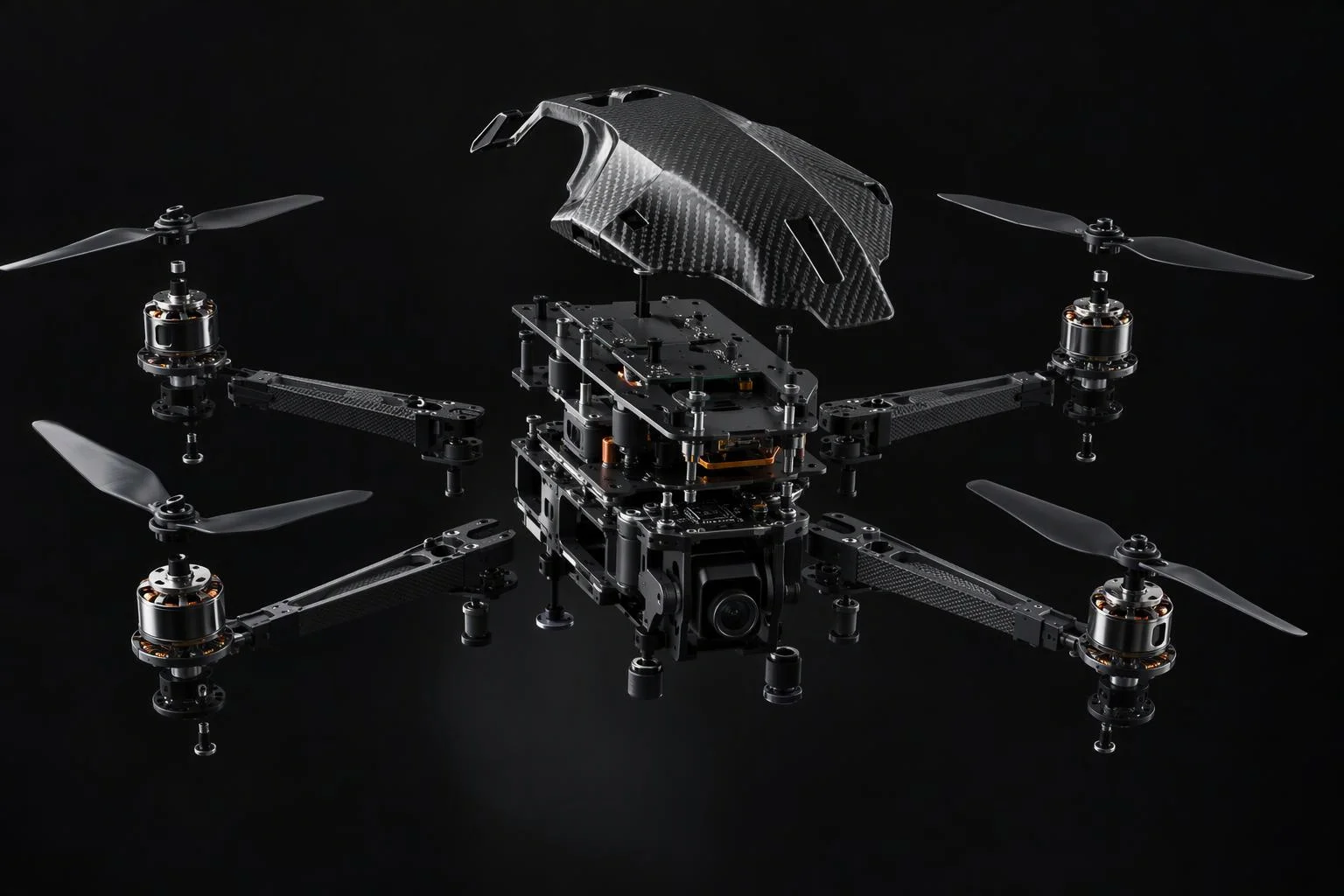
Trigger 3D camera angles and animations as page sections enter view
The Scroll Manager uses IntersectionObserver (configurable threshold 0 to 1 and root margin) to fire On-Enter and On-Leave triggers for exploded-view timelines and supports smooth programmatic scrolling.
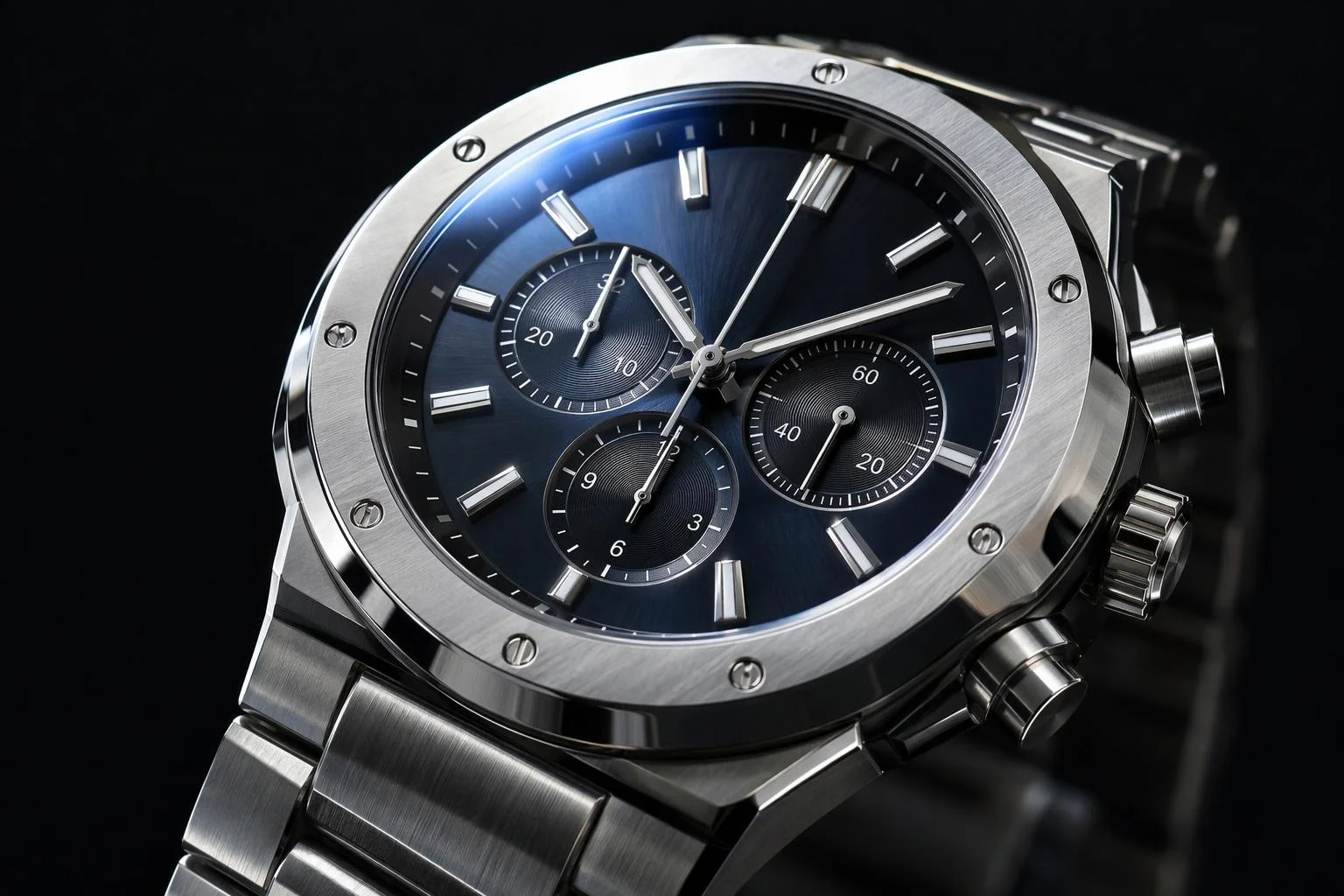
Normalized pointer tracking for subtle tilt and lighting shifts
Read normalized X or Y cursor coordinates with optional axis inversion and dual-range output mapping (-0.5 to 0.5) to drive gentle camera sway or key-light movement as shoppers browse.
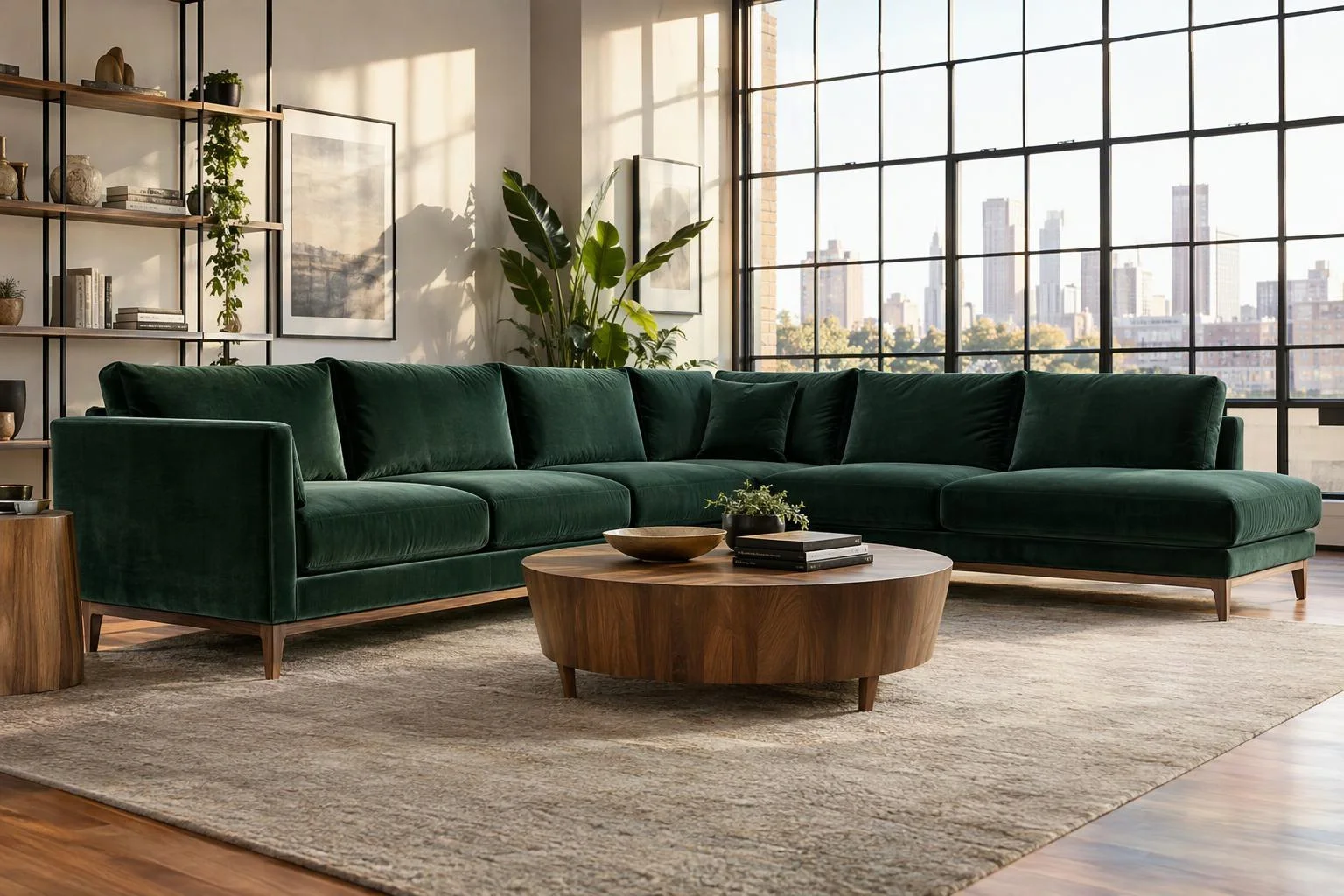
Hydrate pre-configured 3D builds straight from URL parameters
Parse URL query strings automatically at startup with automatic type detection to apply finishes, sizes, and hero views for ad campaigns, B2B quotes, and social shares.
Responsibility Tiers
- 1 Native Aircada layer
- 1 Aircada Configuration layer
- 1 Custom Implementation layer
- 1 External layer
Responsibility Boundaries Across Adaptive Viewport Framing
How Aircada's Auto-Frame camera controller, spatial/browser operators, and storefront layout divide responsibilities.
Auto-Frame fit modes, view-offset zoom, 6-axis bounds, proximity & scroll/mouse/URL operators
- Native Aircada
- Contain and Dynamic Contain frustum math, focal-point zoom/pan view offsets, 6-plane world bounding box calculation, 3D proximity triggers, IntersectionObserver scroll triggers, normalized cursor mapping, and typed URL query parsing.
Target assemblies, margins, look-at offsets & trigger thresholds
- Aircada Configuration
- Configured in Aircada Studio by choosing Auto-Frame fit mode and axis lock, setting horizontal/vertical margins and drawer offsets, assigning bounds/proximity targets, and naming URL query keys.
Responsive storefront drawer offsets & section choreography
- Custom Implementation
- Coordinating custom storefront breakpoints with camera look-at offsets and wiring page-section scroll triggers to multi-step product reveals.
Clean 3D mesh geometry without stray far-origin vertices
- External
- Ensuring uploaded 3D models do not contain invisible stray vertices or empty helper nodes far from the origin that would artificially inflate calculated bounding boxes.
Frequently Asked Questions
How does the camera stay centered when a product doubles in width?
Can we trigger 3D camera angles or exploded views as shoppers scroll down a landing page?
Does cursor parallax work alongside standard orbit camera controls?
Can marketing campaigns link directly to a specific 3D color and size combination?
Switch from perspective storytelling to 1:1 orthographic CAD views
Give engineers and architects zero-distortion front, top, and side elevations with an interactive 3D ViewCube gizmo.
Related capabilities
Explore the adjacent capabilities and integrations that pair with this workflow.
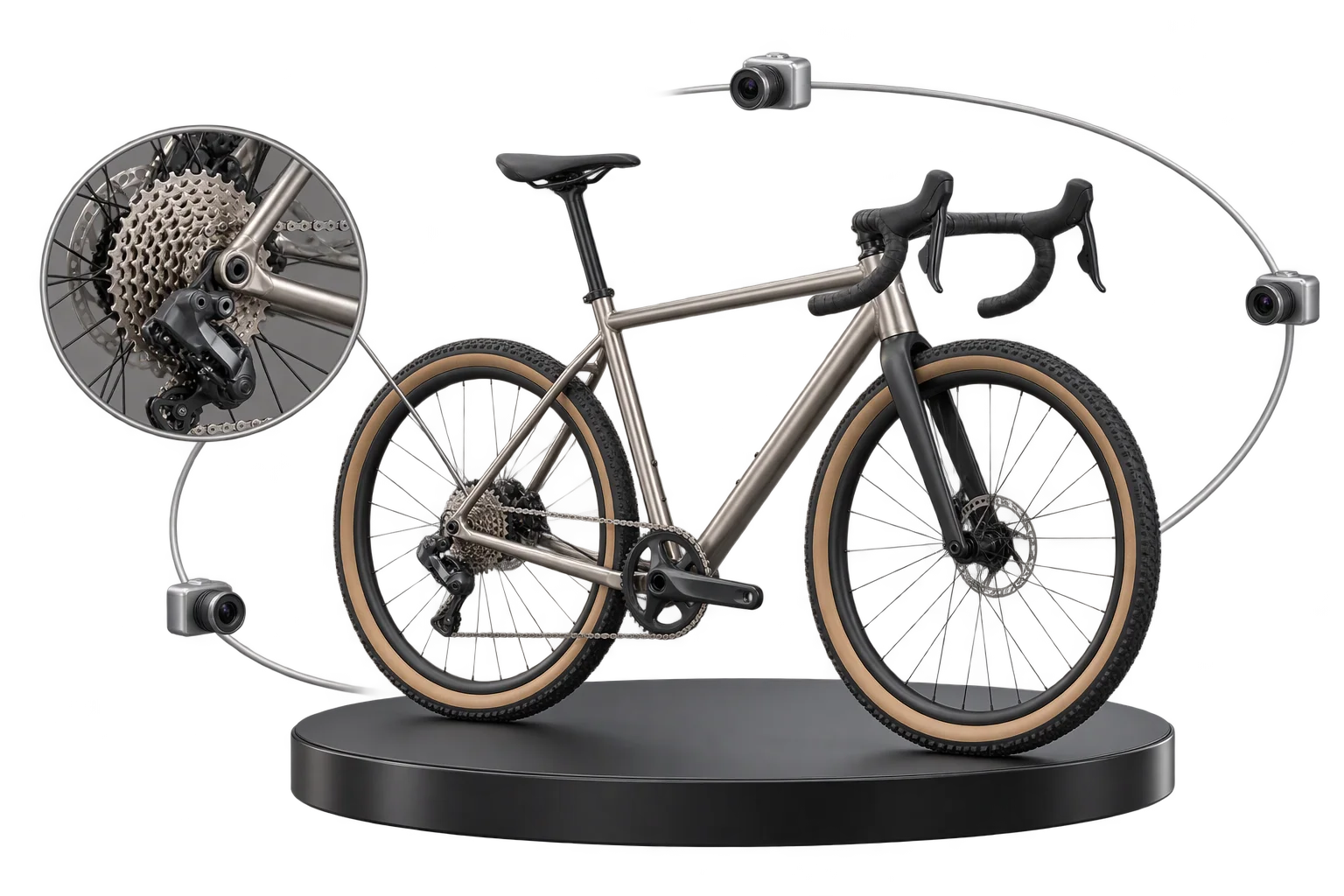
Step-by-step guided selling with smart 3D camera moves
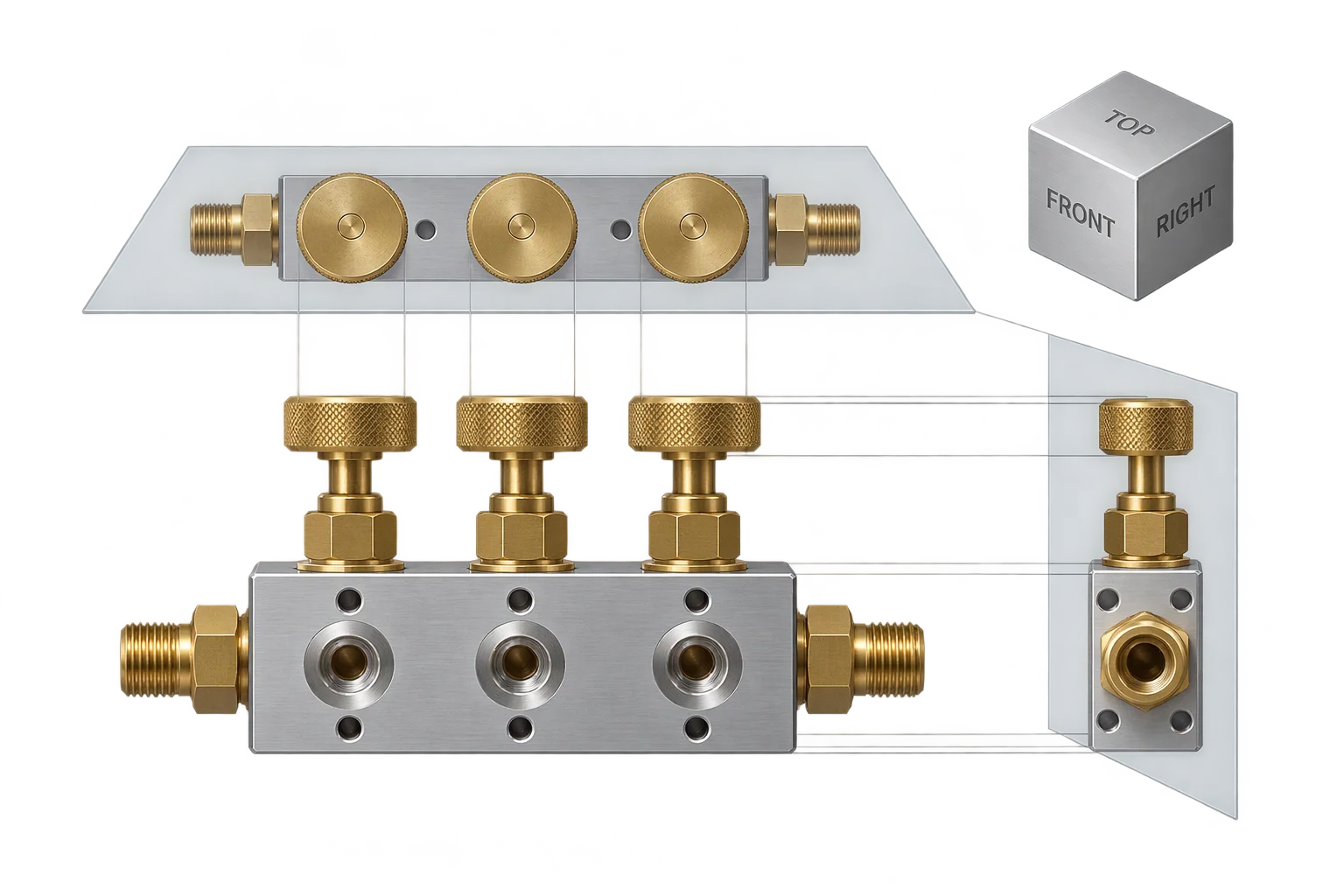
1:1 flat orthographic elevation views in 3D
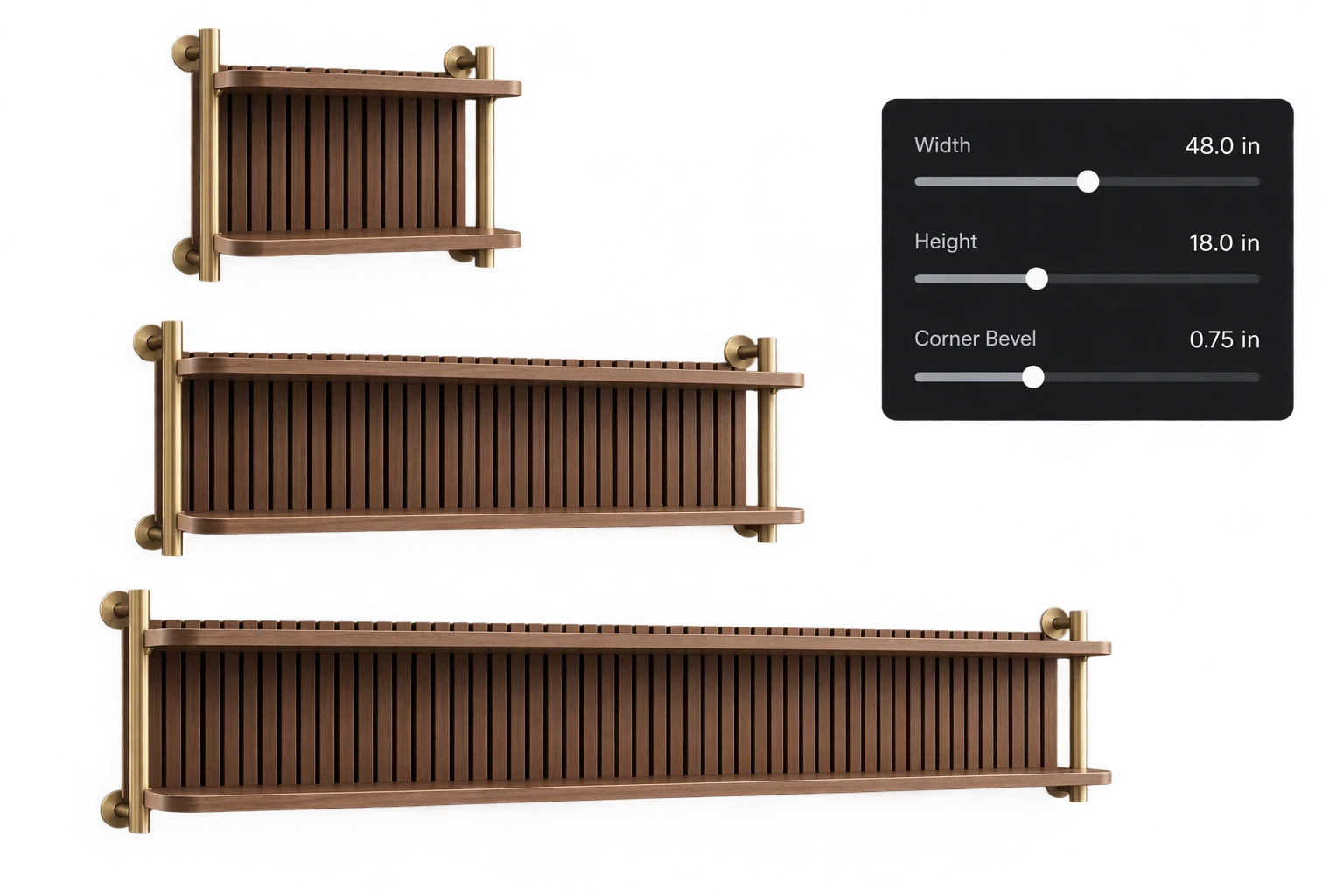
Made-to-measure 3D sizing with true-scale textures