Interactive 3D part animations and motion playback
Static 3D models leave buyers guessing how doors open, how drawers slide, or what sits inside an enclosure. Aircada animates individual parts, materials, and imported glTF clips along keyframe timelines with five playback modes, multi-track property stacking, and 17 ready-to-use motion presets.
Why static 3D geometry cannot communicate mechanical function
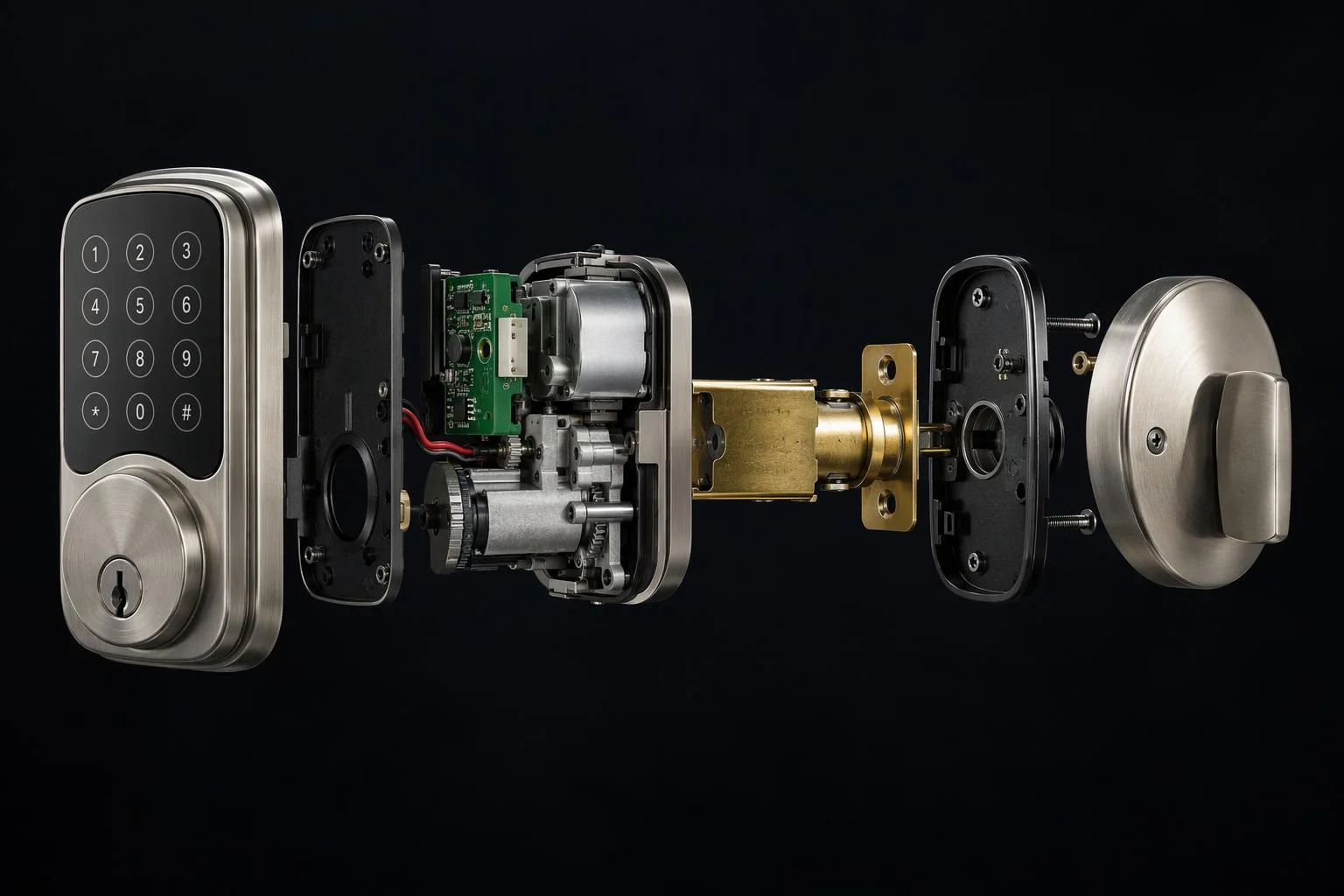
When a customer configures a smart deadbolt, a custom kitchen credenza, or a commercial coffee grinder, half the buying decision depends on how the product moves and what is housed inside. A frozen 3D mesh forces shoppers to guess how far a drawer extends, which side a door hinges on, or how internal upgrade assemblies fit together.
Aircada brings mechanical products to life directly inside the browser through Studio keyframe timelines and imported glTF animation clips. Any 3D part transform (position, quaternion rotation, scale, visibility), material property (opacity, color, glow), or logic operator parameter can be animated along custom timelines or one of 17 built-in motion presets without re-exporting files from desktop 3D software.
Every interactive mechanical state, from left-hand versus right-hand hinge swing to internal motor or drawer divider upgrades, stays synchronized with live pricing and passes verified SKU metadata straight into Shopify or headless checkout orders. Once an animation finishes playing, Aircada's on-demand rendering loop idles cleanly so mobile devices avoid unnecessary battery drain.
Two signature motion patterns for customizable products
Demonstrate internal engineering and mechanical clearances as shoppers configure options.
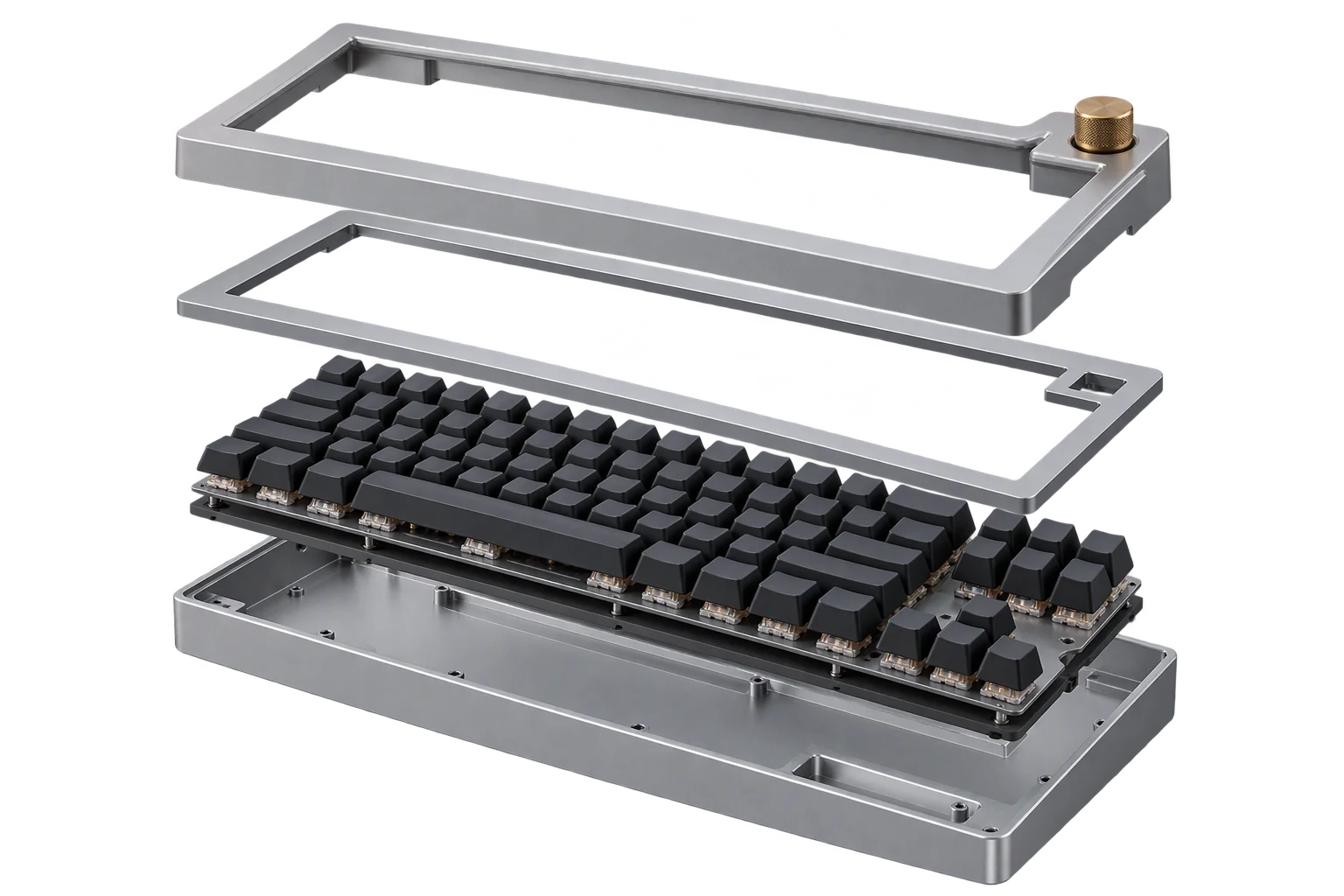
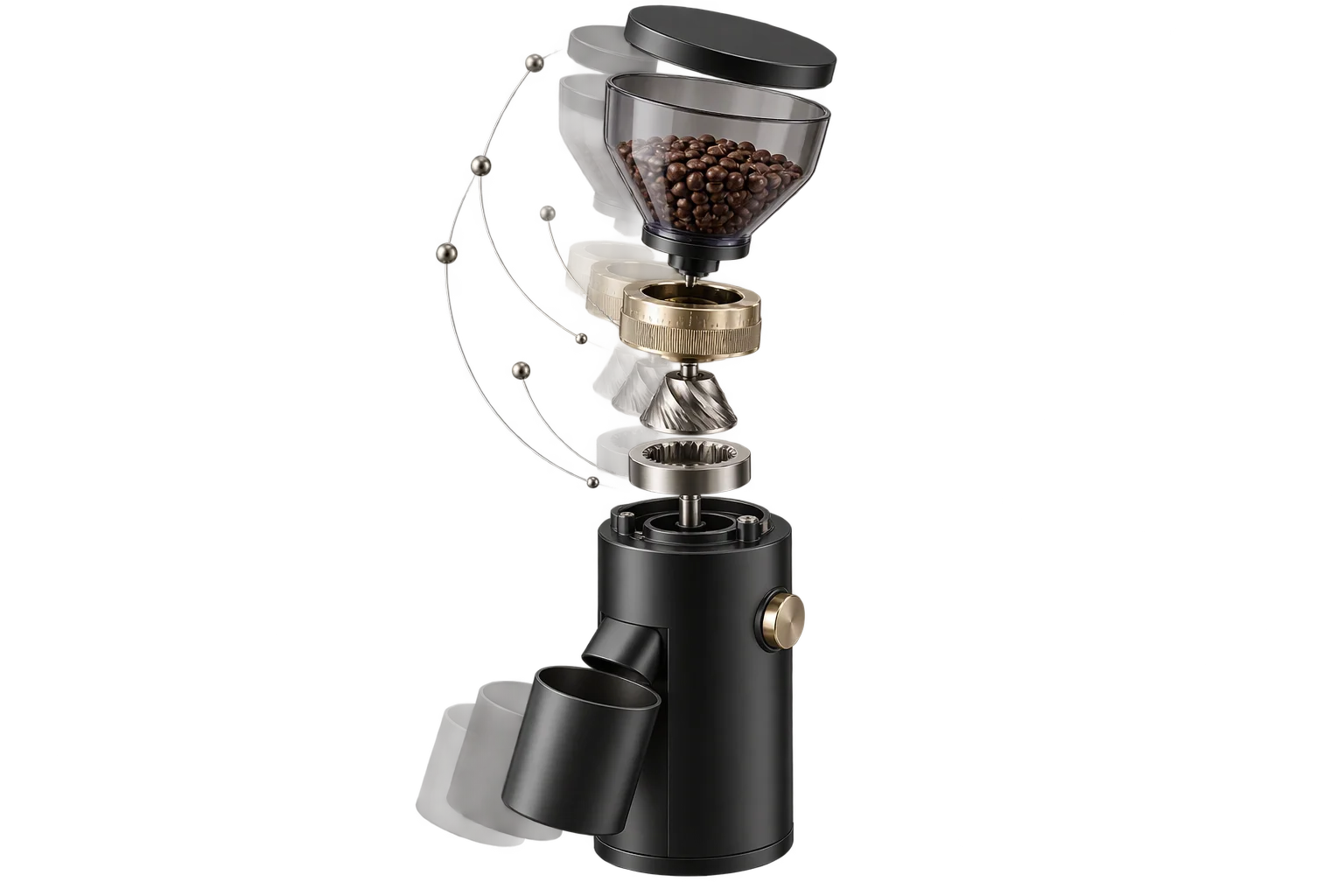
Interactive cutaway and exploded-view inspections
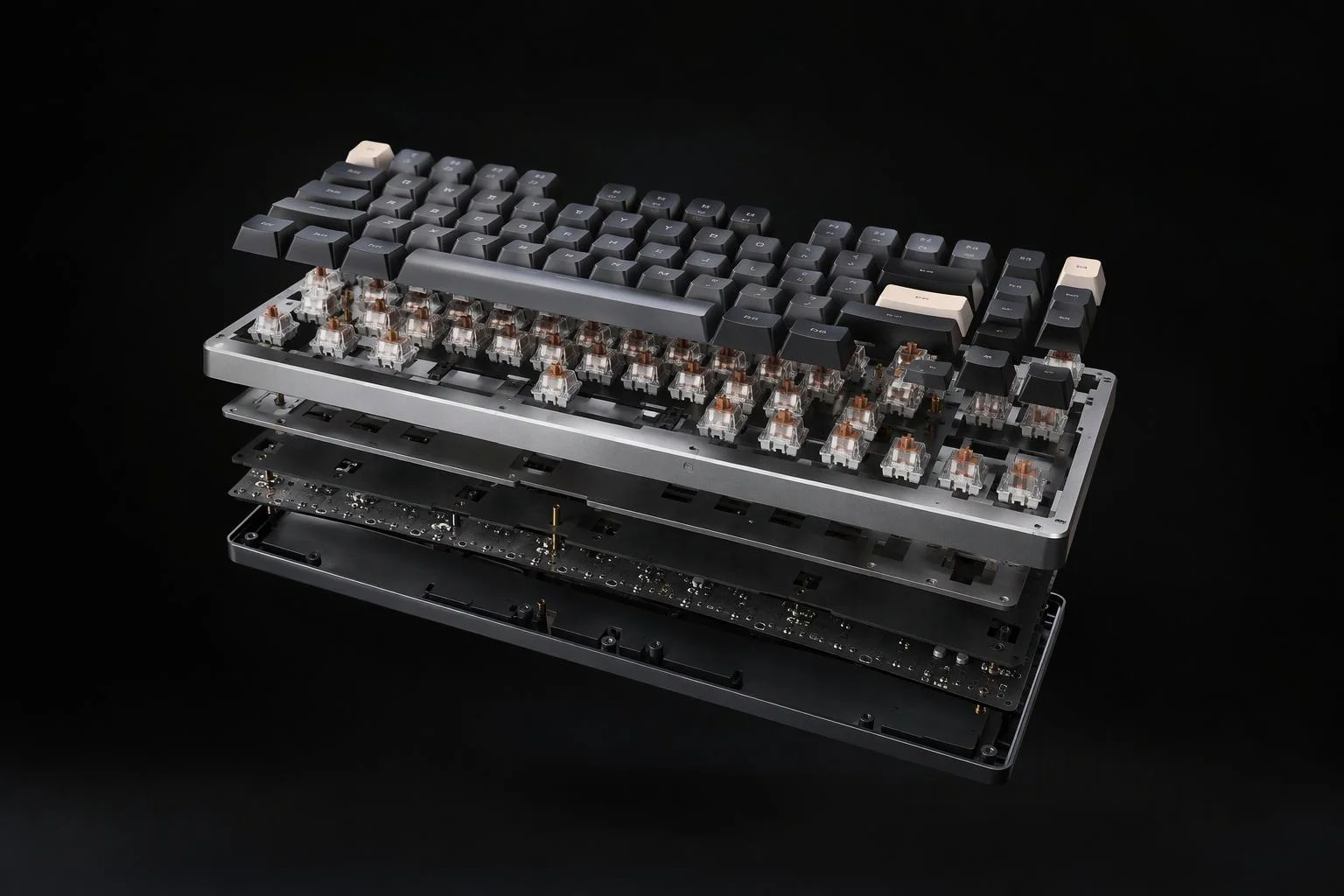
When a buyer selects an internal motor, filter, or battery upgrade, trigger a synchronized axial separation that lifts or slides outer housings apart so the internal upgrade is visible in context.
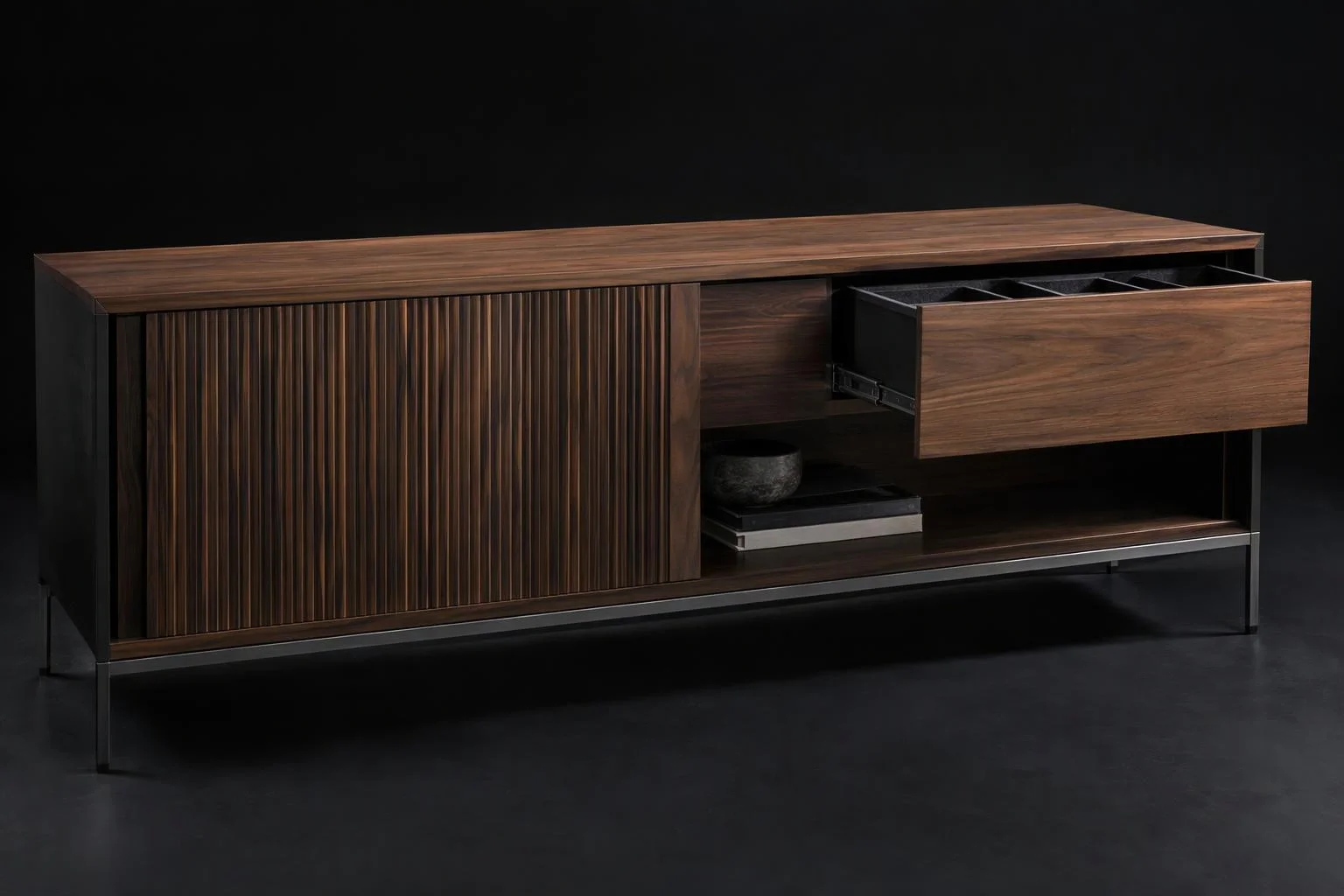
Hinged doors, telescoping drawers, and folding hardware
Let shoppers click directly on cabinet doors, casement windows, or folding tonneau covers to verify swing direction, drawer travel, and interior dividers before ordering.
Three layers driving real-time 3D motion
How Aircada coordinates Studio keyframes, imported glTF clips, concurrent property stacking, and built-in presets.
Animate 3D transforms, materials, operators, and imported glTF clips
Aircada's timeline coordinator drives both browser-authored keyframes (3D part position, quaternion rotation, scale, opacity, material properties, and {{@link:docs.sdk.operators|label=logic operators}}) and pre-rigged animation clips embedded in uploaded glTF/GLB files. Five playback modes cover one-shot reveals, continuous loops, and reversible assemblies.
Combine overlapping animations cleanly without mechanical popping
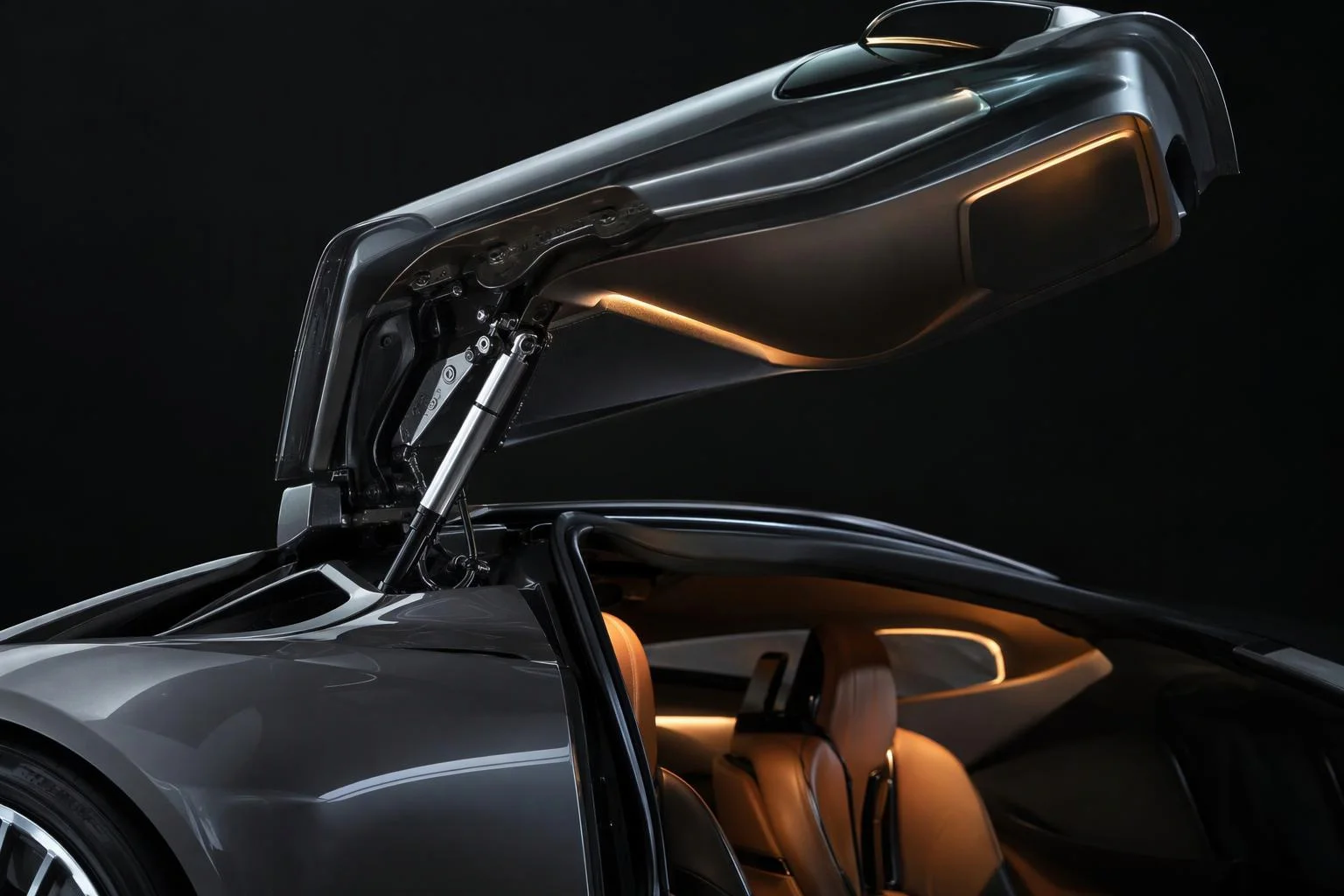
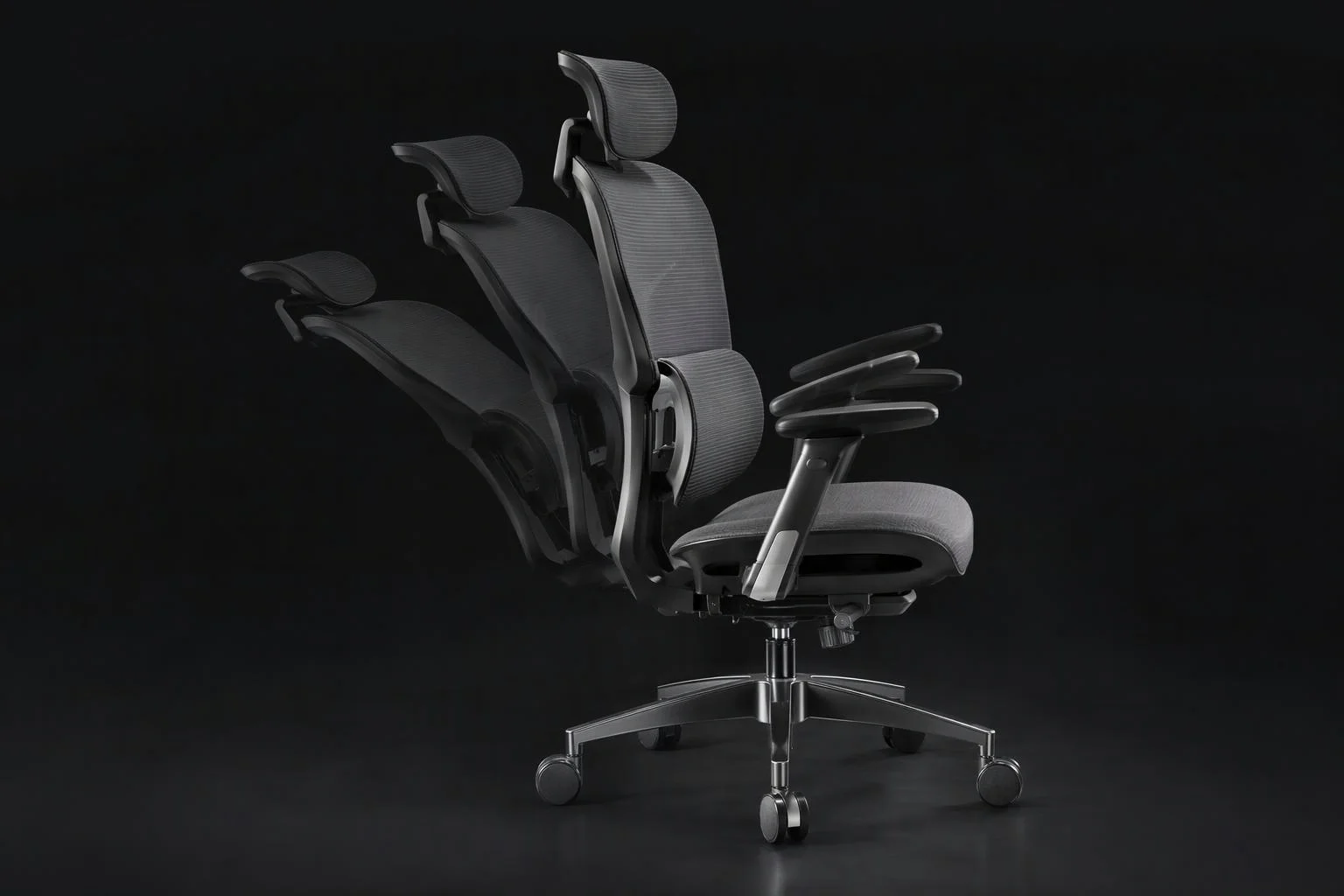
When two animations affect the same assembly at once, such as tilting a seat backrest while sliding its base rail or pulsing a newly added accessory during a turntable spin, Aircada combines active tracks mathematically by property type and restores baseline values automatically when tracks finish.
Apply turntable spins, hover motion, and entrance reveals in seconds
Not every product interaction requires manual keyframing. Studio includes 17 ready-to-use presets spanning continuous 360-degree spins, gentle hover motion, directional fade-and-slide entrances, scale transitions, and tactile attention cues.
| Capability | Supported Controls & Modes | Merchandising & Engineering Use |
|---|---|---|
| Animatable Targets | 3D unit transforms (position X/Y/Z, quaternion rotation, scale X/Y/Z, opacity, visibility), material properties, logic parameters, and embedded glTF/GLB clips | Covers hinged doors, telescoping drawers, exploded internal reveals, glowing status LEDs, and pre-rigged mechanical assemblies. |
| Playback Modes | 5 modes: Normal (Once), Reverse, Loop, Ping-Pong, and Reverse Loop, with configurable speed multiplier | Runs one-shot reveals, reversible cabinet doors, continuous 360-degree turntables, and smooth return-to-closed exploded views. |
| Easing Curves | 4 built-in curves: Linear, Ease In, Ease Out, and Ease In-Out | Gives heavy doors and sliding drawers natural acceleration and cushioned mechanical stops. |
| Multi-Track Property Stacking | Additive position and numeric float stacking; multiplicative scale and opacity; normalized quaternion rotation multiplication; automatic baseline reset | Allows overlapping motions (such as opening a lid while spinning the product) without snapping or gimbal lock. |
| 17 Built-In Motion Presets | Spin (360-deg), Float (ping-pong hover), Pulse, Shake, Vibrate, Scale Up/Down, and 10 directional Fade In/Out transitions | Adds polished turntable spins and component entrance reveals directly in Studio without keyframing in Blender. |
| Event & Scroll Chaining | On End completion triggers for sequential timelines plus IntersectionObserver scroll-entry/exit triggers | Chains multi-step mechanical sequences (unlatch then lift) or plays reveals as shoppers scroll down a landing page. |
Responsibility Tiers
- 1 Native Aircada layer
- 1 Aircada Configuration layer
- 1 Custom Implementation layer
- 1 External layer
Responsibility Boundaries Across Interactive 3D Animations
How Aircada's timeline engine, Studio keyframe authoring, and 3D pivot preparation divide responsibilities.
Timeline coordinator, glTF clip playback, multi-track stacking & 17 motion presets
- Native Aircada
- Runtime keyframe interpolation across units, materials, and operators, imported glTF animation clip playback, 5 playback modes, 4 easing curves, type-safe multi-track property stacking, and 17 built-in presets.
Keyframe tracks, easing curves, playback modes & trigger bindings
- Aircada Configuration
- Configured in Aircada Studio by recording keyframe values on target meshes or materials, selecting easing and playback mode (Normal, Reverse, Loop, Ping-Pong, Reverse Loop), and wiring triggers.
Choreographed multi-part mechanical sequences
- Custom Implementation
- Chaining dependent timelines (such as unlatching a clamp before lifting a lid and sliding out an interior tray) via completion triggers and configurator option rules.
Proper local pivot origins on hinged sub-meshes
- External
- Placing local mesh origins along physical hinge pins or rotation axes in CAD or 3D software (or setting Studio pivot offsets) so doors and lids articulate around their true mechanical axis.
Frequently Asked Questions
Do we have to animate our models in Blender before uploading to Aircada?
What happens if two animations target the same 3D part at the same time?
How do exploded views return back to the assembled product state?
Can page scrolling trigger 3D animations automatically on a product landing page?
Bring engineering CAD assemblies straight into your 3D pipeline
Convert STEP, IGES, SolidWorks, and Rhino files into web-ready 3D meshes with automated material grouping.
Related capabilities
Explore the adjacent capabilities and integrations that pair with this workflow.
Step-by-step guided selling with smart 3D camera moves
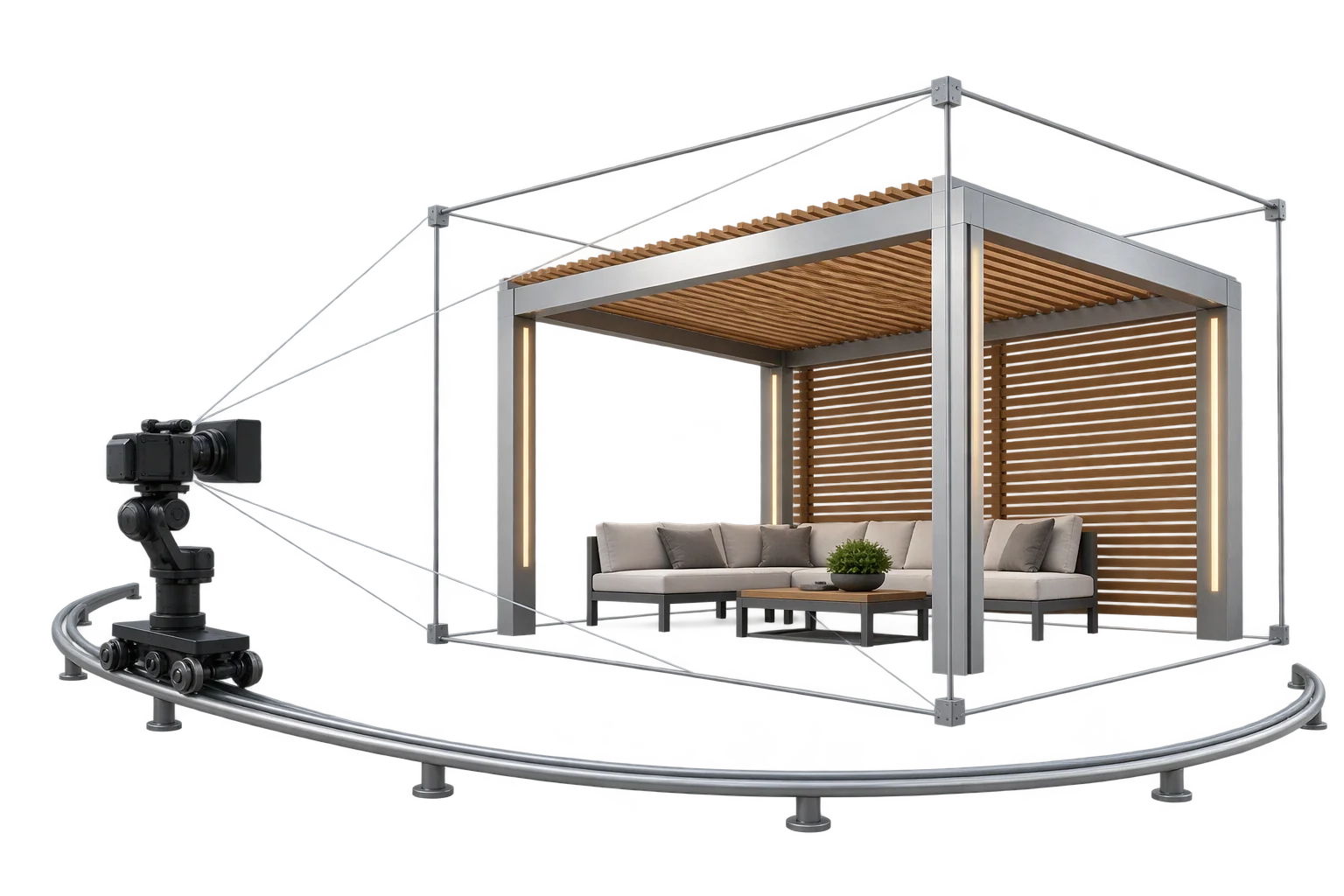
Auto-centered 3D framing as product sizes change
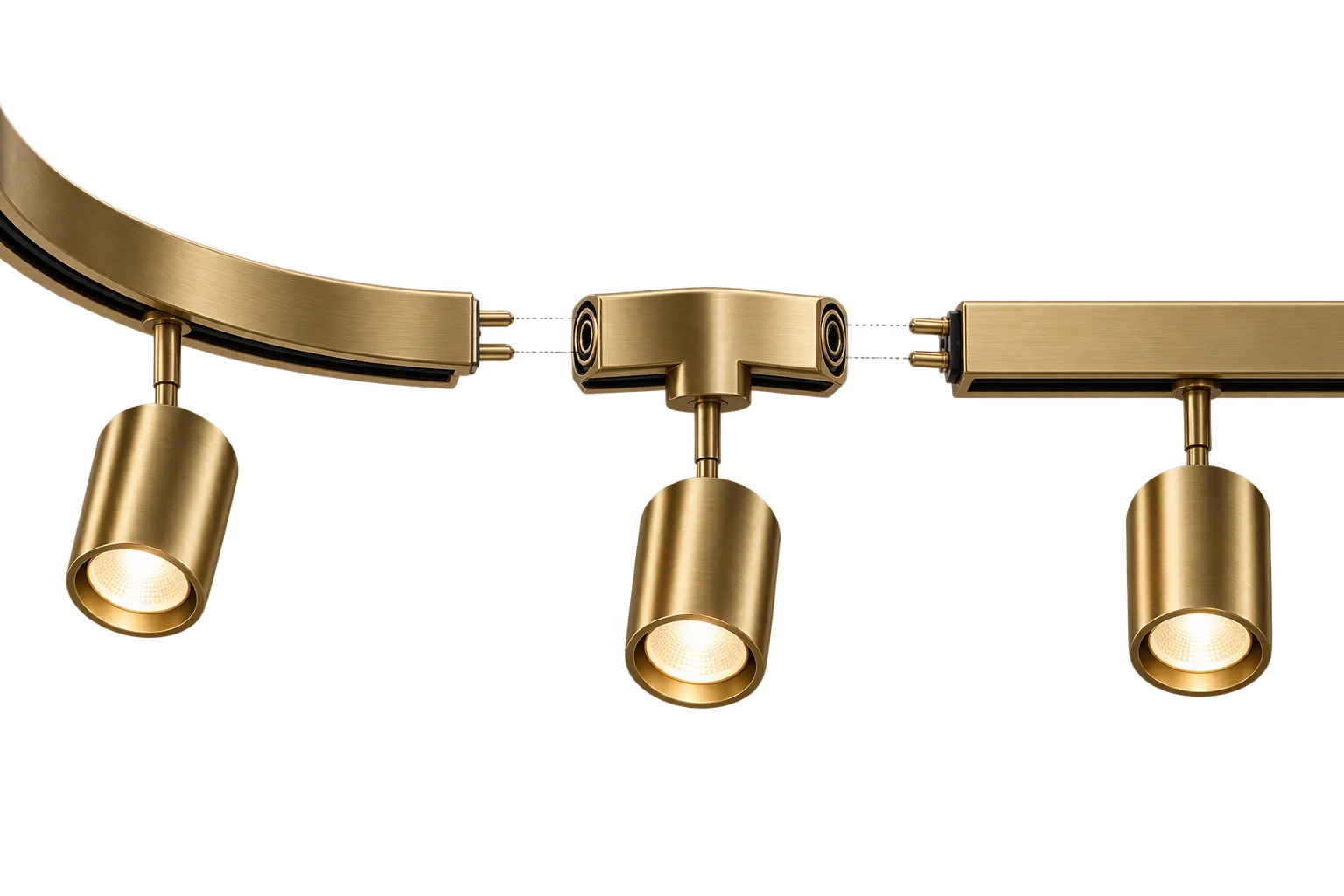
Snap-together modular 3D product assemblies