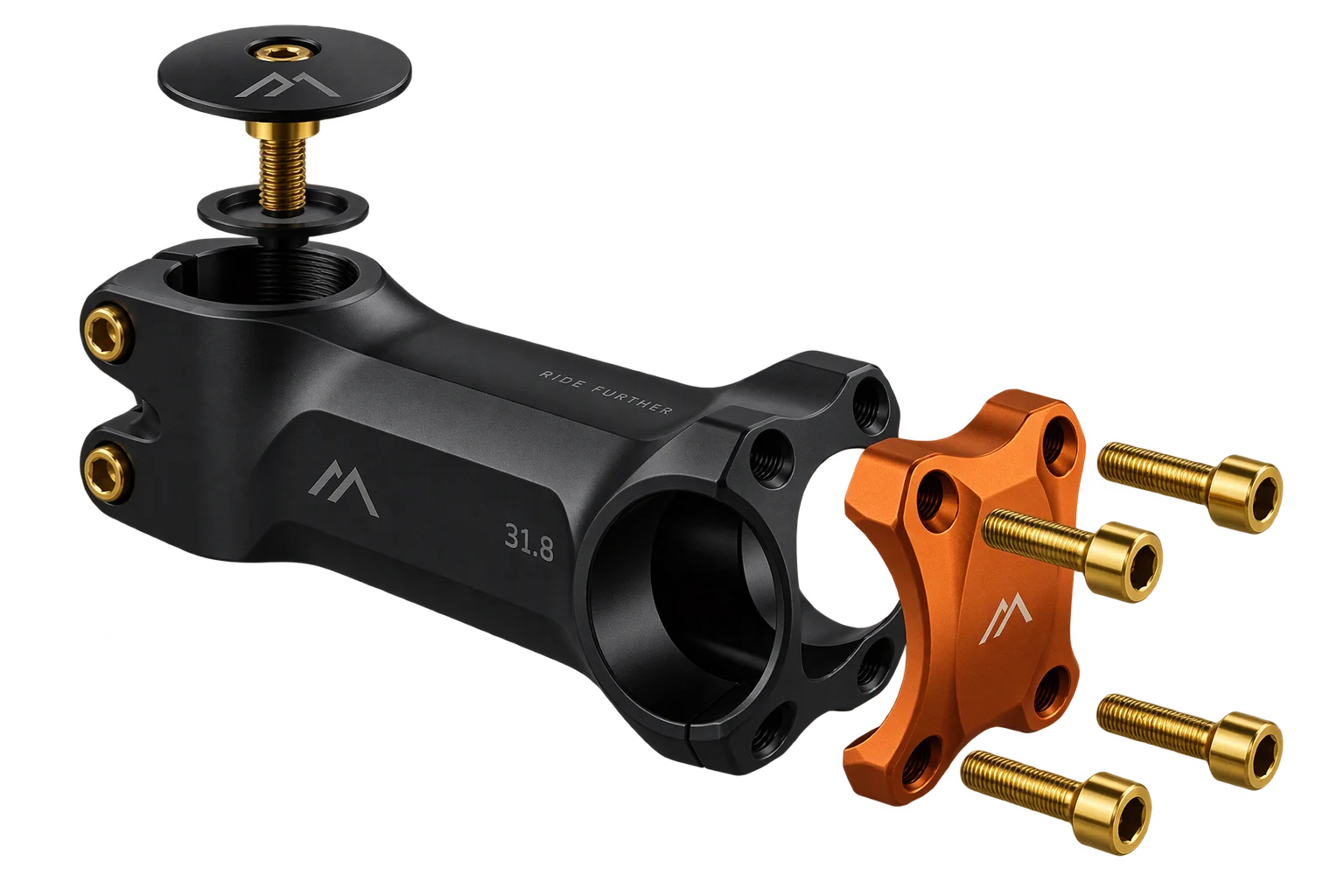
Automated 3D assembly BOMs and pick-list specs
When a buyer checks out with a customized multi-part 3D assembly, your warehouse and ERP need more than a generic order receipt. Aircada links every parent and child line item to its exact saved 3D build record, resolving SKUs, quantities, and custom option blocks into a structured assembly manifest.
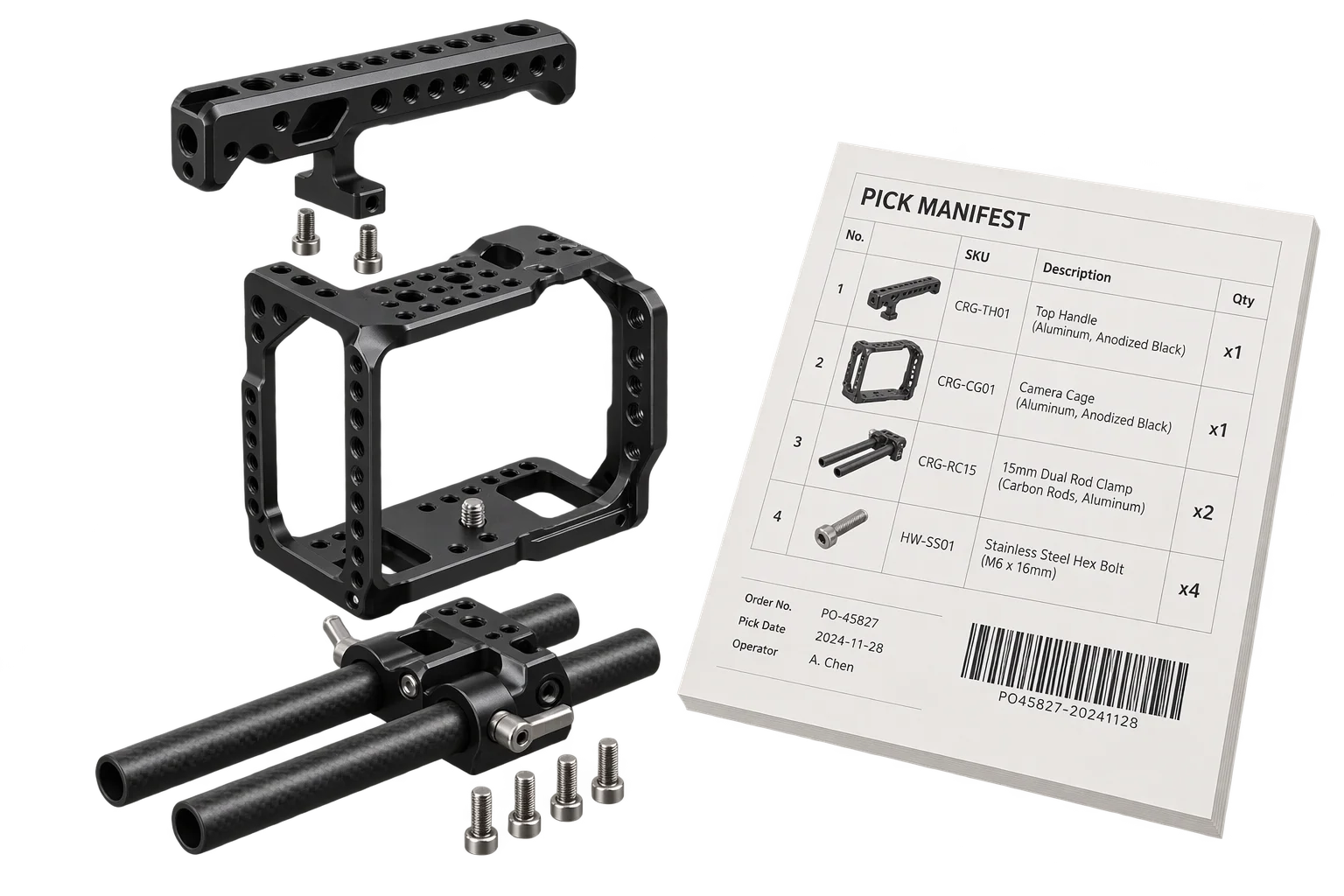
Turning storefront orders into shop-floor assembly manifests
Selling modular 3D assemblies or multi-part kits online is only half the operational challenge. Once an order lands in Shopify, warehouse pickers and assembly technicians have to know exactly which base frame, brackets, fasteners, finish specs, and uploaded graphics belong together, especially when a single checkout contains multiple customized kits or post-checkout quantity edits.
Standard e-commerce receipts flatten custom selections into messy text notes that operations staff have to re-type into pick lists and ERP work orders by hand. Aircada's post-checkout 3D snapshot reconciliation connects your storefront cart directly to your assembly floor. At checkout, Aircada embeds hidden build identifiers across individual line items and Shopify bundle groups, then resolves up to 100 line items per order alongside every parent bundle SKU, child variant SKU, and frozen 3D build record through a 4-tier lookup cascade.
For high-SKU custom builds like Cinch Gaming's custom controllers, Aircada computes live pricing during customization, saves the complete build record to cloud storage before cart submission, and passes filtered component line items and visual snapshots into Shopify so technicians receive an unambiguous build sheet for every order.
How Aircada resolves an order into a complete part manifest
From bundled checkout compilation to Shopify order inspection and saved 3D build hydration.
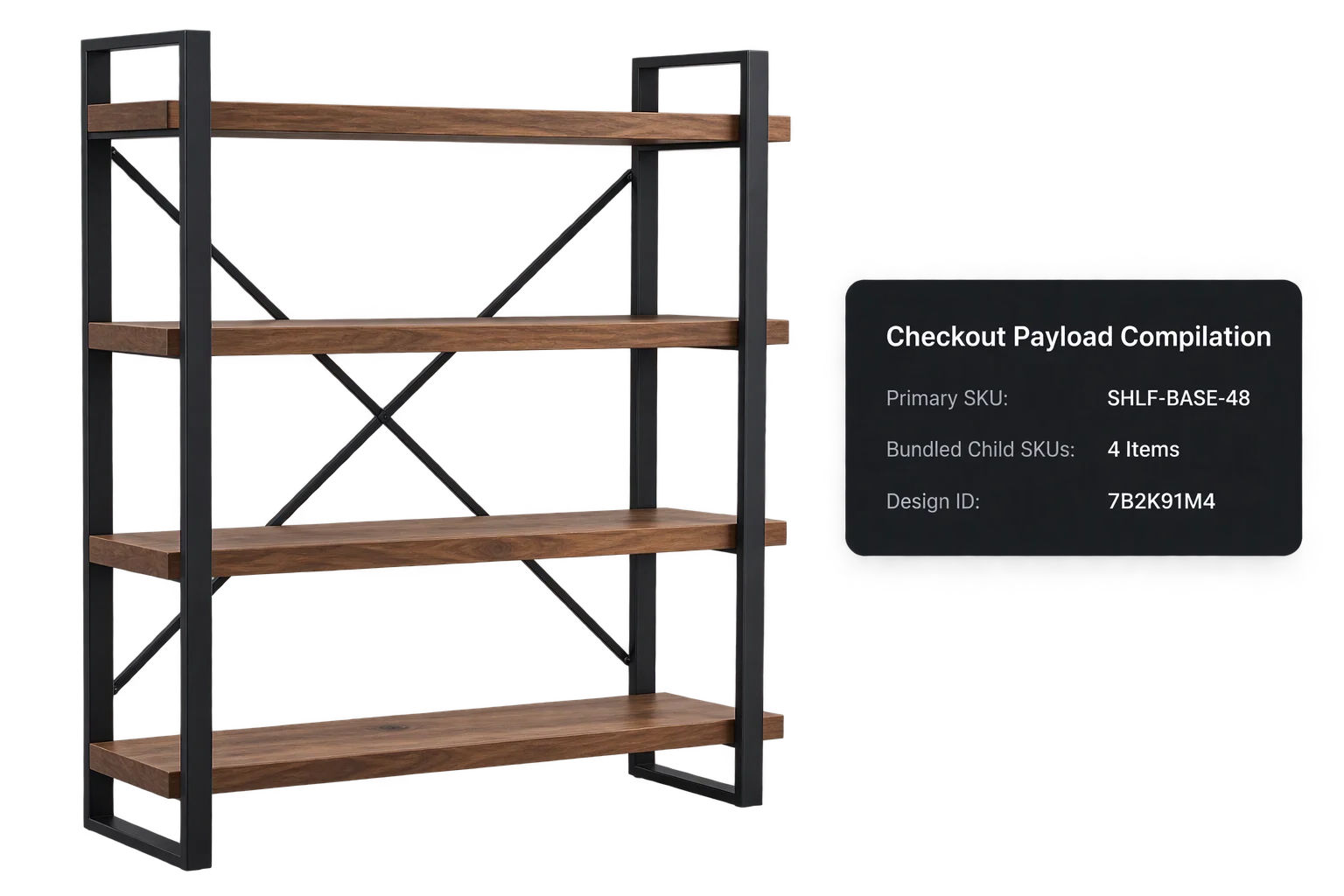
Bind build identifiers and bundle keys at checkout
When a buyer clicks Add to Cart, Aircada collects every active primary and child component into the checkout payload, assigns a shared 8-character design ID, and attaches hidden snapshot, purchase-association, and cart-association keys to the cart.
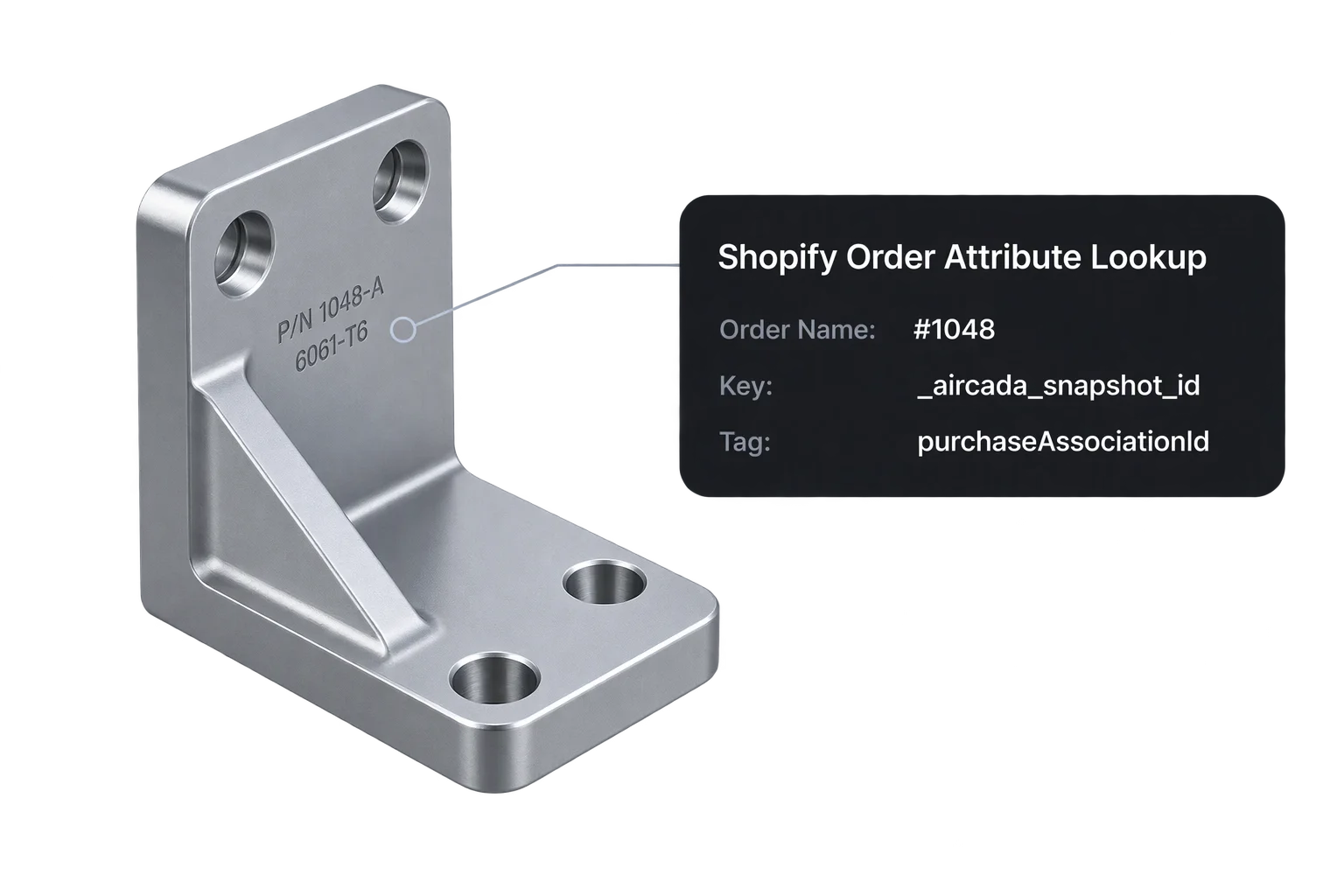
Query order line items and bundle group variants
Given a Shopify order number such as #1048, Aircada's order lookup queries up to 100 line items and their parent bundle groups via the Shopify Admin API, extracting component SKUs, quantities, custom attributes, and bundle variant options.
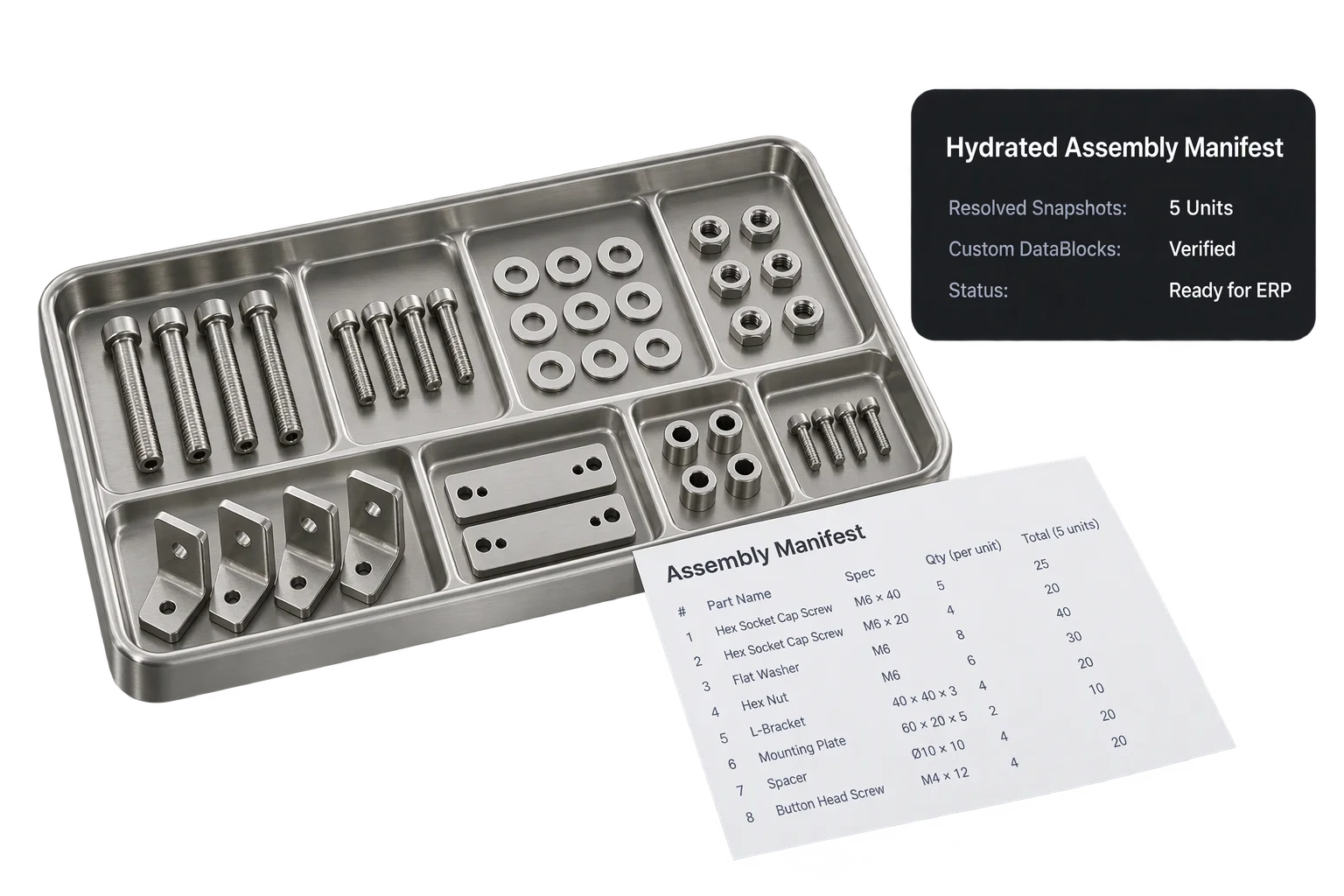
Fetch frozen 3D build records and output the assembly BOM
Aircada runs a 4-tier lookup across direct snapshot IDs, purchase tags, cart tags, and bundle design IDs to retrieve deduplicated saved 3D build records with every typed option value, uploaded artwork file, and 3D render preview.
| Extracted Field | Source in Order Flow | How Warehouse & ERP Teams Use It |
|---|---|---|
| Order ID & Order Number | Shopify Admin order lookup (accepts #1048 or 1048) | Anchors every resolved pick list and build sheet directly to your ERP or WMS order number. |
| Parent Bundle Group Info | Shopify line-item group title, quantity, product/variant ID, and bundle SKU | Keeps multi-part kits grouped together when a customer orders two or more custom builds in one cart. |
| Component Variant SKUs & Quantities | Up to 100 child line items per order query with variant title, SKU, and count | Drives accurate bin picking and automated inventory deduction for frames, brackets, buttons, and hardware. |
| Shared 8-Character Design ID | Bundle group variant selected option and fallback lookup tag | Guarantees order-to-build matching even if custom line attributes are modified after checkout. |
| Typed Configuration Specs | Frozen 3D build record (text, toggles, RGBA color swatches, X/Y/Z dimensions, ranges) | Supplies exact finish colors, measurements, and engraving strings for assembly stations and CNC setups. |
| Uploaded Artwork & 3D Preview Render | Direct file URLs, original filenames, and captured 3D build screenshots | Gives shop-floor technicians visual verification of the finished assembly alongside customer print files. |
| Hidden Fulfillment Identifiers | Underscore-prefixed snapshot, purchase-association, and cart-association keys | Keeps shopper confirmation emails clean while enabling automated webhook and Admin API reconciliation. |
How merchants use automated order and BOM extraction
Eliminate manual order note transcription across modular kits and engineered-to-order assemblies.
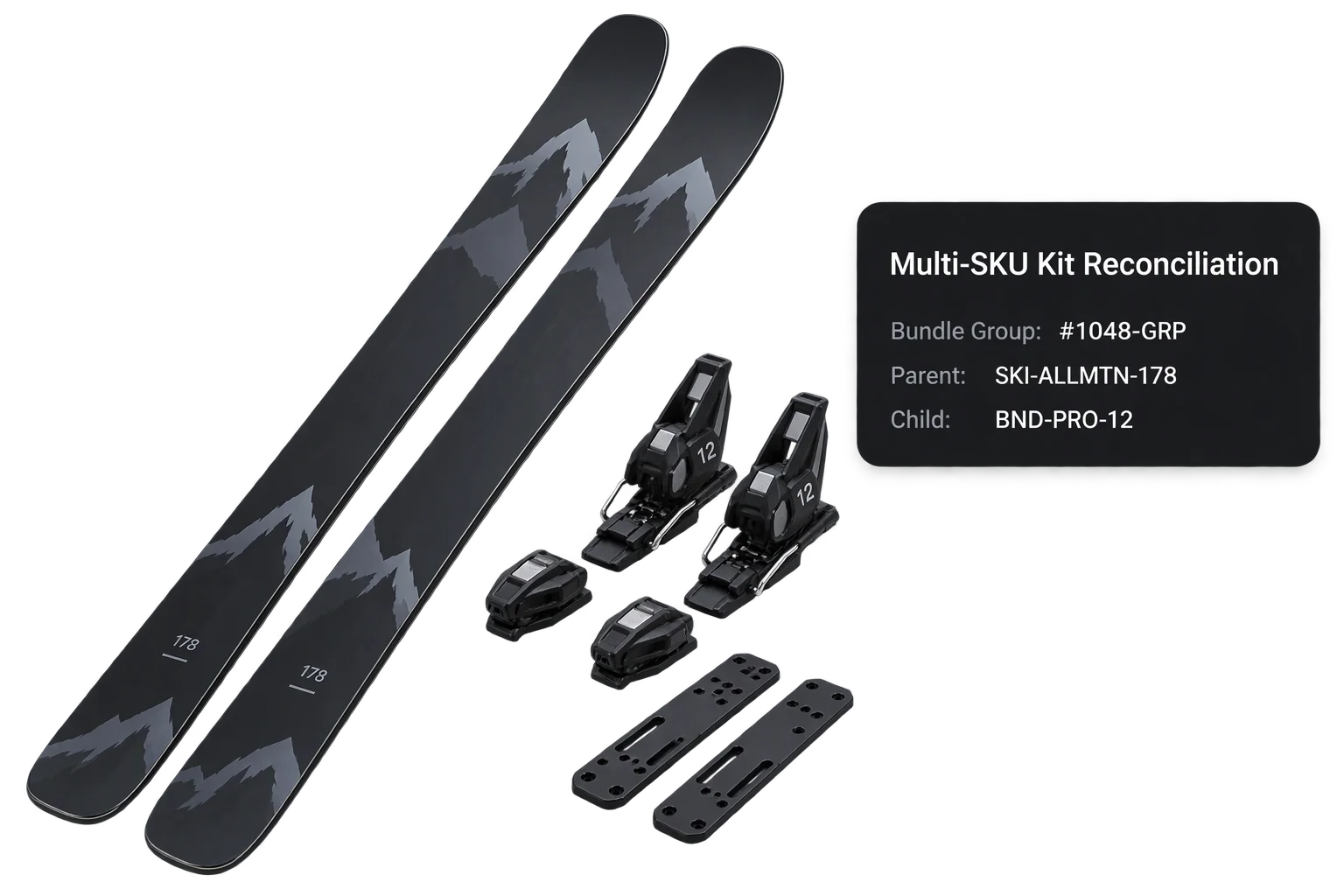
Multi-SKU bundle group and child variant reconciliation
When a customer buys a custom gaming controller, camera rig, or modular shelving system, Shopify groups the components under a bundle group. Aircada inspects both individual line-item attributes and parent bundle-group variant options so warehouse pickers see the exact parent-child kit structure.
Hydrated specification blocks for ERP and CNC routing
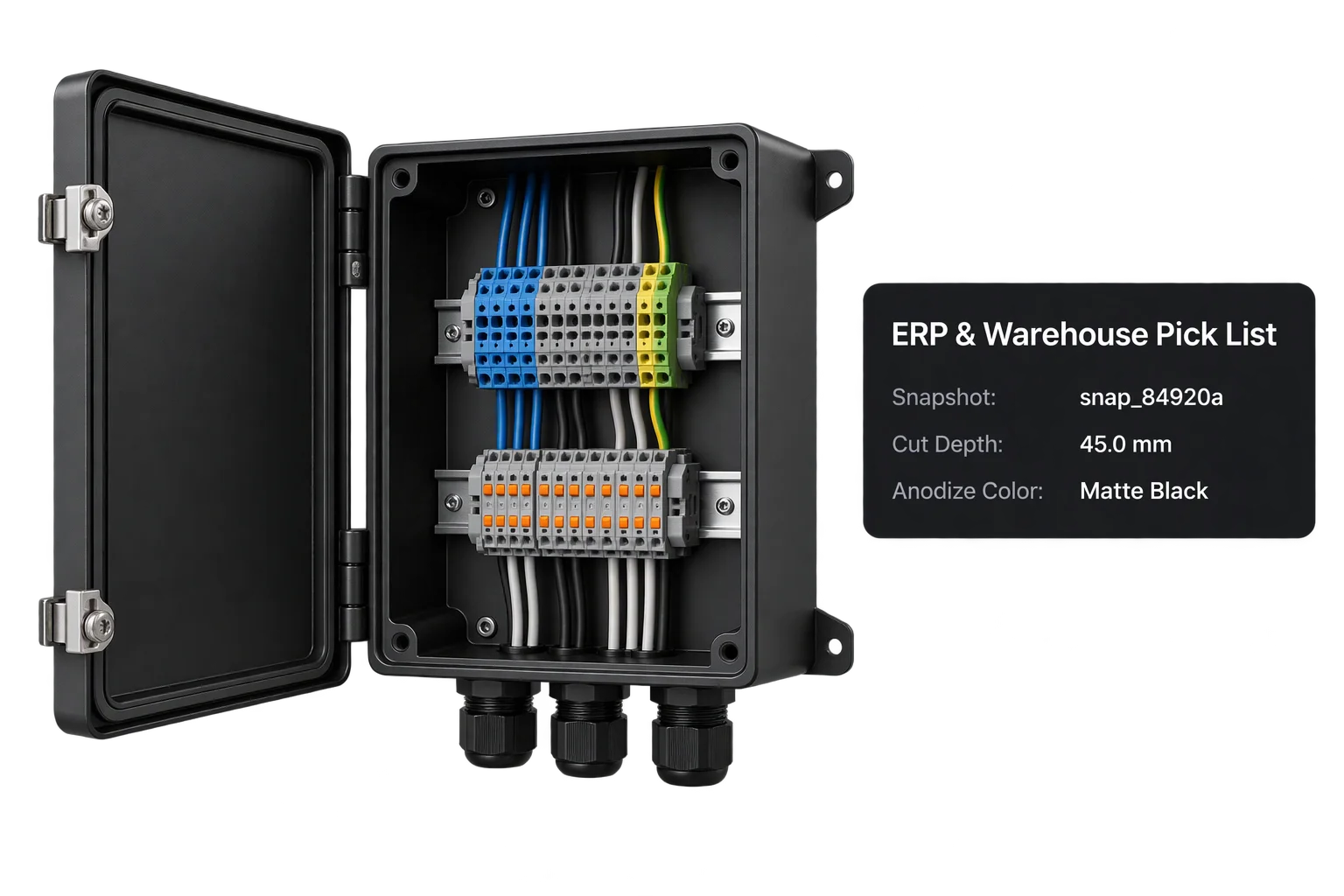
For custom electrical enclosures, industrial equipment, or bespoke furniture where one SKU carries dozens of dimensional and material parameters, Aircada retrieves the frozen 3D build record linked to the order and exposes structured, typed specification fields ready for your ERP or shop-floor work orders.
Responsibility Tiers
- 1 Native Aircada layer
- 1 Aircada Configuration layer
- 1 Custom Implementation layer
- 1 External layer
Responsibility Boundaries Across Assembly BOM Generation
How Aircada's checkout bundle collector, Shopify order reconciliation, custom ERP adapters, and store inventory divide responsibilities.
Bundled checkout aggregation, Shopify Admin order lookup & 4-tier build reconciliation
- Native Aircada
- Collects active component SKUs at checkout, queries Shopify order line items and bundle group variants, and deduplicates linked 3D build snapshots across snapshot ID, association tags, and design ID fallbacks.
Primary/component checkout wiring & SKU dataset mapping
- Aircada Configuration
- Studio setup of primary and component checkout connectors, bundle inclusion toggles, and option fields captured inside each saved build record.
ERP / WMS payload formatting & webhook listener
- Custom Implementation
- Formatting Aircada's resolved order bundle records and saved 3D build payloads into your specific ERP, NetSuite, or warehouse management CSV/JSON schema.
Shopify Admin API order permissions & physical inventory deduction
- External
- Storefront order creation, Shopify Admin order-read permissions, and warehouse inventory deduction for fulfilled child SKUs.
Frequently Asked Questions
How does Aircada link multiple line items in a Shopify order back to one 3D configuration?
Will customers see internal snapshot IDs and association keys on their checkout receipt?
Can Aircada resolve bundle group variants created by Shopify's native cart bundling?
Can Aircada connect 3D configurator orders to our ERP, NetSuite, or assembly workbench?
Automate your order-to-warehouse BOM handoff
Show us how your modular product or multi-part kit is structured and we will map out the exact checkout and order-extraction workflow.
Related capabilities
Explore the adjacent capabilities and integrations that pair with this workflow.
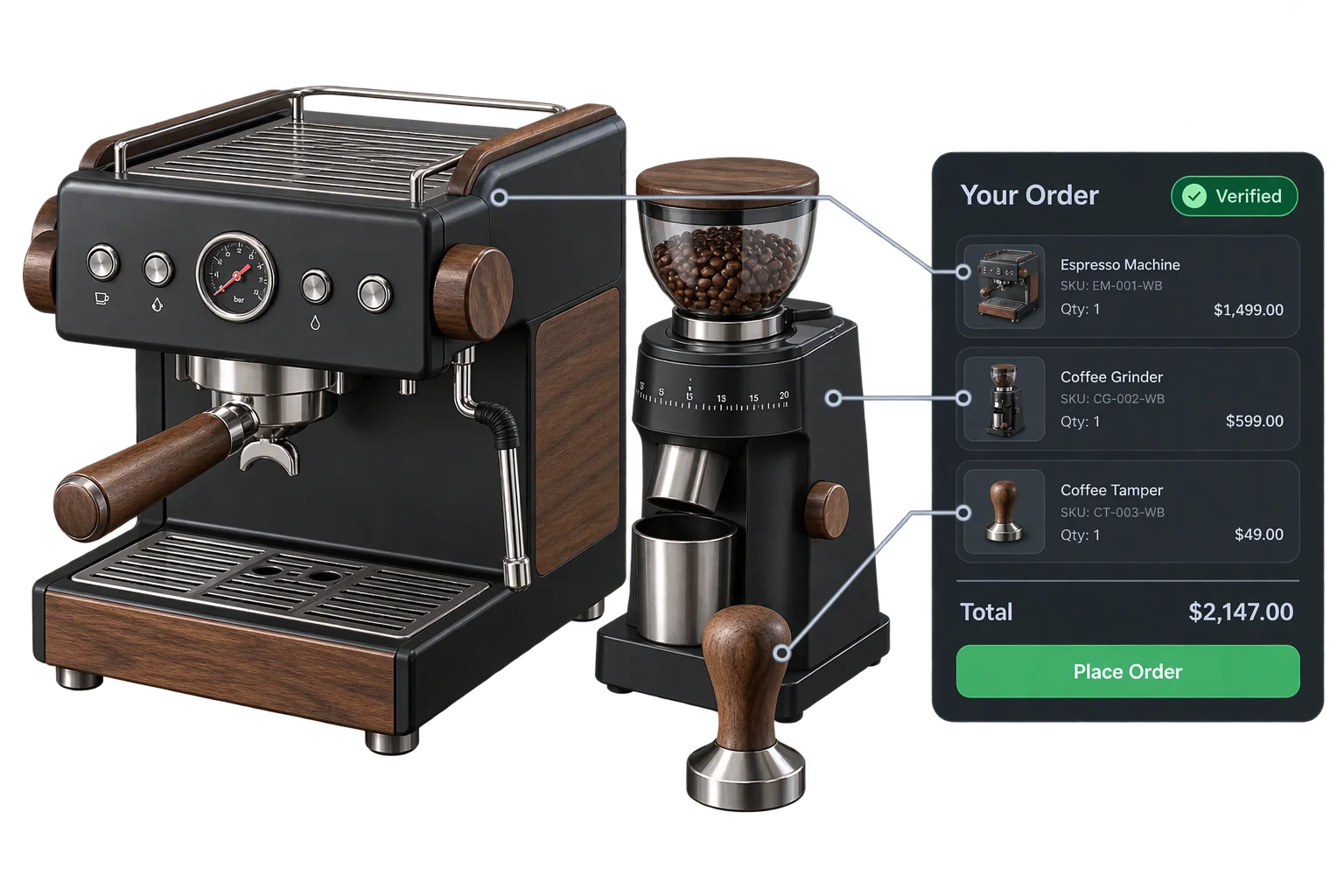
One-click multi-SKU 3D kits and bundle checkout
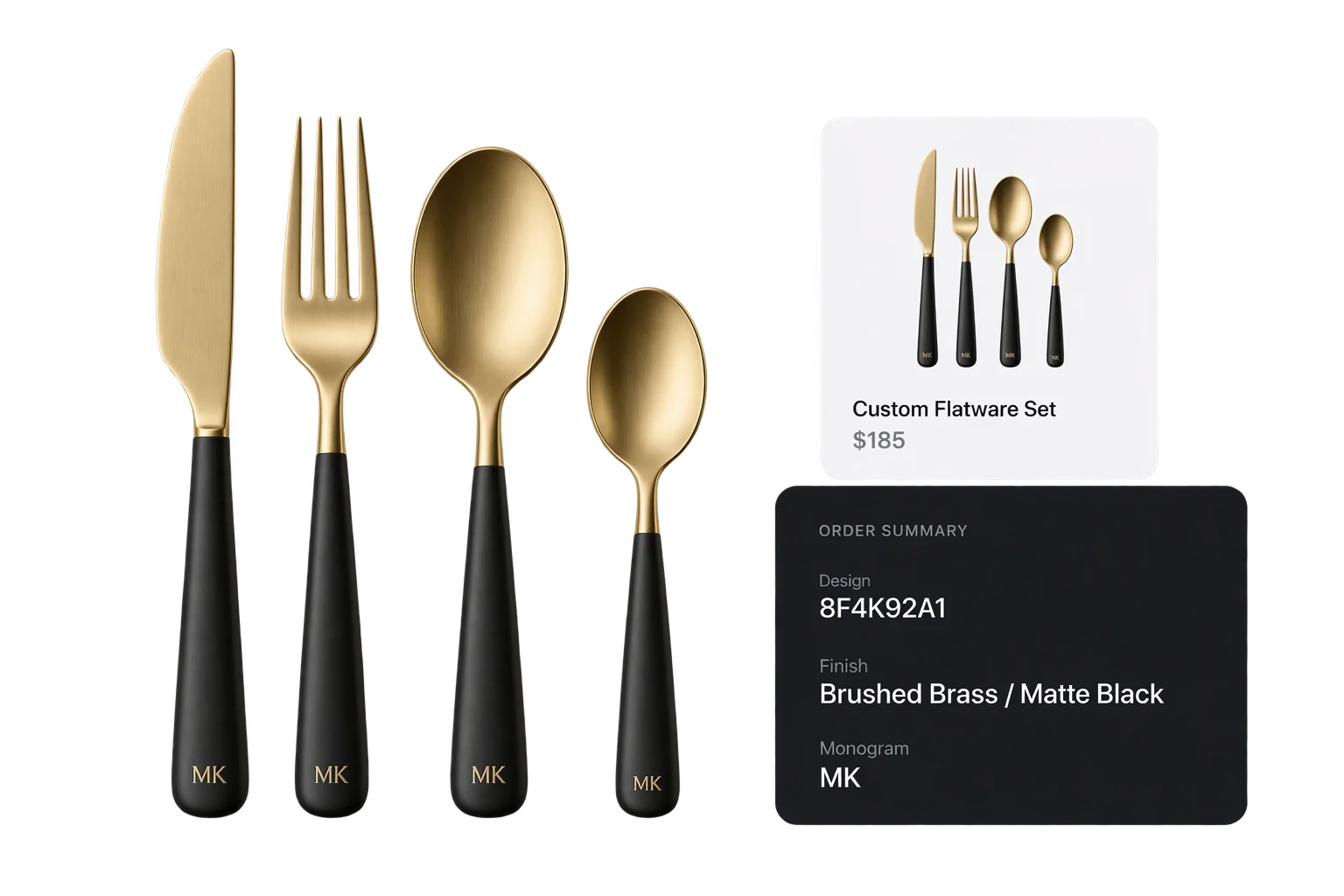
Live 3D cart thumbnails and verified design IDs
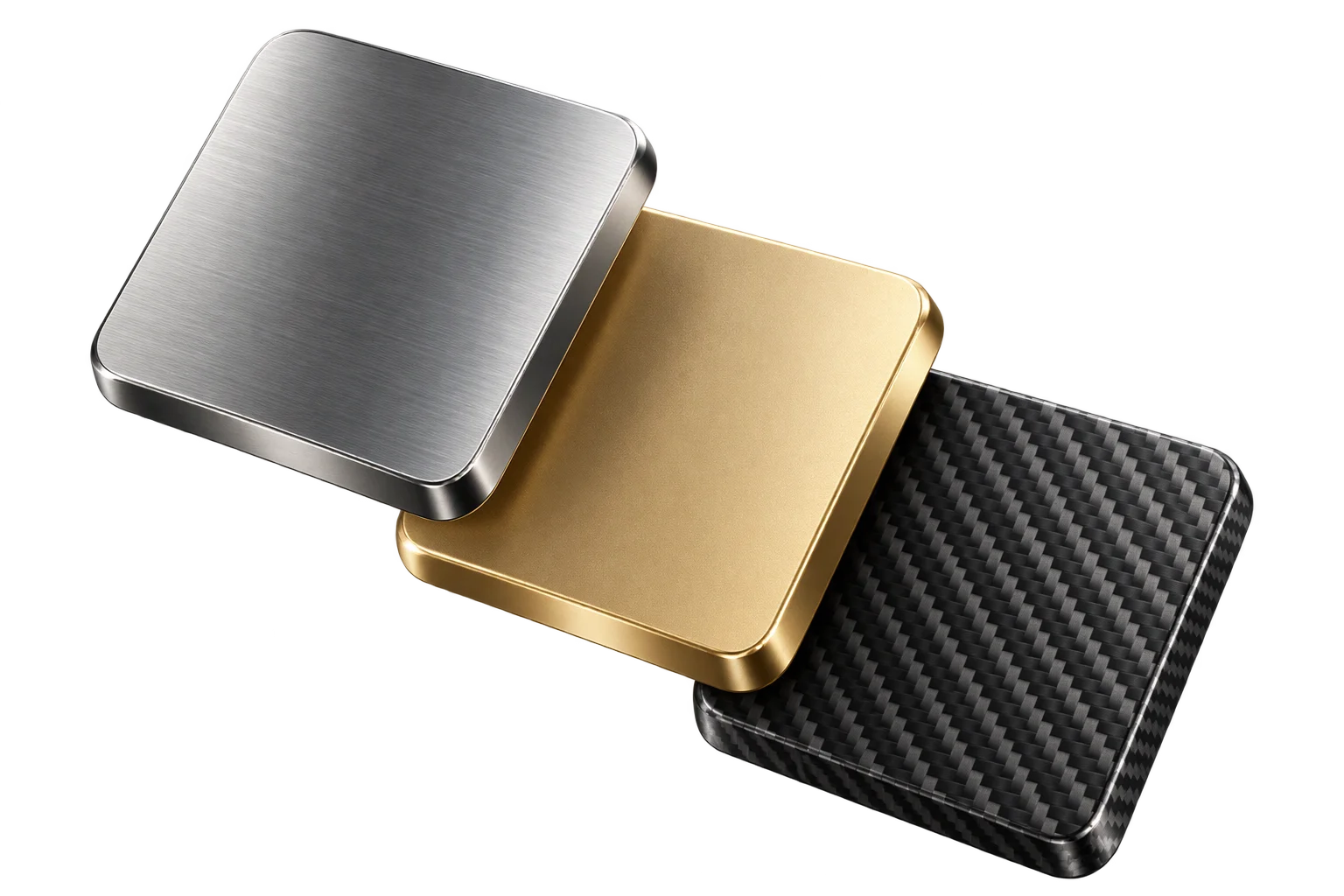
Spreadsheet-driven 3D swatches, SKUs, and pricing