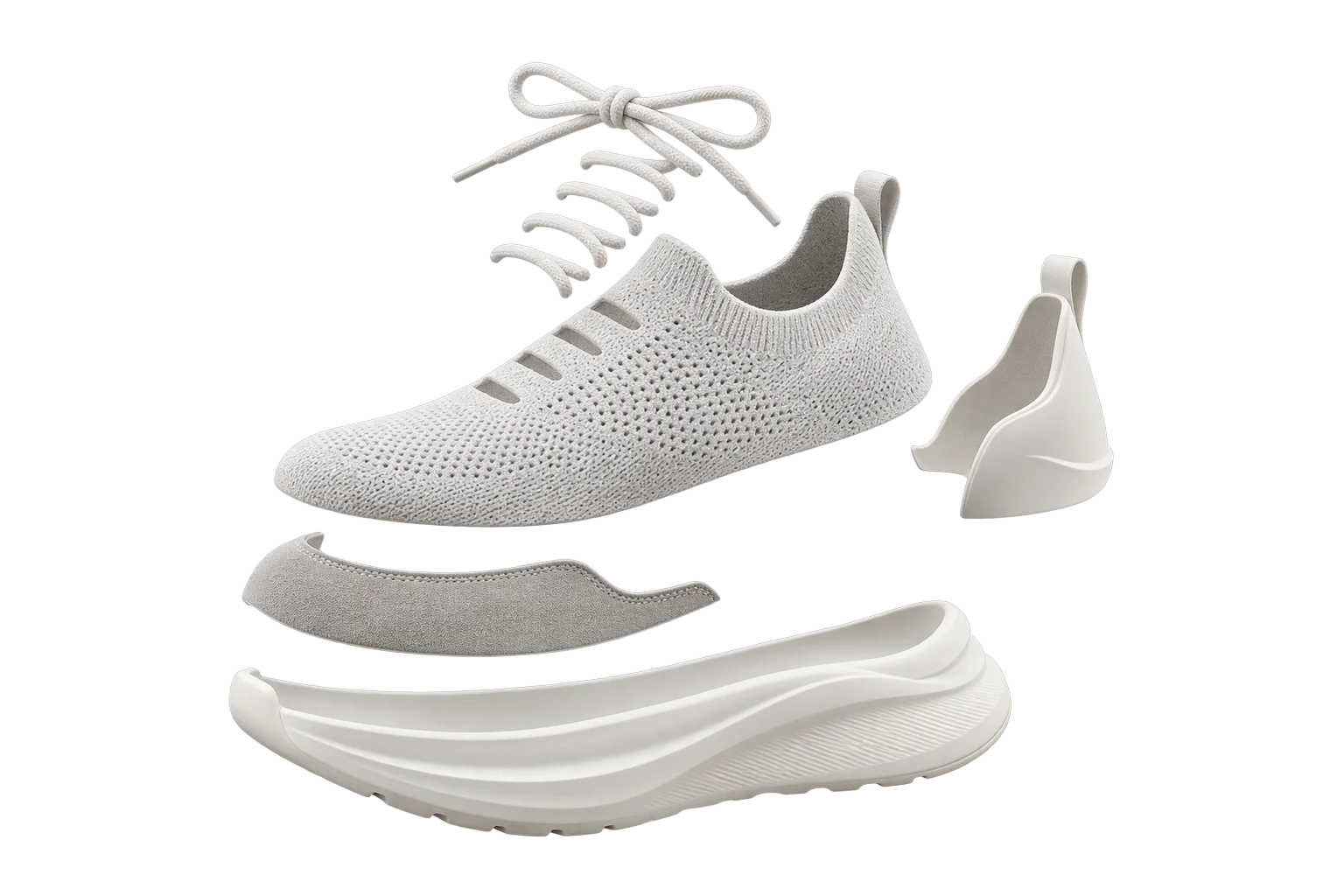
Real-time 3D part, finish, and hardware swaps
Multi-part hardware catalogs quickly collide with ecommerce variant limits and leave mobile shoppers struggling to see rear or recessed upgrades. Aircada swaps nested 3D sub-assemblies and per-zone finishes live, automatically frames the camera onto each selected part's bounding box, and writes the exact component bill of materials and visual proof onto every order.
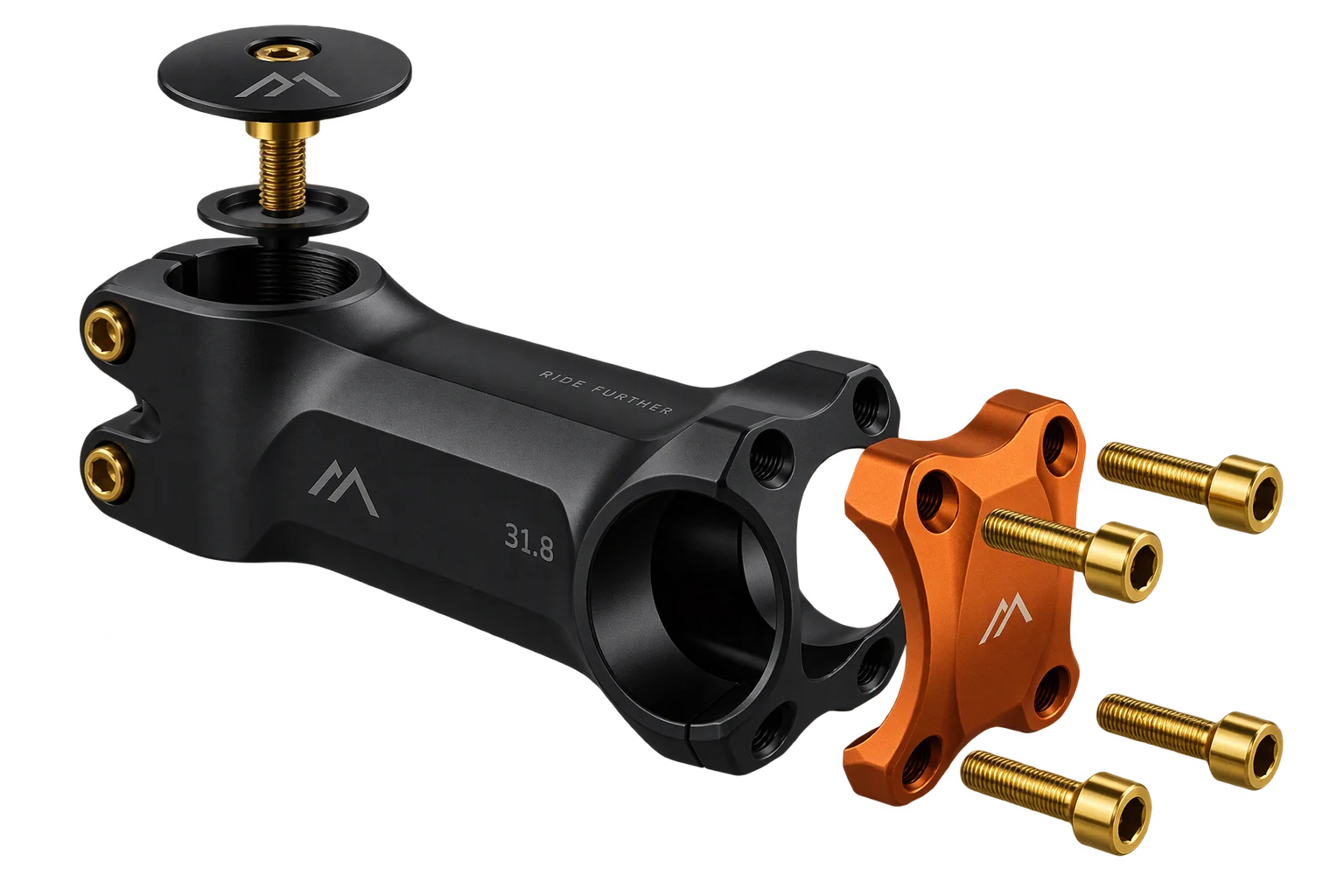
Configure every zone without variant bloat
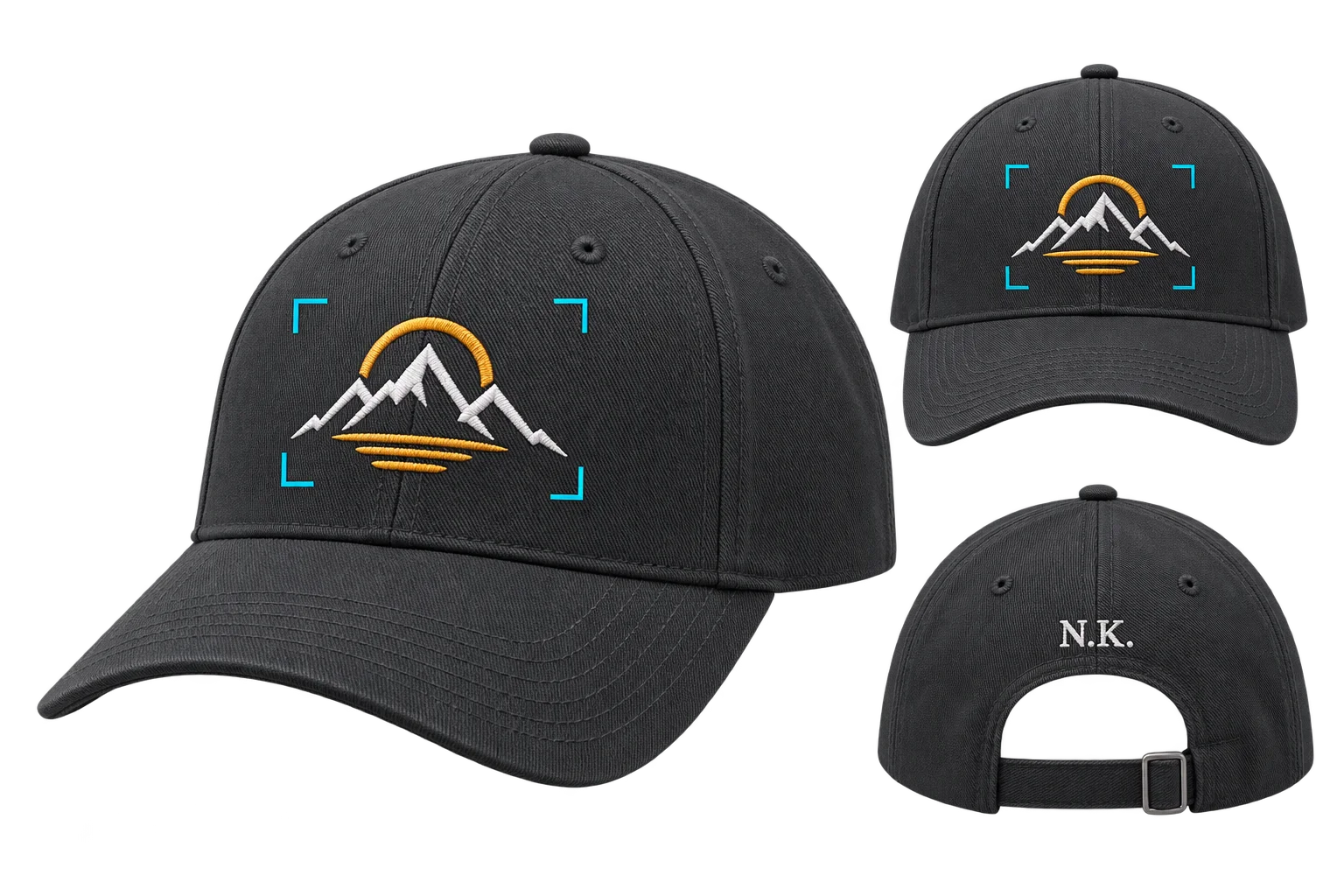
A buyer selects a component size, swaps the anodized faceplate finish, and upgrades fasteners in one 3D scene. At checkout, Aircada resolves base pricing against your Shopify variant or pricing model and writes every component SKU, finish code, and visual proof into structured line-item properties instead of creating thousands of dummy variants.
Illustrative example shown.
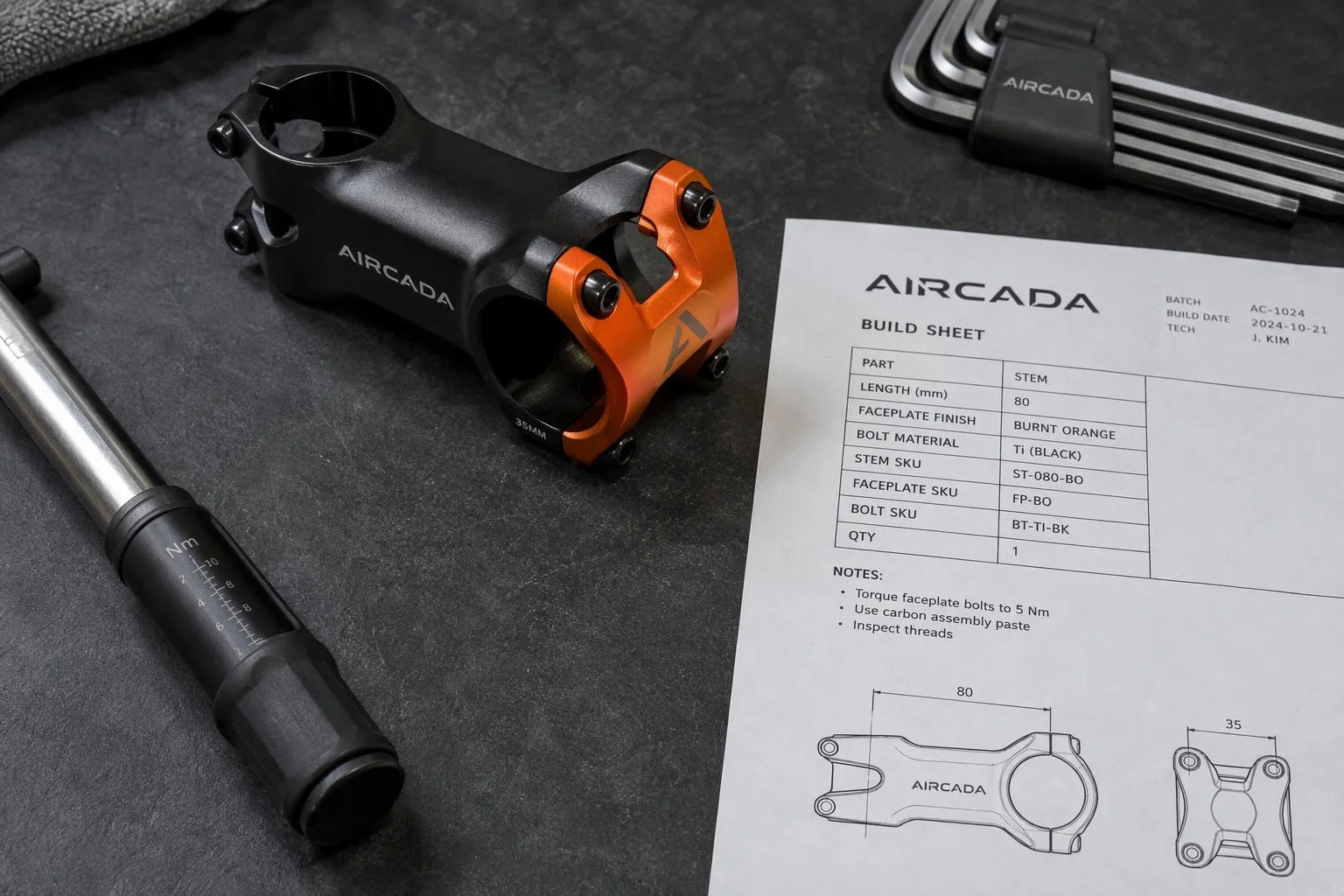
From part selection to order-linked assembly specs
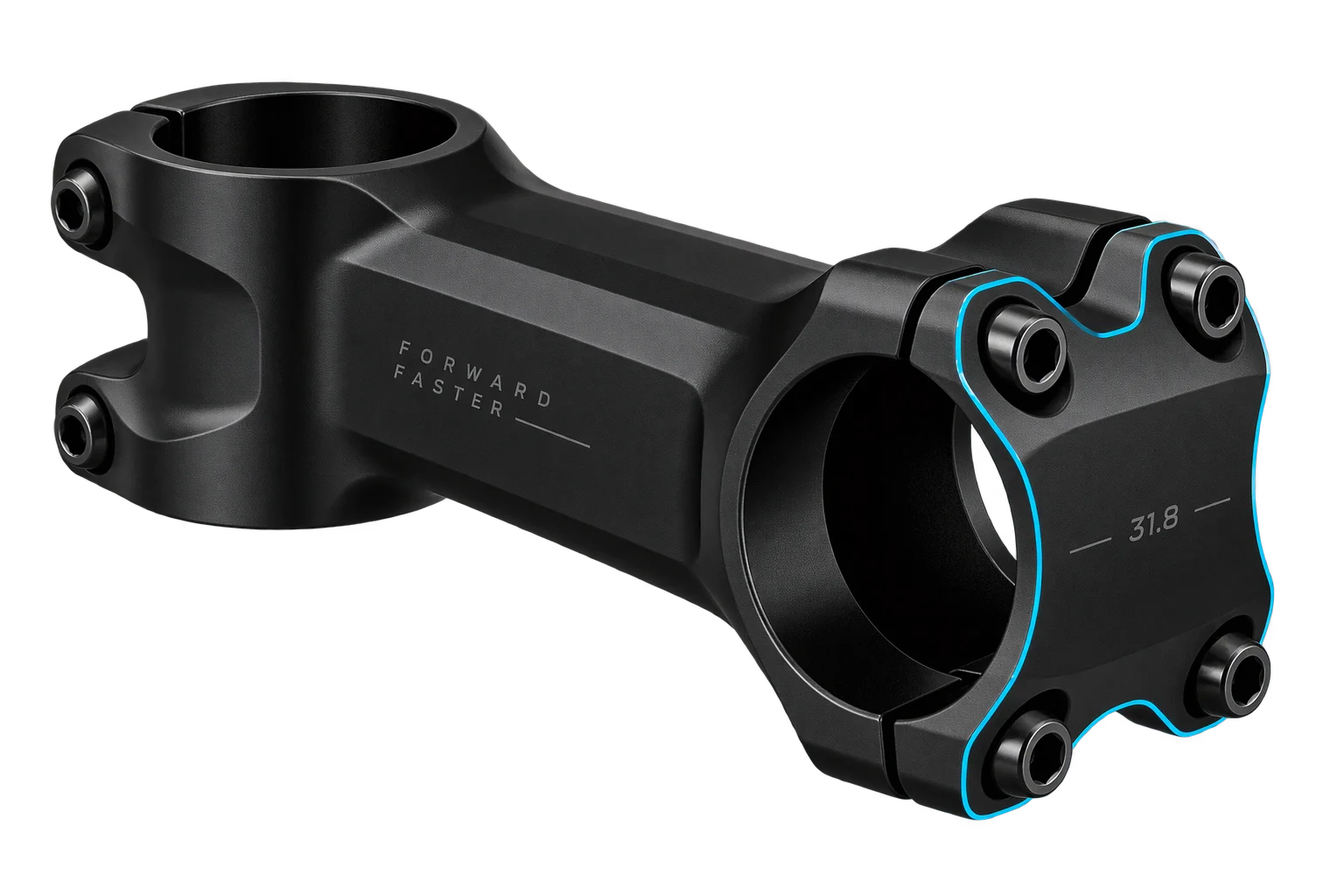
Pick a component zone
Shoppers tap a part group or hardware upgrade in the configurator menu, and Aircada automatically computes that sub-assembly's 3D bounding box to frame the camera smoothly onto the zone, even on rear or recessed parts.
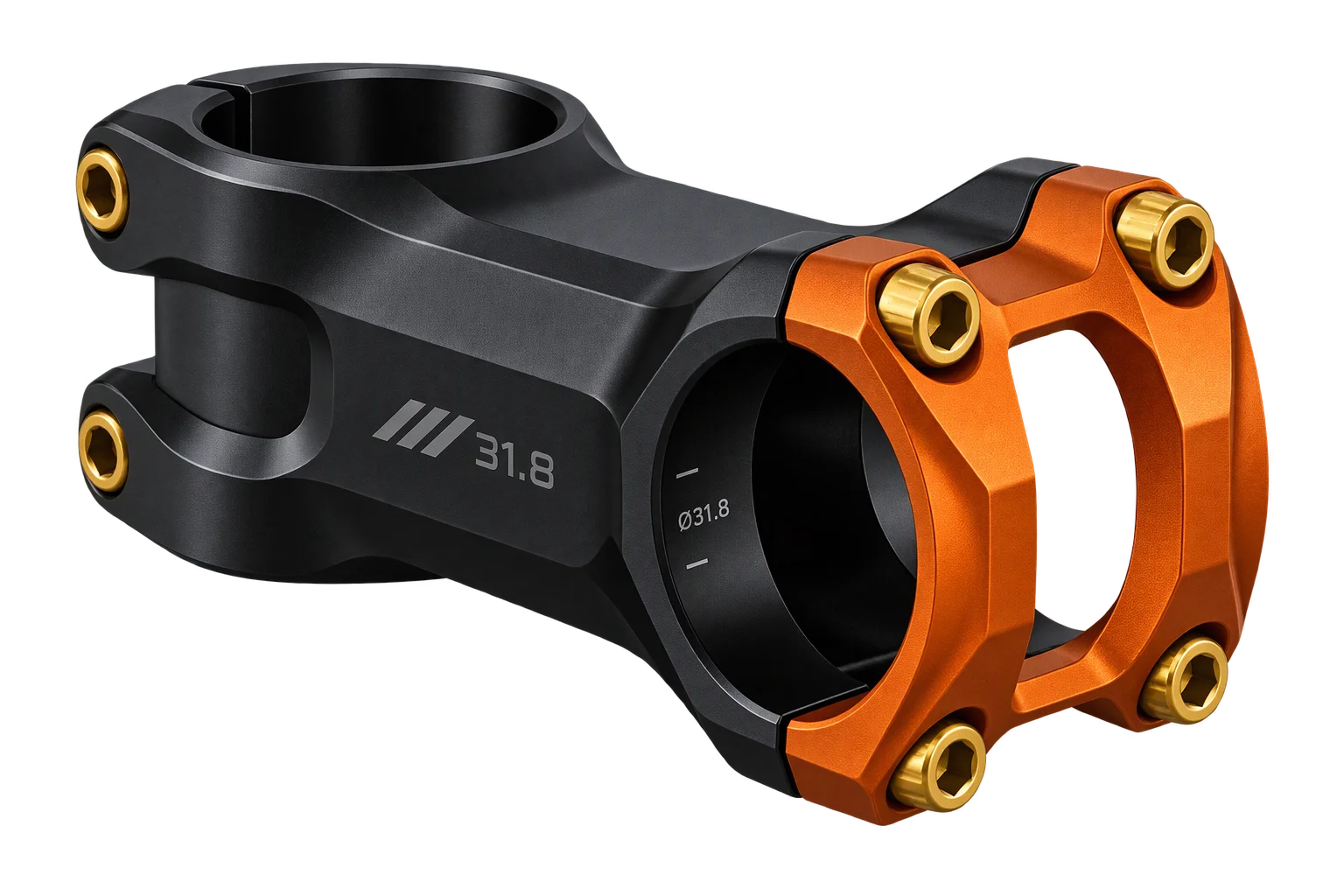
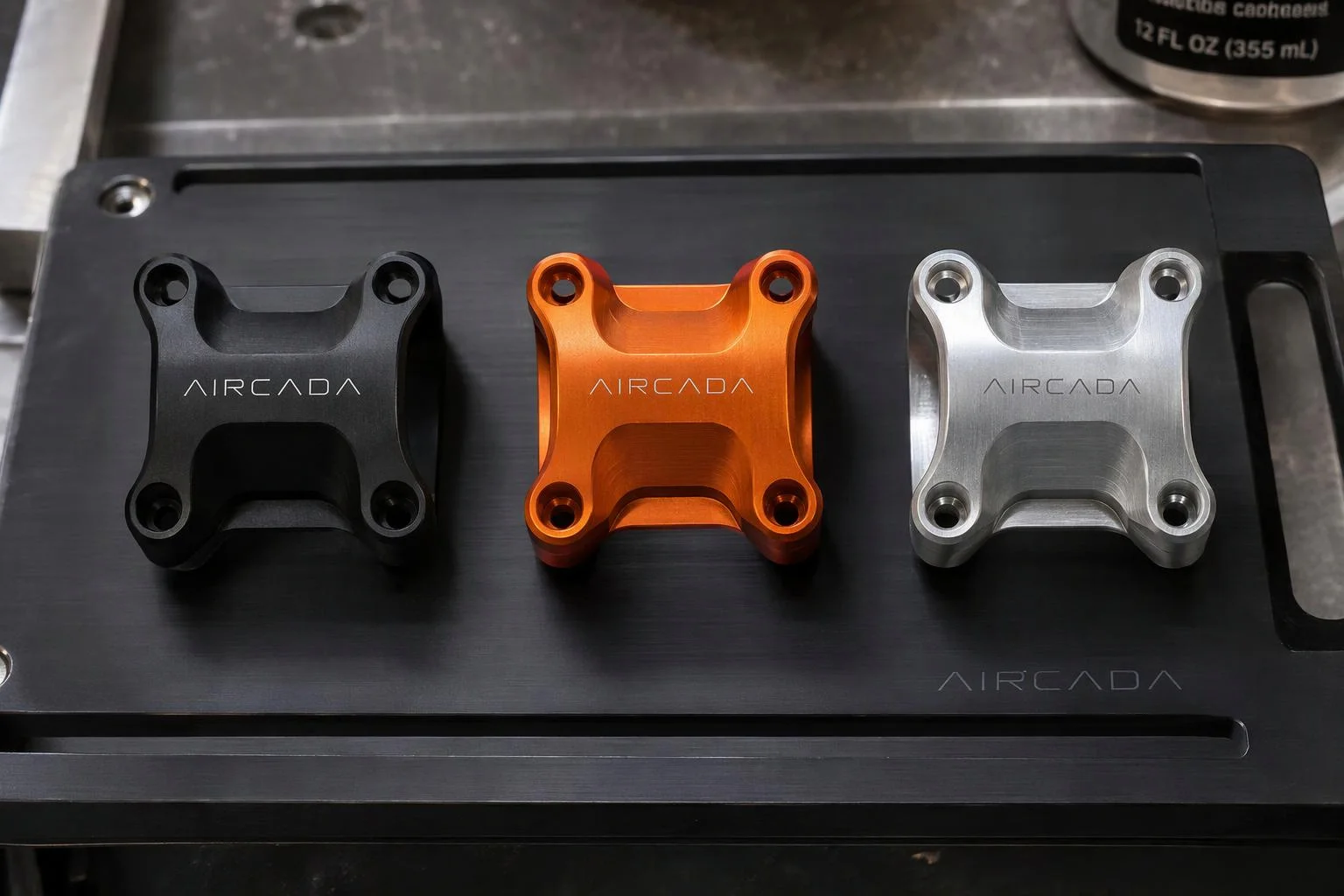
Swap parts and finishes live
Each selection toggles mutually exclusive child meshes and updates per-zone surface materials in real time without reloading the 3D scene. Invalid or conflicting pairings stay hidden or swap automatically according to your dependency rules.
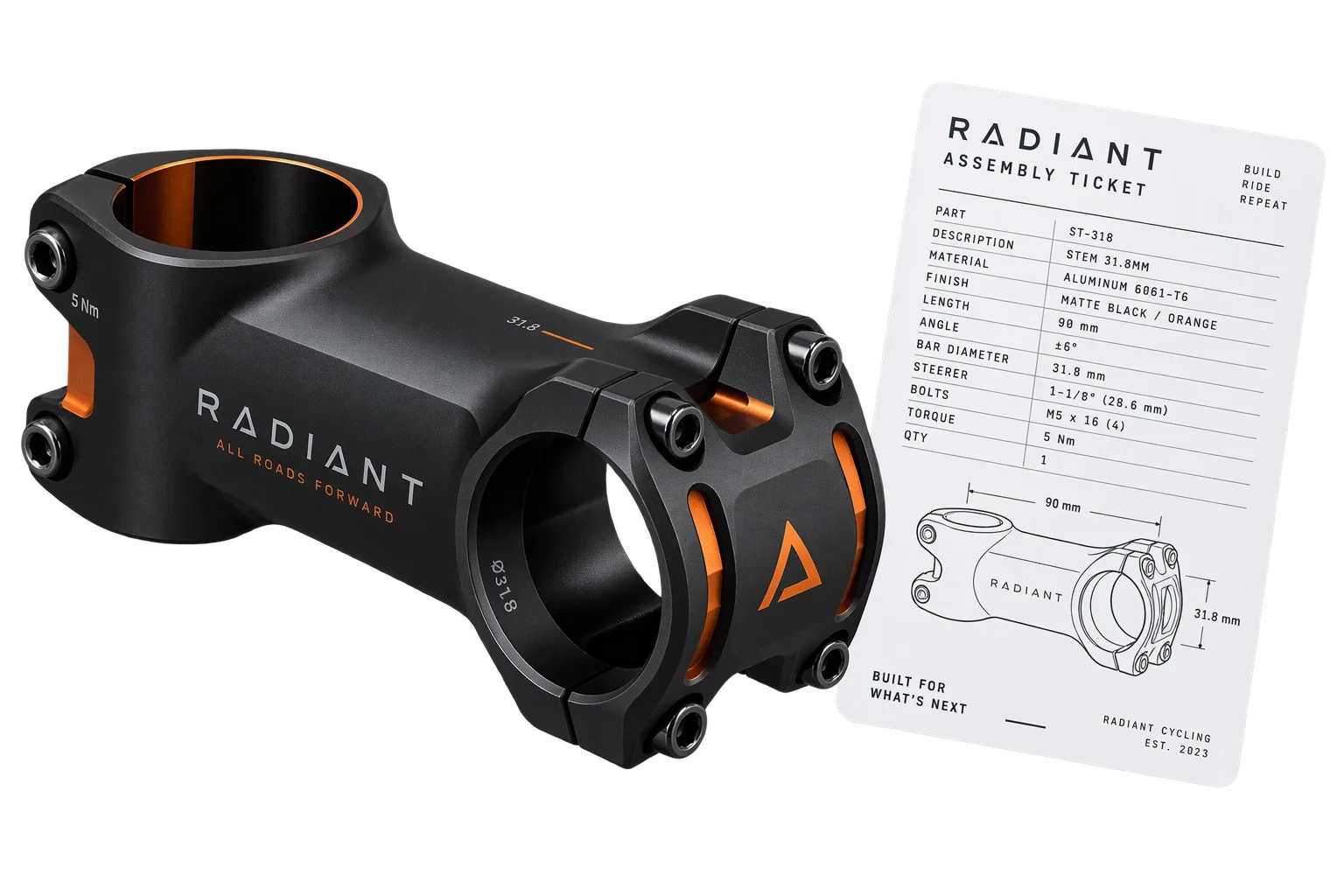
Attach a parts list to the order
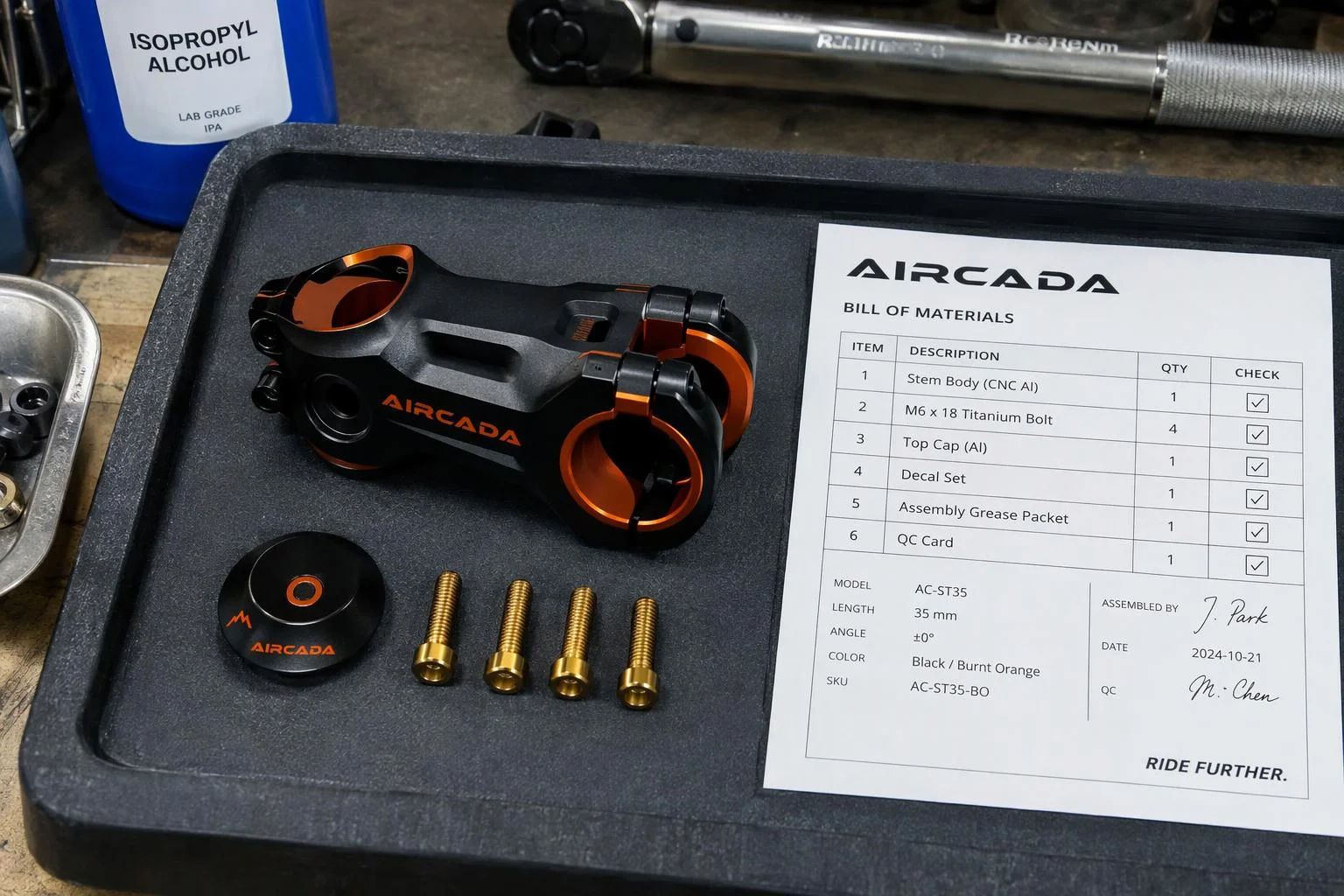
Checkout resolves the active build to your storefront variant or custom pricing model and writes each selected component SKU, finish code, and rendered visual proof straight onto the order line item for bench assembly.
Frame hidden hardware automatically
High-margin upgrades frequently sit on rear housings, underside clamps, or recessed fasteners where mobile shoppers rarely orbit on their own. Aircada's automatic camera framing targets up to 10 sub-assembly units at once using orbit-invariant containment or 8-corner bounding-box projection, with configurable margins and minimum-scale clamps so tiny parts stay framed cleanly.
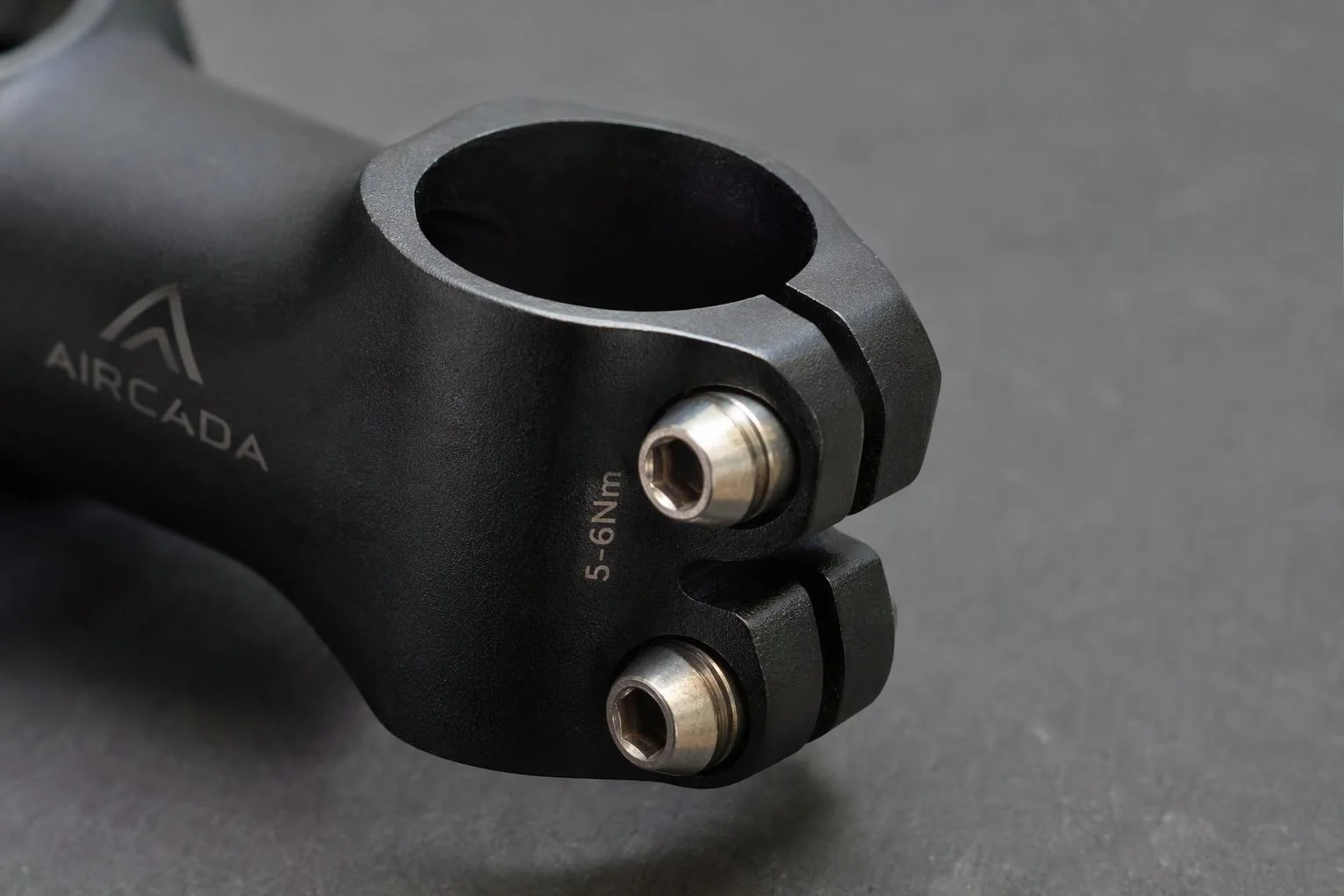
Manage hundreds of thousands of combinations on one product
Combine swappable 3D parts, per-zone finishes, and optional accessories inside one configurable product template instead of hitting Shopify's variant ceiling or maintaining duplicate customizers per model line. On Cinch Gaming, consolidating PS5 and Xbox into one shared catalog cut option management time by 50%.
Give technicians exact assembly specs
At checkout, Aircada maps core options to your storefront variant or pricing model while serializing every individual part choice, finish code, and internal assembly SKU into structured order metadata alongside a visual proof. Includes dry-run validation mode so teams verify complete BOM payloads before going live.
Solving variant explosion and hidden mobile hardware
When a configurable product has 10 or 25 independent parts (shells, faceplates, fasteners, triggers, lighting, or accessories), generating a separate ecommerce SKU for every combination is impossible. Merchants either force buyers through long dropdown menus with static photos, or split their catalog across disconnected product pages that double catalog maintenance.
Aircada manages modular products through a parent-child 3D hierarchy with cascading visibility states (visible, hidden, and parent-hidden) and mutually exclusive child visibility switching, so swapping an outer housing or accessory package toggles all nested sub-parts cleanly without transform drift. Whenever a buyer taps a specific zone, Aircada's automatic camera framing calculates the target sub-assembly's real 3D bounding box (supporting orbit-invariant containment or real-time 8-corner frustum projection across up to 10 target units, with minimum-scale clamps so tiny bolts never over-zoom) and frames it cleanly for both desktop and mobile screens.
| Capability | Supported Options / Behavior | How Hardware Brands Use It |
|---|---|---|
| Scene Hierarchy & Visibility | Parent-child cascading visibility (Visible, Hidden, Hidden-by-Parent) with ordered child layers | Swaps entire sub-assemblies (shells, grips, accessory kits) cleanly without transform drift. |
| Exclusive Part Switching | Next, Previous, and direct Set-Index switching with optional looping and first/last boundary triggers | Cycles mutually exclusive hardware options (faceplates, thumbsticks, frames) with zero overlap. |
| Guided Auto-Framing | Targets all visible parts or up to 10 specific units; Legacy, Contain, and Dynamic Contain fit modes | Swings and zooms cleanly onto rear buttons, fasteners, or recessed details on mobile and desktop. |
| Framing Fine-Tuning | Axis locks (All, Vertical Y, Horizontal XZ), zoom factor, margins & offsets (-1 to +1), min scale clamp | Keeps framed components clear of mobile bottom drawers and prevents over-zooming on tiny bolts. |
| Storefront Variant & Pricing | Shopify variant picker, custom pricing model rules, and dry-run validation mode | Supports 148,000+ part combinations (Cinch Gaming) without hitting platform variant caps. |
| Assembly BOM Handoff | Structured line-item properties containing component SKUs, finish codes, and visual proofs | Gives shop-floor technicians an exact build ticket instead of ambiguous free-text order notes. |
Proven on high-combination hardware and accessory catalogs
Each product is wired with your part hierarchy, valid material pairings, camera focus targets, and internal SKU codes during setup. Multi-component configuration runs in production on Cinch Gaming, where 25 configurable controller parts per console (50 total across PlayStation 5 and Xbox Series X, representing 148,176 baseline combinations) use guided camera framing and structured bench specs in one unified catalog. After switching to Aircada, Cinch observed a 191% lift in add-to-cart rate, a 52% increase in visitors reaching checkout, over 50,000 custom builds added to cart, and 50% less time spent managing options.
On Skip's Garage, buyers configure three board construction tiers, matching or split board graphics, dual bag color sets across 16 colors, corn or resin fill, carrying cases, and 7-color Hole and Edge LED lighting in one 3D workflow synced to Shopify variant pricing and structured order properties, saving roughly 30 minutes of manual order preparation per configurator order.
Responsibility Tiers
- 1 Native Aircada layer
- 1 Aircada Configuration layer
- 1 Custom Implementation layer
- 1 External layer
Responsibility Boundaries Across 3D Component Configuration
How Aircada's scene hierarchy, Studio option wiring, and your storefront fulfillment divide responsibilities.
Sub-assembly swapping, bounding-box auto-framing & BOM serialization
- Native Aircada
- Manages parent-child mesh visibility cascades, mutually exclusive child switching, 3-mode bounding-box auto-framing across up to 10 target units, and structured order line-item handoff.
Part hierarchy, valid pairings, camera margins & internal SKU mapping
- Aircada Configuration
- Configured in Studio by linking 3D sub-meshes, per-zone finishes, camera framing targets, dependency rules, and your assembly SKU codes without custom engine code.
Custom mobile drawer layouts, assembly tickets or ERP webhook transforms
- Custom Implementation
- Tailored mobile step UIs (such as Cinch Gaming's 4-drawer layout), custom build-sheet views, or middleware mapping line-item BOM metadata to downstream factory ERPs.
Ecommerce cart session, inventory tracking & physical assembly
- External
- Managed by your commerce platform (such as Shopify) and your shop-floor assembly technicians.
Frequently Asked Questions
Will a multi-part 3D configurator break Shopify's variant limit?
How do shoppers see small or hidden hardware on mobile screens?
Does our fulfillment team get an exact parts list with every order?
Can we restrict incompatible part and finish combinations?
Can we combine multiple product lines or accessory kits in one configurator?
Test your multi-part catalog in 3D
Send a product assembly and your component option matrix. We will configure a working 3D part and finish showcase wired to your order schema.
Related capabilities
Explore the adjacent capabilities and integrations that pair with this workflow.

Preview laser engraving and monograms in 3D
Buyer-approved visual proofs attached to every order
One-click multi-SKU 3D kits and bundle checkout