True-scale wood grain and fabric across modular parts
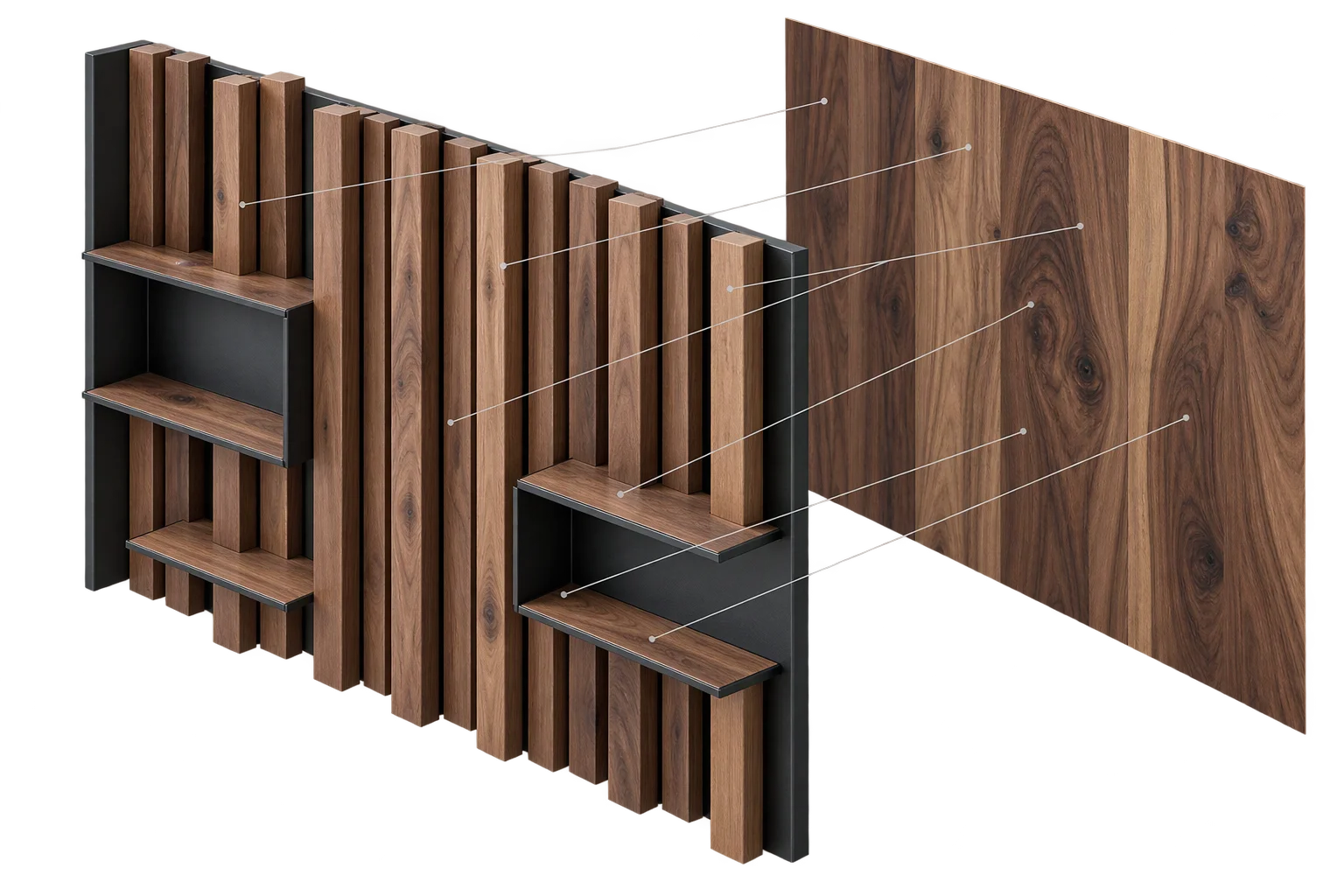
When shoppers stretch a custom table from 36 to 96 inches or add 80 wooden slats to a modular wall, standard 3D viewers stretch the wood grain like taffy, repeat identical knots on every board, or freeze when switching finishes. Aircada locks textures to real-world inches across resized parts and varies grain across repeated modules, using one shared GPU material so finish swaps stay instant.
Why custom-sized and multi-part 3D products often look fake or lag on finish swaps
If you sell made-to-measure tables, custom cabinetry, acoustic slat walls, or modular shelving, a single product might scale from 24 inches to 96 inches or combine over a hundred individual boards. In standard 3D web viewers, resizing a panel stretches the wood grain or fabric weave out of proportion, while repeating the same board dozens of times stamps the exact same knot pattern down the entire row. When developers try to fix this by duplicating the material for every part, switching from Oak to Walnut forces the browser to recompile dozens of shaders at once, freezing the page on mobile.
Aircada solves both visual realism and runtime speed in one material pipeline. Each part automatically recalculates its texture tiling from its live physical scale across the chosen projection plane and shifts its grain offset per board, while every part linked in Instance mode shares one compiled WebGPU shader through lightweight per-object GPU uniforms. Buyers see natural, non-repeating wood, stone, and upholstery at any dimension, while every resized panel dimension, board count, and finish selection syncs cleanly into dynamic pricing and Shopify or headless checkout orders.
Why standard 3D configurators struggle with custom sizes and repeated parts
Stretched textures, cloned knots, and finish-swap freezes
Stretched wood grain and fabric weaves on custom sizes: When a shopper drags a width slider from 30 inches to 84 inches, static texture mapping stretches wood pores, carbon fiber weaves, and fabric patterns like rubber. Identical repeating knots across modular boards: Repeated decking boards, cabinet doors, or acoustic slats display the exact same wood knot or marble vein in lockstep, making a premium product look artificial. Browser freezes when switching finishes on large assemblies: Duplicating materials so each part can carry its own texture scale forces the browser to recompile dozens of shaders whenever a customer clicks a new finish swatch.
Physical texture scale and instant finish swaps across 100+ parts
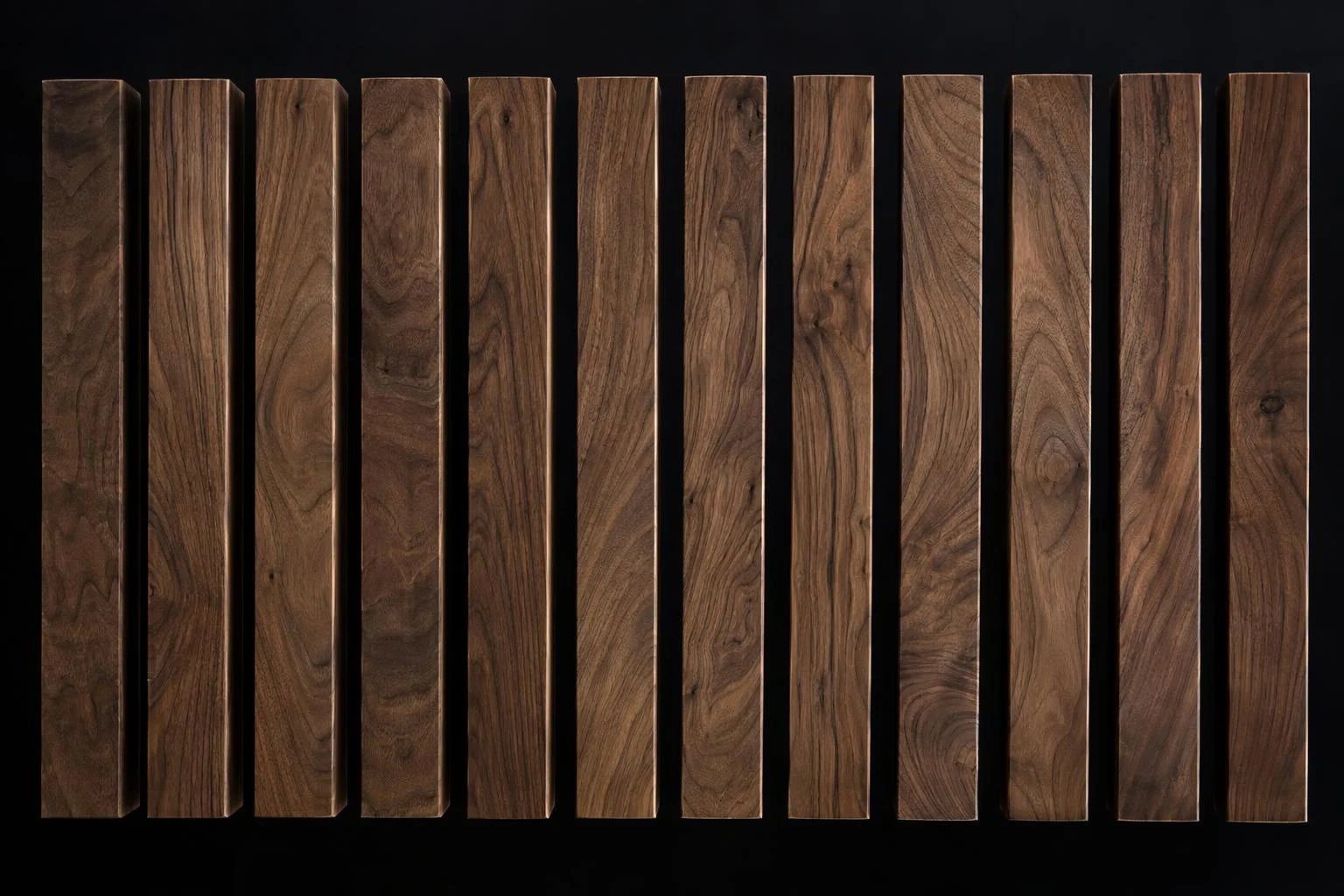
Texture density locked to real-world inches or millimeters: As a customer resizes a tabletop or panel, Aircada recalculates texture tiling from the part's live physical scale and swatch aspect ratio so a 2-inch fabric weave stays 2 inches wide. Natural per-board grain variation without extra texture files: One tileable wood or stone texture is offset per part on the GPU so 40 adjacent slats each show a distinct section of grain without downloading 40 separate images. Instant finish switching across complex modular builds: Because linked parts share one compiled WebGPU shader and pass per-part scale, offset, wrapping, and tint as lightweight GPU uniforms, changing finishes across 100+ parts never stutters.
Eliminate artificial 'rubber-stamp' repetition on modular parts
When 40 identical wooden slats, decking boards, or stone tiles share the exact same texture coordinates, shoppers immediately notice the fake repeating pattern. Aircada links all repeating boards to a single instanced master material while updating per-part UV offsets, tints, and wrapping modes on the GPU, giving every plank organic grain placement from one downloaded swatch.
Stretch-free wood grain and upholstery on custom-sized products
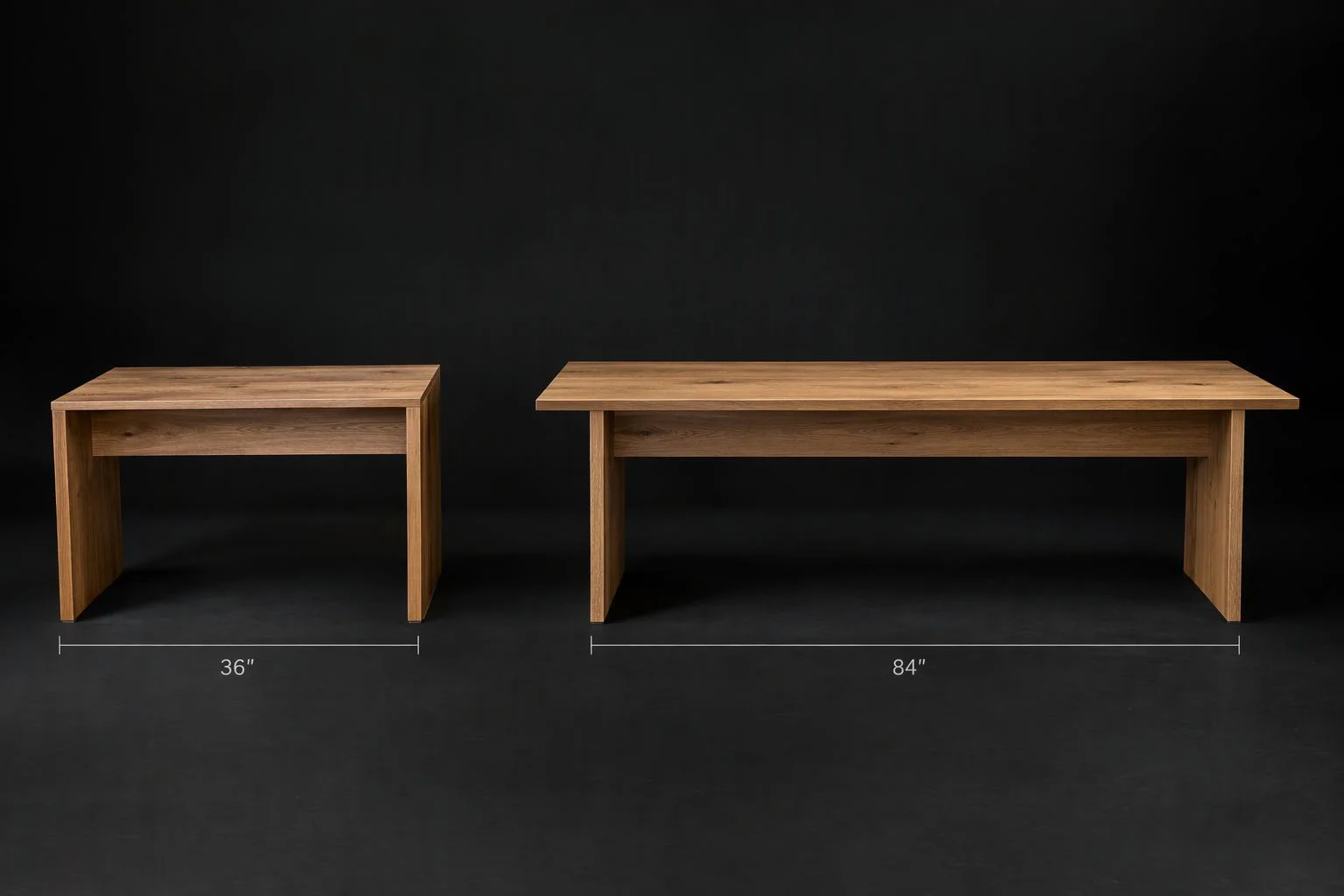
Scaling a tabletop, countertop, or cushion along one axis normally distorts its surface pattern. Aircada reads each part's live scale along the configured projection plane (XY, XZ, or YZ) and recalculates texture tiling automatically using the swatch's true aspect ratio, while keeping baked contact shadows and seam shading locked on a separate UV channel.
| Control | Supported Options | Why It Matters for Configurable Products |
|---|---|---|
| Material Sharing Modes | Instance (shared shader + per-object uniforms), Copy, Levels | Lets 100+ slats, doors, or cushions share one compiled GPU shader so finish swaps stay instant on mobile. |
| Auto-Scale Projection Planes | XY, XZ, YZ planes | Matches vertical panels, horizontal tabletops, and side extrusions without manual UV re-unwrapping. |
| Auto-Scale Rules | Image Size (physical density), Width-locked, Height-locked, plus scale multiplier and reference texture slot | Keeps fabric weaves, wood grain, and stone veins undistorted as buyers drag custom length and width sliders. |
| Texture Wrapping Modes | Repeat, Clamp, Mirror | Controls seamless board tiling, clamped logo edges, or book-matched stone/veneer symmetry on the GPU. |
| Multi-Channel UV Routing | Primary UV0 plus secondary UV1, UV2, and UV4 with automatic glTF coordinate normalization and fallback | Scales surface patterns on UV0 while keeping baked edge occlusion shadows locked in place on UV1. |
Where custom manufacturers and furniture brands deploy this
COMMERCIAL APPLICATIONS
Modular shelving, decking, and acoustic slat walls
Let shoppers add dozens of repeating wood or composite boards with natural, non-repeating grain variation and instant finish switching on mobile across 100+ modular parts.
Made-to-measure countertops, dining tables, and extrusions
Let buyers drag width and length sliders across custom dimensions while granite speckles, brushed aluminum hairlines, and oak planks stay locked to true physical scale with zero stretching.
Multi-cushion sectionals and upholstered seating
Keep boucle, houndstooth, and leather grain density consistent across narrow armrests and wide chaise cushions without manually re-unwrapping 3D files for every size.
Responsibility Tiers
- 1 Native Aircada layer
- 1 Aircada Configuration layer
- 1 Custom Implementation layer
- 1 External layer
Responsibility Boundaries Across True-Scale Materials
How Aircada's material engine, Studio configuration, project logic, and your swatch assets divide responsibilities.
Per-part GPU uniform updates, live auto-scaling & multi-channel UV routing
- Native Aircada
- WebGPU/TSL shader execution that updates per-part texture scale, offset, wrapping mode, and tint on every object draw without recompiling or duplicating materials.
Material sharing mode, projection plane (XY, XZ, YZ) & scale calibration
- Aircada Configuration
- Configured in Aircada Studio's Material Inspector to lock texture tiling to physical dimensions while routing static ambient occlusion to UV1.
Per-board grain offset rules & custom dimension slider bindings
- Custom Implementation
- Connecting custom size sliders or randomized per-slat offset seeds to modular assembly parts inside your configurator project.
Tileable swatch textures (wood, fabric, stone, metal)
- External
- Supplying repeatable 2D swatch images (or using Aircada's AI tileable texture tool) and base 3D models with clean secondary shadow UVs.
Frequently Asked Questions
How do we prevent wood grain or fabric patterns from stretching when customers enter custom dimensions?
How do we stop modular boards, tiles, or slats from showing the exact same repeating knot pattern?
Will resizing textures ruin the soft contact shadows baked into our 3D model?
Does our team need to write custom graphics code to set up true-to-scale materials?
Keep mobile browsers fast, cool, and crash-free
See how Aircada combines staged asset loading, on-demand frame rendering, and deterministic GPU memory disposal to protect mobile shoppers.
Related capabilities
Explore the adjacent capabilities and integrations that pair with this workflow.
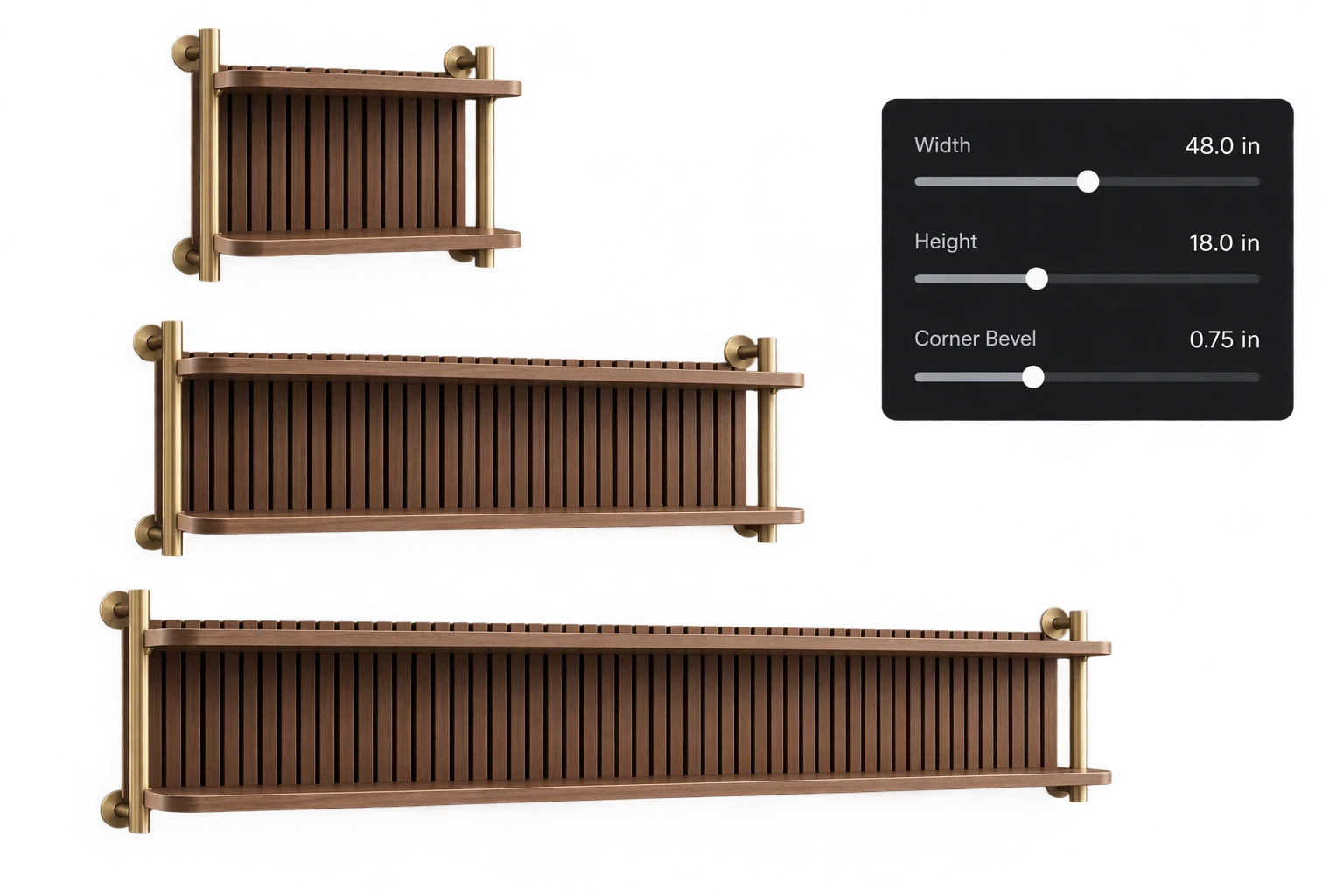
Made-to-measure 3D sizing with true-scale textures
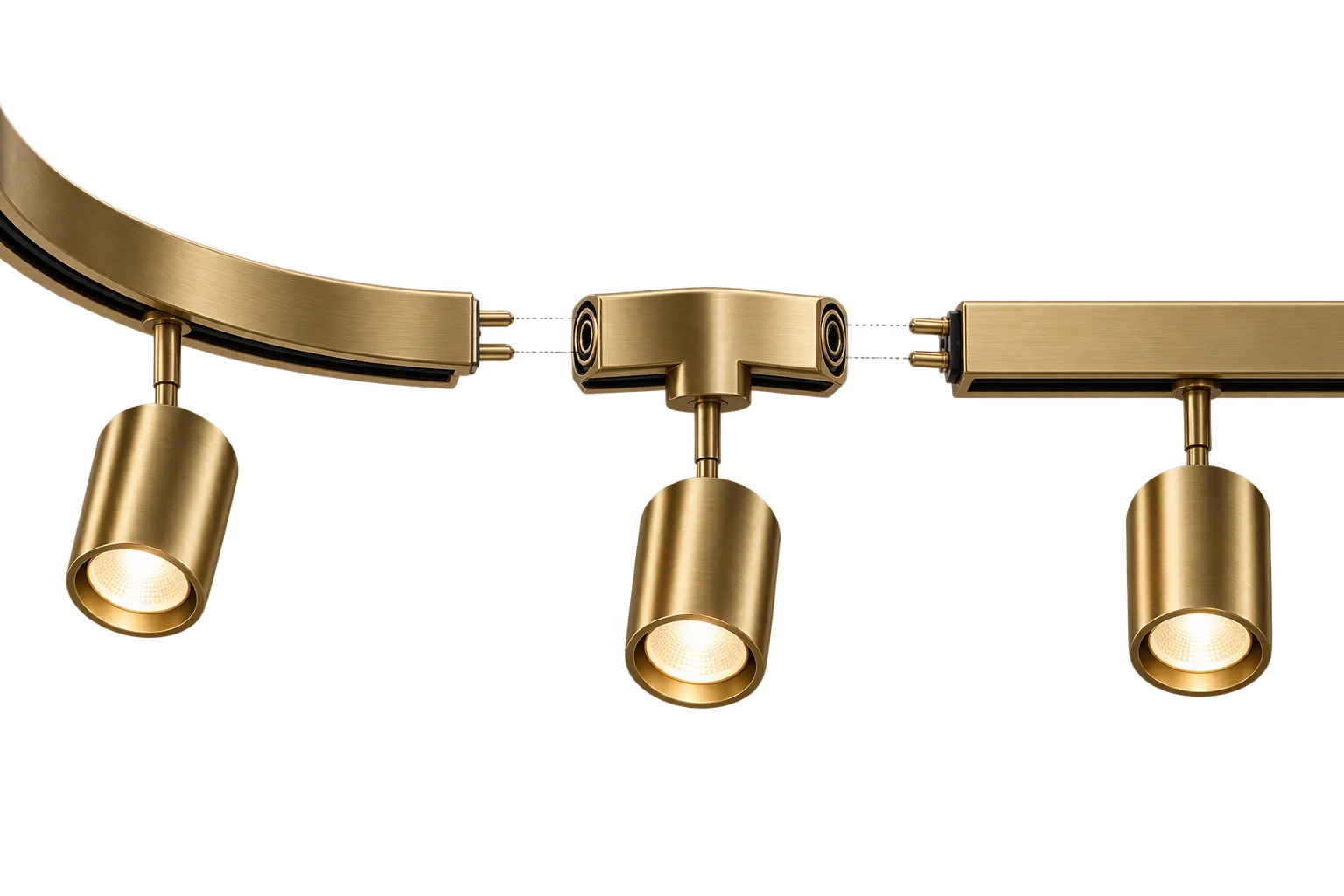
Snap-together modular 3D product assemblies
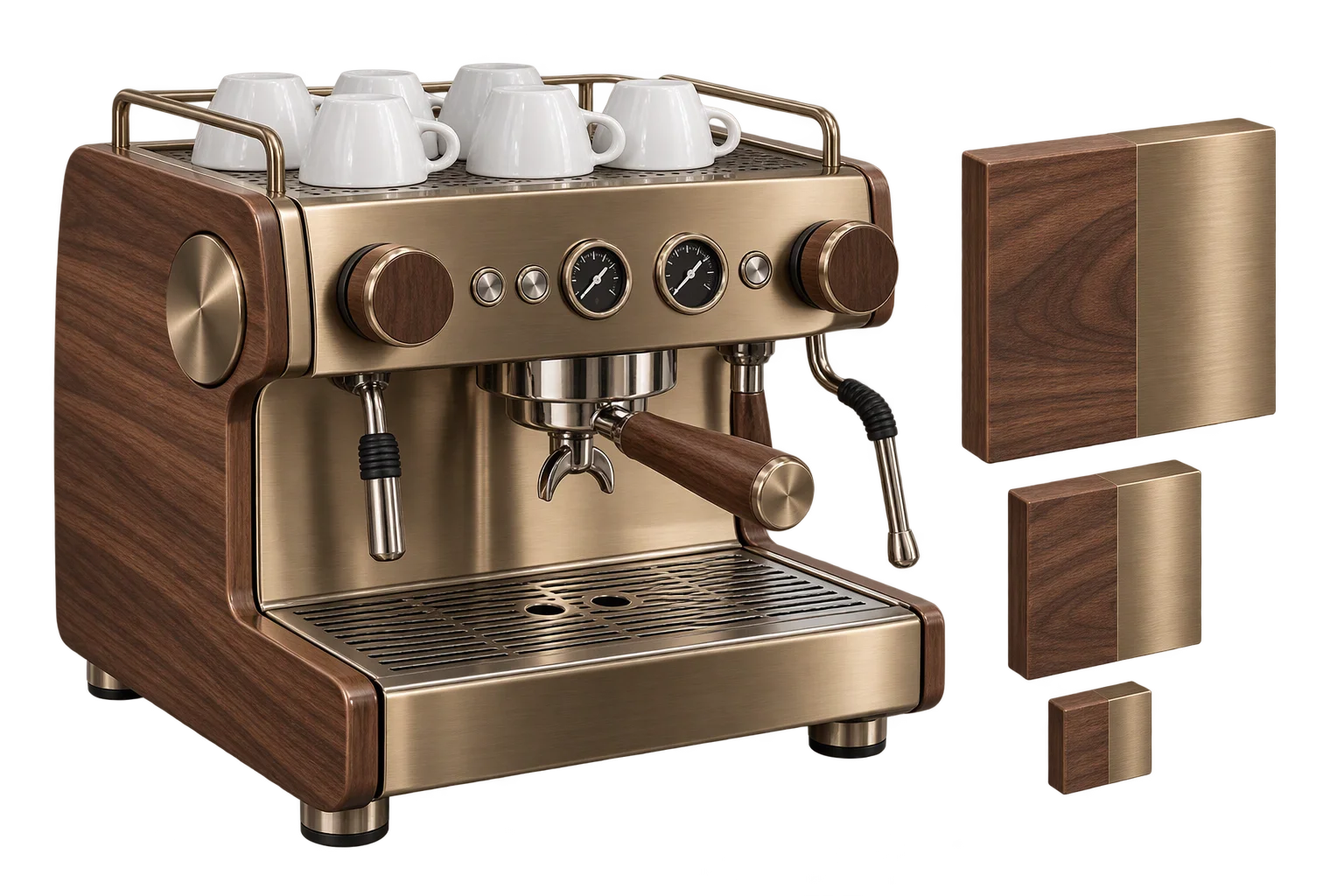
GPU texture compression for fast mobile 4K finishes