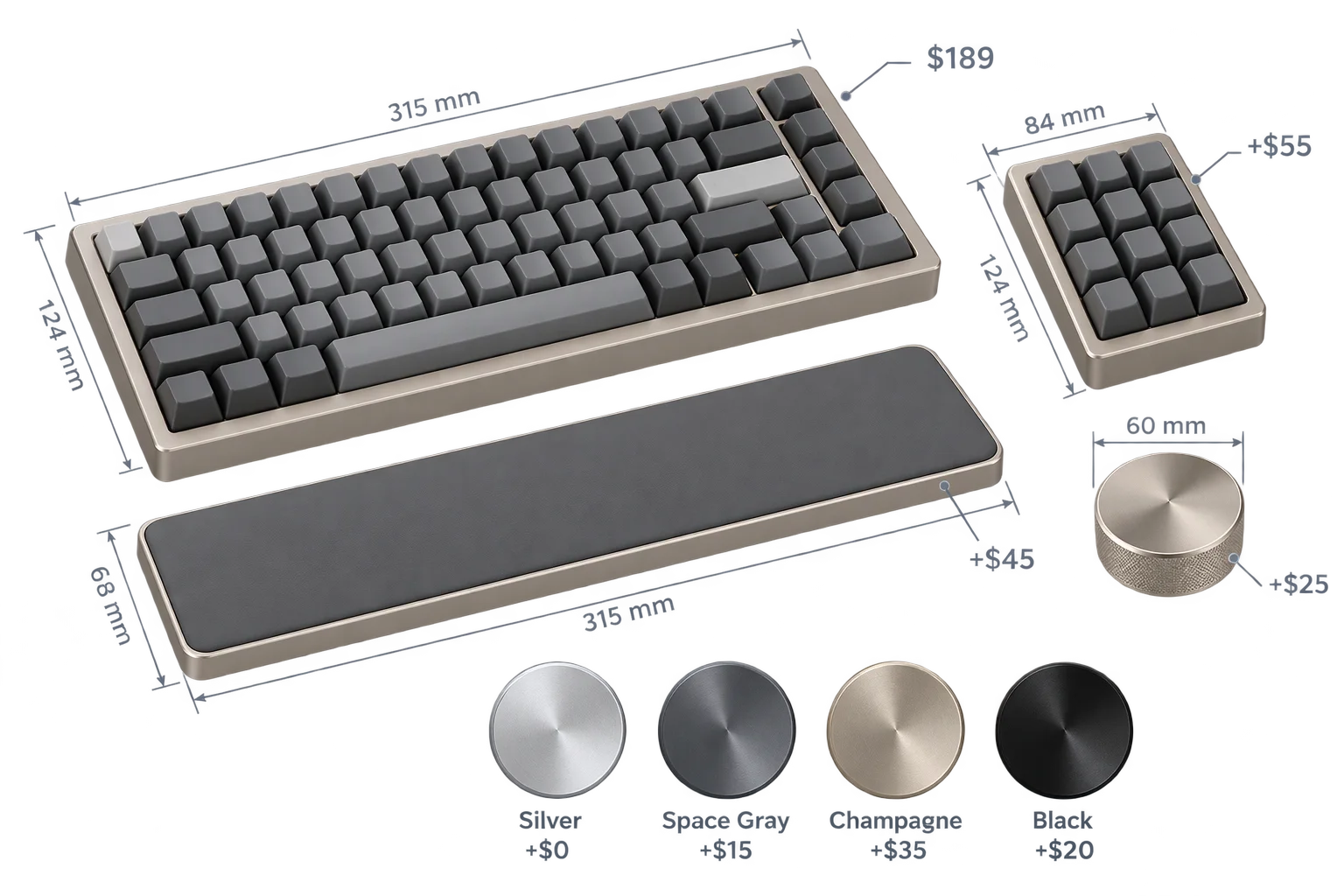
Step-by-step guided selling with smart 3D camera moves
Dropping a first-time buyer into a 20-option 3D configurator with a free-floating camera causes decision fatigue and missed upgrades. Aircada sequences multi-step buying journeys with synchronized blend transitions, gliding the camera to the active sub-assembly while coordinating part animations and step UI on every click.
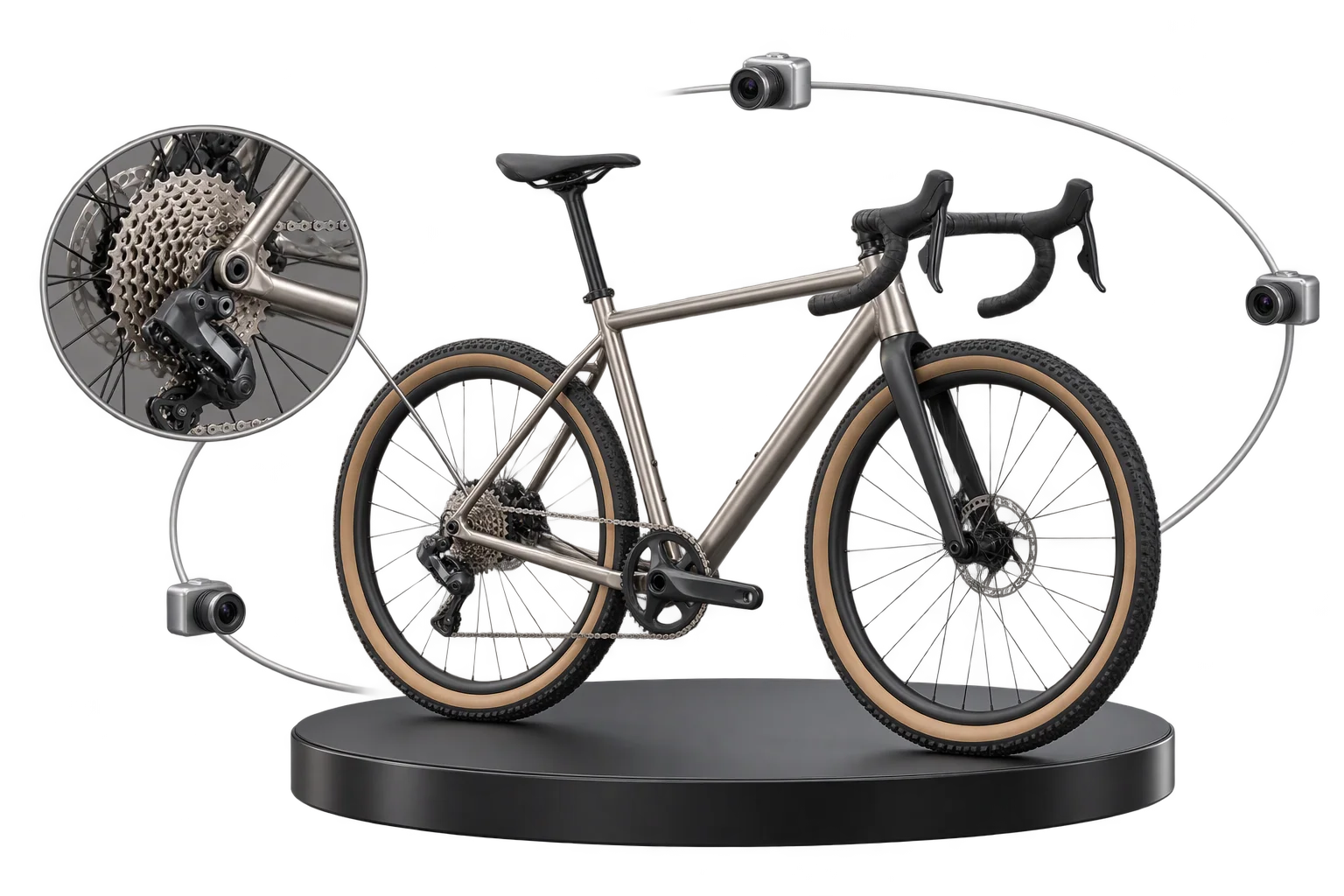
Why unguided 3D viewports overwhelm shoppers on complex products
When a buyer configures a custom bicycle, a pro gaming controller, or a commercial espresso machine, dumping every option into one scrolling sidebar forces them to spin the model manually just to verify what changed. If they add a rear upgrade or internal module while the camera still faces the front, they get zero immediate visual confirmation and often miss high-margin add-ons.
Aircada turns complex catalogs into camera-choreographed buying steps. Each step stores a complete scene state including camera orbit, field of view, sub-mesh transforms, part visibility, material finishes, and step UI state. In live storefronts, Cinch Gaming guides shoppers across 25 configurable controller components using dedicated Base, Right Side, Left Side, and Back Side camera flow states so rear tournament buttons and side bumpers stay clearly framed (+191% add-to-cart rate across 50,000+ builds added to cart), while Skip's Garage glides between Base, Top Down, Bottom Up, and Bag Focus views as shoppers alternate between board artwork and custom bag sets. As shoppers confirm choices across each step, every selection flows directly into dynamic pricing and Shopify or headless checkout with complete SKU metadata for fulfillment.
Synchronized blend transitions and branching buyer journeys
Delivering **multi-state 3D scene transitions** without jarring camera snaps requires blending cameras, parts, and step logic together on every frame.
Keep camera glides and part reveals locked in phase on every click
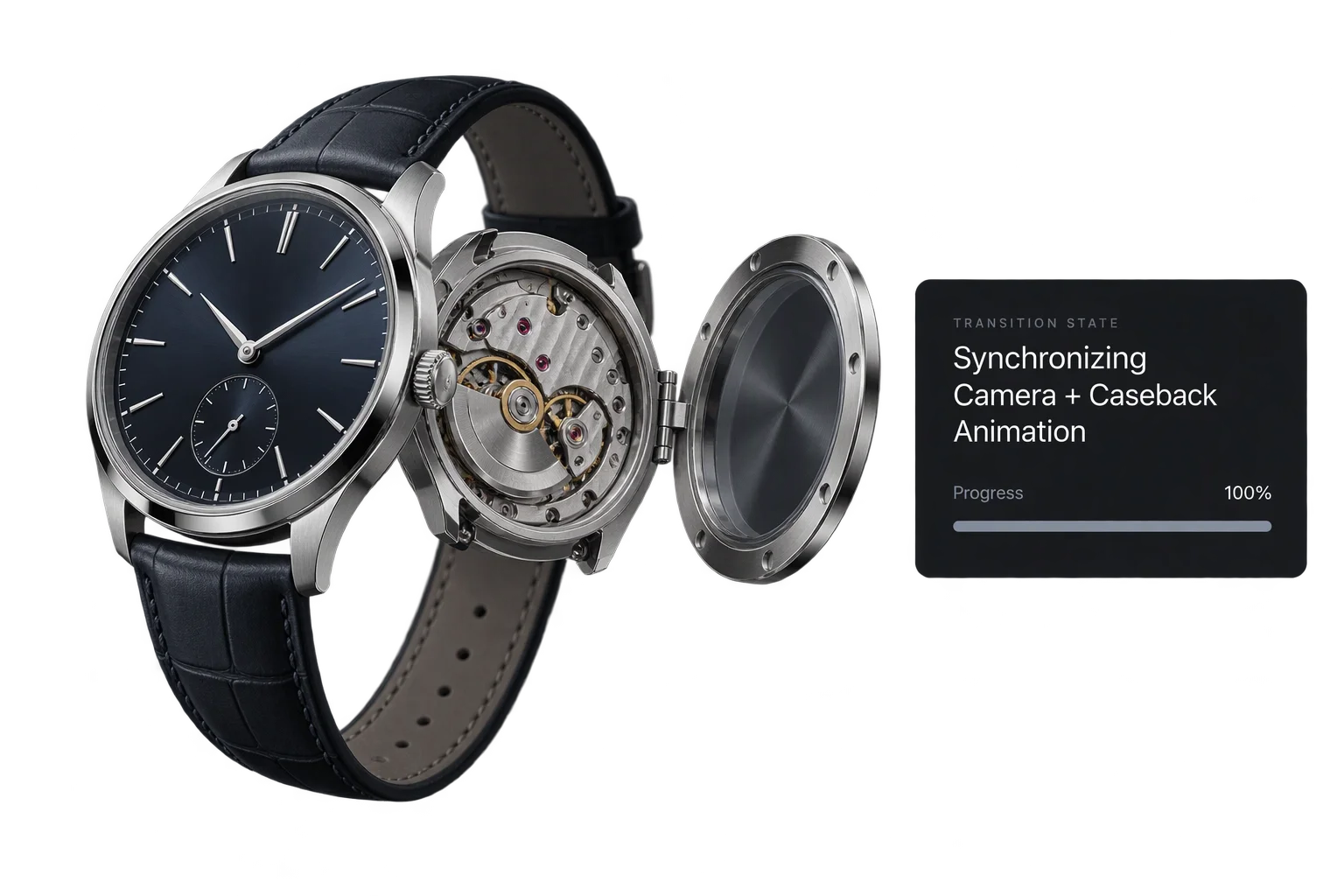
When a step swings the camera around a watch case while opening its hinged sapphire caseback, uncoordinated timelines leave panels half-open or snap awkwardly if a shopper clicks rapidly. Aircada drives all animatable properties from a shared normalized blend curve per flow set, smoothly interrupting and redirecting from live intermediate weights whenever a customer taps Next or Back mid-transition.
Route shoppers directly to the steps relevant to their build
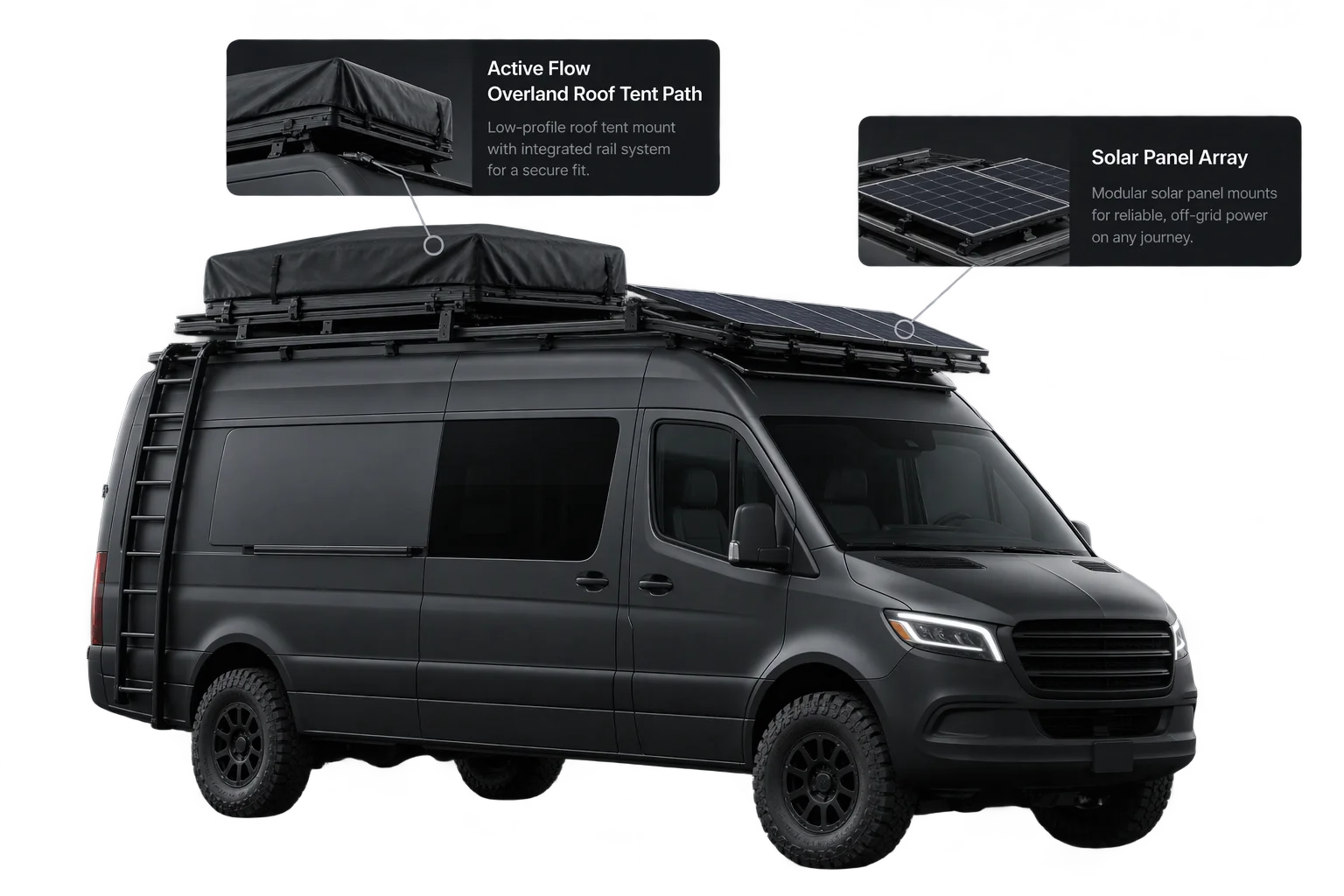
Not every customer needs to walk through every accessory step. By pairing conditional product rules with direct named-state jumps and index navigation, choosing a rooftop tent package on a camper van can route the buyer straight to ladder and awning views, while picking a solar array jumps straight to battery inverter steps with step-driven 3D camera framing tailored to that build.
Three stages of a camera-guided configuration step
How Aircada opens on a clean reveal, interpolates camera and part transforms over 0 to 10 seconds, and exposes internal upgrades without jarring cuts.
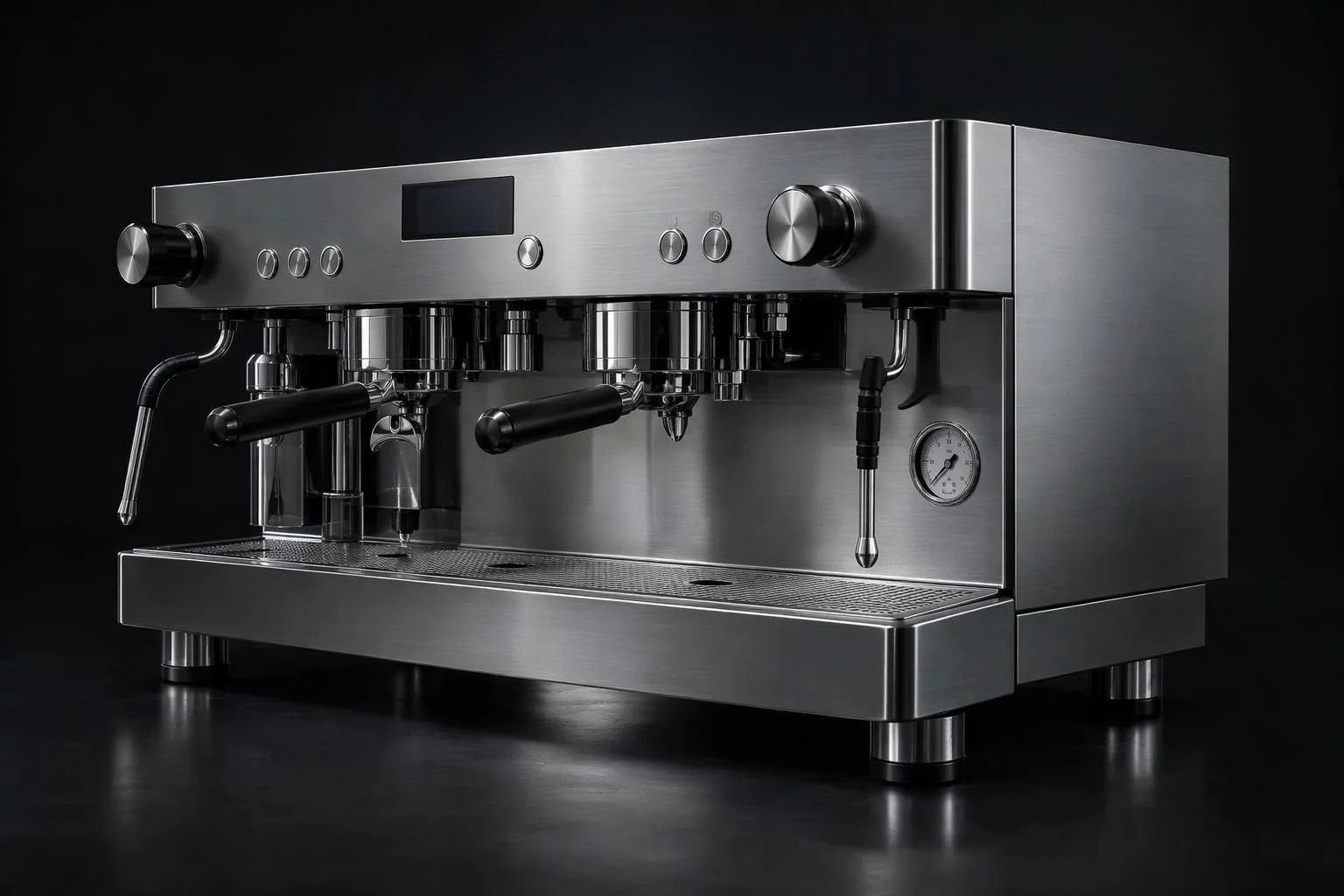
Establish full-product framing with built-in Intro and Base states
Every flow ships with native Intro and Base states so first-time visitors see a clean opening reveal into full-body framing for exterior finishes, while returning shoppers opening a saved build link can skip straight to the Base state.
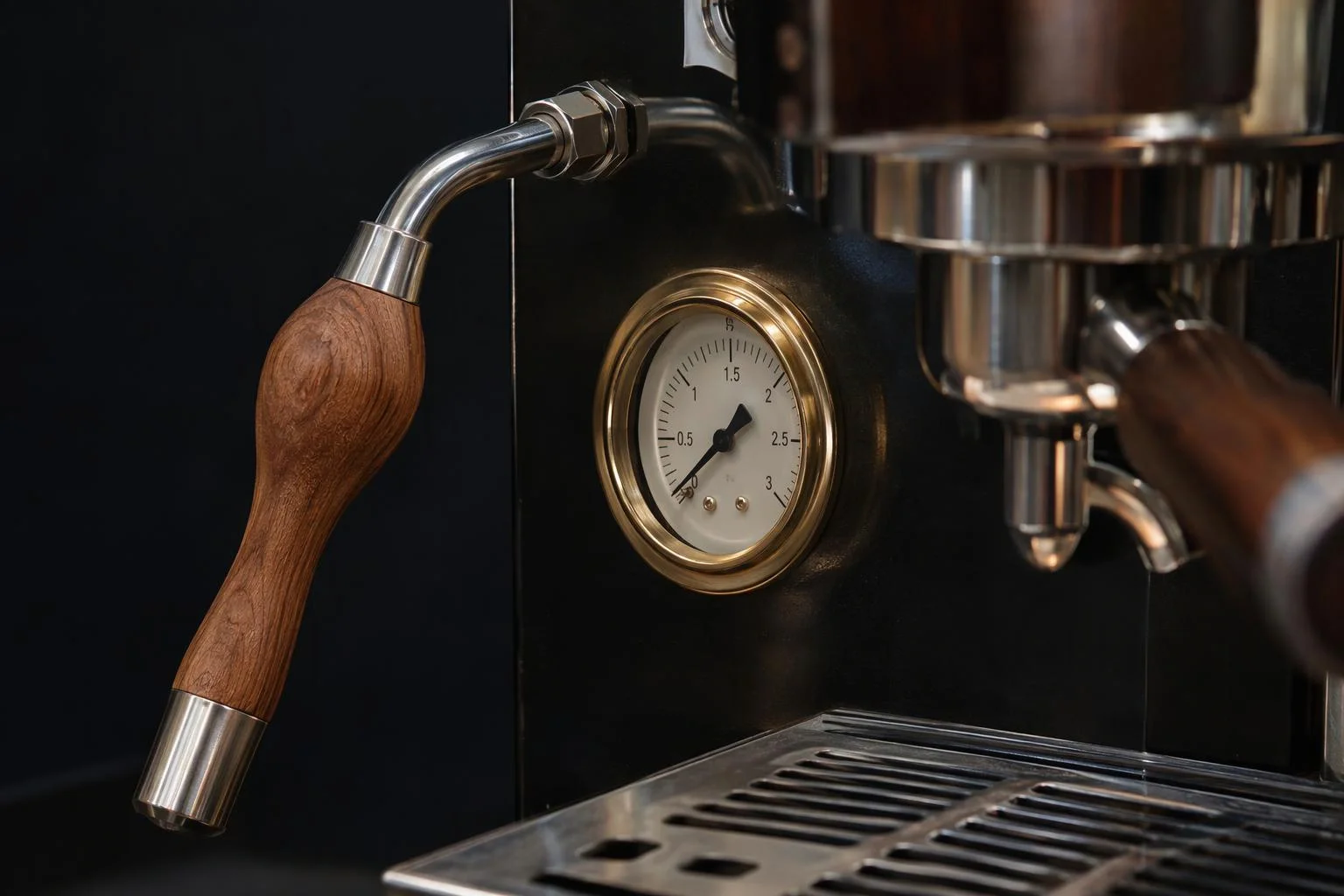
Blend camera orbit, focus, and FOV smoothly into detail zones
Advancing to Step 2 interpolates camera coordinates, look-at target, and field of view over a configurable 0 to 10 second duration (defaulting to a 1-second Ease In/Out glide). If a buyer clicks Next or Back mid-flight, the blend engine redirects smoothly from the live intermediate pose.
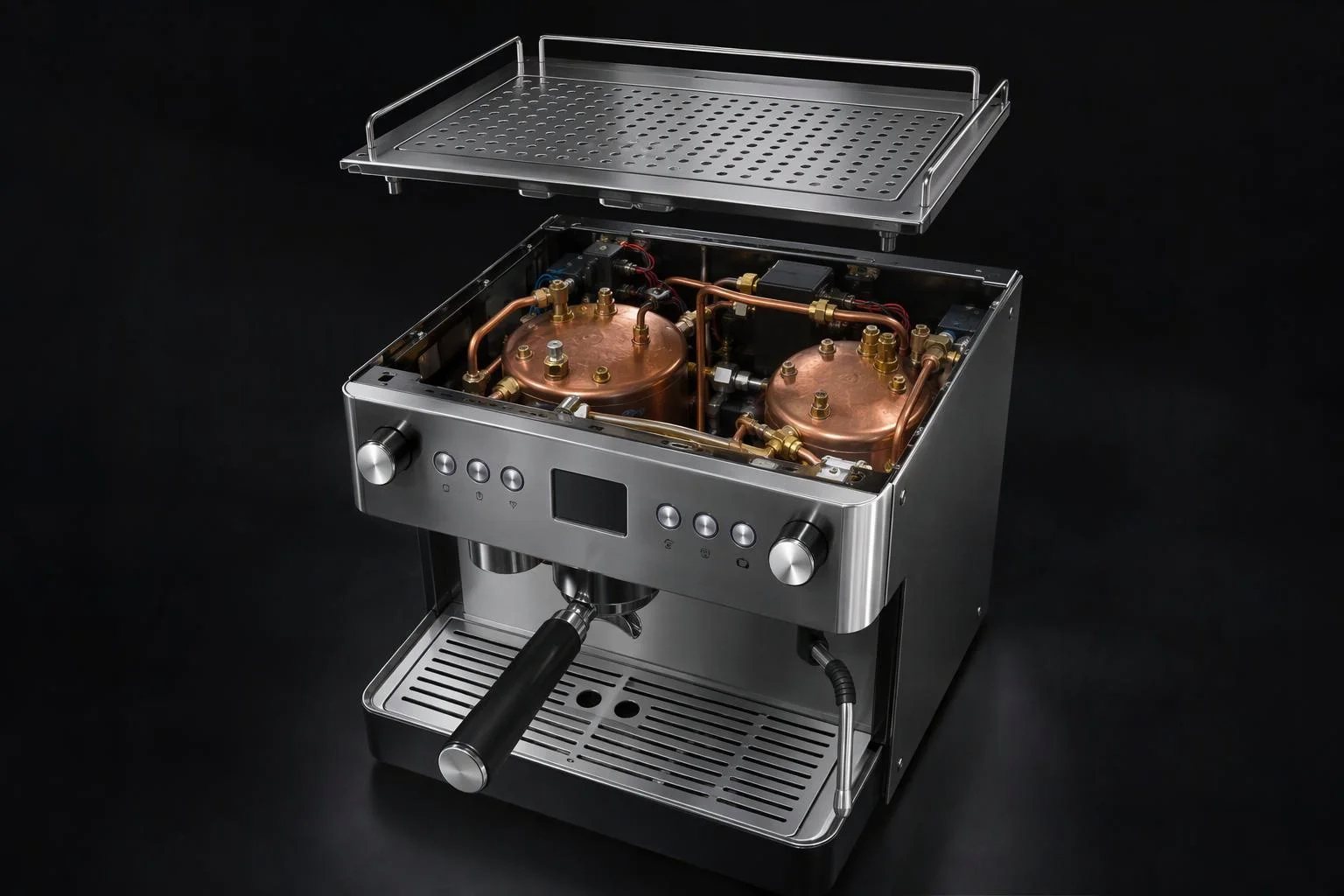
Coordinate sub-assembly reveals and step-completion triggers
Entering Step 3 animates exterior trays or panels open in lockstep with the overhead camera while firing On Start and On End triggers so option cards and pricing updates stay synced. Individual sub-assemblies can follow the master scene flow or run independent sub-flows.
| Flow Control | Verified Capabilities & Ranges | Buyer Experience Impact |
|---|---|---|
| Built-In Entry States | Native Intro State and Base State with optional bypass when loading a deep-linked or saved build | Delivers a smooth opening reveal for first-time visitors while jumping returning shoppers straight to their active configuration. |
| Synchronized Blend Transitions | Normalized blend weights interpolate camera orbit, look-at target, FOV, sub-mesh transforms, visibility, and materials in lockstep (0 to 10s, default 1s Ease In/Out) | Keeps camera swings and cutaway panel reveals aligned on every frame without visual pops or mismatched timings. |
| Mid-Flight Interruption Recovery | Captures live intermediate blend weights when shoppers tap Next or Back rapidly during an active transition | Prevents stranded cameras or half-open housing panels when mobile shoppers tap quickly through steps. |
| Navigation & Branching Actions | Next, Previous, Last Active recall, numeric Set Index jumps, and direct named-state activation wired to conditional rules | Skips irrelevant accessory steps automatically and lets shoppers jump directly back to any completed breadcrumb step. |
| Step Events & Nested Sub-Flows | On Start and On End triggers, Current Index output, and independent per-assembly sub-flows alongside the master scene flow | Synchronizes storefront option drawers, pricing summaries, and sub-assembly views cleanly across complex catalogs. |
Where guided 3D selling flows lift conversion
Replace overwhelming option lists with curated visual storytelling across high-consideration products.
Bespoke bicycles & powersports vehicles
Walk buyers from frameset geometry and paint to cockpit handlebars, wheelsets, and drivetrain gearing with macro camera focus at every stop.
Commercial machinery & lab equipment
Lift exterior cowlings automatically during internal voltage, boiler, or manifold configuration steps so engineers verify internal modules.
Luxury watches & fine jewelry
Glide smoothly from dial and bezel customization to flipping the watch over for custom caseback engraving and strap clasp selection.
Custom controllers, sporting goods & modular kits
Rotate automatically to rear paddles, side grips, or matching accessory bags as shoppers step through multi-sided customizations.
Responsibility Tiers
- 1 Native Aircada layer
- 1 Aircada Configuration layer
- 1 Custom Implementation layer
- 1 External layer
Responsibility Boundaries Across Guided Selling Flows
How Aircada's flow engine, Studio camera bookmarks, and storefront stepper UI divide responsibilities.
Flow state engine, synchronized blend transitions & step events
- Native Aircada
- Built-in Intro and Base states, normalized blend-weight interpolation across camera and part properties, mid-flight interruption recovery, hierarchical sub-flows, and step start and end event dispatch.
Named flow states, camera bookmarks & transition timing
- Aircada Configuration
- Authoring named flow states in Aircada Studio, saving camera angles and part visibility per step, tuning 0 to 10 second durations and easing curves, and wiring Next, Previous, Last Active, or direct jump triggers.
Conditional branching logic & custom stepper UI breadcrumbs
- Custom Implementation
- Connecting conditional product rules to skip or reorder steps based on earlier customer picks, paired with custom storefront stepper bars or mobile bottom sheets.
Sub-mesh separation for cutaway or exploded reveals
- External
- Structuring the uploaded 3D model with separate lids, doors, or cowling sub-meshes so flow states can animate or hide them to expose internal parts.
Frequently Asked Questions
Can shoppers still rotate and zoom the 3D camera manually during a guided step?
How do internal cutaway steps work without loading a separate 3D model?
What prevents rapid Next or Back clicks from breaking ongoing animations?
Can a guided flow skip irrelevant steps or remember the shopper's previous view?
Keep resizing products framed on every screen size
Pair guided step transitions with 6-axis spatial bounds and scroll-linked viewport framing.
Related capabilities
Explore the adjacent capabilities and integrations that pair with this workflow.
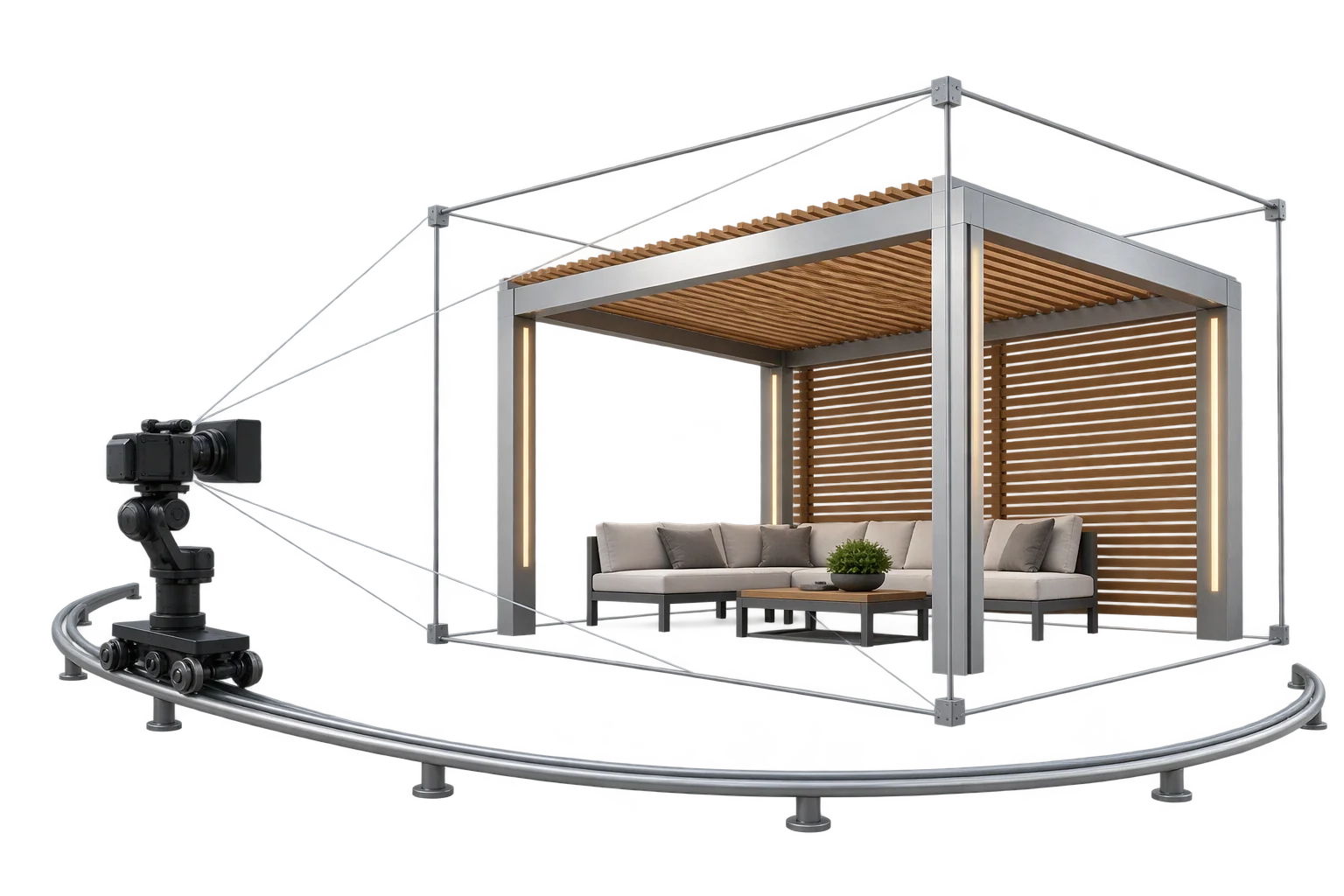
Auto-centered 3D framing as product sizes change
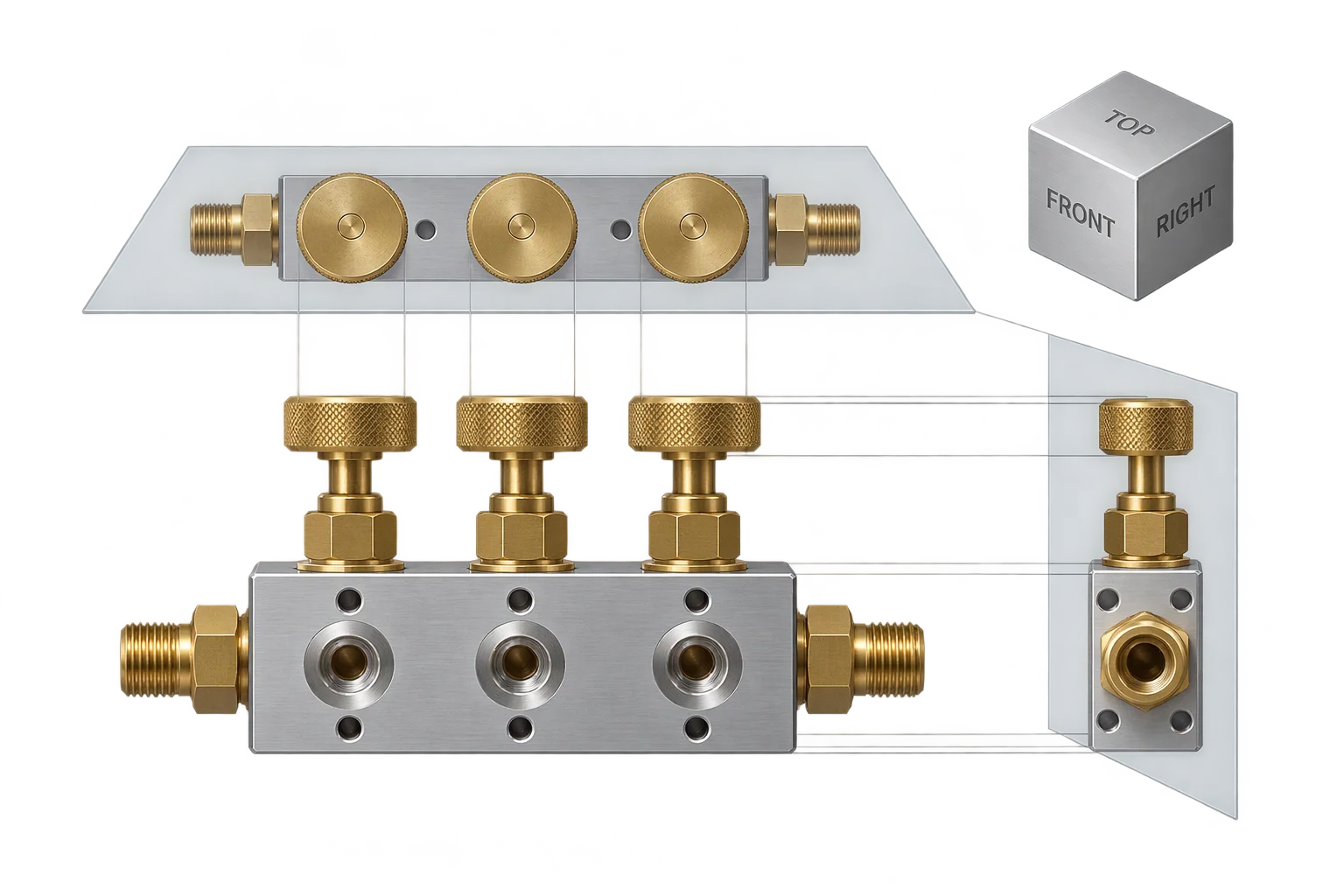
1:1 flat orthographic elevation views in 3D
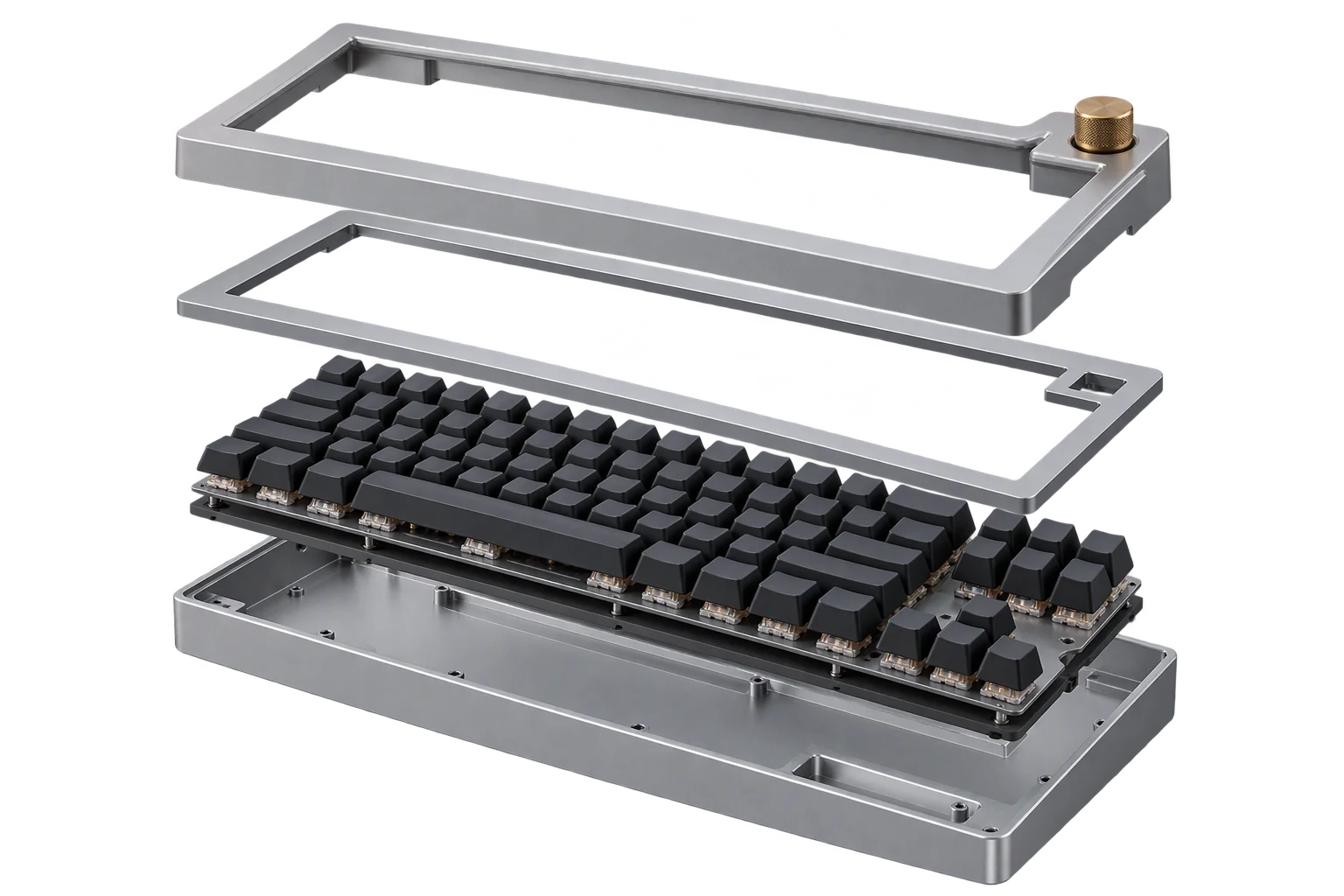
Conditional product rules and part compatibility