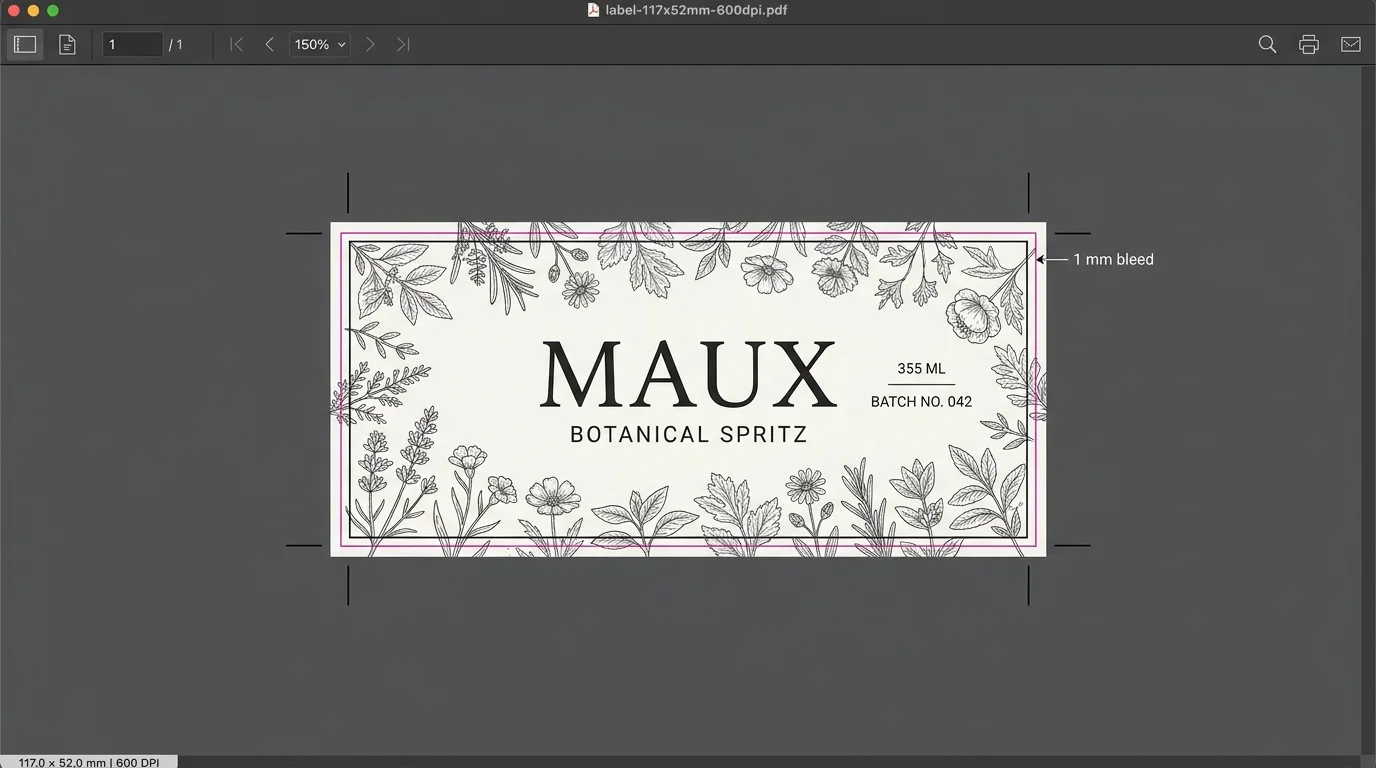
Printable 3D safe zones and artwork boundary locks
When shoppers drag logos onto seams, fold lines, or curved drinkware necks, your prepress team has to pause production and reposition every file by hand. Aircada draws live safe-zone outlines directly on the 3D product, clips overflowing artwork in real time, supports tapered conical edges, and records verified placement coordinates with every order.
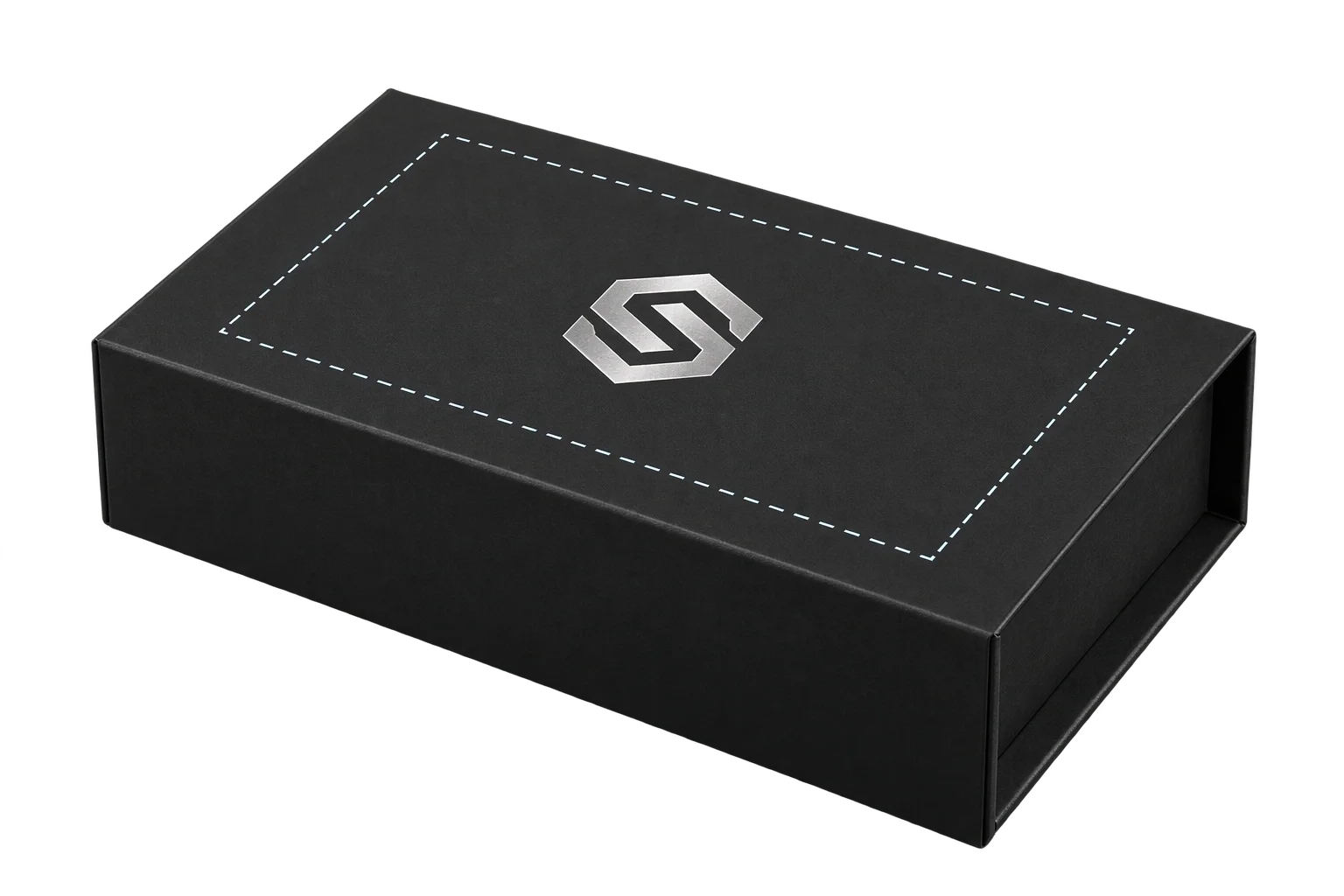
Show buyers the exact print area on the product
A buyer uploads, scales, and rotates a logo inside a dashed safe-zone frame drawn directly on the 3D surface. Artwork pushed past the margin clips cleanly at the border in real time, and checkout saves the verified center coordinates, scale, and rotation on the order.
Illustrative example shown.
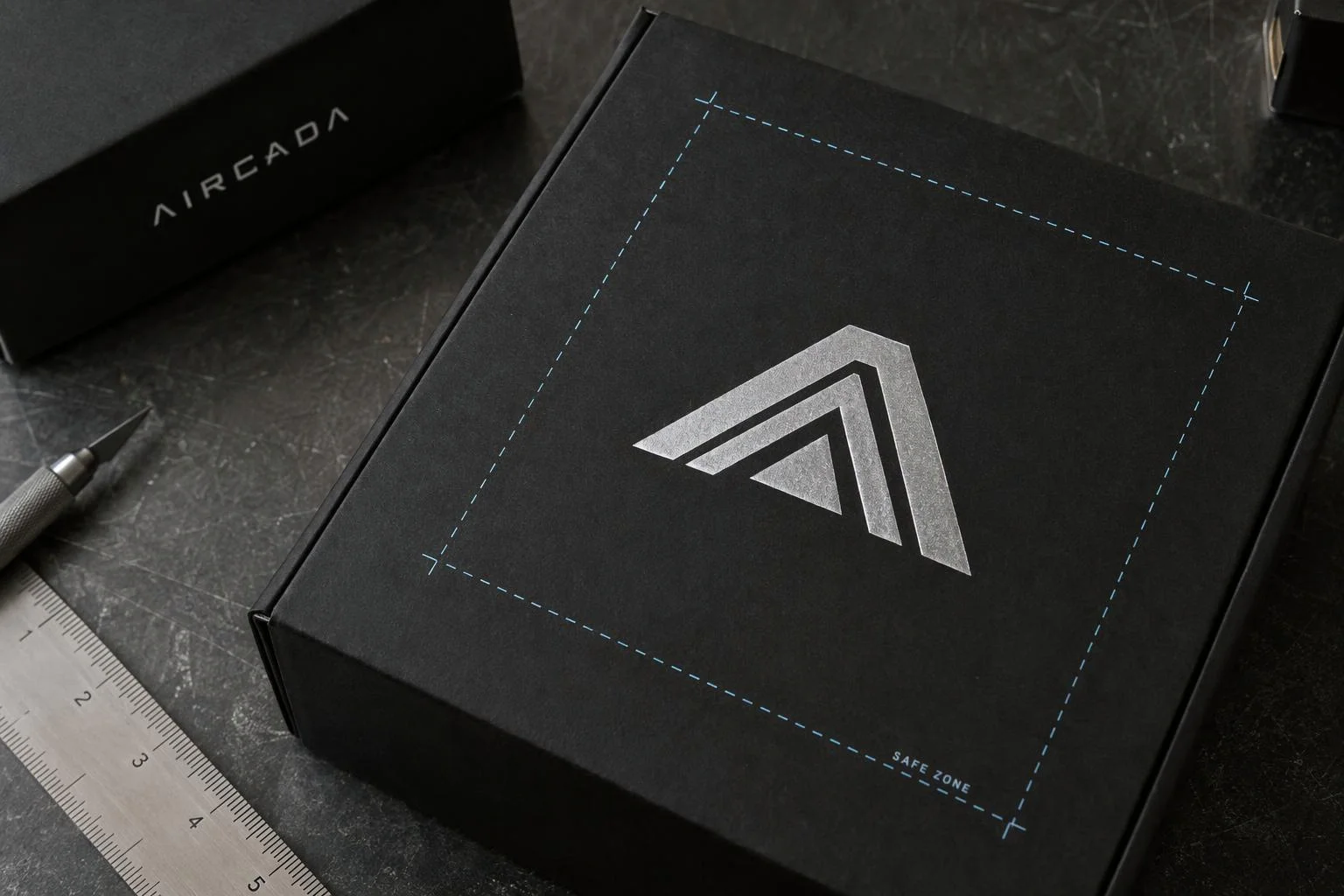
From customer placement to production handoff
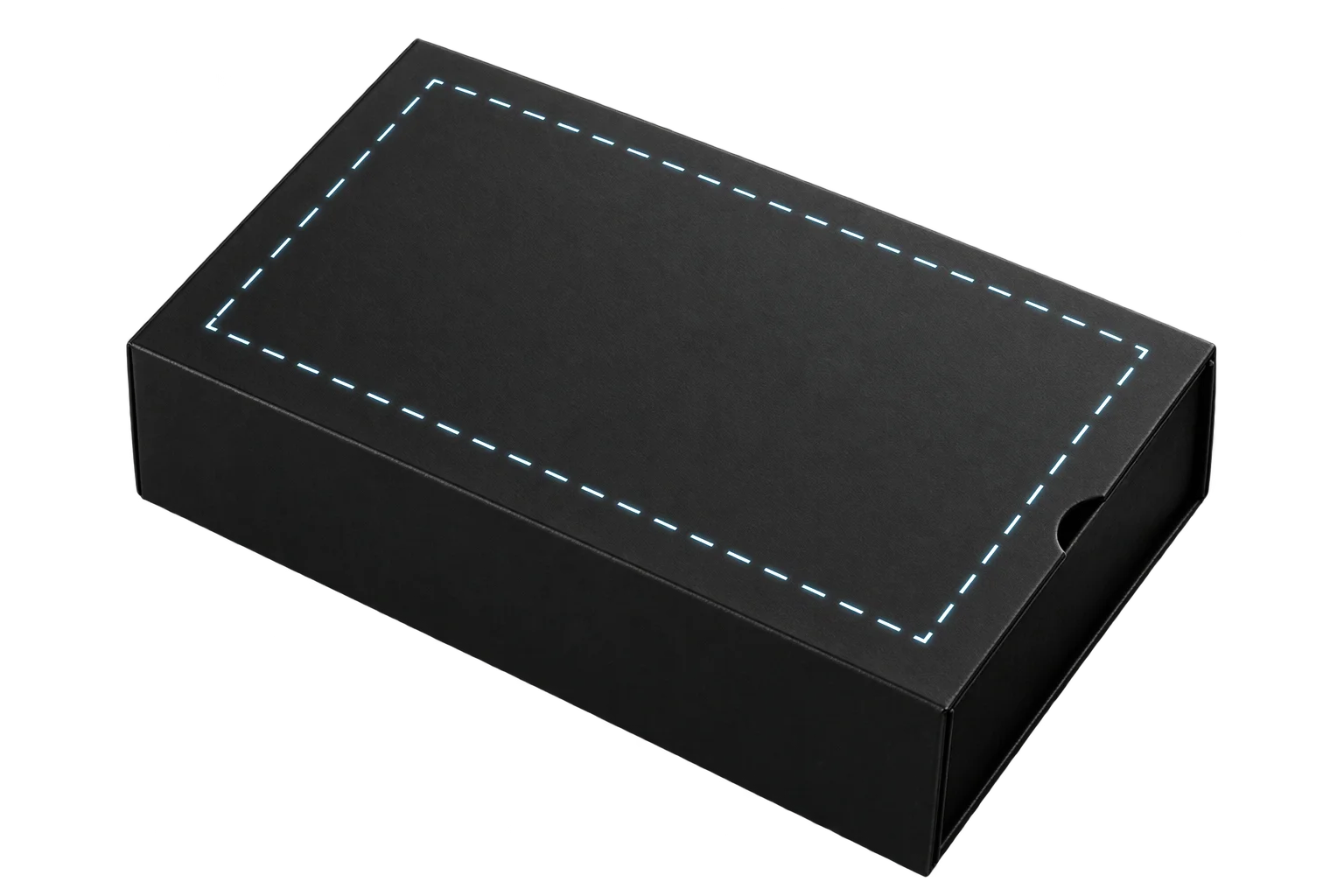
Display live safe-zone outlines
A procedural 1024 x 1024 overlay draws solid, dashed, or dotted boundary frames directly on the 3D product surface. Stroke thickness (1 to 20 px) and color are tuned for high contrast against light or dark blanks, offset outward so the guide never overlaps artwork.
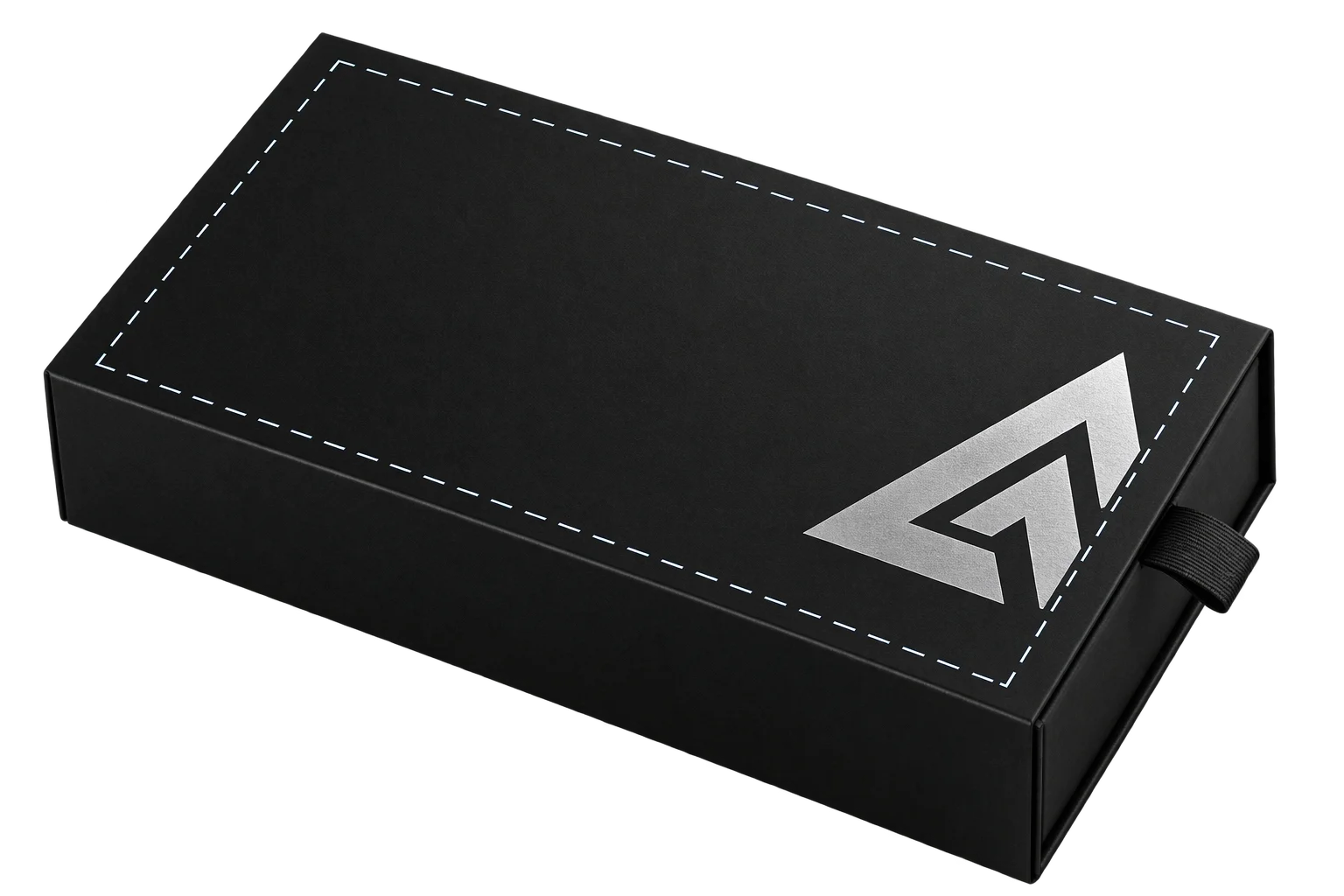
Trim artwork at the print boundary
The 3D material shader clips pixels that cross the rectangular or angled boundary edge in real time while interactive transform handles enforce scale limits and bounded dragging. Shoppers immediately see the exact crop before adding to cart.
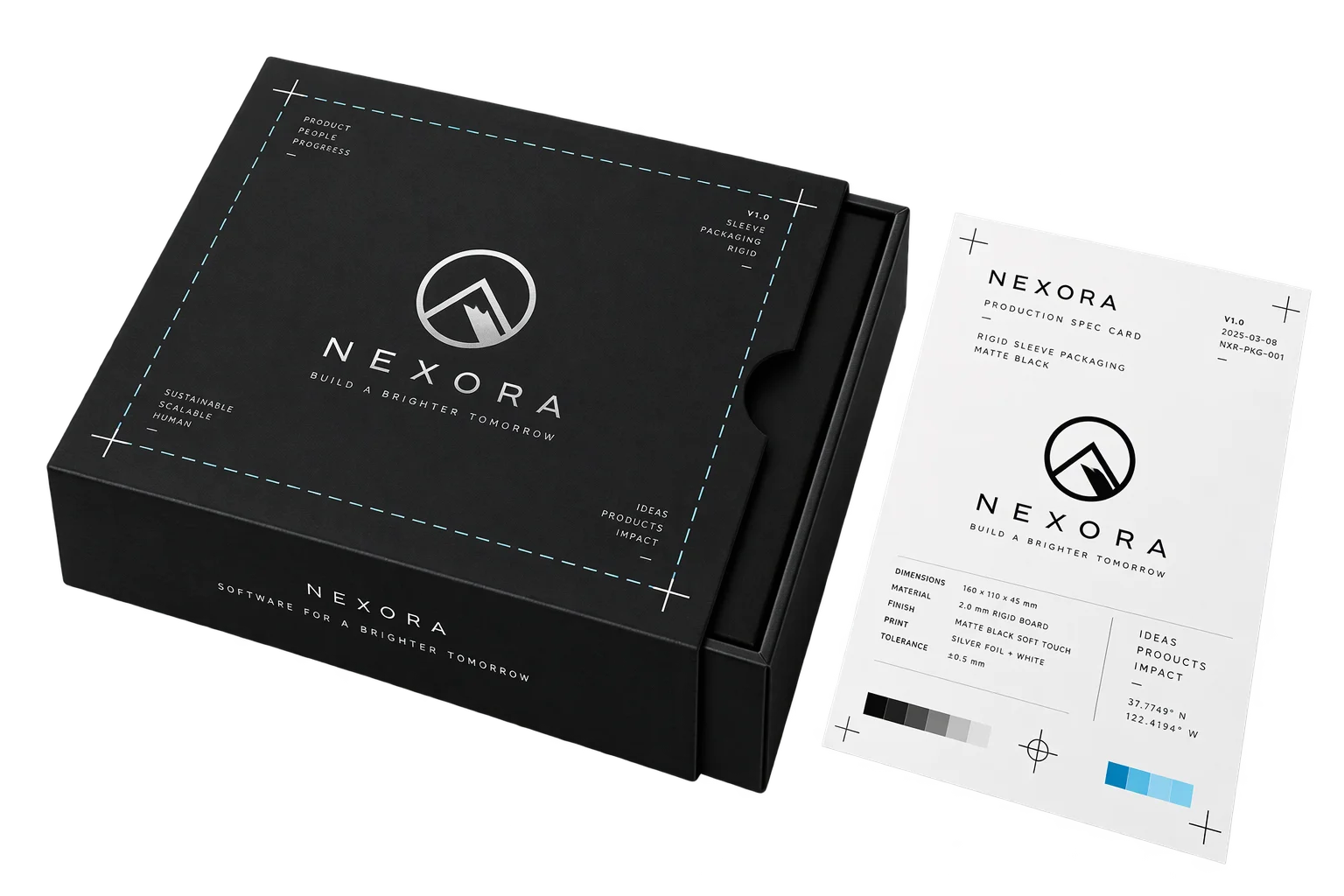
Save verified placement on the order
Checkout records normalized center X, center Y, proportional scale, and rotation coordinates on the order line item alongside a visual proof. Prepress teams reproduce exact placement without emailing buyers for clarification.
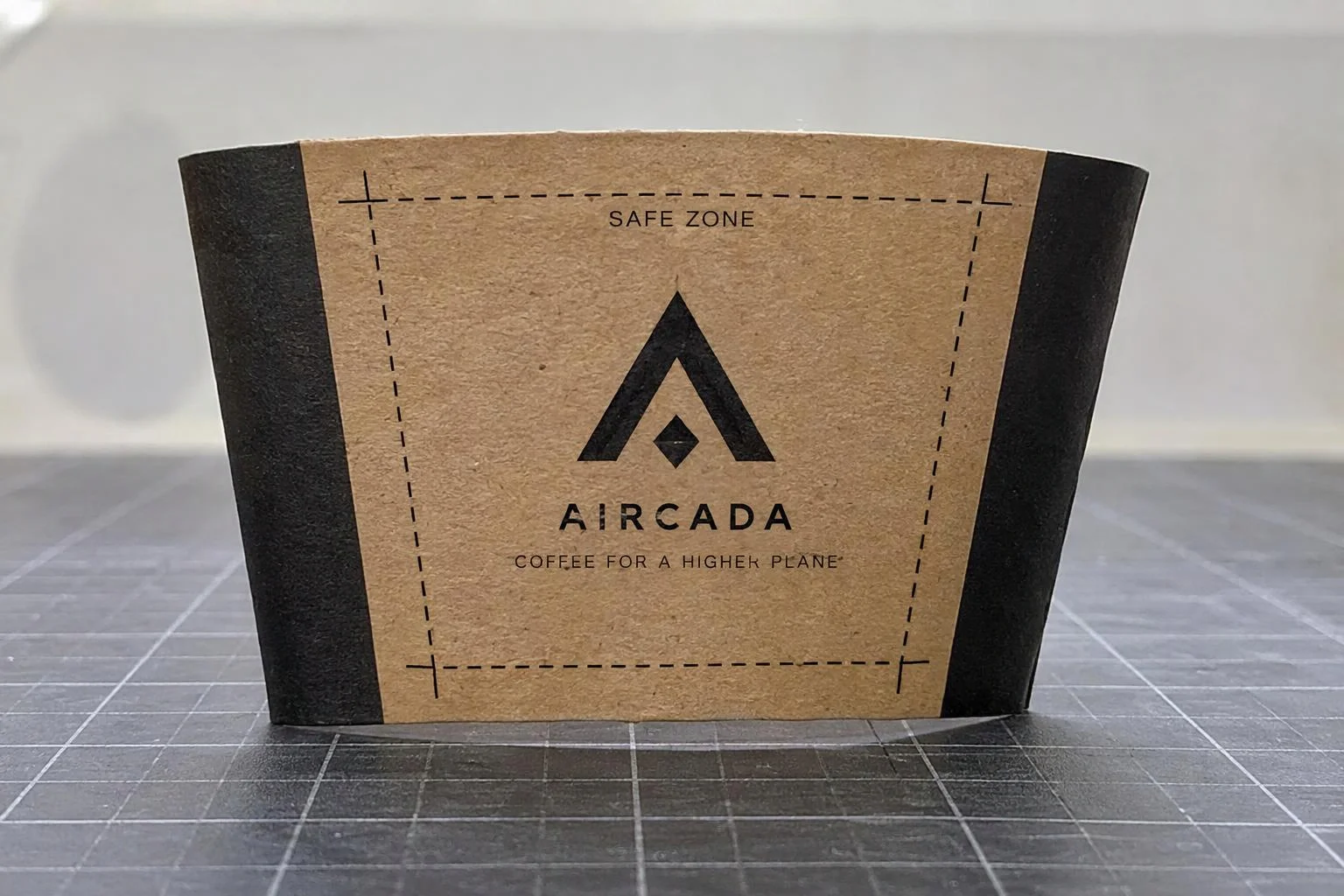
Angle boundaries to fit tapered sleeves and cups
Rigid rectangular frames break down on conical tumblers, tapered cups, and angled packaging sleeves where surface circumference narrows toward the base. Aircada calculates exact corner intersections from independent left, right, top, and bottom edge angles so both the visible outline and real-time clipping follow the physical taper.
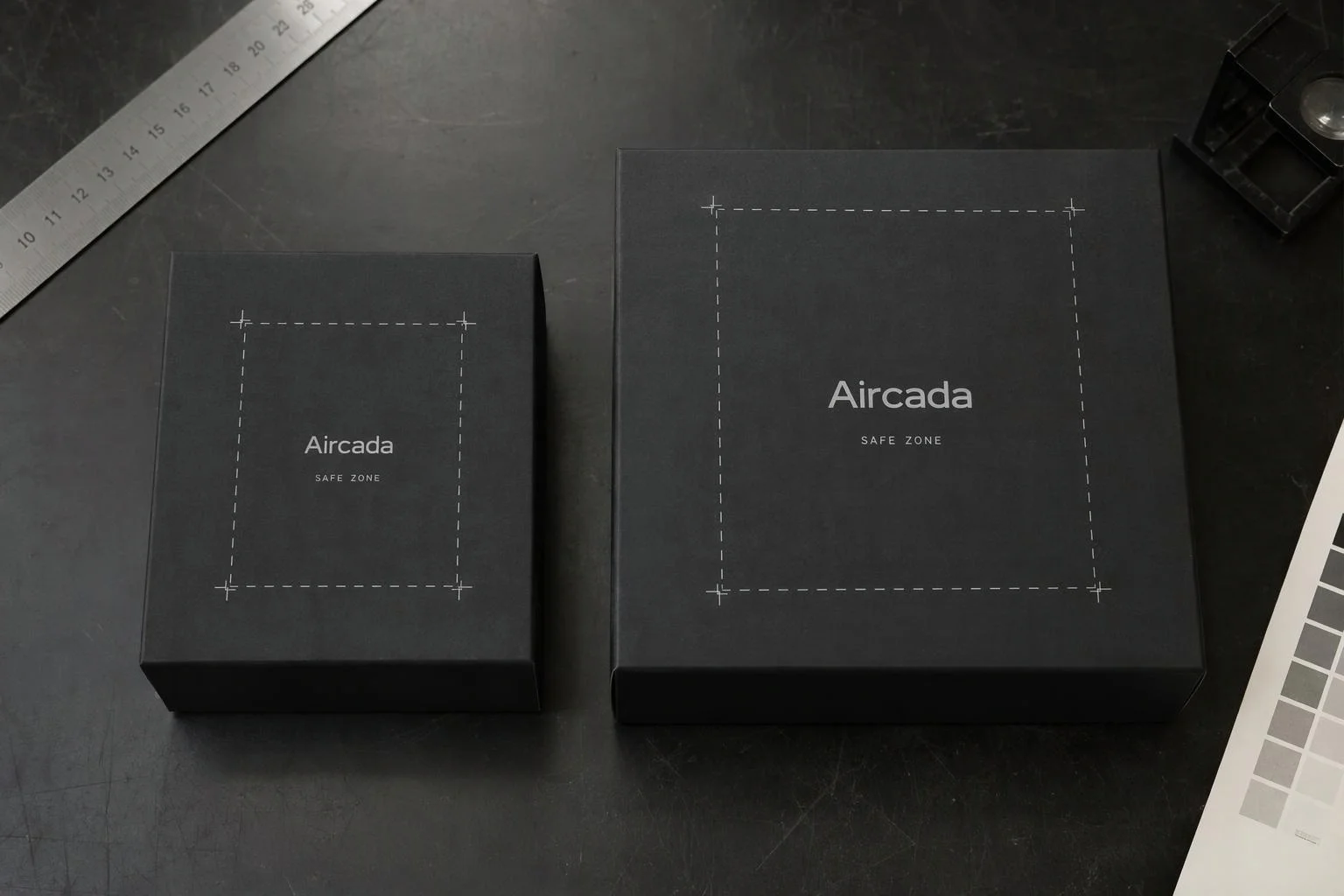
Swap print bounds when buyers change size
A 500ml bottle or youth garment has a smaller printable platen than a 750ml vessel or adult XL blank. When shoppers switch sizes, Aircada updates boundary coordinates and active print zones live inside the 3D scene while keeping uploaded artwork loaded and centered.
Keep graphics clear of folds, seams, and hardware
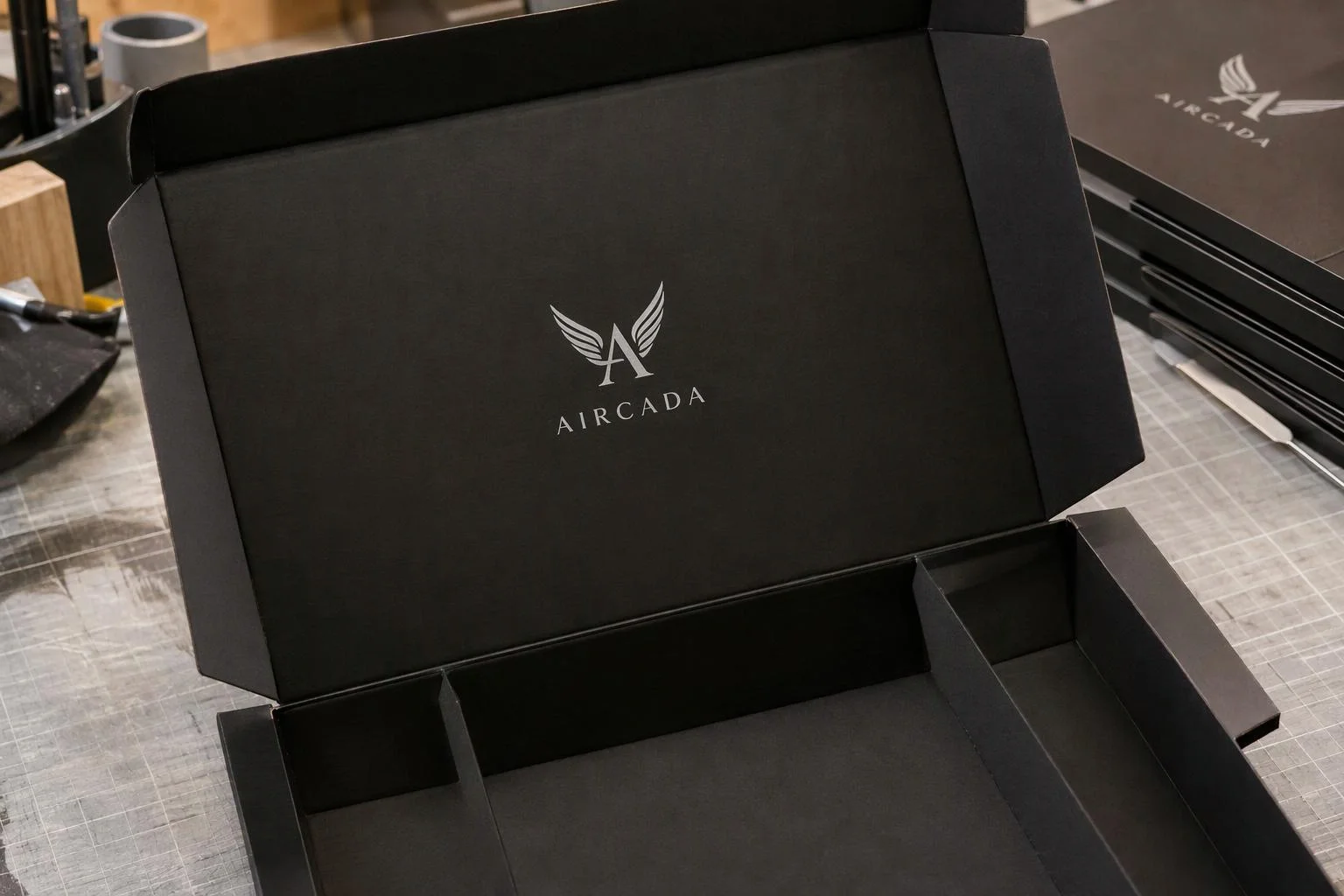
Isolate printable zones to flat panels and approved transfer arcs so customer artwork never collides with box creases, garment zippers, drinkware threads, or controller buttons. Combined with optional edge feathering (0 to 1), operators receive buildable layouts instead of orders that require manual nudging.
Preventing unprintable layouts before checkout
Unconstrained 2D and 3D customizers let customers scale a logo across a box crease, drape text onto a tapered cup rim, or push artwork past the rotary print platen. Those orders reach your fulfillment queue looking approved to the buyer, leaving operators to either crop the graphic without permission or delay shipment for manual revisions.
Aircada enforces physical print areas directly inside the 3D material shader. Each printable zone defines normalized horizontal and vertical bounds plus optional left, right, top, and bottom edge angles for conical or tapered parts. A procedural 1024 x 1024 outline overlay renders solid, dashed, or dotted guides directly on the 3D surface, offset outward by half the stroke width so the border frame never obscures a single pixel of the customer's artwork. Anything pushed past the frame clips cleanly in real time while interactive controls clamp scale and keep dragged graphics reachable.
| Control | Supported Options / Range | How Production Teams Use It |
|---|---|---|
| Boundary Coordinates | Normalized dual-range X [0, 1] and Y [0, 1] per printable zone | Maps each product's physical platen or rotary imprint footprint onto the 3D mesh. |
| Tapered Edge Angles | Independent left, right, top, and bottom angles (integer degrees) | Fits trapezoidal safe zones onto conical tumblers, cups, and tapered packaging sleeves. |
| Safe-Zone Outline Styles | Solid, Dashed (symmetric corner L-brackets + even dashes), or Dotted | Gives shoppers clear visual print boundaries matched to your storefront design system. |
| Outline Appearance | 1024 x 1024 procedural overlay, thickness 1 to 20 px, RGBA color, outward half-stroke offset | Keeps border lines crisp on curved 3D geometry with 0% pixel overlap on customer artwork. |
| Artwork Fit & Clipping | None (free scale), Cover (full-bleed), Contain (aspect-locked), plus 0 to 1 edge feathering | Enforces either full-bleed panel wraps or strict aspect-locked placement inside safe margins. |
| Order Placement Payload | Normalized center X, center Y, proportional scale, and 360-degree rotation | Passes reproducible coordinates straight to Shopify or headless fulfillment records. |
Configured for your presses, blanks, and size variants
During setup, each product template is calibrated to your physical platen or rotary imprint dimensions, safe margins, edge taper angles, and outline styling (line thickness from 1 to 20 px and custom RGBA color). Because 3D surface coordinates are unitless, boundary ranges are calibrated per SKU and size blank before launch so verified coordinates pass straight into Shopify or headless checkout orders.
Size-aware and panel-isolated print zones run in production across multiple Aircada deployments: mountainFLOW switches active wrap zones dynamically across 500ml, 600ml, and 750ml bottles (2-logo vs 4-logo neck and body layouts), Cinch Gaming isolates custom shell graphics and engraving cleanly onto controller panels, and Skip's Garage confines up to three independent artwork layers per cornhole deck. For shader properties and angle parameters, see the sticker effect SDK reference.
Responsibility Tiers
- 1 Native Aircada layer
- 1 Aircada Configuration layer
- 1 Custom Implementation layer
- 1 External layer
Responsibility Boundaries Across 3D Print Boundary Enforcement
How Aircada's surface shader, Studio safe-zone settings, and prepress operations divide responsibilities.
Live safe-zone outlines, tapered shader clipping & coordinate handoff
- Native Aircada
- Renders zero-overlap 1024 x 1024 solid, dashed, or dotted boundary guides on the 3D surface, clips overflowing rectangular or angled edges in real time, and saves normalized X, Y, scale, and rotation on the order.
Per-SKU print dimensions, tapered edge angles & variant bounds
- Aircada Configuration
- Configured in Studio to match each blank's platen size, safe margin, fit mode (Cover, Contain, or free), and conical taper angles across size variants.
Custom preflight warning banners or die-line overlay switches
- Custom Implementation
- Added when a storefront requires custom danger-zone warning copy, interactive bleed/trim toggle buttons, or multi-panel layout switching.
Physical jig alignment & press registration tolerances
- External
- Managed by your print shop operators and press equipment when loading blanks onto physical platens or rotary fixtures.
Frequently Asked Questions
What happens if a customer drags their logo past the printable edge?
Can print boundaries follow tapered cups, cones, or angled packaging?
Will the dashed boundary line accidentally show up on top of the customer's artwork?
Do print zones update automatically when a shopper switches product sizes?
Are the exact placement coordinates saved so our print team does not have to eyeball it?
Lock in your printable zones in 3D
Send us a product model and your platen or die-line dimensions. We will configure bounded 3D placement and live safe-zone guides matched to your checkout flow.
Related capabilities
Explore the adjacent capabilities and integrations that pair with this workflow.

Customer logo and artwork uploads in 3D
Buyer-approved visual proofs attached to every order
Preview laser engraving and monograms in 3D