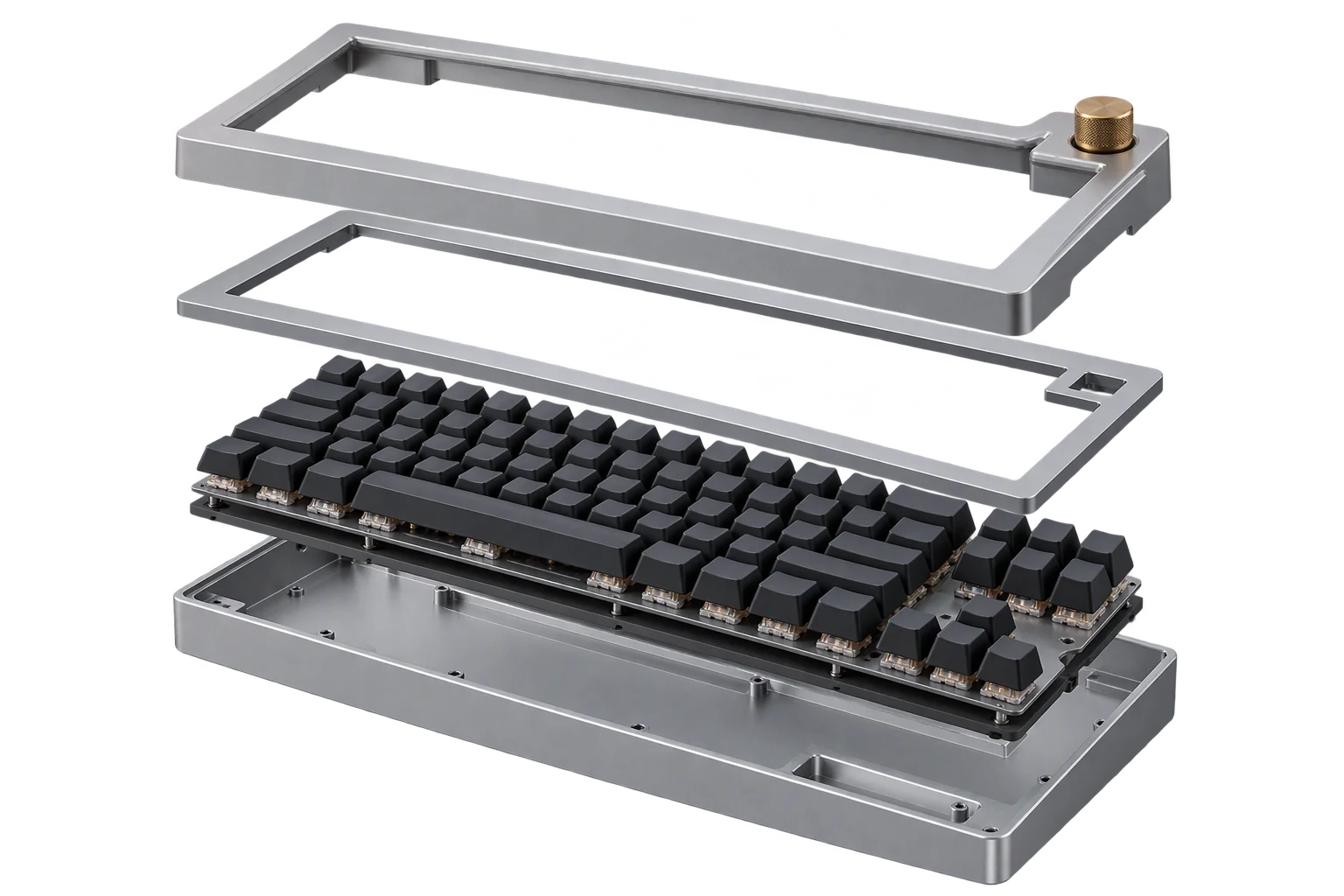
Snap-together modular 3D product assemblies
Configuring multi-part products like track lighting, charm bracelets, or industrial cable carriers requires parts to connect at exact mechanical joints rather than floating freely in space. Aircada links modular 3D units through left and right spatial vector ports and resolves connected chains with real-time position relaxation and axis constraints.
Why freeform dragging breaks multi-part product configurators
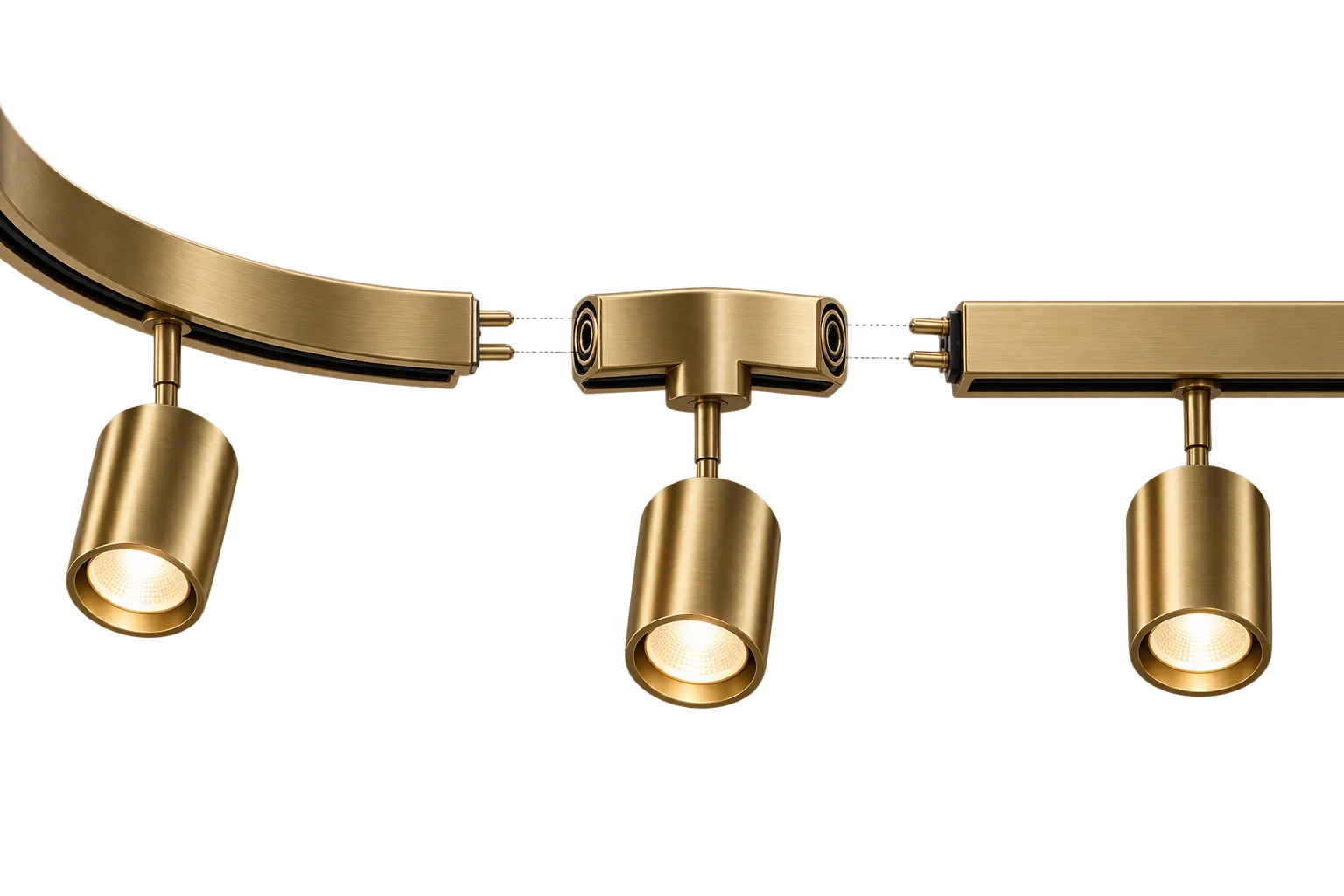
When shoppers configure a suspended lighting run, an articulated conveyor track, or a fine jewelry link chain, letting them drag parts freely in 3D space creates impossible overlaps and misaligned joints. Every module has specific mechanical mating vertices, rotational limits, and fixed mounting points that must hold true as parts are added, reordered, or moved.
Aircada handles multi-part spatial relationships using port-to-port 3D vector snapping paired with an iterative distance-constraint solver. Each modular unit exposes a left 3D input port and a right 3D output port resolved directly against its mesh vertices, allowing consecutive links to lock together into connected 3D link assemblies that respond as a unified structure. As shoppers snap modules into place, every active part SKU, quantity, and assembly sequence flows directly into live pricing and Shopify or headless checkout orders for shop-floor fulfillment.
Three layers behind connected 3D assemblies
How Aircada links individual 3D meshes into rigid tracks or articulated chains.
Connect modules through left and right 3D anchor ports
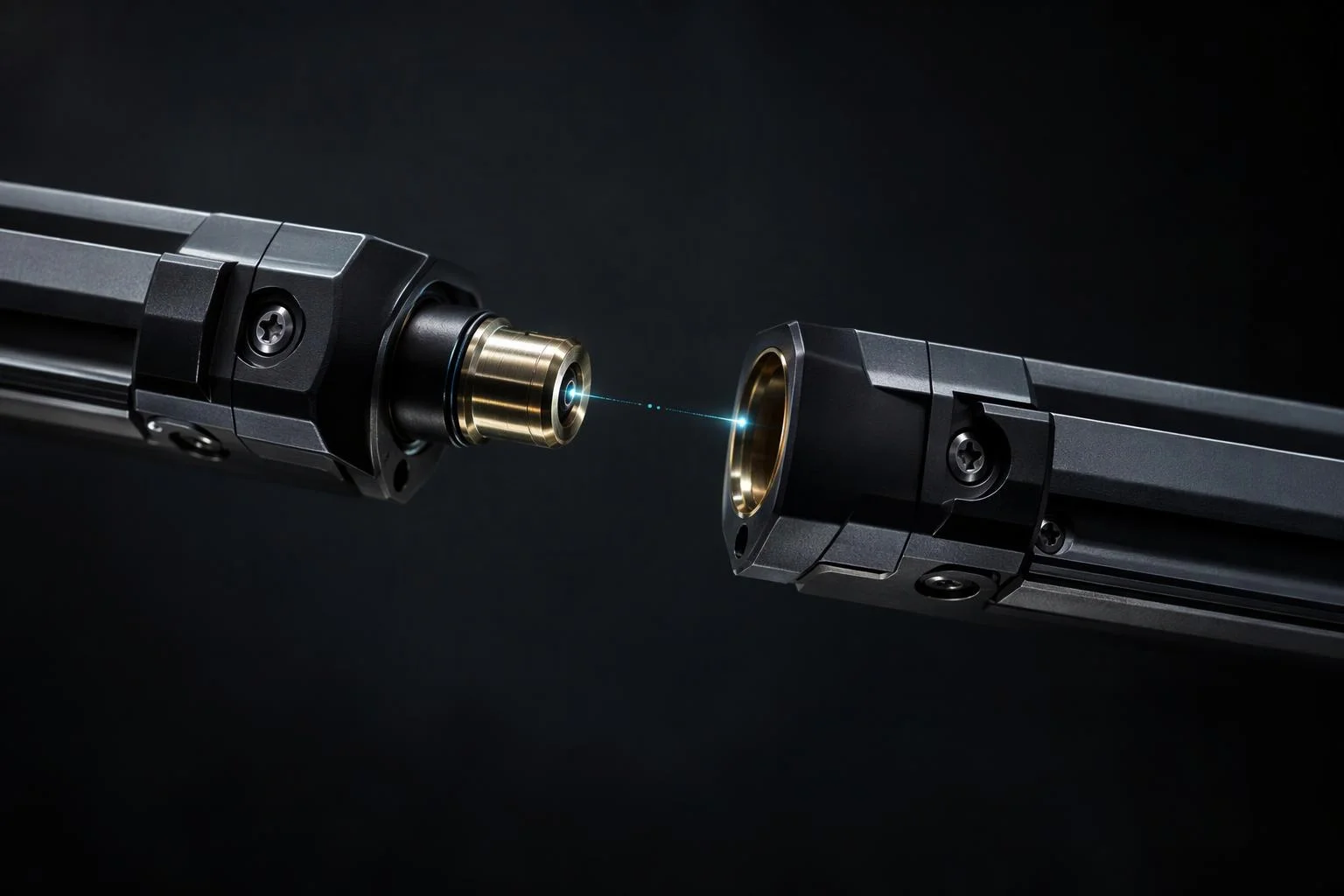
Every {{@link:docs.sdk.effects.geometry.snap-chain|label=snap-chain modifier}} attaches a pair of directional 3D vector ports to a mesh unit: a left input port that receives upstream position vectors and a right output port that broadcasts the downstream mating vertex. Each port automatically finds the best matching vertex from the mesh geometry, with optional spherical angular boundary windows to lock connections onto specific collars or end-caps.
Preserve rigid module lengths across curved and articulated paths
When a customer moves one end of an articulated assembly, the chain solver measures each module's true left-to-right vertex span and runs up to 200 iterative position relaxation passes (exiting early once residual error drops below 0.001 units). Each link updates its world position and orientation to meet its neighbors cleanly without stretching rigid hardware or leaving visible gaps, and independent X, Y, or Z rotation locks prevent unwanted twist.
Pin start and end brackets while interior modules adapt
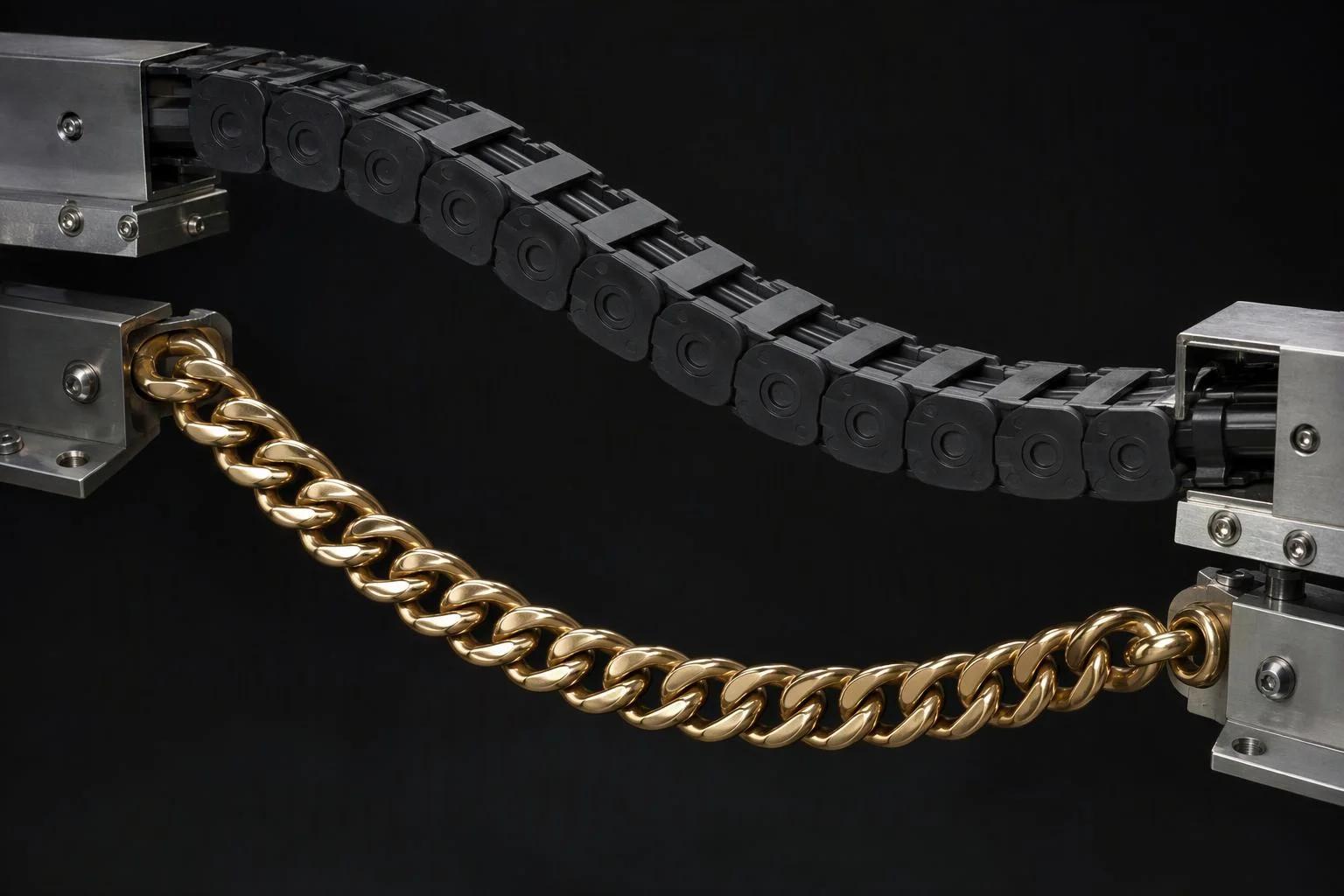
Architectural and industrial installations often lock to fixed mounting points such as ceiling drop-rods, wall flanges, or bulkhead connectors. Switching any link from Dynamic to Fixed pins its world coordinates in the **anchored span chain solver**, letting intermediate dynamic links drape and redistribute smoothly between the structural mounts.
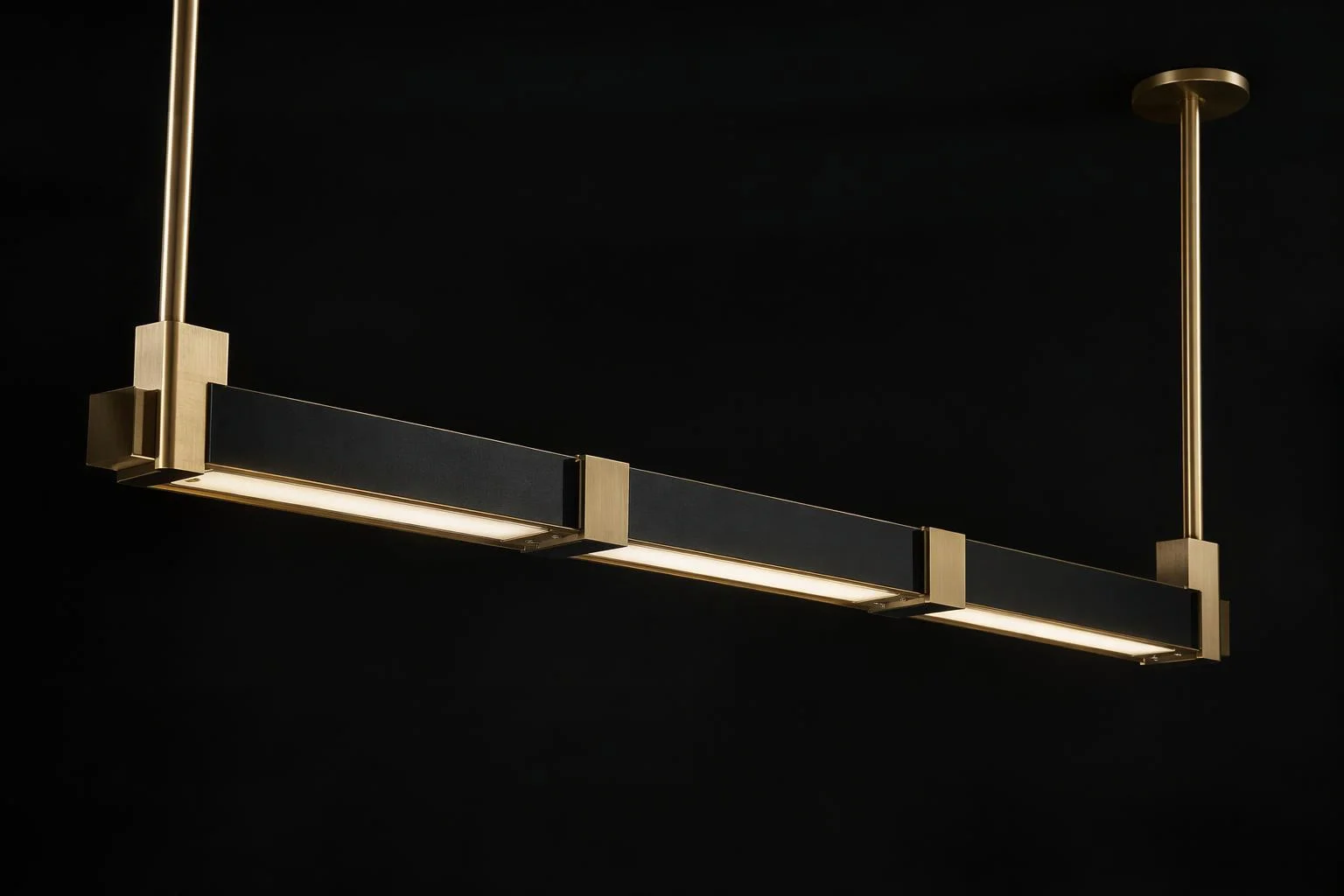
Rigid port-to-port tracks and articulated link chains
Configure the snap-chain modifier for fixed architectural runs or dynamic articulated assemblies.
Architectural rails, shelving bays, and acoustic grids
Pin start and end mounting brackets as Fixed links and enable X, Y, or Z axis rotation locks while snapping linear extrusions, 90-degree corner couplers, and luminaire modules end-to-end. Every module inherits exact world alignment from its upstream neighbor so miter joints and track busbars stay flush.
Jewelry chains, cable carriers, and suspended swags
Keep interior links Dynamic so connected curb links, charms, or polymer drag-chain segments drape naturally under simulated gravity between moving endpoints while maintaining each segment's exact physical vertex-to-vertex span.
| Subsystem | Verified Engine Behavior & Controls | Manufacturing & UX Outcome |
|---|---|---|
| Directional Anchor Ports | Left 3D vector input and Right 3D vector output targets resolved automatically to the closest mesh vertex. | Snaps consecutive modules flush at exact mechanical mating points without manual XYZ offset math. |
| Spherical Boundary Windows | Independent Left and Right boundary toggles with normalized polar/azimuthal center, width, and height limits (0 to 1). | Restricts vertex matching to a specific connector collar or flange on complex CAD parts. |
| Dynamic vs. Fixed Anchors | Per-link Dynamic toggle; Fixed links pin world coordinates and retain standard animation control. | Anchors wall flanges, ceiling canopies, and bulkheads while interior modules adapt across the span. |
| Axis Rotation Locks | Independent X, Y, and Z rotation constraint toggles per module. | Prevents hinged cable tracks, lighting bars, or shelving bays from twisting along forbidden axes. |
| Iterative Chain Solver | Up to 200 relaxation passes with early exit at 0.001 error, 0.001 junction gap collapse, optional gravity drape on free links, and idle stop below 1e-6 movement. | Delivers smooth real-time articulation during interaction and zero solver overhead once settled. |
Products built with connected 3D snap-chains
From fine jewelry to factory automation, port-based snapping turns multi-part catalogs into interactive 3D builders.

Custom charm bracelets and interlocking link necklaces
Let shoppers choose link styles, clasp hardware, and gemstone charms that snap sequentially along a curved wrist or neckline path.
Read More about Custom charm bracelets and interlocking link necklaces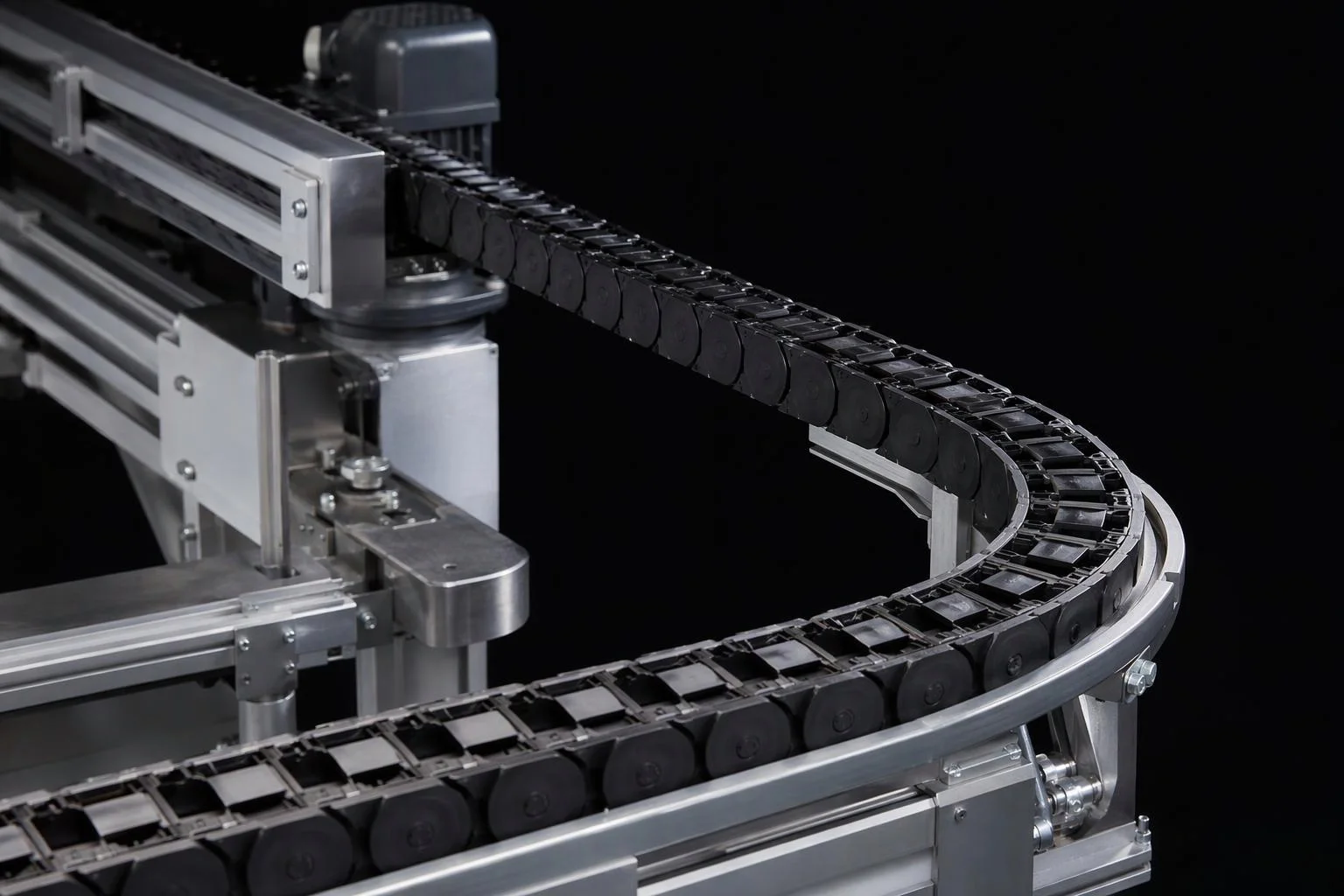
Conveyor tracks and articulated cable carriers
Assemble repeating drag-chain links, guide rails, and mounting brackets across custom travel lengths with exact joint alignment.
Read More about Conveyor tracks and articulated cable carriers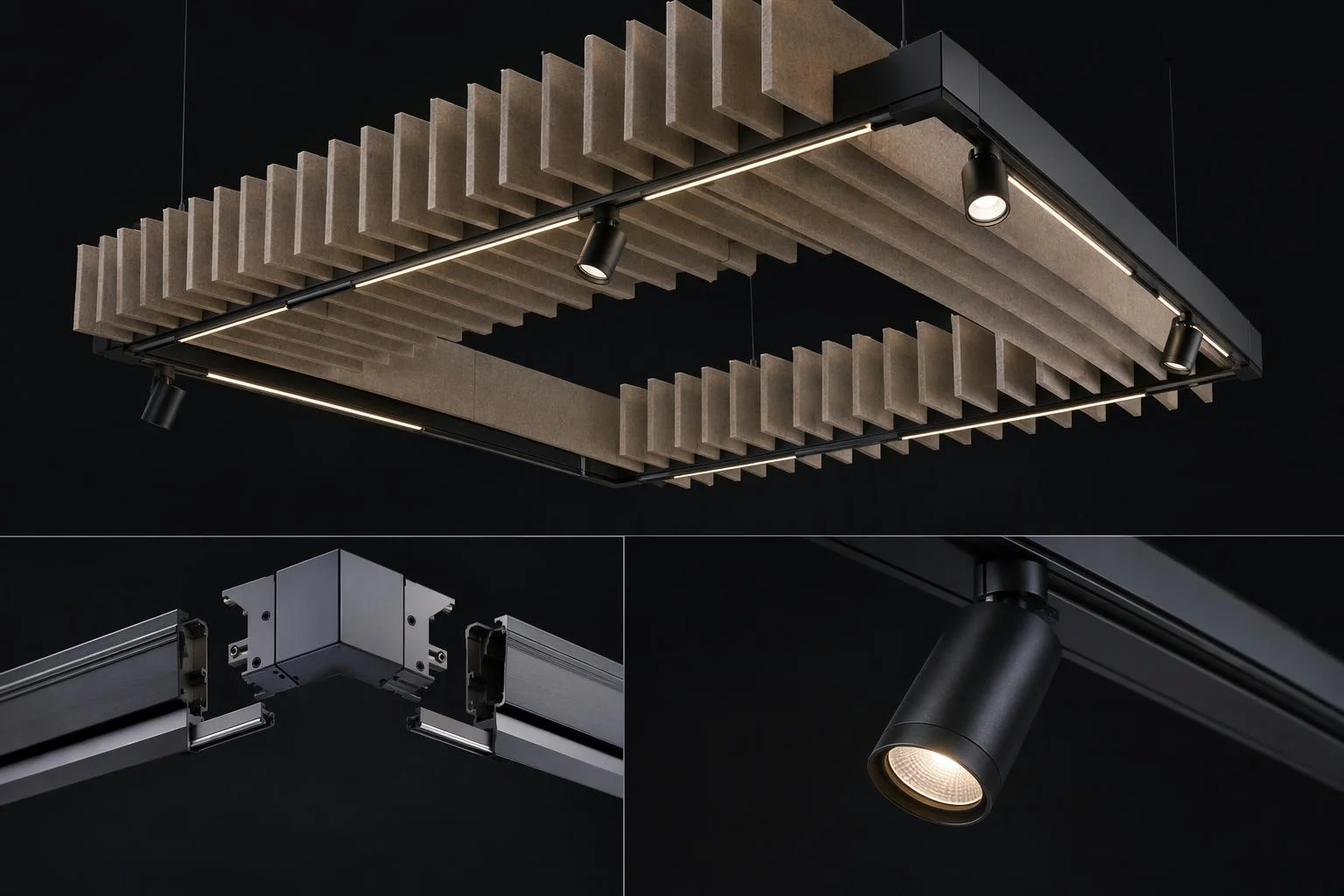
Modular track lighting and suspended ceiling systems
Connect linear LED channels, corner couplers, spotlight heads, and acoustic ceiling baffles into continuous architectural runs.
Read More about Modular track lighting and suspended ceiling systems
Responsibility Tiers
- 1 Native Aircada layer
- 1 Aircada Configuration layer
- 1 Custom Implementation layer
- 1 External layer
Responsibility Boundaries Across Modular System Builders
How Aircada's snap-chain solver, Studio operator wiring, and merchant part catalogs divide responsibilities.
Snap-chain modifier, vertex port matching, rotation locks & iterative solver
- Native Aircada
- Real-time left/right 3D vector port propagation, spherical boundary vertex matching, Dynamic/Fixed anchor switching, X/Y/Z rotation locks, and iterative position relaxation with automatic idle convergence.
Module attachment, vertex targets, boundary windows & anchor flags
- Aircada Configuration
- Configured in Aircada Studio by attaching the snap-chain modifier to modular meshes, wiring left and right vector ports between links, and setting fixed endpoints or rotation locks.
Dynamic module insertion UI & electrical/load validation rules
- Custom Implementation
- Building custom add/remove module UI controls and pairing the assembly with conditional rules (such as maximum wattage per power feed or maximum cantilevered span).
CAD origin placement & mechanical mating tolerances
- External
- Preparing 3D module meshes with consistent local axes and physical mating clearances so port-to-port alignment matches real hardware.
Frequently Asked Questions
How do individual 3D modules know where to connect to the next part?
Can a modular chain include both fixed mounting brackets and movable interior links?
Does moving an assembly recalculate every frame even when the shopper stops dragging?
How does checkout handle an assembly made of many snapped modules?
Turn modular 3D assemblies into itemized bills of materials
Automatically count every rail, coupler, and bracket in a customer's modular build and export a priced BOM at checkout.
Related capabilities
Explore the adjacent capabilities and integrations that pair with this workflow.
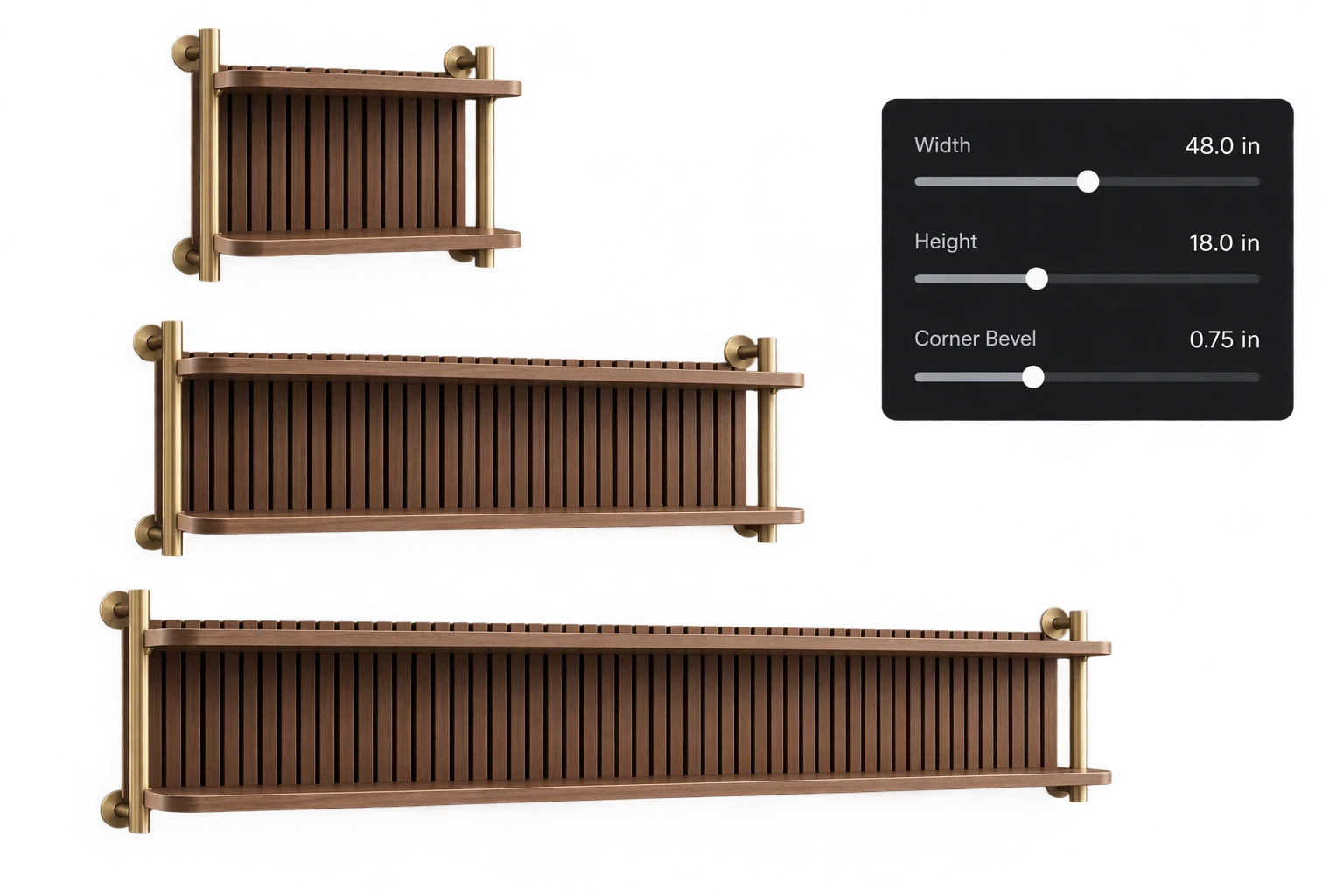
Made-to-measure 3D sizing with true-scale textures
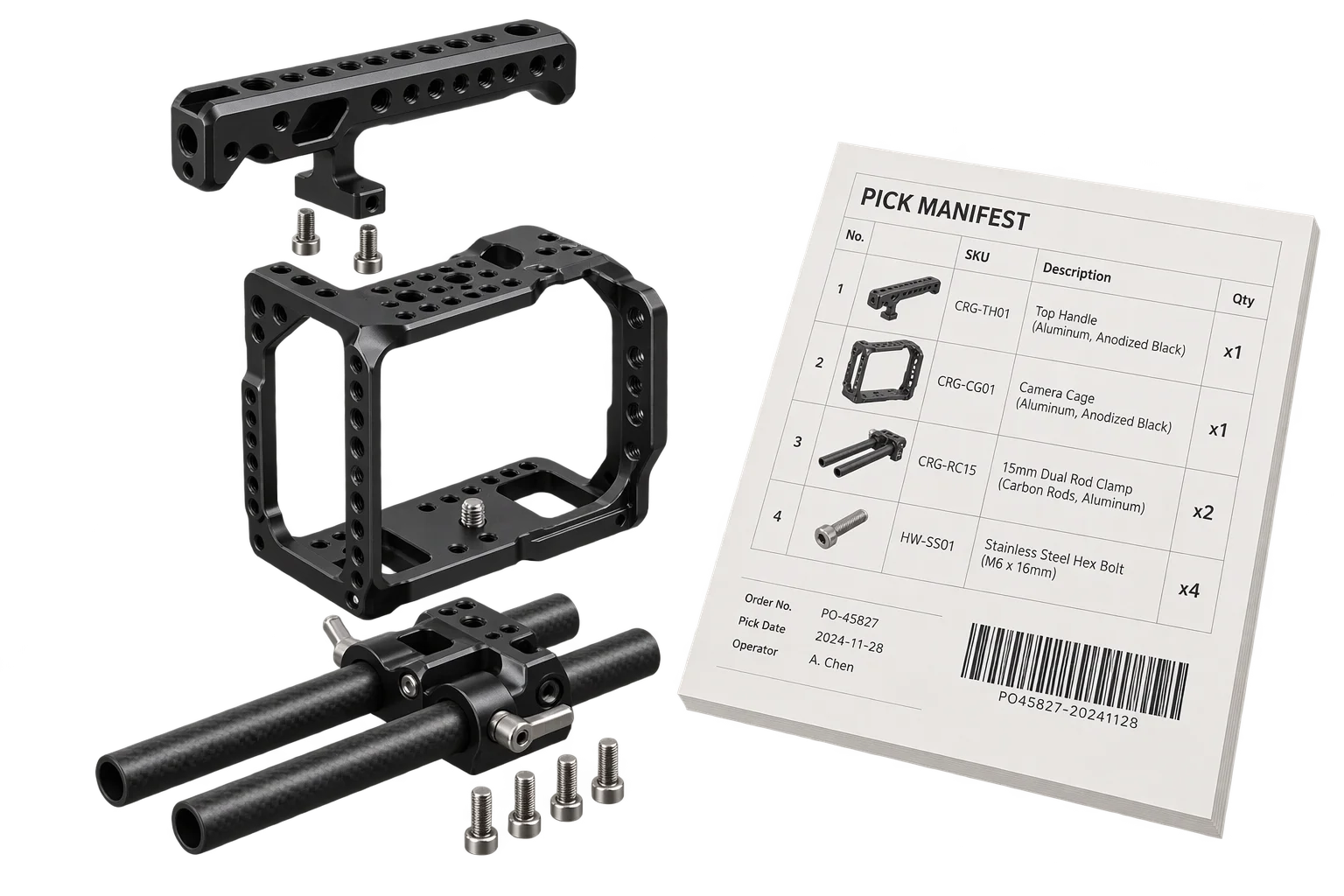
Automated 3D assembly BOMs and pick-list specs
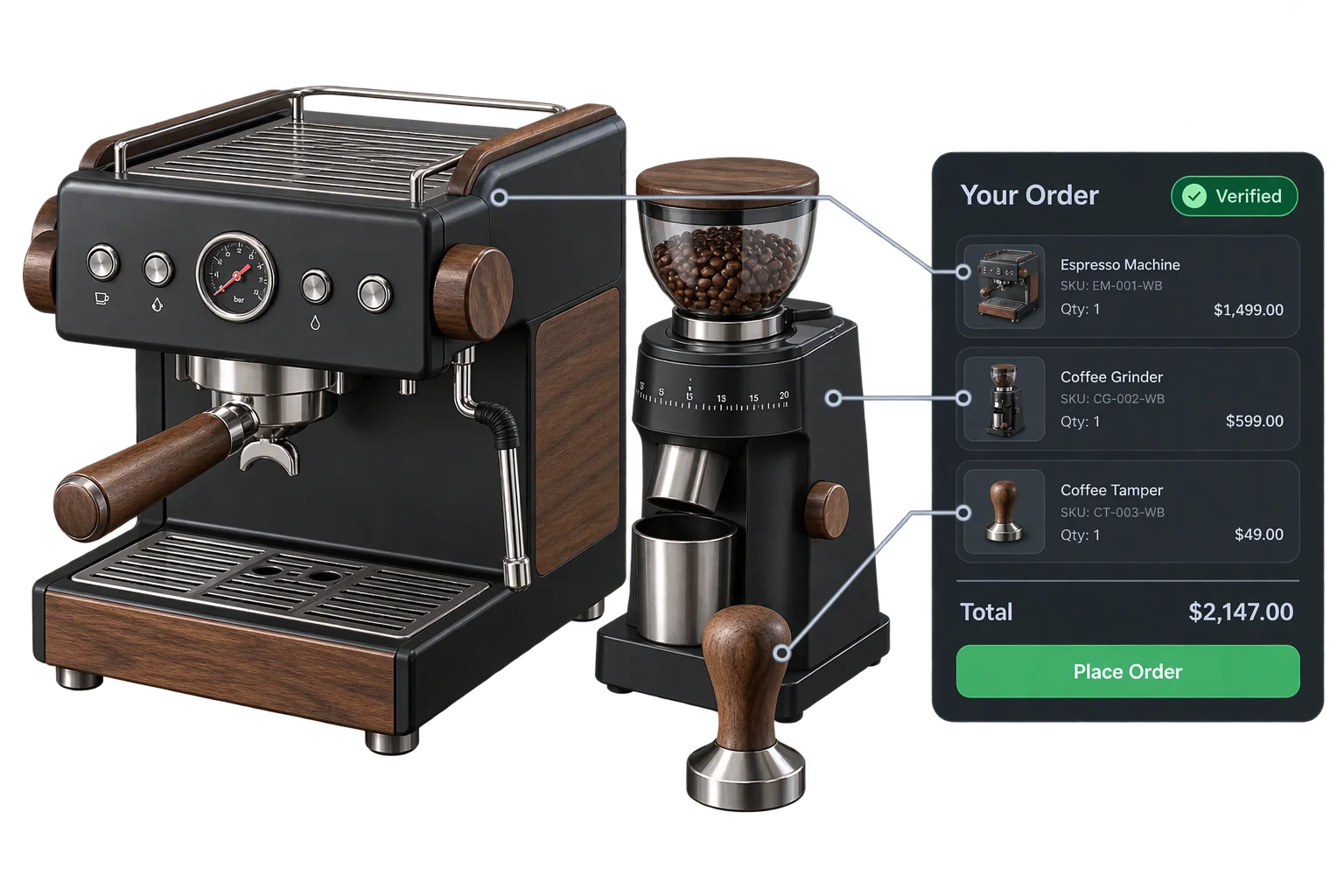
One-click multi-SKU 3D kits and bundle checkout