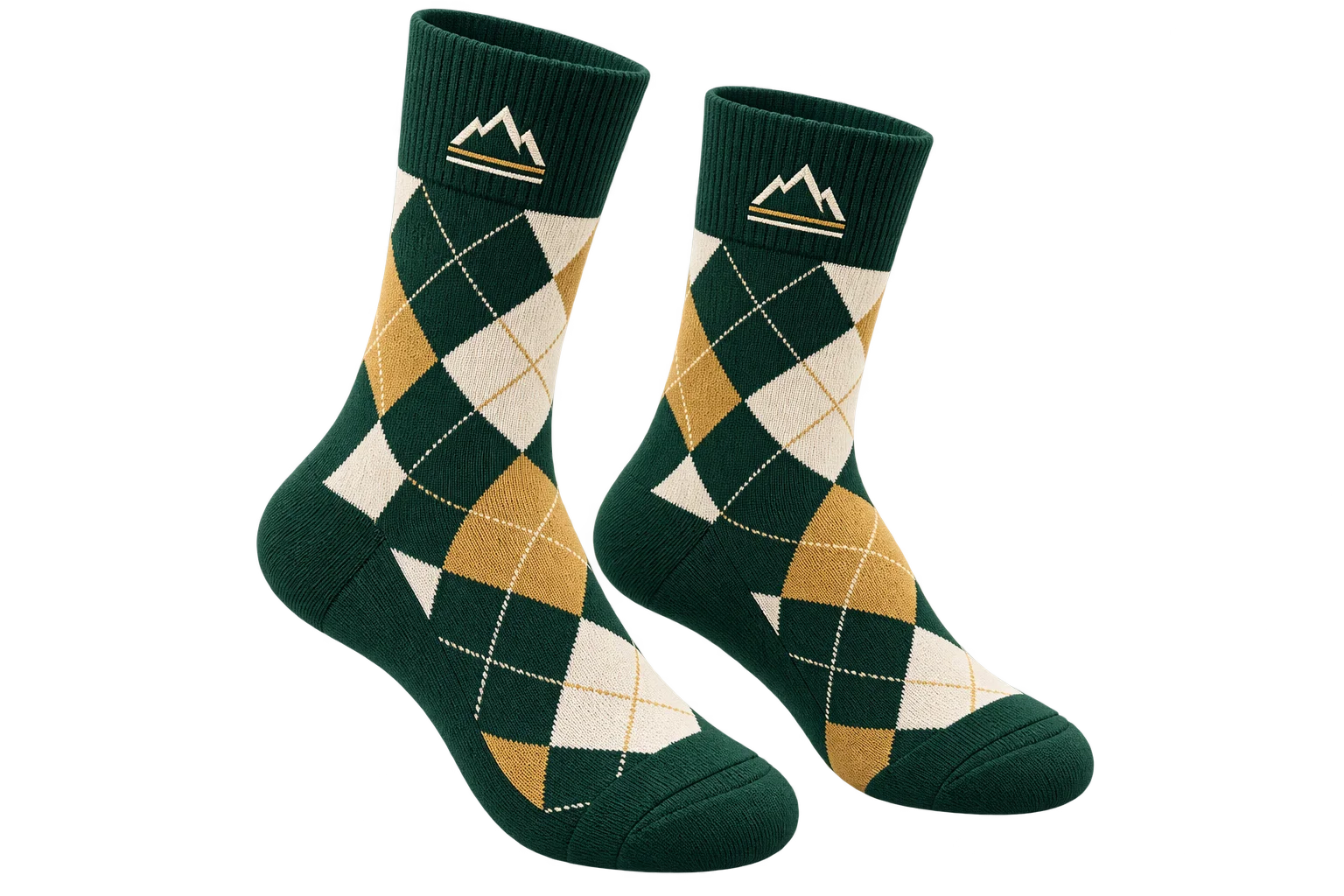
Crisp anti-aliased metallic edges and studio polish
Raw browser 3D renders often look jagged and synthetic compared to studio photography. Aircada combines 16-bit half-float 4x multisampling, adaptive motion-to-rest supersampling with smooth cross-fading, subtle specular bloom, and color grading while keeping transparent storefront backgrounds spotless.
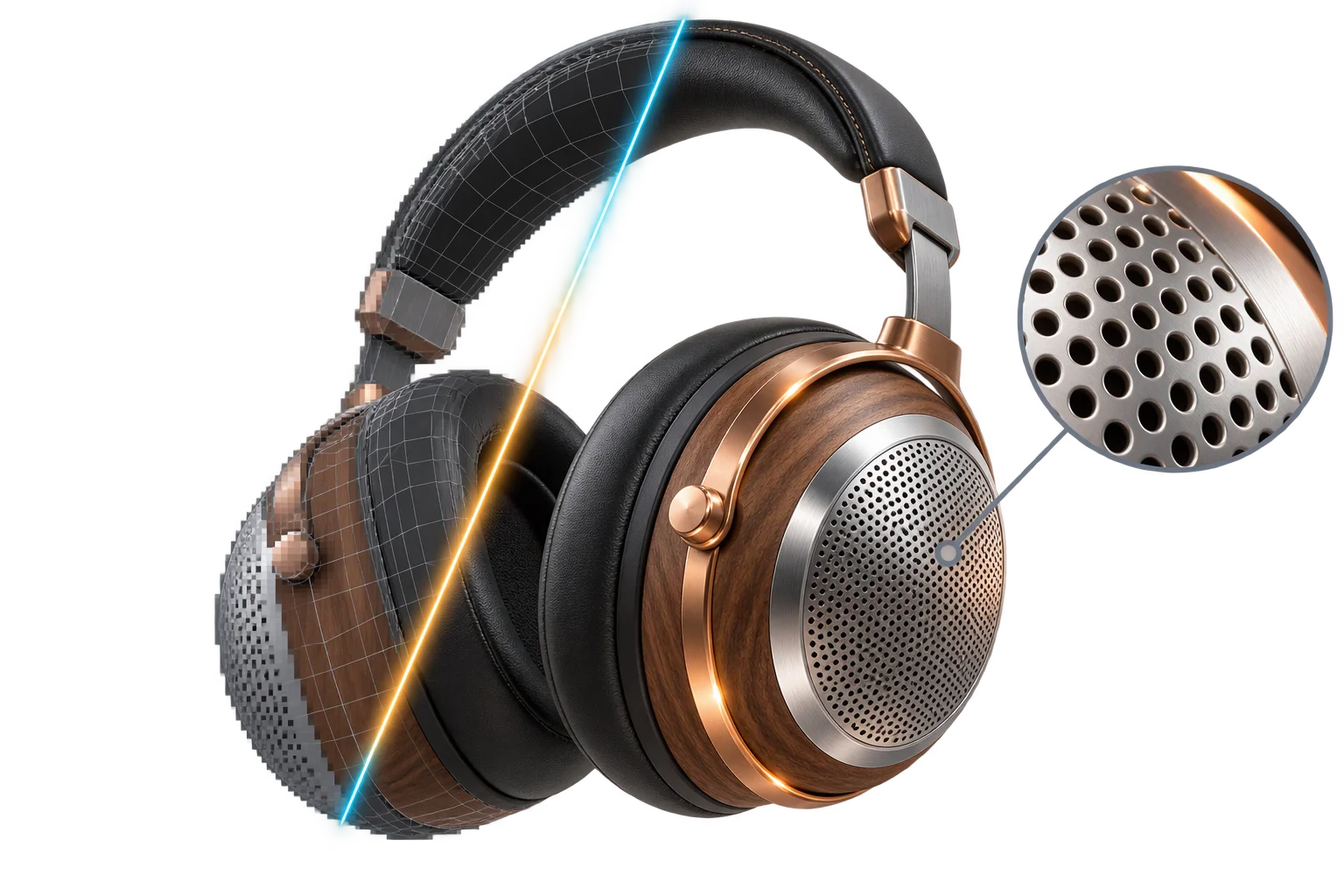
Raw 3D pass vs. studio post-processing
Compare a standard single-sample browser frame against Aircada's 16-bit half-float pipeline with adaptive rest supersampling, bounded bloom, and alpha-safe compositing.
Jagged metallic edges and flat highlights
Standard single-frame browser rendering leaves stair-stepped metallic bevels, harsh clipped speculars, and noisy edges on thin product details.
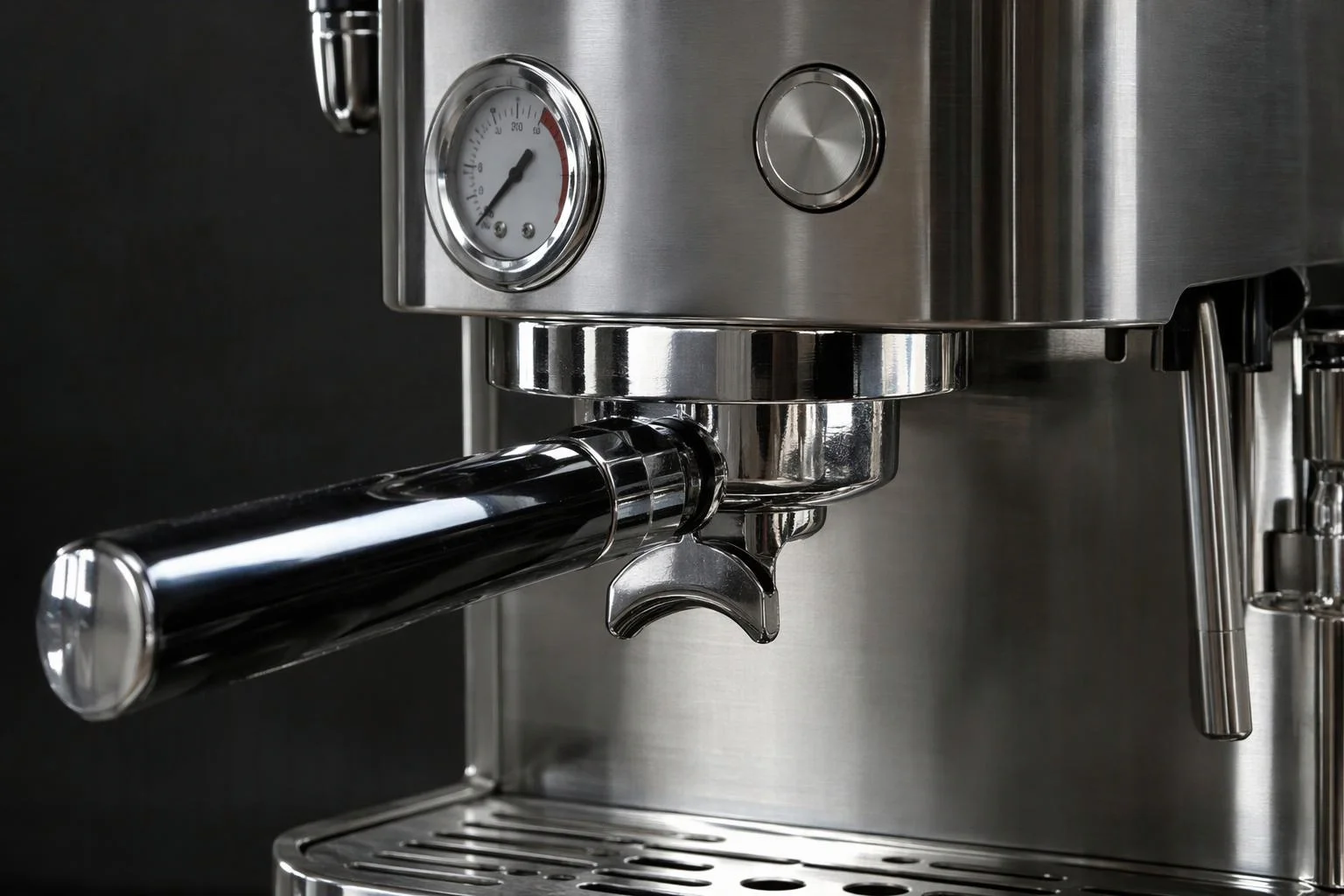
Diagonal chrome bezels and thin grilles shimmer with pixel stair-stepping during rotation
High-intensity metal and glass reflections clip flat in 8-bit buffers without natural optical glow
Micro-typography, engraved markings, and dial indices break up on desktop and mobile screens
Naive transparency compositing leaves dark halo fringes when embedded over white storefront pages
Smooth supersampled edges and studio bloom
16-bit half-float 4x MSAA, adaptive motion-to-rest supersampling, and bounded specular bloom deliver photography-grade crispness without stalling touch drag.
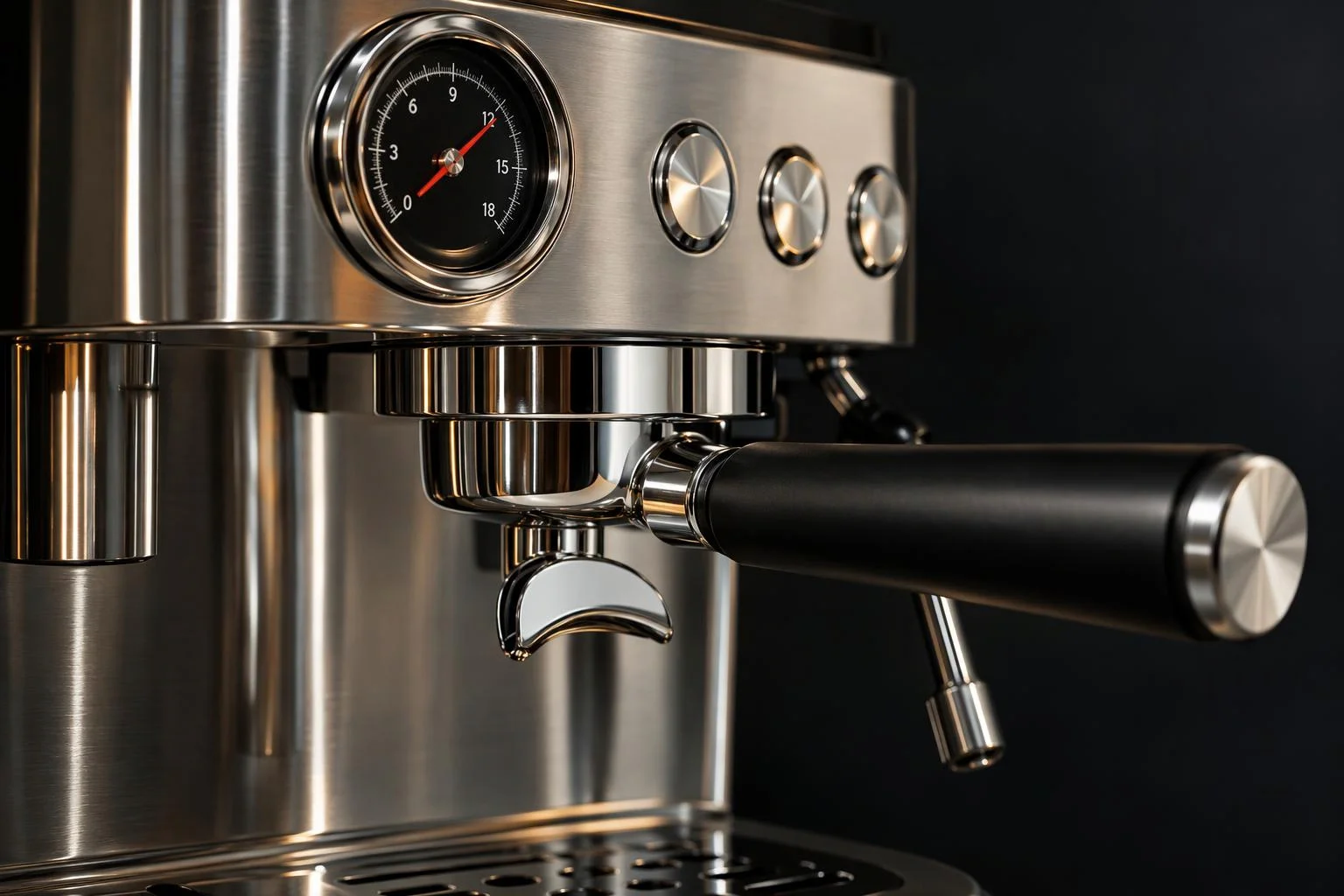
Separate Motion (1 to 16 samples) and Resting (up to 36 sub-pixel jittered samples) levels keep dragging fast and still frames sharp
Configurable 0.05s to 1.5s smoothstep cross-fade (0.35s default) eliminates jarring snaps as the camera settles
Bounded specular bloom (strength, radius, threshold 0 to 1) adds realistic warmth to chrome highlights without washing out textures
Unpremultiplied alpha accumulation preserves spotless transparent backgrounds over any storefront CSS layout
Raw browser 3D renders betray synthetic edges
Even physically accurate materials look noticeably computer-generated when thin metallic bezels shimmer with stair-stepped pixels or bright chrome highlights clip flat against a studio backdrop. On high-ticket Shopify and headless product pages, shoppers equate visual polish with build quality within seconds, and aliased edges erode buyer confidence before checkout.
Real-time viewport post-processing closes the gap between interactive 3D and finished studio photography directly inside the browser. Because every extra full-screen GPU pass consumes mobile frame budget and battery, Aircada keeps live passes modular and separates fast interactive movement from high-sample resting refinement.
Smooth motion first, razor-sharp detail at rest
While a customer drags to orbit or zoom around a product, Aircada renders through a 16-bit half-float pipeline with 4x hardware multisampling, optional single-pass FXAA, or low-cost motion sampling so interaction stays fluid on phones and laptops.
The instant camera movement settles within a 0.0001 position and rotation threshold, adaptive supersampling accumulates sub-pixel jittered frames (configurable up to 36 resting samples) and cross-fades smoothly over 0.35 seconds via a smoothstep curve. Fine typography, watch dial indices, speaker grilles, and curved chrome seams sharpen automatically without manual render buttons or visual popping.
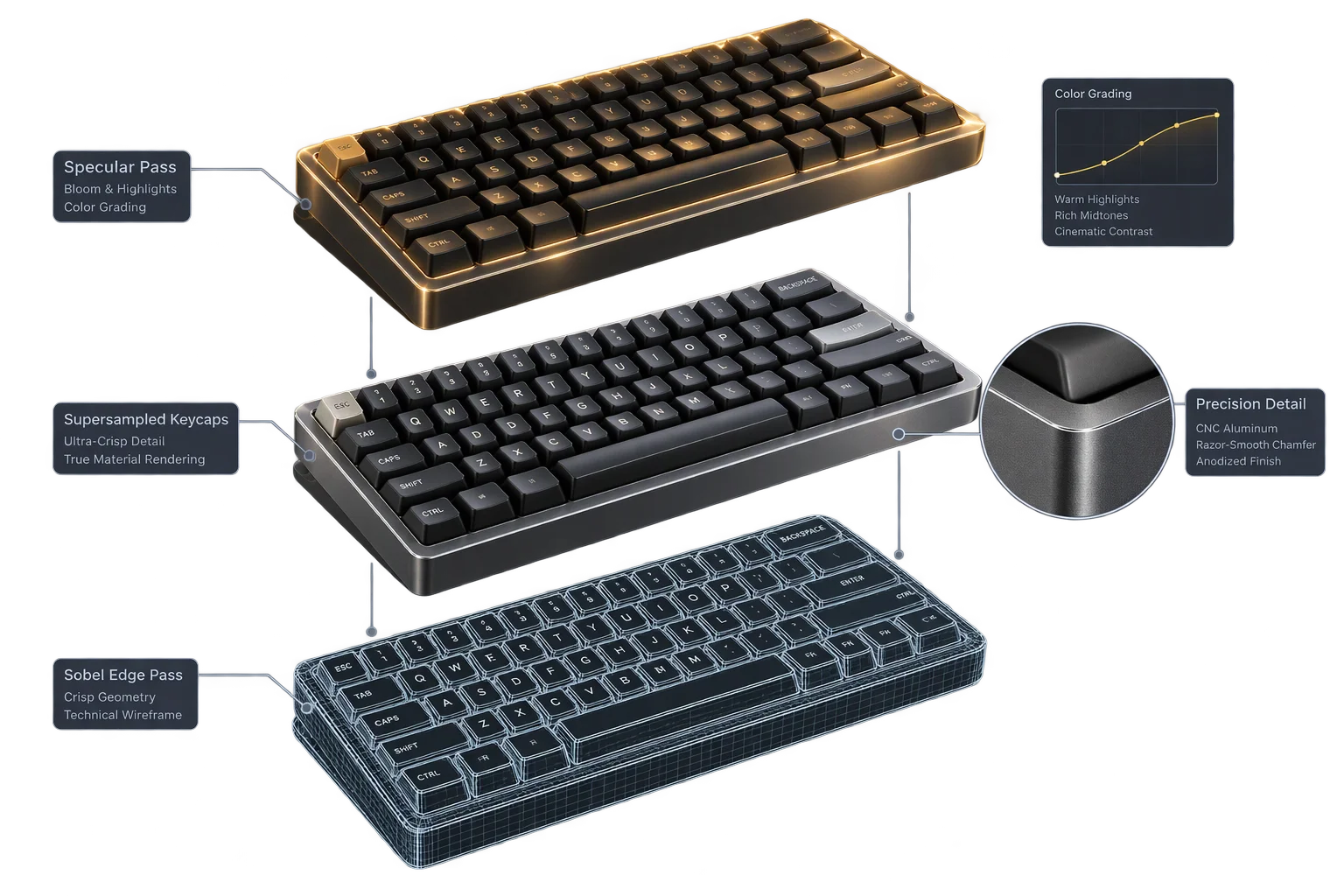
Four compositing stages behind every frame
Each stage runs directly on the visitor's graphics chip without blocking orbit, zoom, or swatch selection.
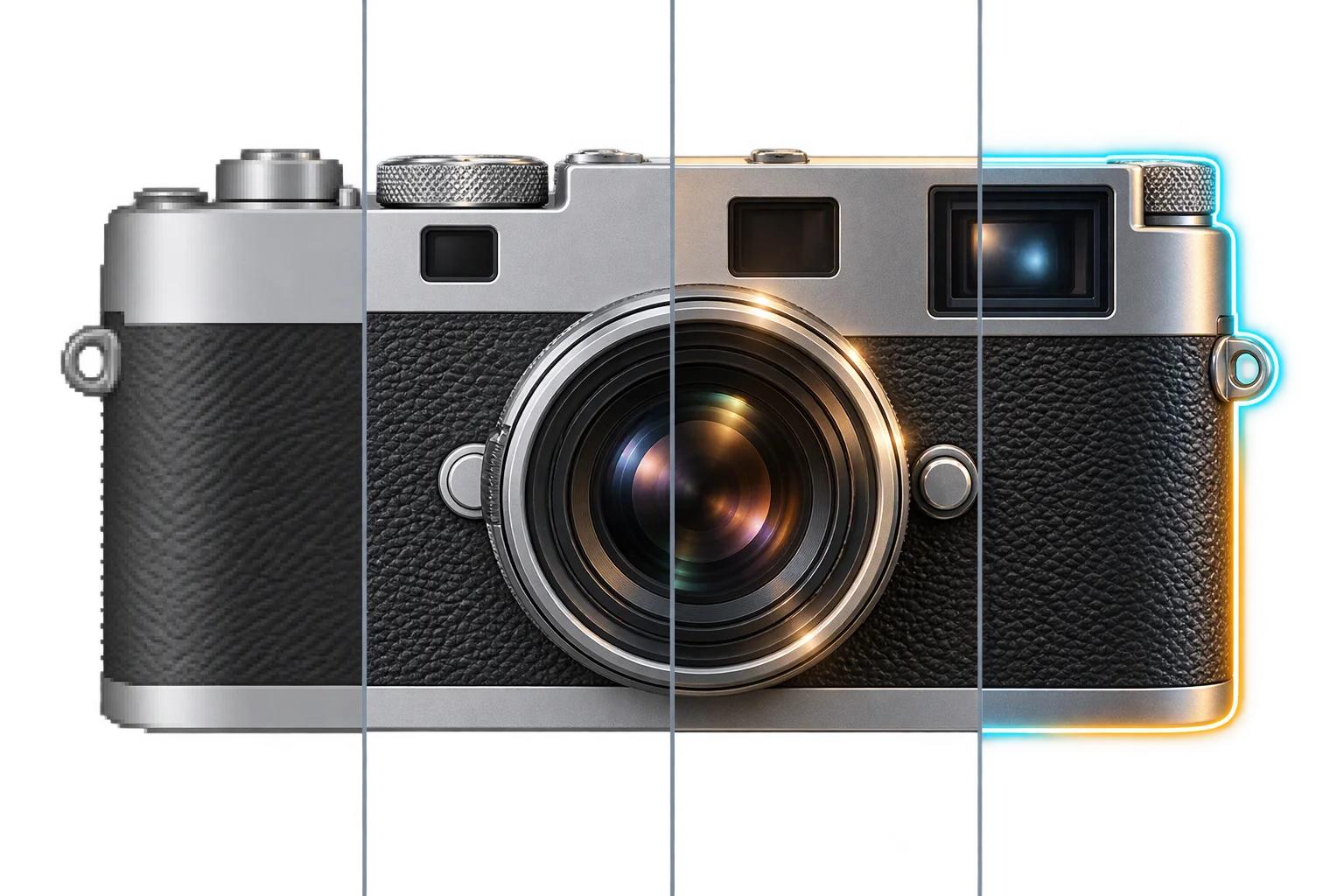
16-bit half-float 4x MSAA base pass & FXAA
While shoppers rotate or zoom around a product, Aircada renders into a 16-bit half-float buffer with 4x hardware multisampling and an attached depth texture, with optional single-pass FXAA edge smoothing so motion stays fluid on phones and laptops.
Adaptive motion-to-rest supersampling with smooth cross-fade
Studio exposes separate Motion Sample Level (1 to 4, up to 16 samples) and Resting Sample Level (1 to 6, up to 36 sub-pixel jittered samples) controls. The moment camera motion drops below a 0.0001 threshold, Aircada accumulates jittered frames and blends them in smoothly over 0.35 seconds (configurable 0.05s to 1.5s) to resolve perforated grilles, brushed bezels, and fine logos.
Bounded specular bloom and 9-channel color grading
Bloom controls (strength, radius, and threshold from 0 to 1) let bright metallic bevels and illuminated accents glow softly without washing out surrounding surfaces, paired with non-destructive brightness, contrast, hue, saturation, vibrance, RGB channel balance, vignette, and sharpen passes.
Perspective/orthographic hover outlines & transparent alpha preservation
Dedicated depth-mask outline passes highlight hovered and selected components cleanly in both perspective and orthographic views, while unpremultiplied alpha compositing keeps transparent canvas cutouts clean over any storefront background.
Alpha-safe compositing built for storefront embeds
Game-engine post-processing stacks typically assume an opaque full-screen background, leaving gray fringes or boxed edges when embedded into a web page. Aircada preserves transparent background alpha (using unpremultiplied alpha accumulation during supersampling) so merchandising teams can drop a live 3D configurator straight onto white, dark, or gradient Shopify product pages with zero halos.
Studio operators configure anti-aliasing mode, motion versus resting sample levels, bloom strength/radius/threshold, 9-channel color grading, and highlight colors visually without writing shader code. The same high-precision rendering pipeline carries directly into supersampled visual proofs and product stills.
| Stage / Effect | Studio Controls & Ranges | Performance & Visual Trade-Off |
|---|---|---|
| Base Anti-Aliasing (None / FXAA) | 16-bit half-float target with 4x MSAA; optional single-pass FXAA | Lowest GPU and battery cost during rapid mobile orbit and swatch interaction. |
| Adaptive Supersampling (SSAA) | Motion Level 1 to 4 (1 to 16 samples), Resting Level 1 to 6 (up to 36 samples), Smooth Transition toggle & duration (0.05s to 1.5s, default 0.35s) | Zero drag penalty when Motion Level is 1; delivers print-grade crispness on thin bezels and text once camera rests. |
| Specular Bloom | Strength (0 to 1, scaled up to 3x), Radius (0 to 1), Threshold (0 to 1) | Adds subtle optical glow to chrome bevels and LED accents; use selectively to avoid unnecessary mobile fill-rate overhead. |
| Color Grading, Vignette & Sharpen | Brightness, contrast, hue, saturation, vibrance, invert, R/G/B channel multipliers, vignette, and sharpen | Matches storefront photography mood non-destructively without editing base product textures. |
| Selection & Edge Outlines | Perspective and orthographic depth-mask selection/hover outlines plus Sobel edge outline pass with color picker | Confirms which customizable part a shopper is hovering or editing without cluttering the product geometry. |
Responsibility Tiers
- 1 Native Aircada layer
- 1 Aircada Configuration layer
- 1 Custom Implementation layer
- 1 External layer
Responsibility Boundaries Across Viewport Post-Processing
Clear separation between native GPU compositing, Studio look presets, and storefront page styling.
Half-float 4x MSAA pipeline, adaptive SSAA, bloom & selection outlines
- Native Aircada
- 16-bit half-float render targets with 4x MSAA, FXAA, adaptive motion-to-rest supersampling with smoothstep cross-fade, unpremultiplied transparent alpha preservation, and perspective/orthographic outline passes.
Anti-aliasing mode, sample levels, bloom bounds & color grading presets
- Aircada Configuration
- Studio configuration of None/FXAA/SSAA mode, Motion (1 to 4) and Resting (1 to 6) sample levels, transition duration (0.05s to 1.5s), bloom strength/radius/threshold, Sobel color, and color grading.
Custom screen-space stylized passes or pointer distortion
- Custom Implementation
- Optional custom screen-space shaders, afterimage trails, or interactive cursor distortion registered onto the post-processing pipeline.
Storefront page background & brand art direction
- External
- Host page CSS background colors, studio HDR lighting selection, and brand visual guidelines.
Frequently Asked Questions
How does adaptive supersampling keep edges crisp without lagging mobile drag?
Does post-processing break transparent backgrounds on product pages?
Will adding bloom or color grading slow down mobile shoppers?
Can buyers see highlighted outlines when hovering customizable parts?
Pair live viewport polish with 4K and 8K stills
Carry your configured studio lighting and supersampled visual clarity forward into high-resolution image exports for customer proofs and product galleries.
Related capabilities
Explore the adjacent capabilities and integrations that pair with this workflow.
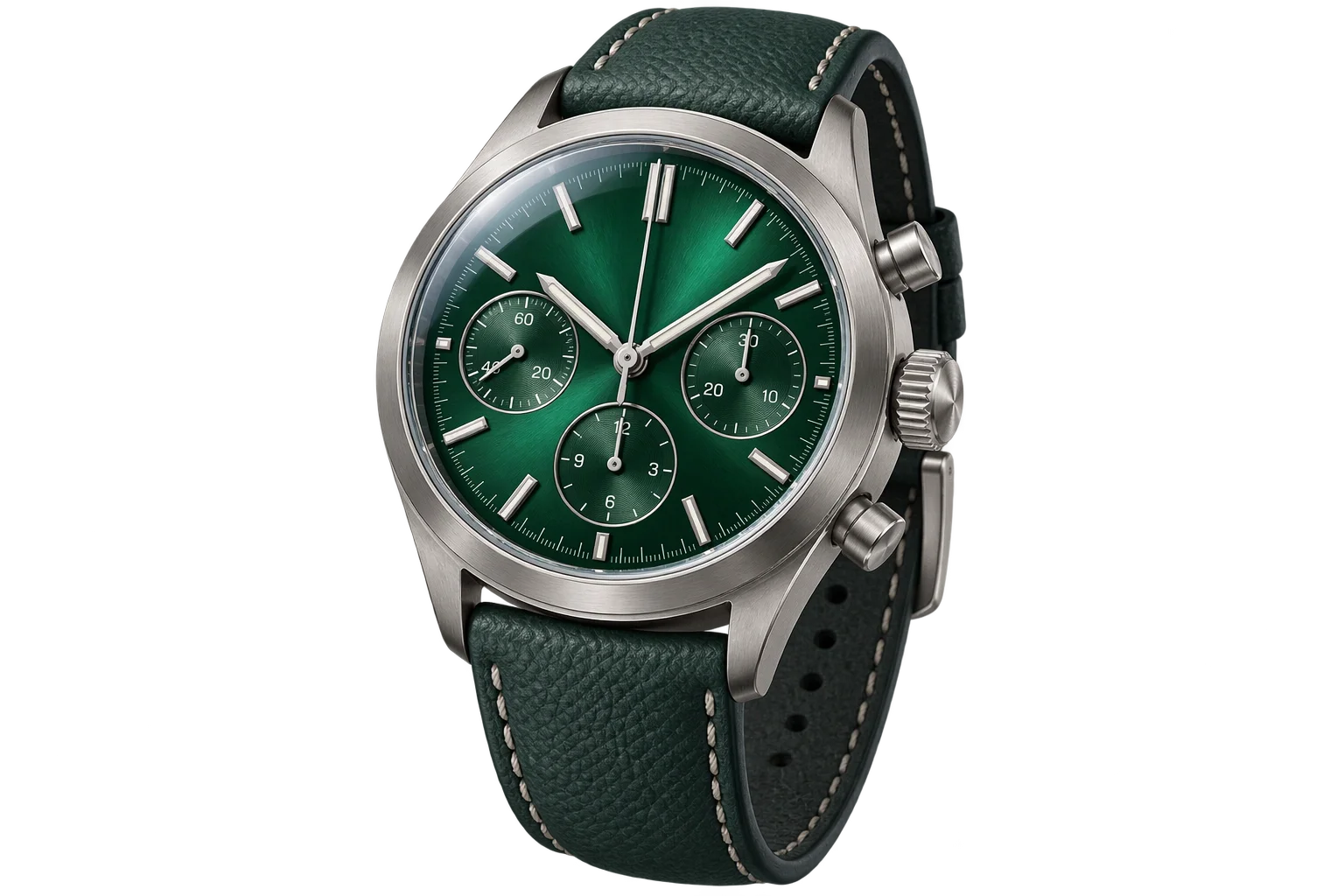
Instant PBR wood, metal, and fabric swatch swaps

Browser-rendered 4K and 8K product proof exports
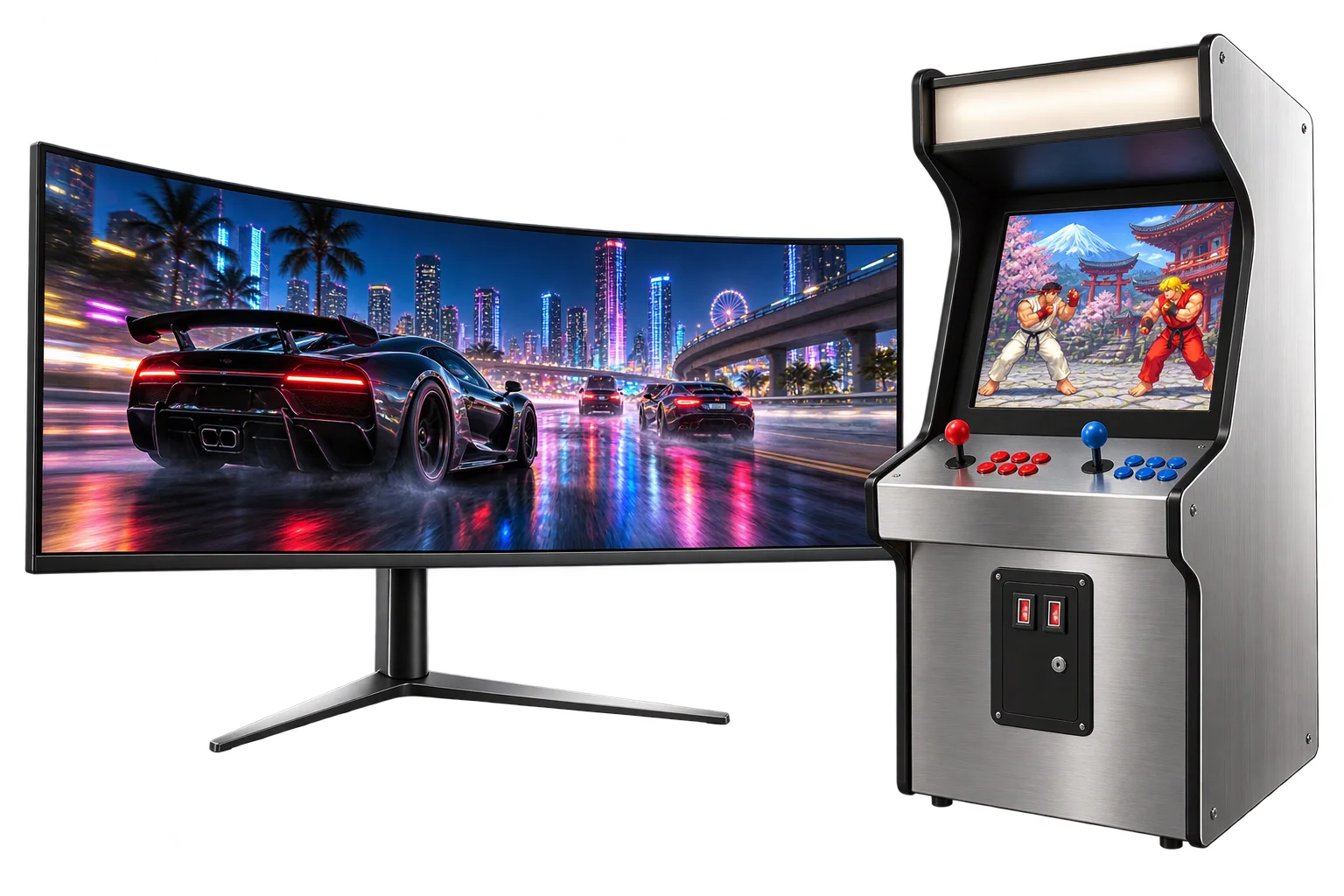
Live video playback on 3D screens and displays