Commerce & Ordering
Guide buyers through multi-step configurations, bundle multi-SKU assemblies into a single checkout action, and attach live 3D cart thumbnails with structured order specs.
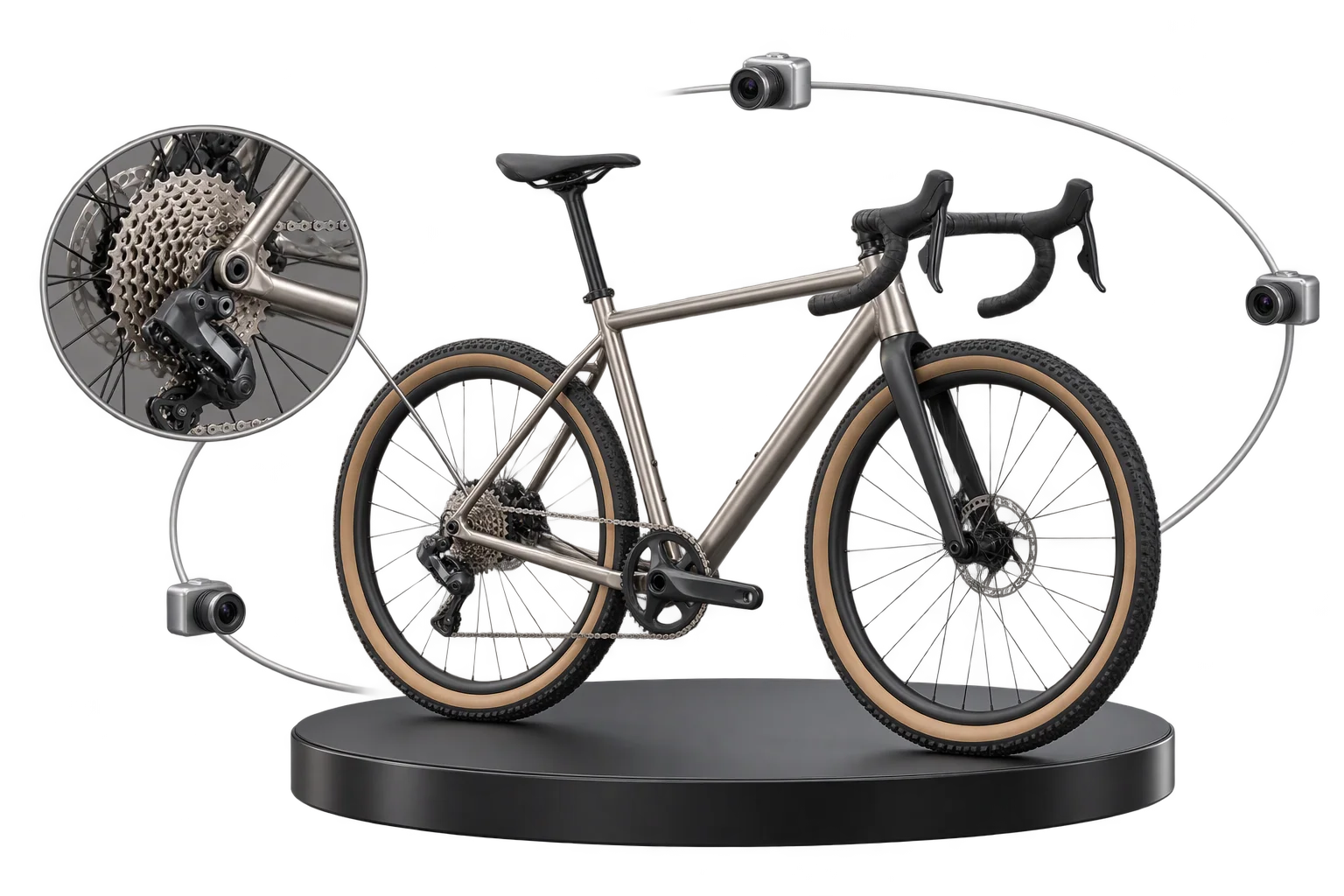
What commerce and ordering capabilities handle at checkout
Aircada's commerce and ordering layer connects real-time 3D customization directly to Shopify and headless storefront checkouts inside our configurable commerce platform. It sequences complex buying steps, bundles multi-part kits into one checkout action without variant explosion, and attaches a live 3D cart thumbnail and immutable 8-character design ID to every order.
Standard product pages break when shoppers face 20 unguided options, assemble multi-part kits, or open their cart to see a generic base-model photo instead of their custom build. Those friction points drive checkout abandonment, Shopify variant explosion, and incomplete order data for warehouse teams.
Live 3D cart thumbnails and verified design IDs
One-click multi-SKU 3D kits and bundle checkout
Step-by-step guided selling with smart 3D camera moves
Guide shoppers through complex multi-option products
When a product has dozens of parts or upgrades, dumping every swatch into one long sidebar causes decision fatigue. Guided selling flows organize customization into sequenced steps, gliding the 3D camera directly to each active sub-assembly and triggering coordinated part animations while displaying only the controls relevant to that step.
Bundle multi-SKU assemblies without breaking inventory
Pre-creating every combination of a base unit plus attachments quickly exceeds platform variant limits and breaks component-level stock tracking. Multi-SKU bundling maps the primary product and each selected accessory or upgrade to its own catalog SKU, totals live prices, assigns a shared bundle identifier, and submits the entire kit in one click.
Confirm every build with immutable 3D cart snapshots
At Add to Cart, cart snapshots guard against double-clicks, validate required fields, capture a transparent 512x512 or 1024x1024 WebP viewport thumbnail (or locked studio preview override), and write an immutable order record with an 8-character design ID. Production stores such as Cinch Gaming rely on this flow to turn customized builds into structured orders ready for shop-floor fulfillment, while headless teams consume the same snapshot payloads via the Aircada SDK.
From guided 3D configuration to a structured store order
Every checkout click validates inputs, resolves SKUs, and locks a visual record.
Step buyers through focused 3D zones
GUIDEGuided selling flows glide the camera to each sub-assembly so buyers configure without overwhelm.
Resolve parent and attachment SKUs
BUNDLEMulti-SKU bundling maps every selected component to its native catalog SKU and totals live pricing.
Capture live 3D thumbnail and design ID
SNAPSHOTCart snapshots validate required inputs, render a WebP preview, and attach an 8-character design ID.
Deliver structured order data to fulfillment
SYNCShopify or headless checkout receives clean line items ready for assembly BOMs and production files.
| Operational Problem | Aircada Capability | What Your Team Receives |
|---|---|---|
| First-time shoppers face decision fatigue in 20-option configurators and miss upgrades | Guided Selling Flows | Sequenced multi-step buying flows with automatic camera glides, coordinated part animations, and step-specific UI panels. |
| Modular kits create thousands of parent variants and break part-level inventory tracking | Multi-SKU Bundling | One-click checkout that maps the base product and each attachment to its own catalog SKU with summed live pricing and shared bundle IDs. |
| Generic base-product cart photos create buyer doubt and leave missing order details | Cart Snapshots | Pre-checkout input validation, a 512x512 or 1024x1024 transparent WebP thumbnail (or studio preview override), and an immutable snapshot with an 8-character design ID. |
