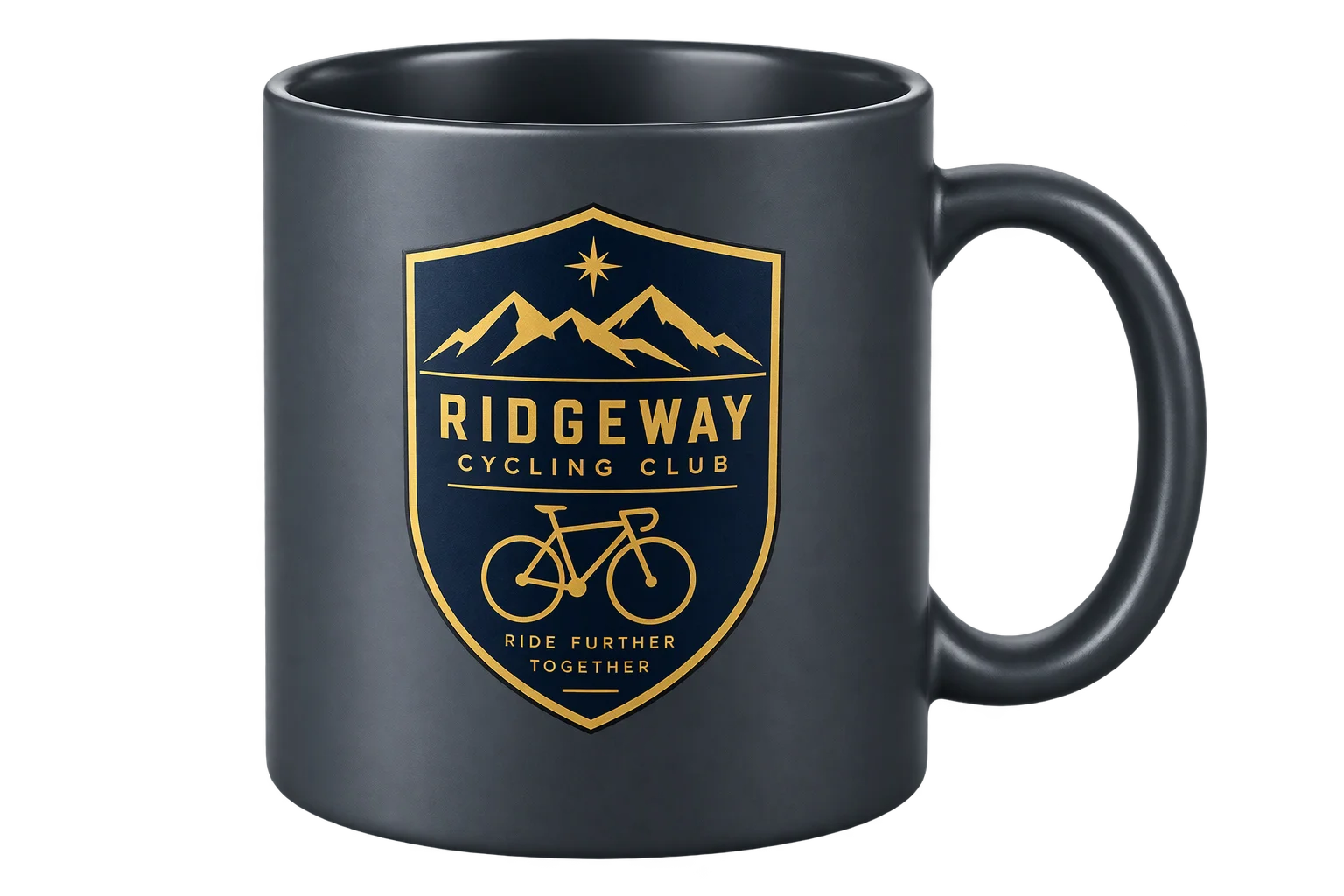
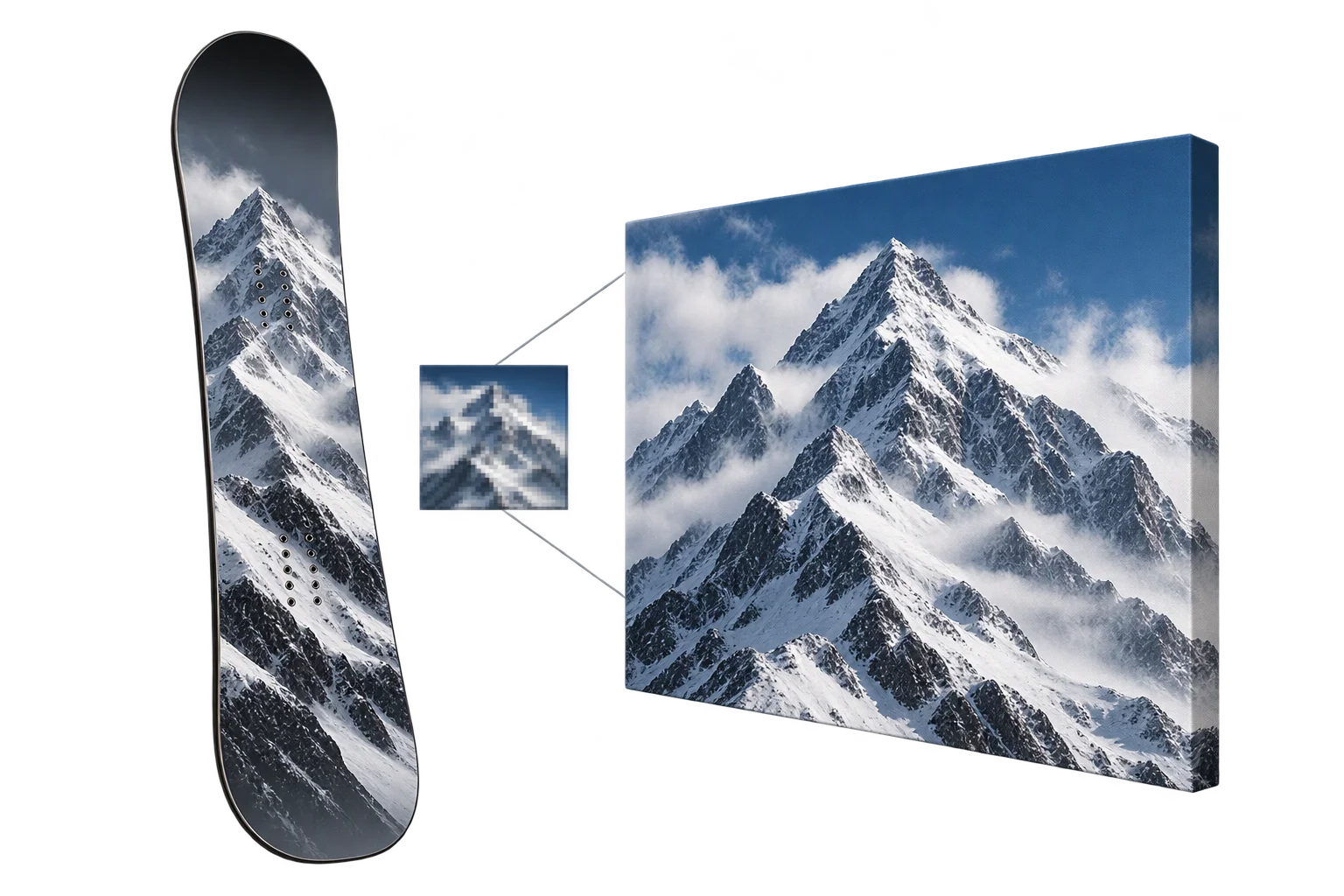
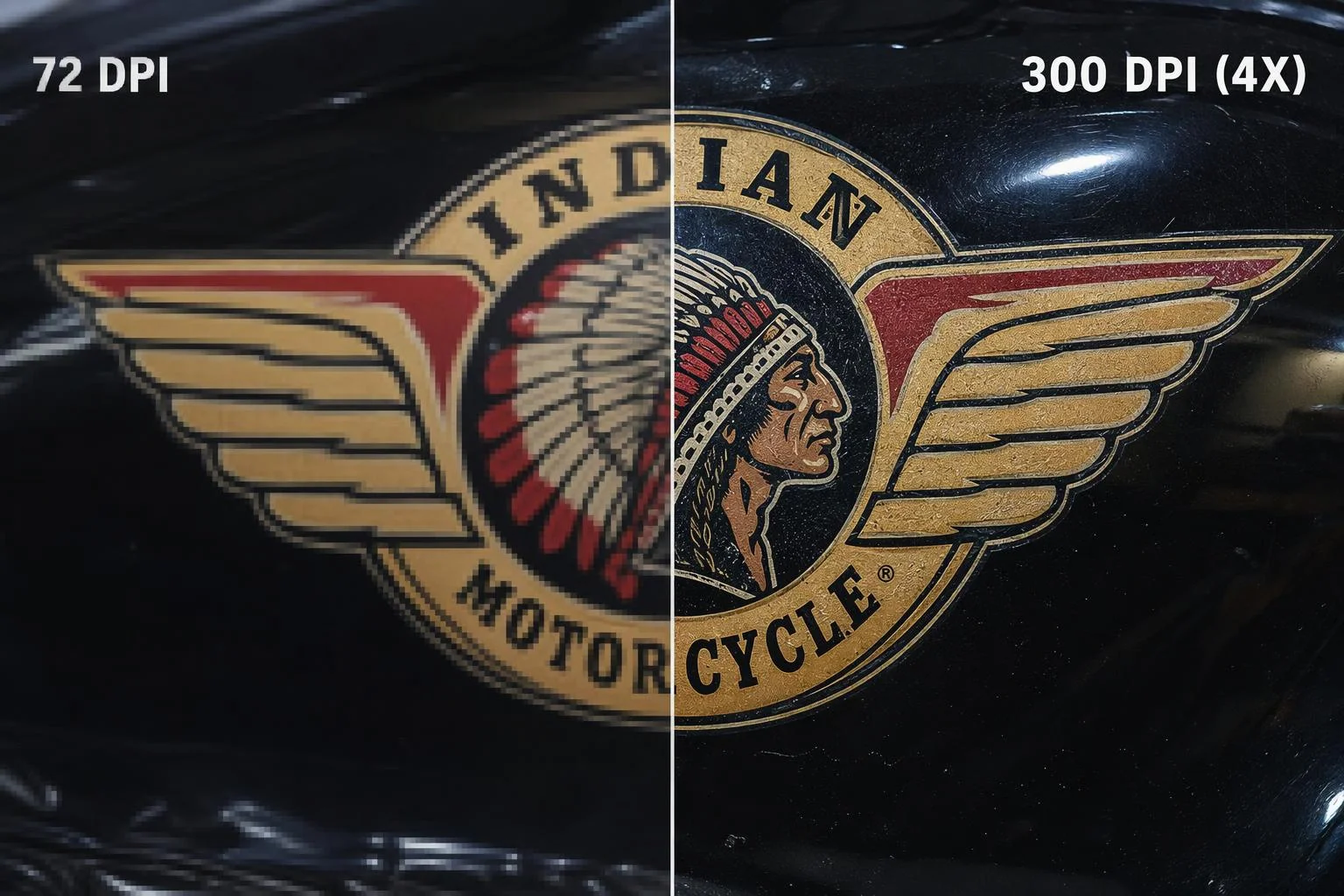
4x AI image upscaling to 300 DPI print quality
Shoppers routinely upload compressed 500px web logos that print blurry when enlarged across a banner, apparel back-print, or tabletop. Aircada upscales customer artwork and transparent cutouts up to 4x for crisp print resolution and automatically heals visible repeat seams on custom fabric, wood, and stone swatches.
Rescuing low-DPI customer uploads for wide-format print fulfillment
In custom print-on-demand, signage, and bespoke merchandise, the biggest operational bottleneck is artwork quality. A buyer uploads a 600 x 400 pixel image saved from social media or an old website header and scales it across a 36-inch board, trade-show canopy, or hoodie back. Sending that low-DPI bitmap straight to a UV flatbed or dye-sublimation press produces blocky, blurred prints that trigger refund requests and manual art-department holds.
Aircada resolves low-resolution uploads automatically through 4x neural super-resolution and split-quadrant seam inpainting. Customer graphics scale from 1x up to 4x their pixel dimensions with sharpened edges and preserved alpha transparency before attaching to Shopify or headless checkout orders and print-ready PDFs, while merchant swatch photos convert cleanly into continuous repeating 3D textures.
Turn a 512px web thumbnail into a 2048px print-ready asset
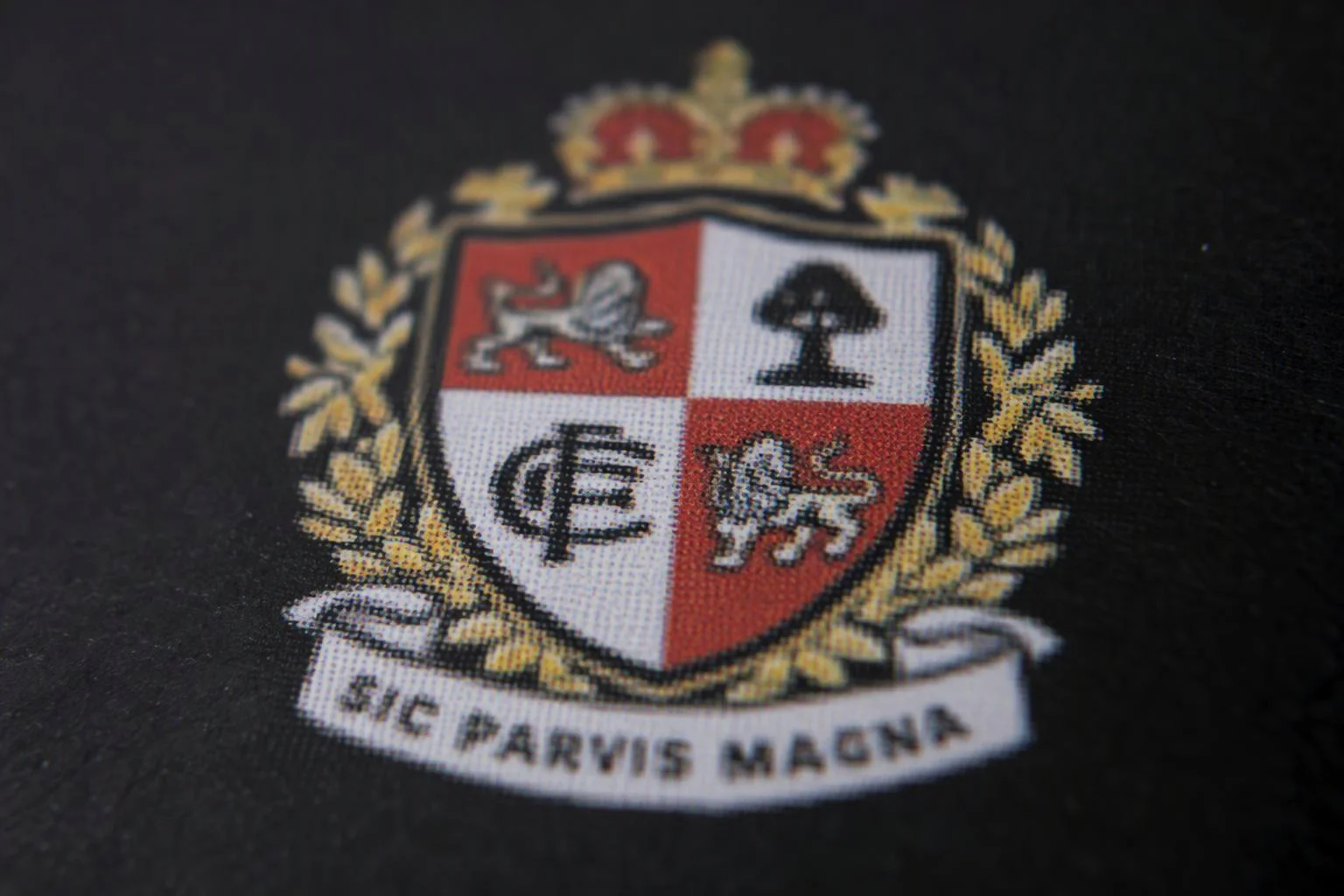
Low-Res Customer Upload
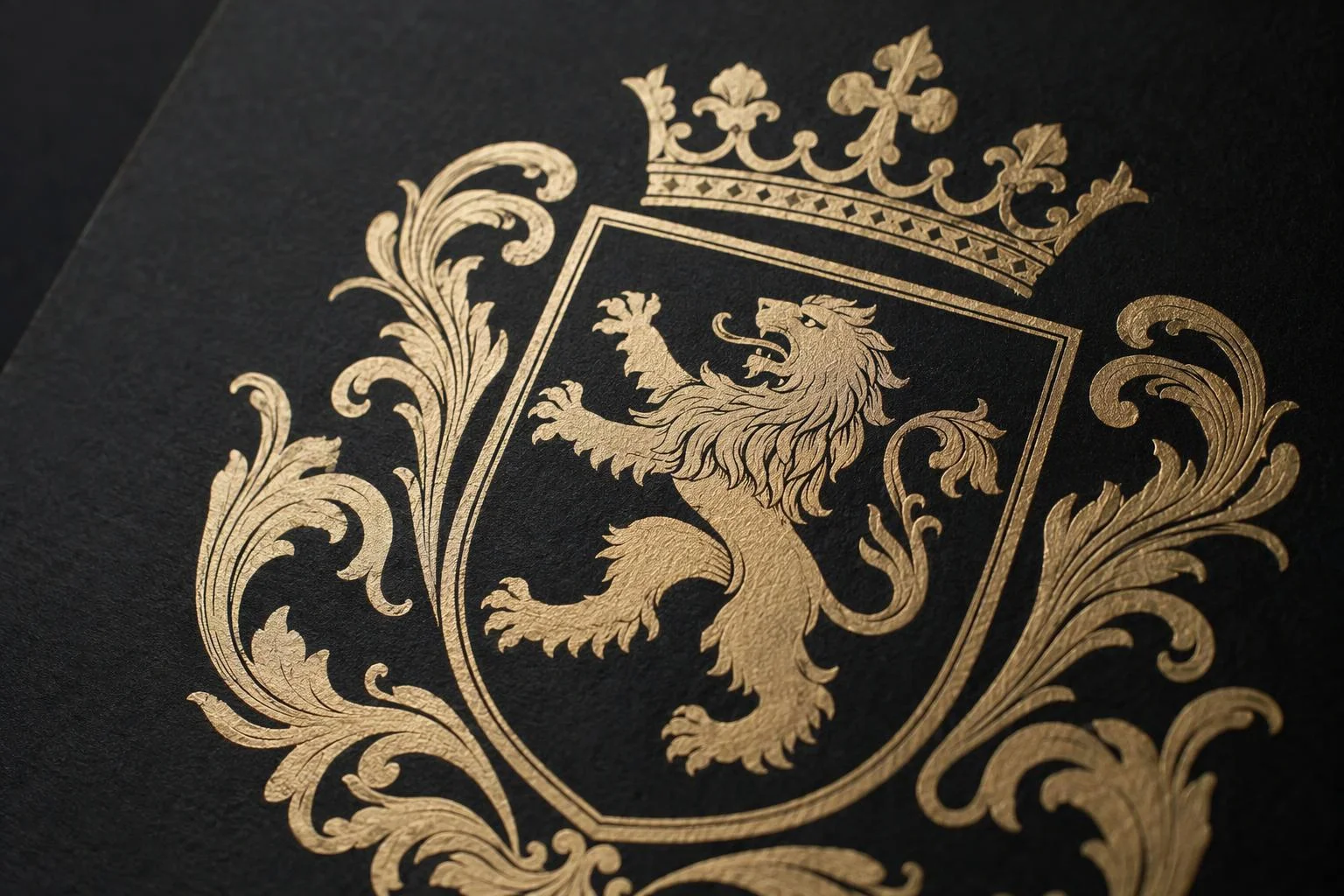
4x Super-Resolution Production Output
512 x 512 px compressed JPEG or transparent RGBA PNG (approx. 42 DPI at 12 inches)
JPEG compression artifacts, blurry typography edges, and stair-stepped curves
8-bit RGB or 32-bit transparent RGBA cutout from AI background removal
Configurable 1.0x to 4.0x in 0.1x increments (up to 16x total pixel count, e.g., 2048 x 2048 px from 512 px)
23-block Residual-in-Residual Dense Network (64 feature channels, 32 growth channels) with 10 px tile padding
Reads and upscales unchanged RGBA channels so transparent logo cutouts keep clean borders
Super-resolution for print artwork and seam healing for 3D materials
AI ENHANCEMENT MODES
Up to 4x Super-Resolution (Print & Decals)
Unlike standard bicubic resizing that simply blurs pixels together, Aircada runs a 23-block Residual-in-Residual Dense Network in half-precision GPU mode to reconstruct clean high-frequency edges, fabric grain, and crisp lettering while stripping away JPEG compression noise.
- Configurable scale factor from 1.0x to 4.0x (up to 16x pixel area) in 0.1x increments per workflow
- Reads source artwork unchanged so transparent PNG cutouts retain clean alpha edges without dark fringes
- Supports configurable GPU tile sizing with 10-pixel overlap padding to process large print masters safely
- Runs over token-authenticated cloud project grants with success and failure triggers for automated pipelines
Production-grade reliability for high-volume stores
Built to chain cleanly with customer uploads, cutouts, lighting maps, and checkout print files.
Configurable 1x to 4x scaling with 10 px tile padding
Dial in the exact upscale multiplier (from 1.0x to 4.0x in 0.1x steps) your product template needs, backed by half-precision cloud GPUs and configurable tile overlap padding to keep large assets artifact-free.
Chain directly after AI background removal
Isolate a customer's logo or portrait with AI alpha matting first, then pass the cropped transparent PNG straight into the upscaler before compiling your press PDF.
HDR and OpenEXR studio lighting preparation
Includes float32 .hdr and .exr processing that cleans invalid values, resizes large environment maps to web-friendly widths (default 1024 px), and applies Reinhard tone-mapping (gamma 1.5) for fast WebP previews and thumbnails.
Authenticated cloud workers with pipeline triggers
Every upscale request executes through per-project access grants and fires clear completion or failure events in Studio, letting your storefront show progress states and fall back gracefully on bad uploads.
Responsibility Tiers
- 1 Native Aircada layer
- 1 Aircada Configuration layer
- 1 Custom Implementation layer
- 1 External layer
Responsibility Boundaries for AI Image Upscaling & Tiling
How Aircada's cloud super-resolution workers, Studio imagery settings, and customer uploads divide responsibilities.
Up to 4x neural super-resolution, tileable seam inpainting & HDR/EXR preparation
- Native Aircada
- Cloud GPU execution of 23-block residual dense super-resolution with alpha preservation and 10 px tile padding, split-and-swap SDXL seam healing, and float32 HDR/EXR resizing with Reinhard tone-mapping.
Scale factor (1x to 4x), tiling axis & pipeline chaining
- Aircada Configuration
- Configured in Aircada Studio's imagery workflow to set the target upscale factor and trigger automatically after upload or ahead of print-ready PDF export.
Pre-checkout low-DPI warning badges & automated checkout upscale triggers
- Custom Implementation
- Optional storefront UI rules that trigger cloud upscaling automatically whenever a customer enlarges an uploaded graphic below your print DPI threshold.
Supplying source customer raster graphics or raw camera swatch photos
- External
- Customer-uploaded PNG/JPG logos or merchant-photographed fabric, wood, and stone material samples.
Frequently Asked Questions
How is neural super-resolution different from scaling an image up in Photoshop or browser canvas?
Does 4x upscaling work on transparent PNG logos without ruining the cutout edge?
How does the tileable texture generator fix visible seams on material photos?
Can we control the exact upscale multiplier and handle large files reliably?
Generate custom 6400 x 3200 360° showroom environments
See how Aircada combines SDXL 360° LoRA synthesis, horizon wrap healing, and 4x super-resolution to create custom studio skyboxes from a text prompt.
Related capabilities
Explore the adjacent capabilities and integrations that pair with this workflow.
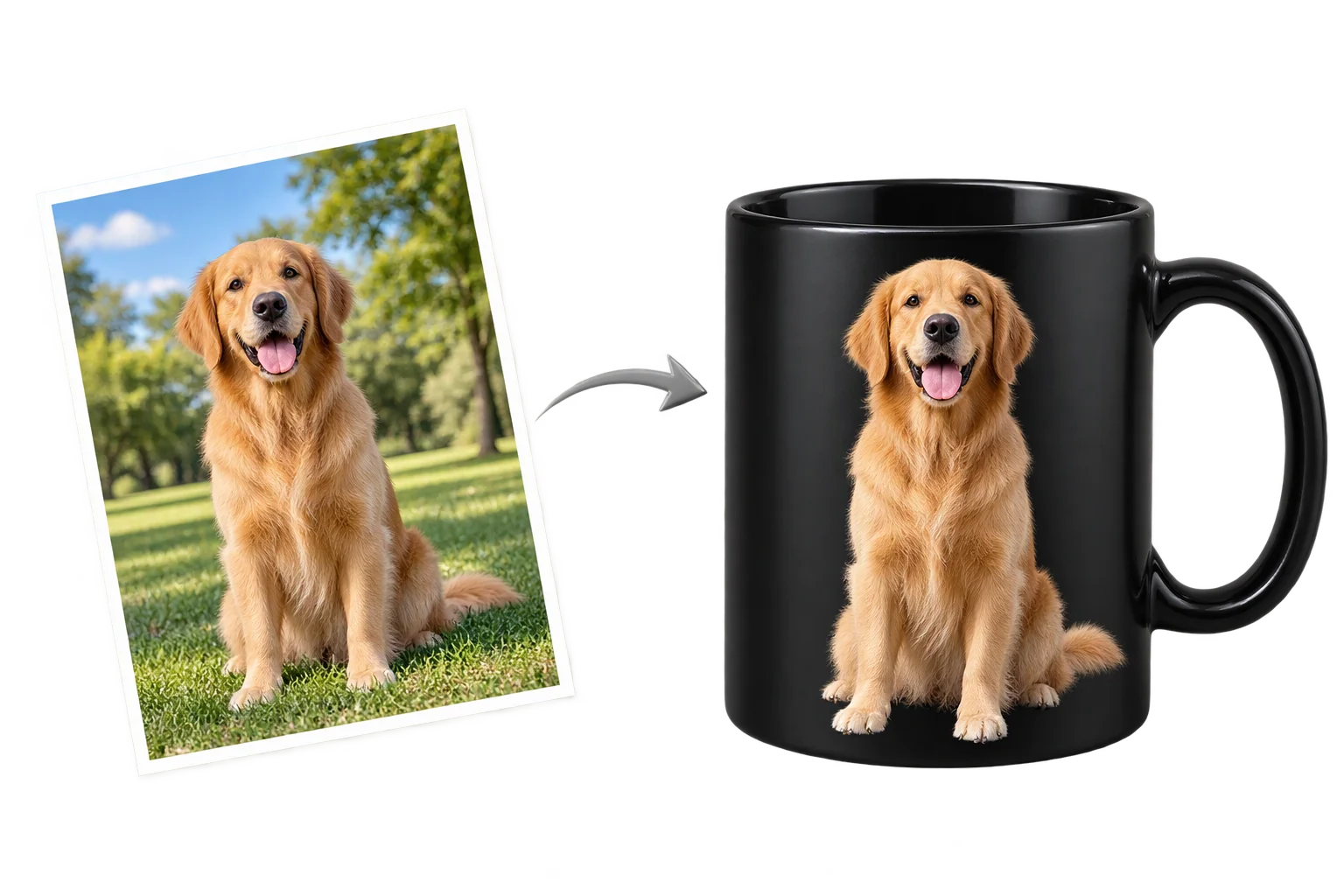
Clean AI background removal for customer uploads
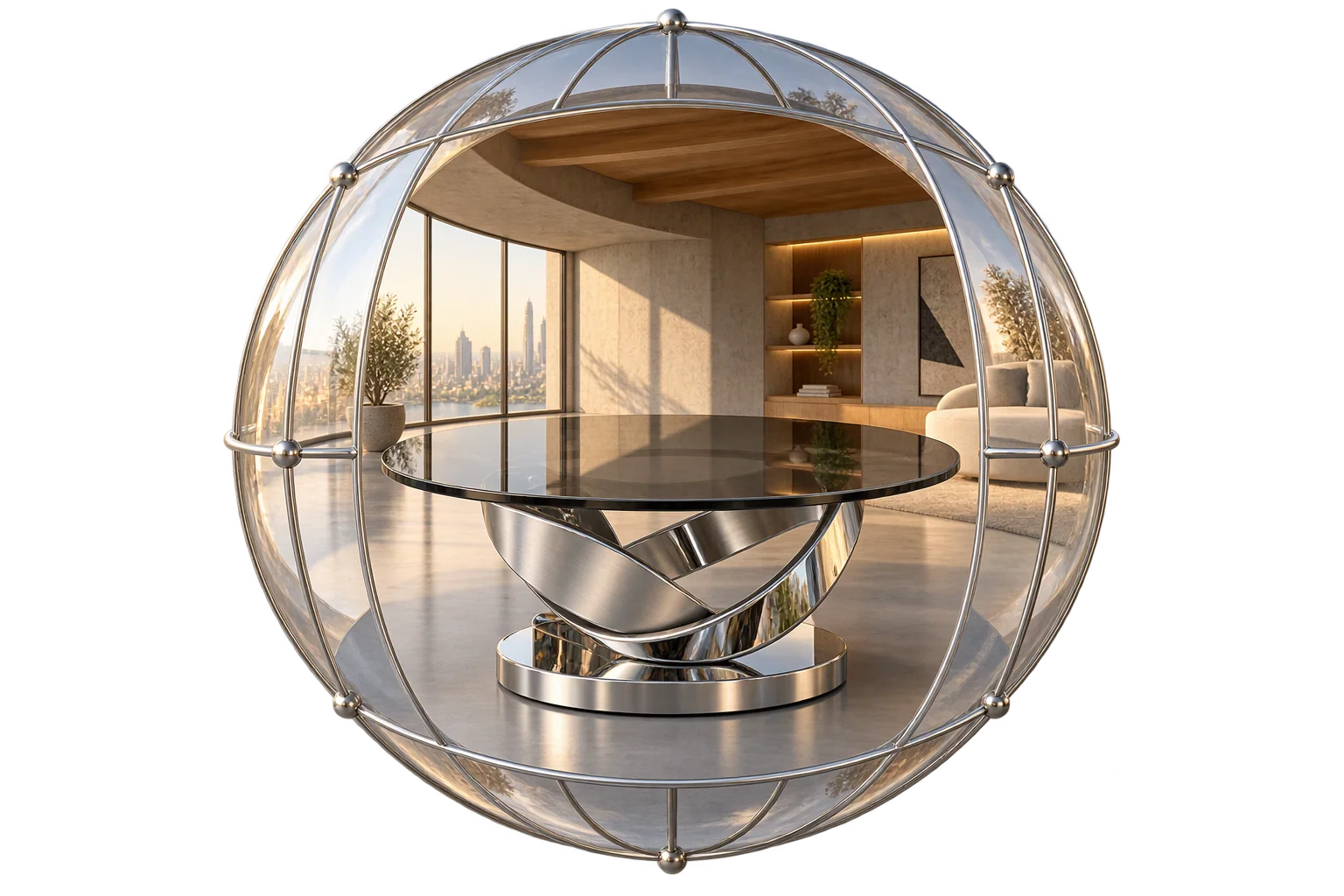
AI-generated 360 showroom and lifestyle backdrops
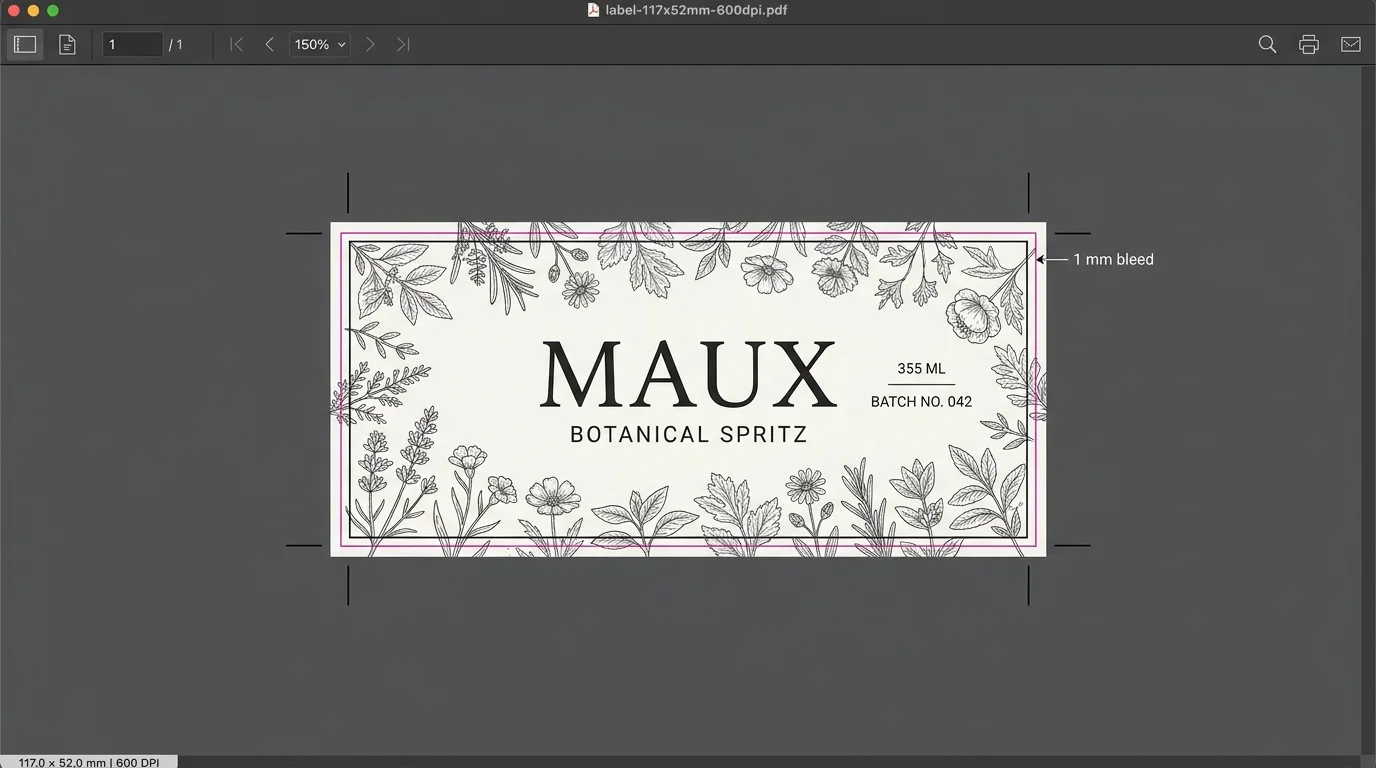
Turn customer designs into print-ready PDFs