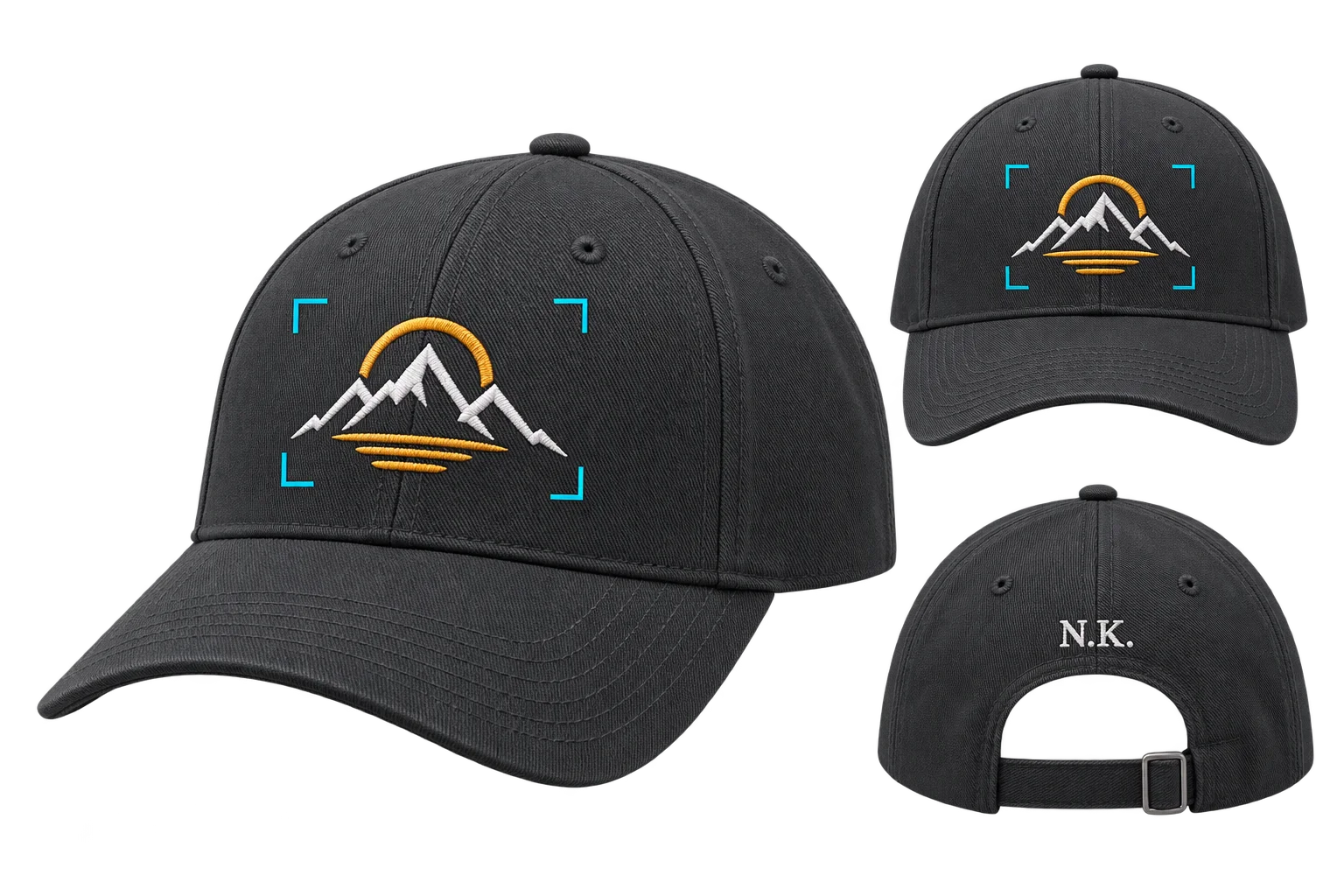
Arabic, Hebrew, and Japanese 3D text personalization
Selling personalized gifts, jewelry, or engraved gear across global scripts usually breaks standard web customizers, producing disconnected Arabic letters, backwards right-to-left text, or missing-glyph boxes on order tickets. Aircada converts and shapes international text directly on your 3D product with preloaded script fonts, live translation across 22 languages, and clean UTF-8 order metadata.
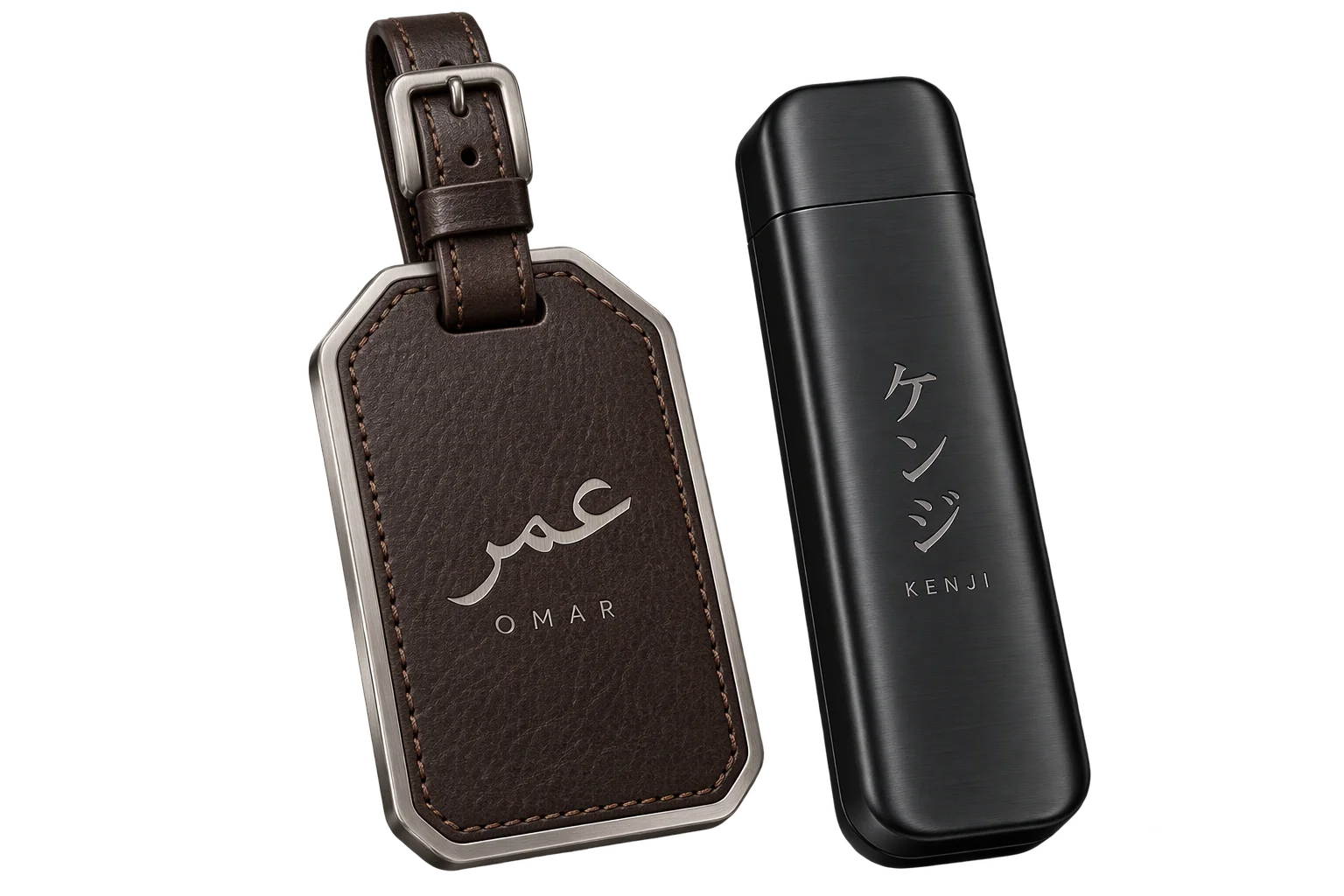
Preview converted script directly on the product
A shopper types a name or short phrase on a standard keyboard and inspects the properly shaped Arabic, Hebrew, or Japanese lettering directly on the 3D product before checkout. Checkout records the original input, confirmed UTF-8 inscription, licensed font reference, and placement proof for production.
Illustrative example shown.
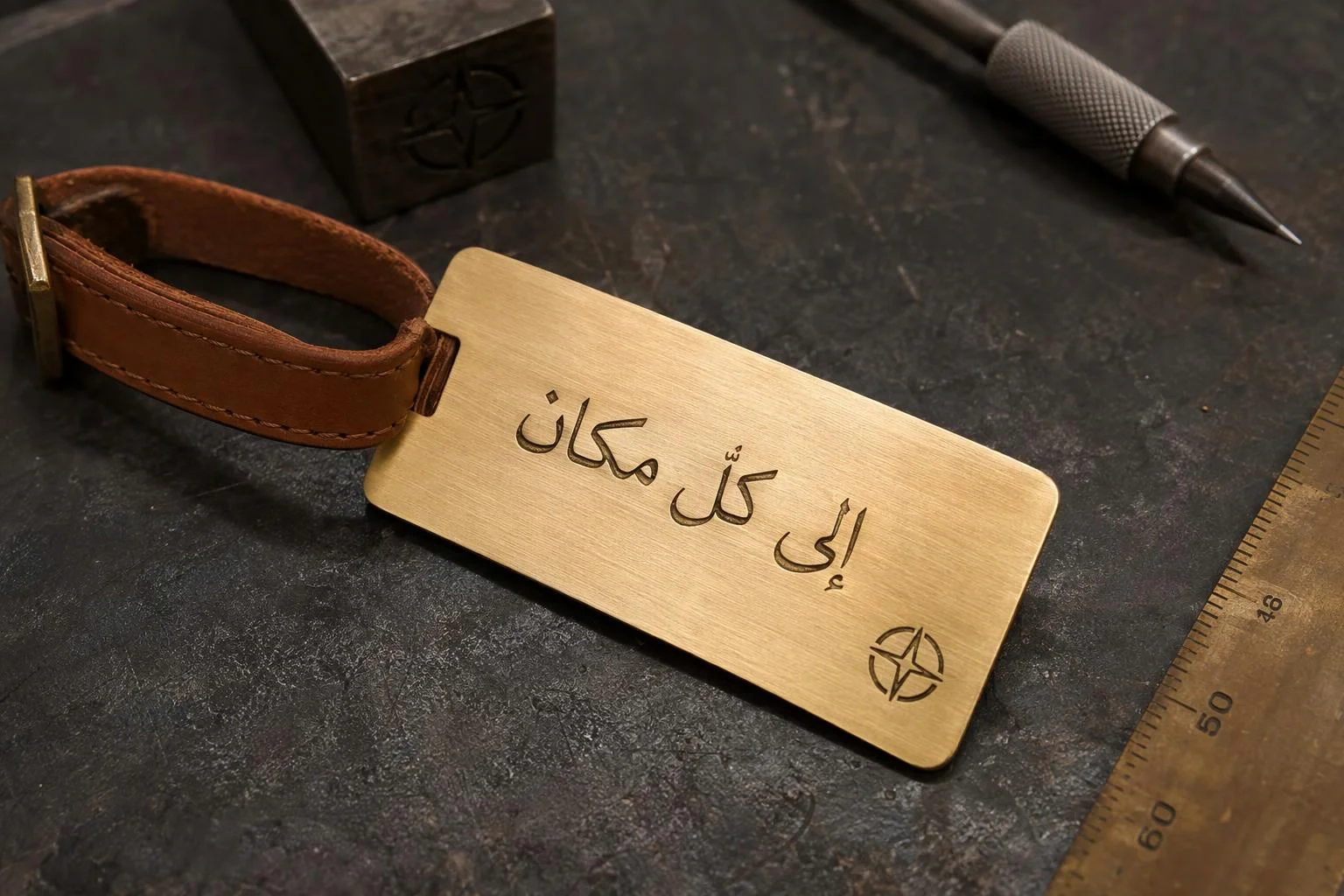
From Latin typing to verified production specs
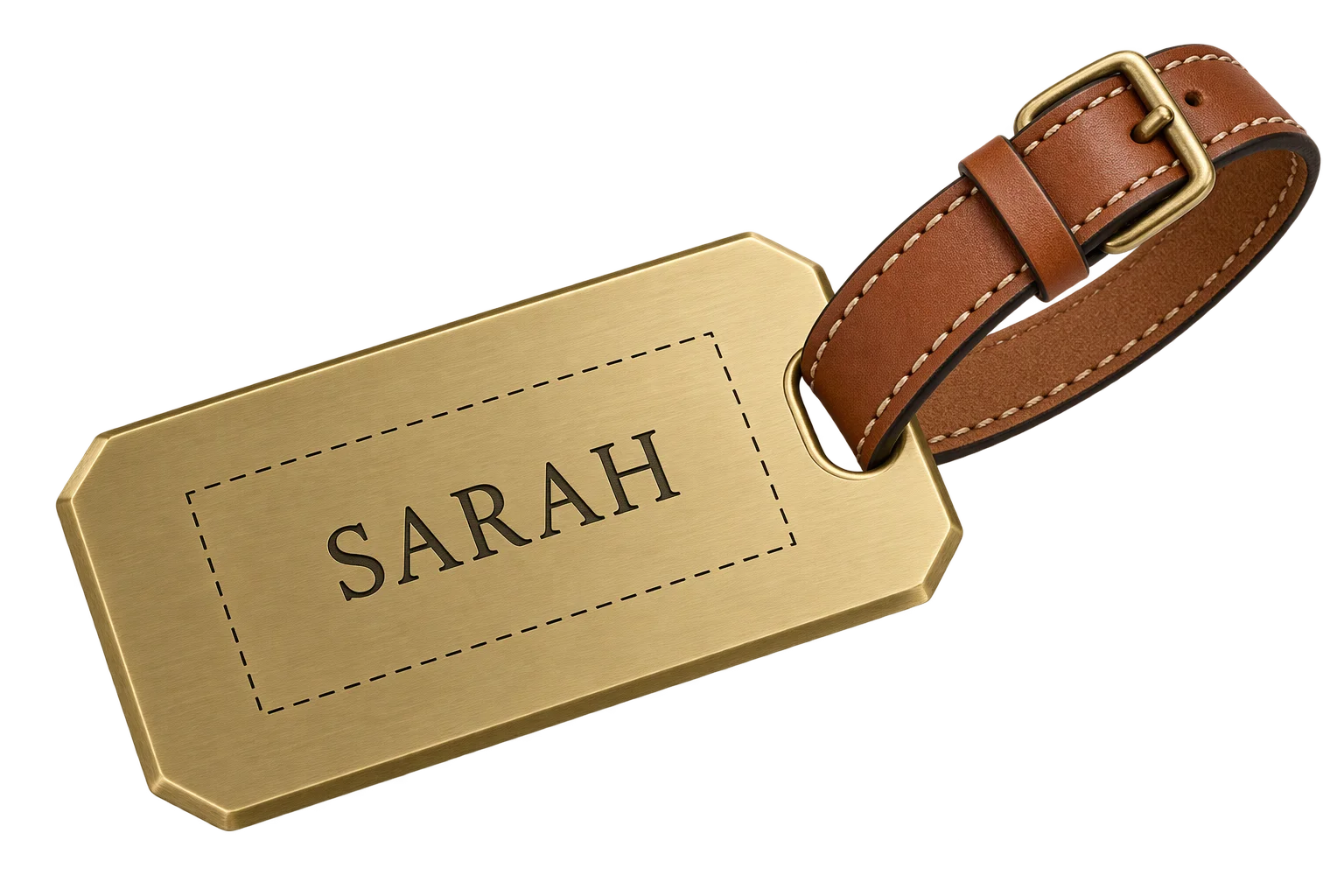
Type in familiar Latin characters
Buyers enter a personal name or short motto on any phone or desktop keyboard inside approved product bounds, without installing foreign keyboard layouts. Live or button-triggered conversion modes keep typing responsive.
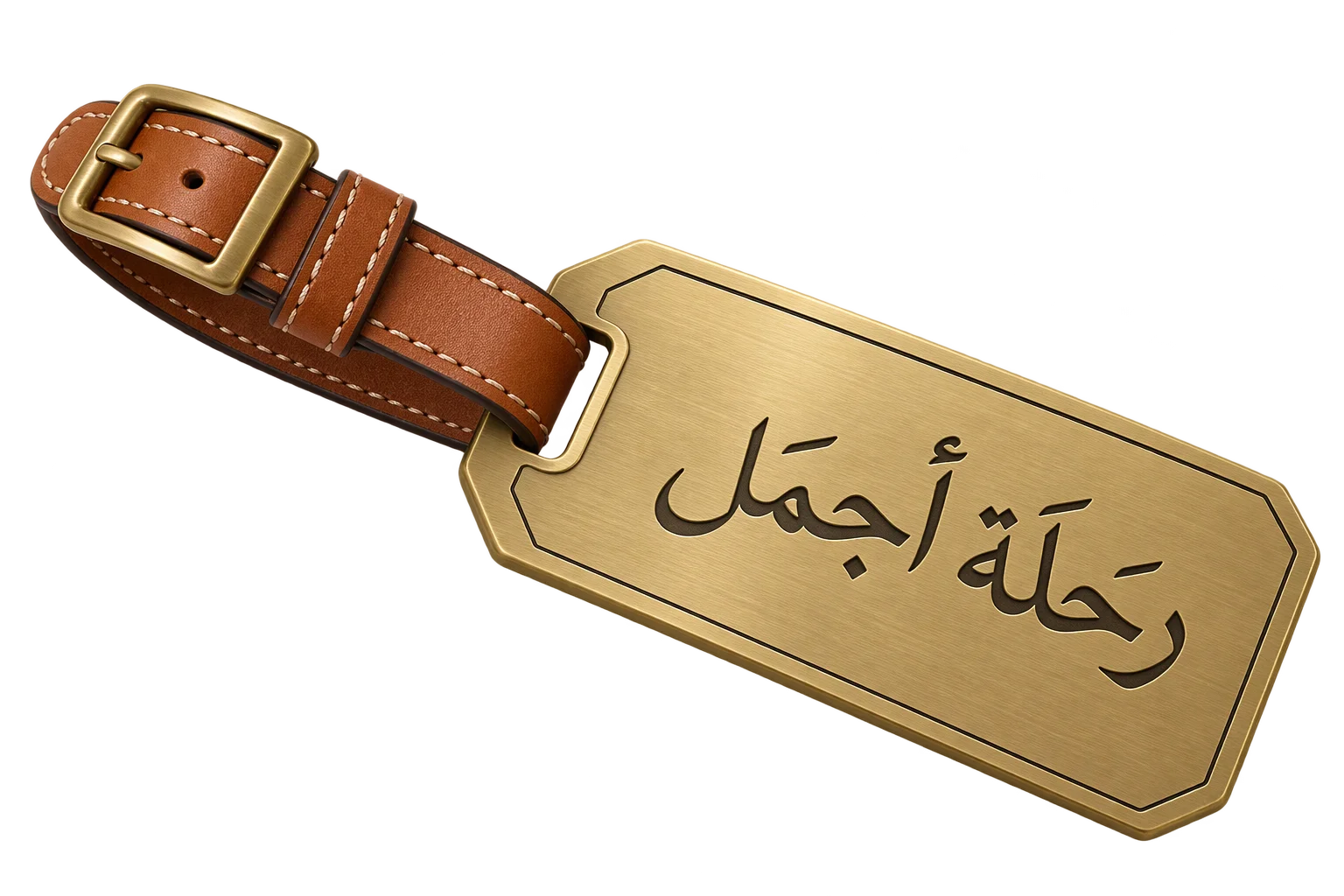
Preview shaped script in 3D
Aircada converts the phrase or applies your phonetic script module, shapes connected Arabic glyphs against your preloaded TTF/WOFF reference font, and updates the 3D surface live in the correct reading direction (horizontal or vertical).
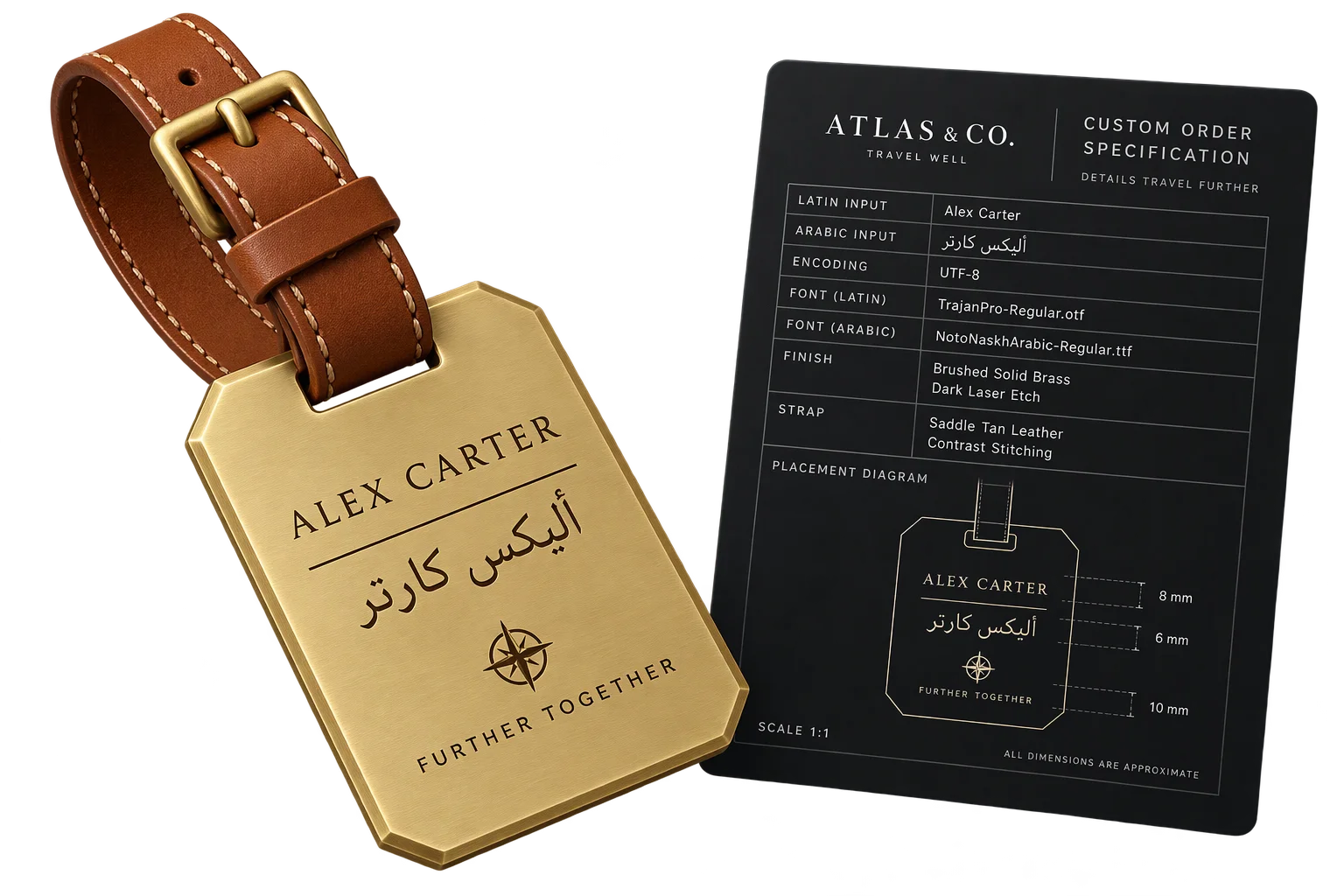
Verify spelling and save to order
The shopper inspects the live 3D render and confirms the exact spelling before payment. Checkout attaches the original input, confirmed UTF-8 text, licensed font reference, and a rendered visual proof to the order.
Separate phonetic names from translated phrases
Phonetic transliteration preserves how a personal name sounds in another alphabet, while semantic translation converts the meaning of short greetings, dates, or mottos across 22 supported languages. Locking each personalization field to the right mode prevents literal mistranslations of customer names.
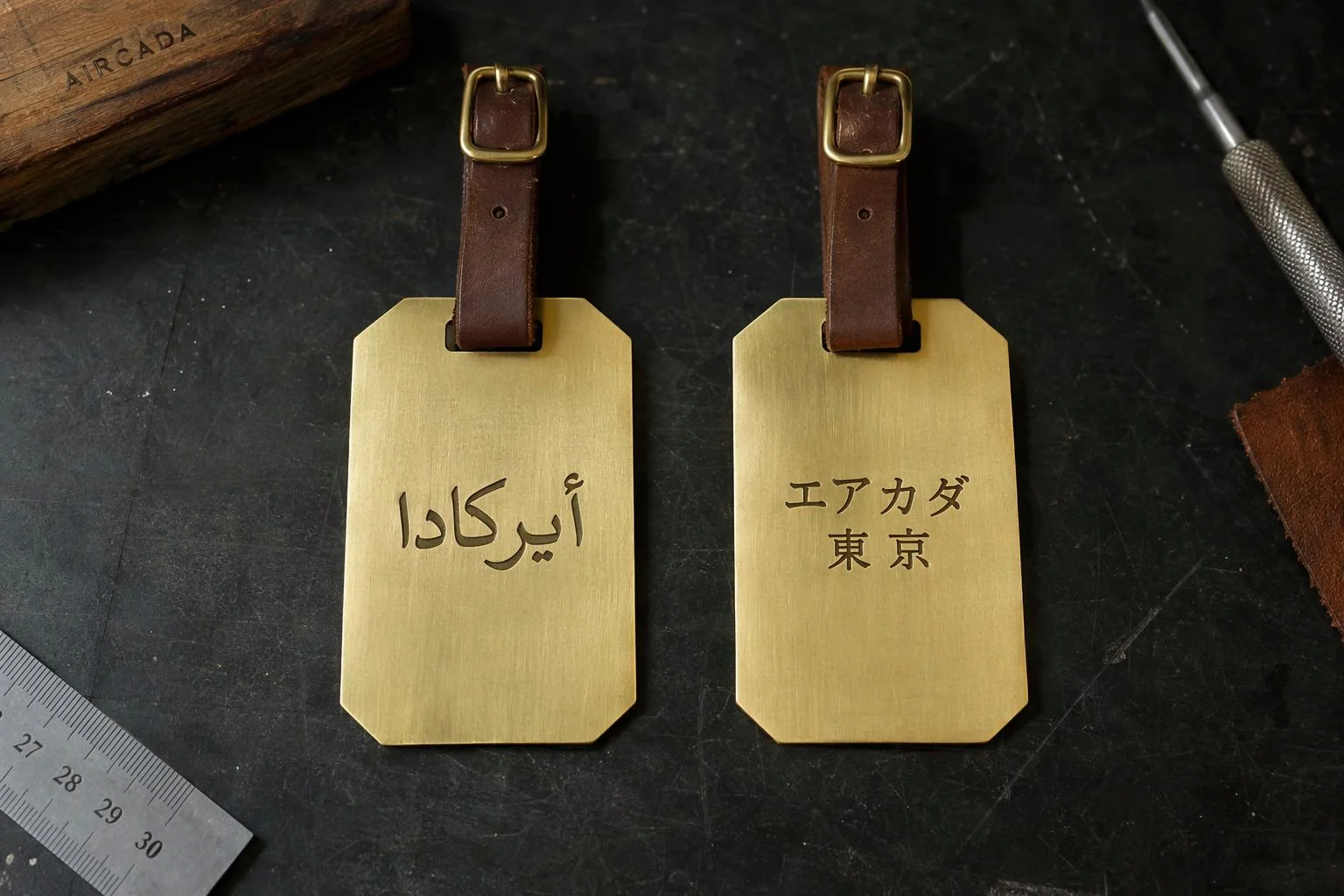
Display connected script without missing characters
Standard 3D text tools break Arabic into disconnected blocks or reverse Hebrew strings in left-to-right geometry pipelines. Aircada applies full Arabic Presentation Forms-B contextual joining against your loaded TrueType reference font, supports RTL character reversal, and preloads licensed script fonts before rendering up to 2048 x 2048 px textures.
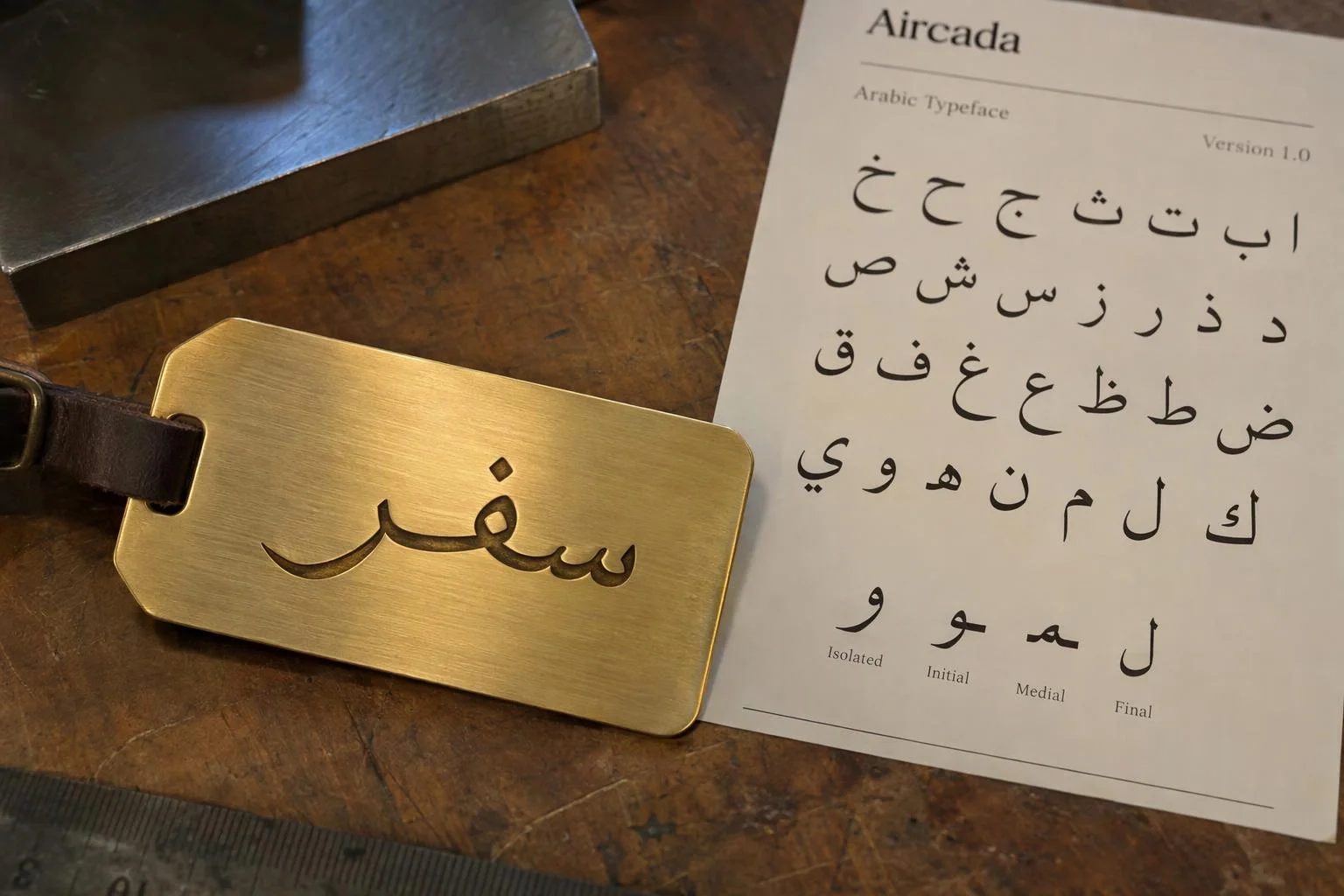
Send confirmed text and optional SVG outlines to production
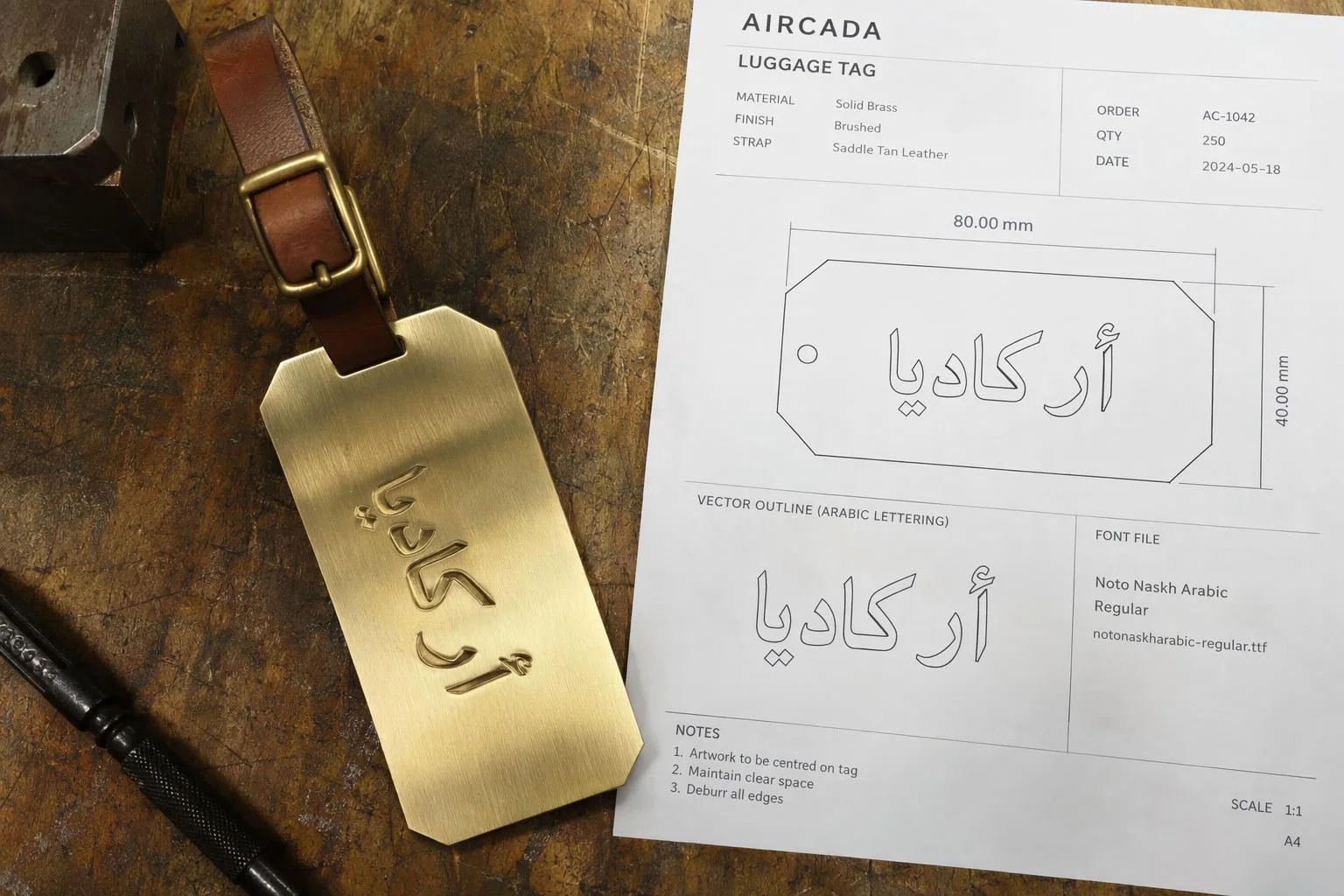
Every confirmed order writes clean UTF-8 text, original Latin input, and the exact font reference into your Shopify or headless order metadata alongside a rendered visual proof. When shop-floor laser or CNC computers do not have your multi-script fonts installed, pair the workflow with traced SVG vector outlines.
Why international scripts break standard 3D product customizers
Rendering Arabic, Hebrew, Cyrillic, or East Asian scripts inside a browser-based 3D configurator introduces three technical traps that standard text overlays miss: 3D geometry pipelines often render right-to-left characters backwards, Arabic letters split into isolated disconnected glyphs instead of joining contextually, and buyers typing from an English or Latin keyboard cannot enter non-Latin inscriptions without leaving your store to copy and paste from a translator.
Aircada addresses script rendering and conversion directly inside the 3D text pipeline. Built-in Arabic contextual reshaping maps every character to its proper isolated, initial, medial, or final Presentation Forms-B glyph against your licensed TrueType reference font, paired with configurable character-order reversal for right-to-left scripts inside left-to-right 3D meshes. For translated mottos and greetings, Aircada's phrase translator supports 22 built-in languages (including Simplified and Traditional Chinese, Japanese, Korean, Arabic, Hebrew, Hindi, Greek, Russian, and major European languages), batching concurrent requests in a 35 ms window (up to 50 items per batch) and skipping duplicate lookups while the buyer edits.
| Capability | Supported Options / Behavior | How Production Teams Use It |
|---|---|---|
| Built-In Translation Languages | 22 languages (Arabic, Hebrew, Japanese, Chinese [4 variants], Korean, Hindi, Bengali, Punjabi, Russian, Ukrainian, Greek, Turkish, Vietnamese, plus 9 Western/Northern European languages) | Converts short customer greetings, mottos, and gift phrases directly inside the storefront configurator. |
| Translation Batching & Caching | 35 ms aggregation window, up to 50 items per batch, duplicate-input caching, live or trigger-only mode | Prevents API lag and redundant requests while shoppers edit multi-line inscriptions. |
| Arabic & RTL Script Handling | Arabic Presentation Forms-B contextual reshaping (isolated/initial/medial/final) + RTL character reversal toggle | Guarantees connected Arabic calligraphy and proper reading order in 3D canvases and extruded meshes. |
| Text Layout & Resolution | Preloaded licensed TTF/WOFF fonts, up to 2048 x 2048 px, 4 directions (LTR, RTL, TTB, BTT) | Supports vertical Japanese/Chinese tags and crisp engraved serif or calligraphy strokes with zero font fallback. |
| Phonetic Name Conversion | Pluggable script phonetic modules scoped per target alphabet (such as Latin-to-Arabic, Hebrew, or Katakana) | Maps how personal names sound across scripts without literal word mistranslation. |
| Order Record Payload | Original Latin input, confirmed UTF-8 script, font reference, visual proof, and optional SVG outlines | Eliminates manual re-typing and prevents garbled encoding or missing-font errors at the workshop. |
Configured for your fonts, spelling sign-off, and fulfillment workflow
Each product is configured in Studio with your approved target languages, licensed TTF or WOFF font files, character limits, and safe print or engraving bounds. Aircada's high-resolution text renderer preloads each target font before drawing up to 2048 x 2048 px textures across four layout directions (left-to-right, right-to-left, top-to-bottom, and bottom-to-top) so vertical Japanese inscriptions and connected Arabic calligraphy render cleanly on the 3D surface.
When your storefront requires phonetic name transliteration from a Latin keyboard (such as mapping English names by sound into Arabic, Hebrew, Cyrillic, or Japanese Katakana), a script-specific phonetic module pairs with Aircada's reshaping and buyer confirmation flow during implementation. On Shopify and headless checkouts, Aircada writes the original Latin input, target script, confirmed UTF-8 text, font reference, and a visual proof to the order line item. Paired with vector SVG outlines, shop-floor computers never hit missing-font errors during laser engraving or cutting (while factory CAM software still manages kerf compensation and physical bridges for floating dots or vowel marks on cutout signs).
Responsibility Tiers
- 1 Native Aircada layer
- 1 Aircada Configuration layer
- 1 Custom Implementation layer
- 1 External layer
Responsibility Boundaries Across Multilingual 3D Personalization
How Aircada's script operators, licensed fonts, and shop-floor fulfillment divide responsibilities.
22-language phrase translation, Arabic glyph shaping, RTL reversal & 4-direction text rendering
- Native Aircada
- Batches short-phrase translation across 22 languages (35 ms window), reshapes Arabic contextual Presentation Forms-B glyphs against reference fonts, handles RTL reversal and 4 text directions up to 2048 x 2048 px, and writes UTF-8 order specs.
Target languages, licensed TTF/WOFF fonts, character caps & safe zones
- Aircada Configuration
- Configured per product in Studio with your tested multi-script font files, engraving or print boundaries, layout direction, and character count caps.
Phonetic name-transliteration modules, spelling sign-off modals & SVG outline hooks
- Custom Implementation
- Added when a storefront requires sound-based name transliteration dictionaries (Latin to Arabic, Hebrew, Cyrillic, or Katakana), explicit buyer spelling confirmation modals, or traced SVG vector outlines attached alongside UTF-8 text.
CAM bridging for floating accents, kerf & physical engraving
- External
- Managed by your factory CAM software and operators, especially for physical metal or wood cutouts with floating diacritics, dots, or detached vowel marks.
Frequently Asked Questions
Will Arabic or Hebrew characters turn into disconnected letters, backwards text, or missing-glyph boxes?
What is the difference between phonetic transliteration and translation for custom products?
How do we avoid disputes when a name can be spelled multiple ways in another script?
Can we support vertical Japanese or Chinese inscriptions as well as horizontal scripts?
Can we export outlined vector paths for laser or CNC machines that lack non-Latin fonts?
Test your scripts on a live 3D product
Send a sample product model, target languages, and licensed font files. We will configure a working multilingual 3D preview wired to your order specs.
Related capabilities
Explore the adjacent capabilities and integrations that pair with this workflow.
Preview laser engraving and monograms in 3D
Scaled SVG cutlines for lasers and CNC routers
Printable 3D safe zones and artwork boundary locks