Pricing & Proofing
Price custom options, volume breaks, and spot-ink stations accurately in real time while enforcing printable safe zones and capturing buyer-approved visual proofs before checkout.
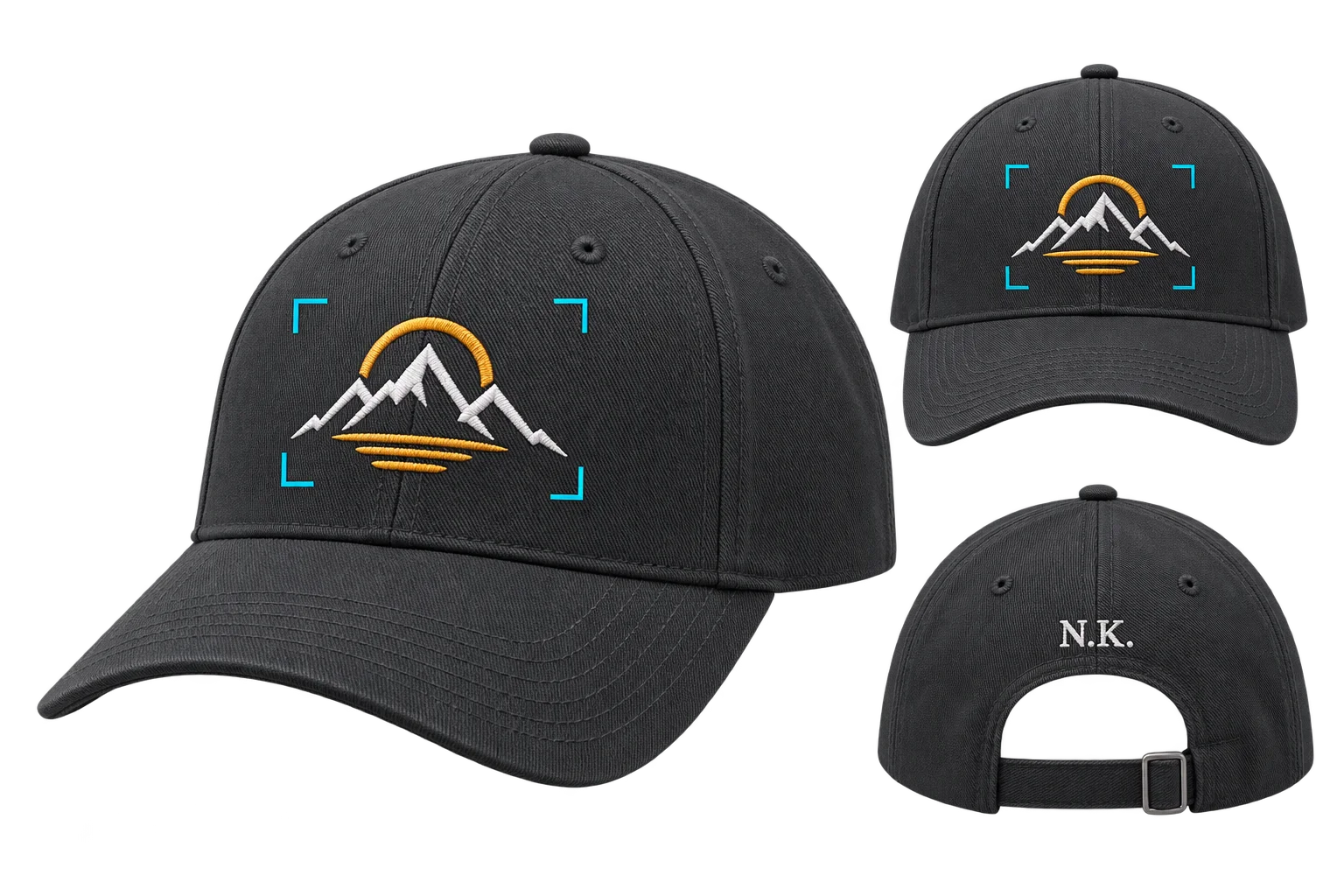
What dynamic pricing and proofing solve for custom commerce
Aircada's pricing and proofing layer is the real-time quoting and pre-press verification engine inside our configurable commerce platform. It calculates conditional add-ons, wholesale volume breaks, and screen-print spot-color surcharges in the browser while enforcing printable safe zones and capturing locked-camera visual proofs before checkout.
Custom orders stall when sales and pre-press teams have to calculate volume tiers by hand, count ink stations from uploaded logos, fix overflowing artwork, or chase email approvals on static PDFs before production can begin.
Live dynamic pricing and wholesale quantity breaks
Automatic spot-color counting for screen-print pricing
Buyer-approved visual proofs attached to every order
Printable 3D safe zones and artwork boundary locks
Automate conditional add-ons, volume breaks, and spot-color surcharges
Static store variants fail as soon as pricing depends on option combinations, minimum order quantities, or decoration complexity, which is why native variants don't scale. Dynamic pricing rules compute conditional surcharges, cross-option dependencies, and wholesale quantity tiers live as buyers configure.
For screen printing, pad printing, and promotional apparel, spot-color pricing reduces uploaded logos into discrete printable ink stations on the 3D model and applies per-color charges and minimum quantities automatically before the buyer reaches the cart.
Enforce print boundaries and capture locked-camera buyer sign-off
Preventing bad orders is faster than fixing them in pre-press. Print boundaries display live safe-zone outlines and clip overflowing artwork directly on the 3D surface while saving exact placement coordinates to the order.
Before payment, visual proofs snap to calibrated inspection cameras (front, back, side, or detail angles) for optional buyer sign-off and attach the resulting proof images directly to the Shopify or headless order.
How live pricing and proof sign-off run before payment
Replace manual quote emails and static PDF back-and-forth with browser-side verification.
Calculate live add-ons and volume tiers
PRICEDynamic pricing rules update totals immediately as options, finishes, and order quantities change.
Count printable spot-color ink stations
ANALYZESpot-color pricing detects logo ink counts and applies per-color surcharges automatically.
Clip artwork to approved safe zones
CONSTRAINPrint boundaries enforce printable zones live on the 3D product so graphics never bleed onto seams.
Capture locked-camera visual proofs
APPROVEVisual proofs render calibrated inspection views for buyer sign-off and attach them to the order.
Measured impact on conversion and pre-sale labor
Brands like Mountain Flow use Aircada's self-service pricing and proofing workflow to cut initial bounce rate by 66% and save 10 hours of pre-sale quoting and proof work per week, while Cinch Gaming runs live add-on pricing across tens of thousands of custom hardware builds.
| Operational Problem | Aircada Capability | What Your Team Receives |
|---|---|---|
| Static variants break under conditional add-ons, minimum order rules, and volume tiers | Dynamic Pricing Rules | Real-time browser price calculation across option dependencies and quantity breaks with verified pricing passed directly to checkout. |
| Shoppers pay for 1-color printing while uploading 4-color logos | Spot-Color Pricing | Live spot-ink reduction and station counting on the 3D model, automated per-color surcharge and minimum-quantity enforcement, and saved color specs on the order. |
| Customers position artwork outside printable areas, causing pre-press rework | Print Boundaries | Live printable safe-zone outlines, real-time edge clipping on the 3D product, and saved placement coordinates attached to the order line item. |
| Pre-press teams waste hours emailing static PDF proofs and disputing reprints | Visual Proofs | Calibrated multi-angle inspection renders captured from locked cameras with optional pre-checkout buyer sign-off linked to every order. |
