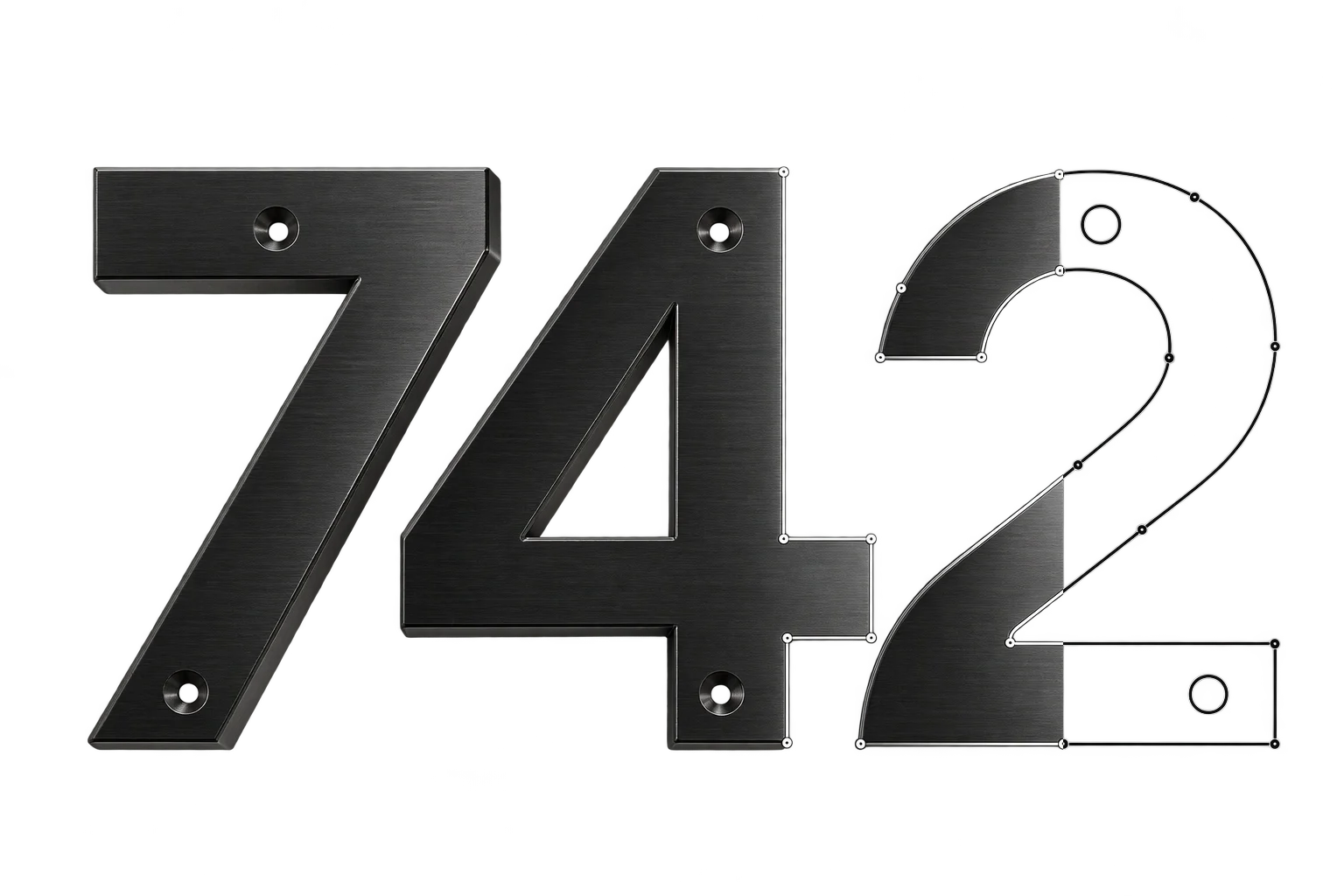
Clean AI background removal for customer uploads
Customers frequently upload smartphone photos with cluttered backgrounds or JPEG logos trapped inside solid white rectangles. Aircada automatically strips backgrounds, preserves fine hair and logo edges, removes background color spill, and crops the transparent cutout tightly around the subject.
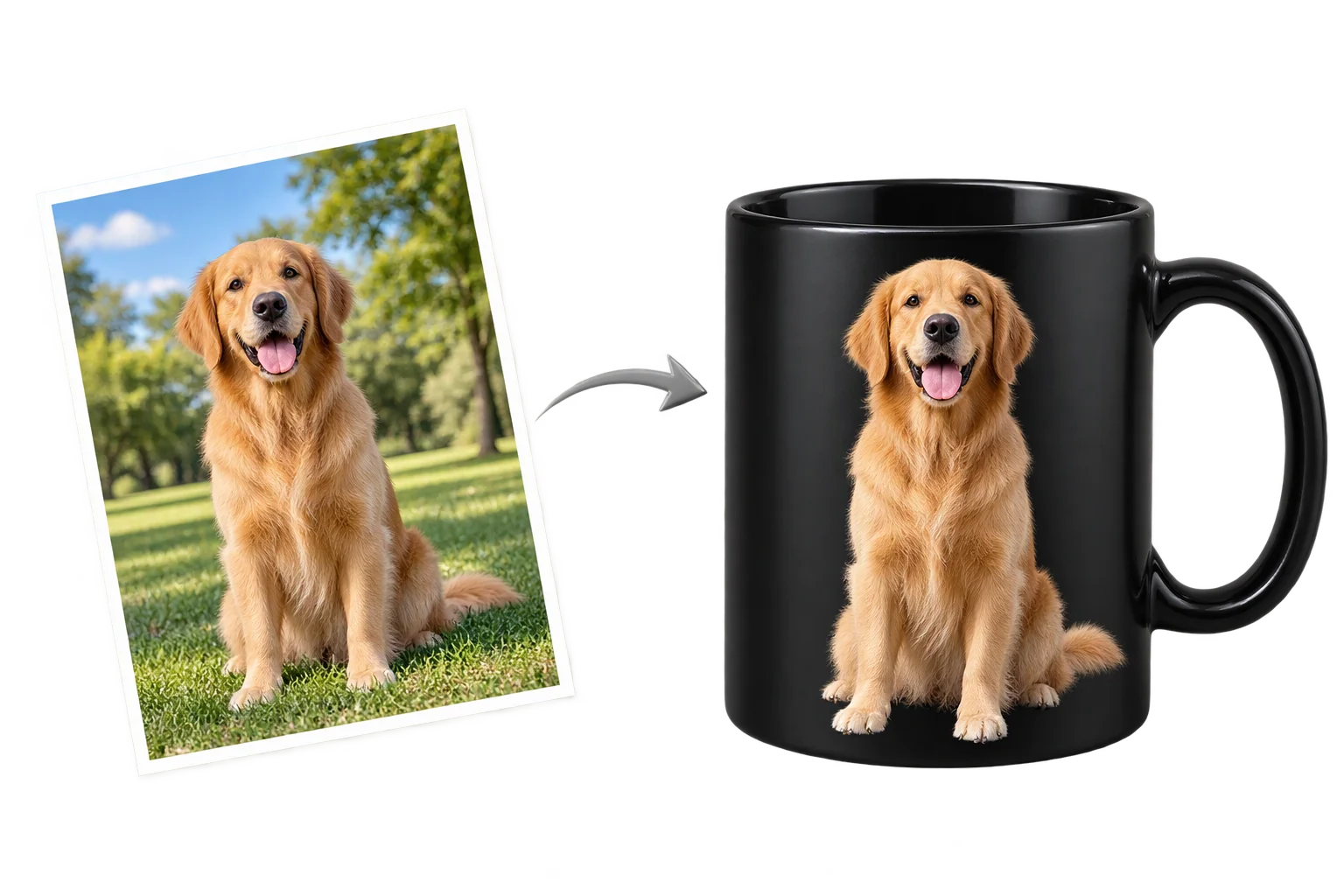
Eliminating white boxes and cluttered backgrounds on customer uploads
When shoppers personalize a drinkware tumbler, custom apparel graphic, memorial plaque, or corporate gift, they rarely have a transparent vector file on hand. They upload a photo of their dog on a living room rug or a company logo saved as a JPEG with a solid white box around it. Projecting that unedited rectangle onto a dark 3D product looks amateurish and forces your art department to clean up orders by hand in Photoshop before printing.
Aircada removes manual cutout work automatically with bilateral reference alpha matting and two-pass foreground edge color decontamination. Uploaded artwork routes through Aircada's cloud GPU pipeline to isolate fine fur, whiskers, or crisp logo edges, strip color spill halos, optionally trim empty transparent margins to your target aspect ratio, and return a clean transparent PNG (or black-and-white silhouette mask) that projects straight onto the 3D preview and travels with Shopify or headless orders to your production floor.
Clean cutouts across fur, hair, and fine logo lettering
Compare an unedited customer photo with a busy outdoor background against Aircada's high-resolution alpha matting, color decontamination, and tight auto-crop.
Busy background, color spill, and wasted margins
Unprocessed phone snapshots and flat JPEG logos carry cluttered rooms, solid white boxes, and massive empty margins that break 3D placement and stall prepress.
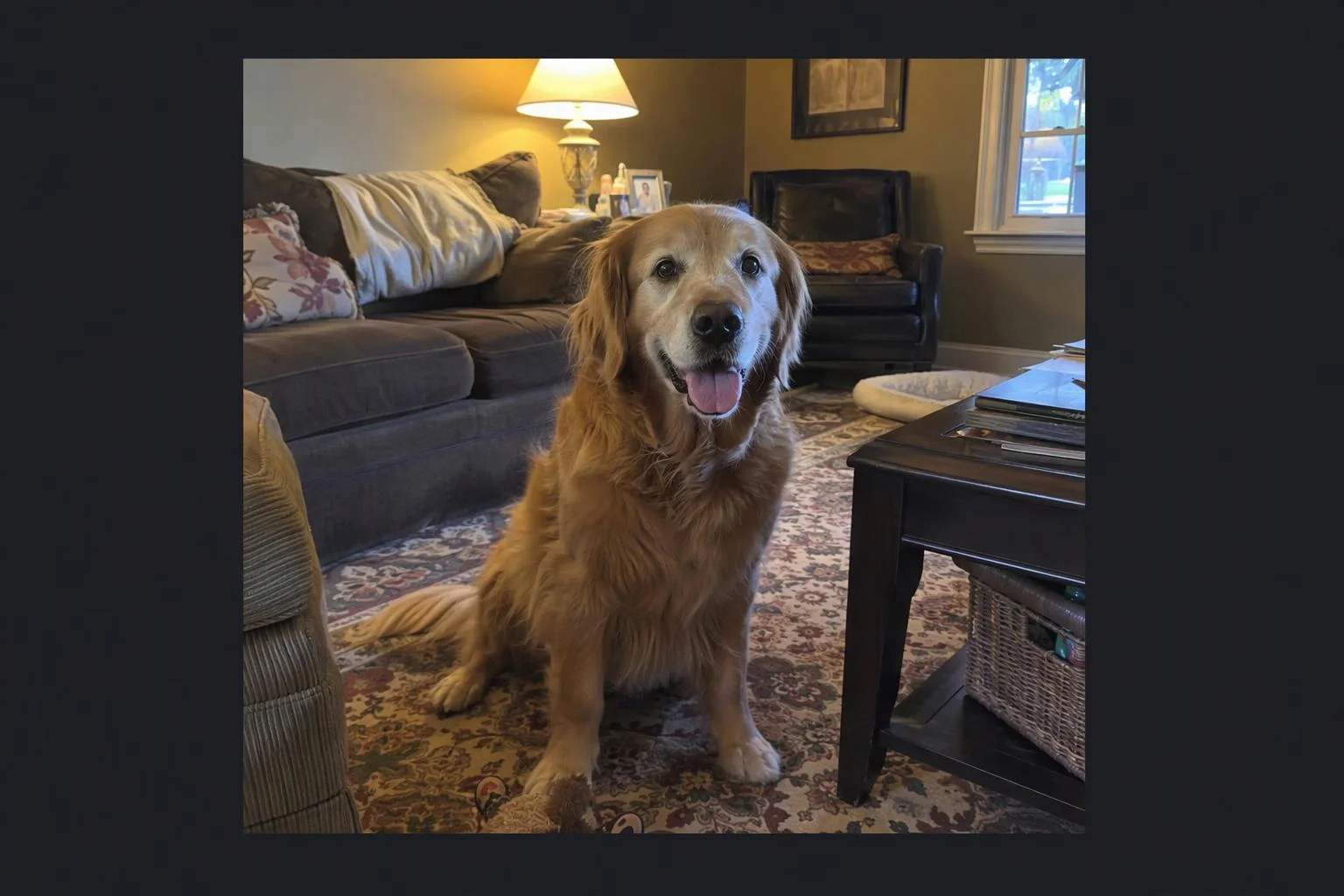
Solid white JPEG boxes print as visible rectangles on colored tumblers and apparel
Basic threshold cutouts leave jagged stair-step edges and green or white edge halos
Large empty borders around small subjects make 3D resize handles awkward for shoppers
Clean transparent cutout ready for 3D and print
Cloud alpha matting isolates delicate fur and crisp lettering, strips background color bleed along semi-transparent pixels, and trims empty space automatically.
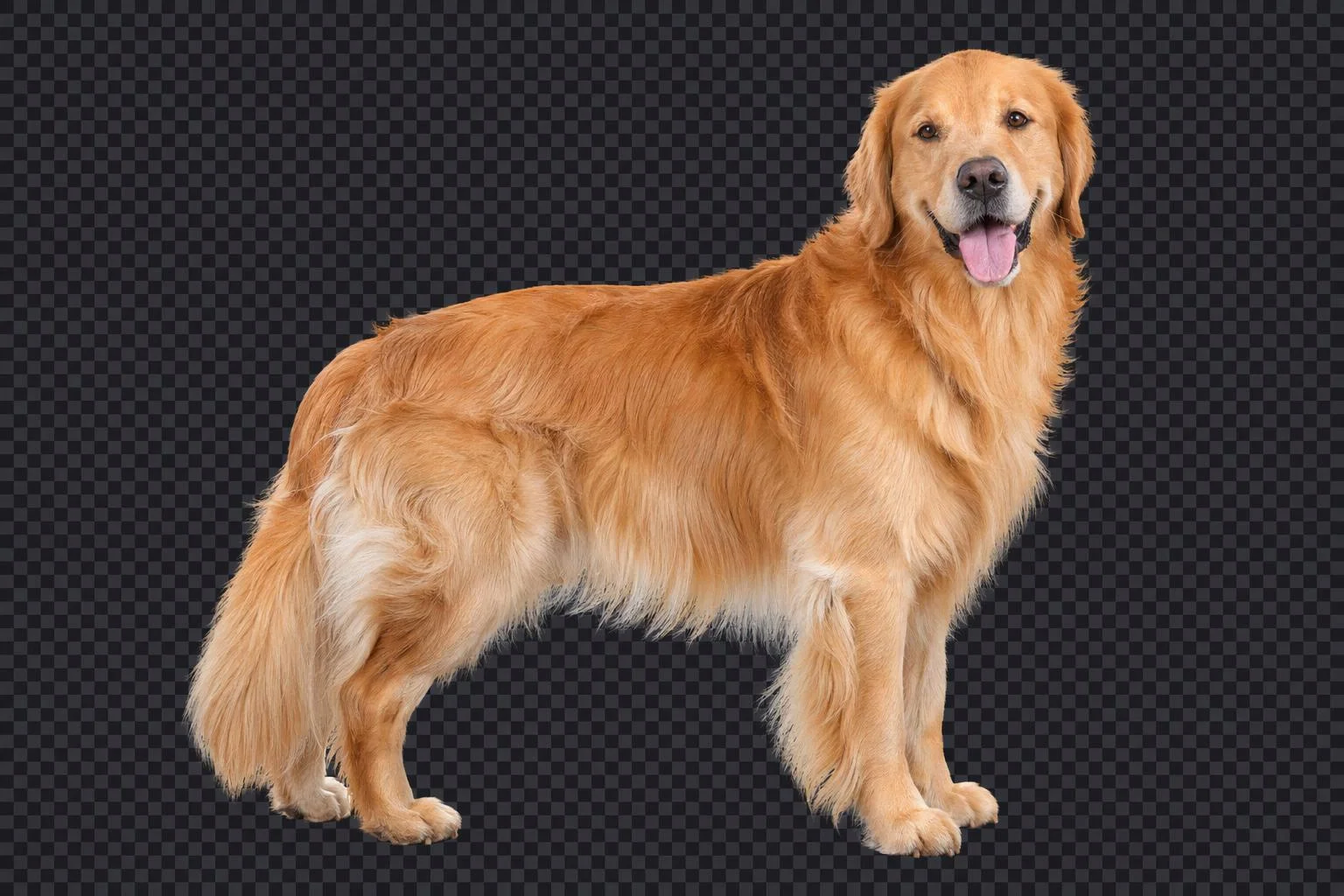
Continuous 8-bit alpha preserves fine hair, whiskers, and curved logo edges cleanly
Two-pass blur-fusion color estimation removes background halo tint along borders
Auto-trim, optional padding (0 to 100%), and aspect-ratio lock fit print zones neatly
How Aircada isolates and prepares customer artwork
CLOUD SEGMENTATION PIPELINE
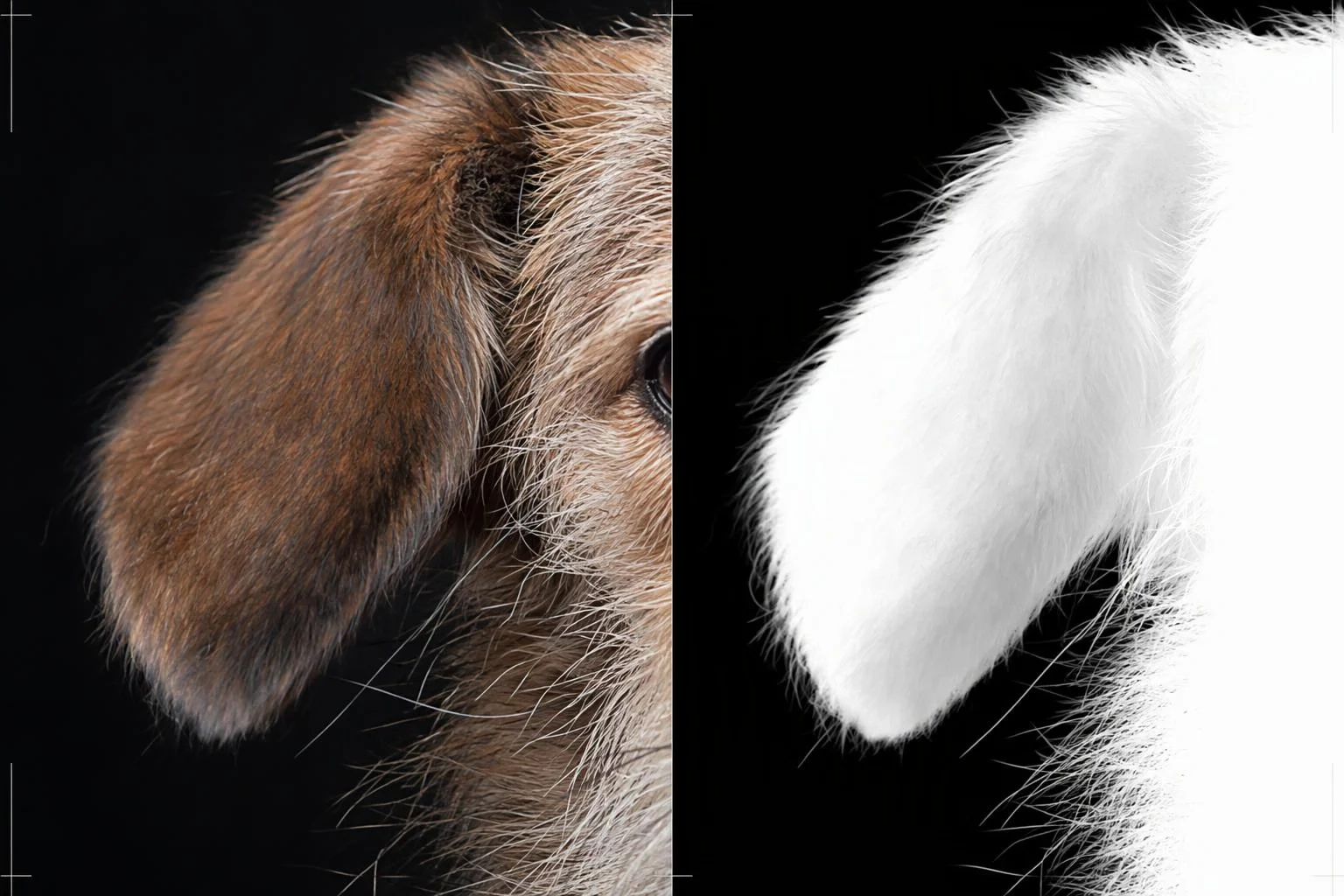
High-resolution bilateral reference alpha matting
Standard background removers downsample images aggressively, turning sharp logo corners and fine hair into blurry blobs. Aircada runs half-precision cloud GPU matting at 1024 x 1024 (with 2048 x 2048 high-resolution models supported) and scales the continuous 8-bit alpha mask cleanly back to the upload's original dimensions.
Two-pass foreground color halo removal
Semi-transparent border pixels often carry green grass or white paper color spill from the original background. Before applying transparency, Aircada runs two-pass blur-fusion foreground color estimation so isolated portraits and logos sit cleanly on dark anodized metal or matte black fabrics without faint white rims.
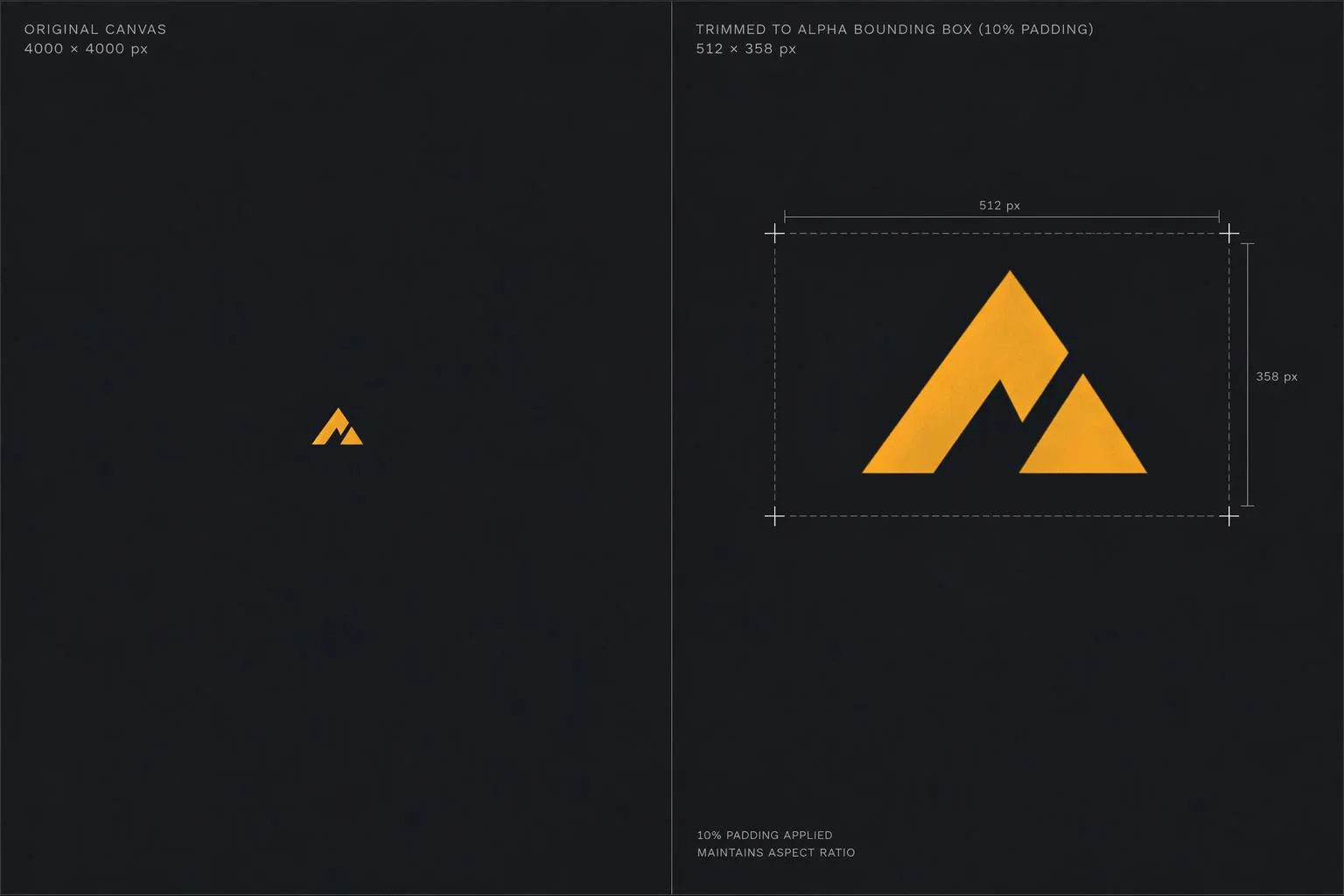
Smart alpha bounding-box crop, padding, and mask output
Empty transparent space around the subject is automatically trimmed above an alpha threshold of 5, with optional uniform padding (0% to 100%) and centered aspect-ratio framing (0.25 to 4.0) to match your 3D print zone. Enable mask mode to output a crisp white-on-black silhouette for engraving or contour tracing.
| Control | Supported Options | How Production Teams Use It |
|---|---|---|
| Alpha Matting Engine | 1024 x 1024 portrait/general matting or up to 2048 x 2048 high-resolution matting | Preserves continuous 0 to 255 alpha transparency on pet fur, hair, and fine logo details at original image dimensions. |
| Edge Color Decontamination | Two-pass blur-fusion foreground RGB estimator | Eliminates white or colored halo fringes so cutouts look crisp on dark drinkware, apparel, and plaques. |
| Smart Bounding-Box Crop | Toggleable tight trim around visible pixels (alpha > 5) | Removes wasted transparent space so 3D scaling handles hug the visible logo or portrait tightly. |
| Padding & Aspect Lock | Uniform margin padding (0% to 100%) and centered aspect ratio (0.25 to 4.0 in 0.25 steps) | Pads subjects into exact square or rectangular print templates without distorting proportions. |
| Output Asset Modes | 32-bit transparent RGBA PNG or high-contrast white-on-black silhouette mask | Feeds full-color cutouts straight to UV/DTG printers, or binary masks to laser engravers and vector tracers. |
| Downstream Chaining | Emits output image plus success/failure triggers in Studio | Chains directly into 4x AI upscaling, normal-map engraving, or SVG cutline tracing. |
Built for every customizer and print-on-demand workflow
PRODUCTION USE CASES
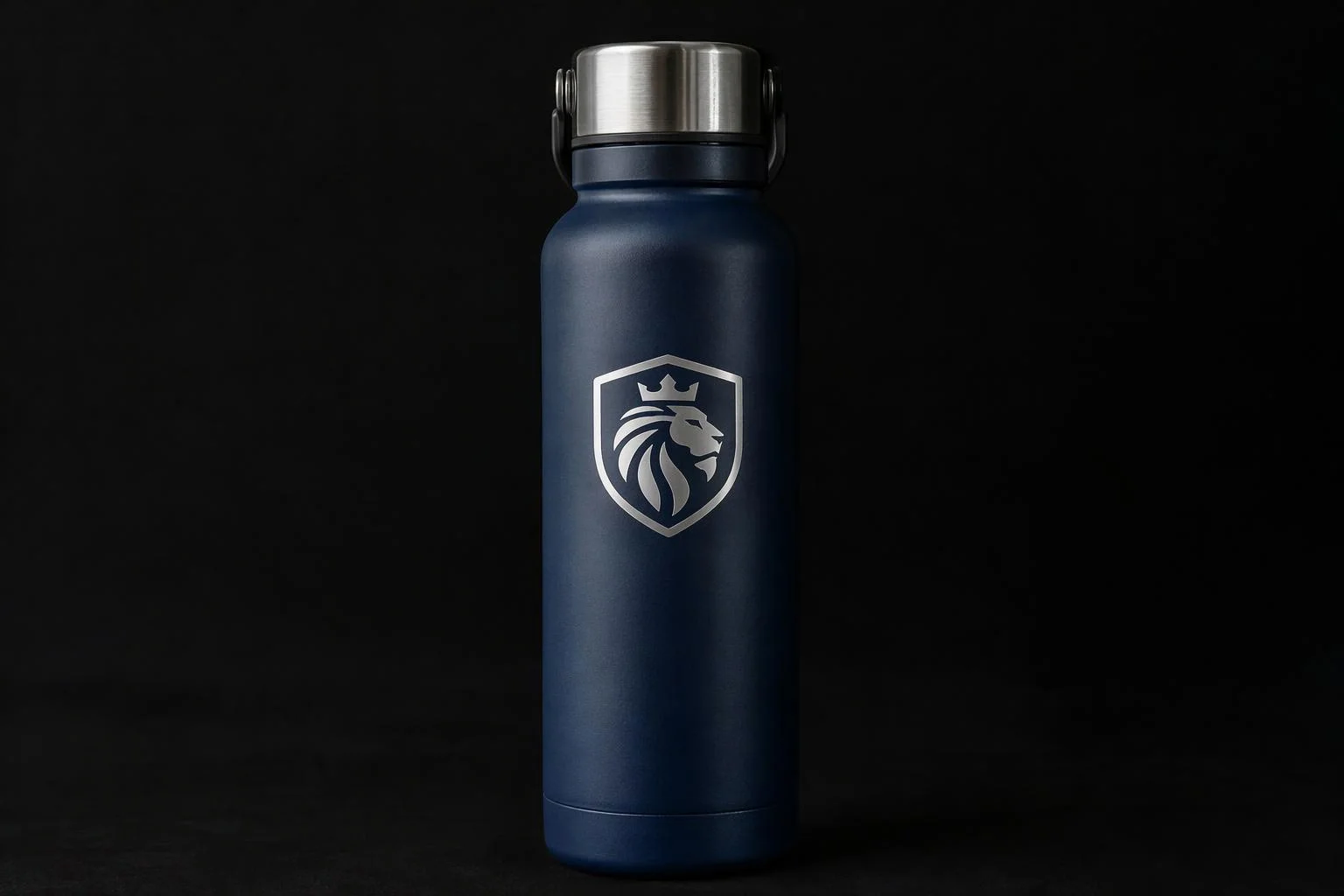
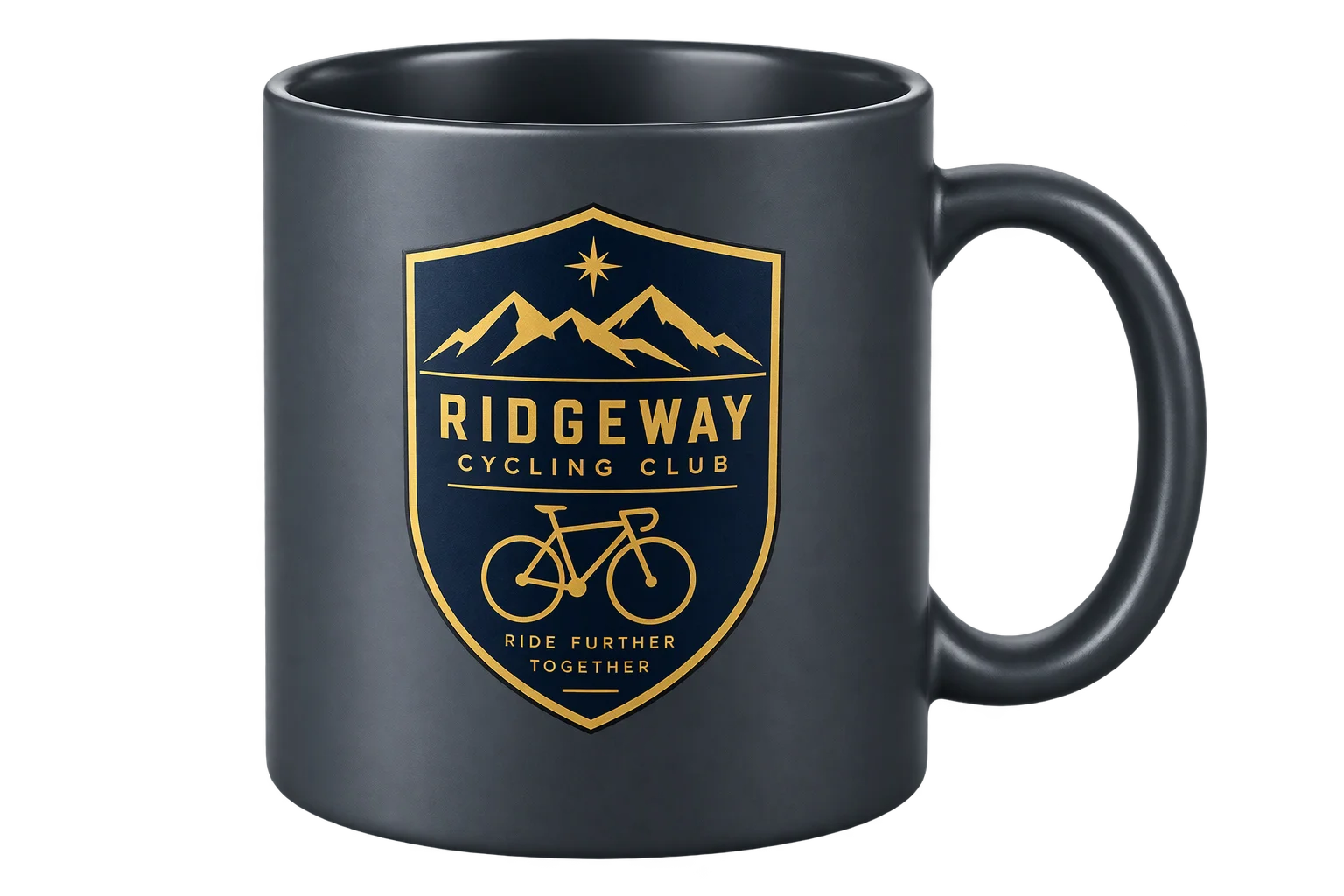
Corporate logos trapped in white JPEG boxes
Strips solid white or colored backdrops from client-supplied JPGs so embroidered apparel, promotional drinkware, and equipment decals show only the emblem.
Read More about Corporate logos trapped in white JPEG boxes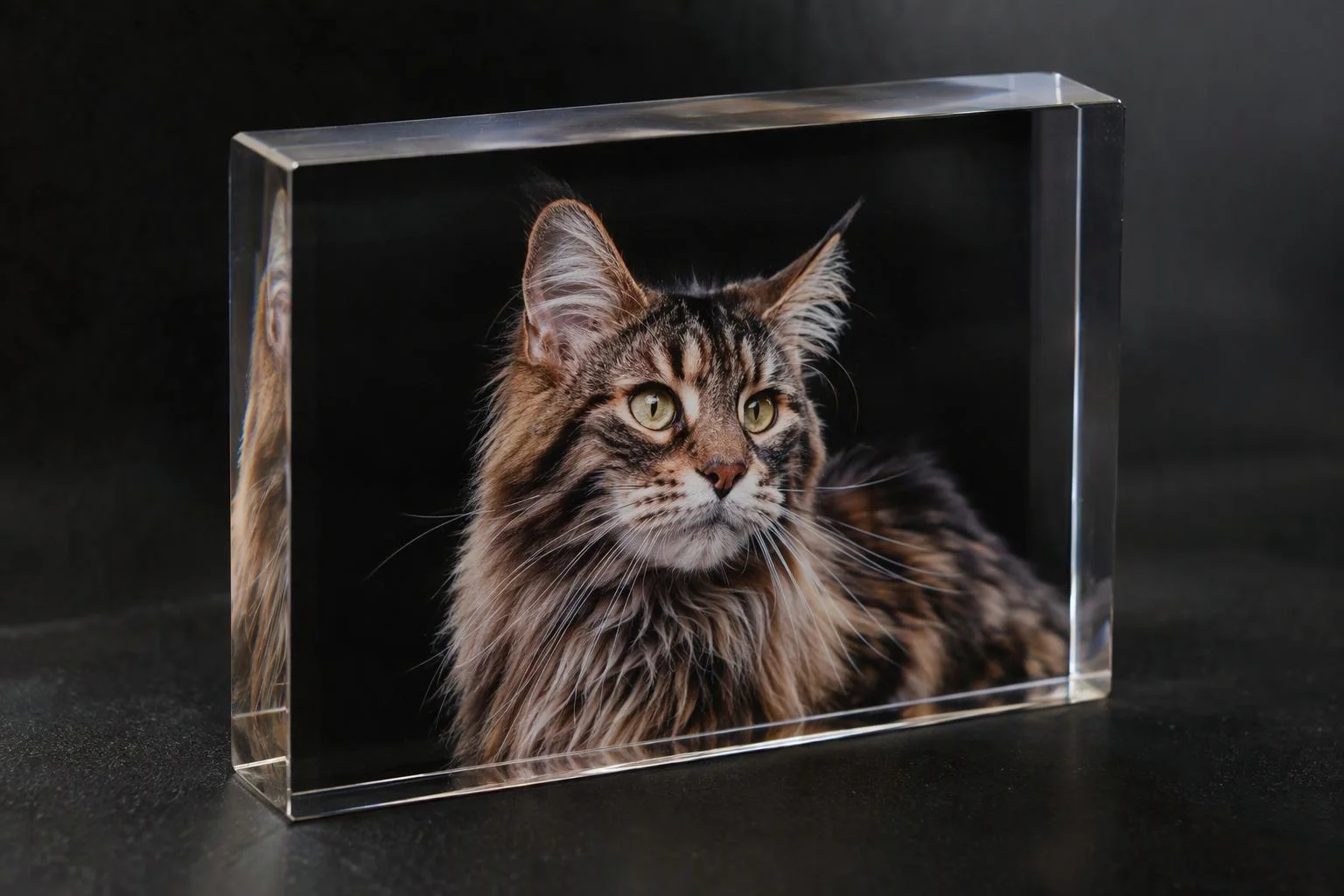
Pet portraits, family photos, and custom gifts
Preserves soft fur, curly hair, and semi-transparent edges for UV-printed phone cases, engraved crystal keepsakes, and custom canvas prints.
Read More about Pet portraits, family photos, and custom gifts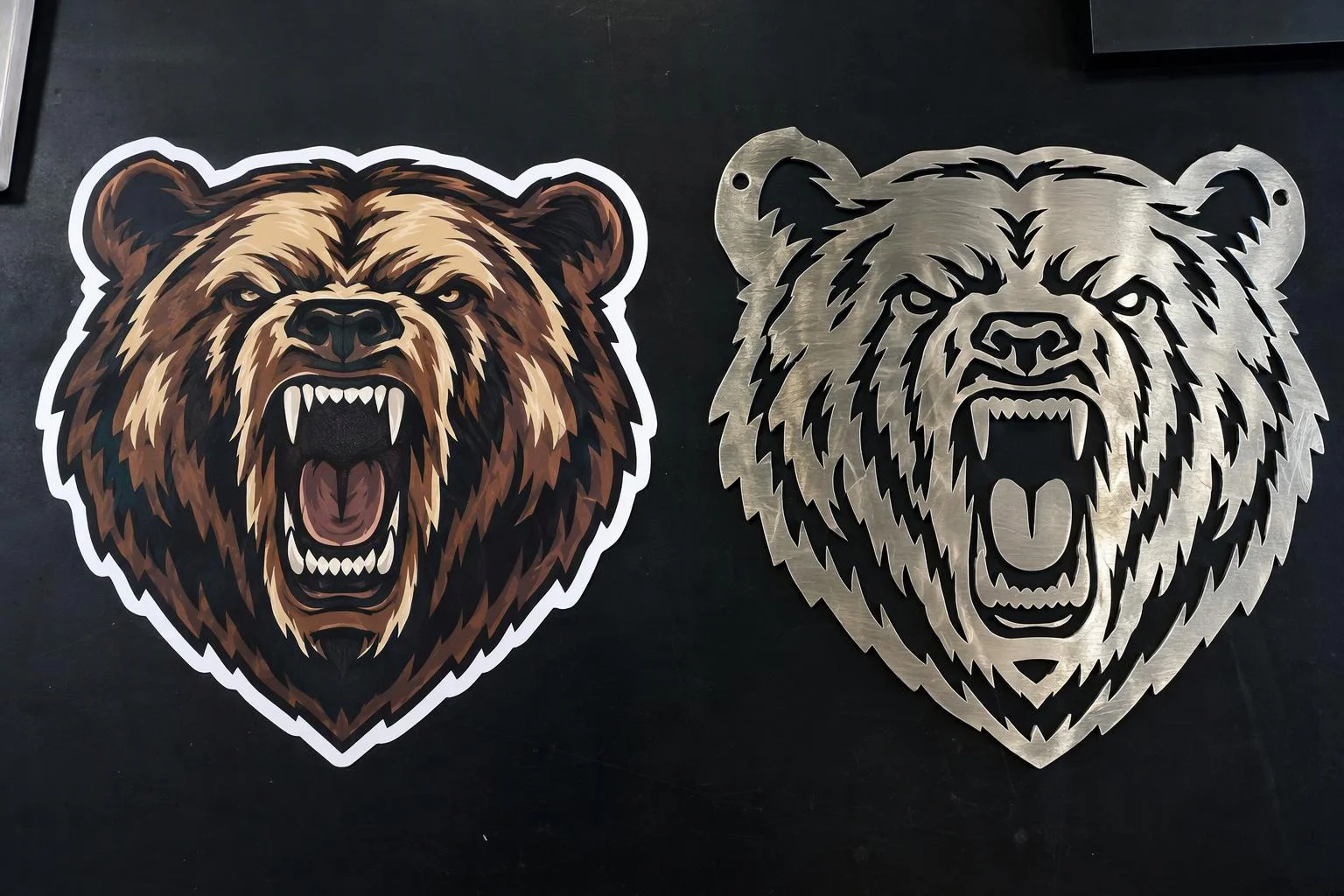
Automated transparent cutouts for vector cutline tracing
Feeds clean alpha silhouettes or black-and-white masks directly into Aircada's vector tracer to generate accurate die-cut sticker borders and laser cut paths.
Read More about Automated transparent cutouts for vector cutline tracing
Responsibility Tiers
- 1 Native Aircada layer
- 1 Aircada Configuration layer
- 1 Custom Implementation layer
- 1 External layer
Responsibility Boundaries for AI Background Removal
How Aircada's cloud GPU matting service, Studio upload rules, and customer image files divide responsibilities.
Alpha matting, two-pass foreground decontamination, auto-crop & mask output
- Native Aircada
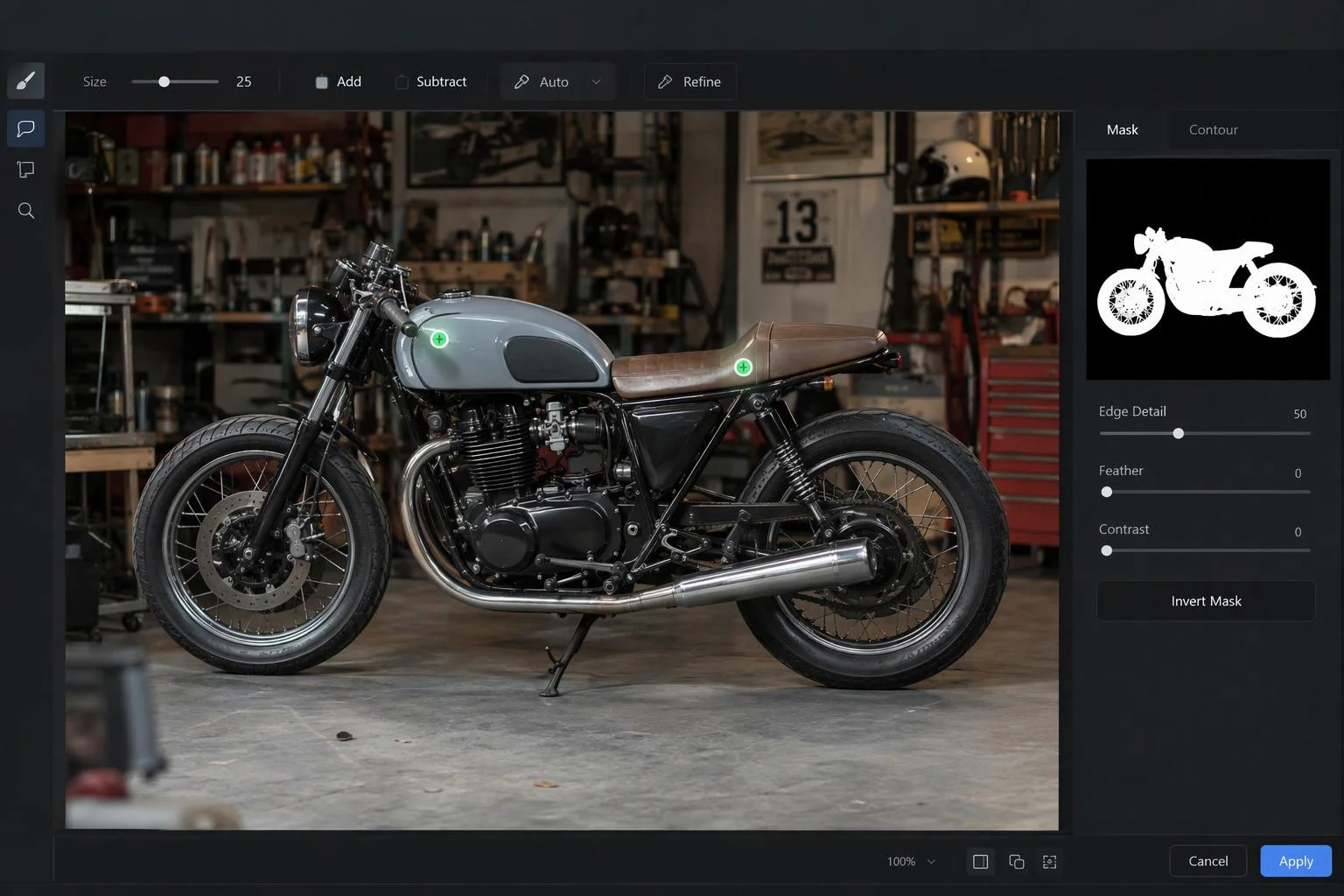
- Token-authenticated cloud GPU inference for bilateral alpha matting, blur-fusion edge color decontamination, tight alpha bounding-box cropping, aspect-ratio canvas framing, and optional silhouette mask output.
Auto-crop toggles, padding percentage, aspect lock & mask mode
- Aircada Configuration
- Configured in Aircada Studio on the Background Removal Operator paired with customer image uploads.
Multi-object interactive subject picking & downstream engraving/cutline chains
- Custom Implementation
- Custom storefront UI for selecting one subject from a crowded photo via Aircada's cloud segmentation pipeline, or chaining cutouts into engraving and vector contour tracing.
Customer upload of smartphone photos, pet portraits, or JPEG logos
- External
- End-user selection of raster images (.jpg, .png, .webp) from mobile camera rolls or desktop file pickers.
Frequently Asked Questions
What is the difference between standard background removal and alpha matting?
Why does Aircada automatically crop the transparent space around the isolated subject?
Can we output a black-and-white silhouette mask instead of a full-color transparent PNG?
Does the original uncropped canvas framing stay available if our print template requires it?
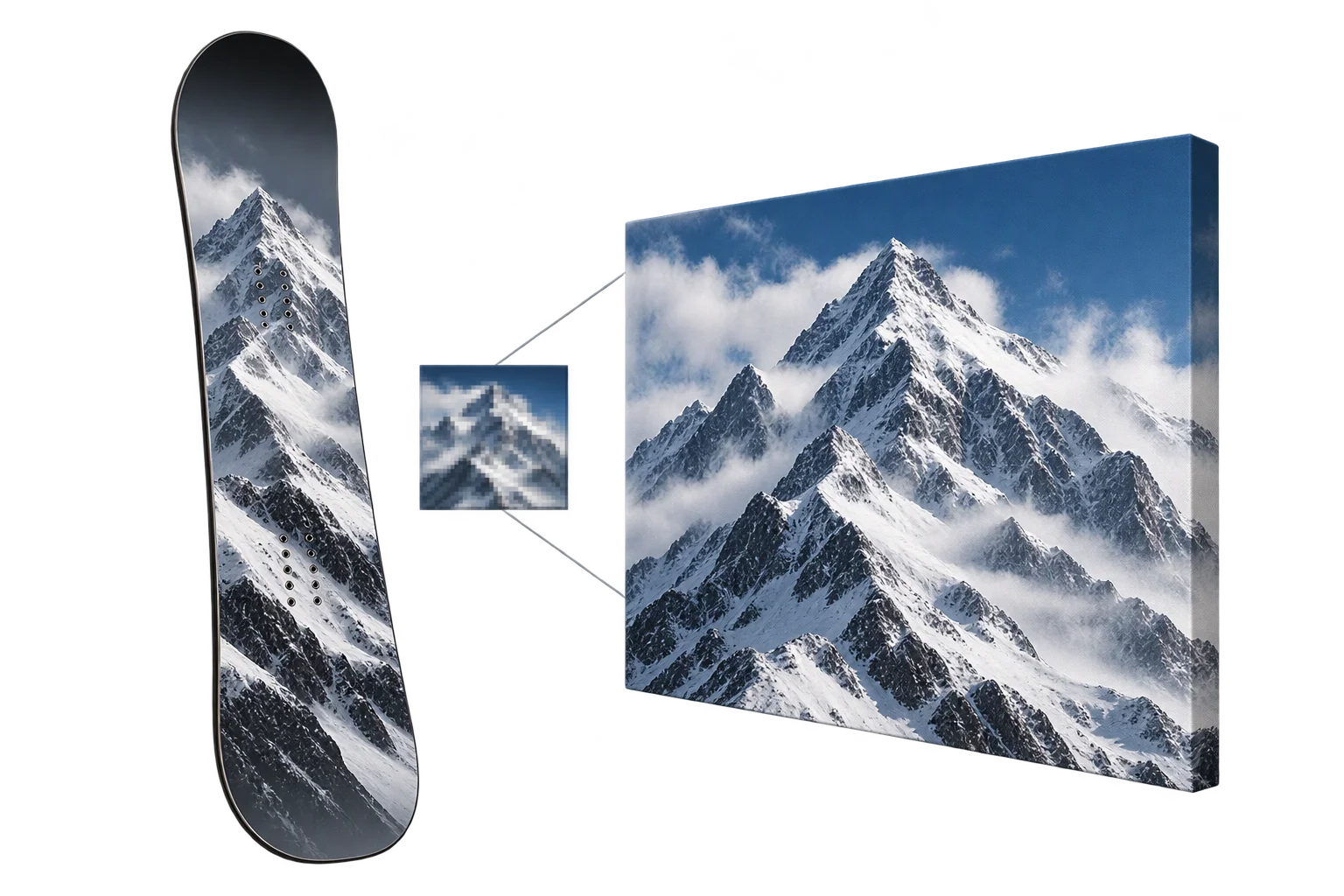
Upscale low-resolution customer uploads to 300 DPI print quality
Pair AI background removal with 4x neural super-resolution and tileable texture healing so small web graphics print razor-sharp at full physical size.
Related capabilities
Explore the adjacent capabilities and integrations that pair with this workflow.
Customer logo and artwork uploads in 3D

Multi-field 3D product labels and packaging text
4x AI image upscaling to 300 DPI print quality